

- Category Productivity
- Available on PC
- OS Windows 10 version 17134.0 or higher
- languages Chinese (Simplified), Dutch, English, English (United States), French, German, Italian, Japanese, Russian, Spanish
Total PC Cleaner: A Streamlined Solution for Disk Cleanup and Virus Protection
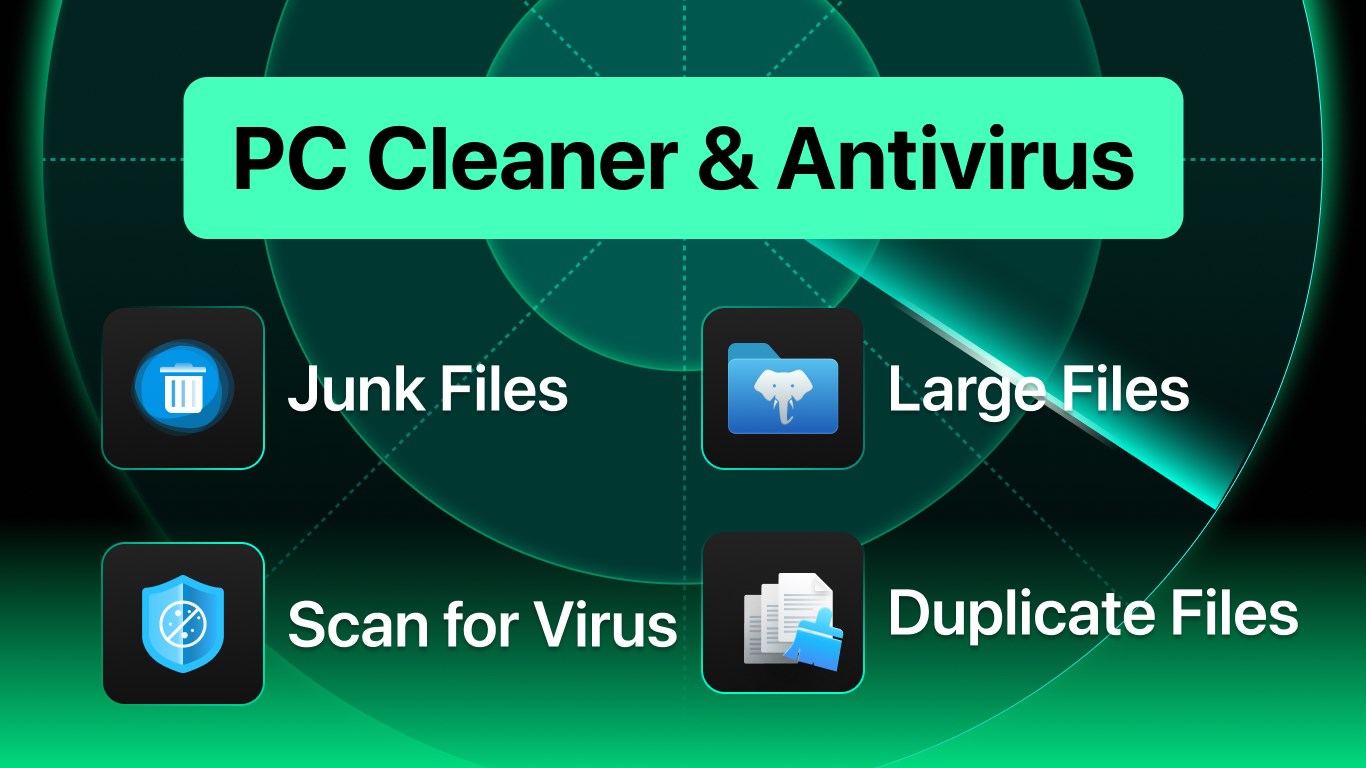
Total PC Cleaner is a comprehensive utility designed to keep your Windows PC running smoothly by combining effective disk cleaning and robust antivirus features into a single, user-friendly app. It positions itself as an all-in-one maintenance tool that simplifies device upkeep without overwhelming the user.
About the Developer
Developed by the team at Total PC Cleaner, this application benefits from their focus on creating accessible yet powerful tools aimed at enhancing PC performance and security for everyday users.
Key Features That Stand Out
- Efficient Disk Cleaning: Quickly identifies and removes unnecessary files, freeing up crucial storage space.
- Integrated Antivirus: Provides real-time threat detection and protection against malware and viruses.
- System Optimization Tools: Offers tools to optimize startup items and manage background processes, improving overall system responsiveness.
- User-Friendly Interface: Designed with simplicity in mind, ensuring even non-tech-savvy users can navigate with ease.
A Fresh Take on PC Maintenance: Why Total PC Cleaner Matters
Imagine your PC as a bustling city—over time, garbage piles up, and traffic slows. Total PC Cleaner acts like a diligent city janitor and traffic controller rolled into one, tidying up clutter and ensuring smooth flow. Its straightforward approach makes keeping your digital environment healthy feel less like a chore and more like an everyday habit.
Cleaning the Digital Clutter: Disk Cleanup
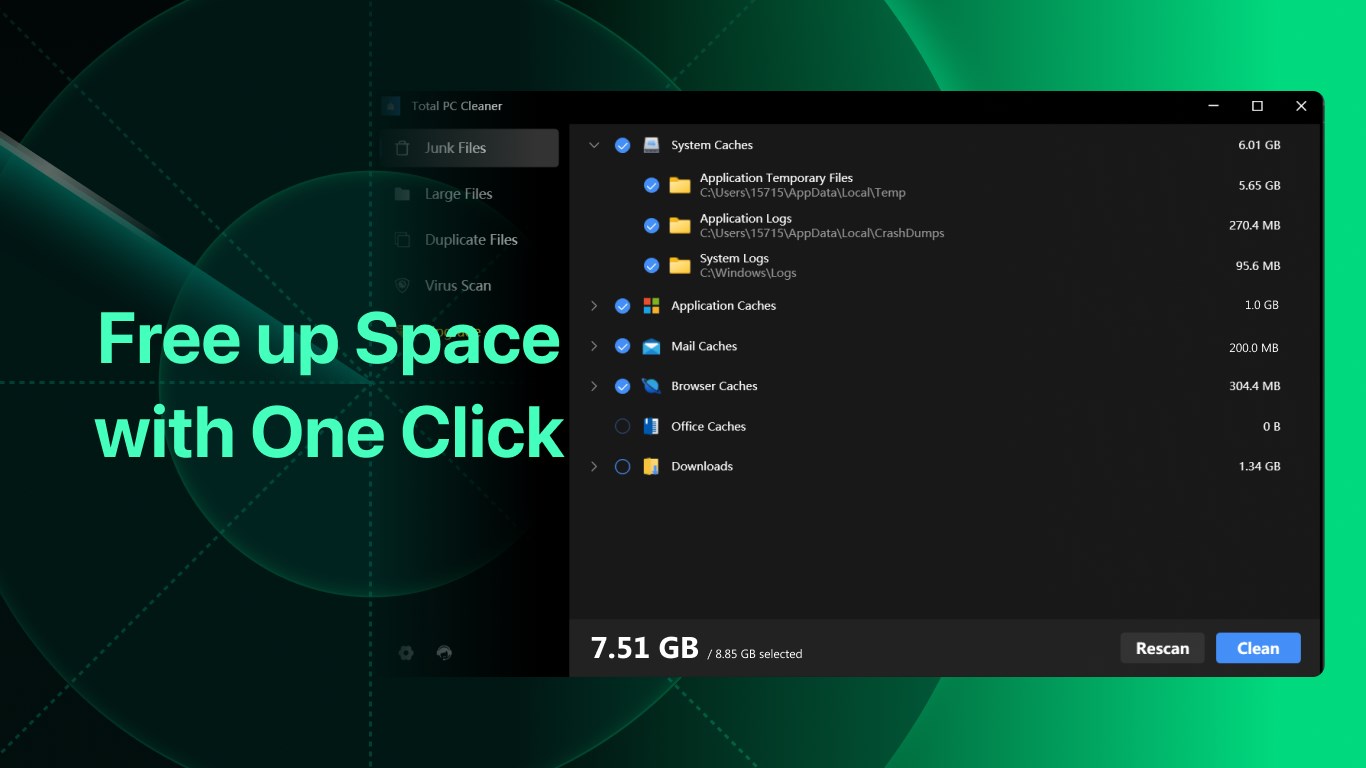
The disk cleanup feature is akin to a meticulous librarian sorting through a vast archive—identifying redundant files, cache, old logs, and unnecessary backups to reclaim precious storage space. The process is swift, with the app presenting a clear overview of what can be safely removed. Beyond mere cleanup, it offers tailored options to schedule automatic cleaning, turning maintenance into a seamless, background activity.
Fortifying Your PC: Antivirus Powerhouse
Security is a critical concern, and Total PC Cleaner's antivirus works silently but effectively. Its real-time scanning constantly monitors for threats, much like a vigilant guard patrolling your digital perimeter. The antivirus engine is designed to balance thoroughness with minimal impact on system performance, making it suitable for daily use without annoying slowdowns.
Streamlined User Experience and Unique Edge
The app's interface reflects a minimalist aesthetic—intuitive icons and clear labels make navigation feel like a breeze. Unlike some bloated utilities packed with features that require a steep learning curve, Total PC Cleaner emphasizes reducing cognitive load. Its workflow integration ensures that tasks like cleaning and scanning can be initiated with a few clicks, fitting effortlessly into typical user routines.
What distinguishes this app from other productivity tools? Primarily, its focus on combining essential cleaning and security functions within a lightweight, easy-to-use package. This dual approach means users don't need separate applications—saving time and reducing potential conflicts. Furthermore, the app's design minimizes feature complexity, ensuring users aren't bogged down by options but rather guided smoothly through each process.
Final Verdict: A Practical Companion for Everyday PC Care
Overall, Total PC Cleaner offers a reliable, straightforward solution for users seeking to maintain their Windows PCs without fuss. Its dual focus on disk cleanup and antivirus protection makes it particularly appealing to non-technical users who value efficiency and simplicity. While it might not replace enterprise-grade security or advanced system tools, it certainly stands out as a solid, user-friendly option for daily maintenance.
For those looking to declutter their system and safeguard their digital environment with minimal hassle, I recommend giving Total PC Cleaner a try—it's a friendly helper that understands your need for a smooth, secure computing experience.
Pros
- User-Friendly Interface
- Effective Disk Cleanup
- Real-Time Antivirus Protection
- Scheduled Cleaning Options
- Additional Privacy Tools
Cons
- Limited Free Features
- False Positives in Virus Detection
- Slower Scan Speed on Older PCs
- Lack of Detailed Virus Reports
- Minor Interface Bugs











