
Frequently Asked Questions
How do I start a basic battle simulation in Totally Accurate Battle Simulator?
Select your units, set up the battlefield, then press 'Start' to watch the simulation unfold.
How can I create custom wobblers using the unit creator?
Navigate to the unit creator from the main menu, customize your wobblers' appearance and abilities, then save and add them to your battles.
What are the main features of Totally Accurate Battle Simulator's core gameplay?
You can assemble armies, customize units, simulate battles with physics, and share fights with friends or online opponents.
Can I fight against other players online?
Yes, you can challenge friends or strangers by selecting the multiplayer option from the main menu and choosing a match.
How do I access multiplayer online battles?
Tap on 'Multiplayer' from the main screen, select or create a game room, then invite friends or play anonymously.
Are there any in-app purchases or subscriptions I should be aware of?
Yes, you can purchase additional units or customization options through in-app purchases. Check Settings > Store for details.
How do I manage or cancel my subscription within the app?
Go to Settings > Account > Subscriptions to view, modify, or cancel your current subscription.
What should I do if the app crashes or isn't responding?
Try restarting your device, ensure your app is updated, or reinstall the app if needed. Contact support if issue persists.
Can I save my custom units and battle setups?
Yes, the app allows you to save custom units and battle configurations within your profile for future use.
You May Like
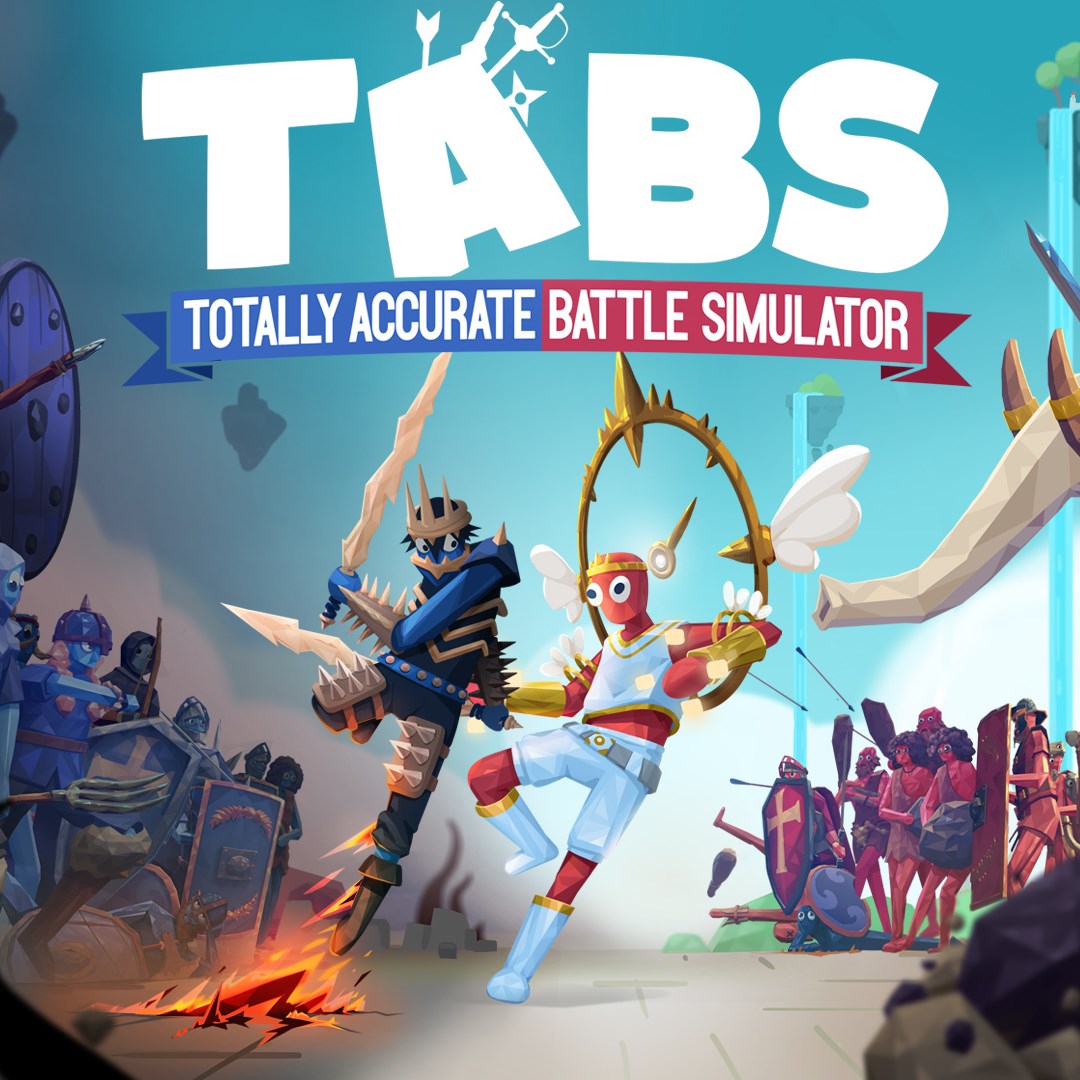
Totally Accurate Battle Simulator
for Windows
4.7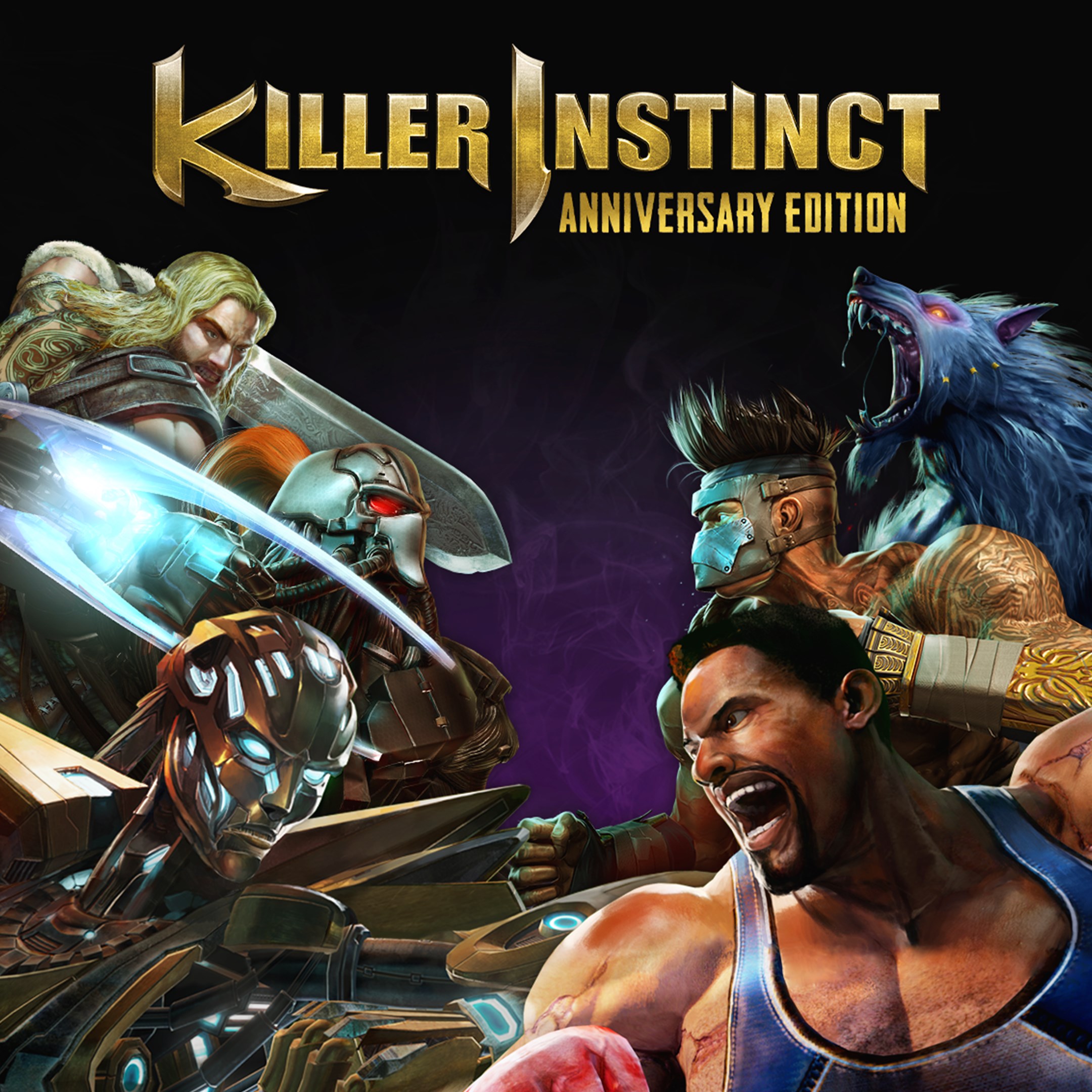
Killer Instinct: Anniversary Edition
for Windows
4.4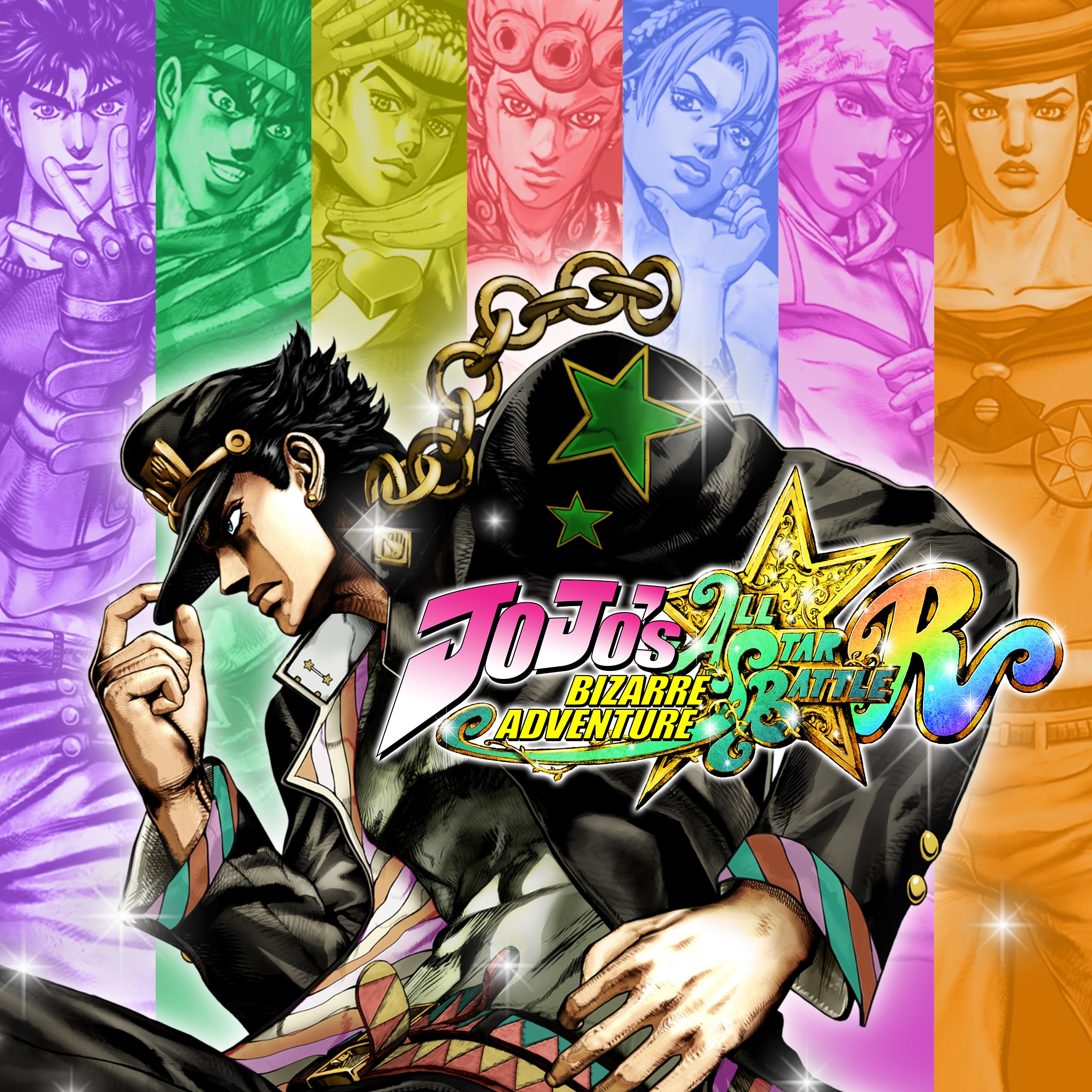
JoJo's Bizarre Adventure: All-Star Battle R
for Windows
4.3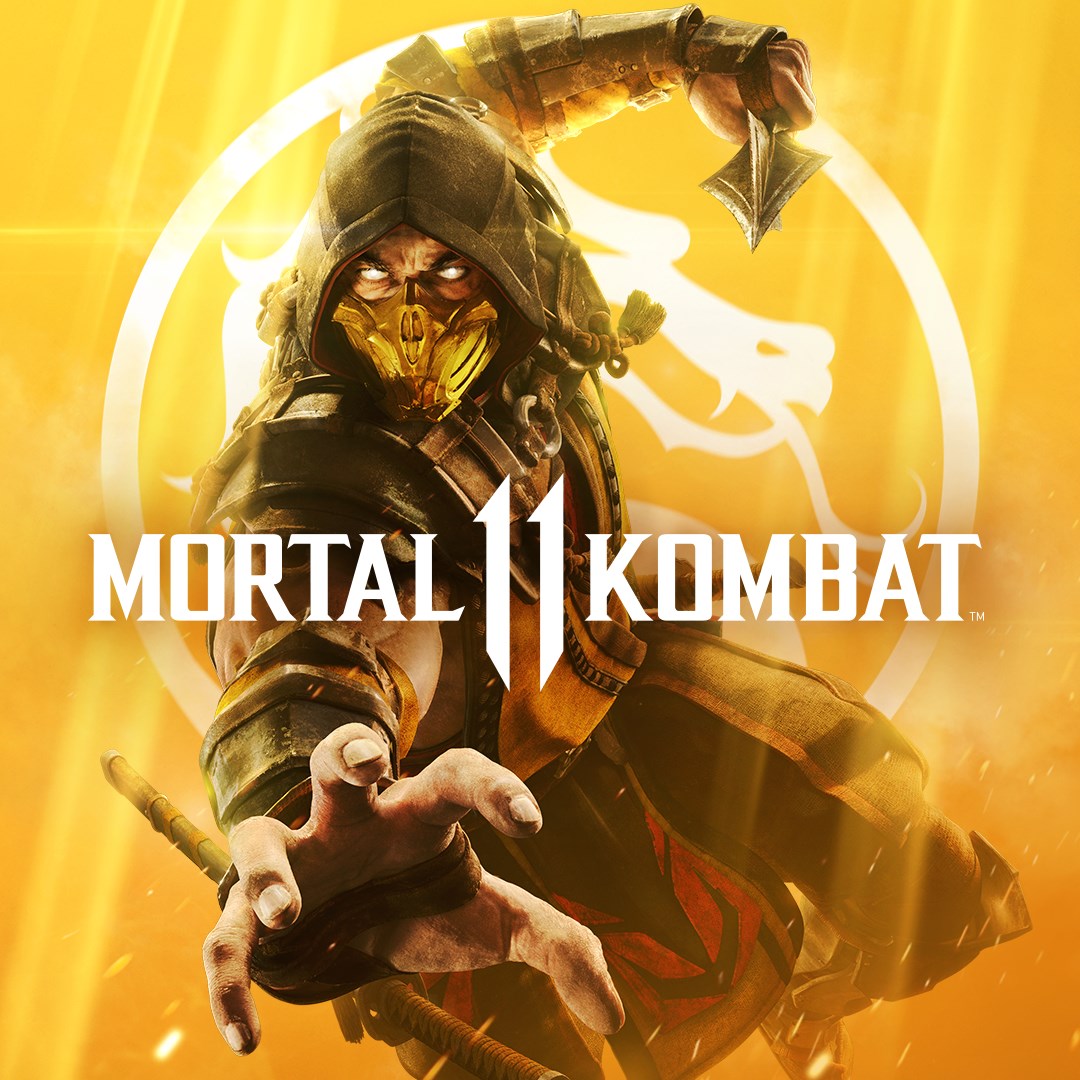
Mortal Kombat 11
for Windows
4.3
Mortal Kombat 11 Ultimate
for Windows
4.3
Guilty Gear -Strive-
for Windows
4.3
Killer Instinct
for Windows
4.3
Gang Beasts
for Windows
4.3
Injustice™ 2 - Standard Edition
for Windows
3.7
MARVEL VS. CAPCOM: INFINITE
for Windows
3.5
Nickelodeon All-Star Brawl 2
for Windows
3.1
Mortal Kombat™ 1: Definitive Edition
for Windows
2.9