

- Category Security
- Available on PC, Mobile, Surface Hub, HoloLens
- OS Windows 10 version 17763.0 or higher
- languages English, English (United States)
TouchVPN for Windows: Your Friendly Gateway to a Safer, Unrestricted Internet
In an era where digital privacy and access are more critical than ever, TouchVPN stands out as a straightforward, user-friendly virtual private network solution designed for Windows users seeking simple yet effective online security and freedom.
About the App: Simple, Secure, and User-Focused
Developed by Pango Inc., TouchVPN aims to provide everyone—whether a casual browser or an occasional streamer—with a hassle-free way to browse safely and access restricted content.
- Core Functionality Highlights:
- Free and easy-to-use server connections that bypass geo-restrictions
- Automatic server selection for optimized connection speeds
- Robust encryption protocols ensuring privacy and data security
- One-click connect/disconnect for seamless user experience
Designed primarily for individual users who desire quick and effortless protection, TouchVPN appeals to students, remote workers, content consumers, and anyone interested in browsing anonymously on their Windows PCs.
A Fresh Perspective: Making VPNs Friendly and Accessible
Imagine opening your laptop, eager to watch your favorite show or catch up with friends on social media, only to find barred content or insecure connections. TouchVPN acts like a friendly guide escorting you through this digital maze—simple, unobtrusive, and reliable. The app's straight-to-the-point approach ensures that users don't need to be tech wizards to get started; it's like having a personal security blanket at your fingertips.
Core Functionality 1: Effortless Connection and Server Management
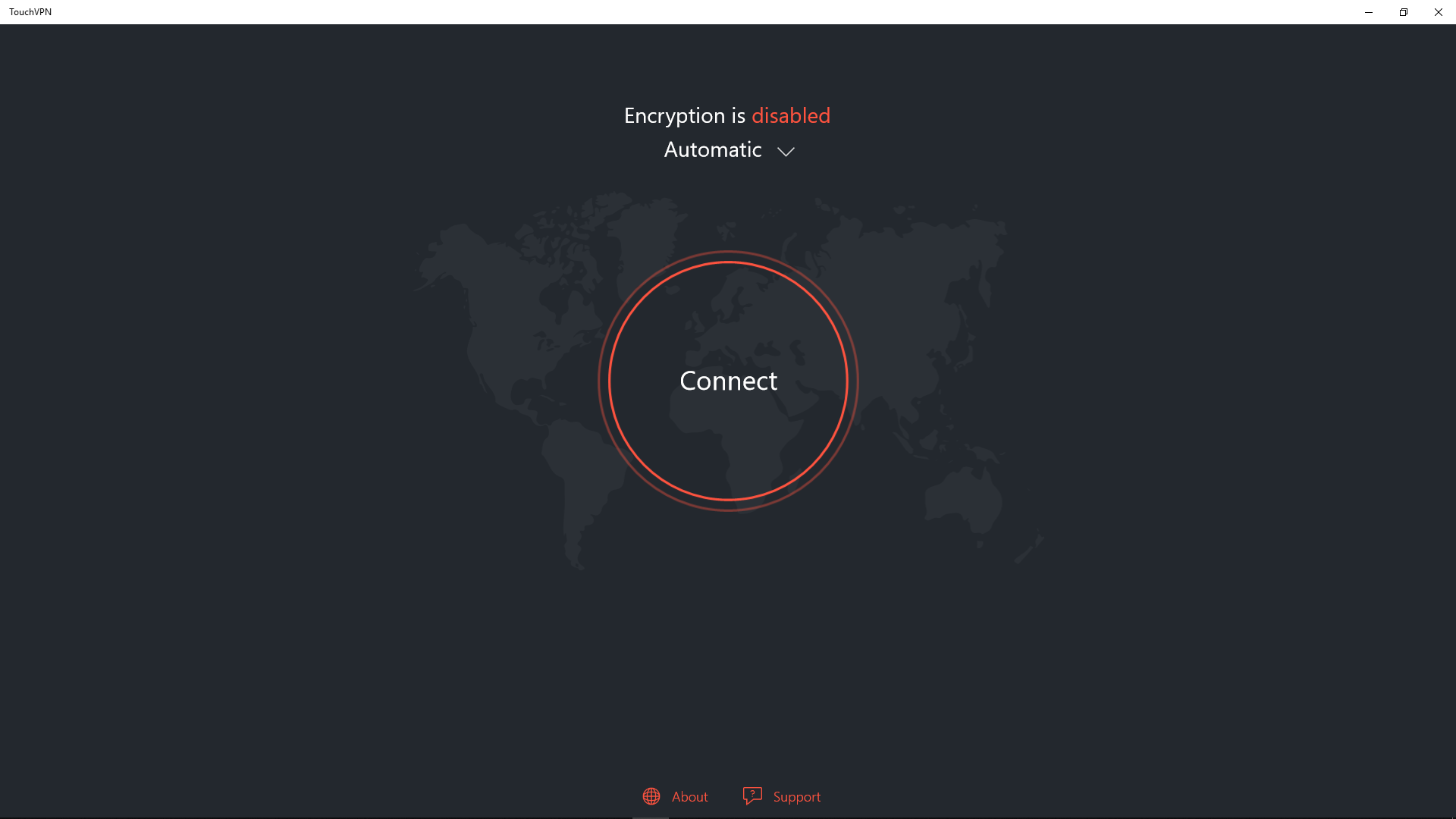
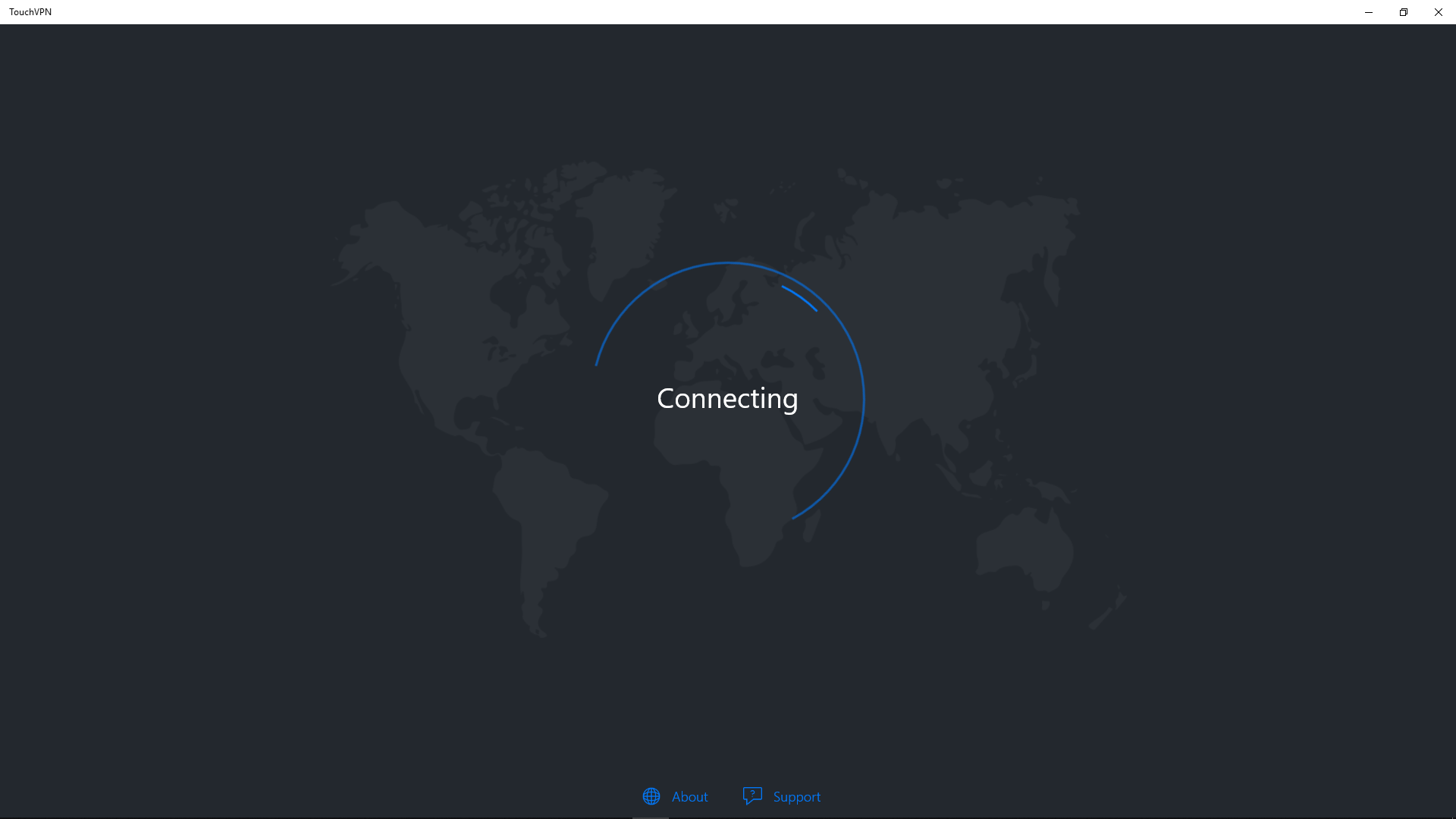
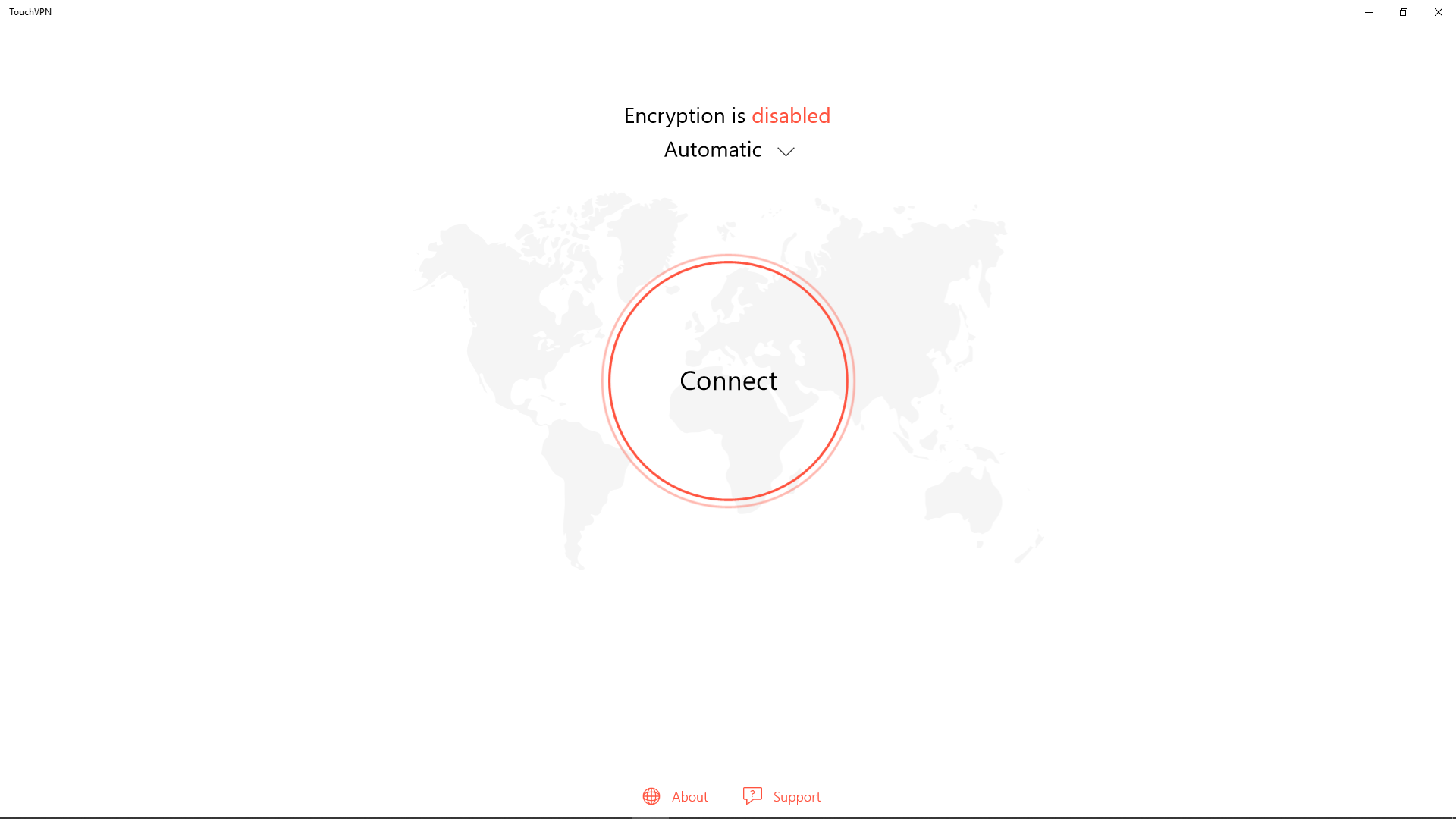
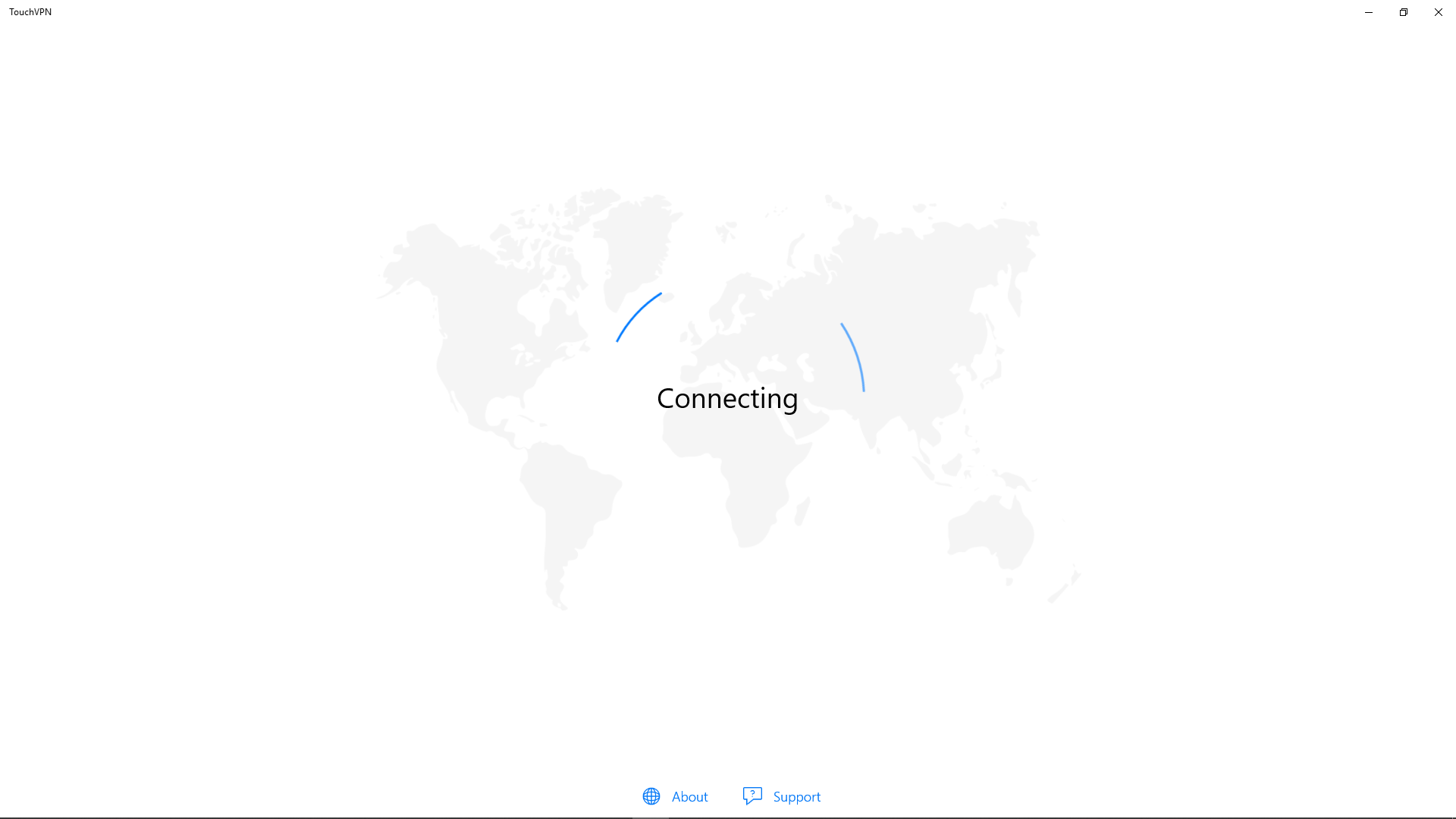
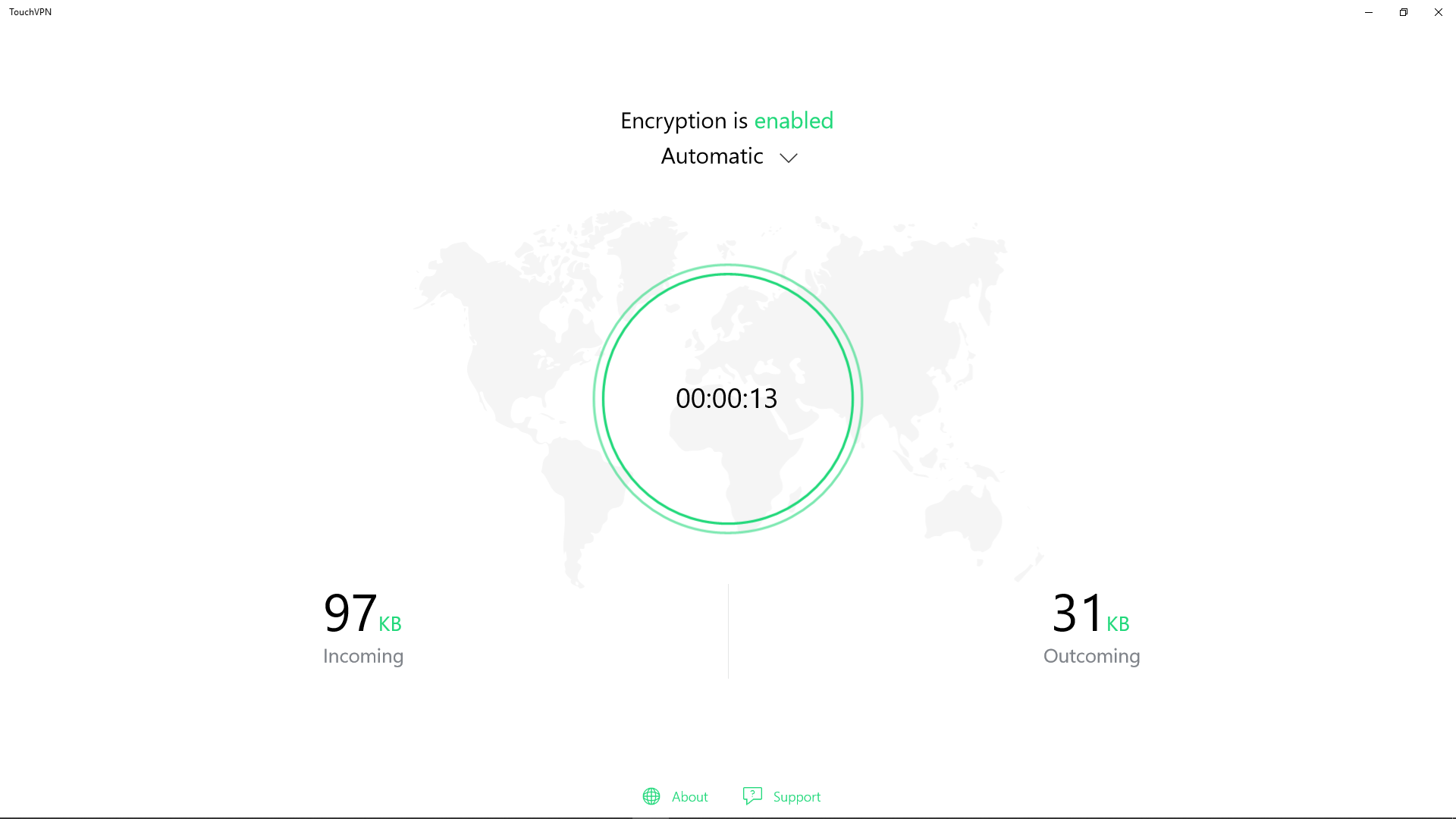
TouchVPN's standout feature is its single-click activation, making connecting to a VPN as easy as flipping a switch. Once installed, users are greeted with an intuitive interface: a prominent connect button and server status indicator. The app automatically selects optimal server locations, reducing the guesswork and streamlining the process. This hands-free approach guarantees a swift, stable connection, perfect for users who value time and simplicity.
Core Functionality 2: Secure Encryption and Privacy Assurance
Security is the backbone of any VPN, and TouchVPN doesn't cut corners here. It employs standard secure protocols to encrypt your internet traffic, shielding your online activities from prying eyes—including hackers, providers, or government agencies. Unlike some free VPN services that compromise speed for security, TouchVPN maintains a good balance, providing peace of mind without sacrificing too much performance.
Design and User Experience: Friendly, Clear, and Accessible
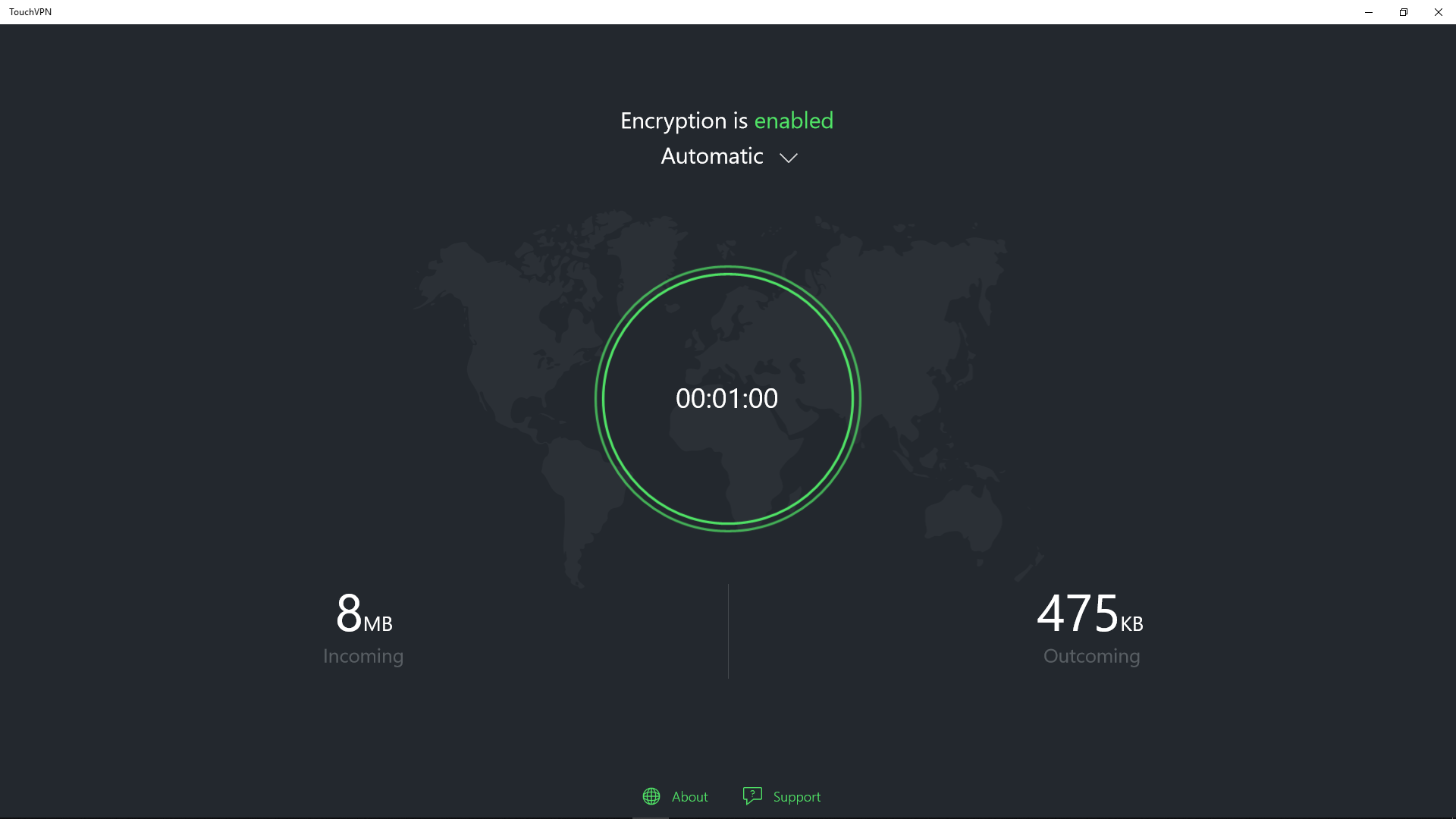
TouchVPN's interface resembles a clean dashboard—no clutter, just straightforward controls. The design employs gentle colors and clear labels, making navigation instinctive even for VPN rookies. The connection process feels like flipping a light switch—quick, simple, and reassuring. Moreover, the app runs smoothly without noticeable lag, and users can easily understand the status indicators, connection logs, and server locations at a glance.
What Makes TouchVPN Stand Out?
Many free VPNs tend to bombard users with ads or offer limited functionality, but TouchVPN's key advantage is its combination of simplicity and security. Its automatic server selection, combined with the one-click operation, positions it as an accessible entry point into the VPN world. Additionally, its focus on maintaining stable, encrypted connections sets it apart from lesser-quality free services that often sacrifice security or speed.
Final Verdict: A Reliable, Friendliest VPN for Everyday Use
All in all, TouchVPN offers a compelling package for those seeking a no-fuss, trustworthy VPN experience. It's not designed to replace high-end paid services but serves as a dependable tool for daily browsing, streaming, and securing your internet connection on Windows. If you're new to VPNs or prefer a lightweight yet secure solution, TouchVPN deserves a try.
Our recommendation: give it a whirl if convenience and safety are your top priorities. Just remember, for more advanced privacy controls or heavy data use, exploring premium options might be worth it. But for straightforward, reliable VPN needs, TouchVPN stands out as a friendly, effective partner.
Pros
- Strong encryption for secure browsing
- Easy to use interface
- Unlimited bandwidth offers unrestricted access
- Free to use with no registration required
- Consistent connection stability
Cons
- Limited server locations compared to paid VPNs
- Possible slower speeds during peak times
- Advertisements in the free version
- Limited advanced features for pro users
- Potential data logging concerns











