
- Category Personal Finance
- Developer TradingView, Inc.
- Available on PC
- OS Windows 10 version 19042.0 or higher
- Keyboard Integrated Keyboard
- Mouse Integrated Mouse
- languages English (United States)
TradingView for Windows: Your Desktop Companion for Precision Market Insights
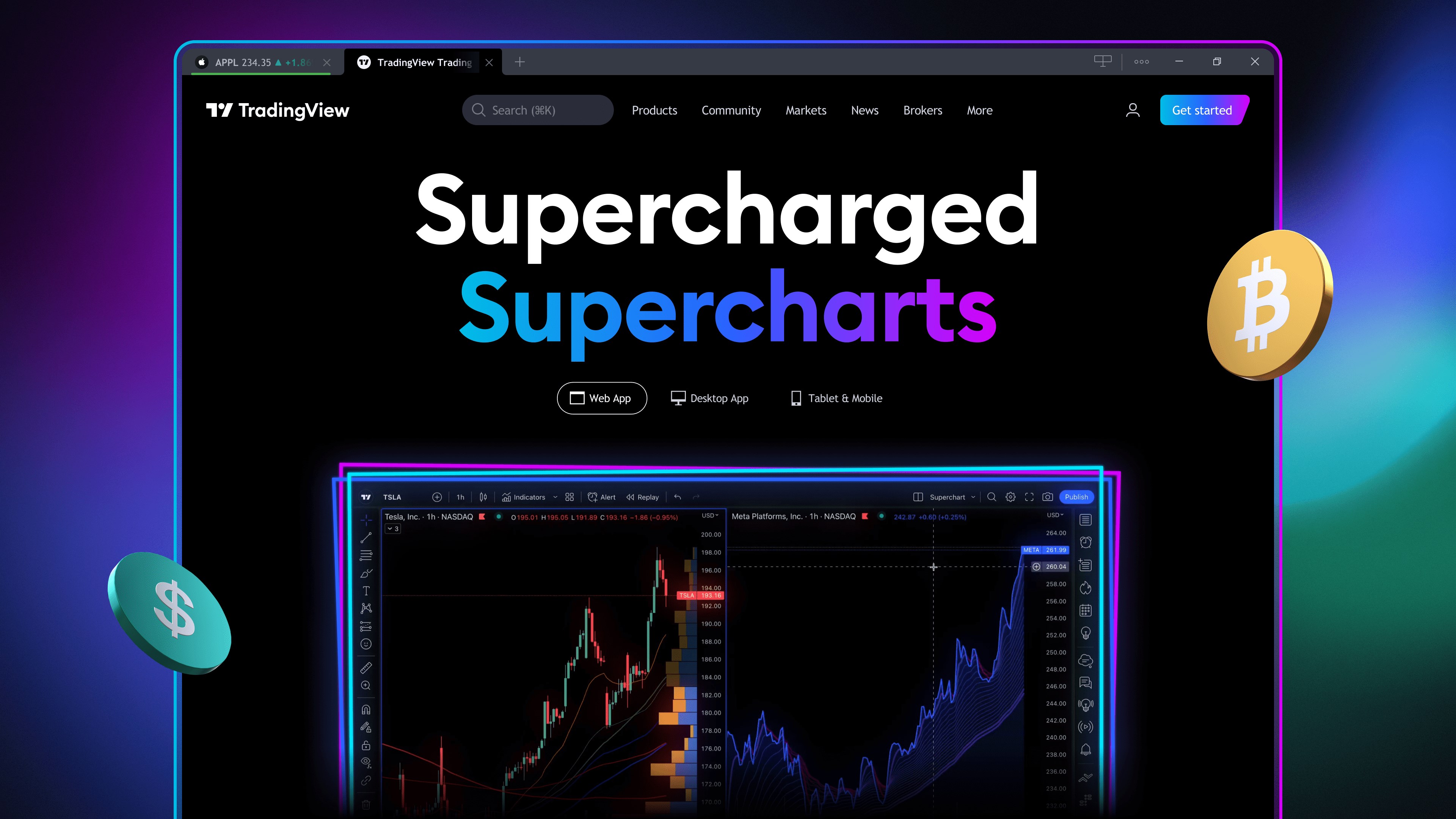
TradingView for Windows offers traders and investors a powerful desktop platform that brings advanced charting, real-time data, and social features right to your PC—ideal for those who crave in-depth analysis with a user-friendly interface.
About the Developer and Core Features
Developed and published by TradingView, Inc., a recognized leader in financial visualization and social trading platforms, this application encapsulates the company's mission to democratize market analysis. The desktop app's main strengths include:
- Robust Charting Tools: An extensive suite of customizable charts and technical indicators to suit both novice and seasoned traders.
- Real-Time Data Streaming: Instant access to updated market prices across multiple asset classes, ensuring informed decisions.
- Social and Community Features: Integrated chat and idea-sharing spaces foster collaborative analysis among users.
- Multi-Platform Synchronization: Seamless integration with web and mobile versions for a cohesive experience across devices.
The app primarily targets active traders, financial analysts, and investment enthusiasts who require detailed visualizations and swift data analysis directly from their desktops.
Engaging the User: A Closer Look at TradingView's Desktop Experience
Stepping into TradingView for Windows feels akin to stepping into a high-tech cockpit, where every gauge and switch is designed to enhance your market navigation. The inaugural impression is the clean, intuitive interface—bright, crisp, and clutter-free—making complex data approachable. Navigation through multiple charts, timeframes, and tools is seamless, thanks to logically organized menus and customizable workspace layouts.
Unraveling the Core Functionalities
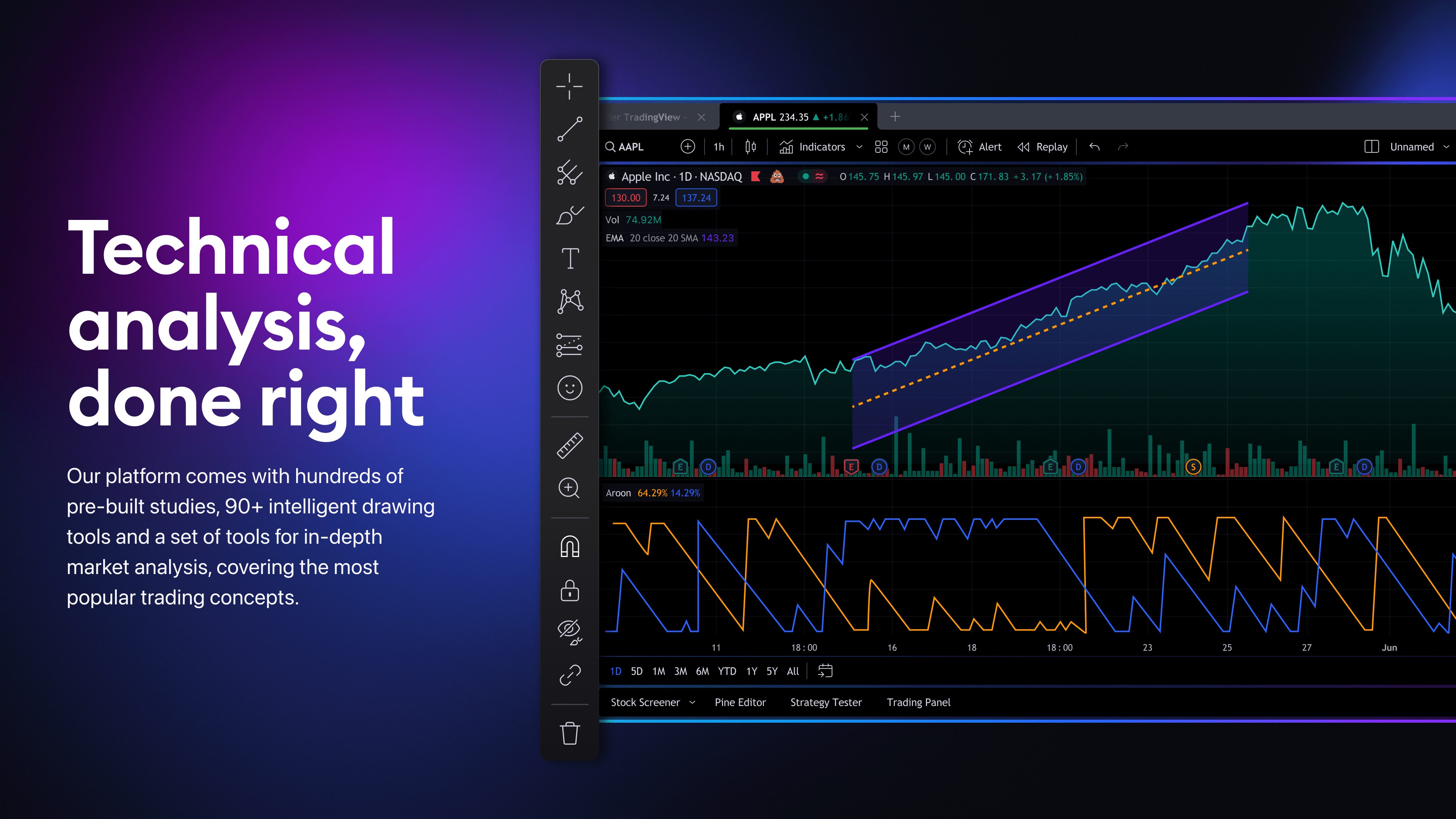
The centerpiece of TradingView's appeal lies in its advanced charting capabilities. Traders can build multi-layered, interactive charts with dozens of technical indicators, drawing tools, and overlays. The platform's most distinctive feature is its ability to allow scripting via Pine Script, enabling users to develop bespoke indicators and strategies—an invaluable asset for quantitative traders seeking a tailored analytical approach.
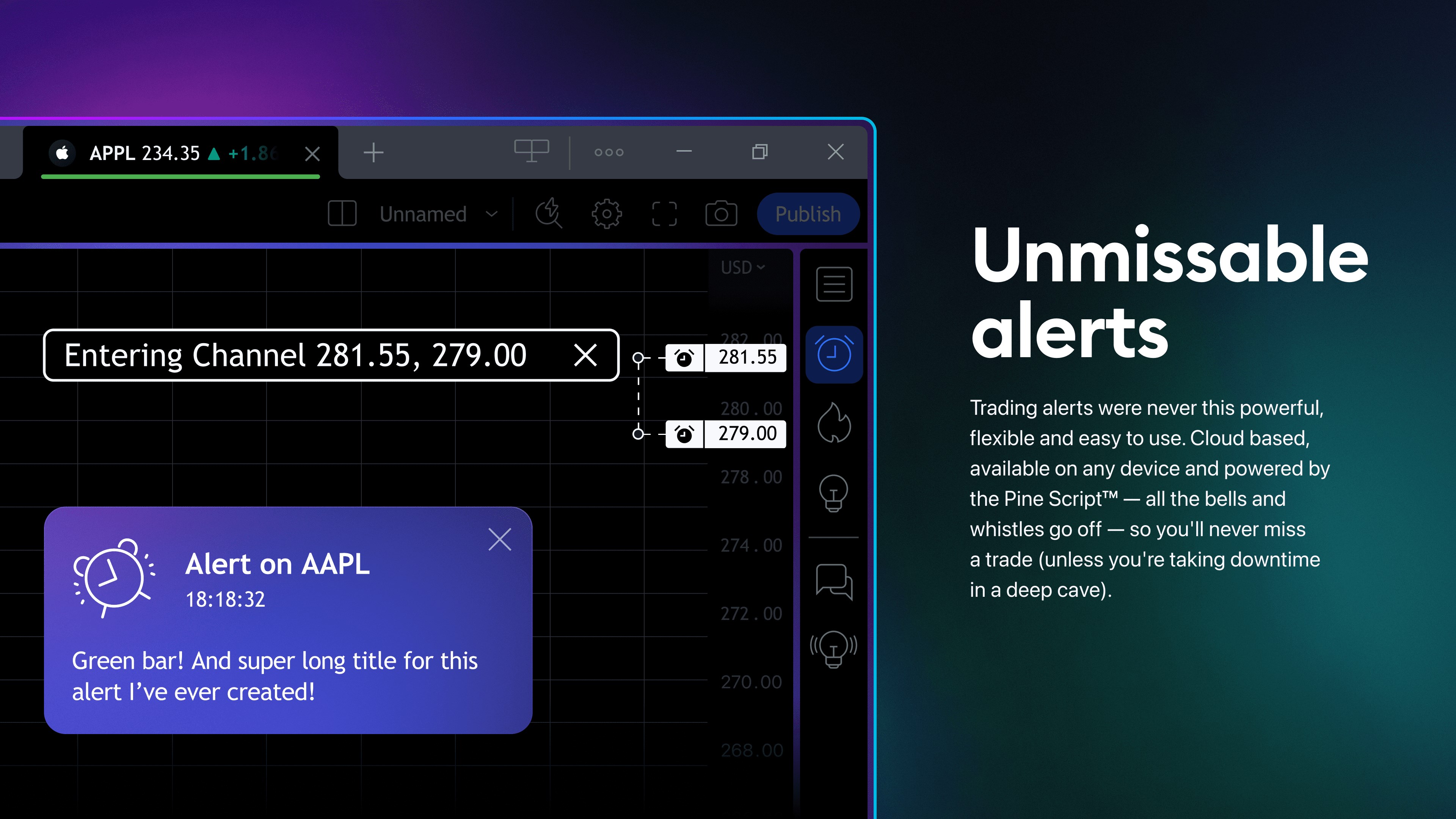
Another core strength is the real-time data streaming, offering instantaneous price updates across a multitude of markets—stocks, forex, cryptocurrencies, commodities, and more. This ensures you're never left in the dark, even during volatile trading sessions, giving you the confidence to act swiftly. Its social features further elevate the platform: users can publish ideas, participate in discussions, and follow top analysts, transforming solitary analysis into a dynamic community engagement.
User Experience: Smooth Sailing or Bumpy Ride?
Using TradingView for Windows feels remarkably smooth—loading times are swift, and interactions are responsive, even with multiple charts open. The interface cleverly balances complexity and simplicity; while it offers a bounty of tools, it remains accessible to newcomers. The learning curve is gentle enough to allow beginners to start charting within minutes but deep enough to satisfy veteran traders seeking advanced customization.
The developer has clearly prioritized a cohesive user experience, ensuring that switching from desktop to other platforms is seamless, thanks to synchronized accounts and settings. This cross-platform sync is akin to having your personal trading cockpit follow you wherever you go, maintaining your workflow without hiccups.
Unique Selling Points and Final Recommendation
What truly sets TradingView for Windows apart from the competition is its combination of powerful technical analysis tools with a vibrant social community—all integrated into a streamlined desktop application. The ability to script custom indicators stands out as a particularly compelling advantage, offering unparalleled flexibility to tech-savvy traders. This feature transforms the platform from a mere chart viewer into a customizable analytical powerhouse.
Overall, I'd recommend TradingView for Windows to anyone serious about market analysis who values a feature-rich yet user-friendly desktop app. Whether you're refining your strategies or engaging with a community of like-minded traders, this platform provides a solid foundation.
For casual investors or those new to technical analysis, the extensive support resources and intuitive design make it approachable. More advanced traders will appreciate the scripting capabilities and real-time data integrations that can elevate their analysis to the next level.
In conclusion, TradingView for Windows isn't just another charting tool—it's a comprehensive, customizable, and community-driven platform that can become an essential part of your trading arsenal. It's a tool that empowers you to see the market more clearly, plan your moves better, and learn continuously—an excellent choice for dedicated traders aiming for precision and insight.
Pros
- Extensive charting tools
- Real-time market data
- User-friendly interface
- Multi-device synchronization
- Social community sharing features
Cons
- Limited free features
- Occasional app crashes during heavy data loads
- Learning curve for advanced tools
- Limited offline functionalities
- Some features are region-specific