


- Category Personalization
- Developer TranslucentTB Open Source Developers
- Available on PC
- OS Windows 10 version 18362.0 or higher
- languages Chinese (Simplified), Chinese (Traditional), English (United States), German, Hebrew, Indonesian, Japanese, Korean , Russian, Spanish (United States), Turkish, Ukrainian
TranslucentTB for Windows: A Sleek and Customizable Taskbar Enhancer
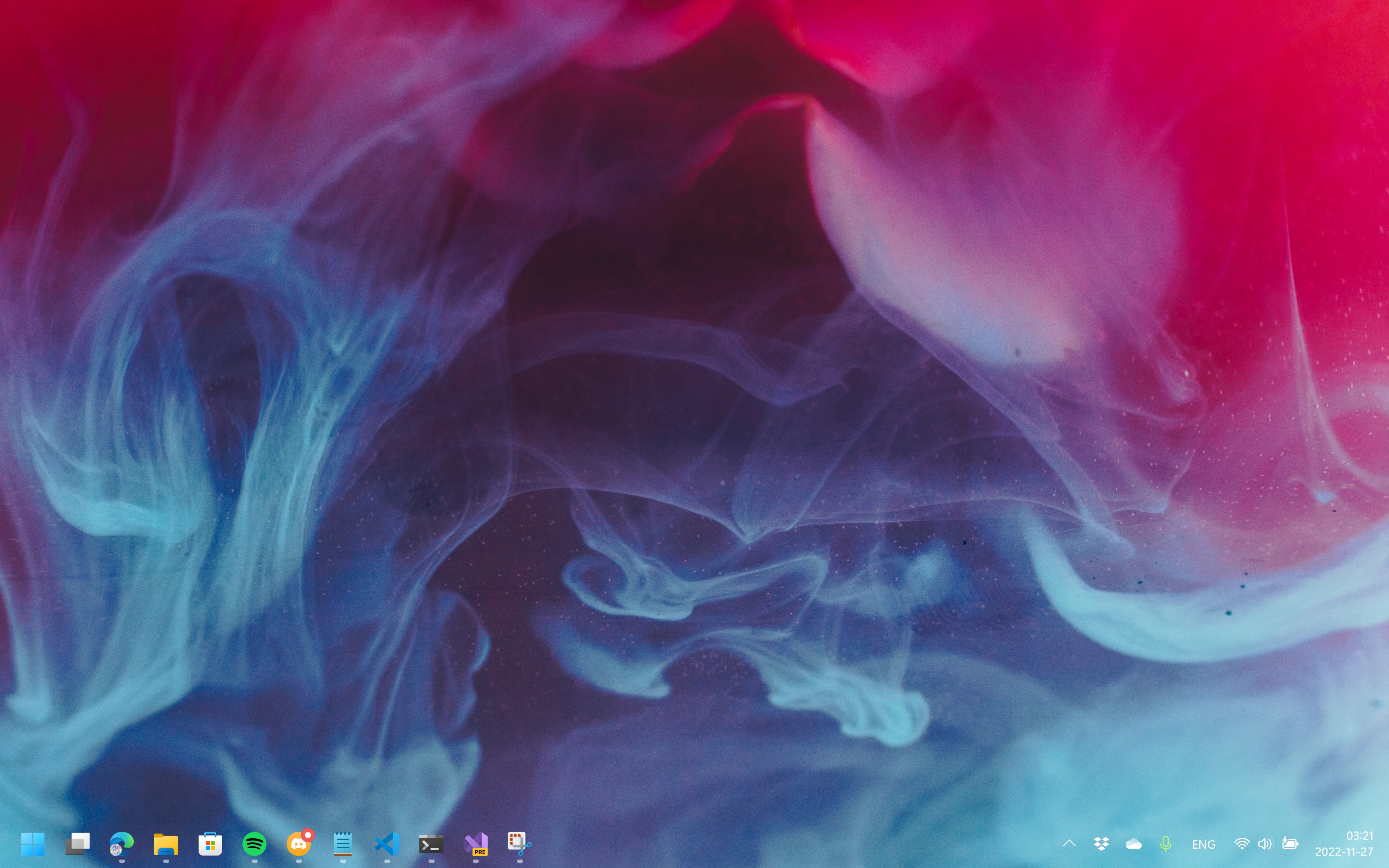
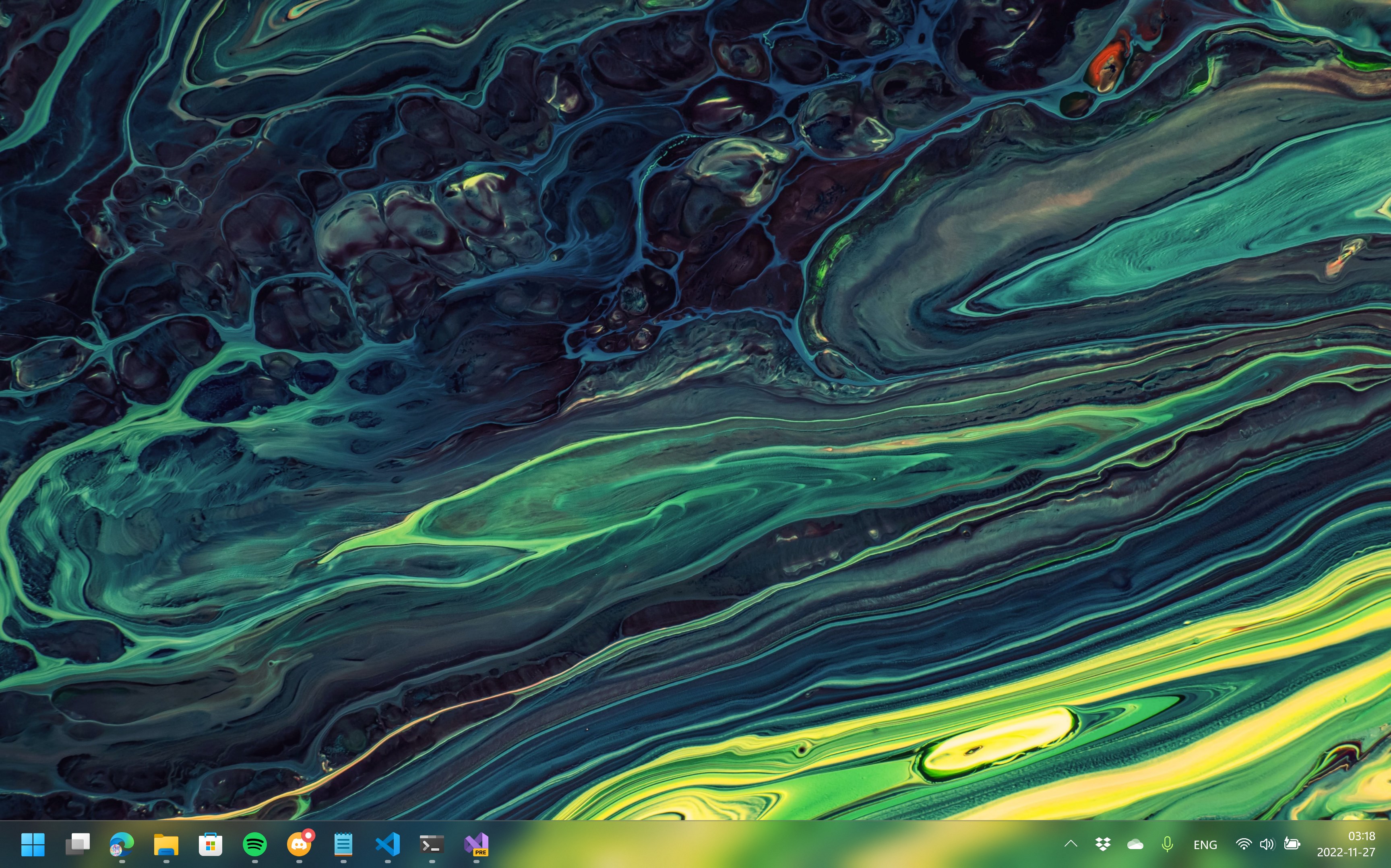
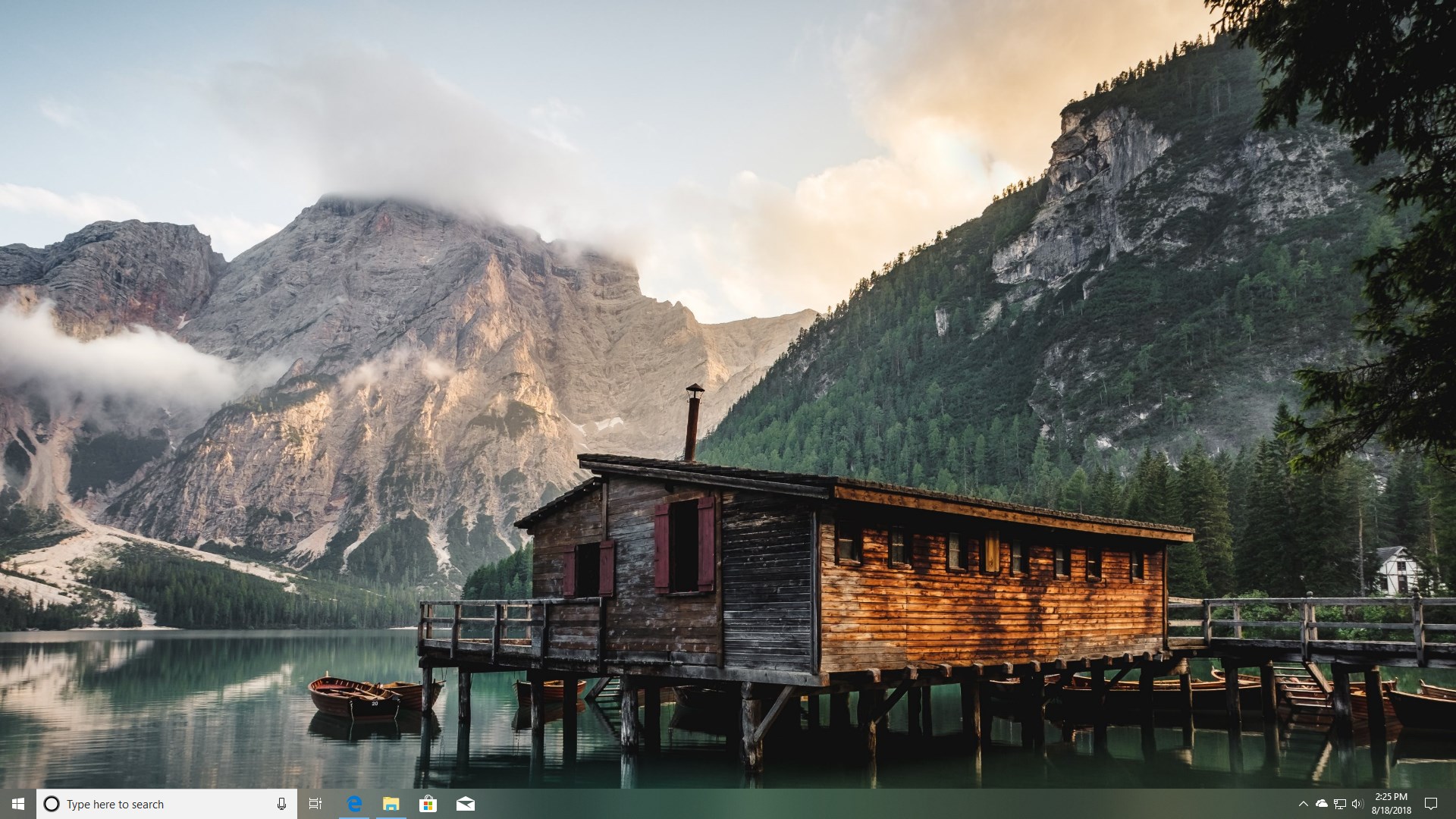
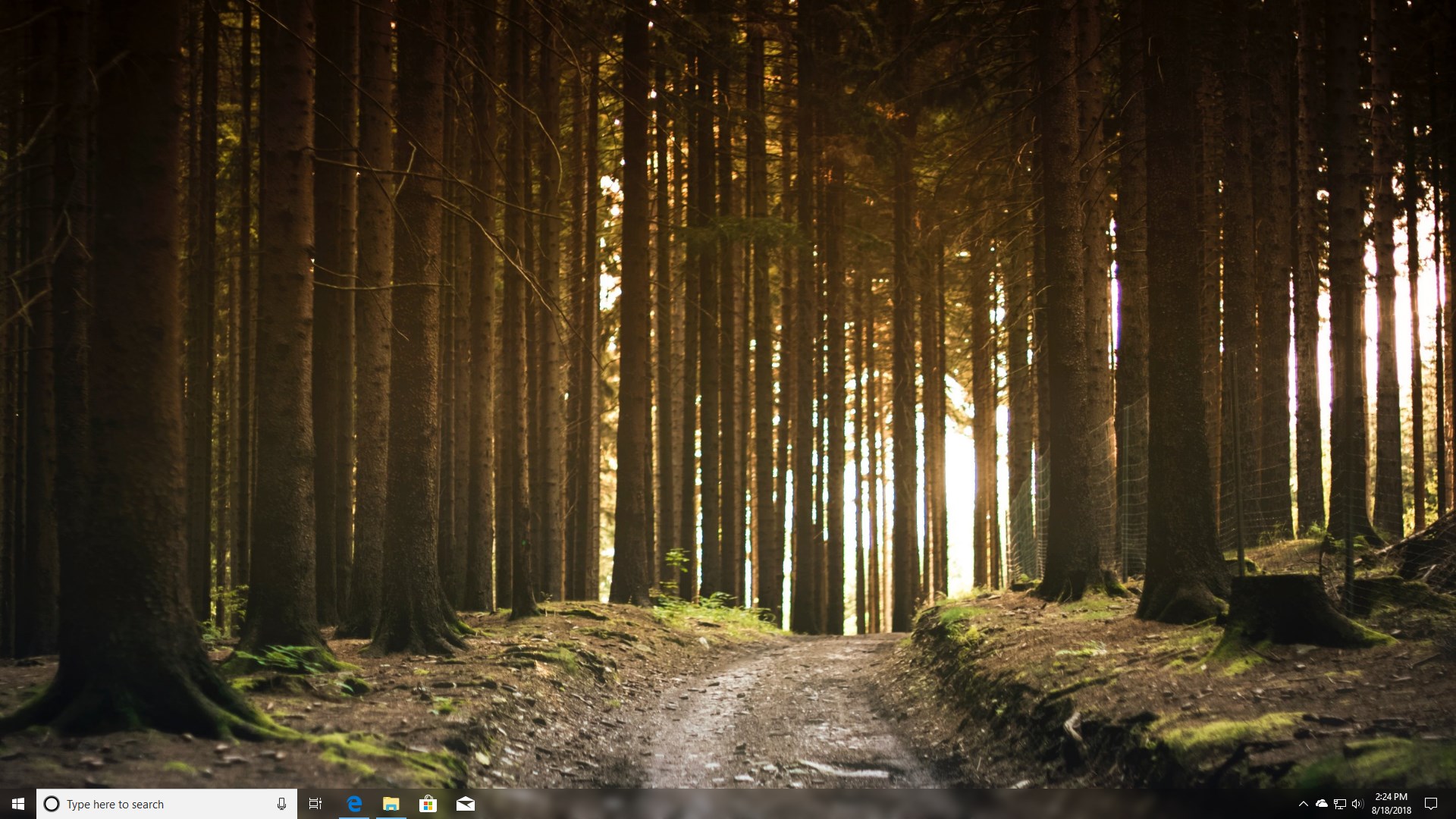
TranslucentTB is an open-source Windows utility designed to breathe new life into your taskbar with transparency, blur effects, and extensive customization options. Perfect for users eager to tailor their desktop aesthetics, it offers a seamless way to elevate your Windows experience beyond the default look.
Developed by Open Source Enthusiasts, Charles Milette
Created by the dedicated TranslucentTB Open Source Developers and published by Charles Milette, this app benefits from a community-driven approach, ensuring continual updates and support. Its open-source nature also invites aficionados to contribute, making it a transparent choice for those who appreciate flexibility and customization.
Core Features That Stand Out
- Full Customization of Taskbar Transparency and Effects: Easily adjust the opacity levels, add acrylic-style blur, and tweak the visual depth to match your mood or workspace style.
- Automatic Theme Integration: TranslucentTB adapts seamlessly to Windows themes, ensuring your taskbar blends effortlessly with light, dark, or custom themes.
- Multiple Profile Support: Save different configurations as profiles that can be switched depending on your activity, workspace, or aesthetic preference.
An Engaging Peek into the Translucent World
Imagine waking up your computer and being greeted not just by a familiar desktop, but a beautifully crafted, semi-transparent window into your digital universe. TranslucentTB transforms your mundane taskbar into a dynamic canvas—playful, sleek, and remarkably personal. Unlike static wallpapers or skins, it offers a living, breathing layer that you can shape to resonate with your style.
Deep Dive into the Core Functionalities
1. Customization Options Galore
The heart of TranslucentTB lies in its ability to let users create their perfect taskbar. Whether you crave just a hint of transparency to showcase your wallpaper or a frosted-glass effect reminiscent of modern UI trends, this app makes it straightforward. Its intuitive sliders and toggle switches remove the guesswork, allowing you to preview changes instantly. The real magic is in its minimalistic interface, where complex visual effects are managed through simple controls—think of it as an artist's palette for your desktop appearance.
2. Theme Compatibility and Integration
Next, its harmonious integration with Windows themes sets TranslucentTB apart. It detects your current theme settings and adapts seamlessly, ensuring the transparency and effects do not clash with icons, fonts, or backgrounds. Whether you're in a dark mode workstation or a bright, colorful setup, the app enhances your user experience without feeling intrusive or out of place. This intelligent responsiveness is like having a personal designer fine-tuning your UI in real-time.
3. Profile Management and Automation
Beyond static customization, TranslucentTB excels in its profile management feature. Picture having a “Work Mode,” where the taskbar is subtly transparent to reduce distraction, and a “Gaming Mode,” with opaque, bold visuals for immersion. Switching profiles can be automated based on scheduled tasks or manual triggers—think of it as setting a mood for each part of your day. This flexibility caters to power users who demand distinct environments without fussing over settings each time.
User Experience and Differentiation
Crafted with simplicity yet powerful in its depth, TranslucentTB boasts a clean, user-friendly interface that encourages experimentation without overwhelming. Its real-time preview feature offers a tactile feel, making adjustments feel like tweaking the sliders on a high-end audio mixer. Compared to other personalization apps that often require complex theme packs or intrusive modifications, TranslucentTB's focus on minimalism and compatibility makes it stand out.
Uniquely, its open-source status not only ensures transparency but also invites customization enthusiasts to contribute, tailoring the tool even further. The compatibility with multiple themes and the ability to save and switch profiles effortlessly offers a level of flexibility that few apps in this niche provide.
Final Verdict: A Solid Choice for Personalization Pioneers
Overall, TranslucentTB earns a strong recommendation for Windows users looking to subtly yet effectively elevate their desktop aesthetics. Its flagship features—particularly the seamless theme integration and profile management—are what set it apart and make it worth exploring. For users willing to tinker a little to achieve their perfect transparent look, this app is an unobtrusive, customizable companion.
Anyone seeking a straightforward, lightweight, and adaptable tool to personalize their taskbar should consider giving TranslucentTB a try. It strikes a delicate balance between simplicity and depth, making it suitable for both casual users and tech enthusiasts eager to craft a unique desktop environment.
Pros
- Highly customizable translucent effects
- Lightweight and non-resource intensive
- Easy to use interface
- Seamless integration with Windows
- Minimalistic design improves aesthetics
Cons
- Limited customization options beyond transparency
- Occasional flickering or transparency glitches
- Compatibility issues with certain Windows updates
- No support for multi-monitor setups in some cases
- Lack of advanced customization features for power users











