
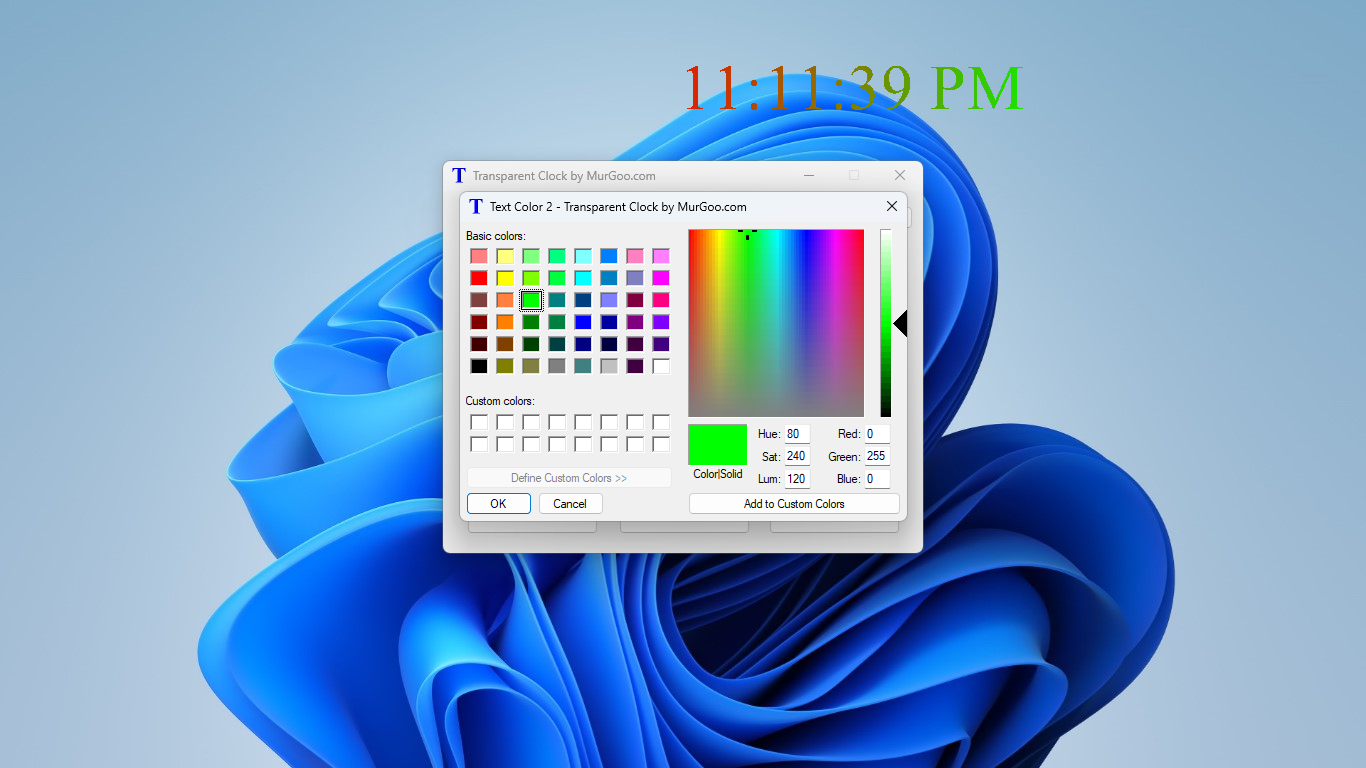
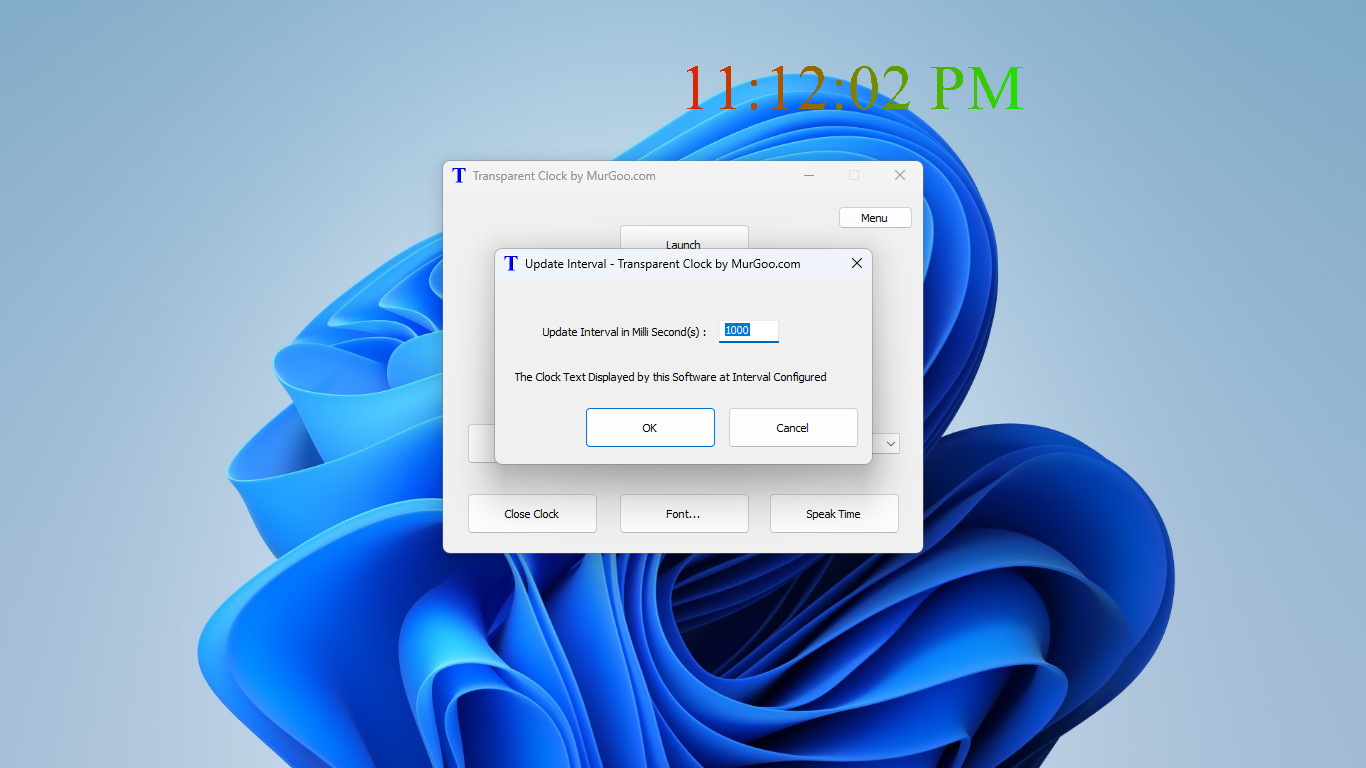
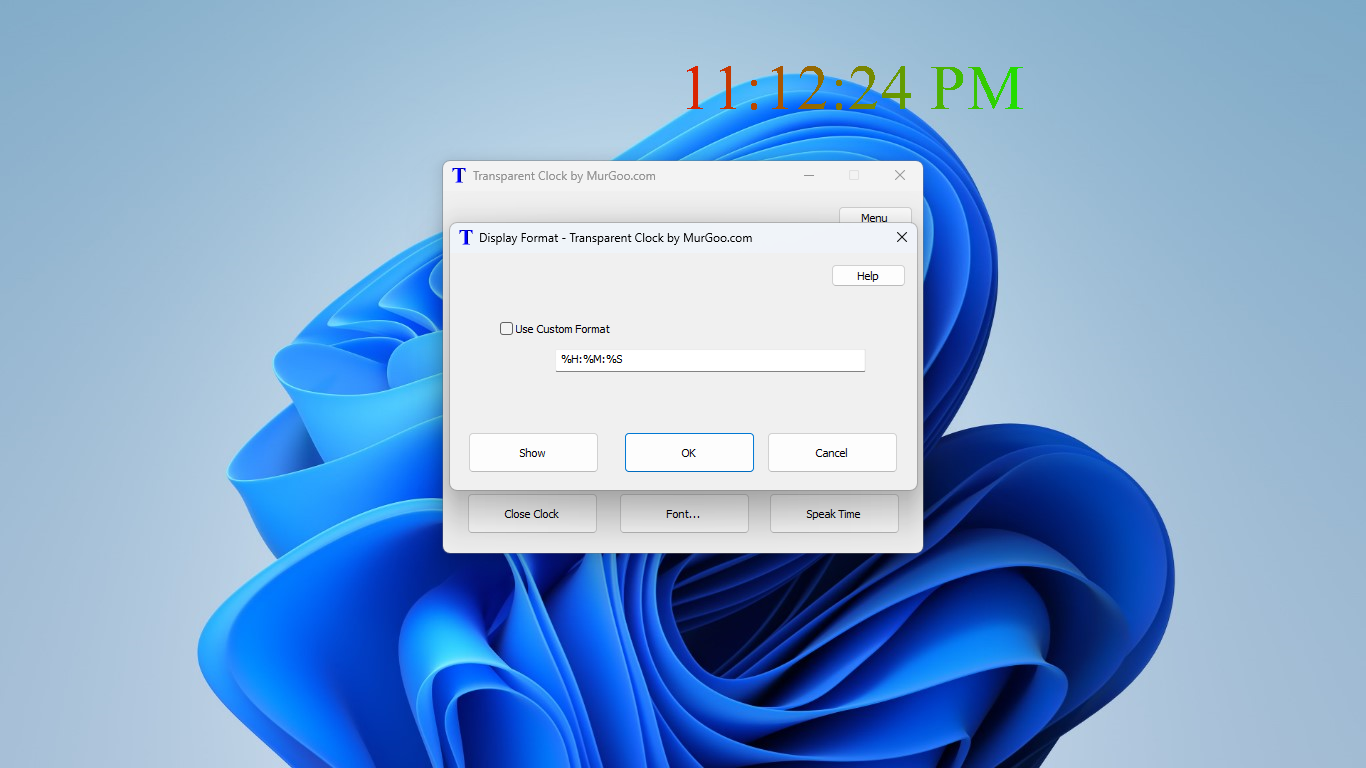
- Category Productivity
- Available on PC
- OS Windows 10 version 0.0 or higher
- Keyboard Integrated Keyboard
- Mouse Integrated Mouse
- languages English
Transparent Clock for Windows: A Clear View of Your Time
Imagine having a sleek, unobtrusive clock elegantly integrated into your desktop, giving you at-a-glance time updates without disrupting your workflow—that's exactly what Transparent Clock for Windows offers. Developed by MurGoo.com, this app provides a minimalist yet powerful approach to time management, blending seamlessly into your digital workspace.
Basic Information: Crisp, Clean, and Purposeful
Positioned as a customizable transparent clock utility for Windows users, this application aims to enhance desktop productivity with a stylish, non-intrusive clock display. MurGoo.com, a trusted developer known for practical productivity tools, crafted this app to meet the needs of users seeking a simple yet effective way to keep track of time. The app's main features include real-time clock display with customizable transparency levels, detailed weather information, and an alarm/reminder system. Its target audience ranges from busy professionals needing quick time visibility to developers and students who appreciate an elegant workspace addition.
Design and User Experience: Simplicity Meets Elegance
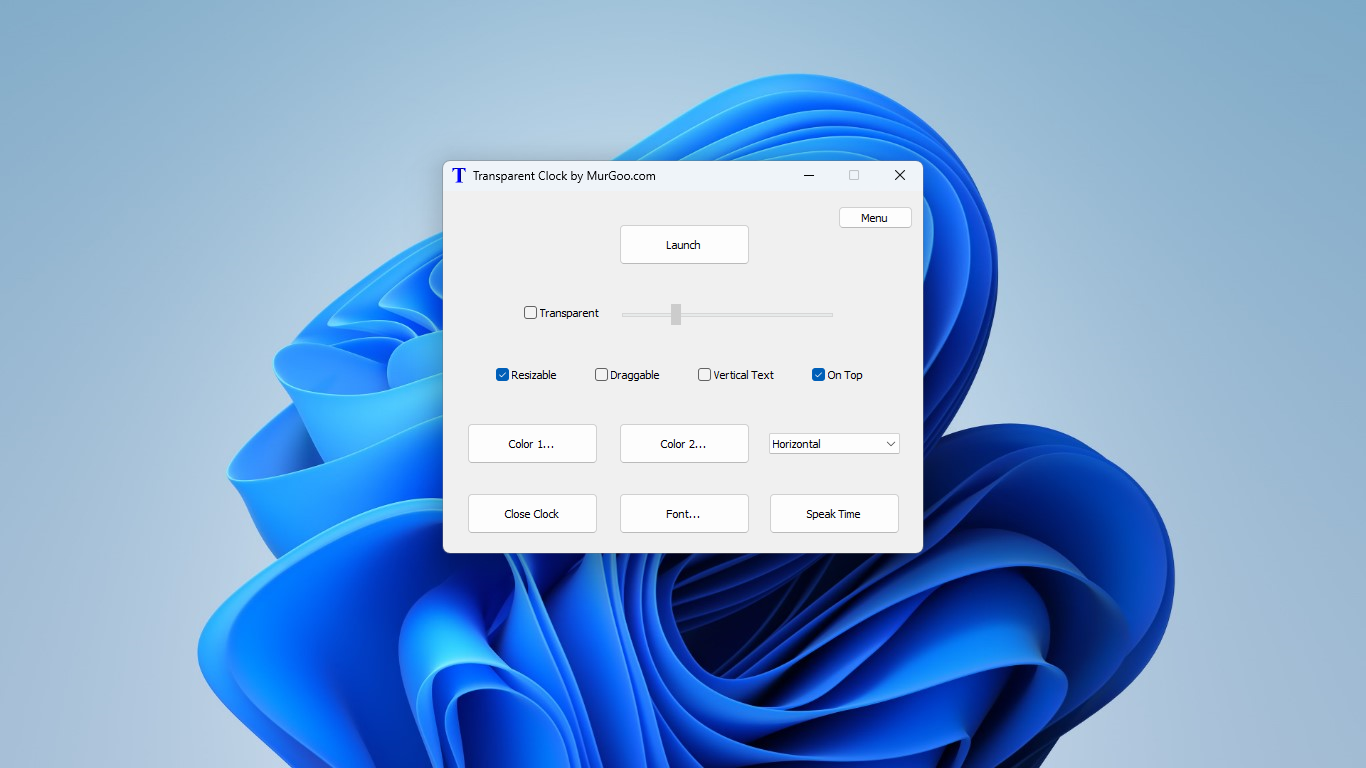
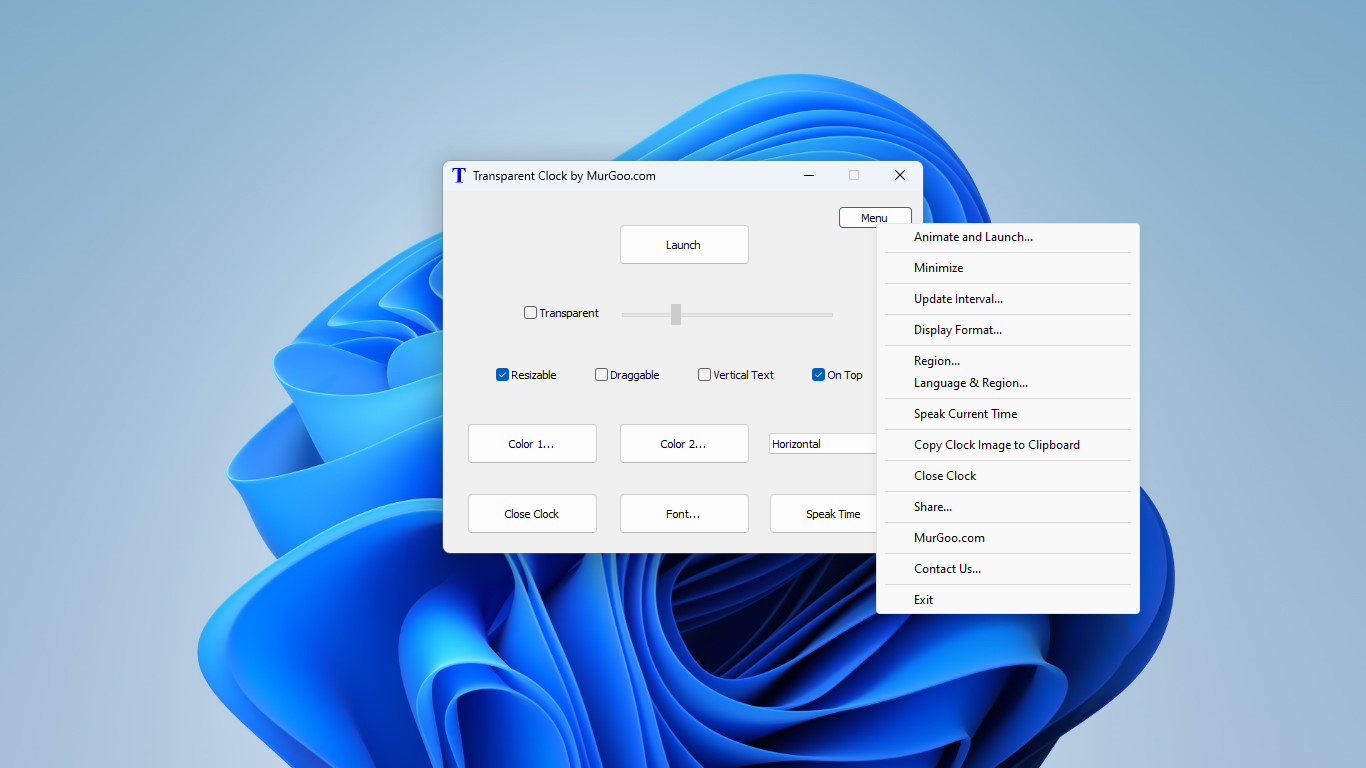
Right out of the box, Transparent Clock greets you with a modern, streamlined interface that's as crisp as a freshly cleaned window—no clutter, just clarity. The app's customizable transparency allows it to fade into your desktop background, like a ghostly timekeeper watching silently over your tasks. The interface is intuitive; toggling settings is straightforward, requiring only a few clicks to adjust position, transparency, or themes. It feels responsive and smooth, with no noticeable lag—vital for a tool meant to keep you anchored in your work rather than distract you with sluggish performance.
Core Features: Focused Functionality with Unique Twists
1. Transparent, Customizable Clock Display
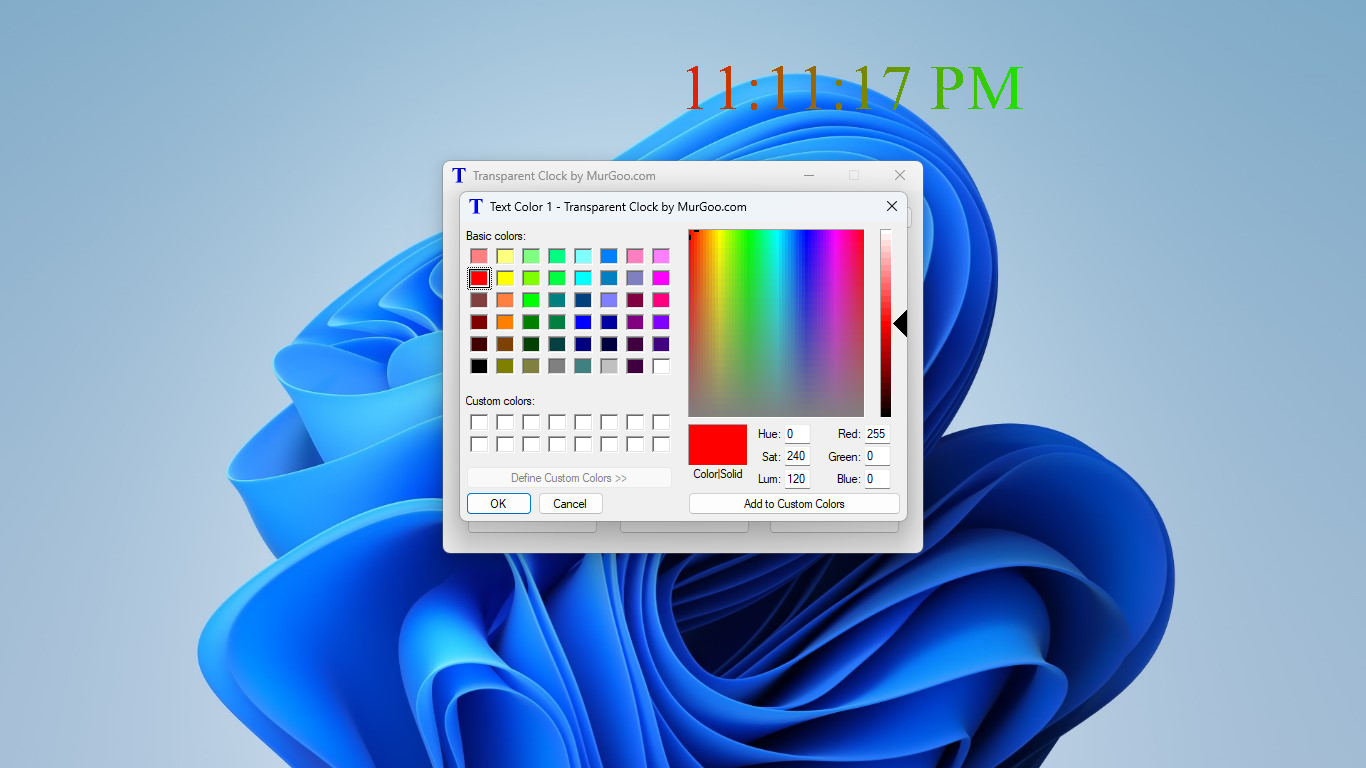
The centerpiece feature is the transparent clock itself. Unlike traditional clocks that sit fixed on the taskbar or corners, here you can place the clock anywhere on your screen and tune its transparency level—from barely-there to completely opaque. It's akin to having a floating watch that respects your desktop aesthetic and doesn't overpower your workspace, making it ideal for users who prefer a minimalist environment.
2. Weather Widget Integration
One of the app's standout features is its weather display. Embedded directly into the clock interface, it provides real-time weather updates, including temperature, humidity, and forecast icons. Imagine it as having a tiny weather station perched atop your workspace—helping you plan your day without switching apps or opening weather websites. This feature reduces cognitive load by consolidating essential info into one neat panel, enhancing overall workflow efficiency.
3. Alarm and Reminder System
Beyond just showing the time, this app offers alarms and reminders, effectively turning your desktop into a personal assistant. Setting alerts is straightforward, enabling quick notifications for meetings, deadlines, or breaks. This fosters better time management, especially when integrated smoothly with your workflow—no more juggling between multiple apps or setting unwanted distractions.
Comparative Advantages: Less Clutter, More Focus
Unlike many productivity tools that risk overwhelming users with complex features, Transparent Clock emphasizes reducing cognitive load. Its minimalistic design and focus on core functions mean you're not bogged down by unnecessary options. Compared to standard clock widgets or multifaceted productivity suites, this app shines through its simplicity and seamless integration—like adding a clear glass pane to your desktop that just shows what's needed. Its emphasis on transparency customization and weather integration offers practical benefits, enabling users to stay informed with minimal effort, while avoiding the distraction of overly cluttered interfaces.
Final Recommendation: A Clear Choice for Focused Users
For anyone seeking a clean, unobtrusive timekeeping solution that integrates essential information directly into their desktop environment, Transparent Clock for Windows is a smart choice. It's especially recommended for professionals and students who prefer an uncluttered workspace but still want quick access to time and weather updates. While it doesn't come laden with dozens of features, its focused functionalities make it a reliable and elegant companion for daily productivity. Just think of it as a silent, transparent steward watching over your work, providing clarity amidst the digital fog.
Pros
- Intuitive Transparent Interface
- Accurate Time Synchronization
- Customizable Clock Styles
- Weather Integration
- Low Power Consumption
Cons
- Limited Widget Size Options
- Sometimes Delays in Weather Updates
- Requires Location Permissions
- Limited Advanced Features
- Occasional Glitches in Transparency Effect











