
- Category Security
- Developer Softros Systems
- Available on PC
- OS Windows 10 version 0.0 or higher
- languages English
Introducing Transparent Lock Screen for Windows
Looking to add a sleek, modern touch to your Windows experience while maintaining security and ease of access? Transparent Lock Screen for Windows by Softros Systems offers a lightweight, customizable solution to elevate your device's lock screen aesthetic without sacrificing functionality.
About the Developer and Core Highlights
Developer Profile
Created by Softros Systems, a reputable developer specializing in Windows utilities and security tools, the app reflects their expertise in creating user-centric, innovative solutions for everyday tech needs.
Main Features at a Glance
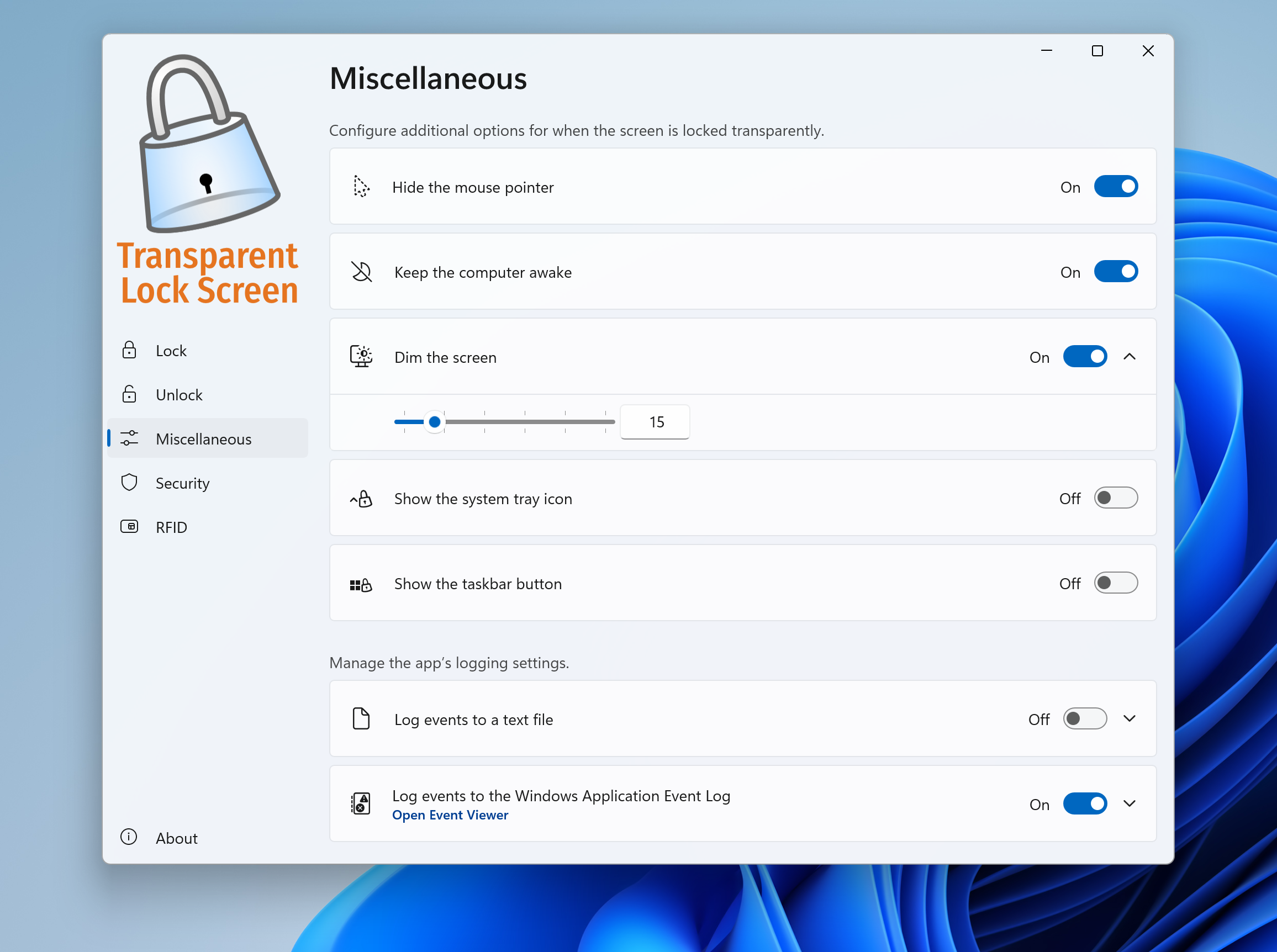
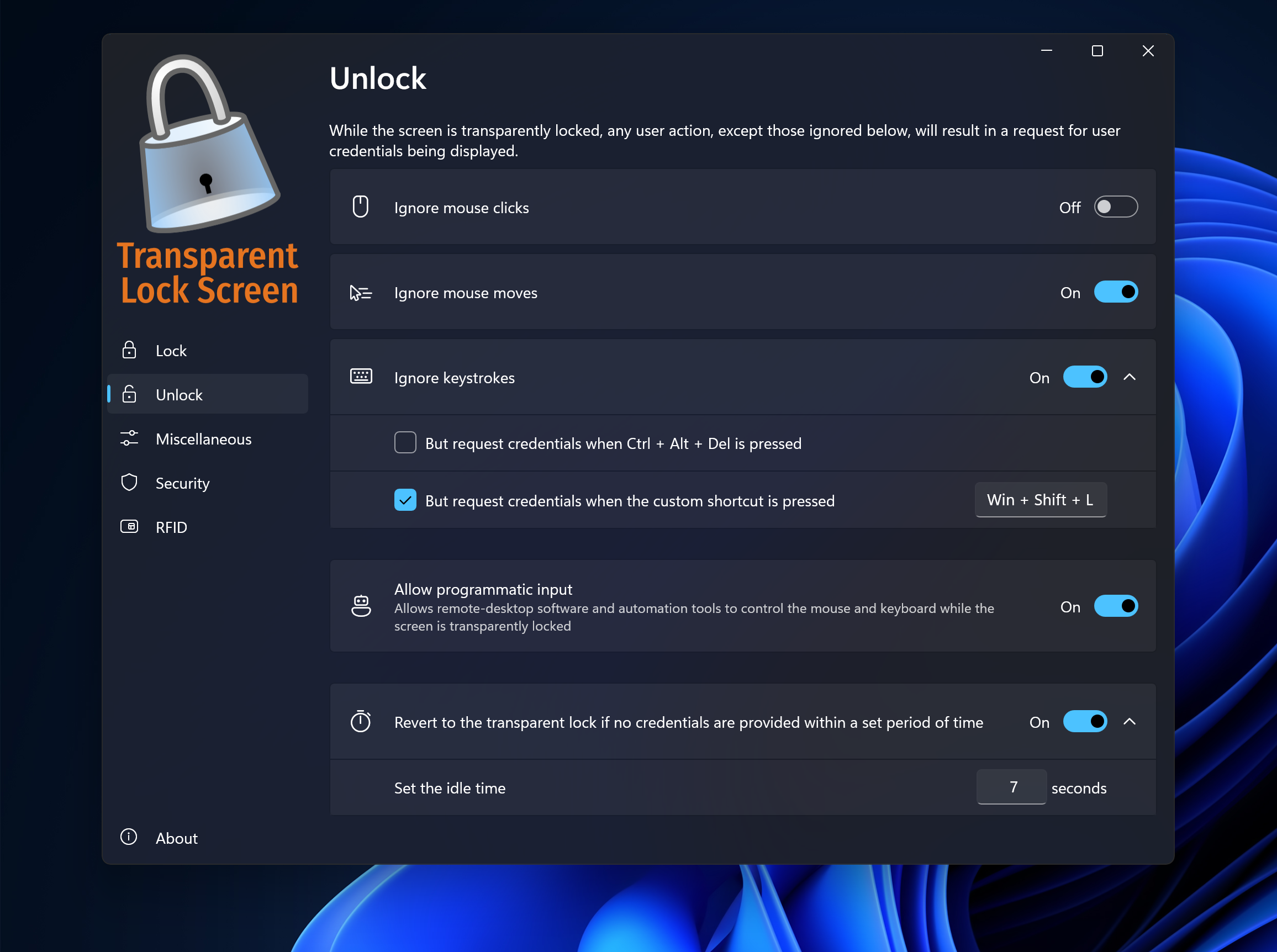
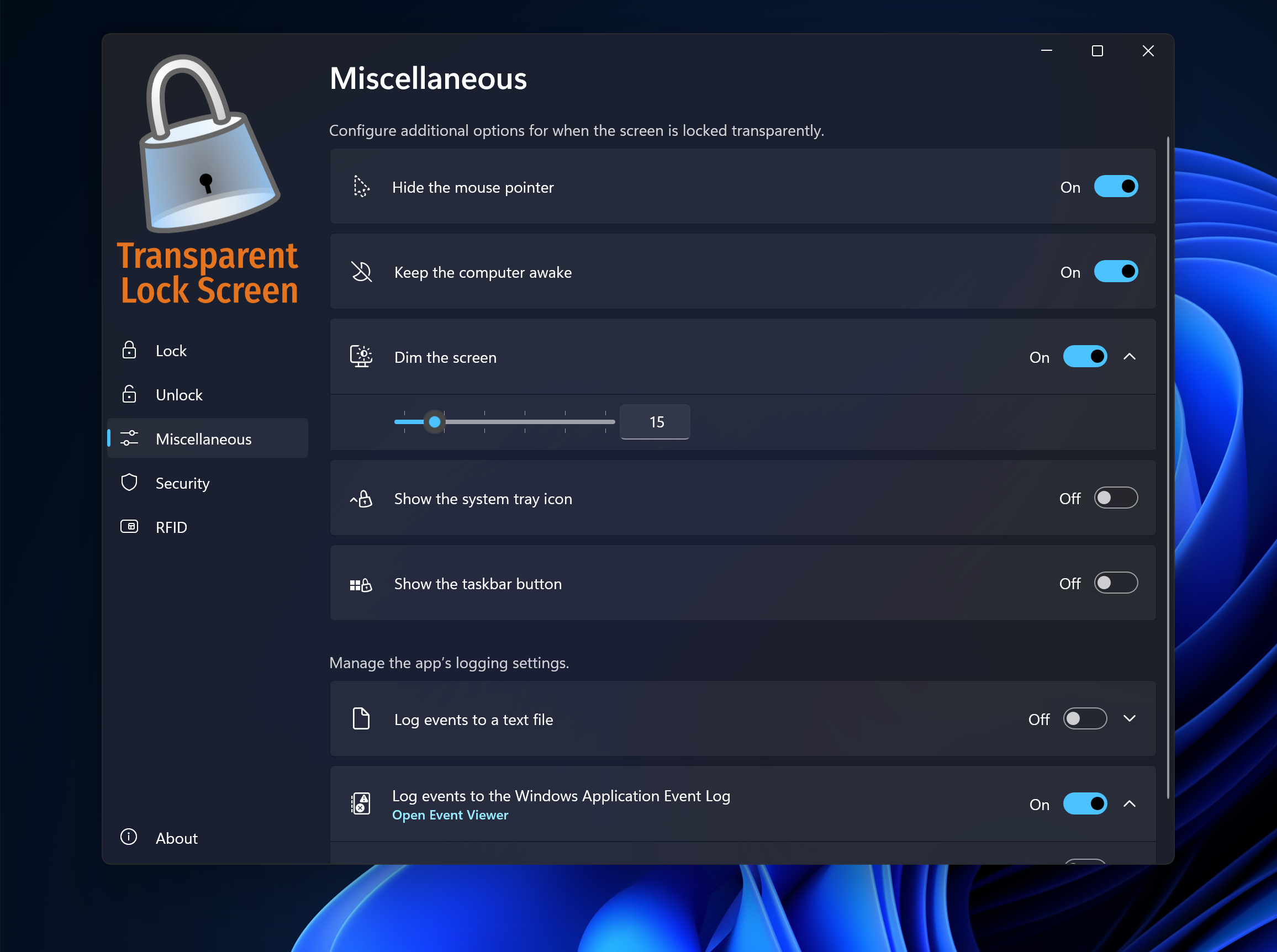
- Transparency Customization: Adjust your lock screen's transparency level, blending your desktop background seamlessly with lock screen visuals.
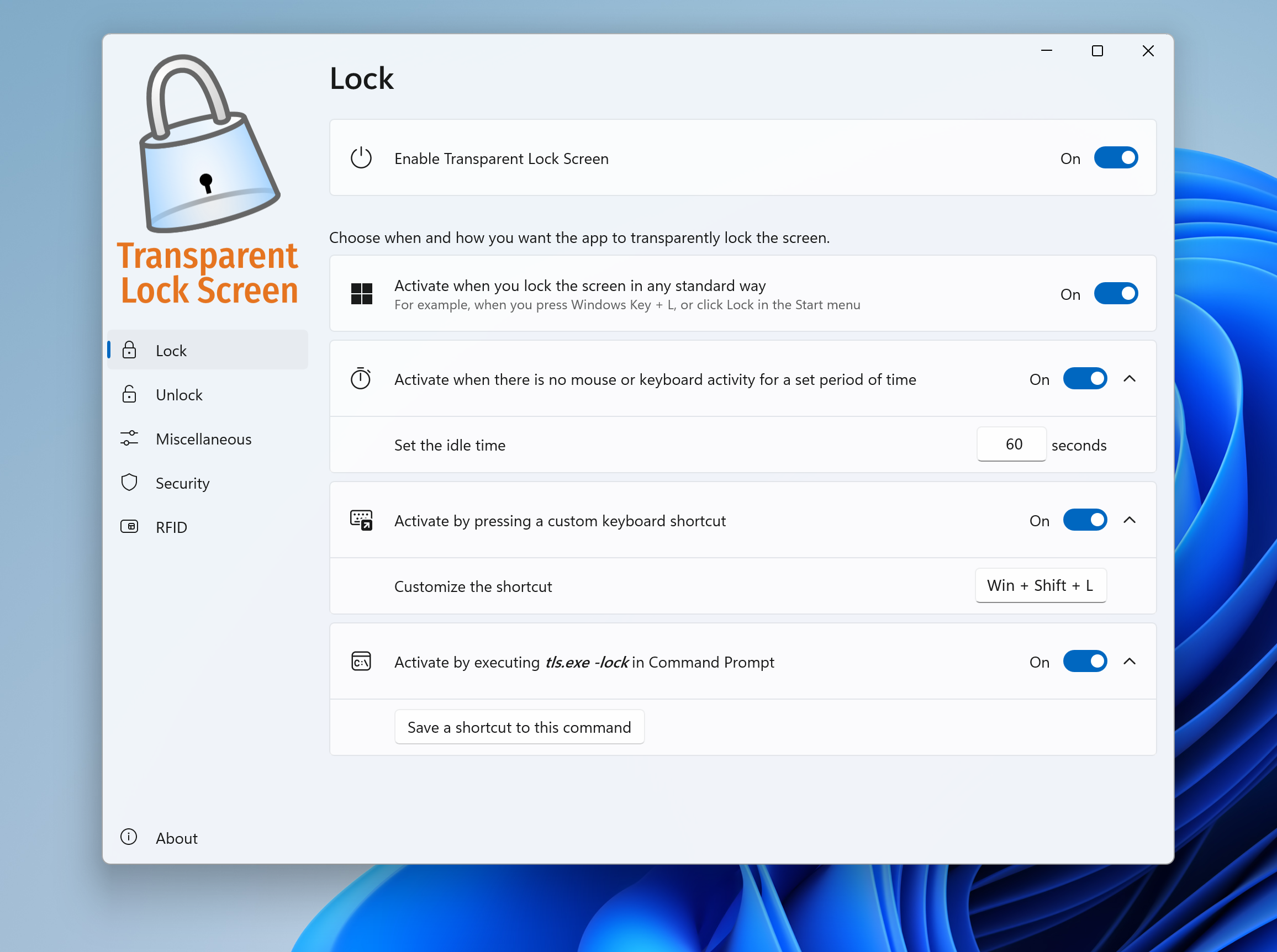
- Personalization Options: Set custom wallpapers, clock styles, and overlay effects to make your lock screen uniquely yours.
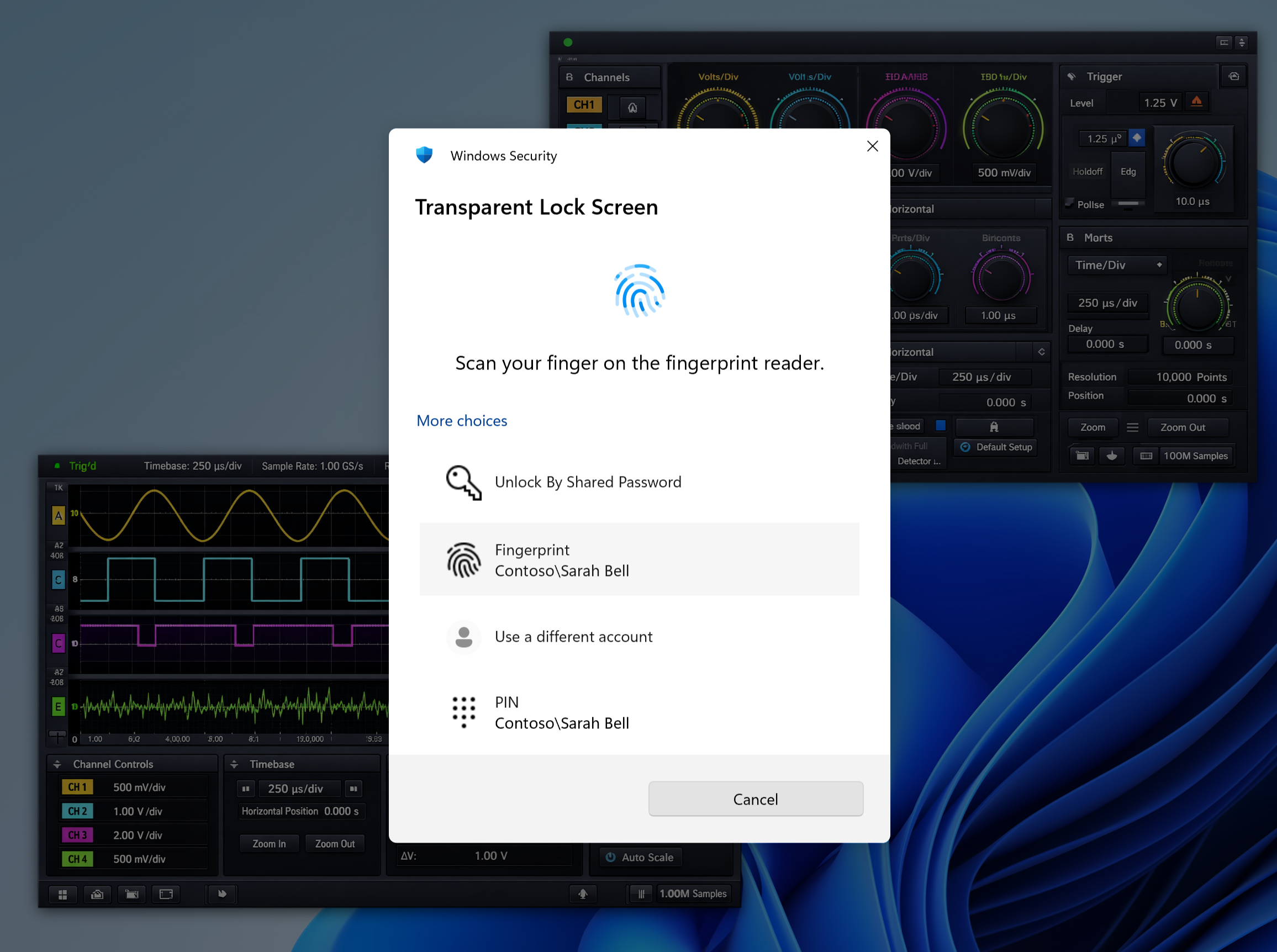
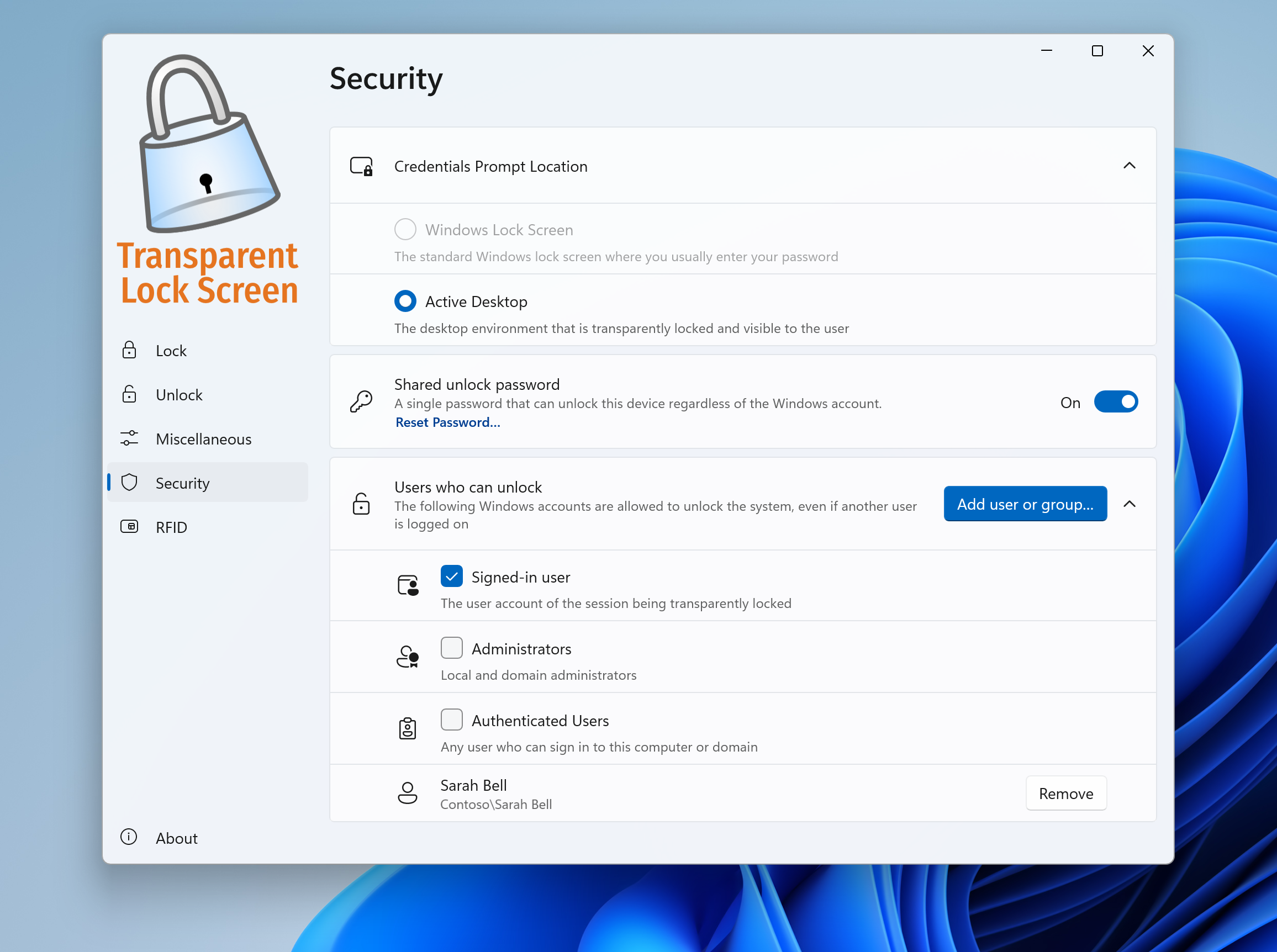
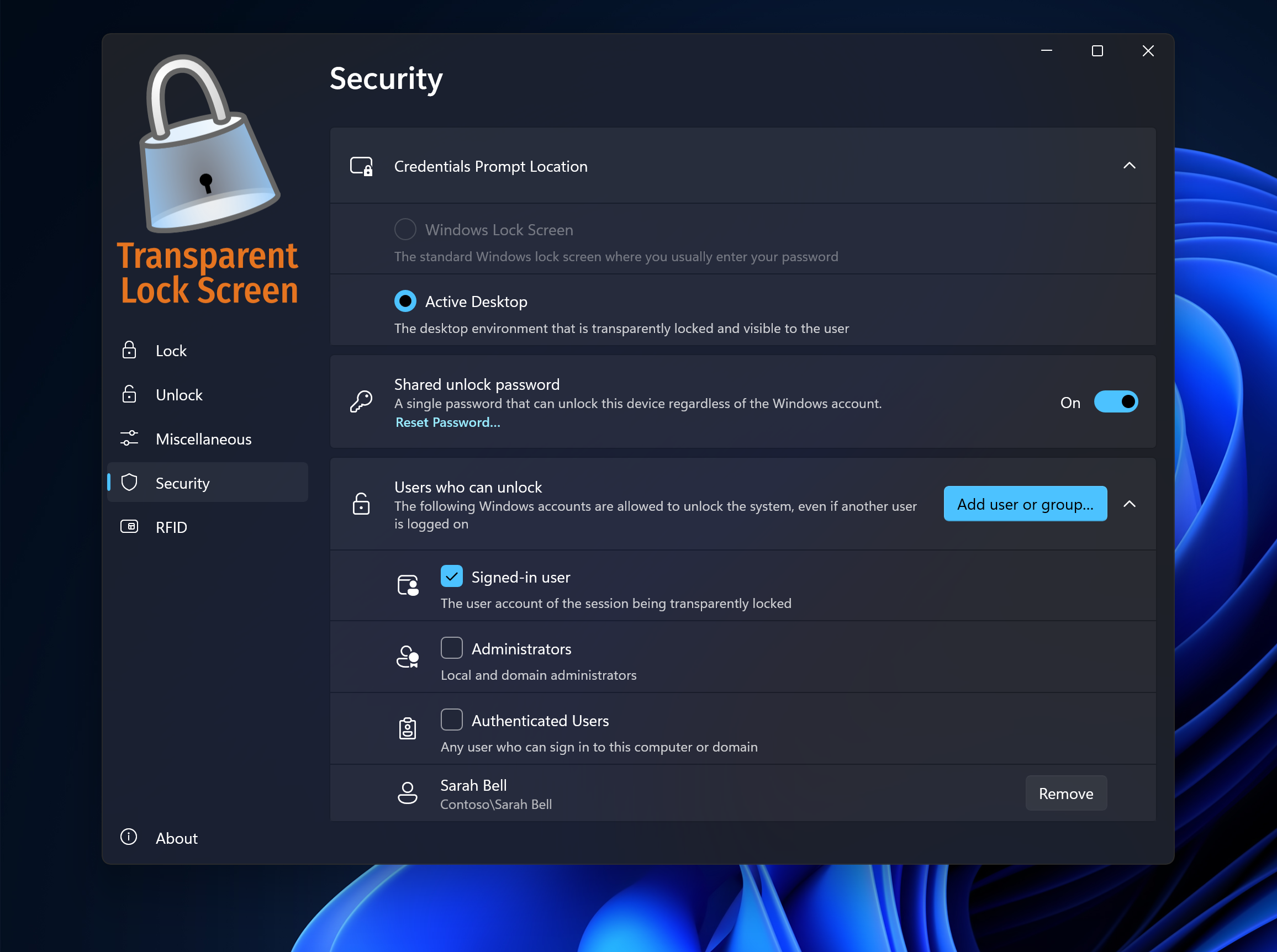
- Enhanced Security: The app maintains Windows' native security protocols while providing an unobtrusive aesthetic upgrade.
- Lightweight and User-Friendly: Minimal resource consumption and an intuitive interface facilitate easy setup and adjustments.
Target Audience
This app is ideal for Windows enthusiasts who want a personalized, visually appealing lock screen experience—be it professionals seeking a sleek interface, creatives aiming for aesthetic customization, or everyday users desiring a subtle but stylish upgrade.
A Fresh Take on Lock Screen Personalization
Imagine unlocking your PC to a faint glow of your favorite wallpaper, with just enough transparency to glimpse your desktop icons but without the glare. That's the simple pleasure this app offers—transforming a mundane security screen into a canvas that reflects your style. It's like replacing the bland window shade with a tinted glass that lets a little peek through, making your device feel both modern and personal.
Core Functionality Deep Dive
Transparency Customization: See Through Your Lock Screen
The standout feature here is the adjustable transparency setting. With a straightforward slider, users can fine-tune how much of the desktop background peeks through the lock screen. This creates a harmonious blend that's easy on the eyes and offers a glimpse of your personal workspace even before you log in. Unlike typical lock screens that are opaque and static, this feature allows for a subtle visual continuity, making your Windows setup feel less siloed and more integrated.
Personalization: Make It Truly Yours
Beyond transparency, the app enables you to set custom wallpapers, choose clock styles, and add overlay effects—think of it as decorating your digital storefront. Whether you prefer a minimalist look, a motivational quote, or an artistic background, the interface makes customization effortless and enjoyable. With real-time previews, you can experiment until your lock screen matches your mood or aesthetic preference perfectly.
Performance and User Experience
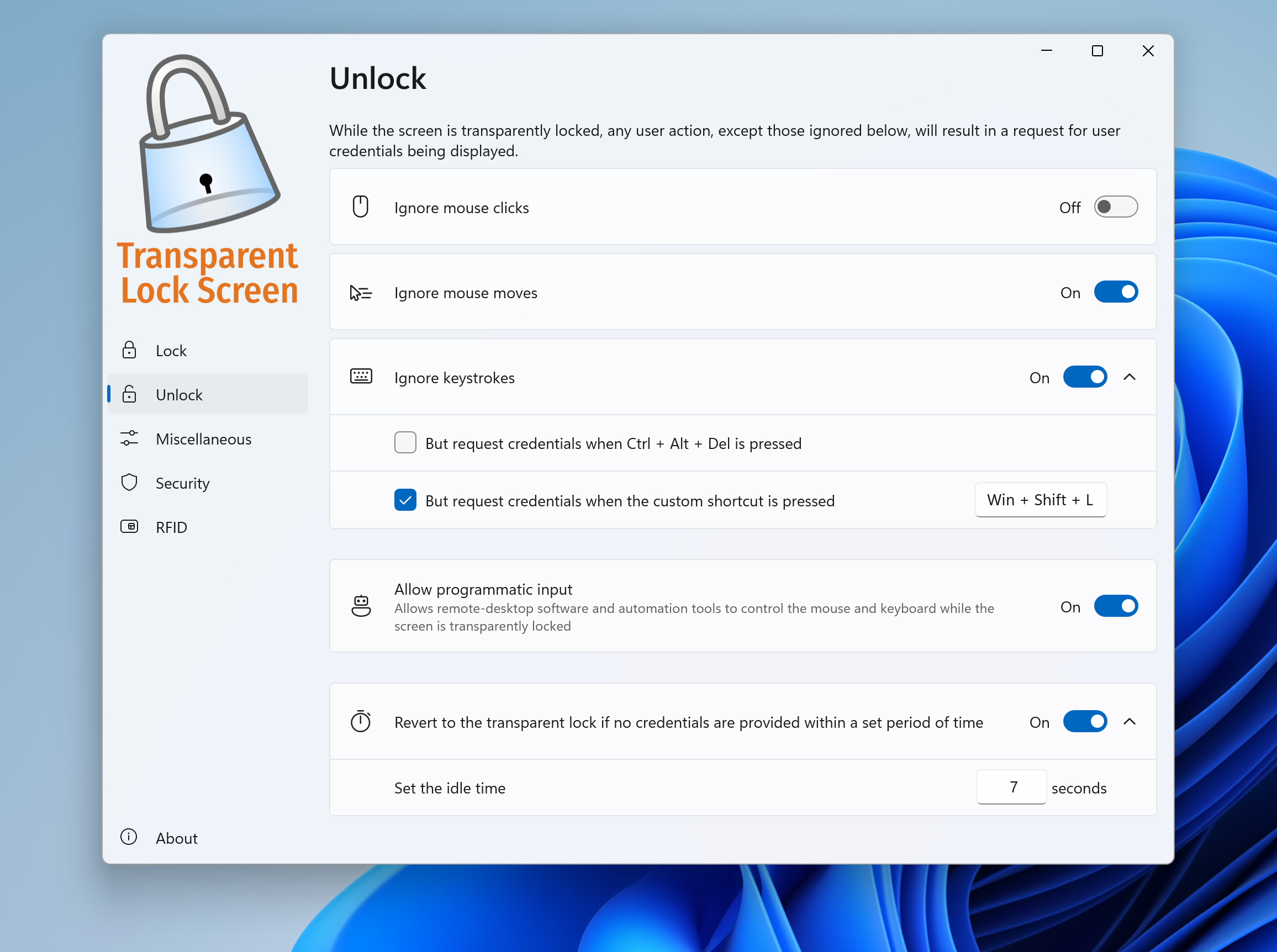
The app's interface is clean and intuitive, resembling a well-organized toolbox rather than an overly complicated control panel. Setting adjustments are smooth, with immediate visual feedback, ensuring users don't face a steep learning curve. It's akin to turning a dial that immediately shows the effect—no guesswork required. From a performance standpoint, the app is lightweight; it doesn't cause noticeable lag or drain system resources, making it suitable for both high-end and low-end machines.
What Sets It Apart: Unique, Quietly Powerful Touches
Compared to other security or lock screen apps, Transparent Lock Screen for Windows stands out with its seamless focus on aesthetic integration. Its key advantage is the ability to maintain Windows' native security features while vastly improving visual appeal through transparency and personalization. Additionally, its minimal resource footprint and user-friendly design mean even less tech-savvy users can effortlessly create a lock screen that's both beautiful and functional. This combination of aesthetic finesse and performance efficiency makes it more than just a decorative tool; it's a subtle enhancement that complements your digital environment without intrusion.
Final Say: Friendly Recommendation and Usage Tips
If you're someone who appreciates aesthetic details and prefers a lock screen that feels integrated with your desktop, Transparent Lock Screen for Windows is a compelling choice. It's particularly useful for users who like to keep their environment visually cohesive or wish to add a touch of elegance to their daily login routine.
While it doesn't replace advanced security features, it provides a simple yet effective way to personalize your device's face. For best results, match your wallpaper with your favorite themes, adjust transparency to your comfort level, and experiment with different clock styles for a truly tailored experience. Overall, I'd recommend this app as a light and stylish upgrade—definitely worth a try if aesthetic customization is on your list.
Pros
- Enhanced Privacy Protection
- Customizable Appearance
- Simple and Minimalist Design
- Lightweight Performance
- Easy Setup and Usage
Cons
- Limited Compatibility with Older Devices
- Possible Reduced Screen Visibility in Bright Environments
- Lack of Advanced Security Features
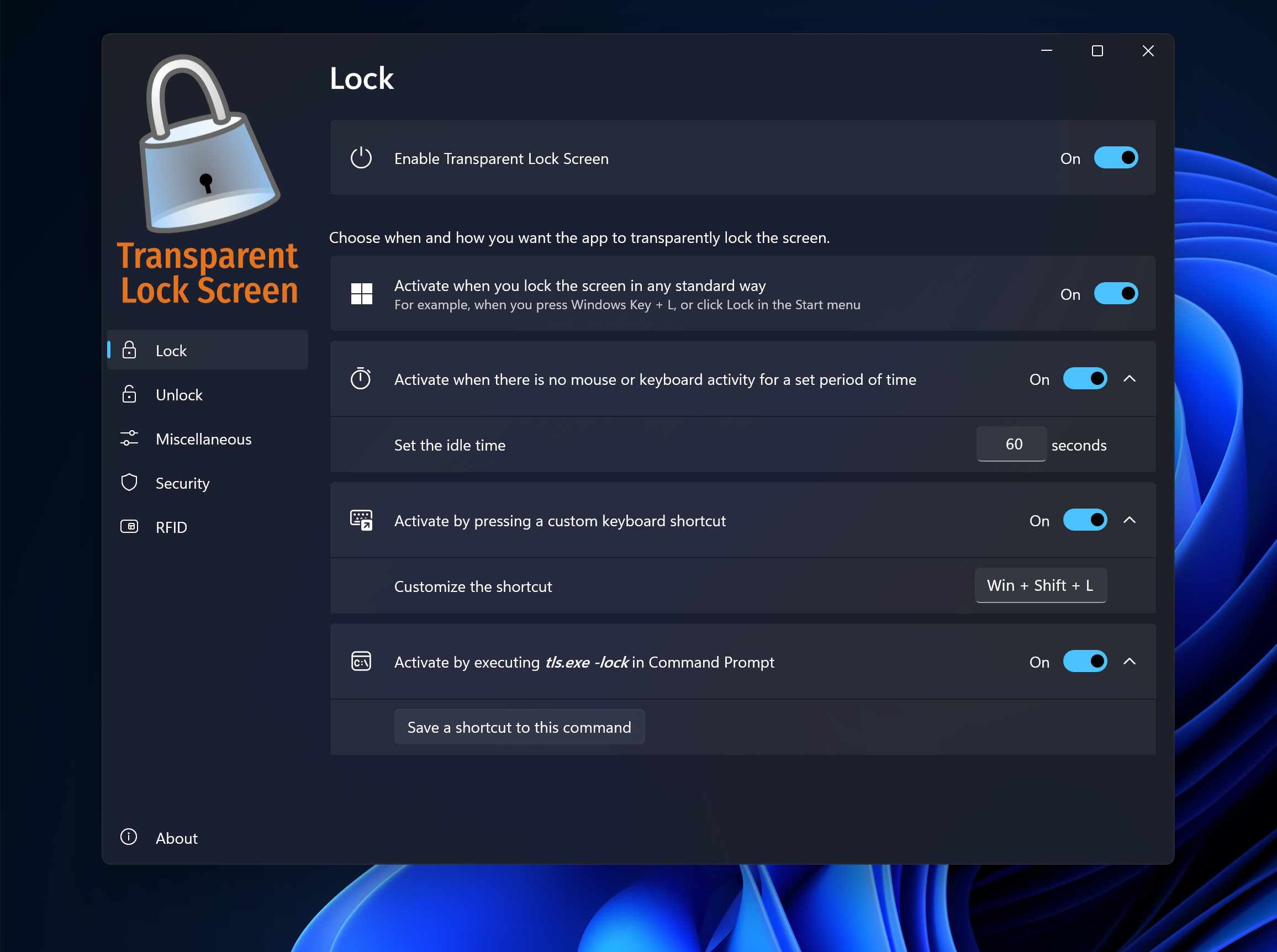
- No Automatic Schedule for Activation
- Aesthetic Conflicts with Certain Wallpapers











