- Category Utilities & tools
- Available on PC
- OS Windows 10 version 18362.0 or higher
- languages Chinese (Simplified), Chinese (Traditional), English (United States), German, Hebrew, Indonesian, Japanese, Korean , Russian, Spanish (United States), Turkish, Ukrainian
Introducing Transparent Taskbar: A Sleek Visual Upgrade for Windows
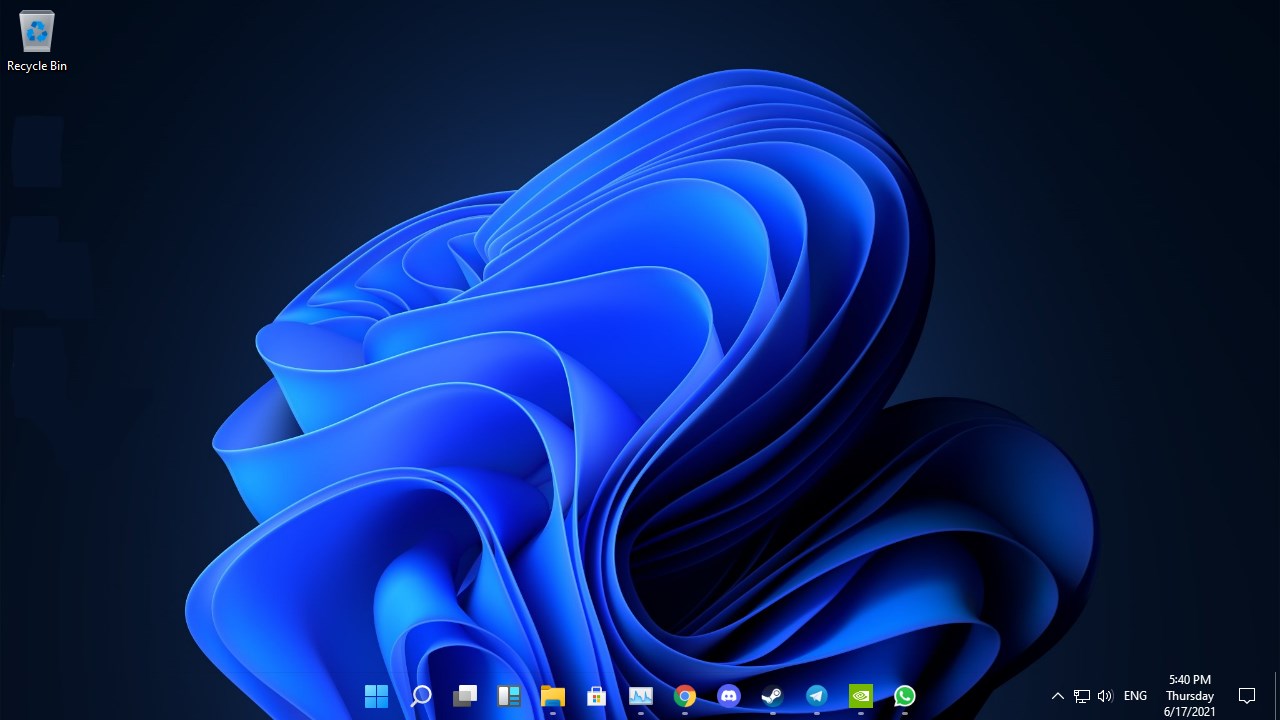
Transparent Taskbar by Cainey Studio offers Windows users a simple yet effective way to customize their desktop aesthetic by adding transparency effects to their taskbar, blending functionality with visual elegance.
Developer and Core Details
Developed by Cainey Studio, a team known for crafting user-centric customization utilities, this application aims to enhance the Windows desktop experience with minimal fuss.
Main Features Highlights:
- Seamless taskbar transparency adjustment to match user preferences
- Easy-to-use slider and toggles for real-time visualization
- Compatibility across various Windows versions and desktop setups
- Lightweight design with minimal impact on system performance
Intended Audience: Primarily targeted at Windows enthusiasts, professionals seeking aesthetic customization, and casual users eager for a personalized desktop environment.
First Impressions: A Clear, Minimalist Artistry
Once you launch Transparent Taskbar, it feels like opening a window to a more refined and elegant desktop. The interface is straightforward — think of it as a minimalist art gallery rather than a cluttered control panel. Whether you're a tech-savvy user or someone just looking to subtly tweak your desktop, the app welcomes you with an intuitive setup that feels like adjusting a cool piece of glass over your screen, making your workspace look fresher and more modern without overwhelming you with options.
Core Functionality 1: Effortless Transparency Control
The highlight here is the adjustable transparency slider. Imagine having a dimmer switch at your fingertips; you can fine-tune the opacity of your taskbar from nearly opaque to nearly invisible. This feature is a game-changer for users who want their desktop to look sleek but still accessible. The slider responds smoothly, giving immediate visual feedback—like watching a frosted glass gradually becoming clearer. Unlike some complex customization tools that drown you in layers of options, Transparent Taskbar keeps it simple: drag, see, enjoy.
Core Functionality 2: Real-time Customization and Adaptability
Beyond static transparency, the app offers real-time updates, ensuring that any change you make is immediately reflected on your taskbar. Plus, it's compatible with different wallpapers, themes, and desktop settings — whether you're rocking a vibrant colorful background or a minimalistic black scheme. This dynamic adaptability is particularly useful for users who frequently change themes or prefer a constantly evolving workspace. The app's lightweight architecture means these tweaks happen seamlessly without lag or spikes in CPU usage—like a whisper rather than a shout among utilities.
Design, Usability, and Unique Advantages
The user interface embodies simplicity and elegance, making customization feel less like a technical chore and more like art curation. The learning curve is practically nonexistent; even newcomers will find setting it up as easy as adjusting their window blinds, with clear toggles and instructions. In terms of user experience, it's akin to sliding a canvas across a frame—smooth, simple, and satisfying.
What truly sets Transparent Taskbar apart from other utility tools is its laser focus on transparency effects without adding unnecessary frills or intrusive layers of control. Unlike more complex shell managers or customization suites, it zeroes in on one feature — making it the perfect tool for users who want a clean, subtle aesthetic tweak. Its unobtrusive nature means it won't interfere with productivity or other applications, offering a frictionless visual upgrade.
Final Verdict: A Practical, Stylish Choice for Desktop Lovers
If you're searching for a lightweight and reliable way to add a touch of modernity and sophistication to your Windows environment, Transparent Taskbar is worth trying. Its core feature—the seamless, real-time transparency adjustment—is not only unique but also incredibly user-friendly. I'd recommend it for anyone who prefers their workspace minimalist yet visually appealing, and who appreciates software that does one thing well without complicating their system.
While it may not be packed with dozens of features, its dedicated focus makes it stand out among broader customization tools. In short, Transparent Taskbar is a neat, clever utility that will elevate your desktop aesthetic effortlessly—think of it as giving your Windows a stylish, clear coat that's as functional as it is attractive.
Pros
- Enhanced Visual Aesthetics
- Improved Customization Options
- Lightweight Performance
- Simple User Interface
- Compatibility with Windows Updates
Cons
- Limited Transparency Control
- Potential Visual Glitches
- Lack of Additional Features
- Compatibility with Third-party Themes
- Official Support and Updates