

- Category Business
- Available on PC
- OS Windows 10 version 14316.0 or higher
- languages English (United States)
A Comprehensive Look at Trello for Windows: Your Digital Task Board
Imagine having a virtual corkboard where you can pin, organize, and collaborate on your projects seamlessly—Trello for Windows brings this vision to life with its intuitive and flexible interface. As a professional tech enthusiast, I've explored this application thoroughly, and I'm here to share insights into its strengths and potential areas of improvement.
Basic Information and Target Audience
Trello for Windows is a digital collaboration tool designed to streamline task management and team coordination. Developed by Trello, Inc., it leverages the familiar Kanban-style board concept to help users visualize their workflows effectively. Its core features include customizable boards, intuitive drag-and-drop task handling, and real-time collaboration capabilities. This application caters primarily to project managers, remote teams, freelancers, and anyone seeking organized task tracking in a Windows environment—be it for professional projects or personal planning.
Engaging and User-Friendly Interface
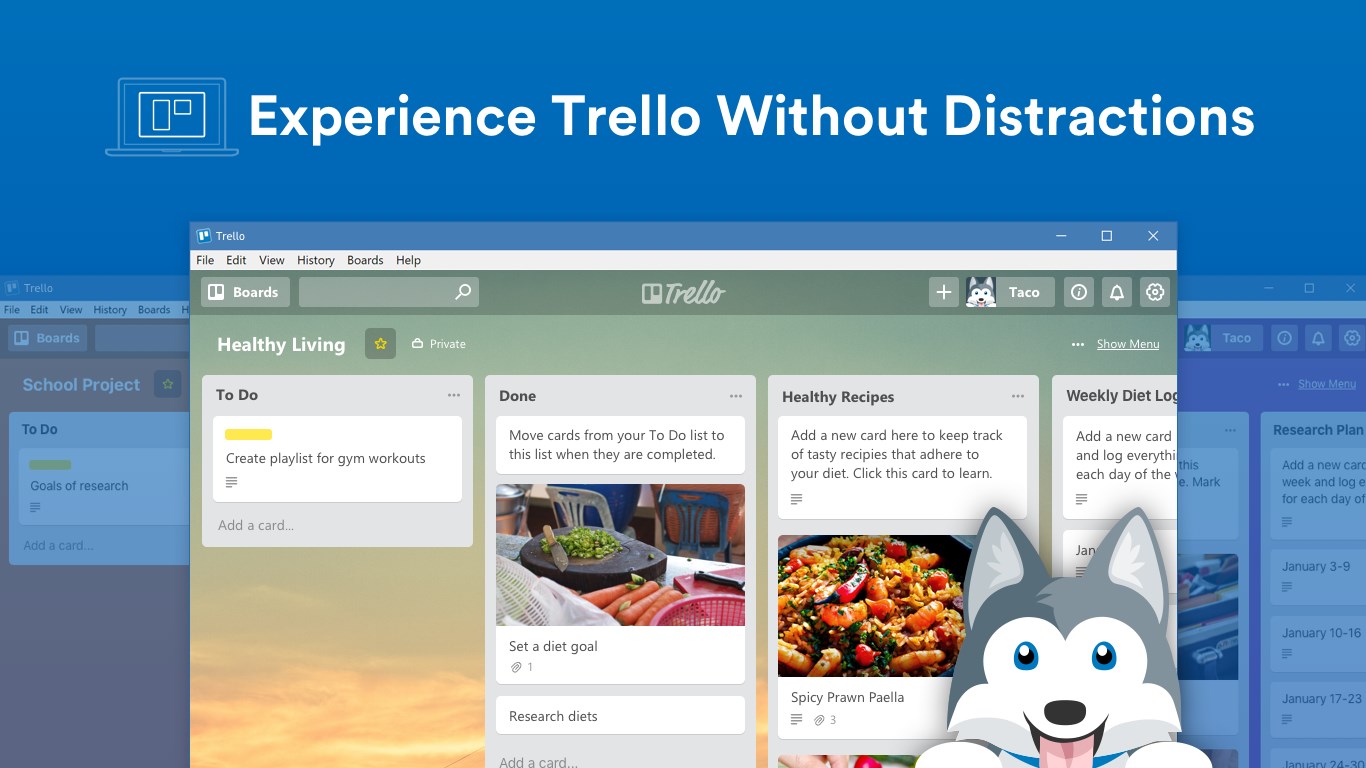
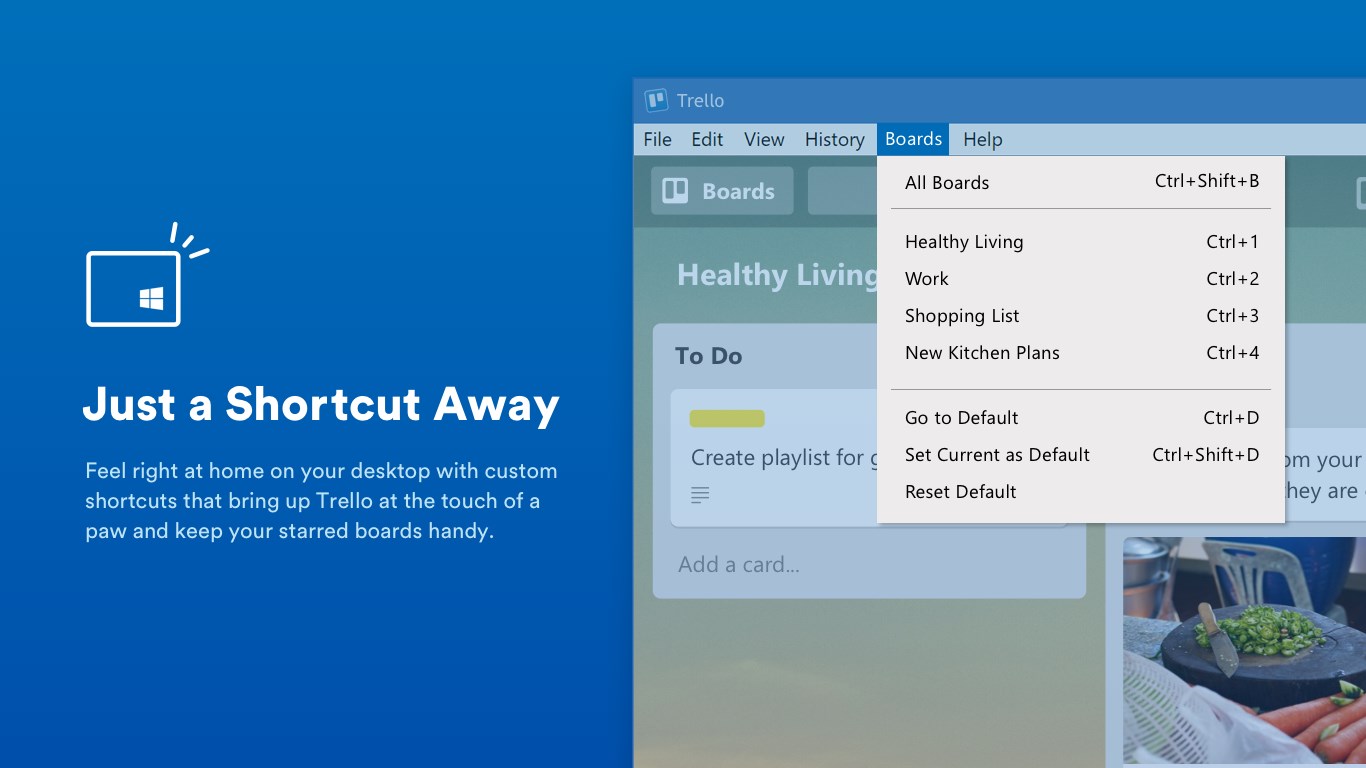
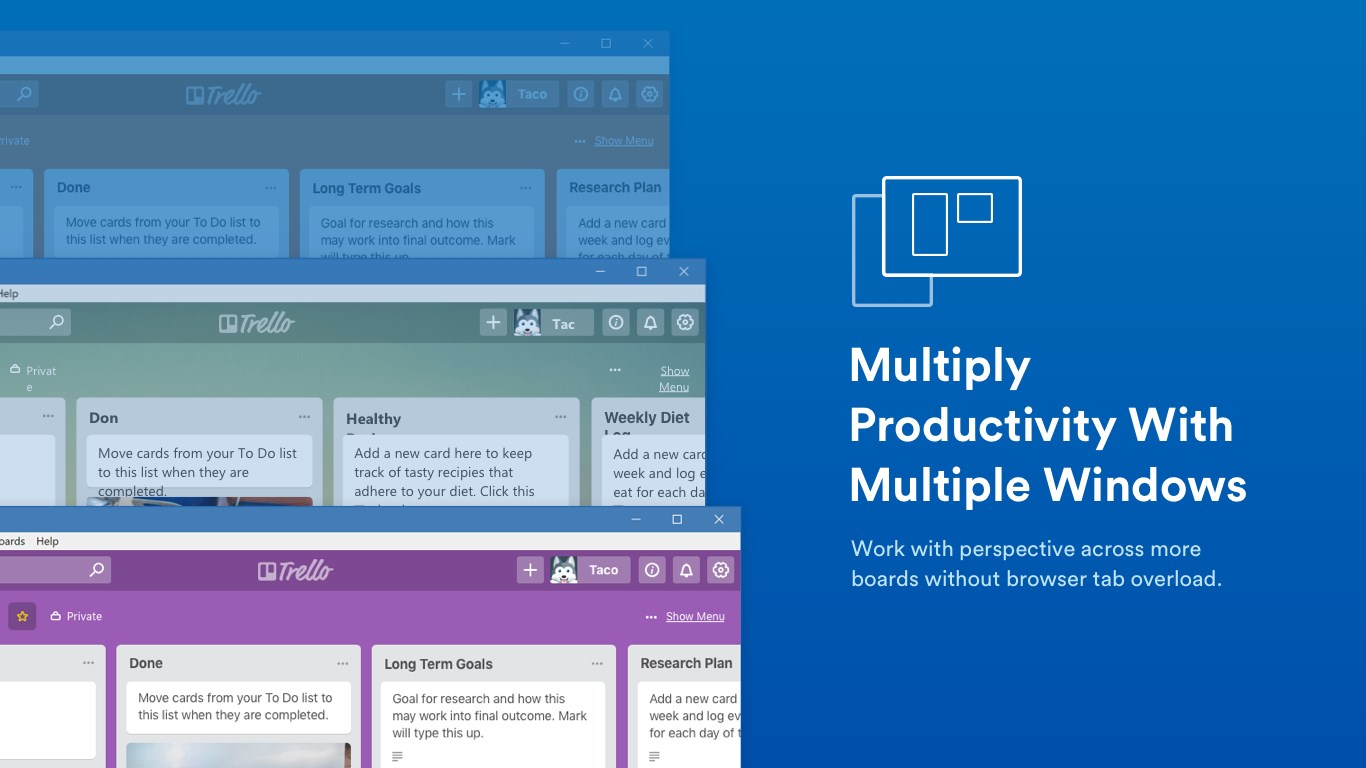
Right from the start, Trello for Windows invites users into a sleek, visually appealing workspace that feels both familiar and modern. The interface mimics physical boards with clear columns, colorful cards, and intuitive controls, making navigation feel natural—like flipping through a well-organized bulletin board. Its design choices foster a sense of clarity and focus, minimizing clutter so you can concentrate on what matters most. Transitioning between boards, lists, and cards is smooth, with animations that are neither distracting nor sluggish. The learning curve is gentle enough for newcomers, while offering depth for power users who appreciate keyboard shortcuts and customization options.
Core Functionalities and Their Impact on Productivity
1. Dynamic Task Management with Customizable Boards
The heart of Trello lies in its flexible boards—think of them as digital whiteboards that you can tailor to any project or routine. Users can create multiple boards, each with distinct lists representing different stages or categories. Cards within these lists function as individual tasks, which can be enlarged with detailed descriptions, checklists, due dates, attachments, and labels. The drag-and-drop feature makes reorganizing tasks effortless, even in complex workflows. This visual approach is like having a traffic control center for your projects, providing immediate clarity at a glance.
2. Real-Time Collaboration and Communication
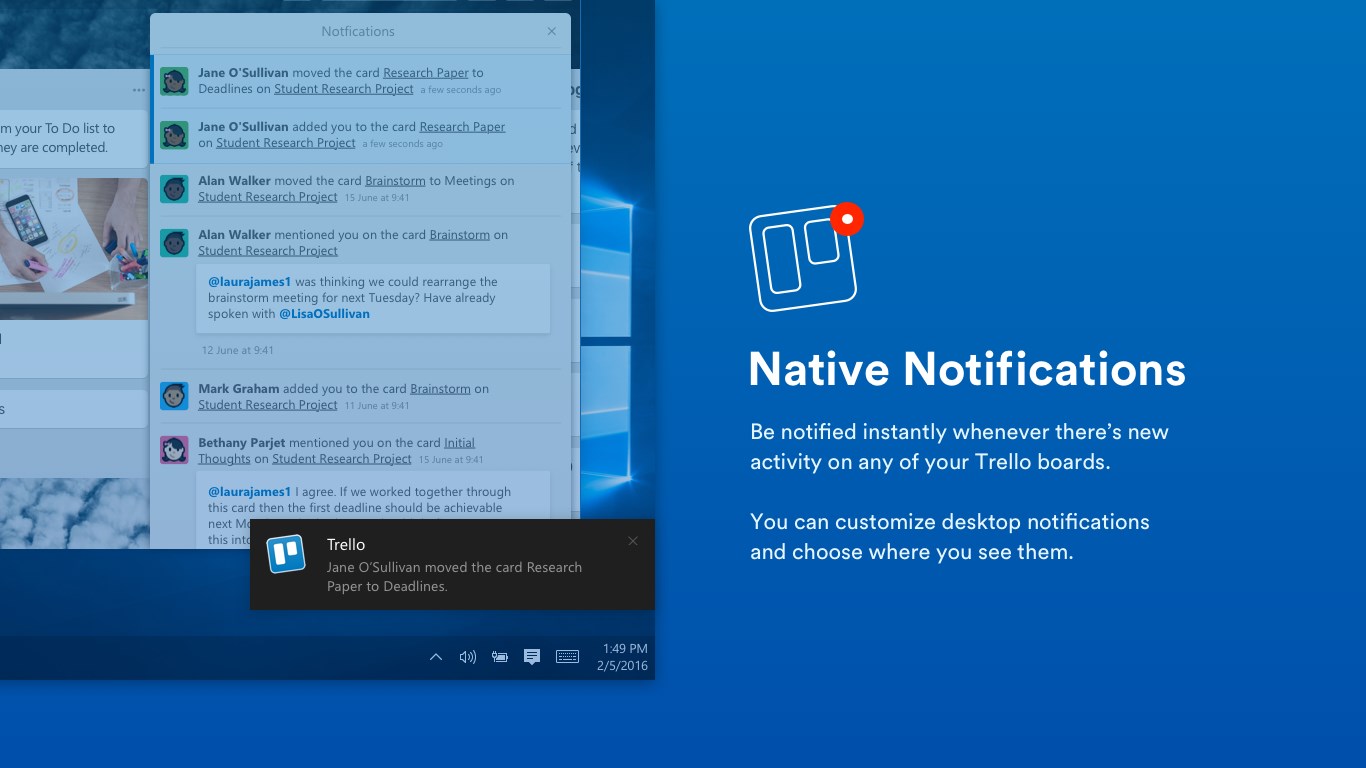
One of Trello's standout features is its seamless collaboration system. Multiple team members can comment, add attachments, and update task statuses simultaneously. Notifications keep everyone in sync, ensuring that no one misses a beat. The real-time update mechanism feels akin to a live chat embedded within your project space, reducing the need for endless email threads. This aspect is especially useful for remote teams or dynamic projects, where quick adjustments and clear communication are vital for success.
3. Deep Customization and Integration Capabilities
Beyond basic task management, Trello supports powerful integrations with other productivity tools like Slack, Google Drive, and Microsoft Teams—enhancing its role as a hub for all project needs. Custom fields, automation rules through Butler, and extensive power-ups allow users to tailor workflows precisely. For instance, repetitive tasks can be automated to move cards based on specific triggers, akin to having a digital assistant streamlining your routine. These features set Trello apart from many competitors by blending simplicity with advanced configurability.
Assessing User Experience and Differentiation
The overall experience with Trello for Windows is smooth and satisfying. Its interface is minimalistic yet rich with features, making navigation feel natural without overwhelming new users. The app's responsiveness means tasks can be updated quickly without lag, and the learning curve is manageable—much like assembling a straightforward puzzle with some rewarding depth for more intricate projects.
Compared to other business productivity tools, such as Asana or Jira, Trello's visual approach offers a more approachable entry point for users who favor a pictorial view of their tasks. Its unique strength lies in collaborative features—like attaching files directly on cards and real-time commenting—that foster teamwork with minimal friction. Notably, its automation capabilities via Butler elevate its usefulness, allowing teams to implement complex workflows without technical complexity.
Final Recommendation and Usage Suggestions
I would reasonably recommend Trello for Windows as a reliable, user-friendly task management tool suitable for small to medium-sized teams, freelancers, or individuals aiming to organize their work visually. Its most compelling features—particularly the customizable boards and automation—make it stand out among its peers. For users requiring a straightforward, versatile platform that encourages collaborative oversight and task clarity, Trello is an excellent choice.
However, for highly complex project management that demands detailed Gantt charts or extensive reporting, Trello may need to be supplemented with other tools. Nonetheless, if you value a clean interface, real-time collaboration, and flexible workflows, Trello for Windows warrants a close look—consider it your digital whiteboard buddy for turning ideas into completed tasks efficiently.
Pros
- Intuitive User Interface
- Excellent Collaboration Features
- Highly Customizable Workflows
- Integrates with Numerous Apps
- Free Basic Plan Available
Cons
- Limited Advanced Automation
- Occasional Sync Delays
- Learning Curve for Power-Ups
- Mobile App Performance Issues
- Limited Task Dependencies











