
- Category Security
- Available on PC
- OS Windows 10 version 0.0 or higher
- Memory 2 GB
- languages Chinese (Traditional Chinese), Danish, Dutch, English, French, German, Indonesian, Italian, Korean, Norwegian, Portuguese, Russian, Spanish, Swedish, Thai, Turkish, Vietnamese
Introducing Trend Micro Maximum Security for Windows: Your Digital Fortress
If you're searching for a reliable guardian to safeguard your Windows device without fuss or frills, Trend Micro Maximum Security steps in as a trusted companion. Think of it as a high-tech security camera for your digital life—always vigilant, ready to detect threats before they rear their ugly heads, and easy enough for anyone to use.
Who's Behind the Shield?
Developed by Trend Micro Inc., a globally recognized cybersecurity leader with over 30 years of experience, this application benefits from deep threat intelligence and robust technical support. Their team's commitment to innovation and security excellence ensures that users are protected with the latest advancements.
Key Features That Make a Difference
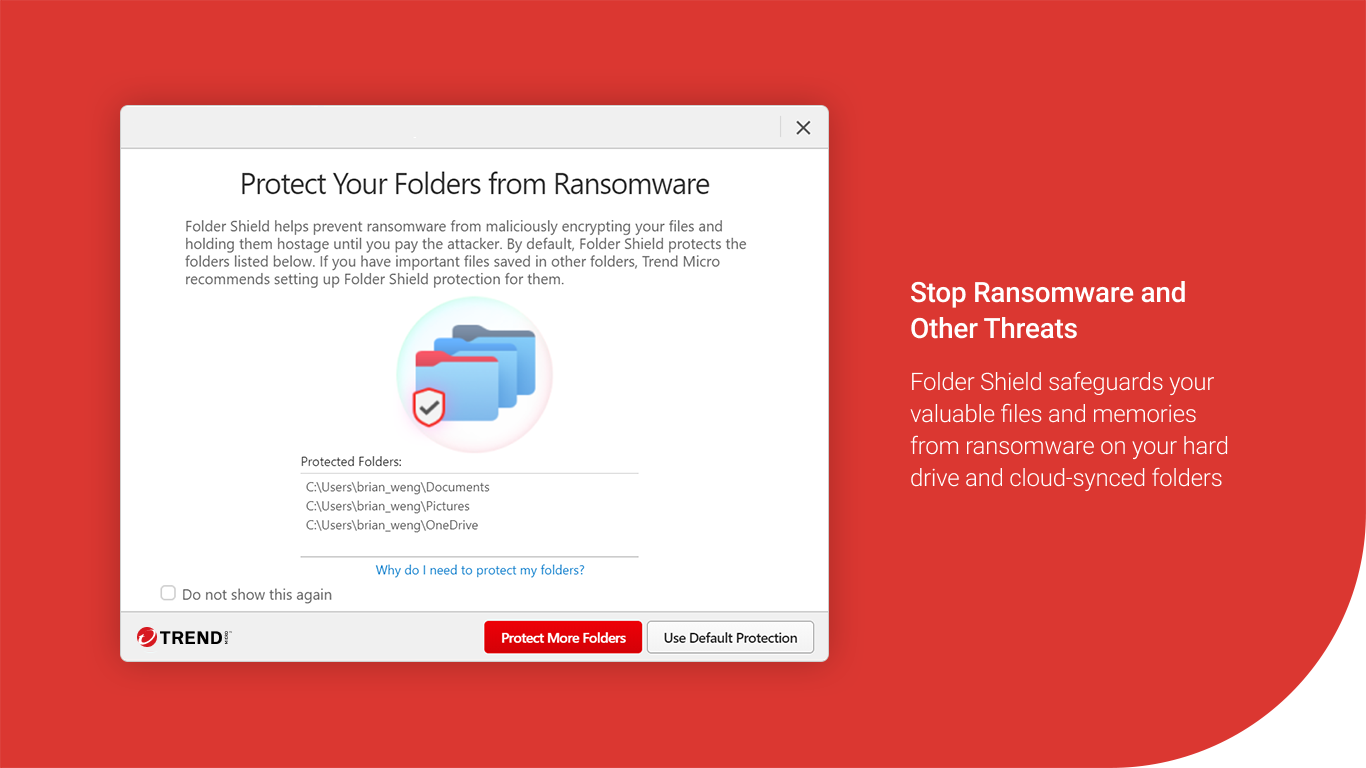
- Real-Time Threat Detection & Removal: The app scans continuously to catch malware, ransomware, and phishing attacks before they can harm your system or steal your data.
- Privacy Protection Tools: Features like webcam and microphone safeguards keep prying eyes at bay, ensuring your personal space remains private.
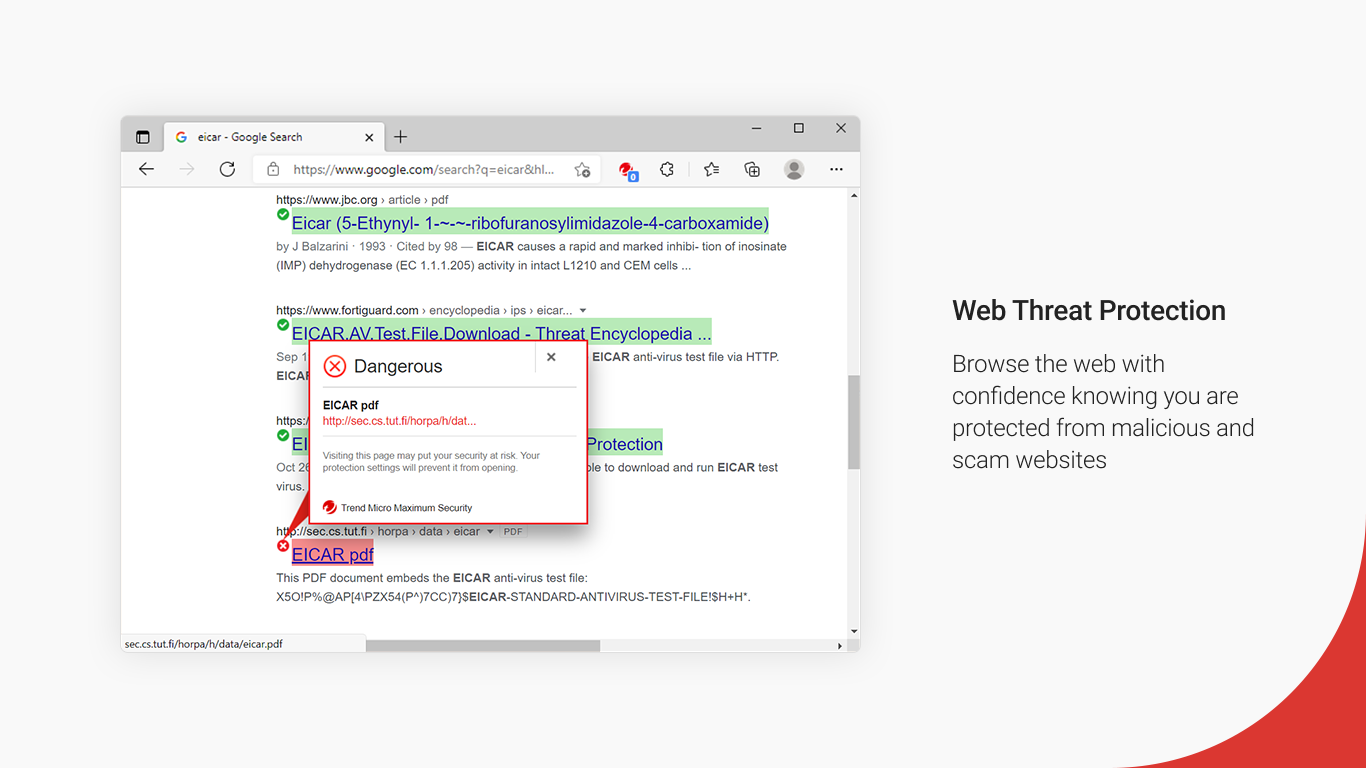
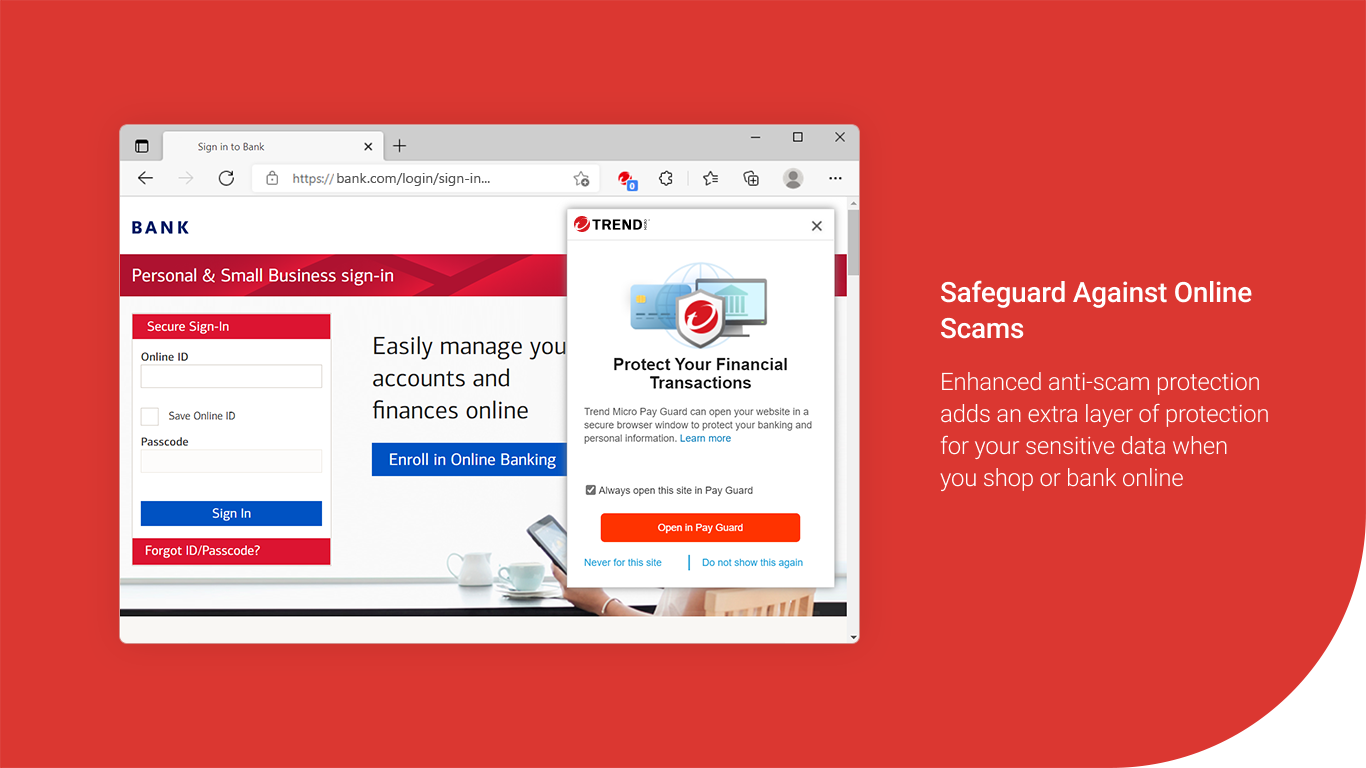
- Safe Browsing & Email Security: It actively blocks malicious websites and phishing links, creating a secure environment for online shopping, banking, or casual browsing.
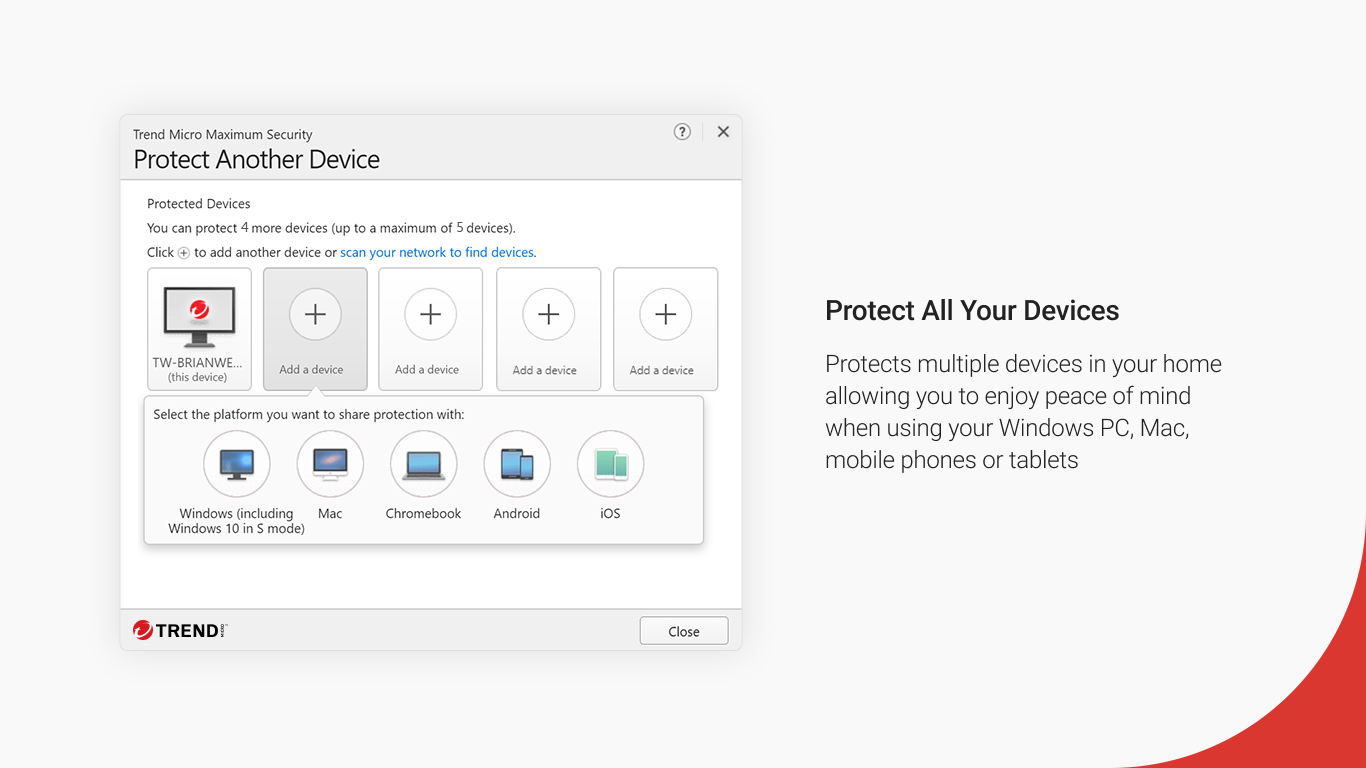
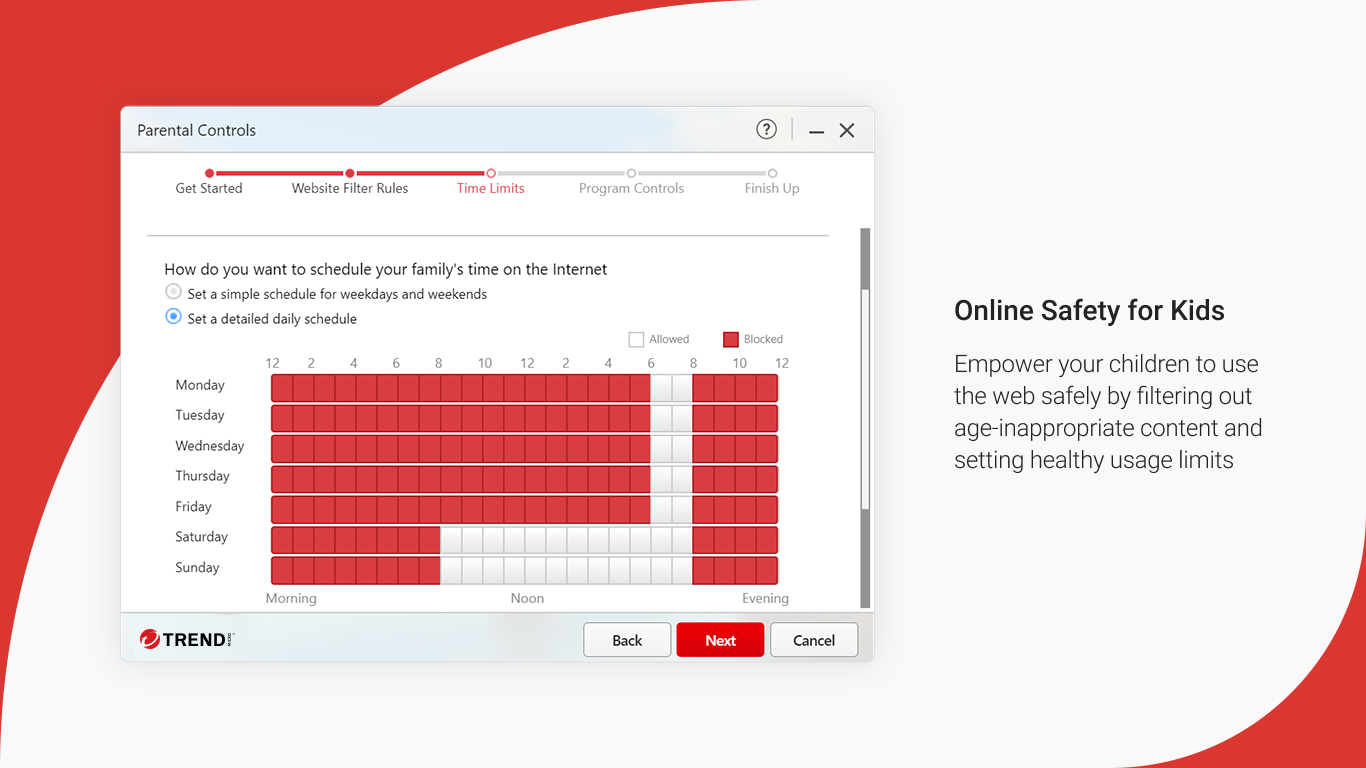
- Multi-Device Compatibility & Family Features: Supports Windows devices and offers parental controls, making it suitable for households seeking comprehensive coverage.
Feeling the Pulse: An In-Depth Review
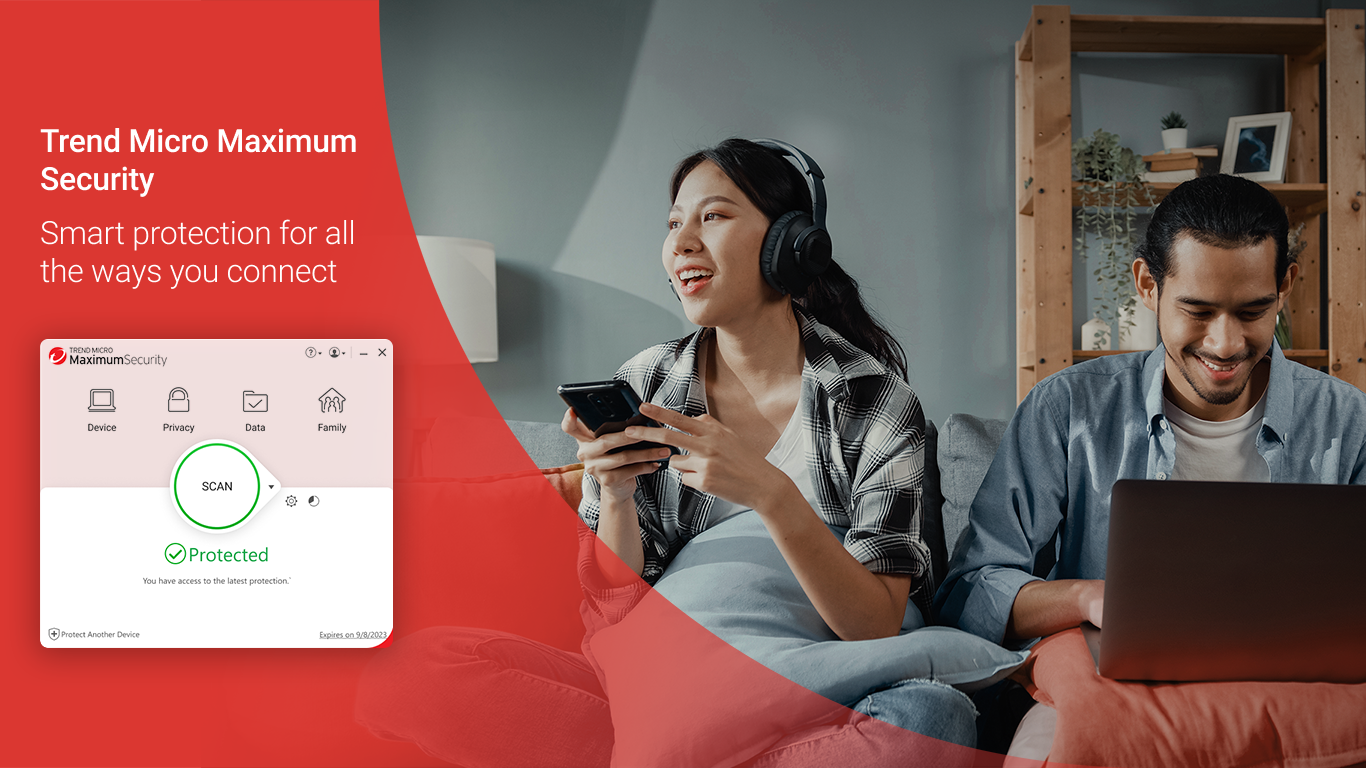
Imagine entering a control room where everything feels intuitively organized yet powerful—that's the impression Trend Micro Maximum Security provides. Its interface strips away the clutter, leaving you with a clean dashboard that makes navigation feel like a walk in a well-manicured park. From scanning your PC to adjusting settings, every action is just a click away, and transitions are notably smooth, thanks to efficient resource management under the hood.
Core Functionality: Deployment of Cutting-Edge Scanning
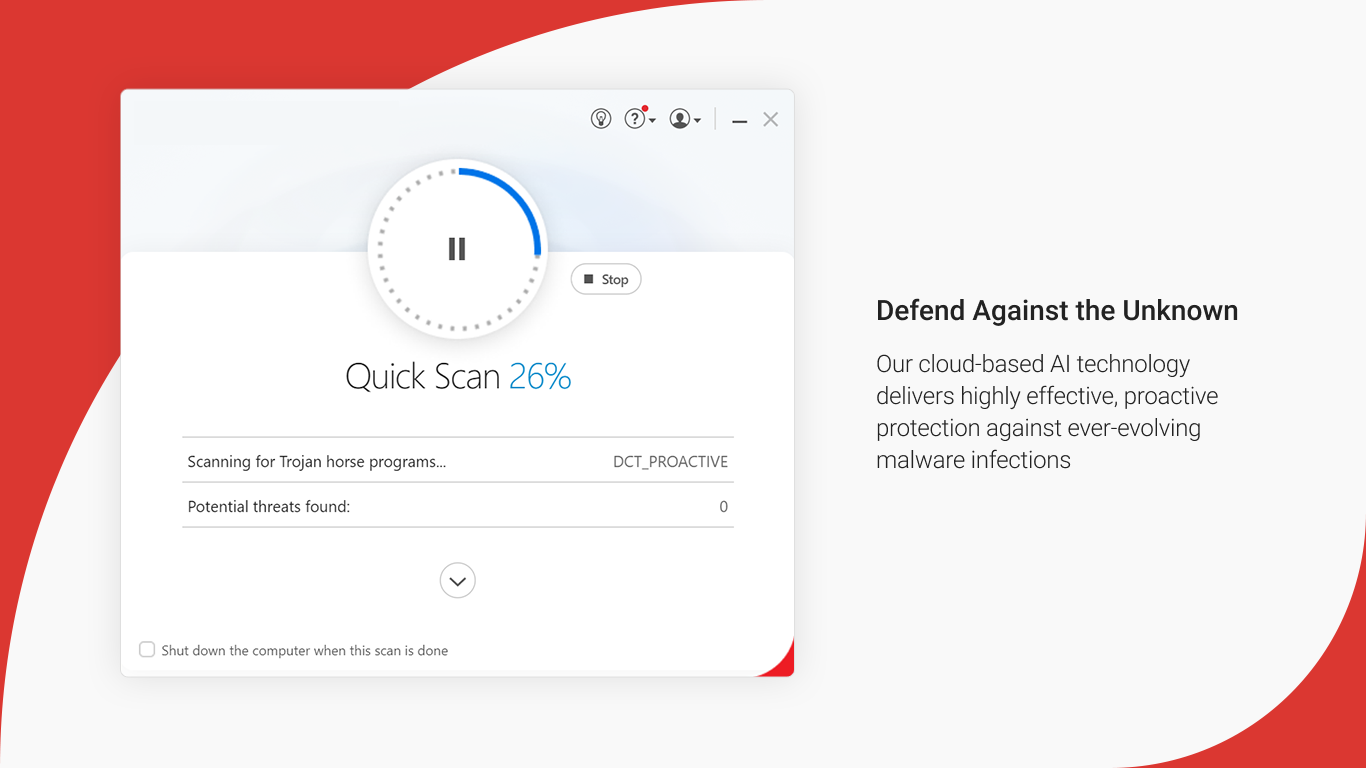
The real-time scanning engine operates seamlessly in the background, like a silent guardian perched on your shoulder, constantly watching for anomalies. Its heuristic analysis is notably sharp, catching zero-day threats that traditional signature-based tools might overlook. Whether running quick scans or deep system analyses, the process remains swift, with minimal impact on system performance—meaning your work or gaming sessions won't be interrupted by security chores.
Privacy & Safe Browsing: Your Digital Personal Bodyguards
With the internet becoming a bustling highway of opportunities and hazards, the application's privacy features shine. It blocks malicious sites as if it has a built-in bouncer, preventing you from unwittingly stepping into danger. The webcam and microphone safeguards act like digital door locks, giving you peace of mind that your personal moments are not being hijacked or spied upon. These features are straightforward to activate and don't demand a steep learning curve, making them accessible even to less tech-savvy users.
User Experience & Unique Selling Points
What makes Trend Micro Maximum Security stand out? Besides its robust threat detection, its intelligent learning curve ensures the user isn't overwhelmed. The setup assistant guides you through initial configurations with friendly prompts, while the dashboard's clarity helps monitor your security status at a glance. Unlike some competitors that focus heavily on complex features, Trend Micro balances power with usability—imagine a sleek, user-friendly vehicle that packs the punch of a sports car.
A particularly notable feature is its behavioral analysis technology, which detects and blocks emerging threats based on their actions, not just known signatures. This proactive approach is akin to having a vigilant security guard who notices suspicious behavior, even if the threat is previously unknown—a critical advantage in today's rapidly evolving threat landscape.
Should You Get It? Final Verdict & Recommendations
In the crowded space of cybersecurity software, Trend Micro Maximum Security carves a niche with its balanced approach—powerful detection, privacy-focused features, and simplified operation. It's especially recommended for users who want comprehensive, reliable security without the complexity of overly technical interfaces. For families or users with multiple devices, its multi-license support and parental controls make it a versatile choice.
While it may not boast the flashiest features compared to some rivals, its strength lies in consistency and thoughtful security innovations. If your priority is a trustable, easy-to-manage security solution that acts like a digital shield—and does so quietly in the background—this application earns a solid endorsement from me.
In summary, Trend Micro Maximum Security is a wise investment for peace of mind in our increasingly connected world. Consider it your digital castle wall—strong, dependable, and designed to keep the bad guys outside.
Pros
- Comprehensive malware protection
- User-friendly interface
- Real-time scanning and monitoring
- Additional security tools
- Frequent updates and reliable support
Cons
- High system resource usage
- False positives in some cases
- Limited free version features
- Occasional update delays
- Setup complexity for advanced settings











