


- Category Productivity
- Developer Trend Micro
- Available on PC
- OS Windows 10 version 0.0 or higher
- Memory 1 GB
- languages English
Introducing Trend Micro VPN — Your Privacy Shield for Windows
Trend Micro VPN for Windows is a user-friendly virtual private network solution designed to safeguard your online activities with ease and efficiency. Its focus on simplicity combined with robust security features makes it a compelling choice for everyday users seeking privacy without hassle.
Developer and Core Features
Developed and published by Trend Micro Inc., a renowned cybersecurity company, this VPN aims to provide streamlined security for Windows users. The app highlights three key features:
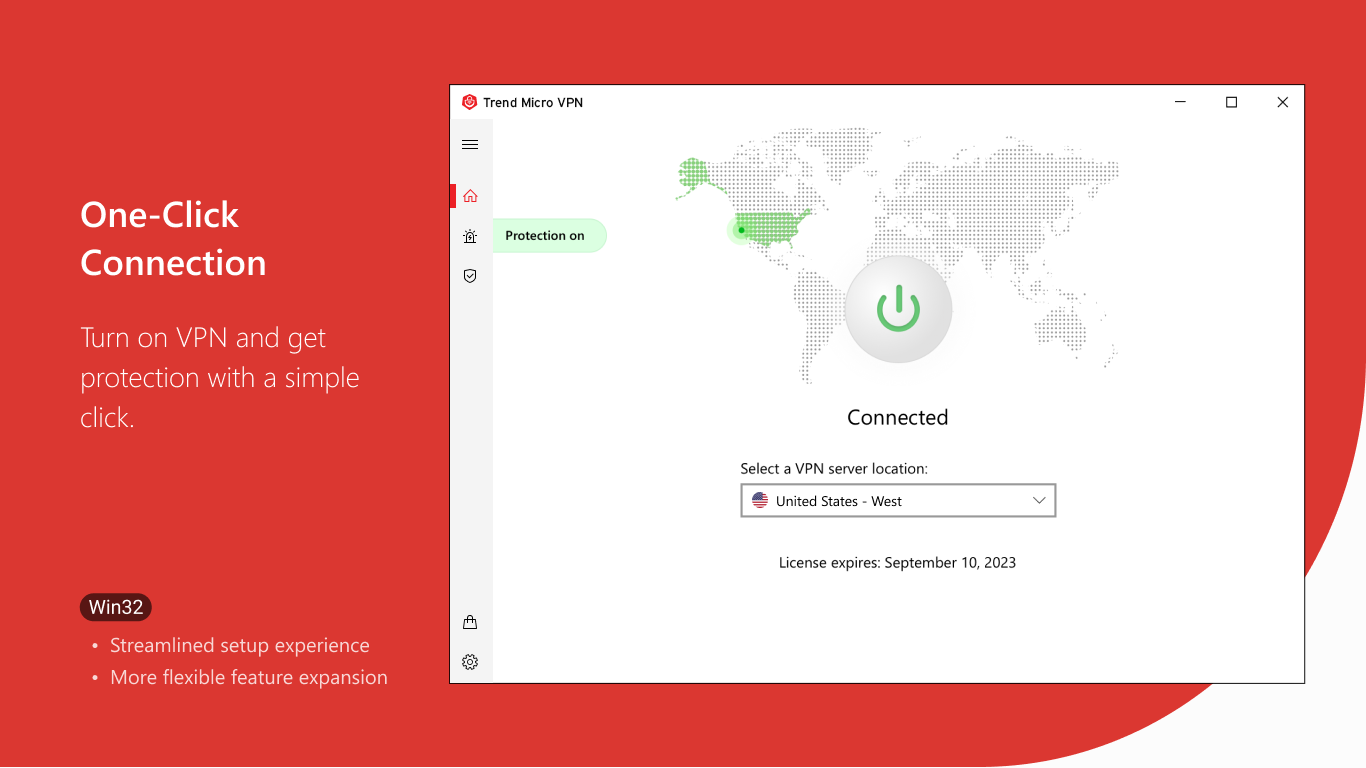
- Easy-to-Use Interface: Clean, intuitive layout that makes connecting to a VPN as simple as clicking a button.
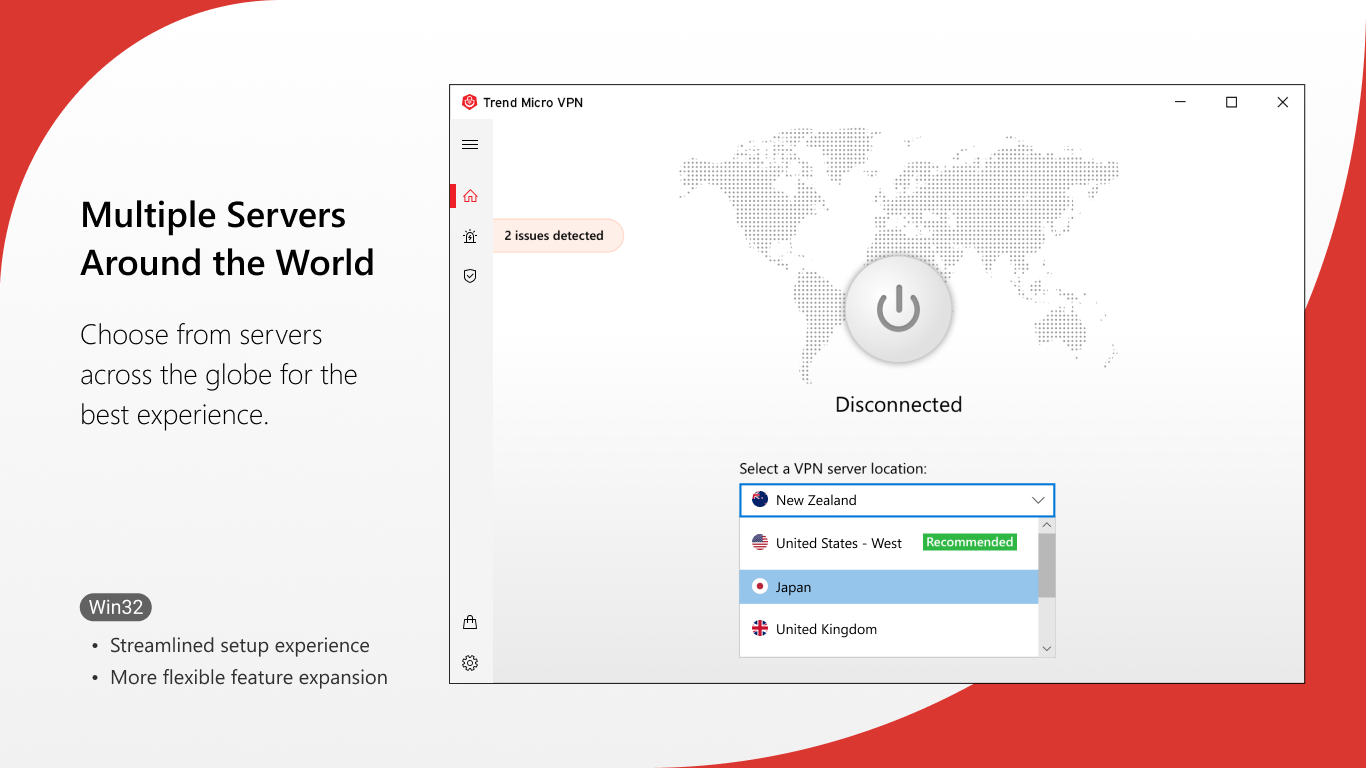
- Automatic Server Selection: Smart algorithms choose the best server based on your location, optimizing speed and stability.
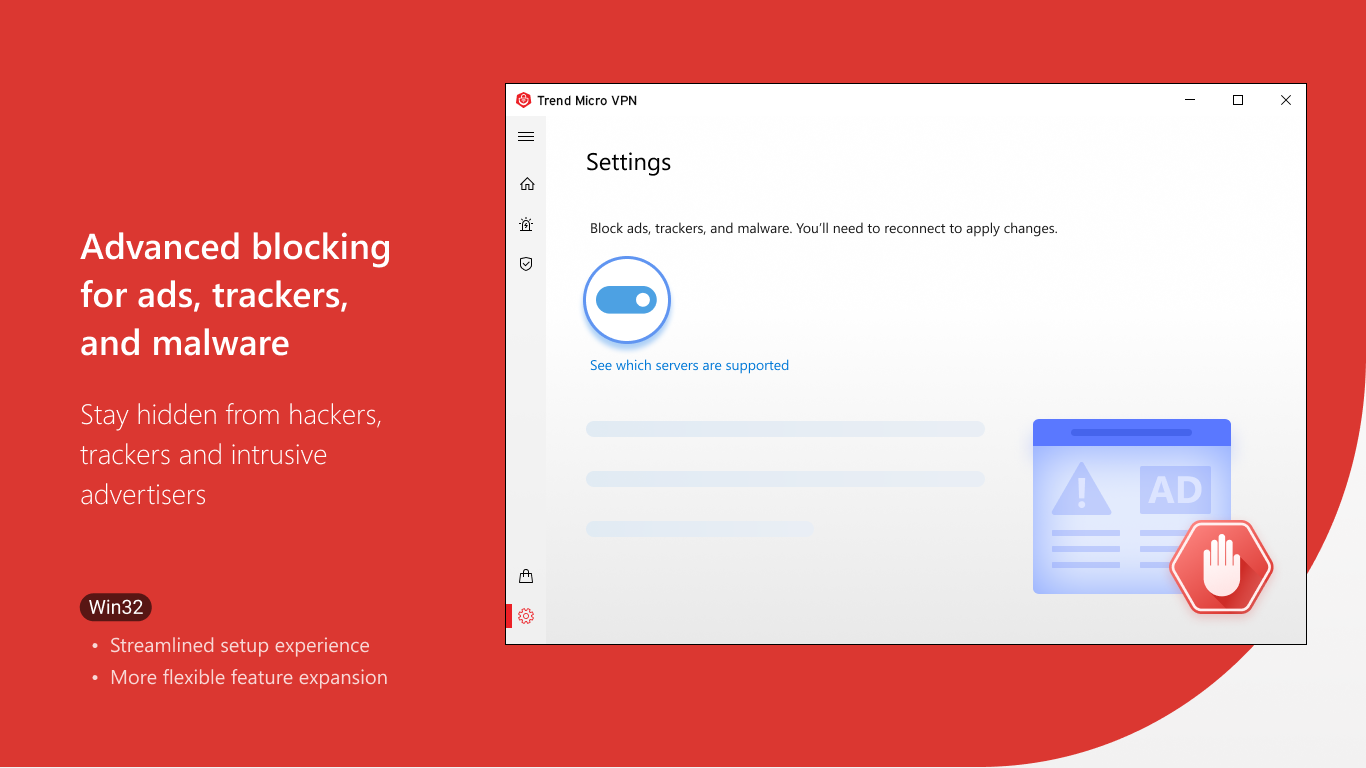
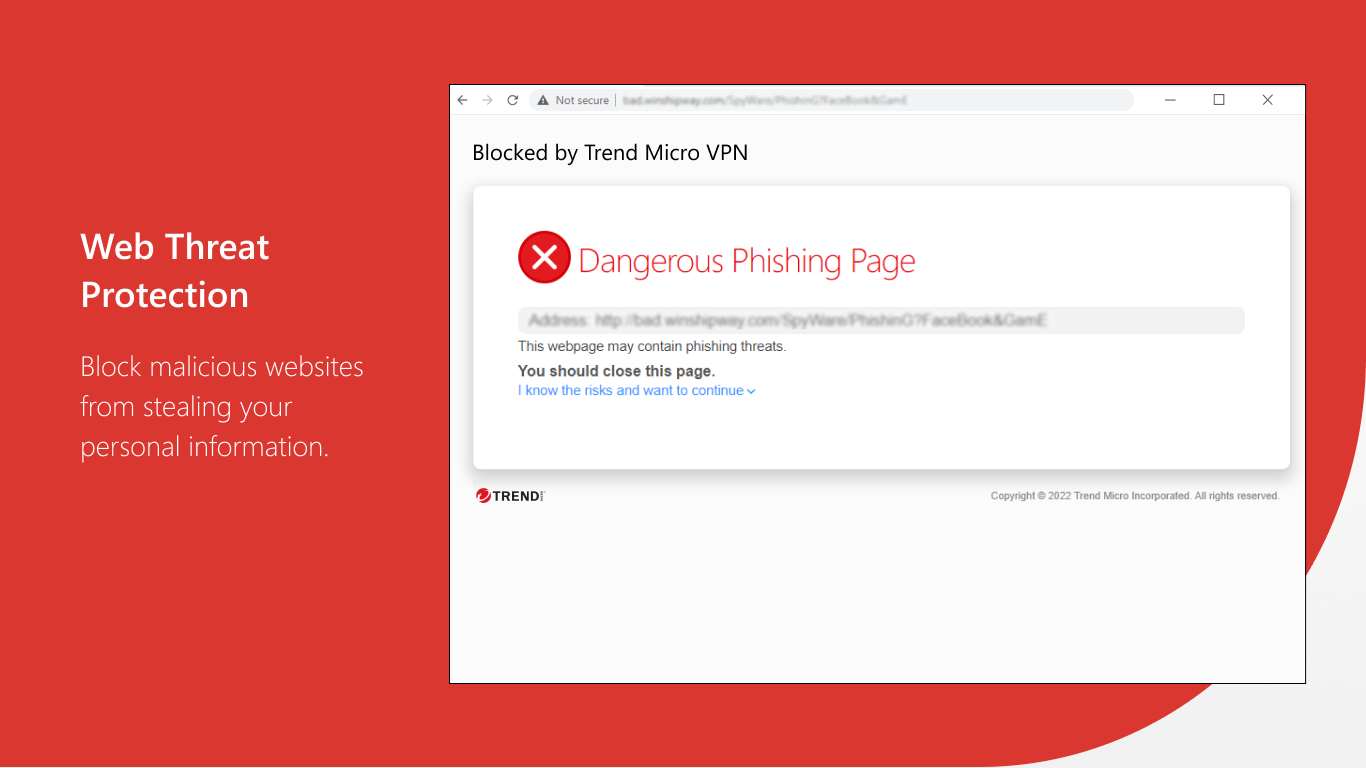
- Strong Privacy Protocols: Utilizes industry-standard encryption protocols to ensure your browsing data remains private and secure.
- Seamless Integration: Designed to work smoothly in the background without disrupting your workflow.
Perfectly suited for individual users, remote workers, or anyone looking to enhance their online privacy with minimal fuss.
Vivid Experience and User Interface
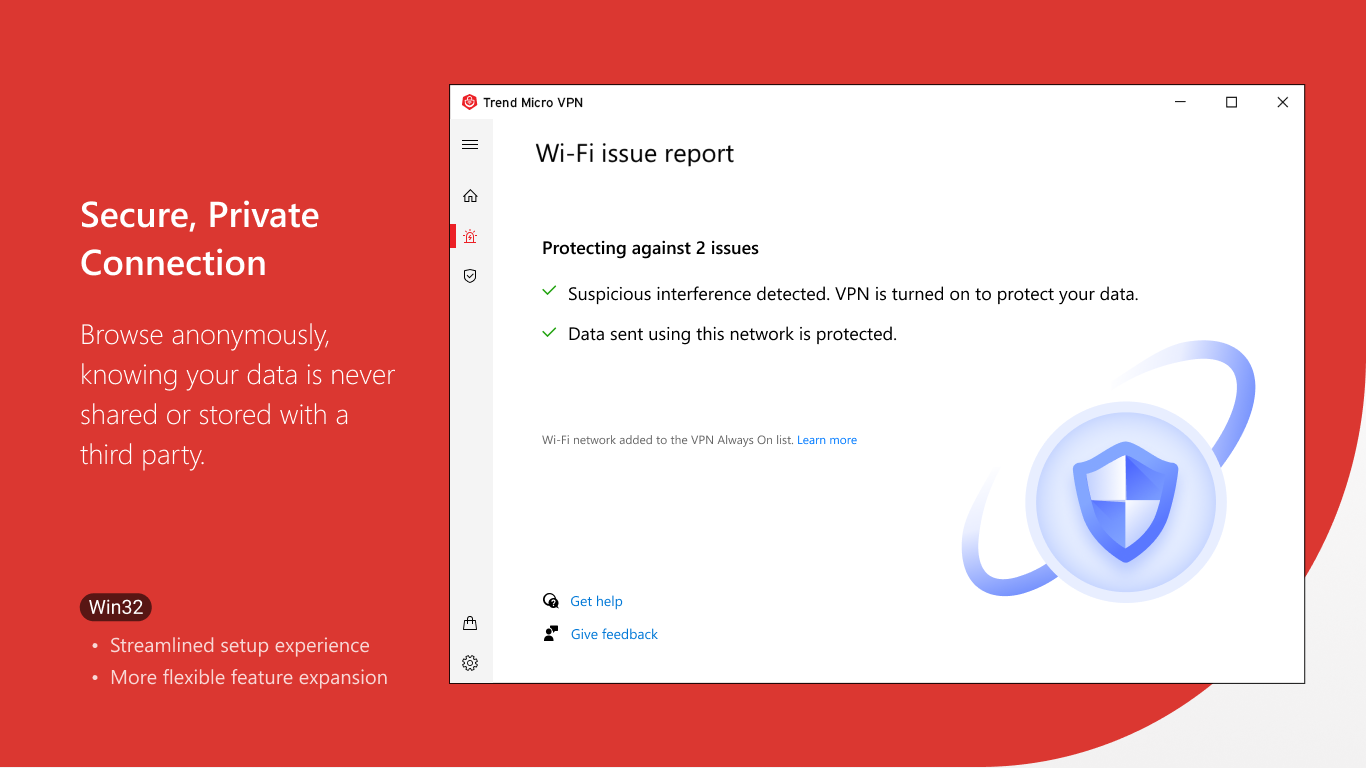
Navigating Trend Micro VPN feels akin to opening a trusted safe. Its interface is streamlined and inviting, with a prominent connect button that invites even the most tech-novice to safeguard their connection instantly. The application's minimalistic design means less cognitive load—imagine having a calm, uncluttered workspace versus a chaotic control panel, making it easier to focus on the task at hand.
In terms of operation, the connection process is swift and reliable, with minimal lag or interruptions. The app's ability to automatically select the optimal server ensures users experience a smooth, uninterrupted browsing session, akin to having a skilled conductor guiding your digital symphony.
From a learning curve perspective, Trend Micro VPN is remarkably approachable—no technical jargon or complex settings to wrestle with. Its straightforward design ensures users can start protecting their privacy almost immediately, making it ideal for newcomers and experienced users alike.
Unique Strengths: Workflow Happiness & Cognitive Ease
What sets Trend Micro VPN apart from many other VPN applications is how seamlessly it integrates into your workflow while reducing unnecessary cognitive effort. Unlike feature-heavy VPNs that bombard users with options and settings, this application's focus on core privacy functions creates a calm, efficient environment—think of it as having a dependable co-pilot who handles the details so you can focus on your tasks.
Specifically, its automatic server selection not only ensures optimal performance but also minimizes decision fatigue. For professionals who need quick, reliable access without fiddling with complex configurations, this VPN acts like a well-trained assistant, effortlessly adjusting to network conditions behind the scenes.
Compared to other productivity apps that might overload users with features, Trend Micro VPN emphasizes a lean experience—its strength lies in reducing the cognitive load, making secure browsing effortless and stress-free. This unique trait significantly boosts workflow efficiency, especially for users who value simplicity without sacrificing security.
Recommendation & Usage Tips
Overall, I would recommend Trend Micro VPN for users seeking a straightforward, dependable VPN solution that integrates smoothly into daily life. Its interface simplicity, automatic decision-making, and focus on core privacy make it a strong contender in its space, especially for those new to VPNs or craving a set-it-and-forget-it approach.
For best usage, keep the app updated to benefit from the latest security enhancements, and use its automatic server selection feature to maximize speed and stability. While it may lack some advanced customization options, its design intentionally reduces complexity, making it an excellent choice for users prioritizing security and usability over intricate configurations.
In conclusion, if you're searching for a VPN that works quietly in the background like a trusted guardian—protecting your online activity without drawing unnecessary attention—Trend Micro VPN for Windows is worthy of your attention. It's like having a reliable safety net that allows you to work and browse with peace of mind.
Pros
- Strong Security Features
- User-Friendly Interface
- Multiple Server Locations
- No-Logs Policy
- Reliable Connection Speeds
Cons
- Limited Free Usage
- Occasional Connectivity Drops
- Higher Subscription Cost
- Limited Device Support
- Potential for Overhead on Devices











