

- Category Productivity
- Available on PC
- OS Windows 10 version 17763.0 or higher
- languages Catalan, Chinese (Simplified), Chinese (Traditional), Croatian, Czech, Dutch, English (United States), Finnish, French, German, Greek, Hungarian, Indonesian, Italian, Japanese, Korean, Polish, Portuguese, Portuguese (Brazil), Romanian, Russian, Slovak, Spanish, Swedish, Thai, Turkish, Ukrainian, Vietnamese
Introducing Trio Office: The Lightweight Powerhouse for DOCX & XLSX Editing
In the crowded space of productivity tools, Trio Office presents itself as a streamlined, efficient solution tailored specifically for handling DOCX and XLSX files on Windows. Its goal is to simplify document editing while minimizing unnecessary complexity, making it a great companion for professionals, students, and casual users alike.
Meet the Brain Behind the Magic
Developed by GT Office PDF Studio, a team renowned for creating user-centric document management tools, Trio Office leverages years of experience to deliver a focused editing experience for Microsoft Word and Excel files. Their expertise ensures the app is both reliable and easy to use, with a commitment to smooth workflows and minimal learning hurdles.
Key Features That Make a Difference
- Dual-Format Editing: Seamlessly edit both DOCX and XLSX files within the same app interface, reducing the need to switch between multiple programs.
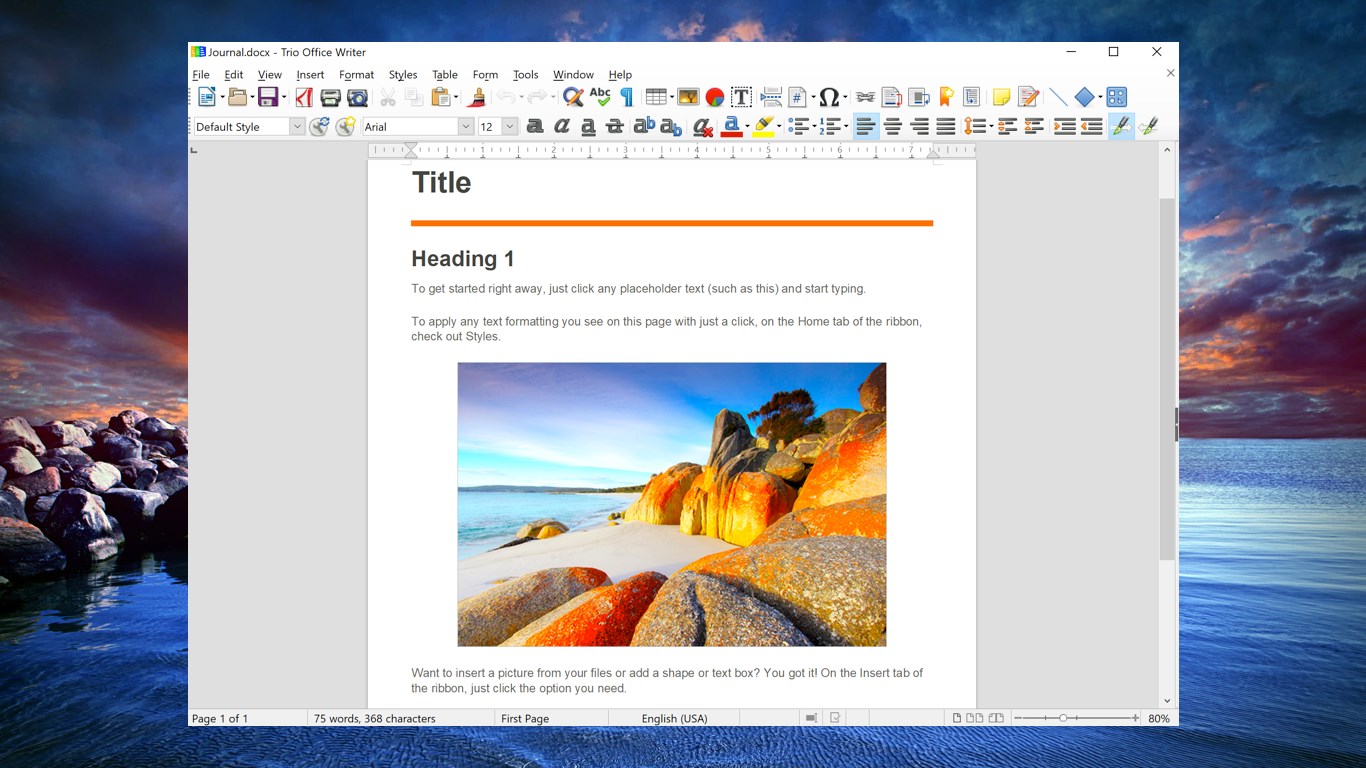
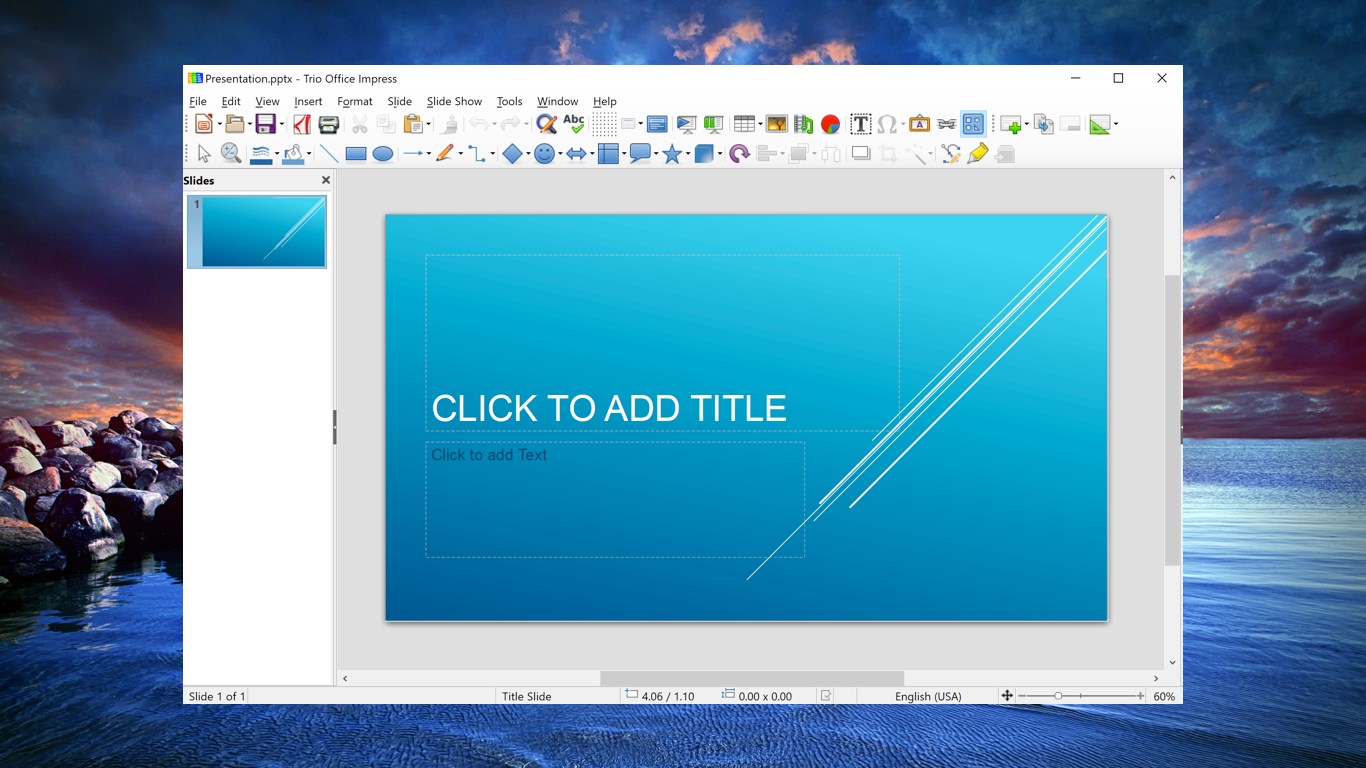
- Optimized User Interface: The clean, minimalistic design reduces visual clutter, helping users focus on content rather than getting lost in menus.
- Efficient Workflow Integration: Supports drag-and-drop, clipboard operations, and quick file access, ensuring your editing sessions stay uninterrupted.
- Lightweight & Fast: The app launches swiftly and responds promptly even with large files, making it ideal for quick edits or detailed reviews.
Engaging the User: A User-Friendly Experience
Stepping into Trio Office feels akin to walking into a well-organized workspace—nothing distracts from the task at hand. The interface strikes a perfect balance between simplicity and functionality, much like a tidy desk, where everything has its place. Navigation is intuitive: common tools are easily accessible, and opening files is straightforward with just a few clicks. Performance remains smooth, whether editing a modest report or a comprehensive spreadsheet, ensuring that users don't encounter lag or frustration, which is crucial when working under tight deadlines.
Core Functionality Deep Dive
Streamlined Document Editing
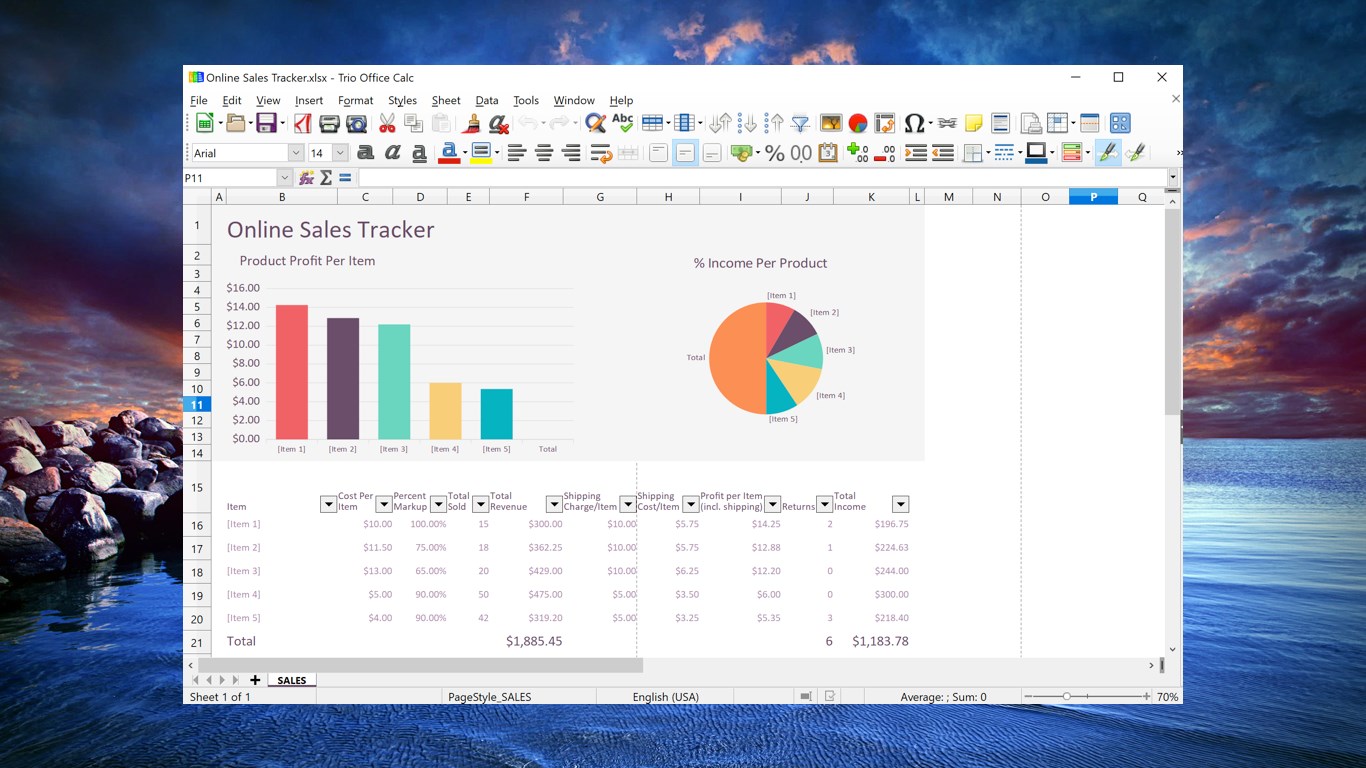
The app excels at providing core editing features for DOCX and XLSX files without overwhelming the user. For Word documents, basic formatting, commenting, and even table adjustments are intuitively handled. For spreadsheets, quick data entry, cell formatting, and formula editing are responsive. Think of it as having a workshop that's just right-sized—not too complicated, but equipped enough to handle everyday tasks efficiently.
Workflow Efficiency & Unique Selling Points
Compared to bulky office suites packed with features, Trio Office emphasizes workflow integration. The app supports drag-and-drop, quick file access, and clipboard operations, allowing users to keep their focus on content rather than toggling between different modes or tools. Its standout feature is the minimal cognitive load it imposes—users won't be bogged down trying to learn complex menus, but instead can devote their mental resources solely to editing. This contrasts sharply with many similar products, which often burden users with every conceivable feature at once, sometimes hindering productivity. Trio Office's approach demonstrates a keen understanding of reducing feature complexity while delivering just enough functionality to get the job done efficiently.
Recommendation & Usage Scenarios
If you're seeking a straightforward, fast, and reliable solution for editing Word and Excel files on Windows without the bloat of full-featured office suites, Trio Office is a strong candidate. It's particularly suitable for users who need quick edits, review documents, or make minor adjustments without fuss. However, if your workflow involves advanced formatting, macros, or extensive collaboration features, you might find this app somewhat limited. Overall, I'd rate it as a recommended tool for everyday productivity tasks where simplicity and speed are paramount.
Conclusion: A Handy Tool Worth Trying Out
In summary, Trio Office shines by focusing on core functionalities that matter most—efficiency, simplicity, and speed. Its thoughtful design and workflow-oriented features make it a compelling choice for those tired of the clutter and complexity of larger office suites. Whether you're a student, a professional, or a casual user, this app offers a straightforward way to handle DOCX and XLSX files with minimal fuss. It's like having a trusty, well-organized toolkit ready in your digital desk—efficient, accessible, and just right for everyday editing needs.
Pros
- Versatile document editing tools
- User-friendly interface
- Fast performance
- Regular updates and bug fixes
- Cloud integration support
Cons
- Limited offline functionality
- Basic formatting options
- Export options could be richer
- Occasional UI glitches
- Limited collaborative features











