


- Category Entertainment
- Available on PC, Mobile, Surface Hub, HoloLens
- OS Windows 10 version 10240.0 or higher
- languages English (United States)
Introducing Tuber - MP3 & Video Downloader for Windows
In the ever-expanding digital entertainment universe, Tuber stands out as a practical tool tailored for fans who crave seamless video and music downloads right on their Windows devices. Whether you're looking to save an inspirational speech or you're a music enthusiast building a personal offline playlist, Tuber aims to streamline this process with its straightforward approach.
About the Developer and Core Features
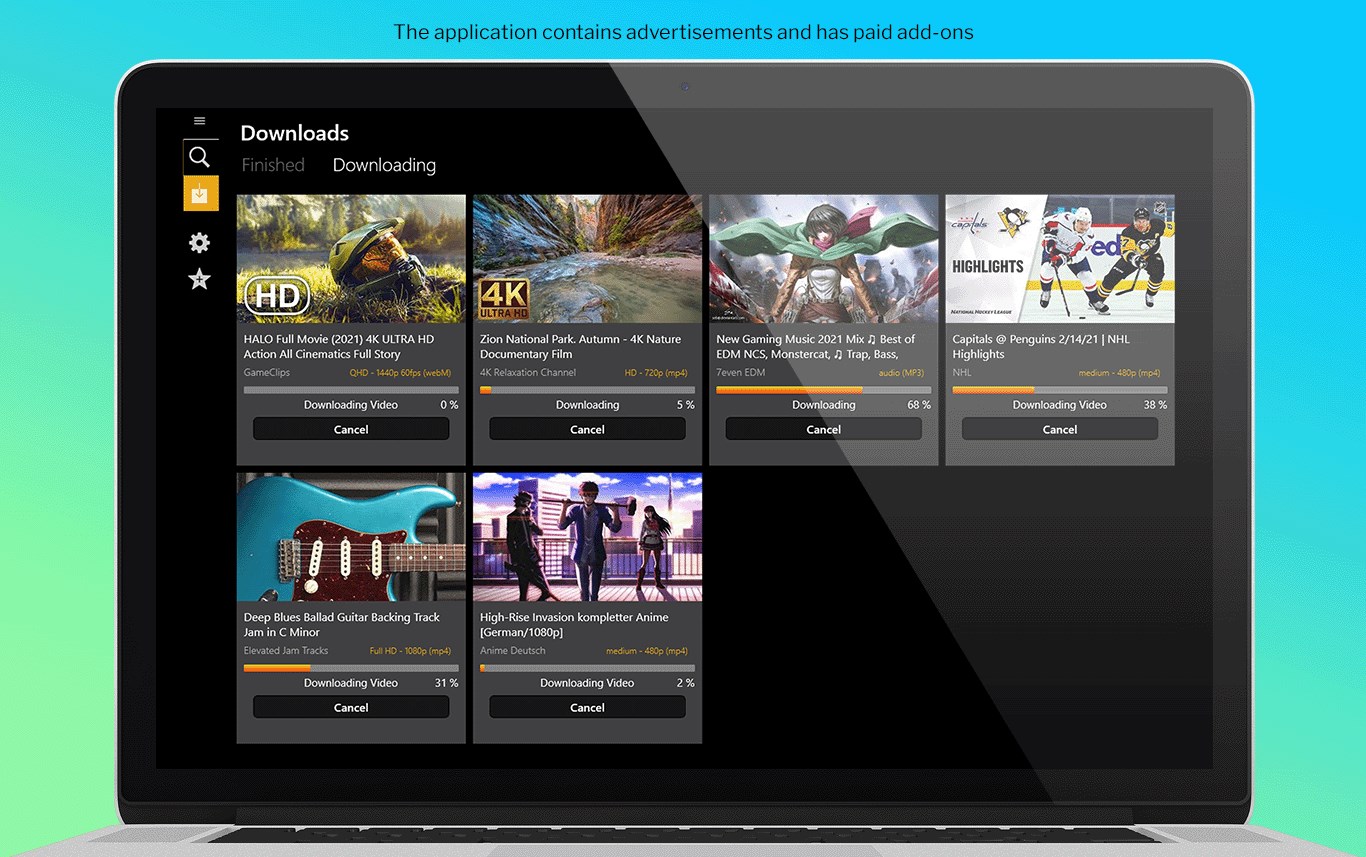
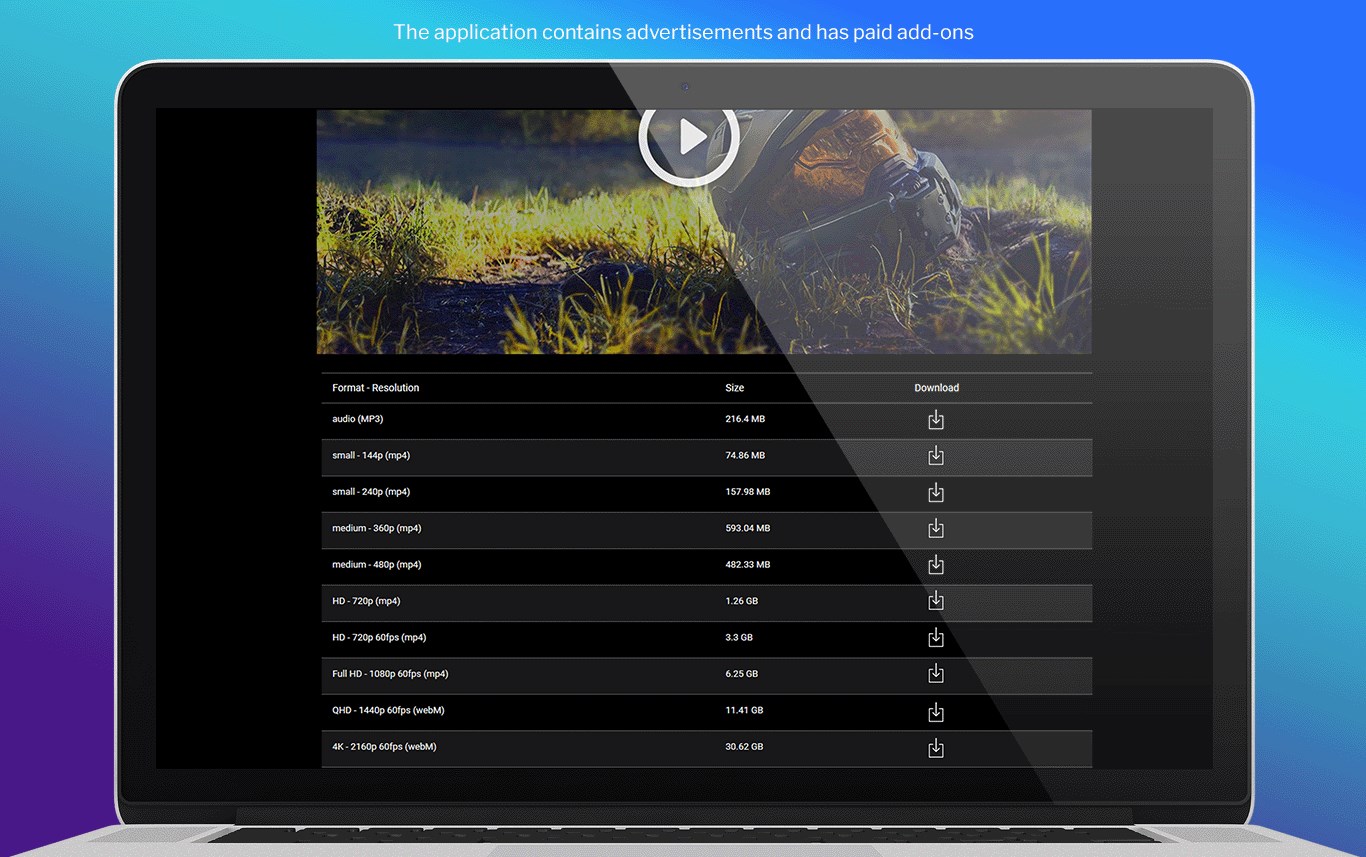
Developed by Invotech, a team known for their focus on user-centric multimedia tools, Tuber offers a compact yet powerful download solution. The app's primary strengths include its capable video and audio extraction, a user-friendly interface, and efficient download management. Specifically, Tuber provides a fast, reliable download experience, supports multiple media formats, and offers batch download options to boost productivity. These features make it ideal for users who want quick access to their favorite content without the cumbersome process often associated with web-based converters.
Immersive Experience with a Clear and Intuitive Interface
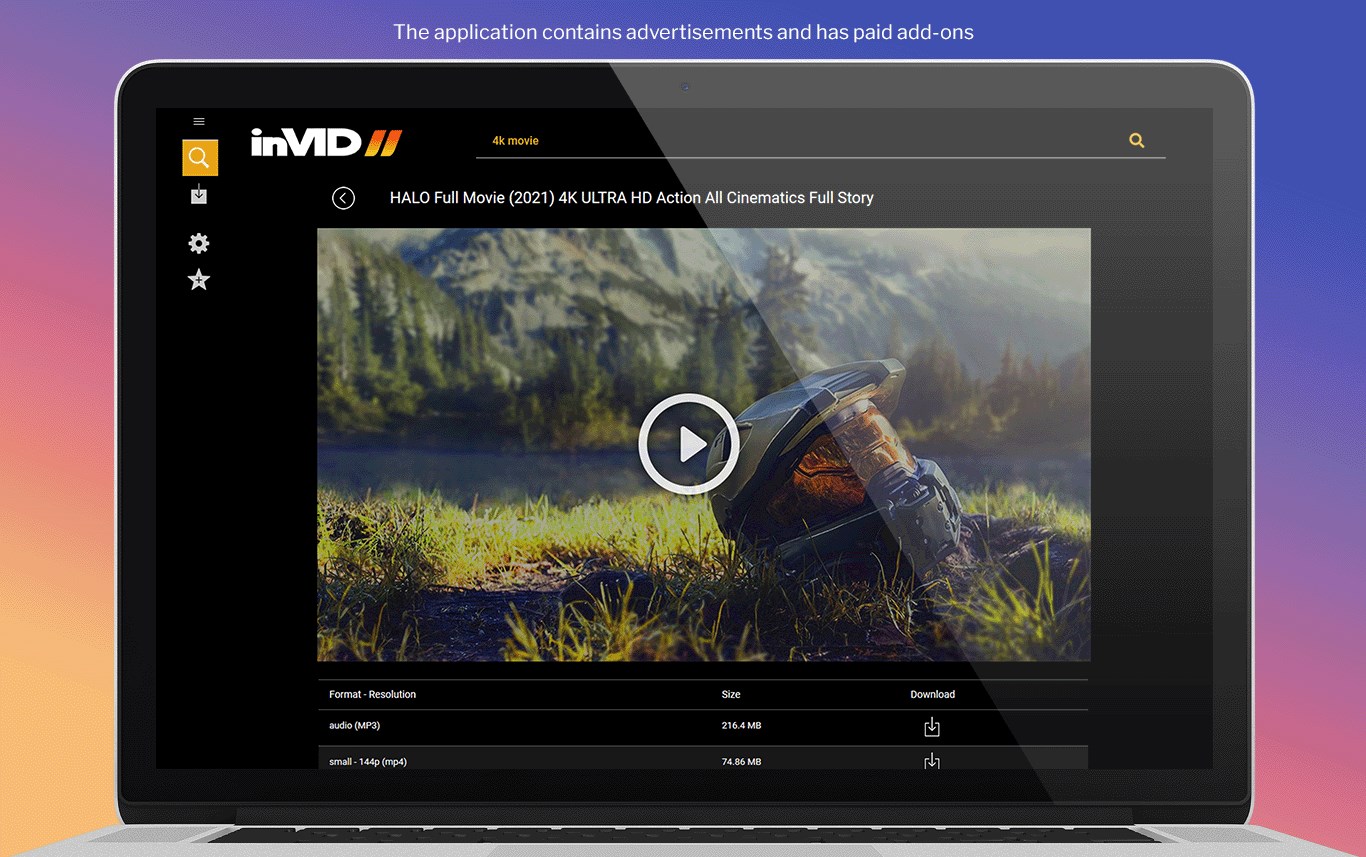
Opening Tuber feels like stepping into a well-organized digital media hub. The interface boasts a sleek, modern design with minimal clutter, making navigation feel as natural as flipping through a well-ordered book. Finding the download button or switching between video and audio modes is intuitive—almost as if the app anticipates your needs, guiding you effortlessly through each step. Despite its power-packed functionality, Tuber maintains a learning curve that's gentle enough for beginners, yet comprehensive enough for advanced users who want granular control over their downloads.
Core Functionalities: Downloading Made Simple and Smart
Video and Audio Downloading
The heart of Tuber lies in its ability to swiftly download videos and convert them into MP3 files. Unlike many apps that bombard you with ads or complicated interfaces, Tuber offers a clean experience. Simply copy a URL, paste it into the app, and within moments, your media is ready for offline enjoyment. The app's support for various formats ensures compatibility with different devices and players, making it a versatile companion for any entertainment setup.
Batch Download and Management
If you're a power user, Tuber's batch download feature is a game-changer. Imagine selecting multiple videos or playlists from your favorite YouTube channels and queueing them all at once—this reduces manual effort and saves valuable time. The app also provides straightforward management tools, including pause/resume options, file organization, and location selection, giving you complete control over your media library without the chaos often encountered with similar tools.
What Sets Tuber Apart from Its Peers?
While many media downloaders focus solely on basic functionality, Tuber distinguishes itself through its intelligent content discovery and recommendation system. When you search for content, Tuber's algorithms recommend relevant videos or playlists tailored to your browsing habits—almost like a helpful friend suggesting your next favorite song or video. Additionally, unlike some apps where recommendations feel irrelevant or generic, Tuber's relevance is sharpened by assessing content based on your preferences, leading to a more personalized and satisfying experience.
Furthermore, its focus on download efficiency and format versatility makes Tuber a more robust solution for diverse user demands. The combination of smart content personalization and reliable download performance makes it not just a tool, but a trusted companion for media enthusiasts.
Final Thoughts and Recommendations
Overall, Tuber offers a clean, efficient, and user-friendly experience for those looking to download media content on Windows. If you often find yourself offline and want a faster way to access your favorite videos and music, this app is worth trying out. Its standout features—particularly the intelligent recommendation system and batch download capabilities—set it apart in the crowded landscape of media download tools. For casual users, it's a straightforward solution, while power users will appreciate its efficiency and customization options.
Based on its functionality, interface, and unique features, I'd recommend Tuber to anyone needing a reliable media downloader that combines smart content suggestions with simple operation. Whether for educational purposes, entertainment, or creating offline archives, Tuber proves to be a worthy addition to your digital toolkit.
Pros
- User-Friendly Interface
- Wide Content Library
- Fast Download Speeds
- Batch Download Support
- Built-in Search Functionality
Cons
- Limited Compatibility with Some Platforms
- Occasional Download Failures
- No In-App Codec Support for Rare Formats
- User Interface Could Be More Customizable
- Frequent Ads Disrupt User Experience











