

- Category Entertainment
- Available on PC, Xbox console
- OS Windows 10 version 17763.0 or higher
- languages English (United States)
Introducing Turtle Beach Control Center 2 for Windows
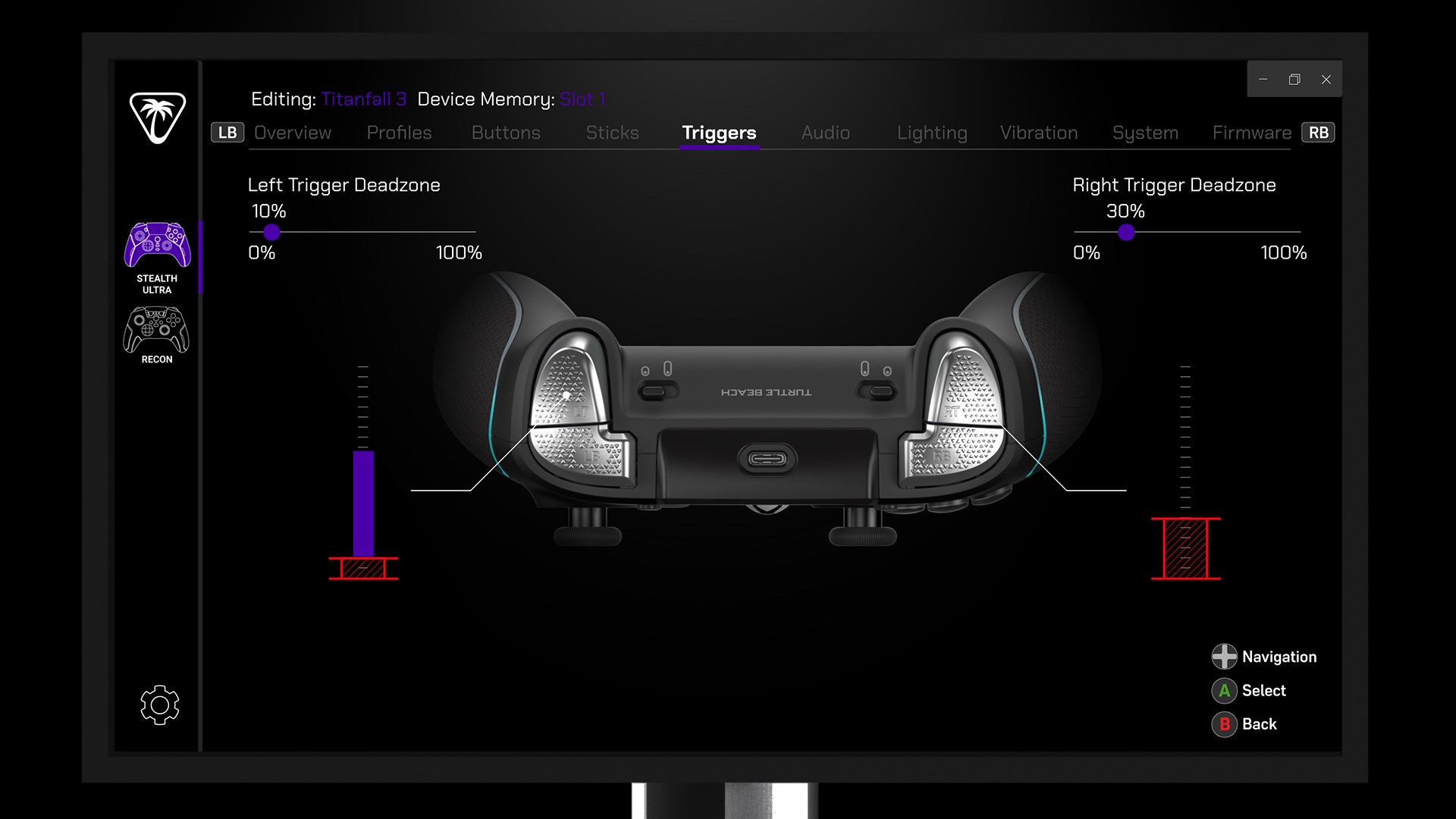
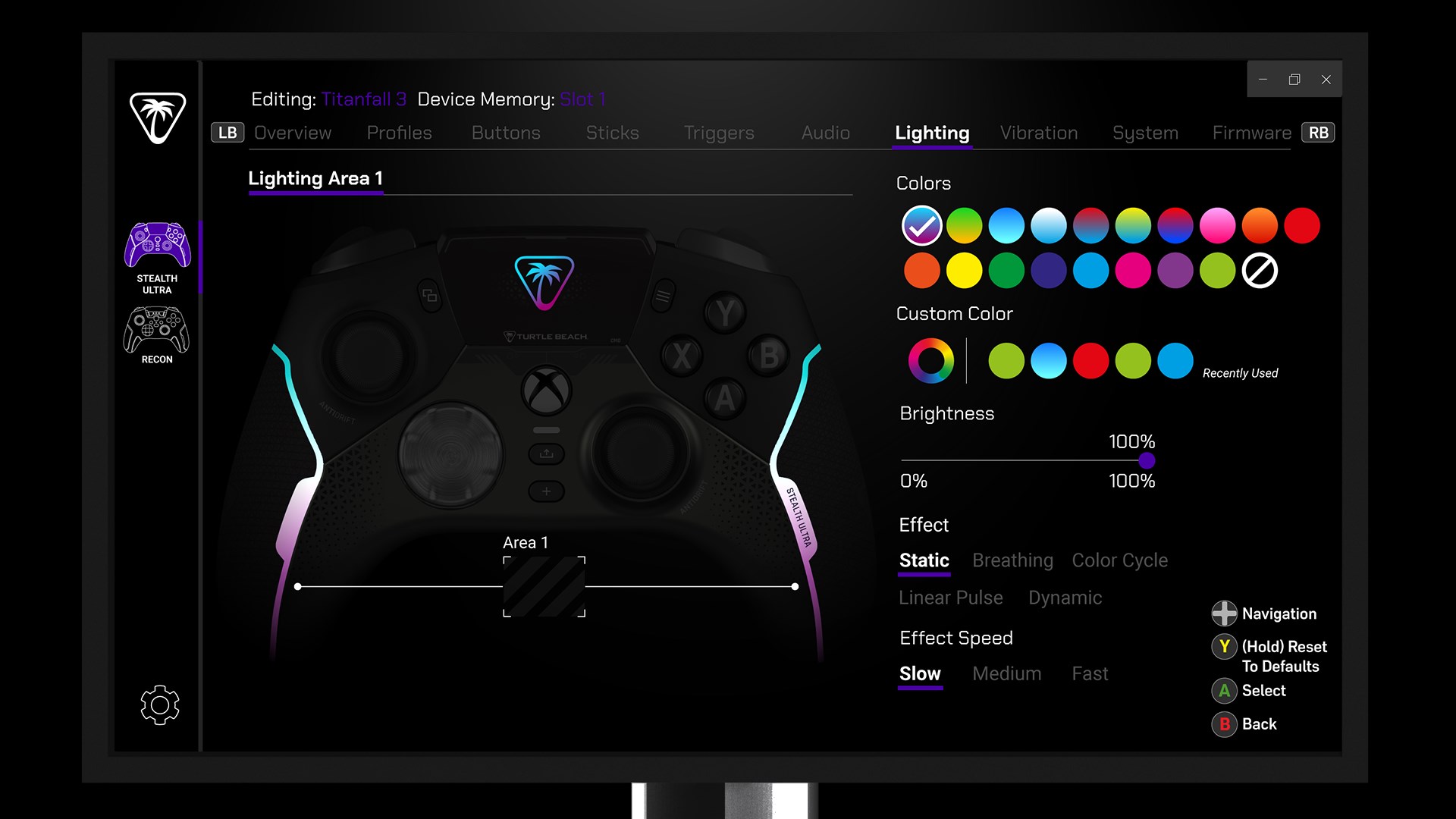
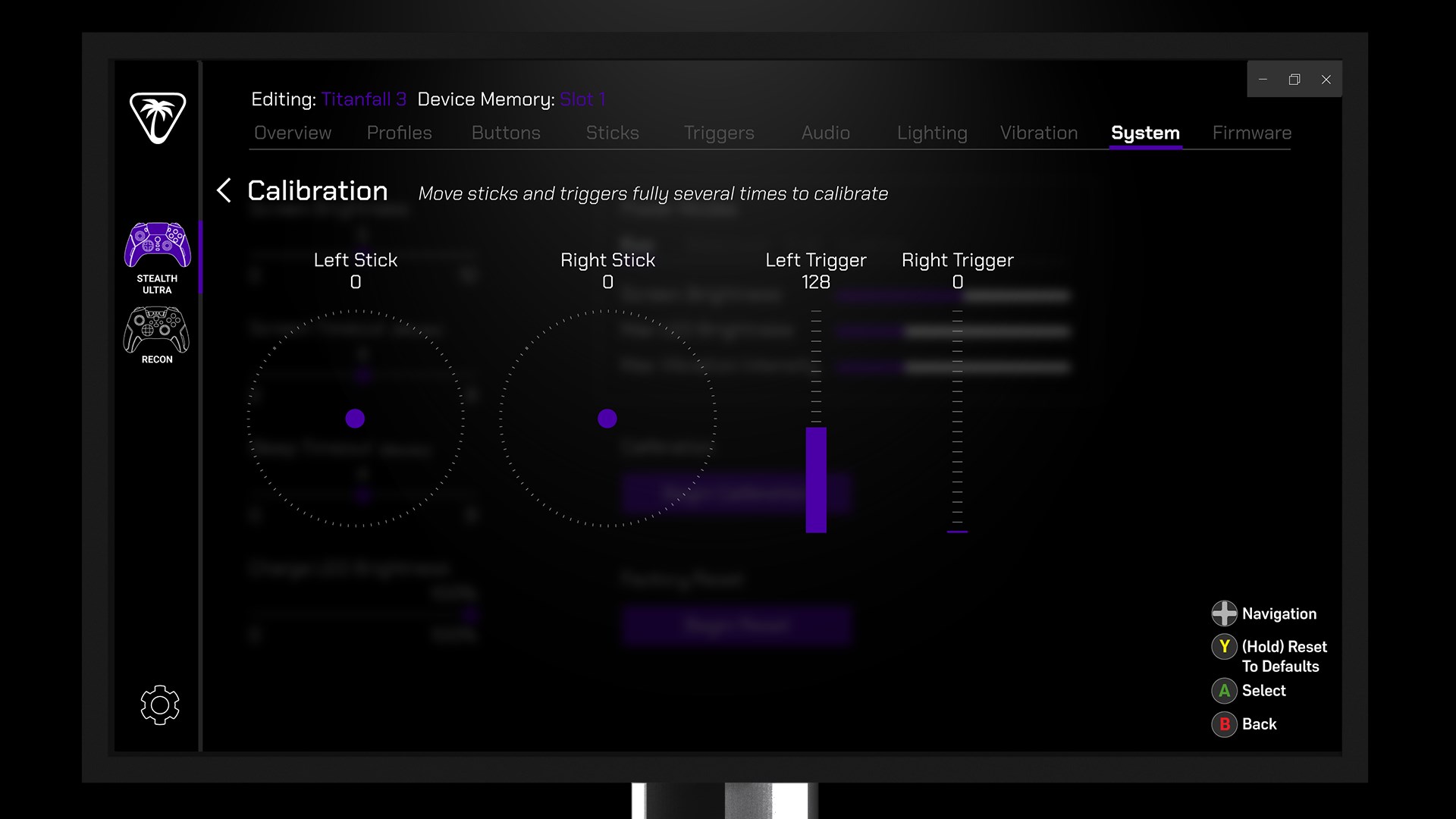
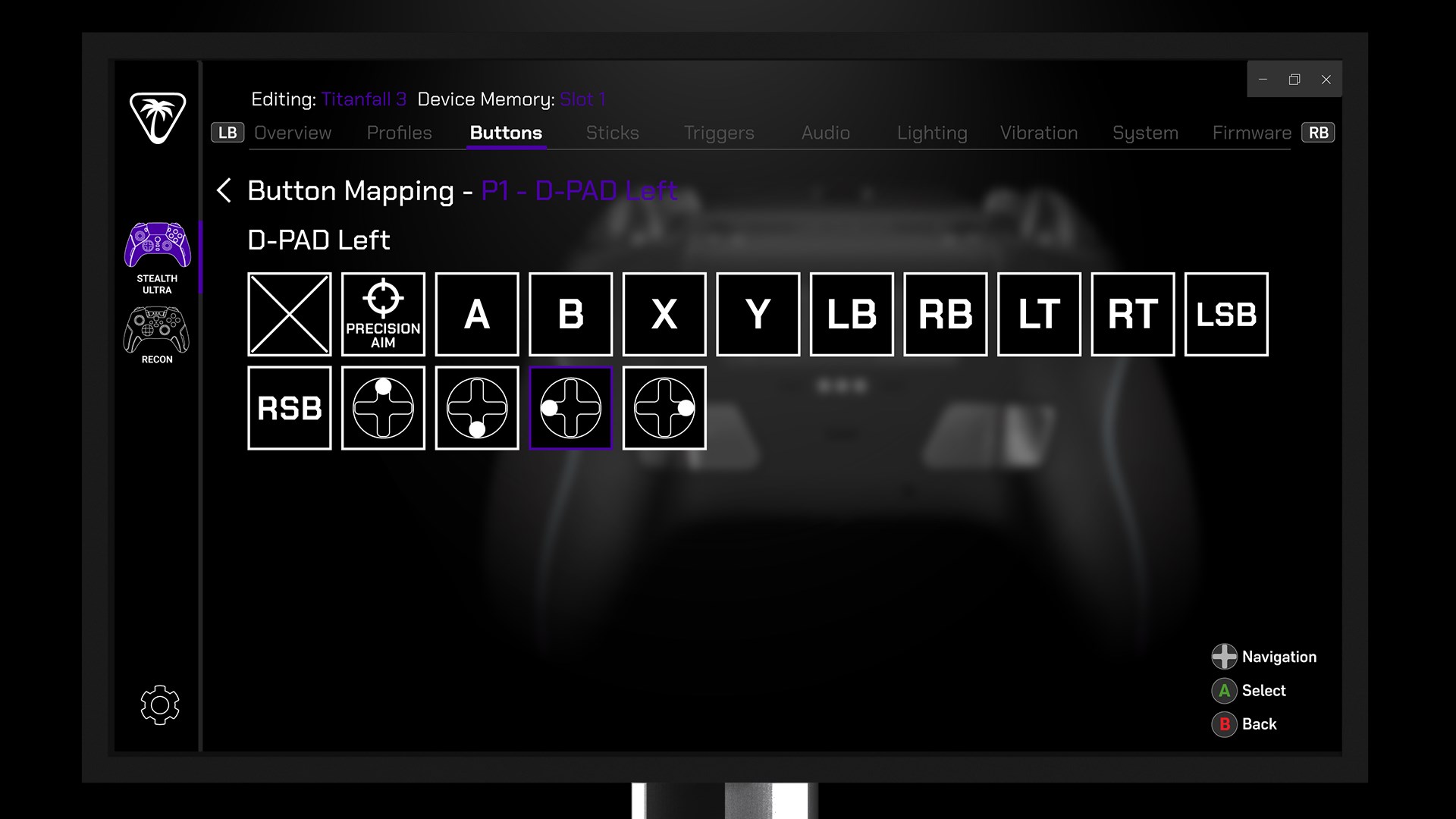
The Turtle Beach Control Center 2 for Windows is a dedicated application designed to optimize and personalize your gaming headset experience through intuitive controls and advanced audio customization tools.
Developed by Turtle Beach Europe, LTD.
This app is crafted by Turtle Beach Europe, a reputable leader in gaming audio peripherals, ensuring professional quality and reliable support for gamers seeking to fine-tune their soundscapes.
Key Features That Make It Stand Out
- Comprehensive audio controls that allow granular adjustment of sound profiles
- Personalized preset management for different gaming scenarios and preferences
- Firmware updates directly handled within the app, ensuring your headset stays current
- Real-time tuning and quick access to settings for seamless sound customization
Target Users
This application is ideal for serious gamers, audiophiles, and anyone who owns Turtle Beach headsets and desires a tailored audio experience to match their gaming style or environment.
A Vibrant Gateway into Audio Precision
Imagine finally opening the control panel of your headset and discovering an entire universe of sound customization at your fingertips. With Turtle Beach Control Center 2, navigating your audio environment feels less like setting up a device and more like orchestrating a symphony tailored just for your ears. Whether you're a competitive gamer chasing that perfect positional audio or a streamer aiming for crystal-clear voice chat, this app promises to be your trusty toolkit for audio mastery.
Personalized Sound Profiles: Crafting Your Perfect Audio Palette
The core of this app's appeal lies in its ability to let users craft and switch between diverse sound profiles effortlessly. With a clean and intuitive interface, creating presets that emphasize bass for intense gameplay or enhance dialogue clarity for storytelling is straightforward. The app's detailed equalizer and preset options resemble a musical composer adjusting every instrument — enabling precise tailoring of audio nuances. This flexibility ensures that whether you're infiltrating a stealth mission or enjoying a cinematic game scene, your soundscape is optimized to immerse you fully.
Seamless Firmware Management and Real-Time Adjustments
One particularly notable feature is the app's ability to manage firmware updates smoothly. Instead of hunting for updates via separate programs or manual downloads, users can handle everything within the Control Center 2, making sure their headset's hardware stays in optimal condition. Additionally, the real-time tuning capability allows gamers to tweak audio settings on the fly, like adjusting chat volume or switching environments, all without disrupting gameplay. This dynamic control exhibits a level of responsiveness that elevates the overall user experience, making it not just an app but an extension of your gaming gear.
Intuitive Design and Unique Differentiators
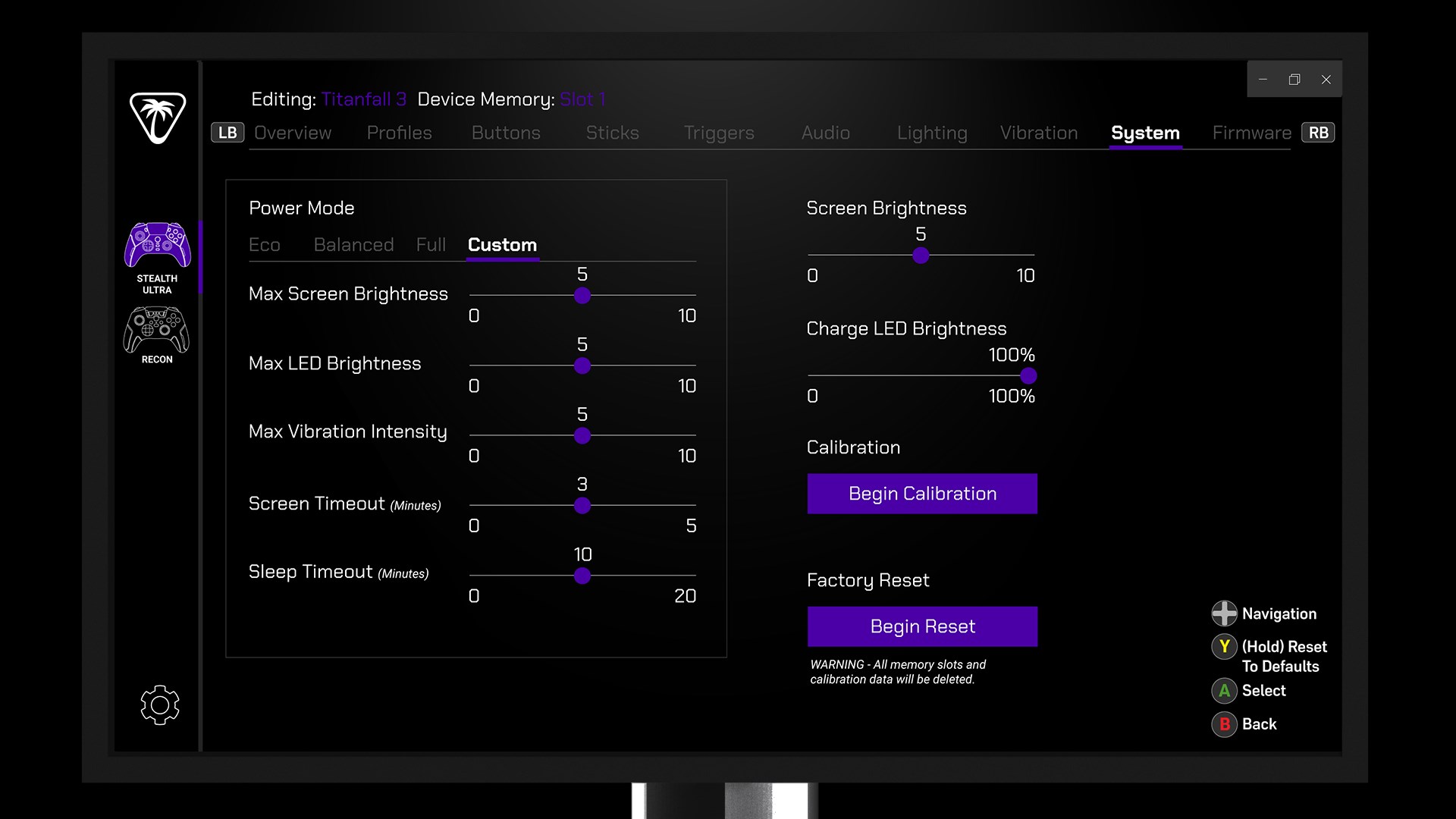
The user interface adopts a modern, streamlined aesthetic akin to a cockpit dashboard, where both novices and seasoned users can find their way without frustration. The learning curve is gentle; seasoned gamers will appreciate the depth of customization, while newcomers can start with preset profiles and fine-tune gradually. Unlike other entertainment or audio apps that focus solely on media consumption, Turtle Beach Control Center 2 stands out by integrating content discovery algorithms with personalized recommendations. It adaptively suggests sound profiles based on your usage patterns, creating a tailored auditory experience — a feature more common in media apps but quite unique in dedicated device management tools.
Final Recommendation: Quietly Powerful, Slightly Understated
Overall, Turtle Beach Control Center 2 earns a solid recommendation for anyone looking to unlock the full potential of their Turtle Beach headset. It's especially recommended for gamers who value precise audio control and firmware management within a single, user-friendly platform. While not overly flashy or gimmicky, its well-thought-out features make it a valuable companion on your gaming journey. For those seeking a reliable, customizable, and intelligent audio control app, this utility deserves to be part of your gaming arsenal. Just like tuning a musical instrument, fine adjustments with this app can significantly elevate your gaming immersion — quiet but impactful, subtle but profound.
Pros
- Intuitive User Interface
- Real-time Audio Customization
- Seamless Device Connectivity
- Firmware Update Support
- Multi-profile Management
Cons
- Occasional Connectivity Issues
- Limited Compatibility
- Slow Firmware Update Process
- Minor UI Glitches on Some Devices
- Limited Advanced Settings











