

- Category Entertainment
- Developer Turtle Beach, Inc
- Available on PC, Mobile, Xbox console, Surface Hub, HoloLens
- OS Windows 10 version 15063.0 or higher
- languages Chinese (Simplified), Danish, Dutch, English (United States), French, French (Canada), German, Italian, Japanese, Norwegian (Bokmål), Polish , Portuguese (Portugal), Spanish (Spain), Swedish
Introduction: Elevating Your Gaming Setup with Turtle Beach - PDP Control Hub for Windows
For avid gamers and audiophiles alike, managing multiple audio devices and customizing sound profiles can often feel like juggling flaming torches — risky and cumbersome. Enter the Turtle Beach - PDP Control Hub for Windows, a dedicated application designed to streamline your audio management experience. Developed by Turtle Beach, Inc., this app offers a centralized platform to fine-tune your gaming and entertainment audio, making it a must-have for those who crave precision and personalization in their soundscape.
Core Features: Customization and Control at Your Fingertips
Seamless Device Management and Profile Customization
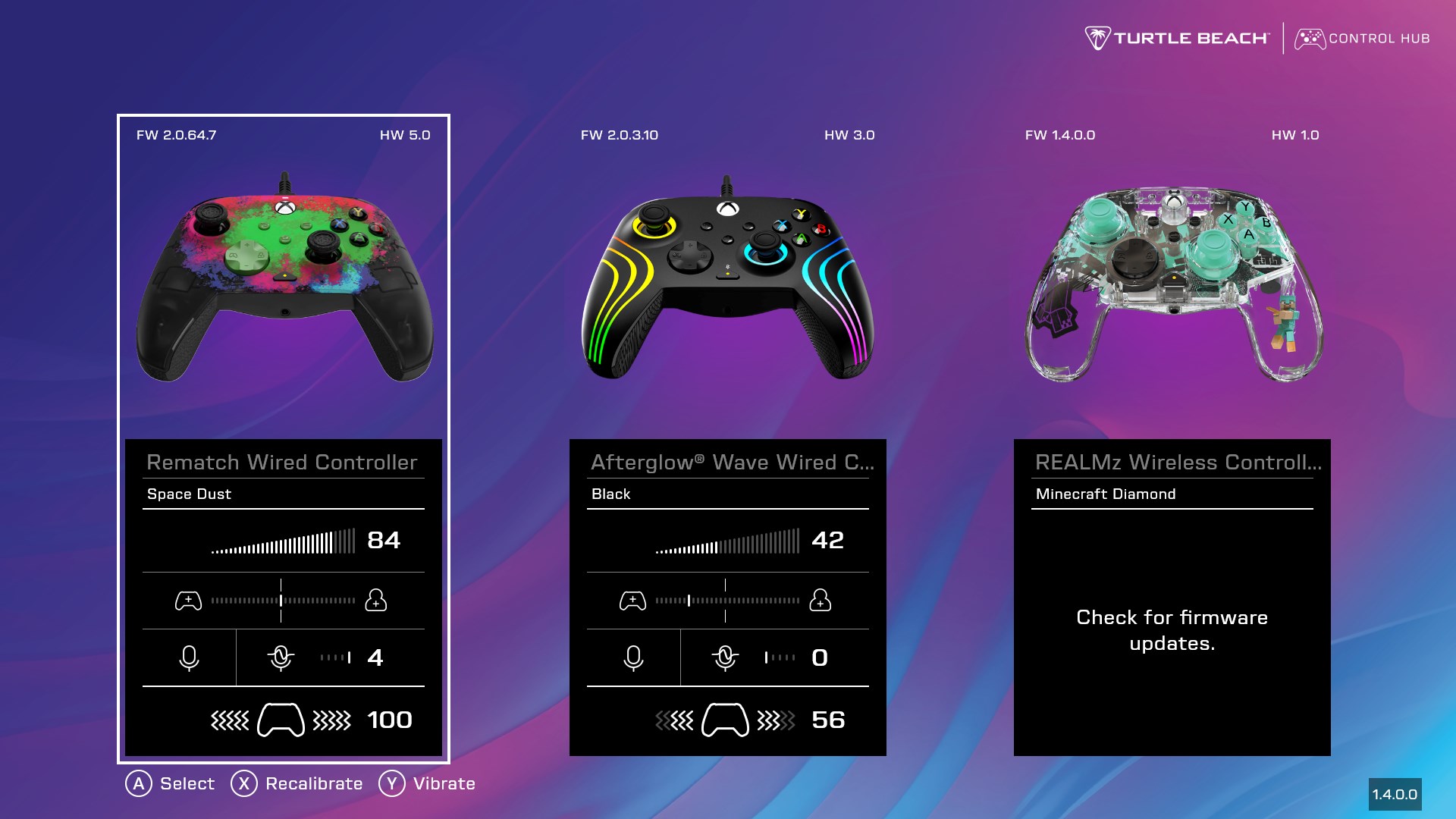
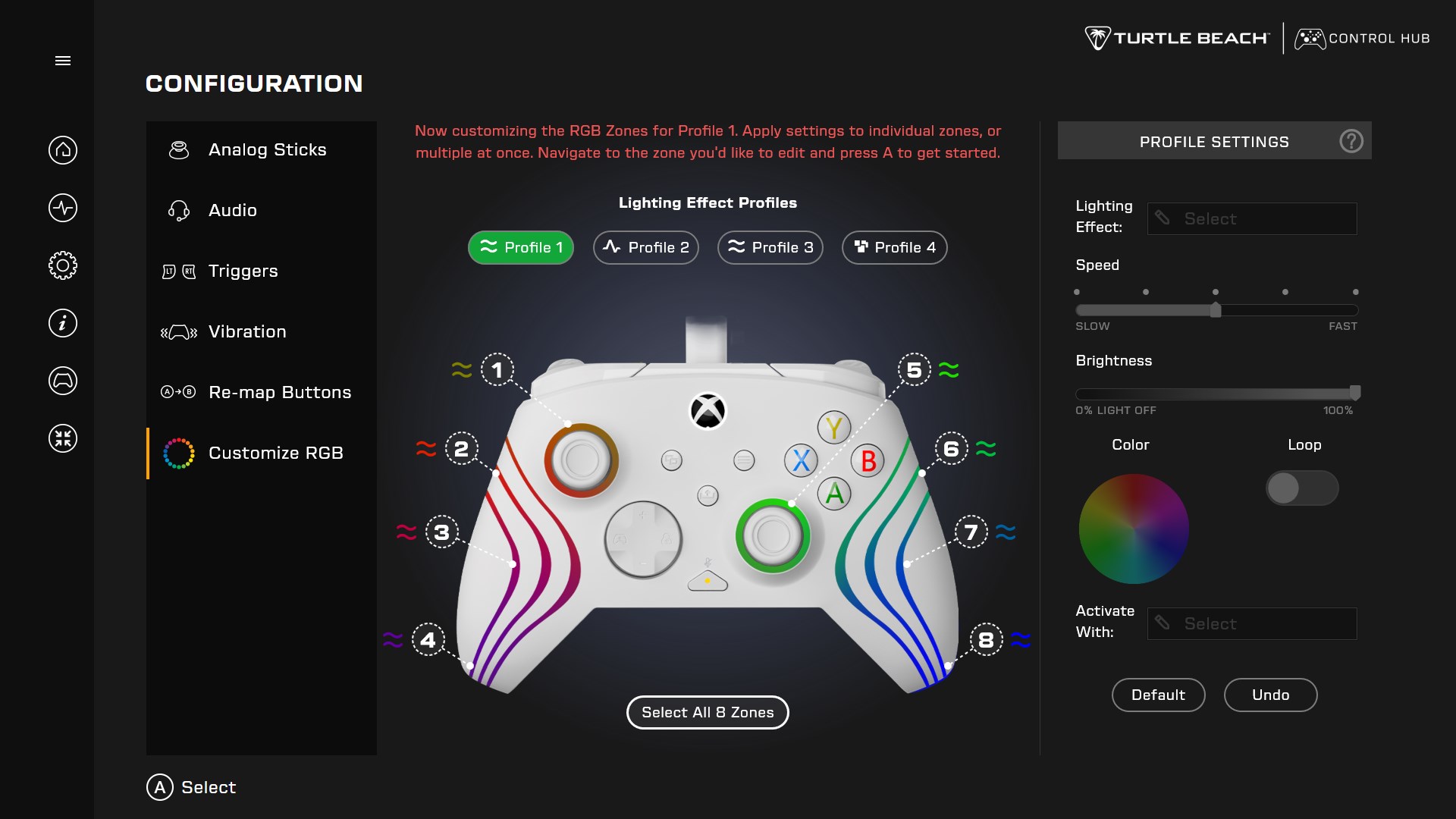
The Control Hub allows users to effortlessly connect and switch between multiple Turtle Beach audio devices. It provides an intuitive interface to create and save custom sound profiles tailored to different games, genres, or personal preferences. Whether you're immersing yourself in a high-octane shooter or enjoying a quiet story-driven adventure, switching profiles takes seconds, ensuring optimal audio quality without disrupting gameplay.
Advanced Audio Tuning and Presets
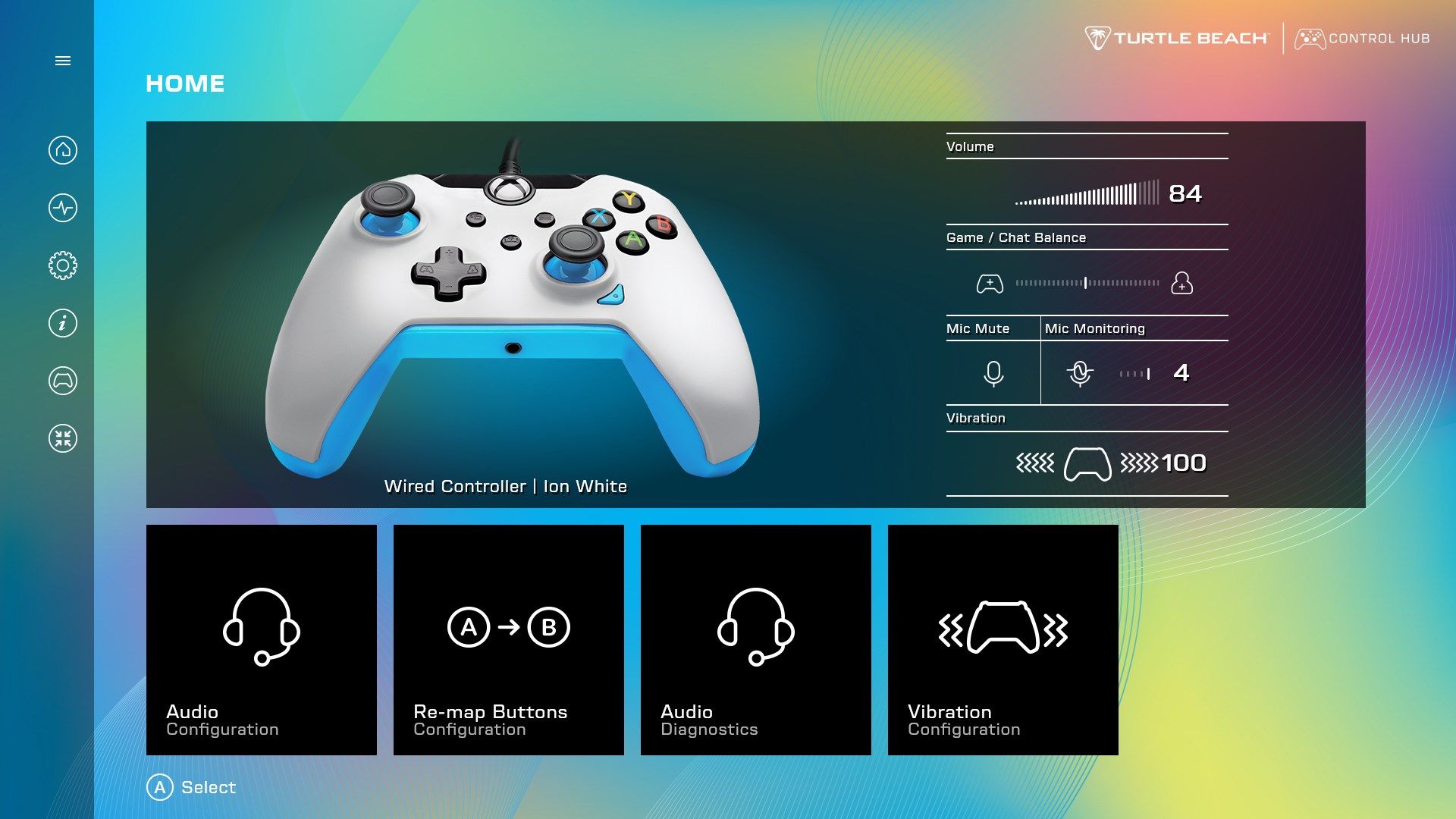
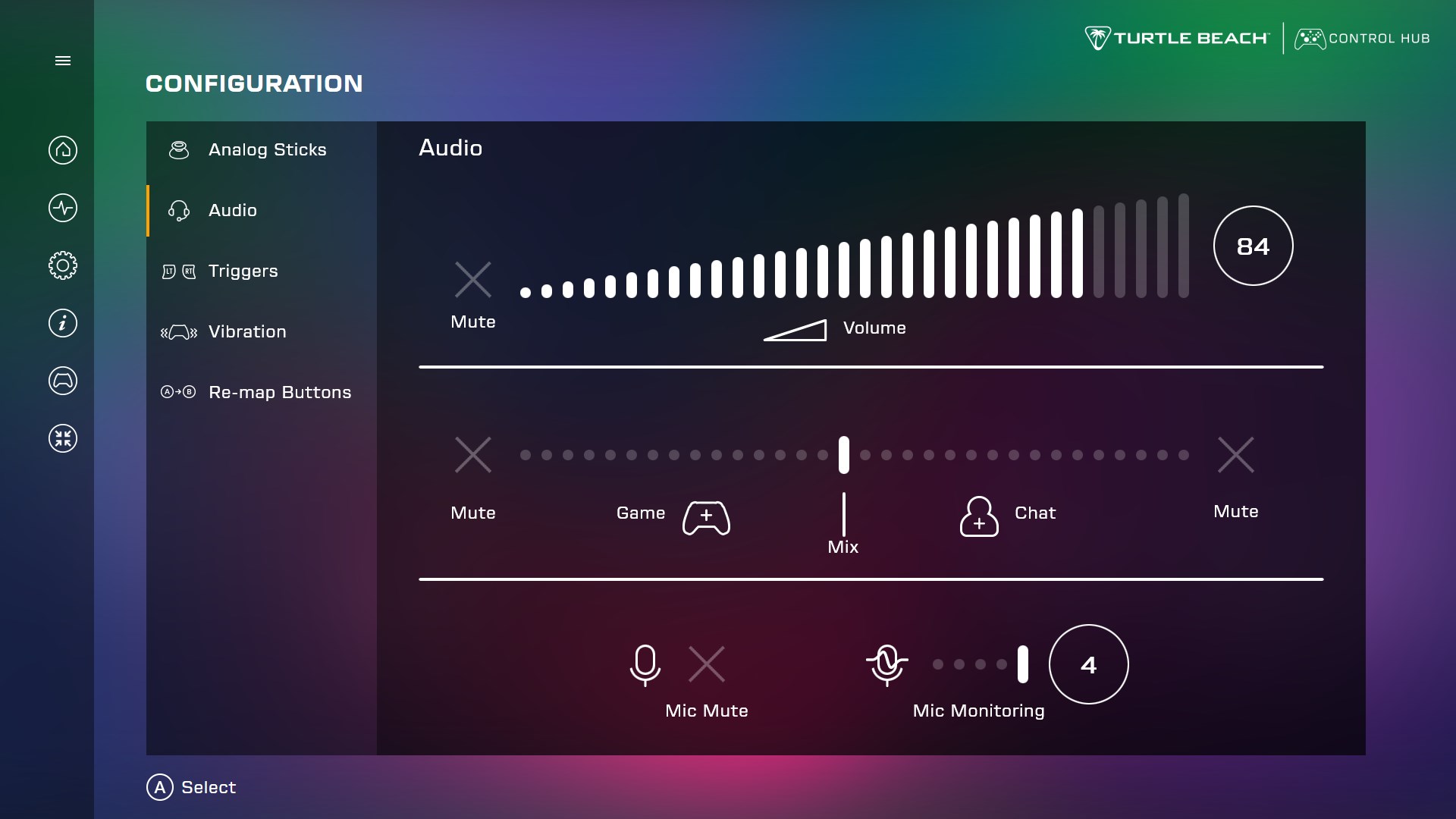
The application empowers users to fine-tune various audio parameters such as equalizer settings, mic sensitivity, and chat moderation. With customizable presets, gamers can quickly adjust sound fidelity or voice clarity according to their needs. This level of control elevates the gaming experience from generic to expertly tailored, giving you that competitive edge or cinematic immersion that makes each session more engaging.
Intuitive Interface and User Experience
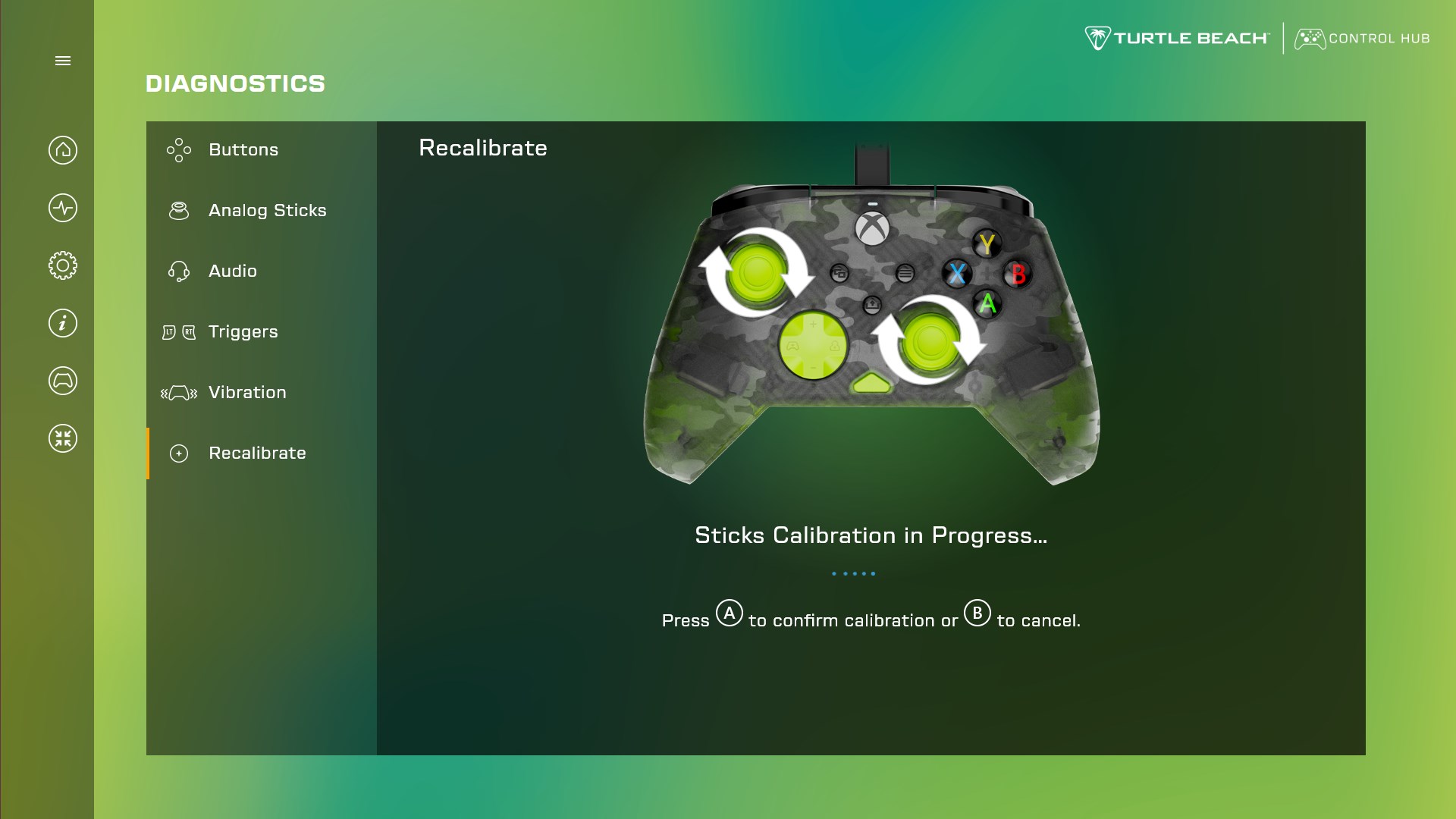
Designed with clarity and ease-of-use in mind, the Control Hub sports a sleek, modern interface that resembles a cockpit dashboard — visually pleasing yet functional. Navigating through settings feels natural, with logical categorizations and minimal clutter. The app responds swiftly to user inputs, ensuring smooth transitions and real-time updates. Even newcomers will find the learning curve gentle, thanks to clear labels and helpful prompts.
What Sets This App Apart?
Compared to other entertainment or device management apps, Turtle Beach's Control Hub shines with its focus on personalized audio control, distinguished particularly by its intelligent profile management system. Unlike generic sound apps that offer broad configurations, this solution leverages content-aware algorithms to recommend optimal sound settings based on your game or media type. In addition, its ability to critique and adapt profile relevance dynamically ensures that your audio settings evolve with your preferences and usage patterns, keeping your sound experience consistently relevant and satisfying. These personalization aspects resemble a virtual sound engineer who learns and adjusts to your ears' unique needs.
Recommendations and Final Thoughts
If you're someone who values tailored audio experiences and needs a reliable, user-friendly control platform, the Turtle Beach - PDP Control Hub for Windows is worth exploring. Its standout feature—the intelligent, content-aware profile management—makes it particularly suited for serious gamers or anyone wanting to optimize their listening environment effortlessly. For casual users, it still offers significant value in simplifying device management and enhancing audio customization. Overall, I'd suggest giving it a try if you own compatible Turtle Beach hardware and desire a more refined auditory experience; it's an application that encourages experimentation while maintaining straightforward controls that won't overwhelm.
Pros
- Intuitive User Interface
- Advanced Audio Customization
- Seamless Device Management
- Firmware Update Features
- Integrated Voice Chat Controls
Cons
- Occasional Connectivity Issues
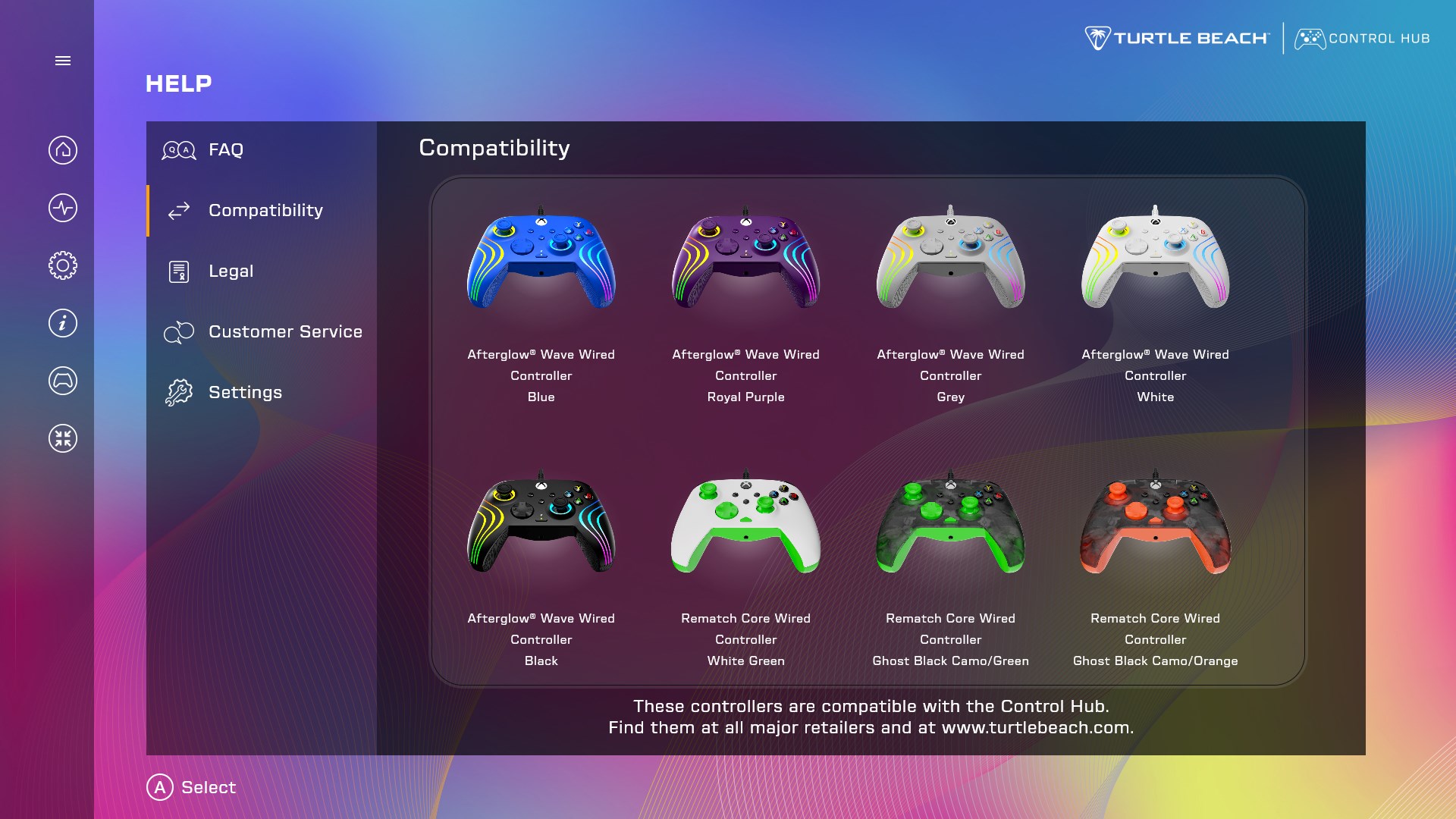
- Limited Compatibility
- Bugs and Glitches
- Complex Settings for Beginners
- Battery Consumption











