

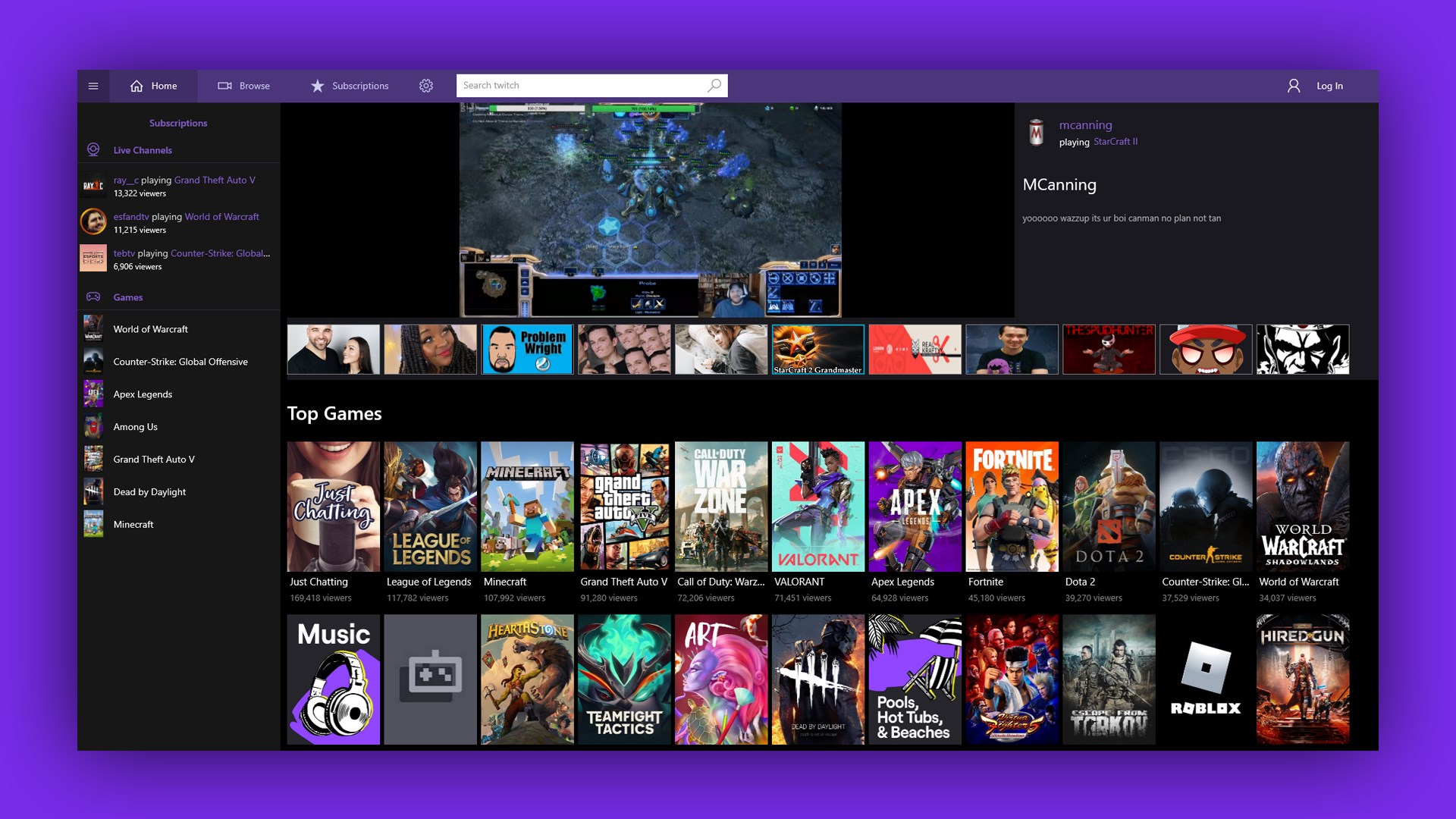
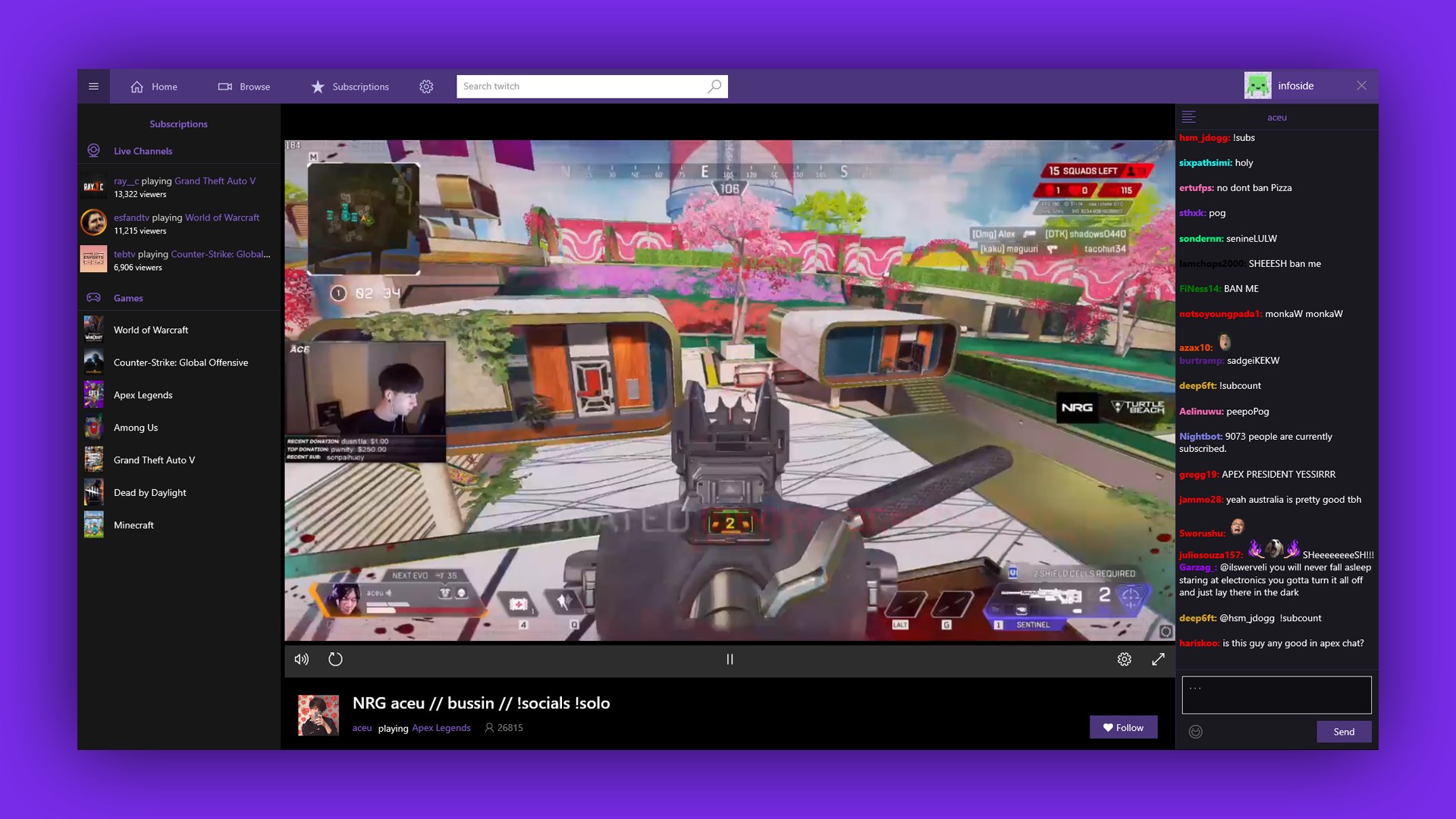
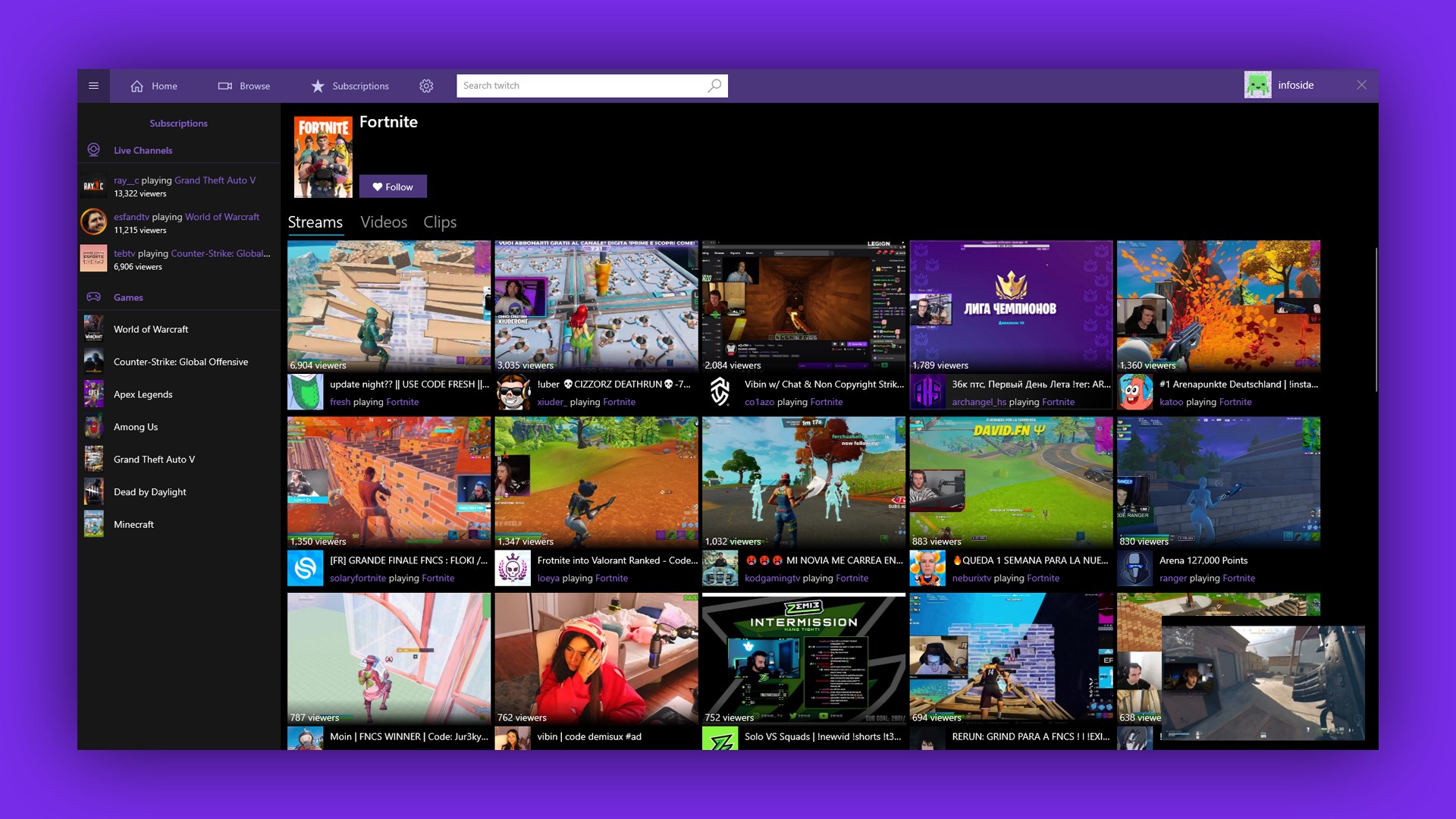
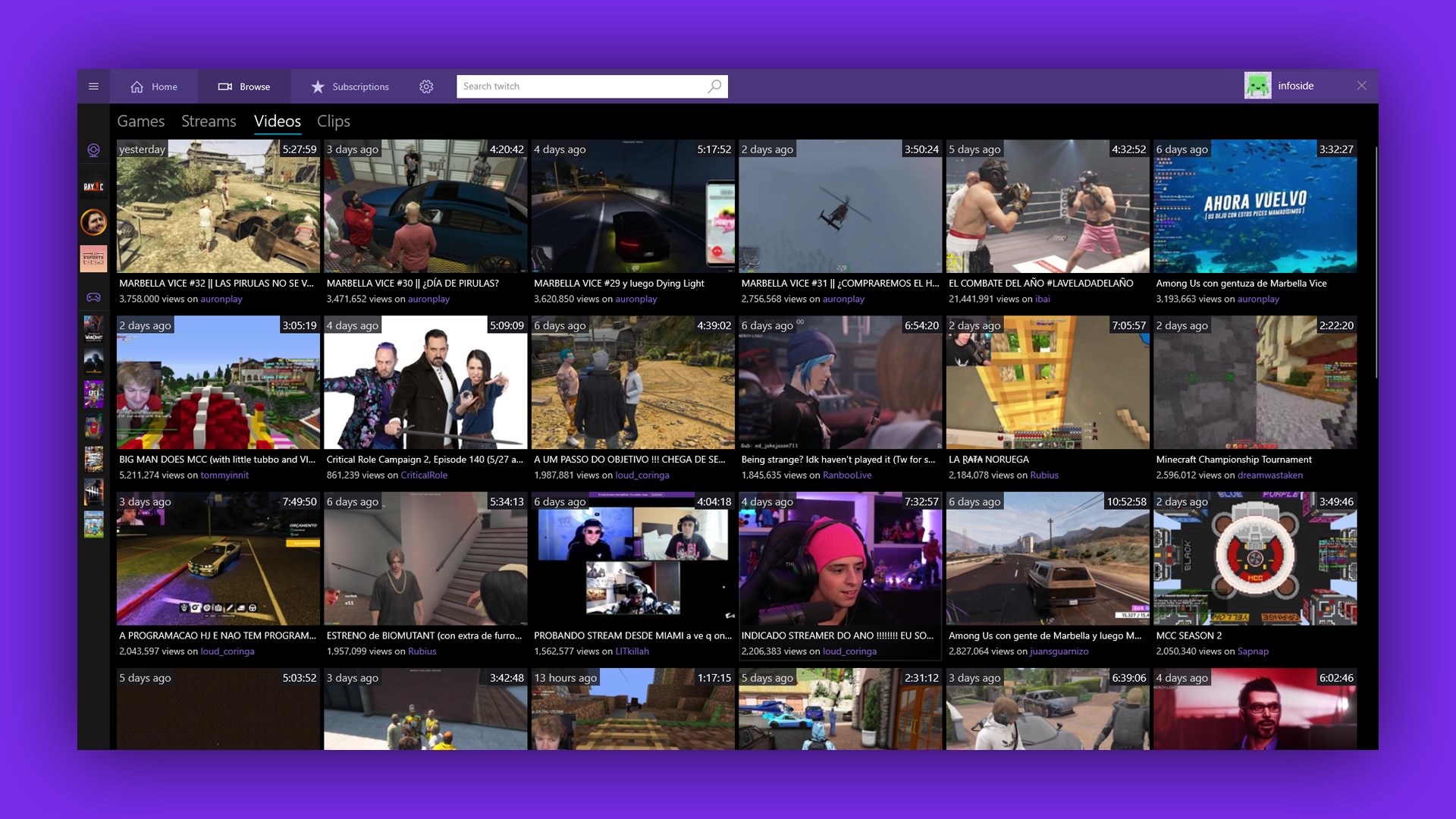
- Category Entertainment
- Developer TW Play for Twitch
- Available on PC, Xbox console, Surface Hub, HoloLens
- OS Windows 10 version 20348.0 or higher
- languages Czech, Danish, English, Finnish, French, German, Greek, Italian, Japanese, Norwegian, Norwegian (Bokmål), Norwegian (Nynorsk), Portuguese, Russian, Spanish, Swedish, Turkish
An Entertaining Companion for Twitch Viewers: TW PLAY for Windows
If you're a fan of Twitch streams and looking for a seamless way to enhance your viewing experience, TW PLAY for Windows offers a compelling platform that blends entertainment and interaction. This app aims to serve as your all-in-one Twitch companion, making your binge-watching sessions more engaging and personalized.
About the Developer and Core Features
Who's Behind It?
Developed by TW Play for Twitch and published by Good Media Group, this application results from a dedicated team passionate about creating a better Twitch viewing ecosystem. Their focus is to bridge viewers directly with their favorite streams, offering an intuitive and engaging interface.
Top Features to Know
- Content Discovery Algorithms: Curated recommendations help you find streams that truly match your interests, saving you hours of scrolling aimlessly.
- Personalized Recommendations: Unlike generic algorithms, TW PLAY emphasizes relevance, ensuring you're suggested content you're more likely to enjoy based on your viewing history.
- User-Friendly Interface: The app boasts a clean, engaging design that makes navigating Twitch streams effortless, even for new users.
- Stream Management & Interaction: Enhance your viewing with simple controls for joining, leaving, or interacting with multiple streams simultaneously.
The target audience is Twitch enthusiasts who crave a more tailored, interactive, and streamlined streaming experience, whether they're casual viewers or die-hard fans.
Immersive and Engaging User Experience
Imagine scrolling through a vibrant digital marketplace, each booth representing a different streamer, each banner promising unique adventures. TW PLAY transforms the often chaotic Twitch interface into an organized, friendly environment. Its lively yet intuitive design invites users to explore without feeling overwhelmed. The app's responsiveness is notable—clicks and swipes flow smoothly, making navigation feel like flipping through a well-curated magazine rather than rummaging through a cluttered attic.
Its learning curve is gentle. Basic functions are obvious, but the app also offers advanced options for power users, such as customizing content feeds or managing multiple streams simultaneously—perfect for multitaskers or those who like their entertainment served hot and fresh with minimal fuss.
Distinctive Strengths: What Sets It Apart?
Superior Content Discovery with Tailored Algorithms
While many entertainment apps rely on broad recommendations, TW PLAY's algorithms focus on content relevancy. It's like having a personalized concierge, presenting streams aligned with your preferences. This targeted approach effectively reduces time wasted on irrelevant content, turning casual browsing into an engaging hunt for ‘your next favorite stream.'
Enhanced Personalization and Interaction
Most streaming apps are passive—watch, click, repeat. TW PLAY encourages active participation through clever algorithms that learn your tastes, adapting recommendations in real time. Unlike typical platforms that serve a one-size-fits-all experience, TW PLAY's personalized relevance guarantees a more meaningful connection with your content, making each session feel uniquely tailored to your mood and interests.
Final Thoughts and Recommendations
Overall, TW PLAY for Windows is a well-designed, user-centric application that enhances the Twitch watching experience through smart content curation and a friendly interface. I would recommend it to avid Twitch viewers seeking a more personalized, convenient way to discover and enjoy streams. Its standout features—particularly the sophisticated content discovery algorithms and personalized recommendations—make it a notable choice in the crowded field of entertainment apps. For anyone tired of aimless scrolling and craving a more intuitive, engaging viewing journey, this app is worth exploring.
Pros
- User-Friendly Interface
- Fast Download Speeds
- Wide Game Selection
- Regular Updates
- Secure Payment Options
Cons
- Occasional App Crashes
- Limited Offline Content
- Inconsistent Notifications
- Minor Bugs in UI
- Regional Content Restrictions










