

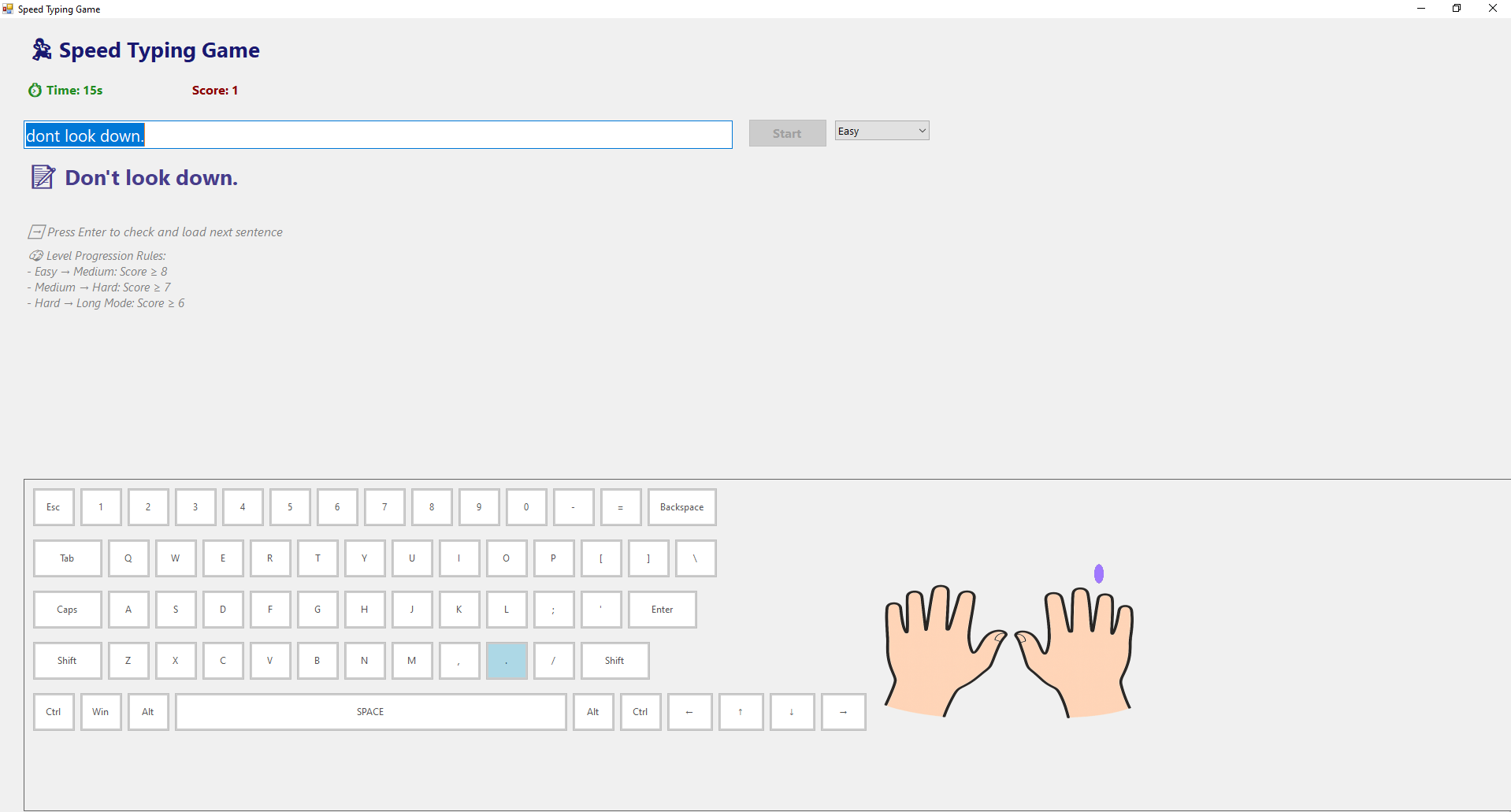
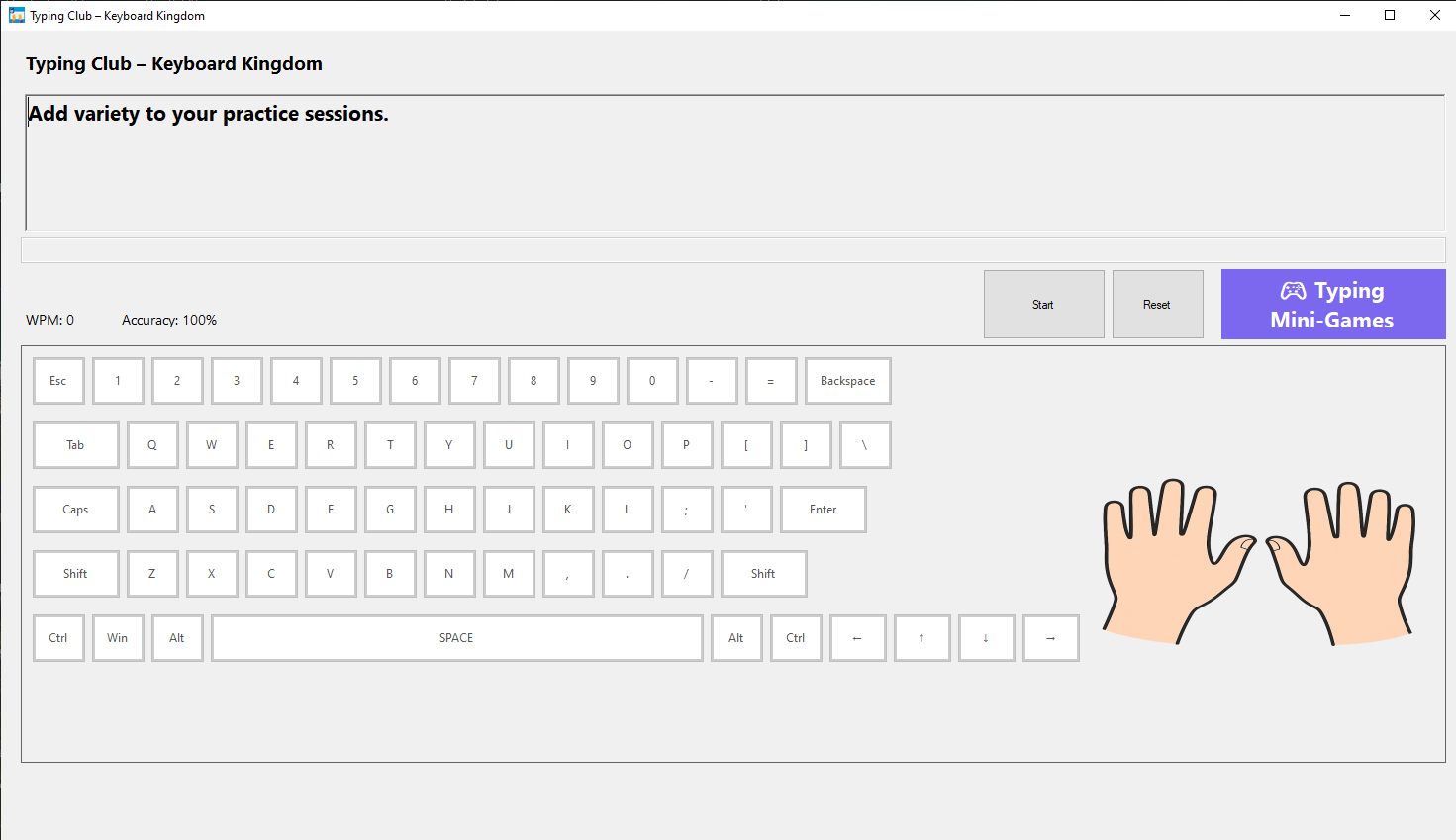
- Category Education
- Developer Silamia2025
- Available on PC, Mobile, Surface Hub, HoloLens
- OS Windows 10 version 17763.0 or higher
- languages English (United States)
Introducing Typing Club – Keyboard Kingdom for Windows
Typing Club – Keyboard Kingdom is an engaging and educational typing app designed to help users improve their keyboard skills through gamified lessons and interactive activities. Its vibrant theme and user-friendly interface make learning to type both fun and effective for a broad audience.
A Glimpse Into the Developer and Core Features
Developed and published by Silamia2025, Typing Club – Keyboard Kingdom aims to transform the often monotonous process of learning to type into an entertaining adventure. The application's main highlights include personalized learning paths that adapt to individual progress, an extensive library of engaging lessons and games, and real-time progress tracking. Designed primarily for students, beginners, or anyone looking to boost their typing speed, it caters to a wide range of learners seeking a structured yet fun approach to mastering keyboard skills.
An Engaging Journey into Typing Mastery
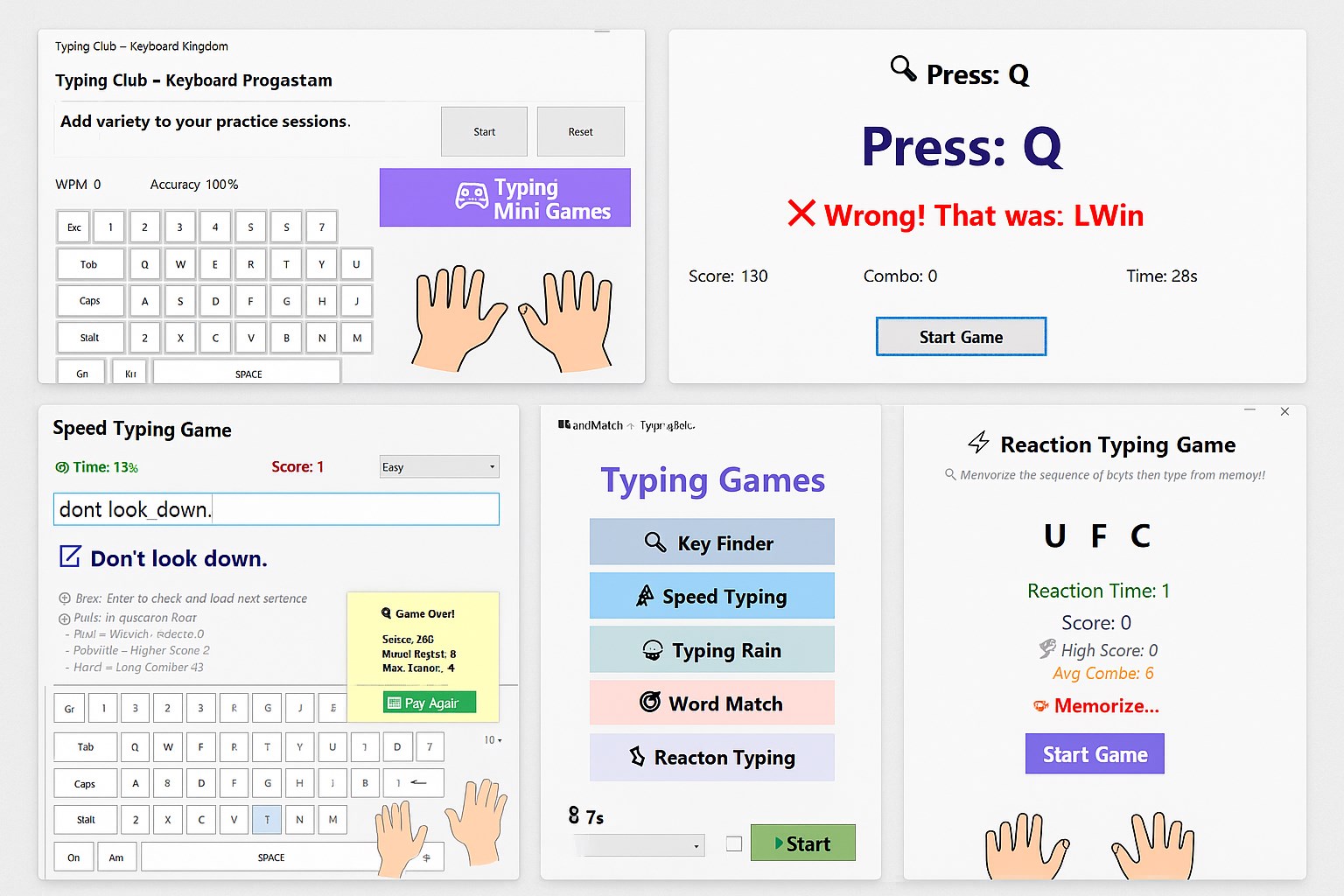
Imagine stepping into a vibrant "Keyboard Kingdom," where each key you master unlocks new levels of prowess. From the moment you launch Typing Club, you're greeted with a lively, colorful interface that beckons learners of all ages. The gamified environment turns what might be a dry skill into an adventure, making the process of improving typing speed feel like progressing through a magical world.
Personalized Learning Paths and Adaptive Content
One of the standout features of Typing Club – Keyboard Kingdom is its ability to tailor lessons based on user performance. Unlike many traditional typing programs that follow a fixed curriculum, this app assesses your current skill level and charts a customized learning pathway. Whether you're a slow starter or already somewhat proficient, the program adjusts difficulty levels, provides targeted exercises, and ensures optimal progression without overwhelming or under-challenging the learner. This personalized approach increases motivation and helps users see tangible progress, much like a wise guide leading you along your unique journey.
Gamified Lessons and Interactive Features
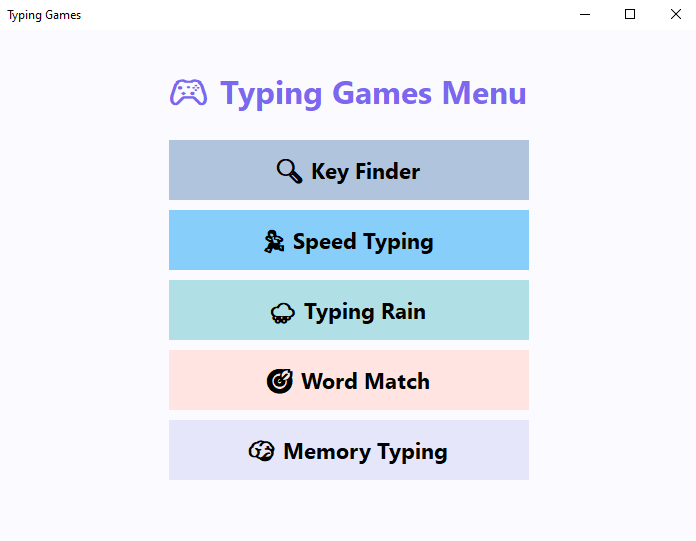
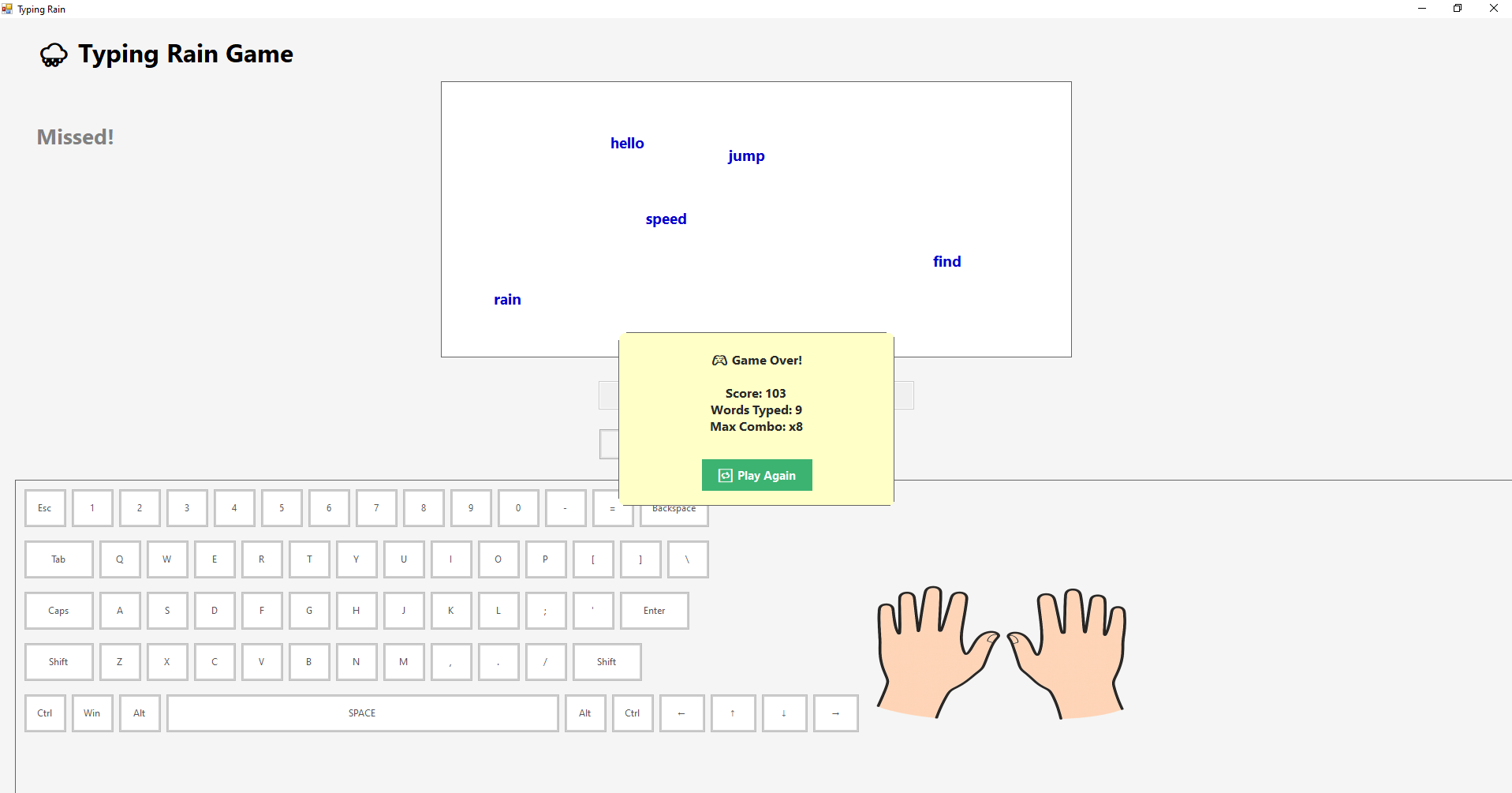
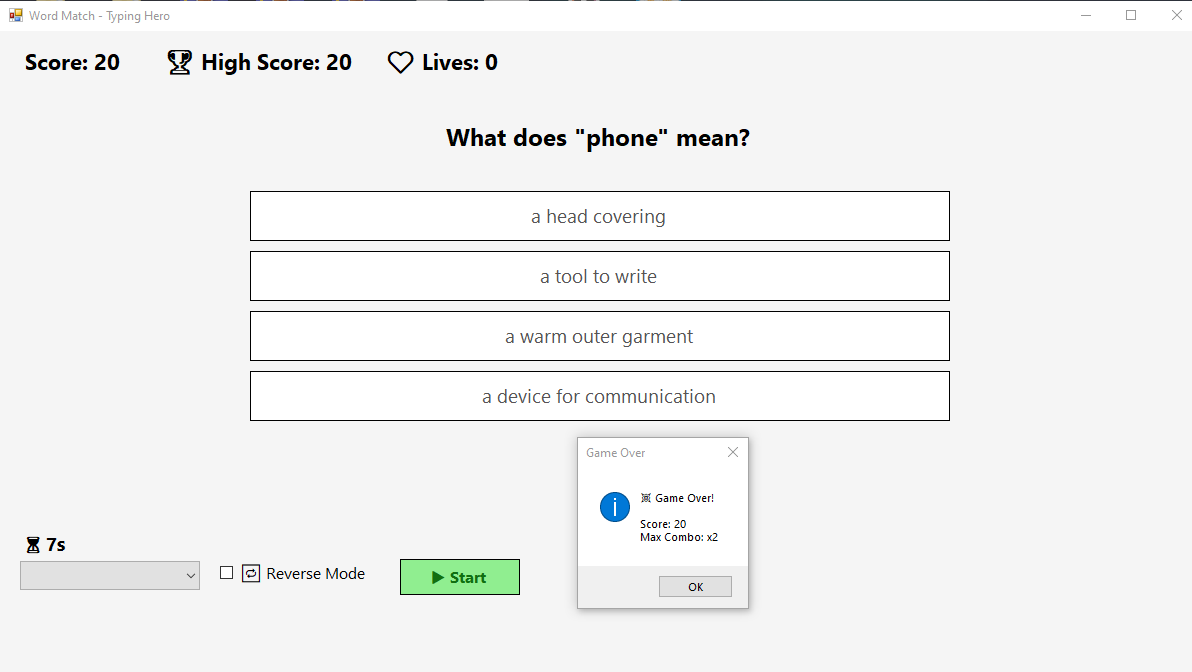
The core of Keyboard Kingdom revolves around its interactive lessons and gamified challenges. Think of it as stepping into a digital playground where typing exercises unfold as mini-games, quests, or friendly battles. These engaging activities not only reinforce muscle memory but also keep learners invested. The vibrant graphics and playful sound effects create an immersive environment that makes repeated practice feel less like a chore and more like an enjoyable game session—transforming the tedious drills into moments of fun.
Seamless User Experience and User-Friendly Design
From a usability perspective, Typing Club excels with its intuitive interface. Navigating through lessons, tracking progress, and accessing settings are straightforward tasks that even beginners can perform without frustration. The app's smooth responsiveness ensures that interactions are fluid, which is crucial for maintaining focus during practice sessions. The learning curve remains gentle—users quickly get comfortable with the app's layout and features, allowing for a distraction-free learning experience that builds confidence over time.
Unique Benefits and Differentiation from Similar Apps
Compared to other educational typing tools, Keyboard Kingdom's most distinctive advantage lies in its combination of content accuracy and engaging personalization. The platform's lessons are crafted by educators and experienced developers to ensure correct finger placement and typing techniques. Furthermore, the app dynamically adapts to each user's strengths and weaknesses, providing tailored exercises that foster steady skill development. This degree of personalization and content authority makes it particularly suitable for learners who need both structured guidance and motivating gameplay, setting it apart from more generic programs.
Final Thoughts and Recommendations
Overall, Typing Club – Keyboard Kingdom offers a compelling mix of educational value and fun, making it a recommended choice for anyone eager to improve their keyboard skills. Its personalized learning paths and gamified experience stand out as the most compelling features, particularly for younger learners or those who thrive in an interactive environment. Beginners can comfortably start with the basic lessons, while advanced users can leverage the app to refine their speed and accuracy. Given its well-designed interface and adaptive approach, it's suitable for self-guided practice or classroom settings alike.
Pros
- Engaging gamified lessons
- Progress tracking features
- Large variety of exercises
- Child-friendly interface
- Offline accessibility
Cons
- Limited advanced typing exercises
- Occasional lag during gameplay
- In-app advertisements in free version
- Customization options are somewhat limited
- Help and support resources are minimal











