
- Category Productivity
- Developer CLOUD KAYAK LABS, INC. 2026
- Available on PC
- OS Windows 10 version 0.0 or higher
- Keyboard Integrated Keyboard
- Mouse Integrated Mouse
- Memory 2 GB
- languages English, Spanish
Introducing TypingMagic 12 for Windows: A New Spin on Efficient Typing
TypingMagic 12 for Windows emerges as an innovative keyboard training and productivity enhancement tool, promising to elevate your typing skills while seamlessly integrating into your workflow. Developed by CLOUD KAYAK LABS, INC., this application aims to blend learning with productivity, making it an appealing choice for diverse users from students to professionals seeking smarter typing solutions.
A Closer Look at the Core Features of TypingMagic 12
1. Dynamic Typing Exercises with Real-Time Feedback
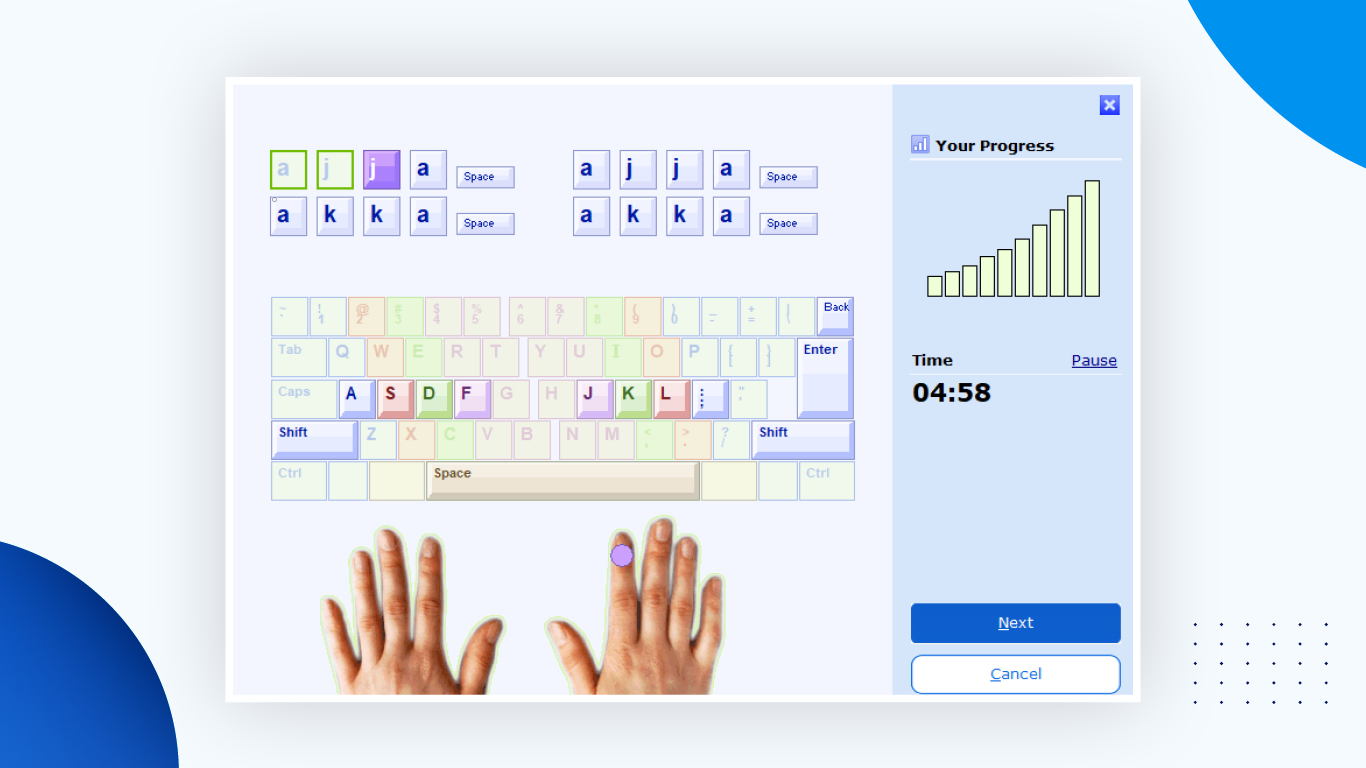
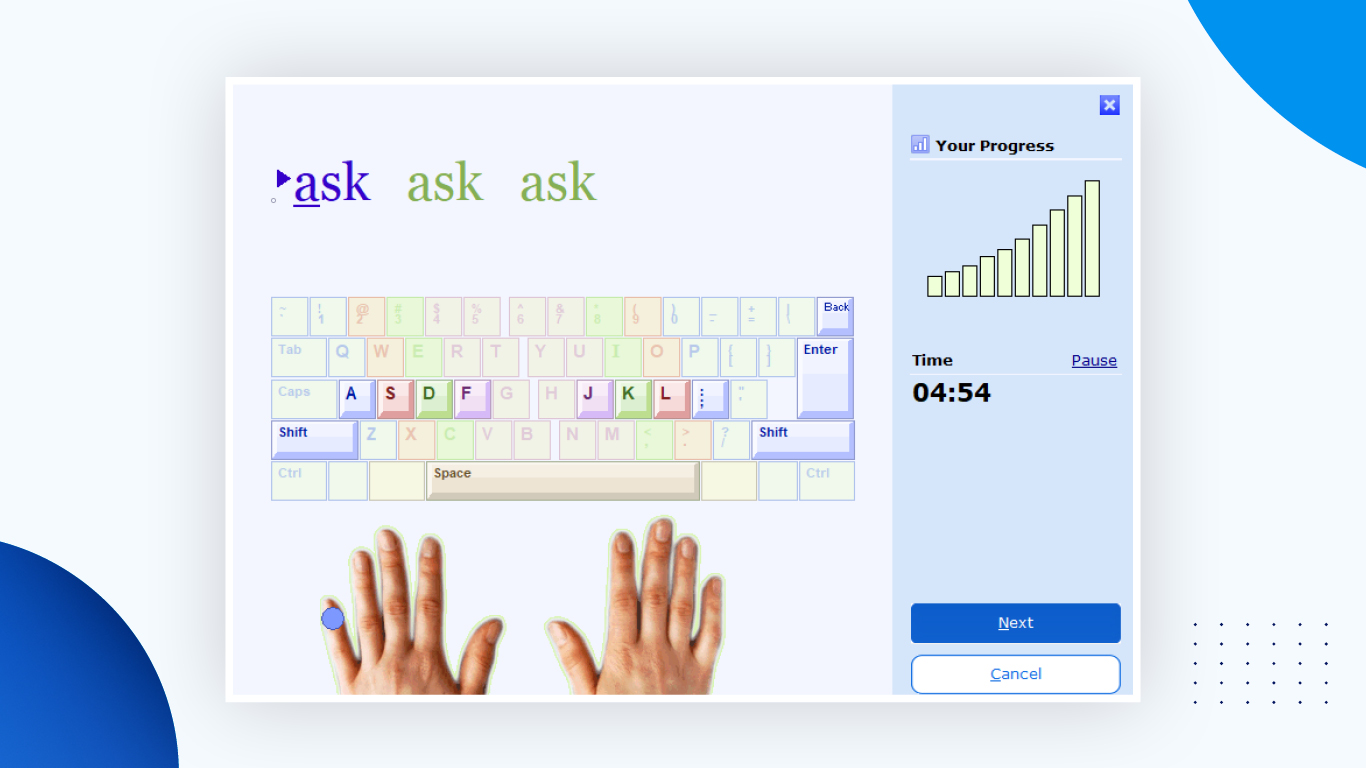
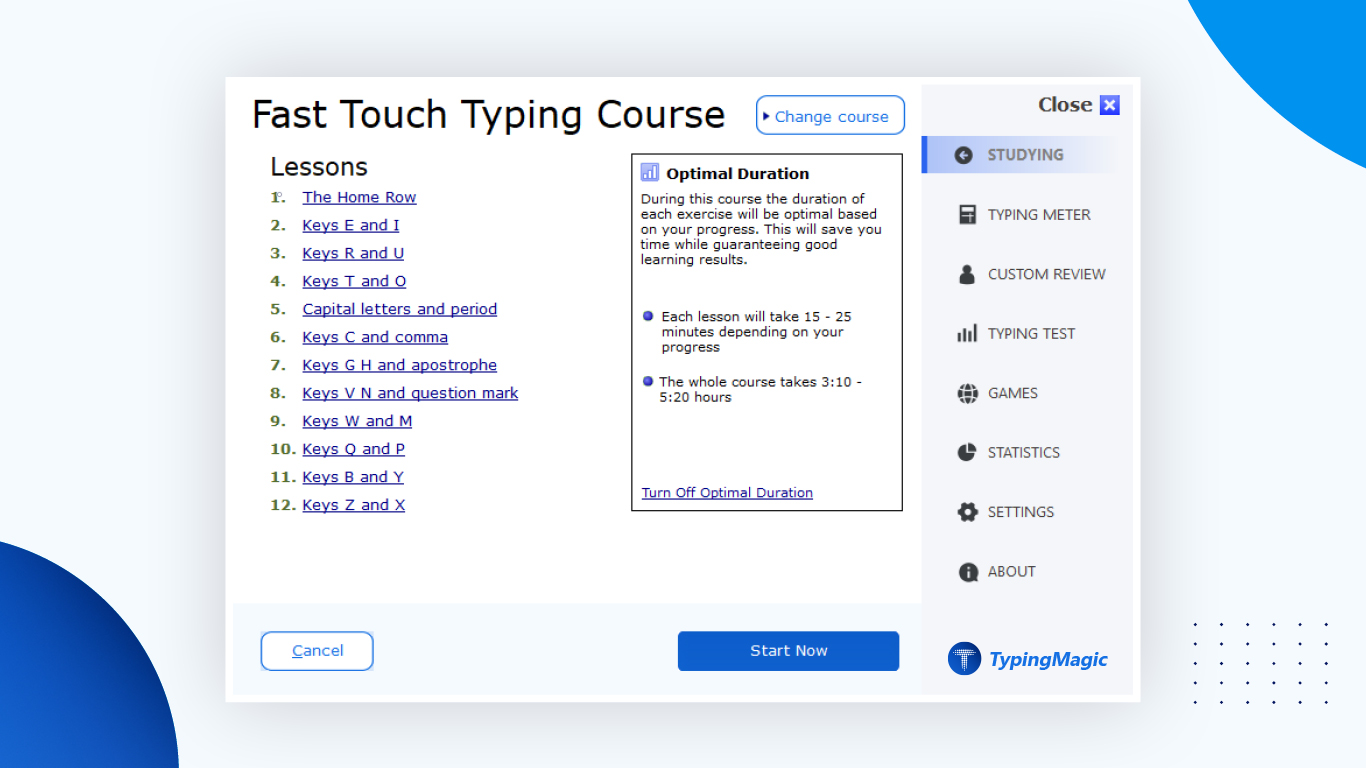
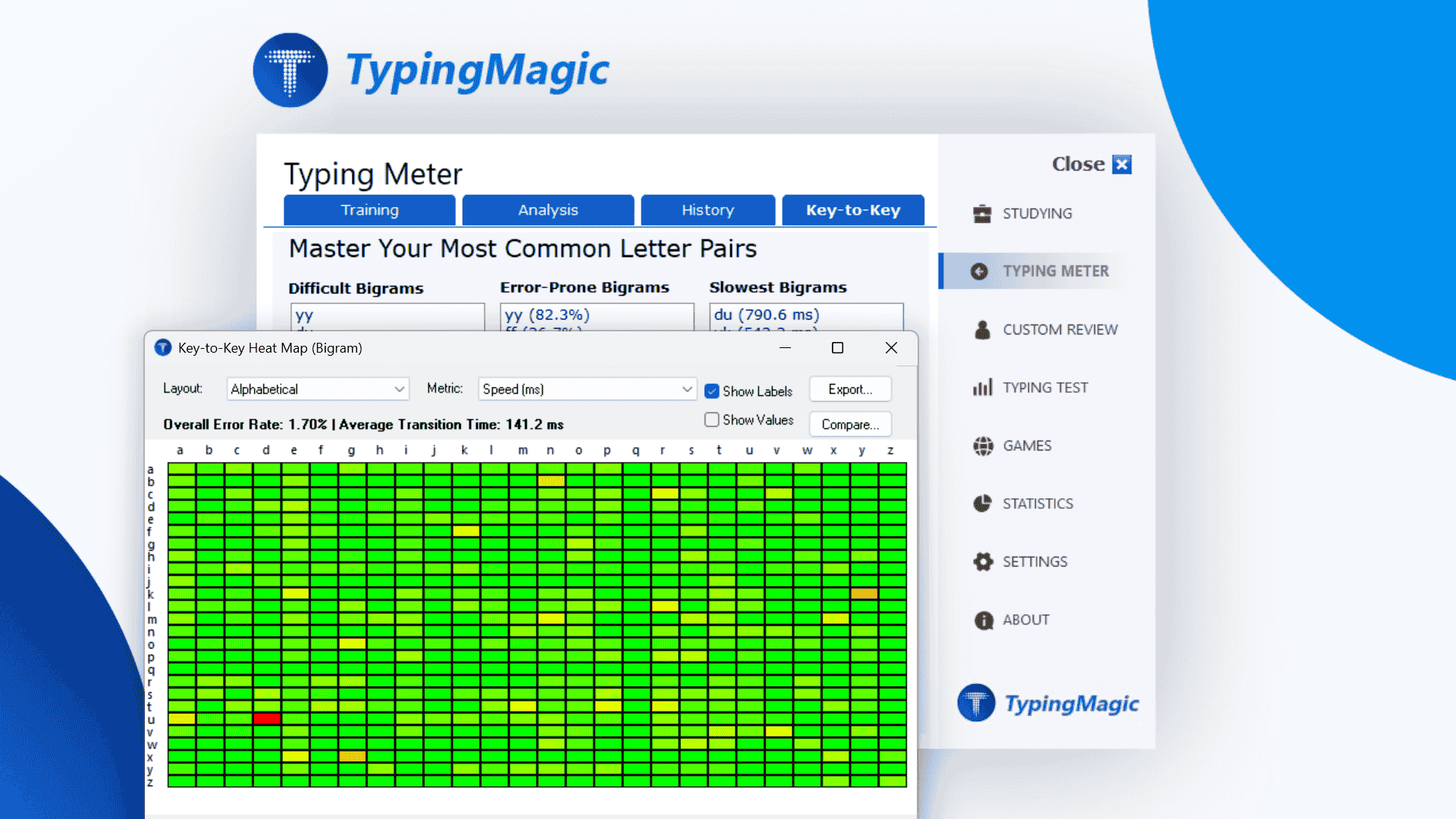
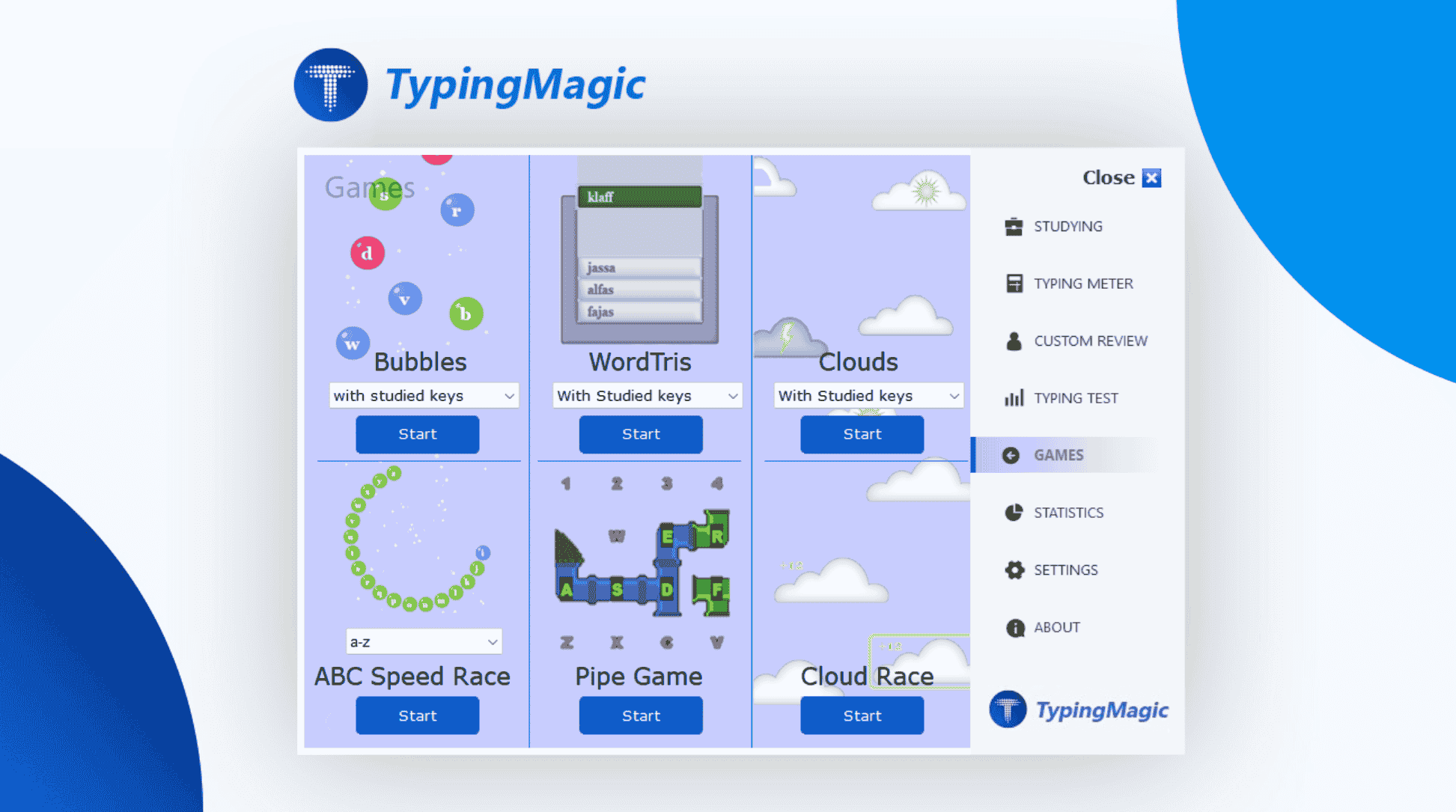
One of the standout features is its adaptive typing exercises that respond to your skill level, offering a personalized learning journey. Whether you're a beginner struggling with accuracy or an advanced typist aiming for speed, the program modifies difficulty and offers instant corrective feedback. This real-time progress tracking fosters a sense of achievement and keeps users motivated, much like a friendly coach guiding your every keystroke. The engaging exercises are complemented by colorful visuals and gamified elements, transforming typing practice from chore to challenge.
2. Workflow Integration and Efficiency Tools
Unlike many standalone typing tutors, TypingMagic 12 emphasizes enhancing your overall workflow. It integrates seamlessly with common productivity tools, enabling users to practice typing directly within applications like Word or browser-based documents. Its side-by-side overlay feature allows users to practice without disrupting their current workspace—imagine having a virtual assistant that stays in the corner, quietly helping you sharpen your skills while you work on your latest report or email. The app also offers customizable shortcuts and macro capabilities, reducing cognitive load by streamlining repetitive actions and minimizing context switching.
3. Cognitive Load Reduction and User-Friendly Interface
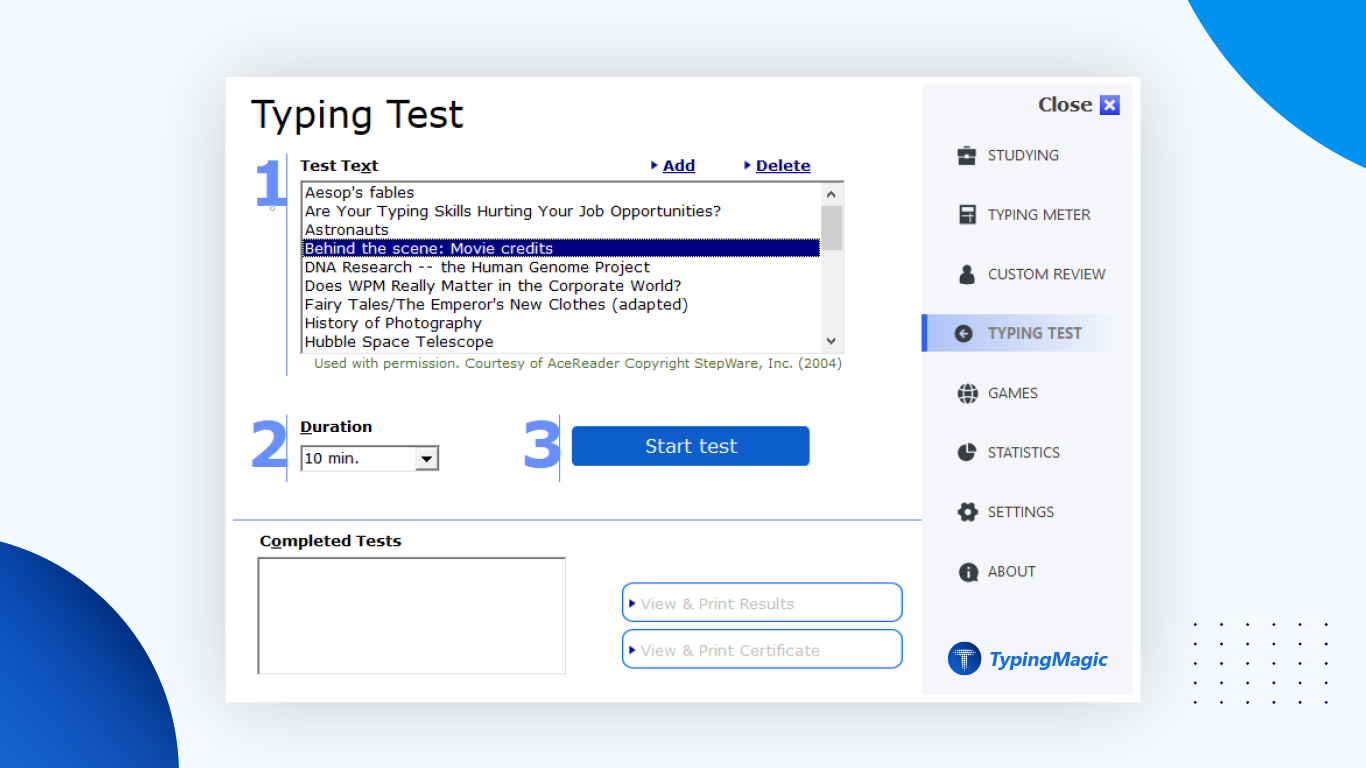
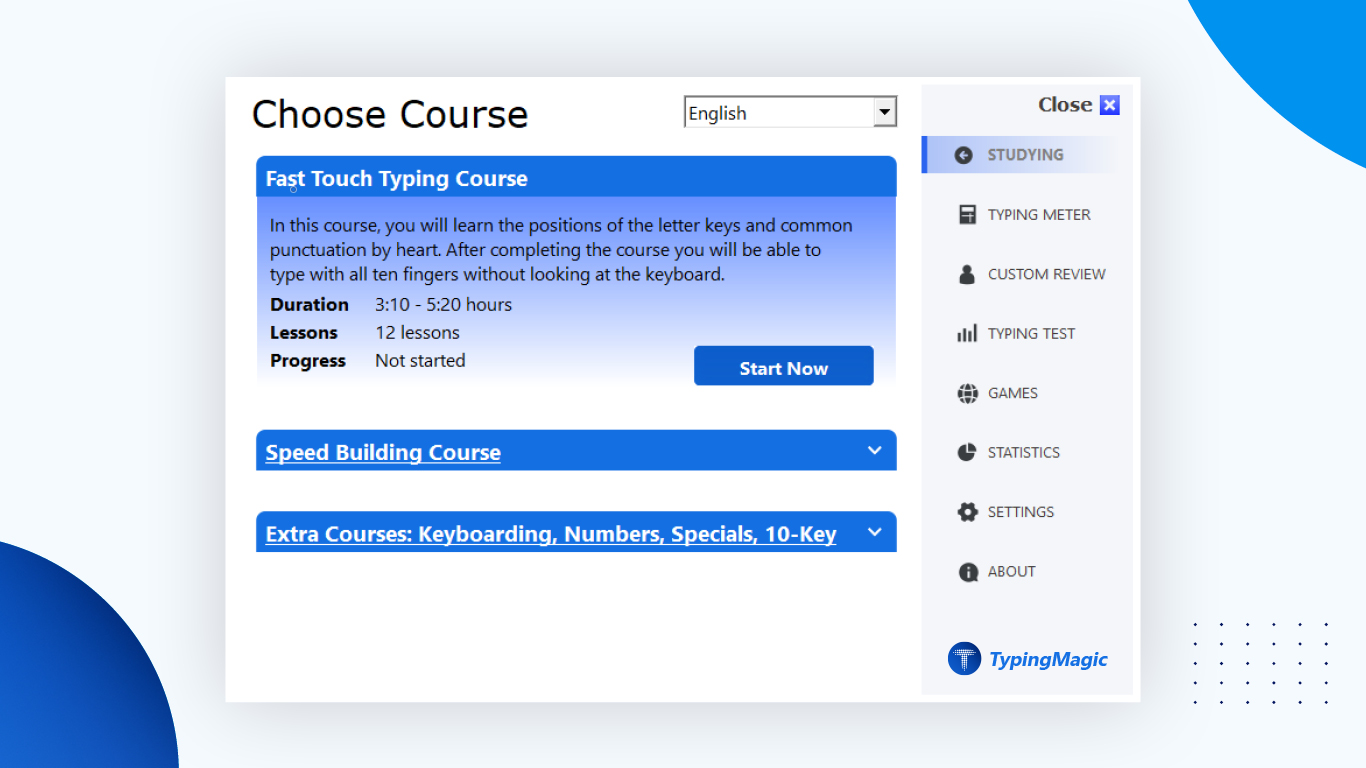
Design-wise, TypingMagic 12 boasts a clean, intuitive interface that welcomes users regardless of their tech proficiency. The navigation is straightforward; menus and options are logically organized, making onboarding a breeze. Its focus on reducing cognitive overload is evident: features are simplified, with a clear focus on core functions rather than overwhelming users with an excess of complex tools. Tasks like setting goals, monitoring progress, and accessing exercises are just a few clicks away, akin to having a well-organized toolkit that makes productivity feel effortless.
Why TypingMagic 12 Stands Out from the Crowd
Compared to other productivity apps, TypingMagic 12 shines brightest in its focus on workflow integration combined with effective learning design. Its ability to embed typing exercises directly into your working environment reduces the mental and temporal friction that often hampers skill development. While many tools boast numerous features, this app's approach of balancing functionality with simplicity truly makes it stand out—less clutter, more actionable insight. The adaptive exercises also ensure that the learning curve remains manageable, reducing frustration and cognitive fatigue.
Final Verdict: A Solid Choice for Better Typing and Workflow Efficiency
I would recommend TypingMagic 12 for anyone looking for a practical, user-friendly tool to improve their typing skills without disrupting their daily workflow. Its standout features—smart, adaptive exercises and seamless integration—make the learning process natural and efficient. Whether you're a student, a professional, or a casual user eager to type faster and more accurately, this app offers a balanced approach that promotes steady improvement. It's like having a personal tutor that fits into your busy schedule, helping you work smarter, not harder.
Pros
- Intuitive touch typing practice
- Interactive error correction
- Progress tracking feature
- Customizable difficulty levels
- User-friendly interface
Cons
- Limited vocabulary variety in exercises
- Occasional lag in real-time feedback
- Some advanced features require in-app purchase
- Limited support for languages other than English
- Inadequate customization for lesson pacing











