
Frequently Asked Questions
How can I start the free one-week trial of TypingMagic 12?
Download and install TypingMagic 12, open the app, and follow the on-screen prompts to activate the free trial; no payment required during this period.
Is there a tutorial for beginners to learn how to use the app?
Yes, the app offers an introductory guide when you first open it, explaining core features and how to get started with your practice sessions.
How do I start my first typing lesson?
Open the app, navigate to 'Lessons' or 'Training,' and select the beginner course to begin your structured practice.
What are the main features that help improve my typing skills?
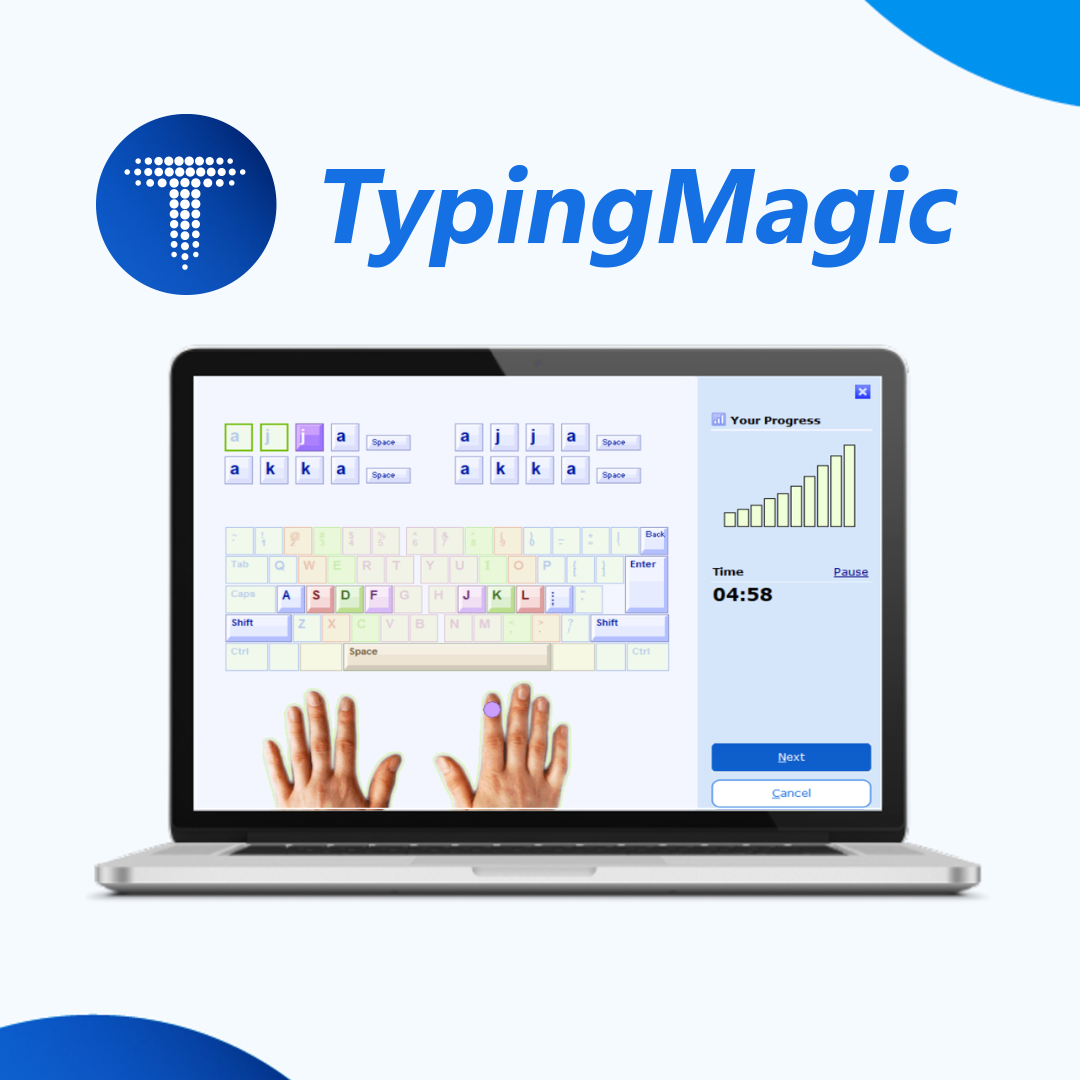
Key features include adaptive lessons, real-world typing tracking with the TypingMeter widget, customizable texts, and detailed progress analysis.
How does the adaptive learning system work?
It analyzes your typing speed and accuracy, then automatically adjusts lessons to focus on your weaknesses for more effective progress.
Can I track my real-world typing outside of lessons?
Yes, enable the TypingMeter widget, which runs in the background to measure your typing performance on other applications and provide detailed statistics.
Does the app support multiple languages and keyboard layouts?
Yes, version 12 expanded support for various keyboard layouts and languages; you can select these in 'Settings' > 'Language & Layouts.'
Are there any costs after the free trial period?
Yes, some advanced features require a license purchase or subscription; basic training remains free, but check 'Settings' > 'Account' for options.
How do I upgrade to a paid license or manage my subscription?
Go to 'Settings' > 'Account' > 'Subscription' to view and purchase available license options or manage your subscription plans.
What should I do if the TypingMeter widget isn't tracking correctly?
Ensure the widget is enabled in 'Settings' > 'Widgets,' and that the app has permission to run in the background; restart the app if needed.
You May Like

Embird Embroidery Software
for Windows
5
Quick Optimizer
for Windows
5
eWallet for Windows
for Windows
4.9
GT Auto Clicker: Free Auto Click
for Windows
4.9
Keeper® Password Manager
for Windows
4.9
PDF Reader - View and Edit PDF
for Windows
4.8
Focus To-Do
for Windows
4.8
Mail Apps
for Windows
4.8
iLovePDF: PDF Reader and Editor
for Windows
4.8
GlideX
for Windows
4.8
Brave Browser
for Windows
4.8
TouchDraw 2
for Windows
4.8