
Frequently Asked Questions
How do I start playing Ultimate Chicken Horse for the first time?
Download the app, create an account if needed, then select a game mode and follow the tutorial to learn basic controls and level building.
What are the main controls I need to know to play effectively?
Use simple jump and move controls for platforming; place blocks or traps during level creation via intuitive UI; check tutorial for detailed control instructions.
How can I build and customize my own levels?
Enter Level Editor mode from the main menu, select and place blocks and traps, then save and share your custom levels through the Create menu.
What are the different game modes available in Ultimate Chicken Horse?
The game offers local and online multiplayer, Challenge Mode with leaderboards, and Creative Mode for designing levels.
How do I challenge friends or play online multiplayer?
Navigate to multiplayer mode, choose online or local play, invite friends or join public games through the online lobby menu.
Are there in-game purchases or subscription options I should be aware of?
Yes, the app offers optional in-game purchases for cosmetic items and extra content. You can access them via Settings > Store within the game.
How do I access or manage my subscription?
Go to Settings > Account > Subscriptions to view or cancel your subscription; available for premium content and features.
Can I share my custom levels with other players?
Yes, you can save and share levels via the Share menu, allowing others to download and attempt your creations.
What should I do if the game crashes or has bugs?
Try restarting the app, checking for updates, or reinstalling. If issues persist, contact support through Settings > Help & Support for assistance.
Is there any age restriction or recommended age for players?
Ultimate Chicken Horse is designed to be family-friendly and suitable for players of all ages, especially children and casual gamers.
You May Like

Cuphead
for Windows
4.7
Cuphead & The Delicious Last Course
for Windows
4.7
Celeste
for Windows
4.6
Ultimate Chicken Horse
for Windows
4.4
Level Devil: Troll Platformer
for Windows
4
Planet of Lana II
for Windows
3.8
Crash Bandicoot™ N. Sane Trilogy
for Windows
3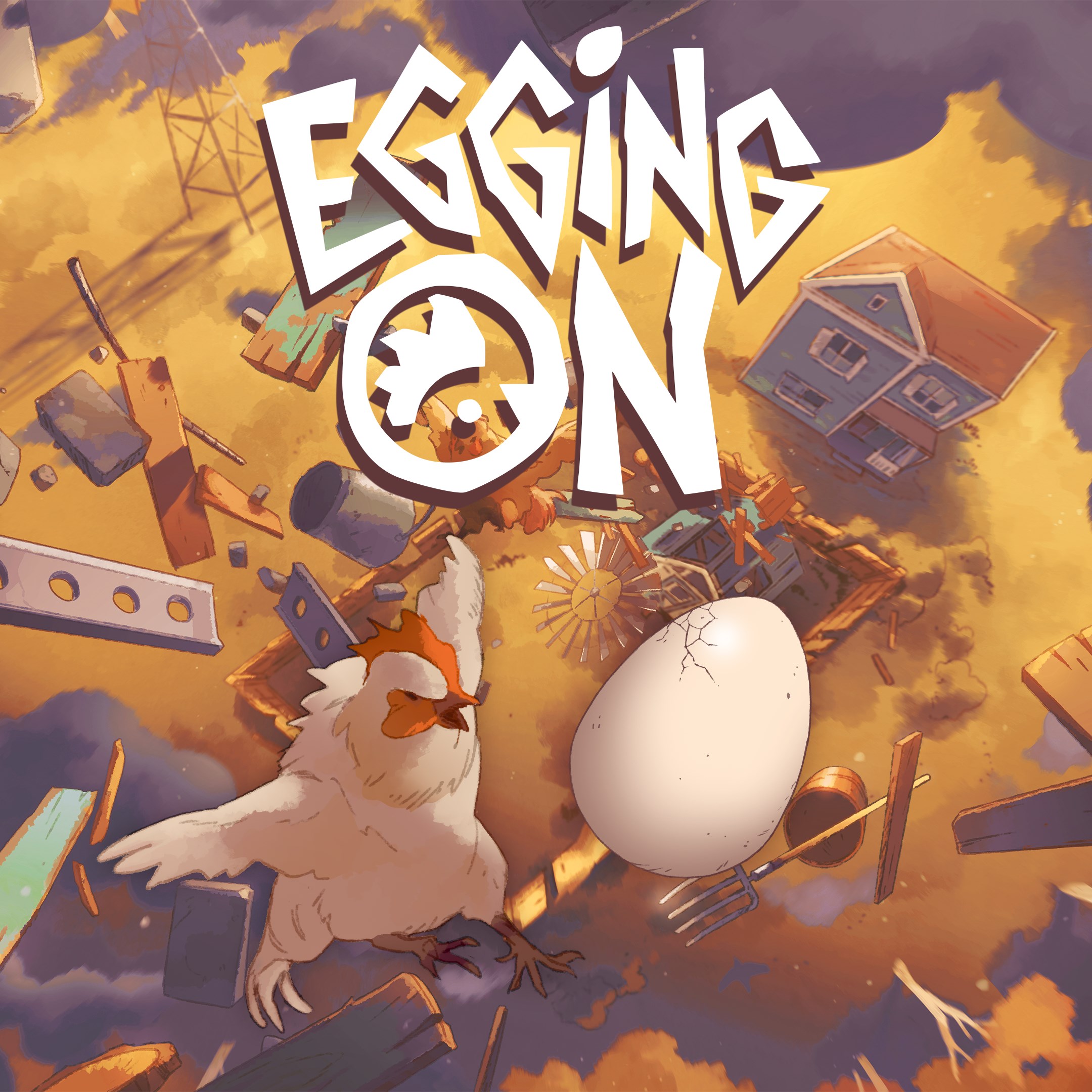
Egging On
for Windows
2.6
BEAR ESCAPE MISSION (WINDOWS)
for Windows
0
Metal Shoot (Windows)
for Windows
0
Stellar Docks (Windows)
for Windows
0
Penguin Flight (Windows)
for Windows
0