

- Category Photo & video
- Developer Photo Cool Apps
- Available on PC, Mobile, Surface Hub, HoloLens
- OS Windows 10 version 16299.0 or higher
- languages Arabic, Catalan, Croatian, Czech, Danish, Dutch, English (United States), Finnish, French, German, Greek, Hungarian, Indonesian, Japanese, Korean, Korean , Latvian, Malay, Persian/Farsi, Polish, Portuguese, Portuguese (Brazil), Romanian, Russian, Slovak, Slovenian, Spanish, Spanish (Spain), Swedish, Thai, Turkish, Ukrainian, Vietnamese
Ultimate Photo Editor for Windows: A Comprehensive Review
If you're searching for a versatile editing tool that combines ease of use with powerful features, Ultimate Photo Editor stands out as a noteworthy choice on the Windows platform. Developed by Photo Cool Apps, this application aims to elevate your photo editing experience without the complexity often associated with professional-grade software.
What is Ultimate Photo Editor?
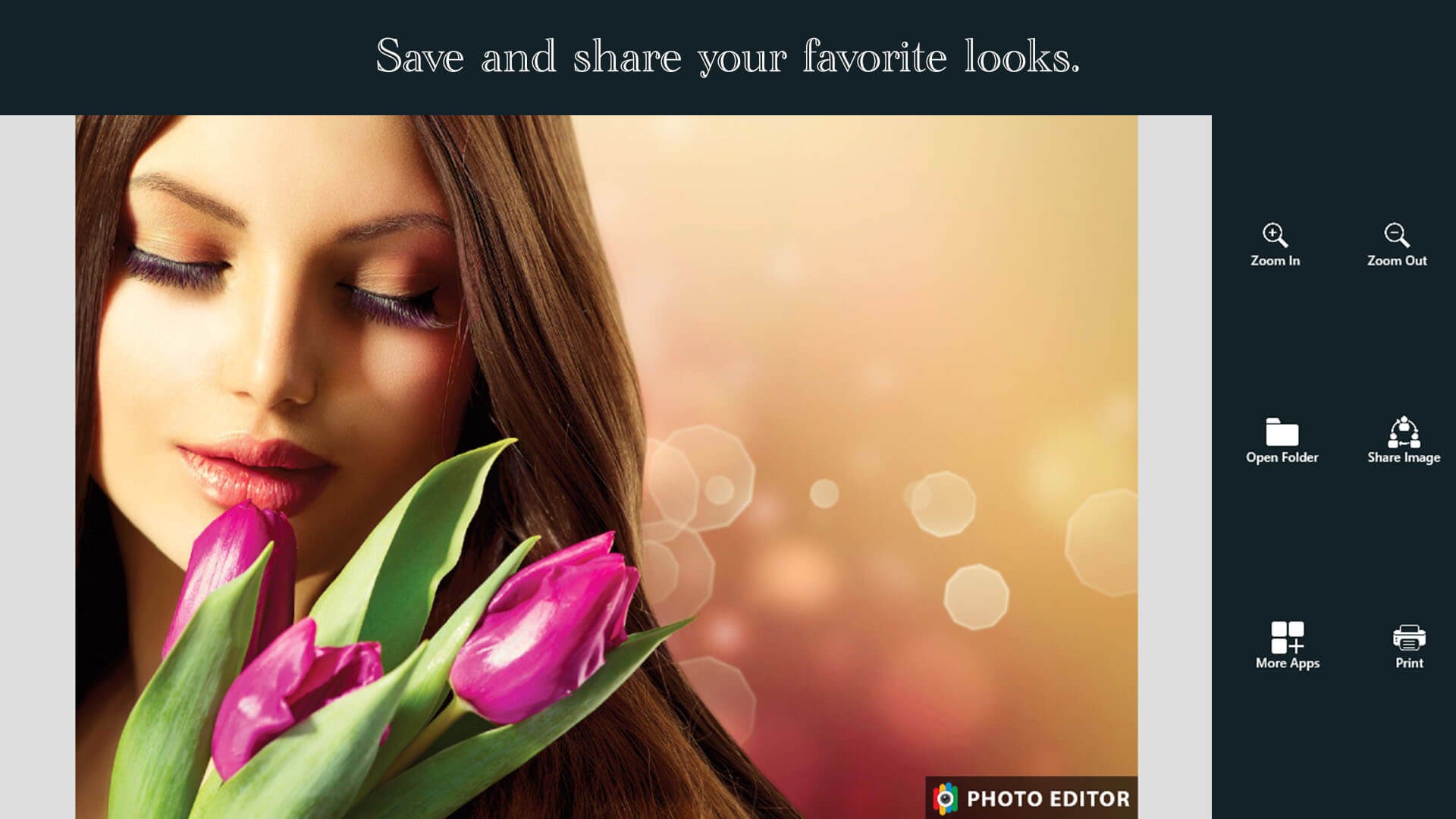
Ultimate Photo Editor is a user-friendly Windows application designed to enhance, retouch, and creatively manipulate your photos with minimal effort. Whether you're a casual user wanting to perfect family pictures or an enthusiast exploring artistic edits, this app promises a smooth and enjoyable editing journey.
Developed by Photo Cool Apps, a team dedicated to crafting accessible yet powerful editing tools, the app highlights several key features that set it apart:
- Intuitive interface that simplifies editing tasks
- Advanced AI-powered enhancement tools
- Rich collection of filters and effects for creative expression
- Comprehensive editing tools suitable for both beginners and experienced users
The target audience includes hobbyists, social media enthusiasts, small business owners, and anyone looking to quickly improve their photos without steep learning curves.
An Entertaining and Practical Editing Companion
Imagine this app as your friendly photo wizard—ready to work its magic at a moment's notice. Its straightforward interface makes navigation feel like flipping through a well-organized magic chest. Whether you're enhancing portrait shots or jazzing up landscapes, Ultimate Photo Editor puts your desired results within reach, almost like having a professional studio right on your desktop.
Core Features in Detail
Smart Enhancement with AI Magic
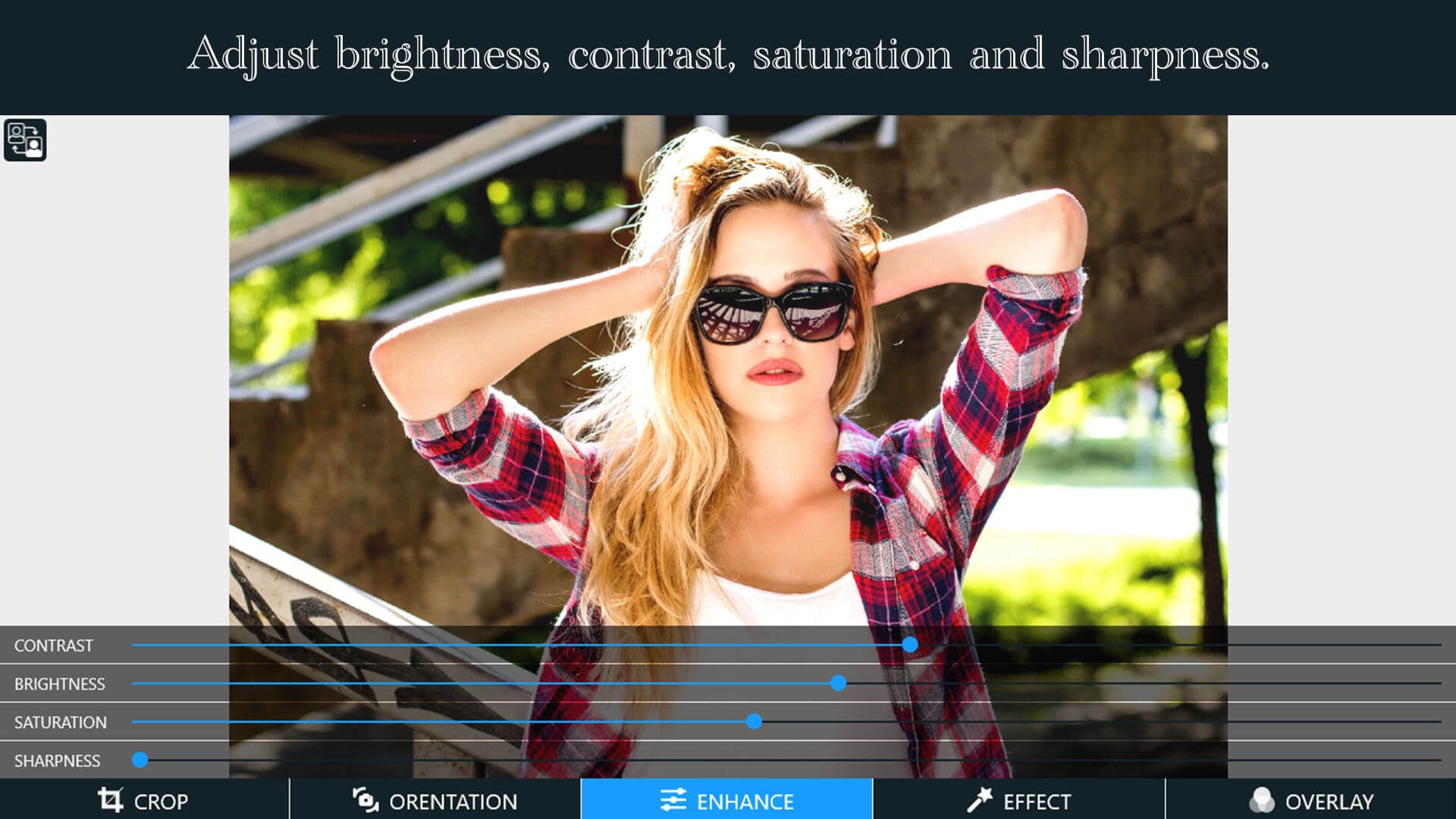
The standout feature is its AI-driven enhancement tools. Once you load your photo, the app offers quick suggestions to improve brightness, contrast, and sharpness—almost like having a personal photographer on standby. This AI algorithm intelligently detects skin tones, backgrounds, or objects, making subtle adjustments that elevate your image naturally. It's like hiring a professional retoucher, but at a fraction of the cost and effort.
Creative Filters and Effects
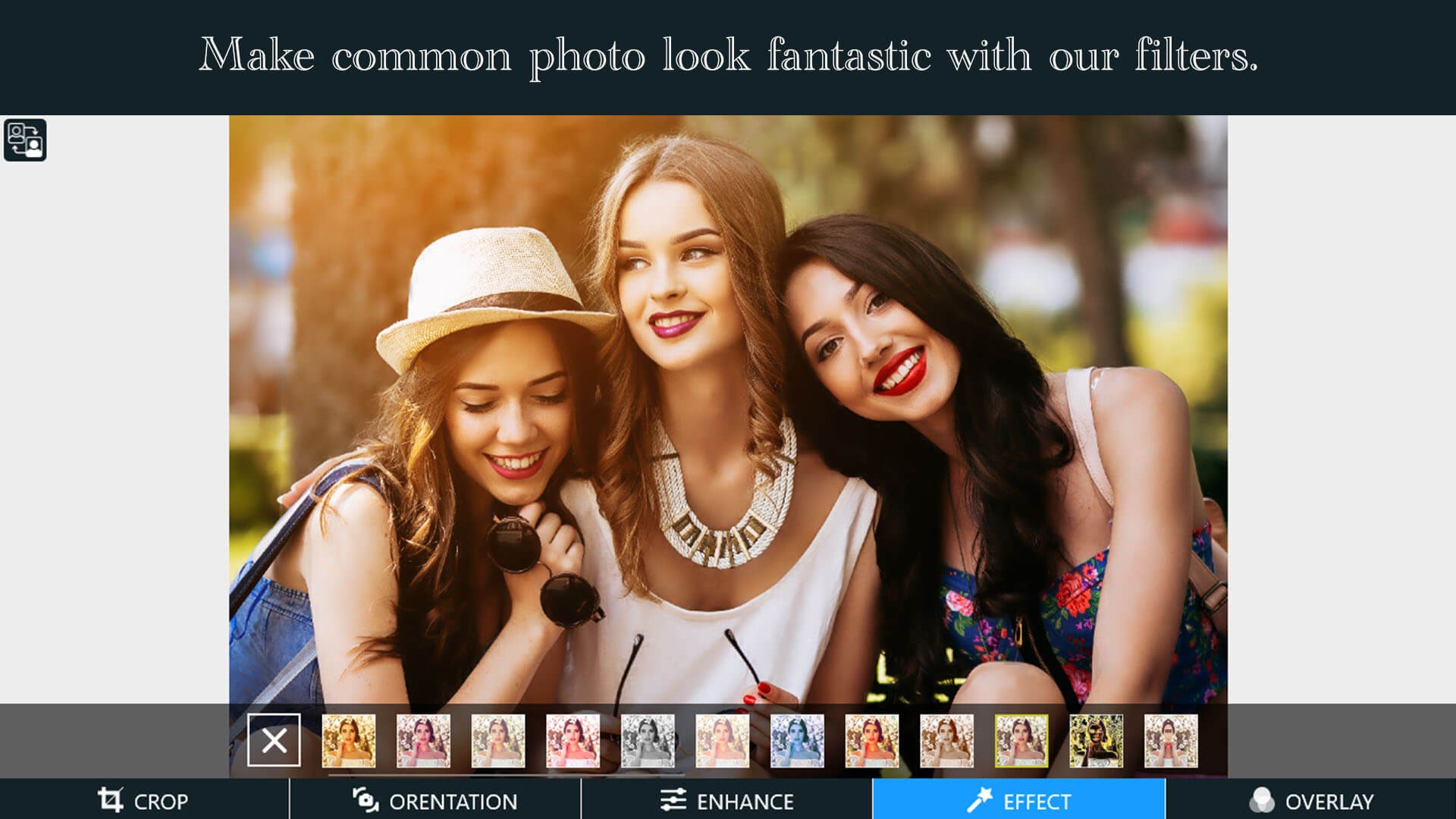
Another strength lies in its diverse collection of filters and effects. From vintage looks to modern flares, these options enable you to transform ordinary photos into eye-catching visuals with just a few clicks. Moreover, layer-based effects allow for detailed customization, giving amateur editors a playground for creative expression. This feature differentiates Ultimate Photo Editor from many other apps that offer limited preset options, making it a versatile tool for diverse artistic needs.
Easy-to-Use Editing Suite
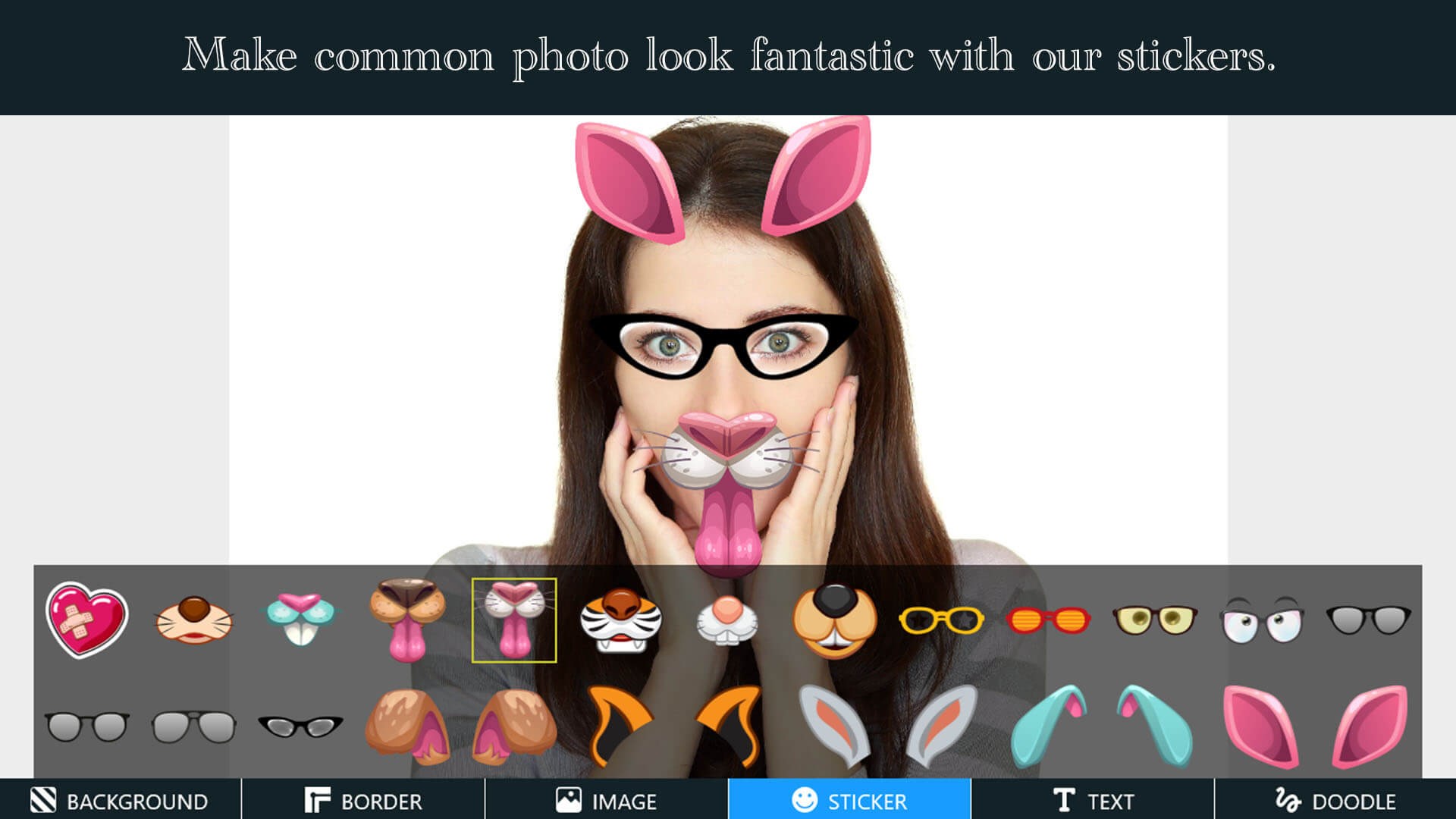
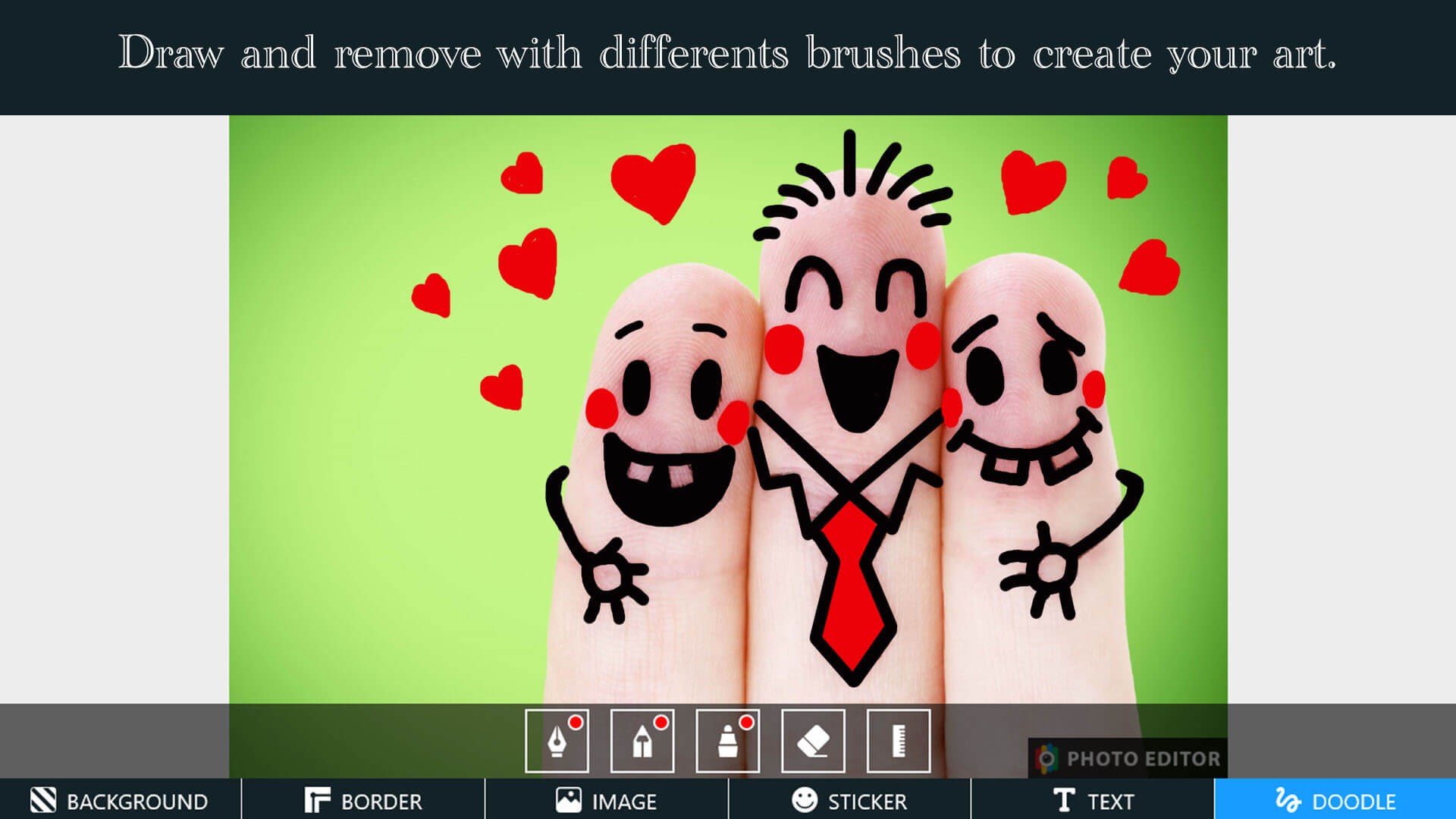
The app doesn't overwhelm with complexity. Its editing suite includes cropping, resizing, blemish removal, and text overlays—all accessible via a clean, organized layout. The fluidity of the interface ensures that users can switch between tools seamlessly, making iterative edits feel almost effortless. Learning curve? Almost nonexistent—it's like riding a smooth bicycle rather than learning to pilot an aircraft.
User Experience and Unique Selling Points
Design-wise, the application's interface is sleek yet straightforward, reminiscent of an inviting digital workspace rather than a cluttered control panel. Responsiveness is noteworthy; edits are applied instantaneously, which is particularly satisfying during multitasking. For new users, onboarding is gentle—guided tips and logical positioning of tools reduce the intimidation factor.
What truly makes Ultimate Photo Editor stand out is its intelligent AI enhancement paired with creative flexibility. Unlike many competitors that focus solely on filters or heavy retouching, this app balances intelligent adjustments with artistic options, giving users a robust yet approachable editing environment.
Final Thoughts & Recommendations
All in all, Ultimate Photo Editor for Windows presents a solid choice for those seeking an accessible yet capable photo editing app. Its AI-driven enhancements and rich creative toolkit are particularly compelling advantages. While it might not replace complex professional software for advanced editing, it covers a broad spectrum of everyday needs with finesse. I would recommend this app to casual enthusiasts who value simplicity combined with advanced capabilities and to small business owners managing visual content.
In short, consider giving Ultimate Photo Editor a try if you're after a friendly, efficient, and versatile editing partner that helps you produce polished photos without the hassle. It's like having a digital photographer and artist at your fingertips—ready whenever you need to craft your perfect shot.
Pros
- Intuitive User Interface
- Wide Range of Editing Tools
- High-Quality Output
- Fast Performance
- Frequent Updates and Support
Cons
- Limited Free Features
- Occasional Crashes
- Large App Size
- Learning Curve for Advanced Features
- Limited Support for RAW Files










