
- Category Personalization
- Developer Finalhit Ltd.
- Available on PC
- OS Windows 10 version 0.0 or higher
- languages English
Introducing Ultra Screen Saver Maker for Windows
Imagine transforming your computer experience into a personalized visual journey — that's exactly what Ultra Screen Saver Maker for Windows aims to do. This application from Finalhit Ltd. offers an intuitive platform for creating and customizing screensavers, turning mundane desktop backgrounds into immersive, animated showcases tailored to your taste.
About the Developer and Core Features
Developed by Finalhit Ltd., a dedicated team specializing in multimedia customization tools, Ultra Screen Saver Maker stands out for its user-centric design and flexible features. Its main highlights include:
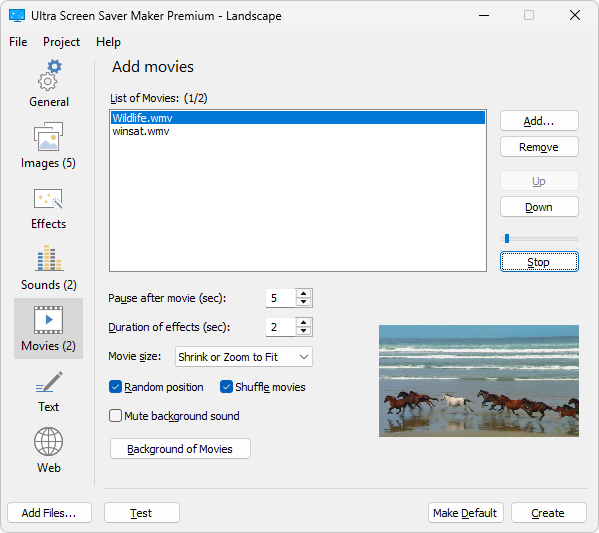
- Rich multimedia support: Create screensavers using images, videos, or a combination, enabling dynamic visual displays.
- Customization options: Extensive editing tools for adding effects, transitions, and personalized elements to ensure each screensaver is unique.
- Preview and export functionalities: Real-time previews and easy exporting make the creation process straightforward and satisfying.
- User-friendly interface: Designed for users of all skill levels, from casual hobbyists to tech enthusiasts.
This application primarily targets desktop users who wish to add a personal touch to their Windows environment, including students, professionals, digital artists, and casual users seeking creative customization tools.
Vivid Creation Experience: Crafting Stunning Screensavers
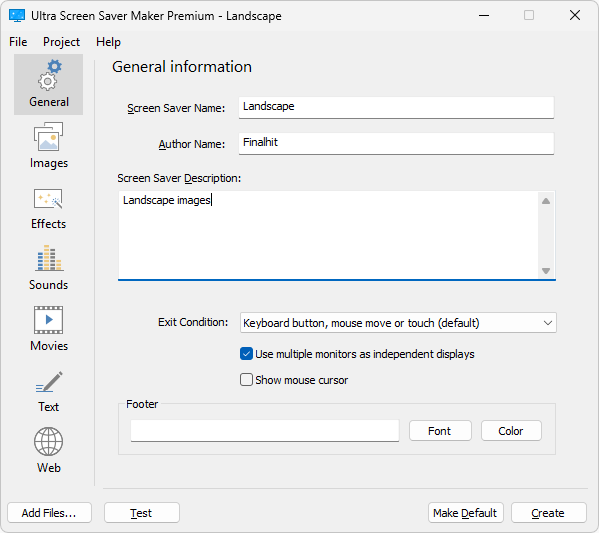
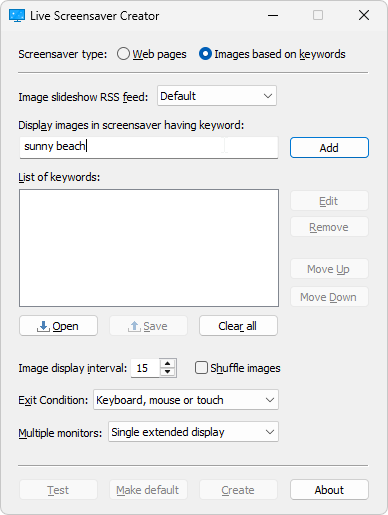
Upon launching Ultra Screen Saver Maker, the interface strikes a balance between simplicity and professional appeal—think of it as opening a sleek art studio, ready to bring your visions to life. The drag-and-drop design and intuitive controls enable even newcomers to start assembling their personalized screensavers effortlessly.
The core creation process revolves around three essential elements:
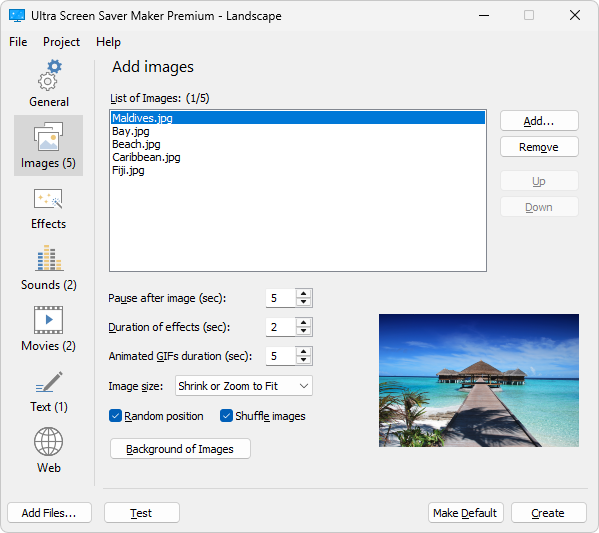
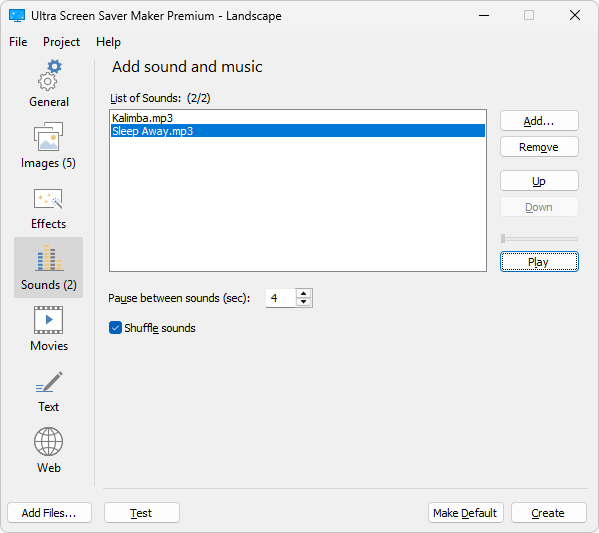
- Adding multimedia content: Users can import images, videos, or both, crafting a multimedia collage that captures their favorite moments or themes. The app's support for various formats ensures flexibility, much like a versatile artist's palette.
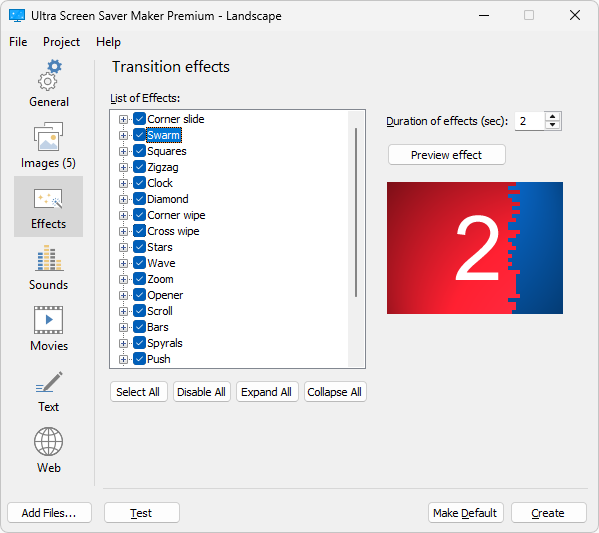
- Applying effects and transitions: With a palette of built-in effects—from fades and zooms to color filters—users can animate their screensaver, giving it a professional touch without the complexity of advanced editing software. The live preview window offers instant feedback, making experimentation enjoyable.
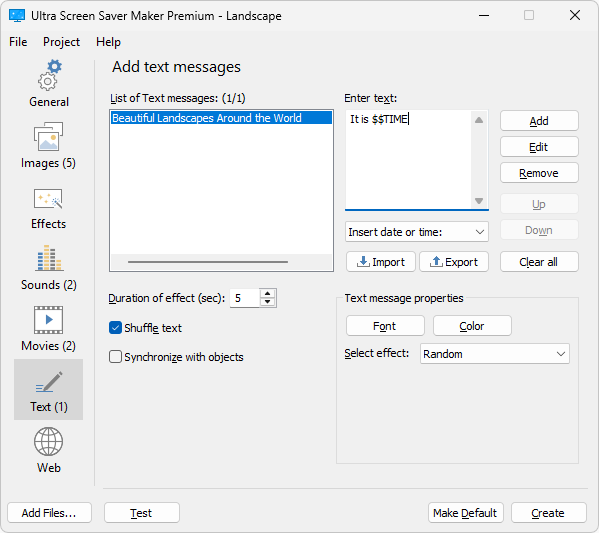
- Personal customization: Further personalize your creation by adding text overlays, music, or interactive elements. This layer of detail transforms a simple slideshow into an engaging visual story.
UX Evaluation and Unique Selling Points
The interface design focuses on clarity and ease of use. Navigating through menus feels natural, and the layout nicely guides users from basic to more advanced features. In terms of operation, the app performs smoothly, with minimal lag even when handling large video files or complex effects, thanks to efficient optimization.
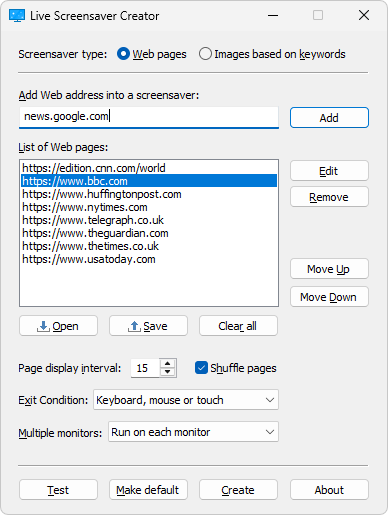
Compared to other personalization apps, Ultra Screen Saver Maker's standout features are its versatility in multimedia support and theme compatibility. Unlike simpler tools limited to static images, this application enables dynamic, animated screensavers that bring your desktop to life. Its ability to import a wide range of media types and seamlessly integrate various themes means your screensaver can perfectly harmonize with your existing desktop aesthetic—be it minimalistic, colorful, or highly artistic.
The inclusion of real-time previews and straightforward export options make it accessible for users irrespective of technical prowess. This ease of use, combined with its creative breadth, differentiates it from many niche or overly complicated alternatives.
Final Thoughts and Recommendations
If you're someone who enjoys personalizing your workspace without diving into complex software, Ultra Screen Saver Maker offers a balanced mix of power and simplicity. Its ability to craft animated, multimedia-rich screensavers with a few clicks makes it a valuable tool for creativity enthusiasts and casual users alike.
Given its strengths in multimedia versatility and user-friendly design, I recommend this app for those looking to experiment with personalized screensavers that stand out visually. For users who prioritize extensive customization options, especially involving animations and dynamic content, Ultra Screen Saver Maker is a solid choice.
While it may not replace high-end multimedia editing suites, its niche focus on screensaver creation makes it a practical and enjoyable tool to explore—bringing your desktop to life with minimal fuss. Consider giving it a try, especially if you love transforming your digital environment into a captivating showcase.
Pros
- Intuitive Interface
- Rich Animation Options
- High Customizability
- Fast Export Process
- Regular Updates
Cons
- Limited Preview Features
- Occasional Stability Issues
- Large File Sizes
- Limited Export Formats
- Steep Learning Curve for Advanced Features











