


- Category Productivity
- Developer REVARN Cybernetics LLP
- Available on PC
- OS Windows 10 version 0.0 or higher
- Keyboard Integrated Keyboard
- Mouse Integrated Mouse
- Memory 8 GB
- DirectX Version 10
- languages English, English (Afghanistan), English (Åland Islands), English (Albania), English (Algeria), English (American Samoa), English (Andorra), English (Angola), English (Anguilla), English (Antarctica), English (Antigua and Barbuda), English (Armenia), English (Aruba), English (Australia and New Zealand), English (Australia), English (Azerbaijan), English (Bahamas), English (Bangladesh), English (Barbados), English (Belarus), English (Belize), English (Benin), English (Bermuda), English (Bhutan), English (Bolivia), English (Bonaire, Saint Eustatius and Saba), English (Bosnia and Herzegovina), English (Botswana), English (Bouvet Island), English (British Indian Ocean Territory), English (British Virgin Islands), English (Brunei), English (Bulgaria), English (Burkina Faso), English (Burundi), English (Cambodia), English (Cameroon), English (Canada), English (Cape Verde), English (Caribbean), English (Cayman Islands), English (Central African Republic), English (Chad), English (Christmas Island), English (Cocos (Keeling) Islands), English (Comoros), English (Congo (DRC)), English (Congo), English (Cook Islands), English (Côte d'Ivoire), English (Croatia), English (Curaçao), en-cz, English (Djibouti), English (Dominica), English (Dominican Republic), English (Eastern Africa), English (Equatorial Guinea), English (Eritrea), English (Estonia), English (Ethiopia), English (Falkland Islands), English (Faroe Islands), English (Fiji), English (French Guiana), English (French Polynesia), English (French Southern and Antarctic Lands), English (Gabon), English (Gambia), English (Georgia), English (Germany), English (Ghana), English (Gibraltar), en-gr, English (Greenland), English (Guadeloupe), English (Guam), English (Guernsey), English (Guinea-Bissau), English (Guinea), English (Guyana), English (Haiti), English (Heard Island and McDonald Islands), English (Honduras), English (Hong Kong SAR), en-hu, English (Iceland), English (India), English (Indonesia), English (Iraq), English (Ireland), English (Isle of Man), English (Israel), English (Jamaica), English (Jersey), English (Jordan), English (Kazakhstan), English (Kenya), English (Kiribati), English (Kyrgyzstan), English (Laos), English (Latvia), English (Lesotho), English (Liberia), English (Libya), English (Lithuania), English (Macao SAR), English (Macedonia, FYRO), English (Madagascar), English (Malawi), English (Malaysia), English (Maldives), English (Mali), English (Malta), English (Marshall Islands), English (Martinique), English (Mauritius), English (Mayotte), English (Micronesia), English (Moldova), English (Monaco), English (Mongolia), English (Montserrat), English (Mozambique), English (Myanmar), English (Namibia), English (Nauru), English (Nepal), English (Netherlands Antilles (Former)), English (Netherlands), English (New Caledonia), English (New Zealand), English (Nicaragua), English (Niger), English (Nigeria), English (Niue), English (Norfolk Island), English (Northern America), English (Northern Mariana Islands), English (Oman), English (Pakistan), English (Palau), English (Palestinian Authority), English (Papua New Guinea), English (Philippines), English (Pitcairn Islands), English (Puerto Rico), English (Qatar), English (Reunion), English (Romania), English (Rwanda), English (Saint Barthélemy), English (St Helena, Ascension, Tristan da Cunha), English (Saint Kitts and Nevis), English (Saint Lucia), English (Saint Martin (French Part)), English (Saint Pierre and Miquelon), English (Saint Vincent and the Grenadines), English (Samoa), English (San Marino), English (São Tomé and Príncipe), en-sa, English (Senegal), English (Seychelles), English (Sierra Leone), English (Singapore), English (Sint Maarten), English (Slovakia), English (Slovenia), English (Solomon Islands), English (Somalia), English (South Africa), English (South Georgia and the South Sandwich Islands), English (Southern Africa), English (Sri Lanka), English (Sudan), English (Suriname), English (Svalbard and Jan Mayen), English (Swaziland), English (Tajikistan), English (Tanzania), English (Thailand), English (Timor-Leste), English (Togo), English (Tokelau), English (Tonga), English (Trinidad and Tobago), English (Turkey), English (Turkmenistan), English (Turks and Caicos Islands), English (Tuvalu), English (U.S. Minor Outlying Islands), English (U.S. Virgin Islands), English (Uganda), en-ae, English (United Kingdom), English (United States), English (Uzbekistan), English (Vanuatu), English (Holy See (Vatican City)), English (Vietnam), English (Wallis and Futuna), English (Western Africa), English (Zambia), English (Zimbabwe)
Elevate Your Productivity: An In-Depth Look at VA - Build Your AI Assistant for Windows
If you're tired of juggling multiple apps and wish for a smarter way to streamline your daily tasks, VA - Build Your AI Assistant may just be the virtual buddy you need. Designed to seamlessly integrate into your Windows environment, this app aims to transform how you manage information, perform automations, and stay organized — all with a user-friendly touch that doesn't overwhelm.
About the App: Clear Purpose and Developer Inspiration
VA - Build Your AI Assistant is positioned as a versatile AI-powered productivity companion tailored for Windows users seeking to automate routines and enhance workflow efficiency. The app is developed by REVARN Cybernetics LLP, a team dedicated to creating intelligent tools that blend advanced AI capabilities with straightforward usability.
Key Features Highlight:
- Customizable AI assistant that adapts to your personal or professional needs
- Intelligent task automation integrating with Windows applications
- Conversational interface for natural language commands
- Learning modules that improve response accuracy over time
Designed for busy professionals, students, and tech enthusiasts alike, VA aims to reduce cognitive load by providing an intuitive interface for complex workflows, making daily productivity enhancements accessible without being daunting.
A Splash of Fun: Setting the Stage for Your AI Companion
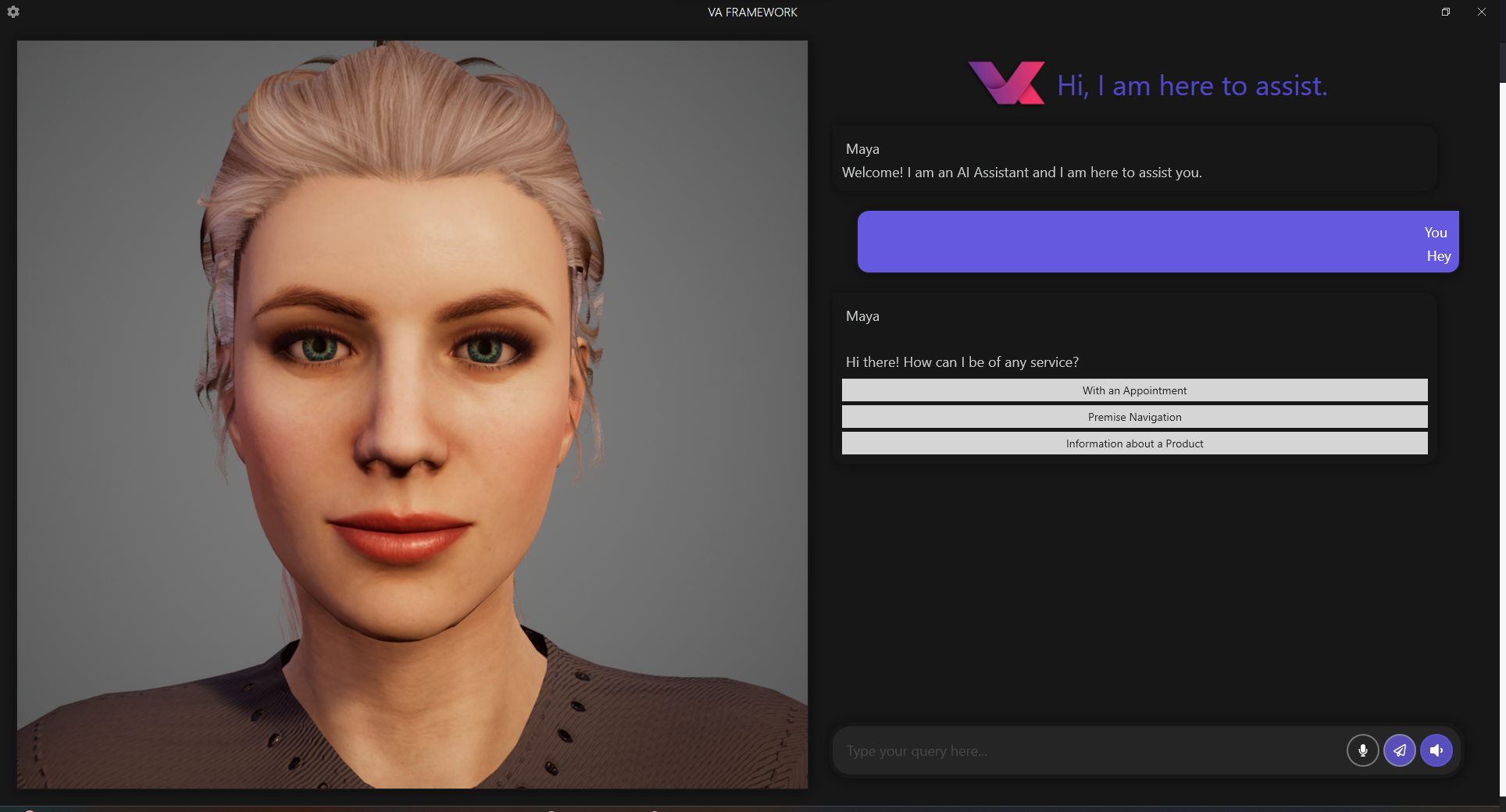
Imagine having a personal assistant that not only follows your commands but understands your habits and preferences — like having a friendly, super-smart co-worker at your side. From the moment you launch VA, you sense a blend of simplicity and potential. The interface is clean, inviting you to start chatting, setting reminders, or automating a task with just a few keystrokes. It feels like awakening a helpful office buddy who's eager to take care of the mundane, so you can focus on what truly matters.
Deep Dive into Core Functionalities
Customizable AI Assistant Tailored to Your Needs
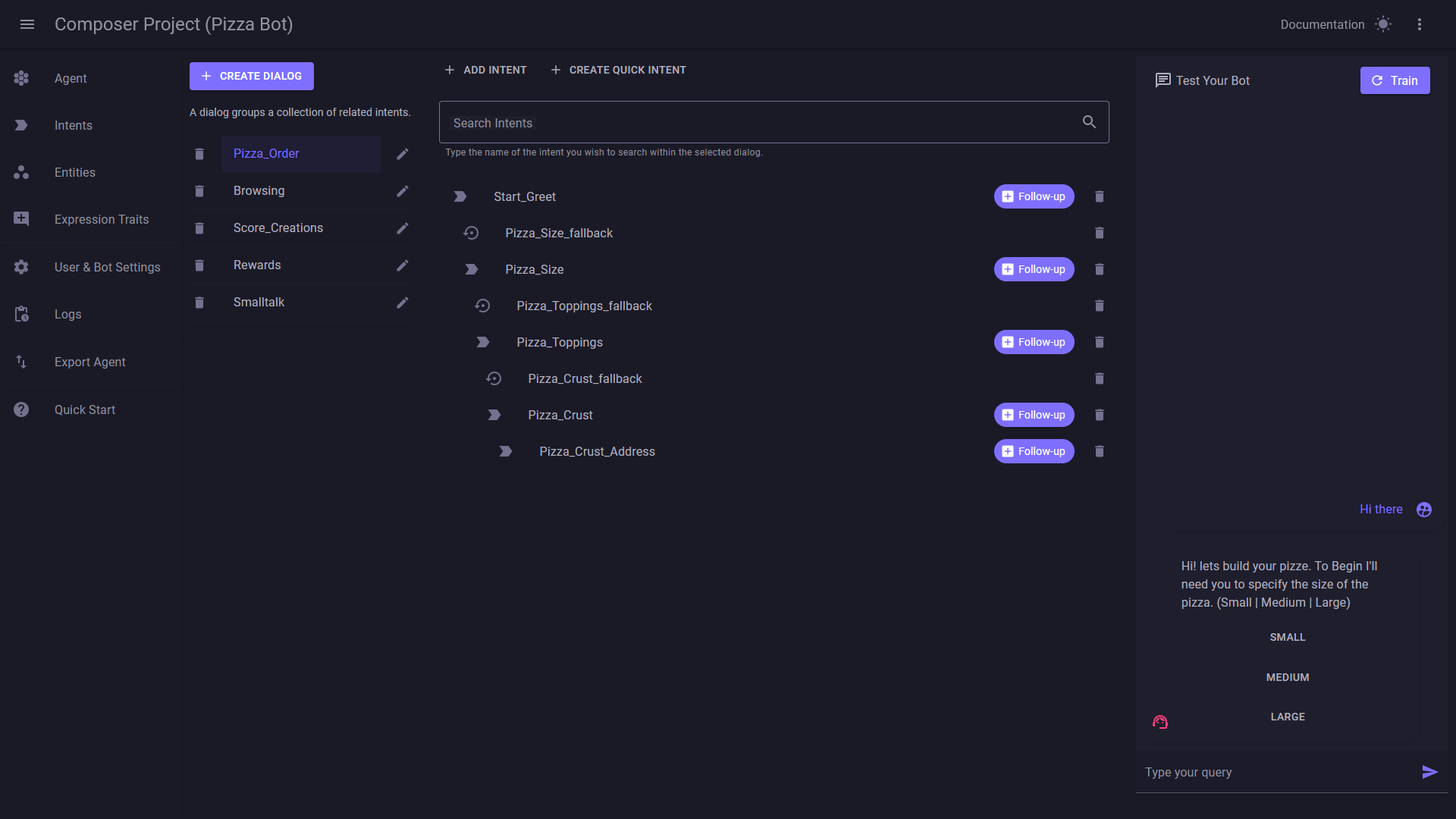
The standout feature of VA is its ability to build a personalized AI assistant aligned with your routine. Whether you're organizing meetings, managing emails, or setting smart reminders, the app allows you to craft specific workflows without complex programming. Its natural language processing engine makes commands feel conversational, eliminating the need for learning arcane command syntax. It's as easy as chatting with a colleague about your schedule — only this colleague is powered by AI.
Seamless Workflow Integration & Automation
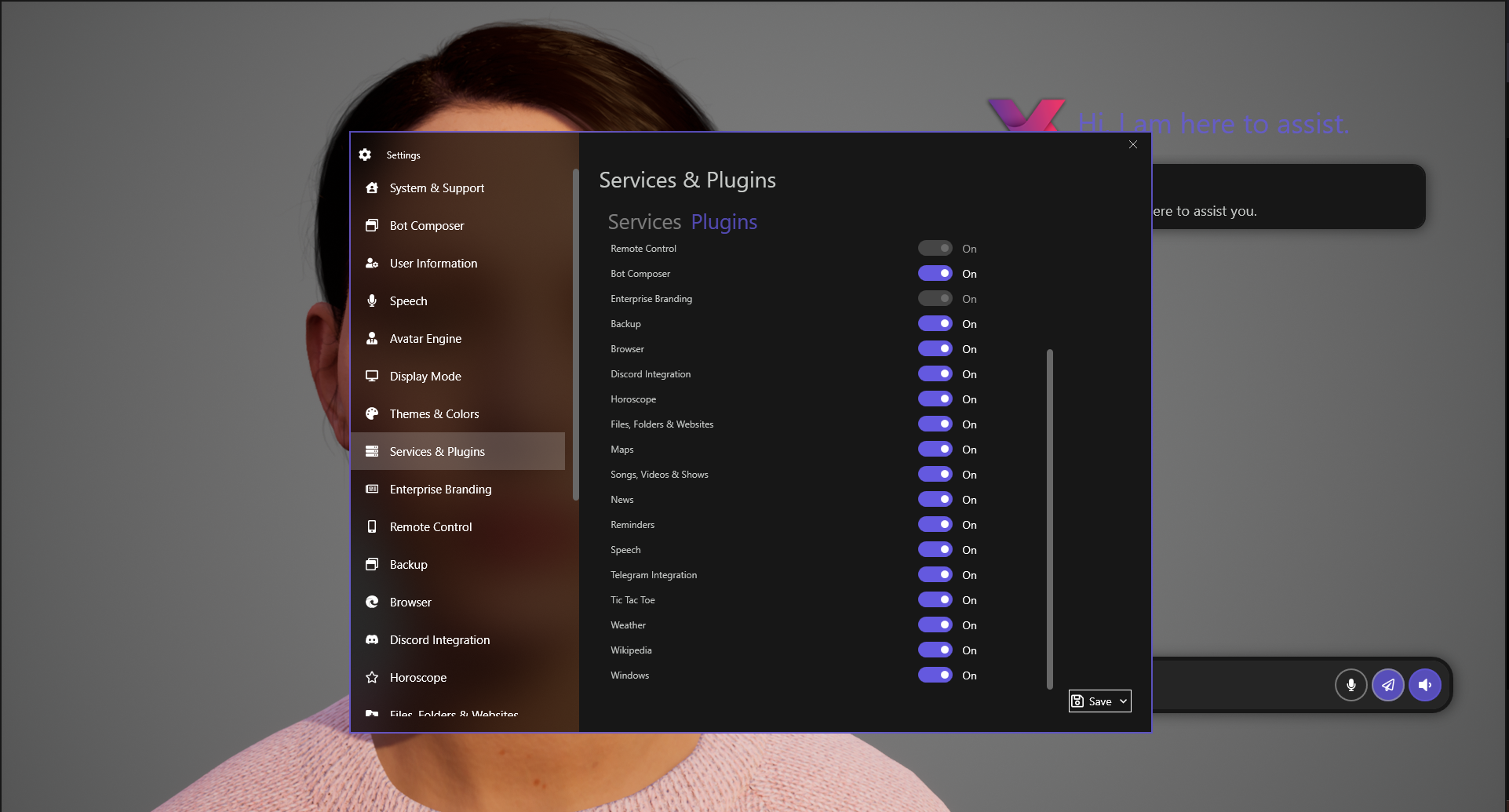
Where VA truly shines is in its ability to integrate with Windows applications and automate multi-step processes. For example, you could set it to monitor incoming emails, extract key points, and populate your task manager — all automatically. This focus on workflow efficiency, without overwhelming users with a cluttered interface, distinguishes it from many productivity tools. It reduces cognitive load by handling complex tasks in the background, allowing you to concentrate on high-value activities.
Learning and Adaptive Behavior
Another compelling aspect is how VA learns over time. Its algorithms adapt based on your usage patterns, becoming more precise and responsive. Think of it as an assistant that picks up your vibe, understanding what you prioritize and how you prefer to communicate. This feature lowers the barrier to entry, making advanced automation accessible even to those unfamiliar with scripting or technical configurations.
User Experience: Intuitive, Efficient, and Approachable
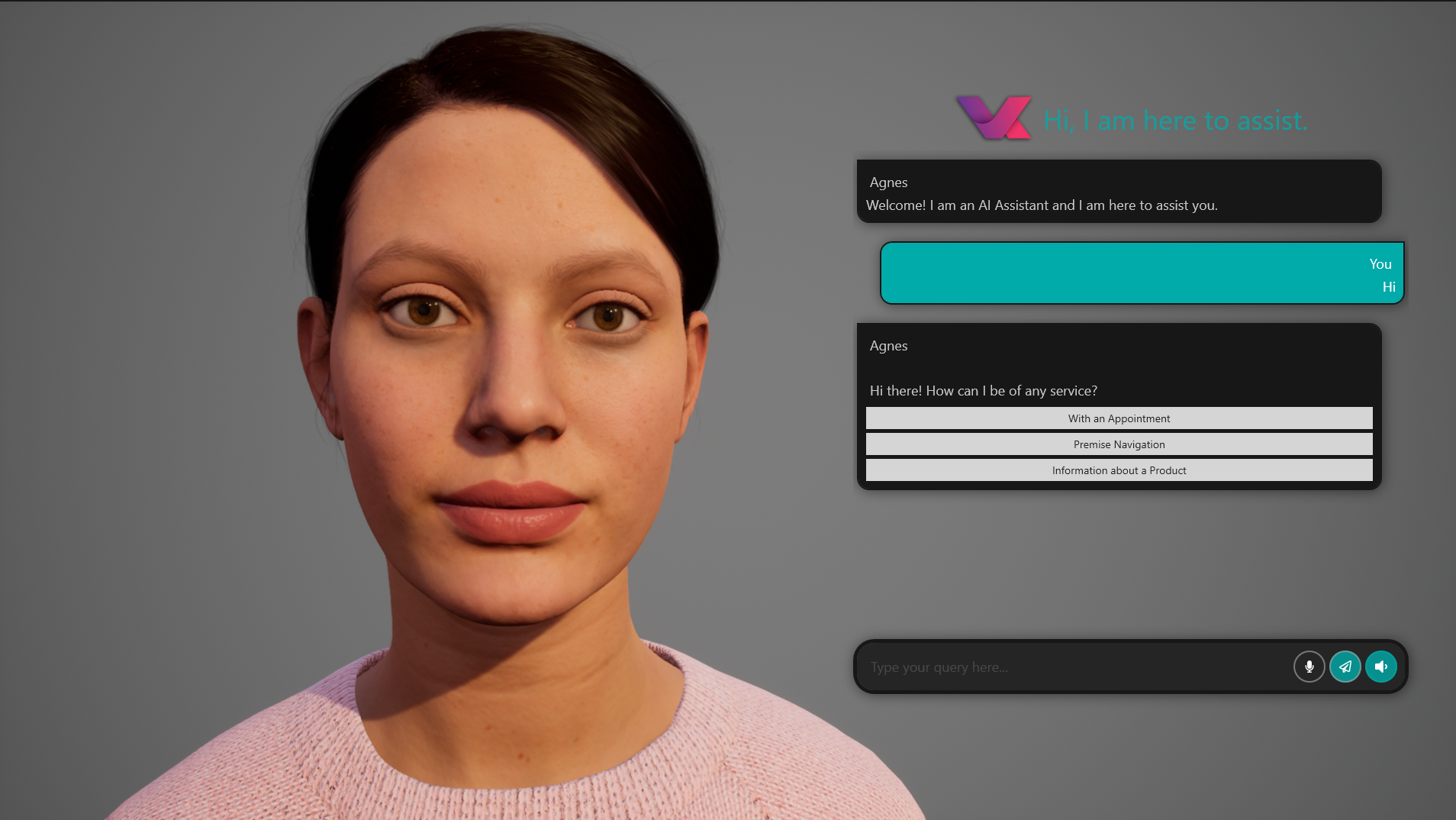
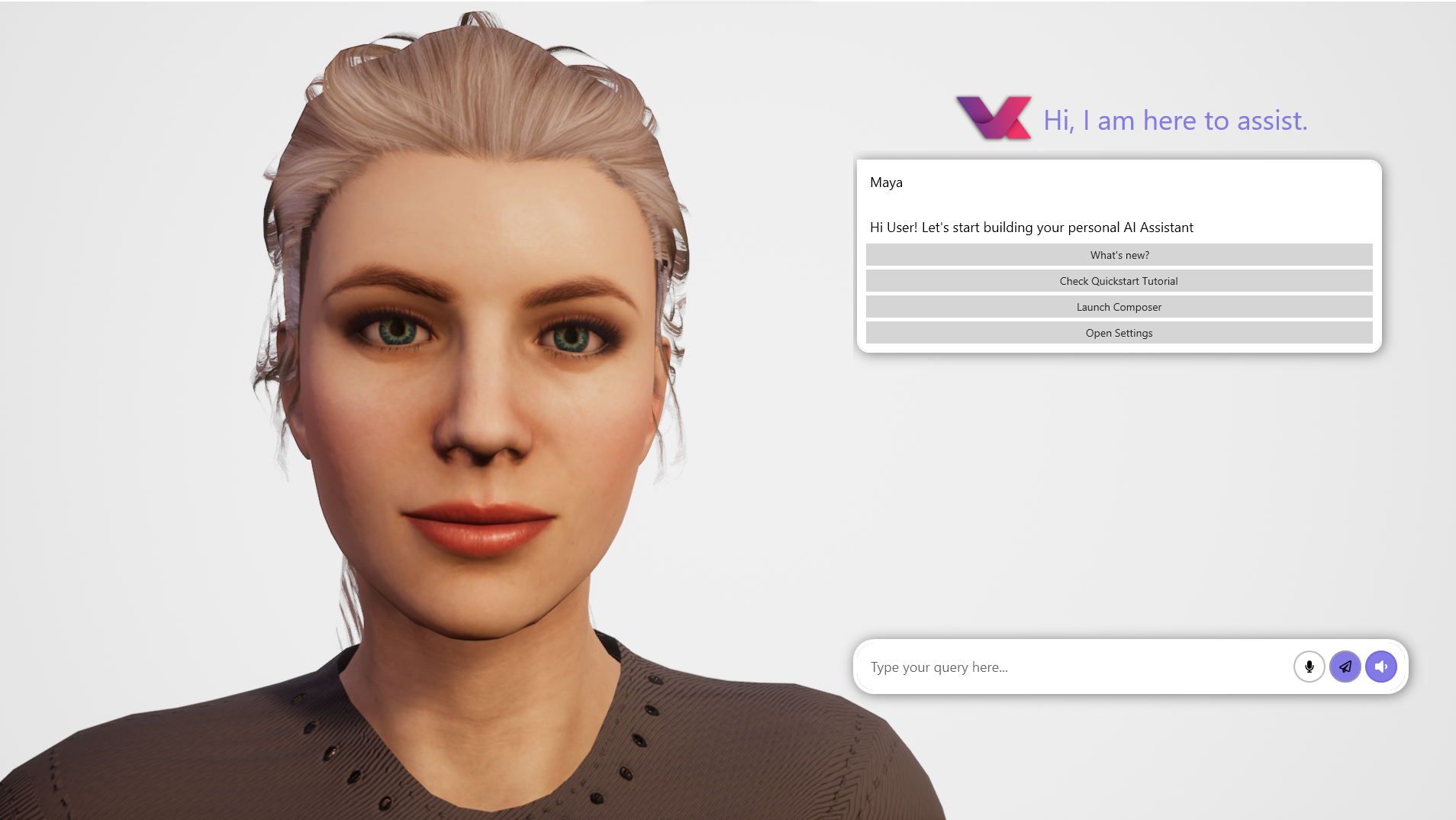
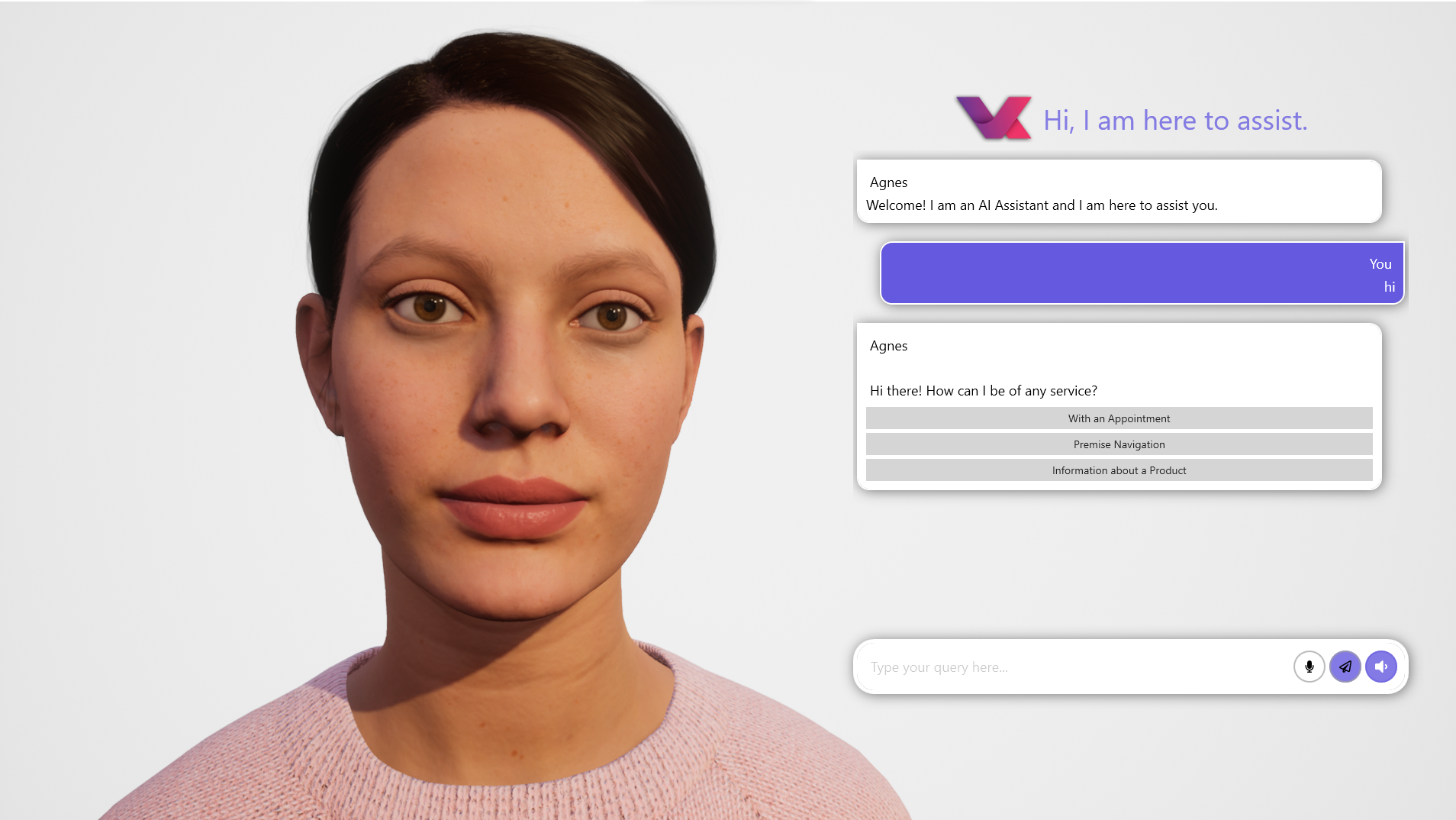
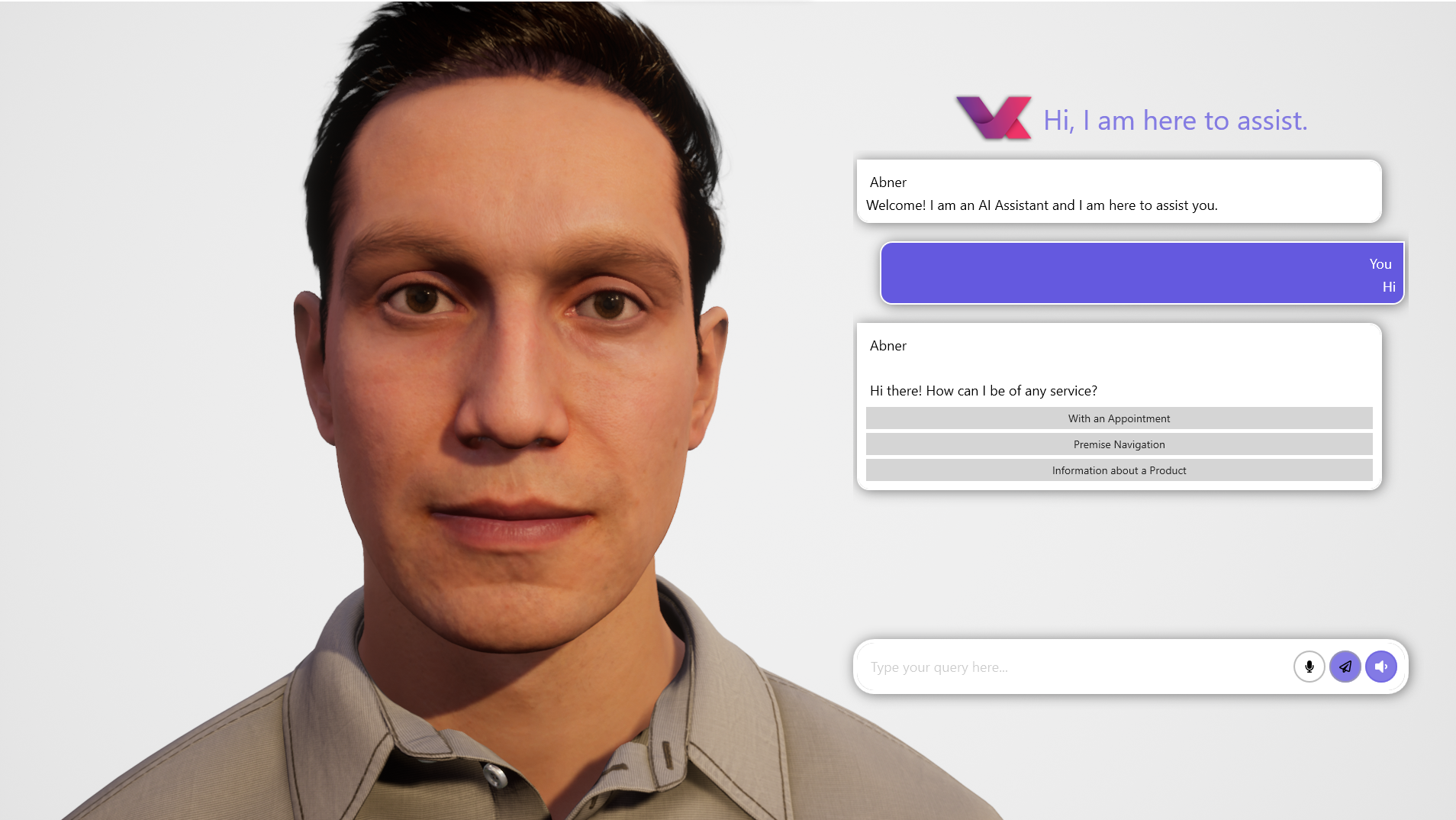
The interface design is minimalist yet informative, offering quick access to core features without visual clutter. Navigating through tasks and settings feels smooth, akin to gliding on a well-paved path — no sudden jerks or confusing menus. The learning curve is gentle; new users can start automating simple chores within minutes, while power users can delve deeper into customization. The application's responsiveness maintains a high level of operational fluidity, making interactions feel natural and satisfying.
Unique Advantages over Similar Apps
Compared to other productivity apps or virtual assistants, VA's pivotal distinction is its balanced emphasis on workflow integration efficiency and low cognitive load. Many tools boast extensive features, but their complexity can be intimidating. VA's approach focuses on practical automation that simplifies day-to-day routines, acting more like a trusted confidant than a complicated tech gadget. Its ability to learn and adapt over time further ensures that it remains useful, reducing repetitive manual steps and enhancing overall productivity.
Final Recommendation: Worth Trying for Those Who Value Simplicity and Power
If you're seeking an AI assistant that walks the fine line between sophistication and simplicity, VA - Build Your AI Assistant could be a valuable addition to your Windows toolkit. It's especially suitable for users who want automation without the hassle of steep learning curves or endless feature bloat. While it may still have room for growth, its core functionalities offer meaningful productivity gains, making it worth a try for professionals, students, or anyone looking to make their digital life just a little easier.
Pros
- Intuitive voice command integration
- Personalized AI assistance features
- Easy-to-navigate interface
- Regular updates and improvements
- Multi-platform compatibility
Cons
- Limited multilingual support
- Occasional lag during voice recognition
- Basic customization options
- Dependence on internet connection
- Some feature restrictions in free version











