
Frequently Asked Questions
How do I get started with creating my own AI assistant in VA?
Download the app, launch it, and follow the onboarding tutorial to set up your personalized AI assistant through the VA Framework.
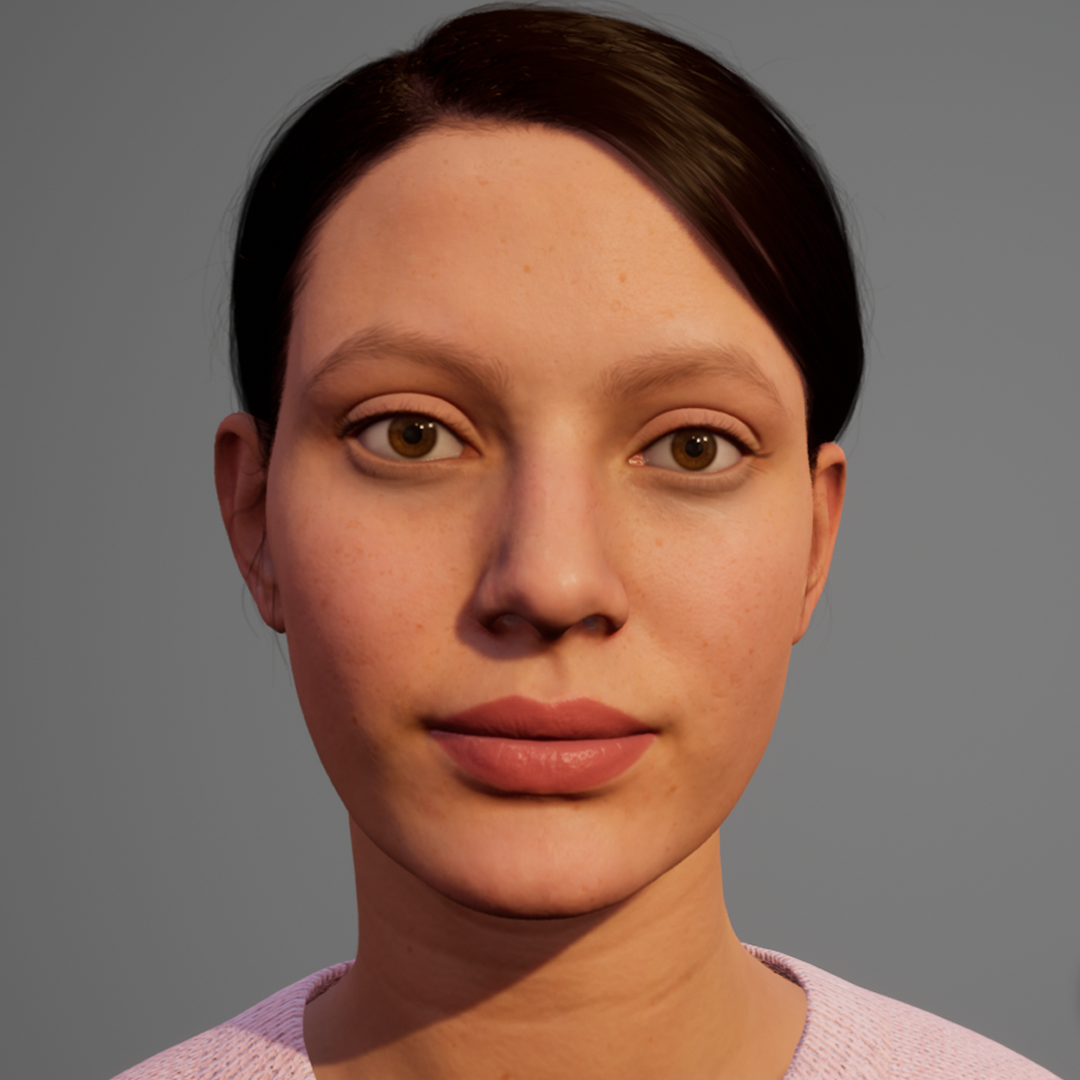
Can I customize the appearance of my AI avatar?
Yes, navigate to Settings > Avatar to customize your 3D avatar's appearance, clothing, and expressions to suit your preferences.
What core features does VA offer for building my AI assistant?
VA provides speech recognition, speech synthesis, 3D avatar interactions, plugin integration, and a low-code knowledge base via Oscova Bot Composer.
How can I add new skills or functionalities to my AI assistant?
Use the plugin interface in VA to develop or import custom plugins, allowing your assistant to handle new tasks or integrate with other services.
How does the Oscova Bot Composer help in building my assistant's knowledge base?
Oscova Bot Composer enables you to create and manage questions and answers easily with a low-code tool, accessible via Settings > Knowledge Base.
What subscription plans are available and how do I upgrade?
Check Settings > Account > Subscription to view plans. Upgrade or change your subscription there to access premium features.
Are there any free features available in VA, and what do paid plans include?
VA offers basic features for free; paid plans include advanced plugins, customization options, and priority support. Details are in Settings > Account.
How can I cancel my VA subscription if I no longer need it?
Navigate to Settings > Account > Subscription and select 'Cancel' to terminate your recurring subscription.
What should I do if VA's speech recognition isn't working properly?
Ensure microphone permissions are enabled in Settings > Privacy. Restart the app or device if problems persist.
You May Like

Embird Embroidery Software
for Windows
5
Quick Optimizer
for Windows
5
eWallet for Windows
for Windows
4.9
GT Auto Clicker: Free Auto Click
for Windows
4.9
Keeper® Password Manager
for Windows
4.9
PDF Reader - View and Edit PDF
for Windows
4.8
Focus To-Do
for Windows
4.8
Mail Apps
for Windows
4.8
iLovePDF: PDF Reader and Editor
for Windows
4.8
GlideX
for Windows
4.8
Brave Browser
for Windows
4.8
TouchDraw 2
for Windows
4.8