
- Category Multimedia design
- Available on PC
- OS Windows 10 version 0.0 or higher
- Keyboard Integrated Keyboard
- Mouse Integrated Mouse
- languages Czech, English, German, Portuguese, Japanese
Introducing VariCAD for Windows: Your Reliable CAD Companion
VariCAD for Windows emerges as a versatile and user-friendly 3D/2D CAD software tailored for engineers, designers, and technical professionals seeking precise and efficient modeling solutions. It strikes a balance between powerful features and intuitive interface, making complex designs approachable even for those new to CAD tools.
About the Developer and Core Features
Developed by VARICAD, a reputable software company specializing in CAD and engineering design tools, VariCAD for Windows boasts a solid background of delivering reliable technical solutions. Its main highlights include:
- Parametric Modeling Capabilities: Enables users to create intelligent, customizable models with ease, allowing for quick modifications and iterations.
- Extensive Part Libraries & Component Tools: Provides a rich database of standard parts and tools to facilitate faster design workflows.
- Integrated Analysis & Dimensions: Offers built-in features for measurements, clearances, and basic stress analysis, streamlining the design validation process.
- User-Friendly Interface: Designed with clarity in mind, reducing the learning curve for new users while providing advanced options for experts.
The software is primarily aimed at mechanical engineers, product designers, and technical drafters looking for a cost-effective yet comprehensive CAD solution.
Design & Interface — Friendly Yet Functional
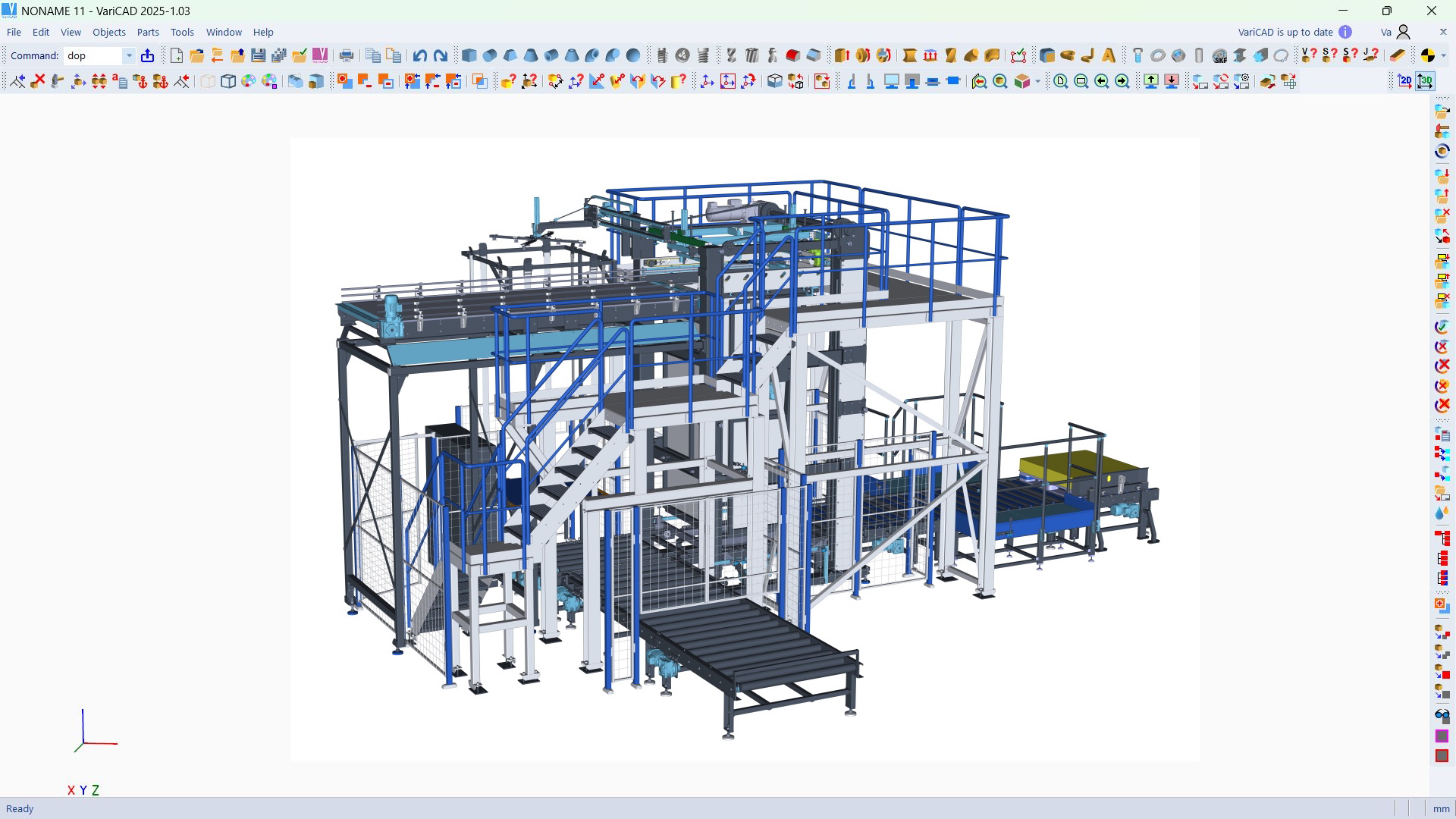
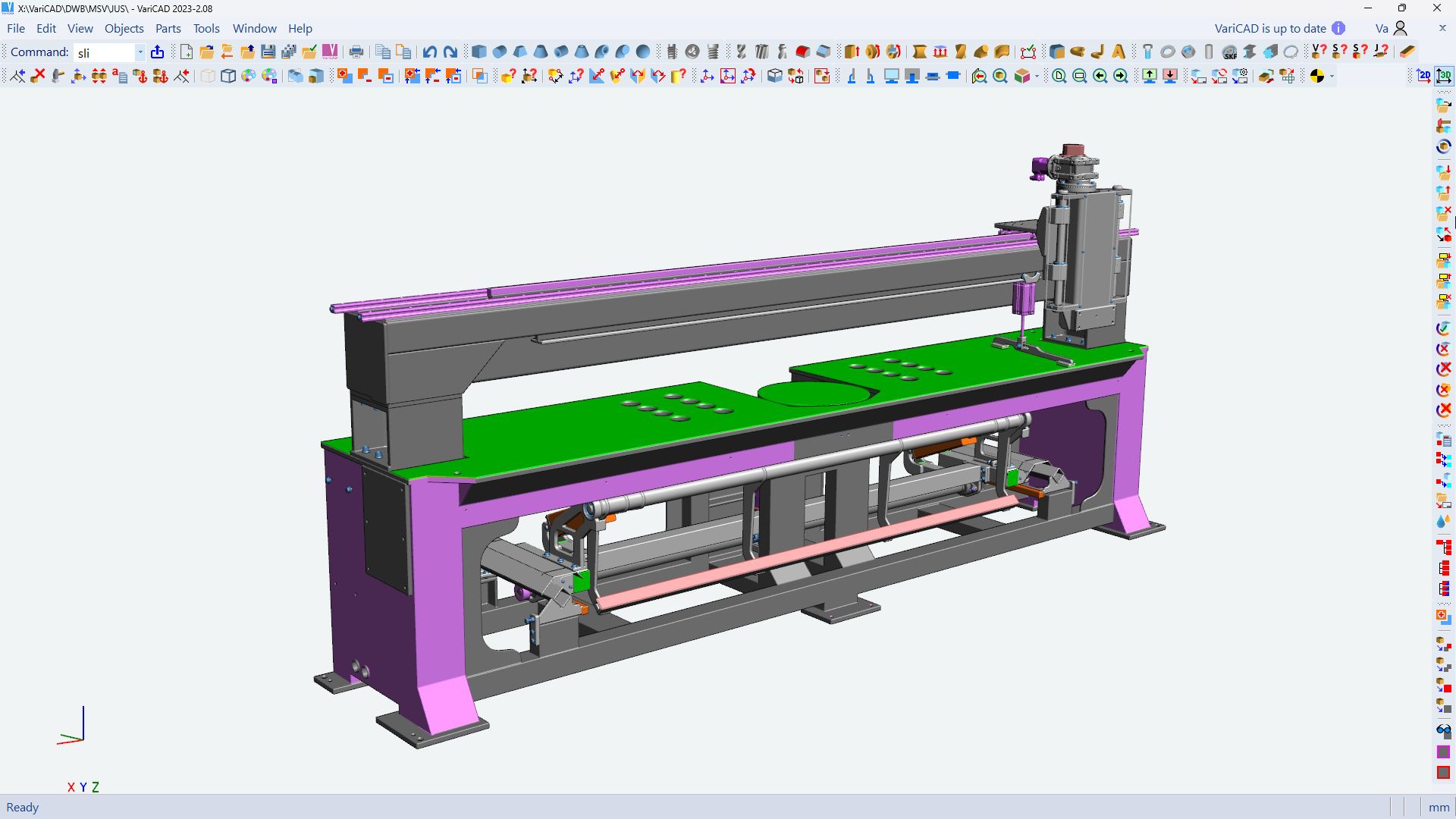
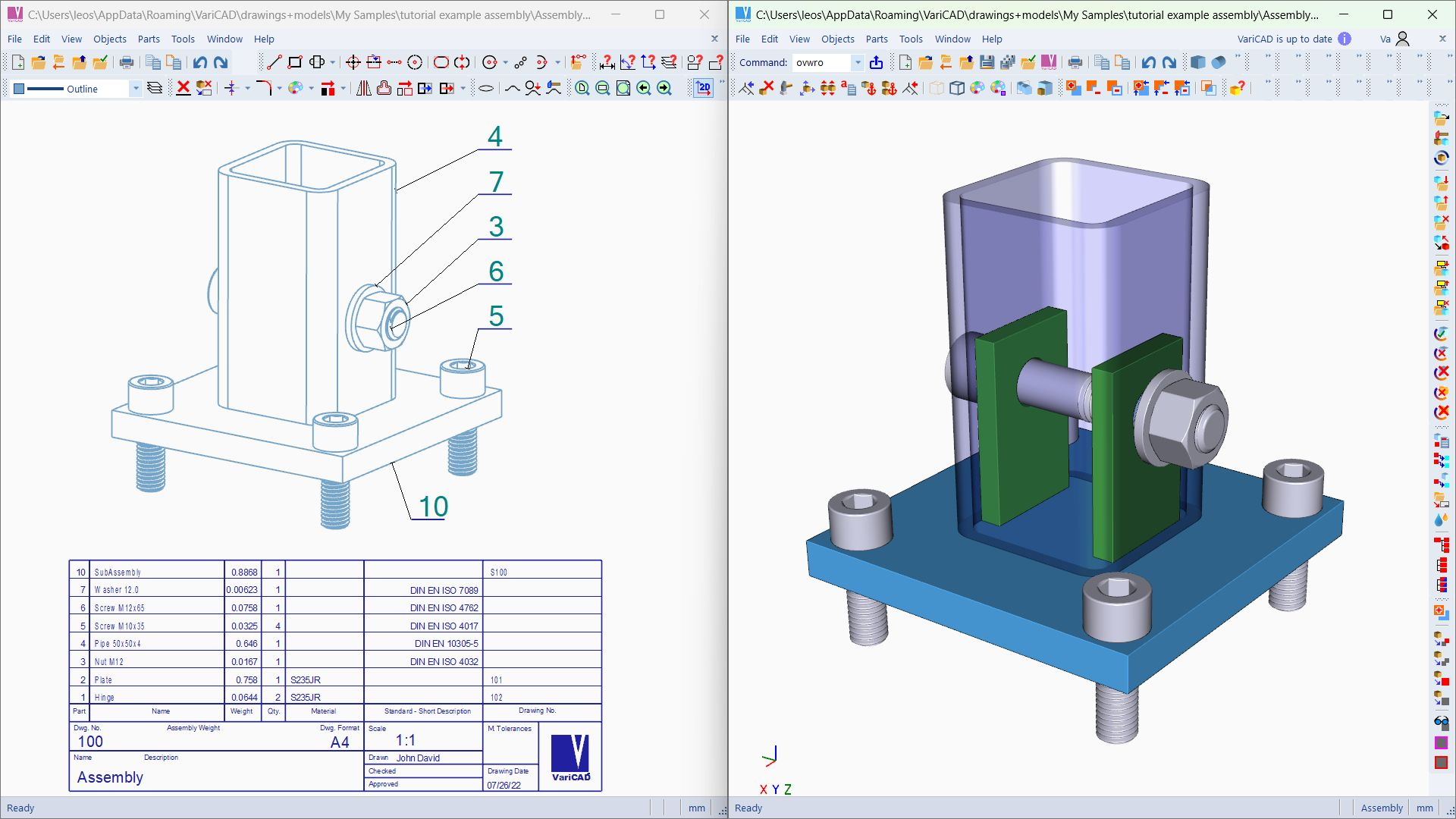
Right from the start, VariCAD's interface welcomes users with a clean and organized layout, akin to stepping into a well-organized workshop. The toolbar icons are logically grouped, making tool selection feels like reaching into a toolbox precisely tailored for the task at hand. Navigating between 2D sketches and 3D modeling is smooth—much like gliding across a well-laved skating rink. The design feels intuitive; even users transitioning from other CAD software will find familiar elements that minimize the usual hesitation associated with new tools.
Learning curve? Not steep at all. VariCAD's tutorials and context-sensitive help act like friendly guides, making the journey from basics to advanced features manageable. The operation flow remains seamless, and objects respond promptly to commands, ensuring your creative rhythm remains uninterrupted.
Powerful Features: Parametric Modeling and Embedded Analysis
One of VariCAD's most distinctive strengths lies in its parametric modeling engine. Think of it as a flexible mold—you set key dimensions and relationships, and the model adapts automatically when changes are made. This 'live editing' capability is a game-changer, especially when designing parts that will undergo multiple iterations or require fine-tuned adjustments. It's like having a professional assistant who instantly updates your drawings as you refine your ideas.
Coupled with this is the integrated analysis and measurement toolkit. Users can run quick stress checks, verify clearances, or measure distances without exporting files to other software. This integration simplifies the workflow significantly and reduces dependencies on external programs. It's akin to having a Swiss Army knife—compact but packed with versatile tools that serve many purposes, all in one place.
Unique Advantages & Differentiation from Peers
Unlike many CAD applications that focus heavily on either freeform surfaces or complex analysis, VariCAD excels by offering a balanced suite tailored specifically for hardware design and mechanical components. Its parametric features are particularly robust, enabling rapid modifications that are often cumbersome in traditional CAD systems. Its cost-effectiveness combined with comprehensive capabilities makes it stand out as a practical choice for small to medium-sized engineering teams.
Furthermore, the seamless integration of modeling, dimensioning, and basic analysis within a single interface stands out. This reduces the need to switch between multiple applications, saving time and reducing errors—a significant advantage for professionals focused on efficiency and precision.
Final Recommendations and Use Cases
Overall, VariCAD for Windows is a solid, no-nonsense CAD tool that delivers excellent value. It's especially suitable for those who prioritize straightforward yet powerful modeling capabilities without the steep learning curve or hefty price tag of industry giants. For mechanical engineers, product designers, or educational institutions needing reliable design software, VariCAD offers an approachable alternative with enough depth to handle complex projects.
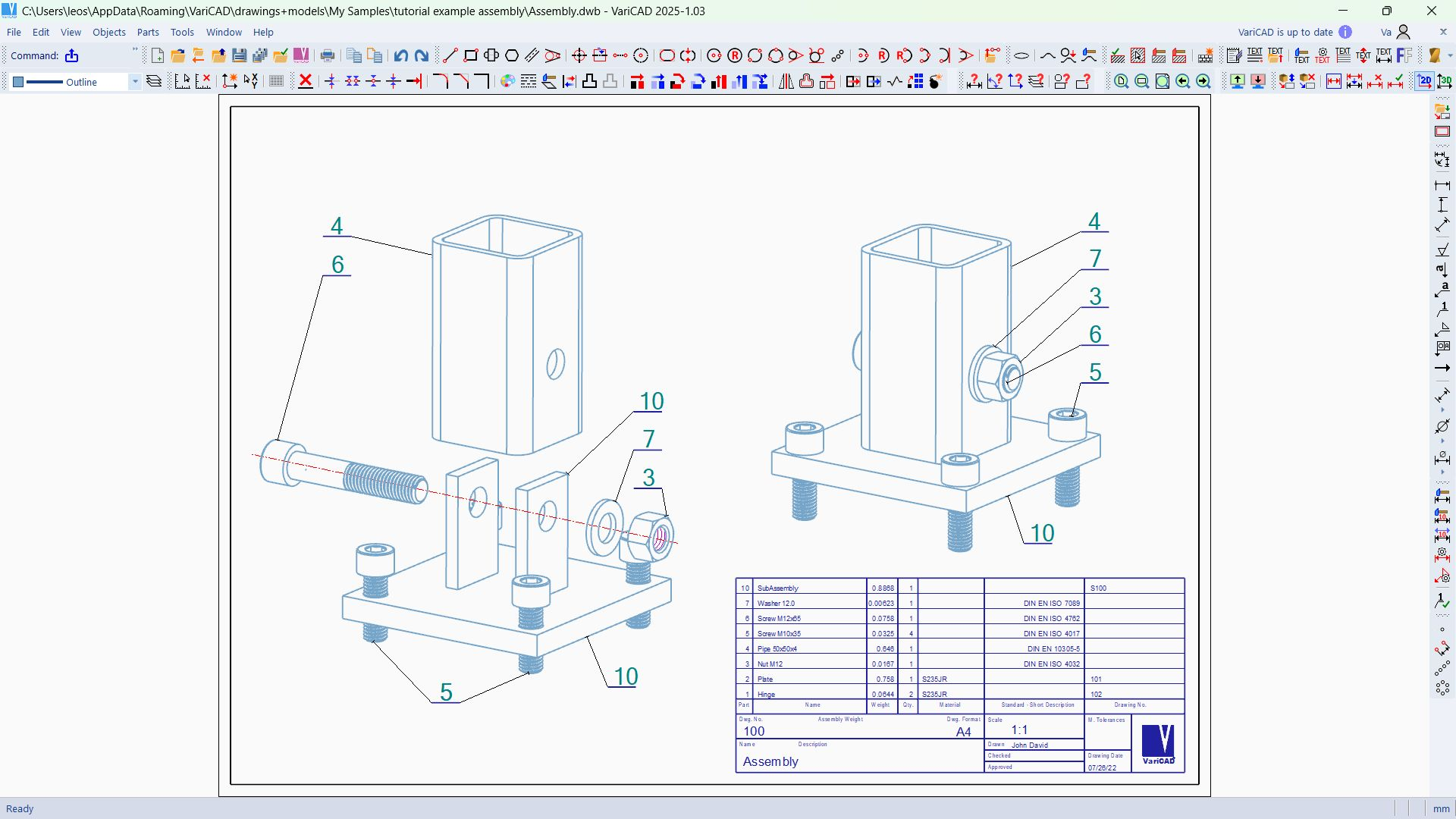
I recommend this app highly to users who want a professional-grade CAD solution that balances functionality and ease of use. Whether you're refining prototype parts or preparing manufacturing drawings, VariCAD's intuitive parametric tools and integrated features can support your work efficiently. Consider trying it out if you value a practical, time-saving approach to CAD creation—your future projects will thank you for it.
Pros
- Intuitive 3D Design Interface
- Robust CAD Tools
- Precision and Accuracy
- Extensive Part Libraries
- Strong Compatibility
Cons
- Steep Learning Curve for Beginners
- Limited Cloud Collaboration Features
- Occasional Software Lag
- Basic Rendering Capabilities
- Limited Platform Support











