
- Category Multimedia design
- Available on PC
- OS Windows 10 version 0.0 or higher
- Keyboard Integrated Keyboard
- Mouse Integrated Mouse
- languages Czech, English, German, Portuguese, Japanese
Introducing VariCAD Viewer & Converter: A Handy Tool for CAD Files
VariCAD Viewer & Converter for Windows is a lightweight yet powerful application designed to open, review, and convert CAD files efficiently, making it an essential tool for engineers, designers, and anyone dealing with CAD data without the need for hefty CAD software licenses.
Developer and Key Features
Developed by VARICAD
Created by VARICAD, a reputable team with extensive expertise in CAD software solutions, this app aims to streamline CAD file management with a focus on simplicity and accessibility.
Highlighting Main Functionalities
- Seamless File Viewing: Supports a wide range of CAD formats, allowing users to open and review complex drawings effortlessly.
- Conversion Capabilities: Converts CAD files into various formats such as DWG, DXF, and PDF, facilitating easy sharing and integration.
- Minimal System Requirements: Designed for quick loading and smooth performance even on modest hardware.
- User-Friendly Interface: Intuitive layout that reduces the learning curve for new users.
Experience the App: A Closer Look
Vivid Visualization and Ease of Use
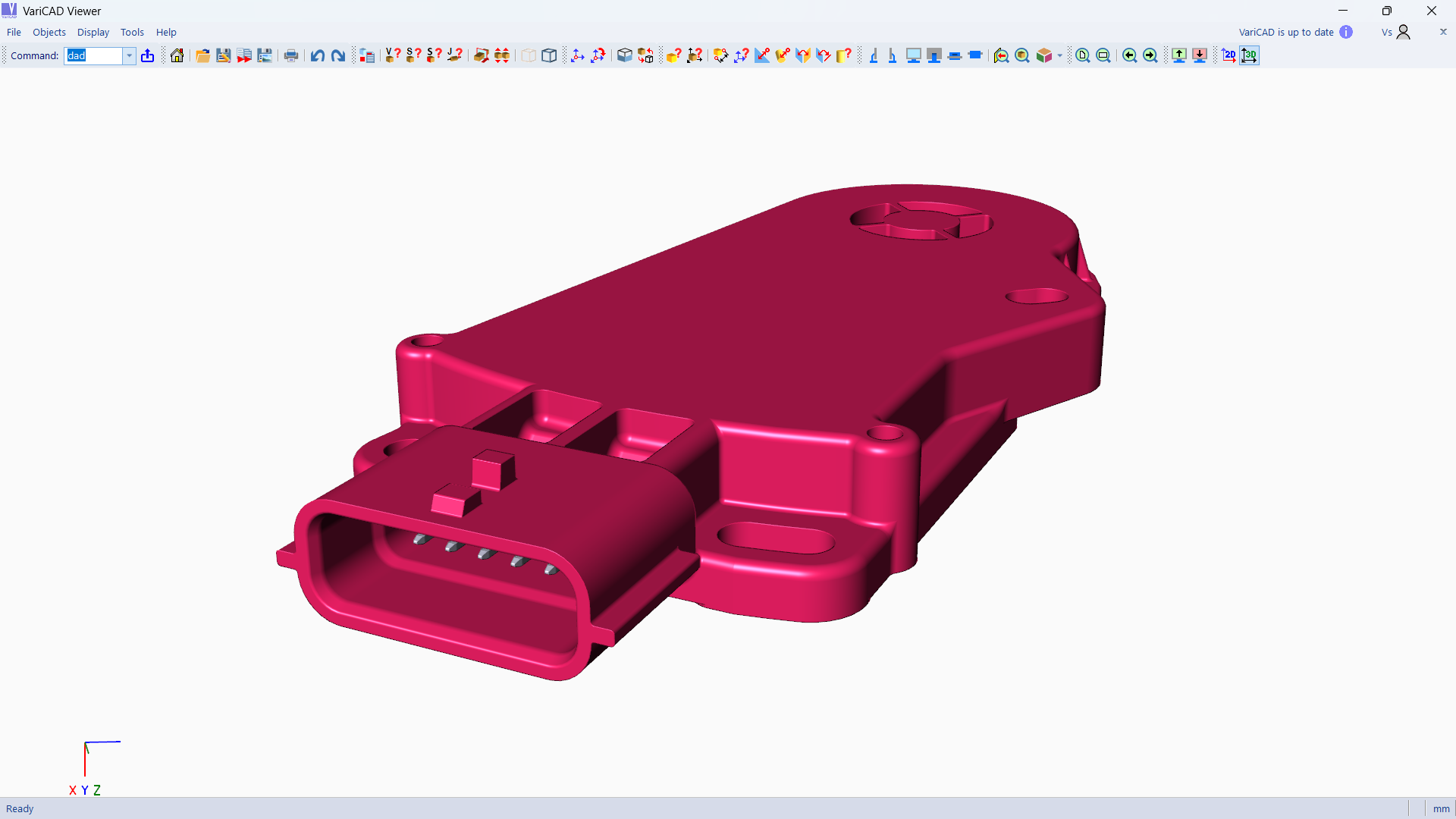
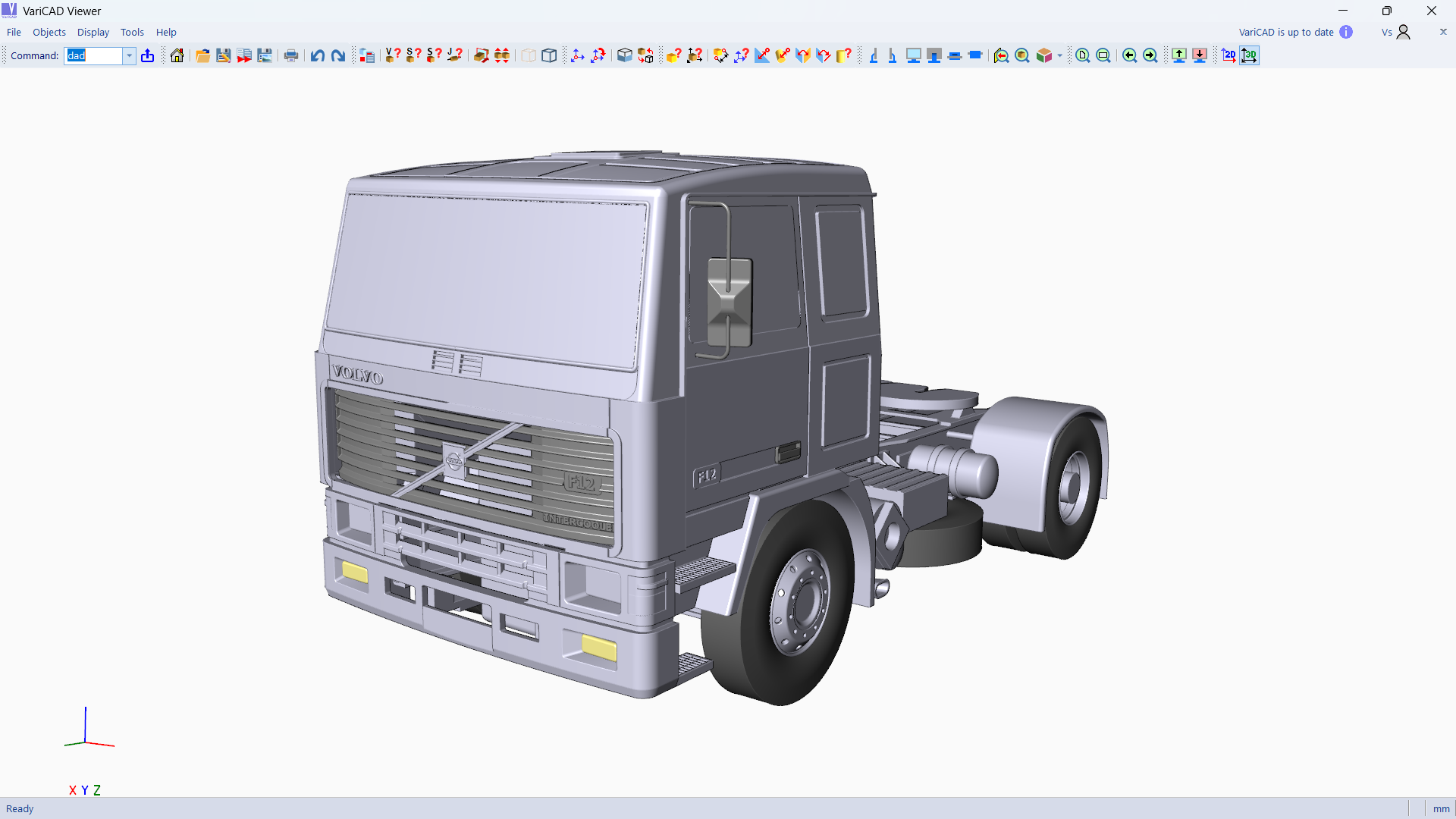
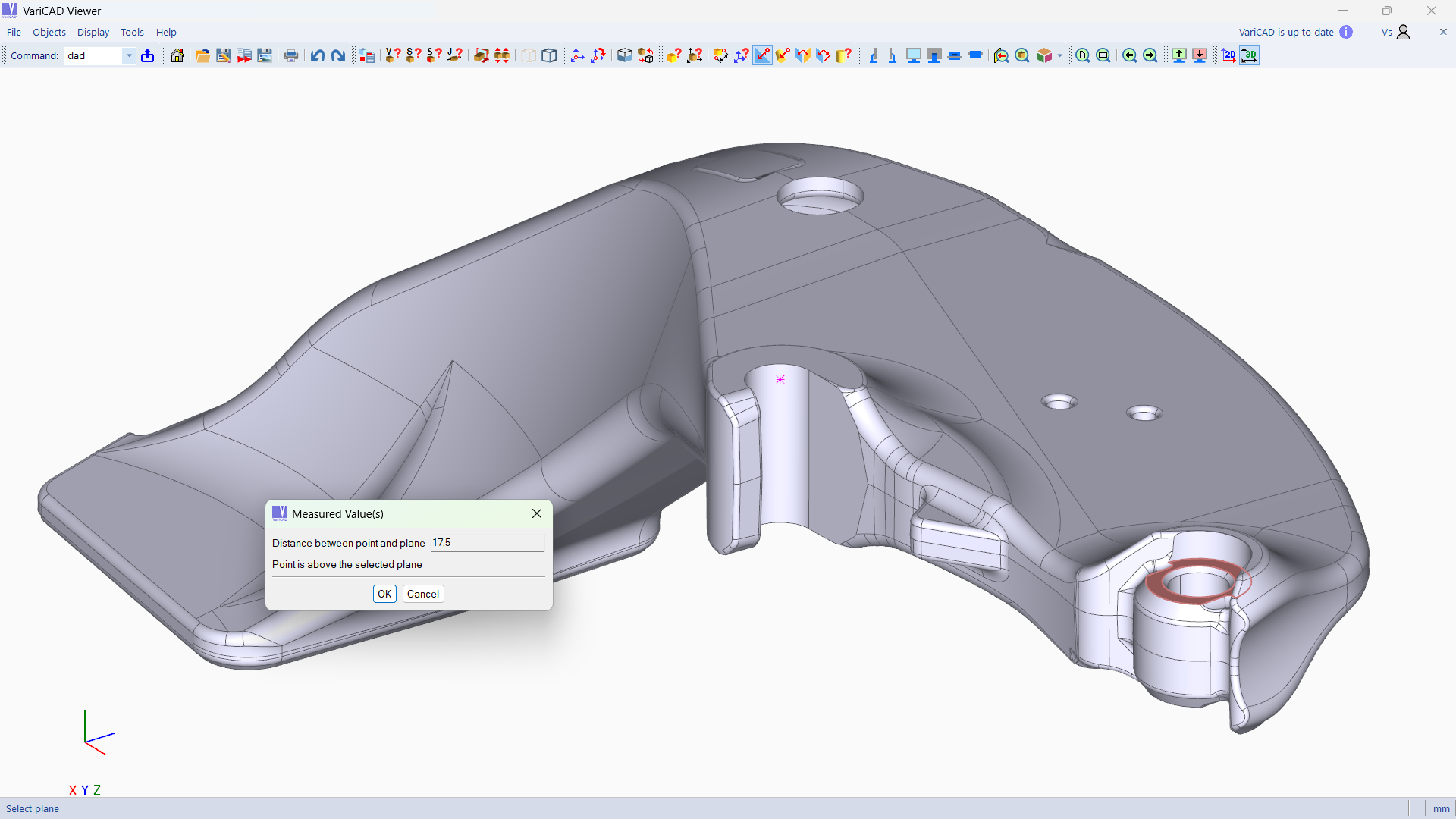
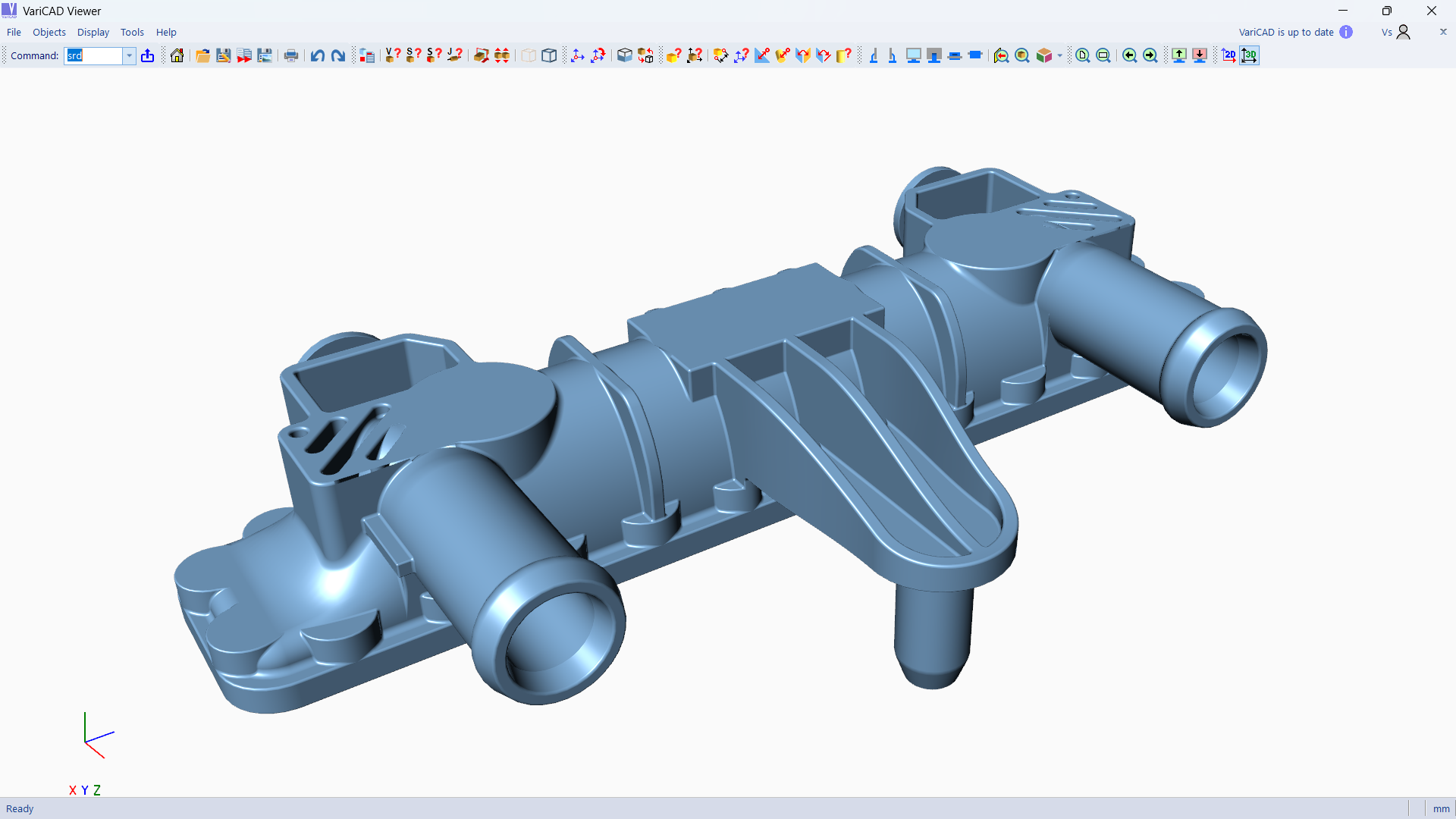
Embarking on a file review journey with VariCAD Viewer & Converter is akin to flipping through well-organized blueprints in a neatly maintained workshop. The interface is clean and straightforward, resembling a digital drawing board rather than a cluttered cockpit. Navigation feels natural—zooming, panning, and rotating are fluid, making inspecting detailed CAD models nearly effortless. The app's responsiveness ensures that even large files don't cause frustrating delays, offering a seamless experience suitable for daily use or quick reviews.
Core Functionalities: Viewing and Conversion
The first standout feature is its ability to open various CAD formats without the need for costly CAD software. Whether you're handling DWG or DXF files, VariCAD Viewer & Converter renders them clearly, allowing you to analyze designs with precision. The tool emphasizes clarity, with sharp rendering akin to having a magnifying glass that reveals every line and detail with fidelity. Next, its robust conversion engine enables transforming files into widely compatible formats like PDF or different CAD versions—imagine it as a skilled translator that speaks multiple CAD dialects fluently, ensuring your data remains accessible across platforms. This feature is particularly useful when collaborating with clients or colleagues using different CAD tools, streamlining communication without the fuss.
User Experience and Differentiation
The app's interface design is minimal yet efficient, ensuring that both tech-savvy users and novices can navigate without frustration. Operation feels smooth, akin to gliding across a polished surface—no lag, no hiccups. The learning curve is gentle; you don't need to be a CAD expert to start reviewing or converting files quickly. Unlike many existing viewers that focus solely on visualization, VariCAD Viewer & Converter's emphasis on file conversion sets it apart. Its ability to handle multiple formats and produce high-quality outputs makes it stand out—a true Swiss army knife for CAD data management. For example, users needing quick format compatibility options will find this especially beneficial compared to more cumbersome, professional CAD suites that may overwhelm with features they don't need.
Final Verdict: A Practical Companion for CAD Workflow
Overall, VariCAD Viewer & Converter strikes a commendable balance between simplicity and functionality. It's particularly ideal for engineers, project managers, or technicians who need to review CAD drawings, prepare files for presentations, or share designs with minimal fuss. While it may not replace full-fledged CAD software for editing, it excels as a fast, reliable, and straightforward viewer and converter tool. I recommend giving it a try if you often find yourself switching between different CAD formats or simply need a quick, dependable way to access CAD files without the overhead of complex programs. Just like a handy pocket knife, it's not meant for heavy-duty customization but perfect for everyday tasks that demand speed and clarity.
Pros
- Intuitive Viewing Interface
- Supports Multiple File Formats
- Fast Loading Times
- Lightweight Application
- Free to Use
Cons
- Limited Editing Features
- Occasional Compatibility Issues
- Basic Conversion Options
- Lack of Advanced Measurement Tools
- Limited Customization in Viewing Settings











