


- Category Social
- Developer Viber
- Available on PC
- OS Windows 10 version 0.0 or higher
- Keyboard Integrated Keyboard
- Mouse Integrated Mouse
- languages English
A Seamless and Secure Messaging Experience with Viber for Windows
Viber for Windows brings your favorite messaging and calling features directly to your desktop, making communication smoother, more personal, and securely integrated into your daily workflow.
Meet Viber: A Trusted Name in Digital Communication
Developed by Viber Media S.A R.L., Viber is a well-established messaging platform renowned for its emphasis on privacy, multimedia sharing, and user-centric features. The app aims to bridge the gap between mobile and desktop communication, offering a cohesive experience for users who prefer typing away on their PC but want the same rich features found on their smartphones.
Key highlights of Viber for Windows include high-quality voice and video calls, instant text messaging with multimedia support, and robust privacy controls. Whether you're coordinating with colleagues, catching up with friends, or family, Viber ensures your conversations are both lively and secure.
Its target audience encompasses a wide range of users—from professionals needing reliable communication tools, to everyday users seeking a user-friendly messaging app. Viber appeals to those who prefer an app with strong privacy features and versatile multimedia capabilities.
A Fresh Take on Desktop Chatting: Vibrant, Intuitive, and User-Friendly
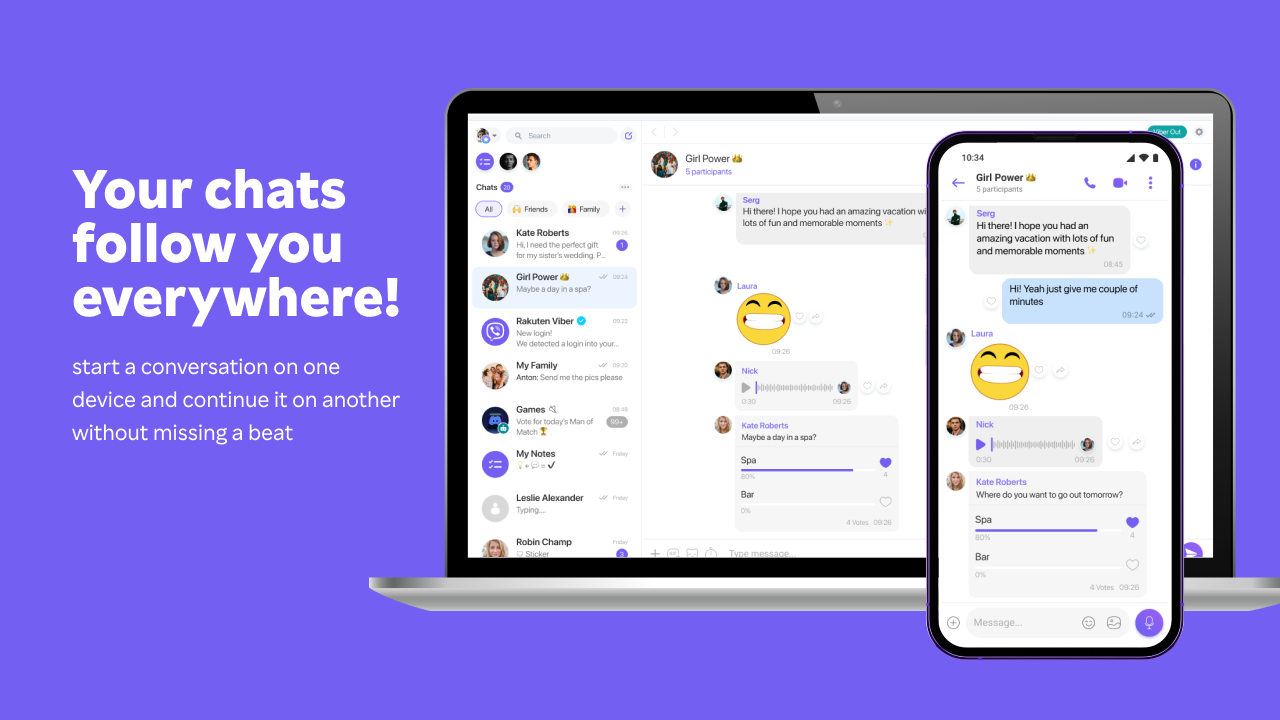
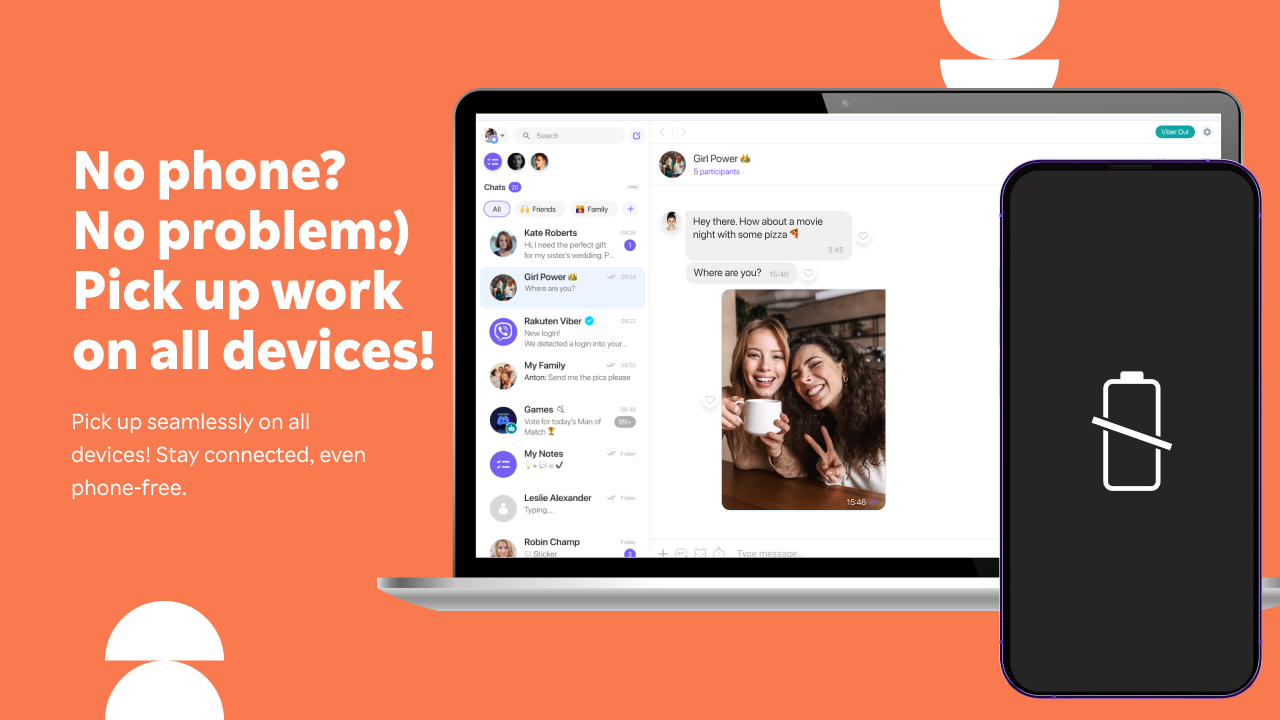
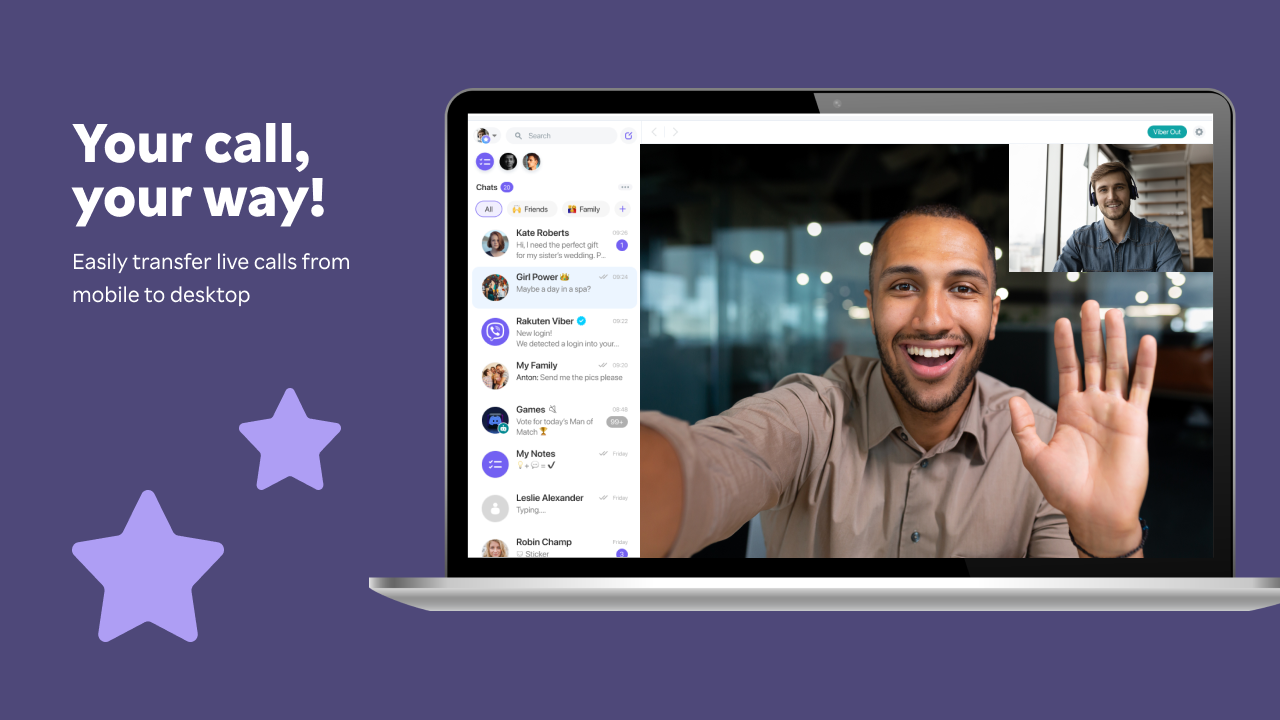
Imagine sitting at your desk, coffee in hand, ready to message or catch up on calls. Viber for Windows feels like an extension of your mobile app, bringing your 'chat universe' onto a larger screen with ease. The interface is clean, modern, and thoughtfully designed to mimic familiar mobile interactions—nothing feels out of place, and finding your favorite chats is just a click away. The app's cross-platform sync ensures you never miss a message, whether on your phone or PC.
Core Functionality: Communication at Its Best
One of Viber's standout features is its crystal-clear voice and video call quality. Unlike some desktop apps that can feel like talking through a tin can, Viber leverages advanced codecs and network optimization to deliver smooth, high-definition calls, even over less stable connections. Users can initiate group calls with up to a 20 participants, making online meetings or family catch-ups effortless and fun.
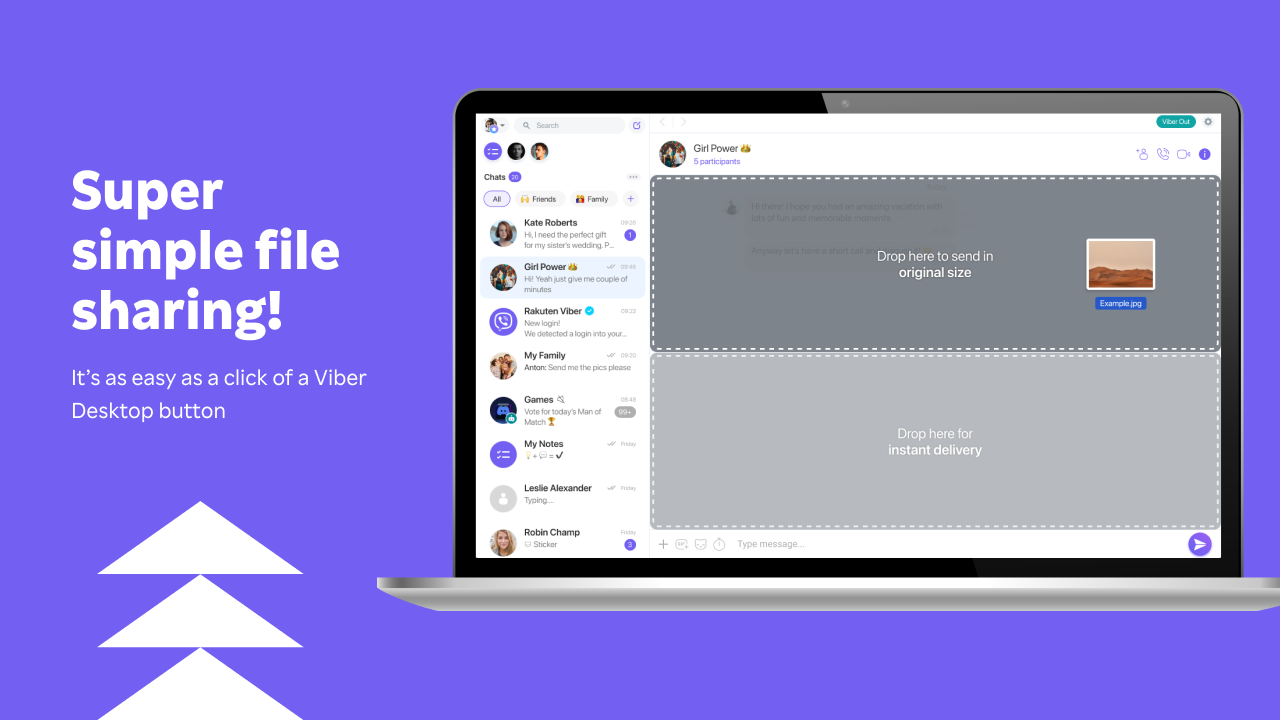
Messaging with multimedia is another highlight. Sending photos, videos, stickers, or voice notes is as straightforward as dragging and dropping on your desktop. The app also supports ephemeral messages, giving users control over their digital footprint and privacy.
Elevating User Experience: Design, Speed, and Ease of Use
Viber for Windows scores highly in interface design—it's like having a well-organized digital workspace. The layout is intuitive, with a sidebar listing chats, and a main window that opens conversation threads smoothly. Navigation is straightforward, with minimal learning curve, making it accessible even for newcomers. Responsiveness is impressive—the app feels snappy, with no noticeable lag during typing, switching between chats, or making calls.
Moreover, Viber's integration with Windows features, like notifications and taskbar alerts, ensures users stay connected without interrupting their workflow. The application's stability contributes to a seamless experience, reducing frustration often associated with less optimized desktop clients.
What Sets Viber Apart? Personalized Profiles & Authenticity Verified Connections
Beyond standard messaging features, Viber introduces unique advantages that distinguish it from competitors. Its user profile customization allows individuals to craft more authentic profiles with profile pictures, status updates, and even customized themes. This personalization fosters a sense of familiarity and trust—a virtual handshake that feels genuine.
More notably, Viber's authenticity verification feature adds an extra layer of security. Users can verify contacts to ensure they're genuinely who they claim to be, which is a critical feature in an era of widespread impersonation and scams. Coupled with its connection discovery feature, which helps you find friends or colleagues already on Viber—by syncing contacts or searching—this app facilitates real-world social cohesion in the digital realm.
Final Verdict: A Solid Choice for Personal and Professional Use
Viber for Windows is a reliable, feature-rich application that deserves consideration for anyone seeking a Windows-based messaging and calling platform. Its seamless cross-platform sync, high-quality communication capabilities, and emphasis on privacy make it stand out in the crowded social app landscape.
If you value authentic interactions, customized profiles, and security, Viber is worth exploring. It's especially recommended for users who need a desktop app that complements their mobile experience without compromise. While it may not offer some of the advanced social networking features of larger platforms, its core strengths make it a trustworthy and user-friendly choice for everyday communication needs.
Pros
- User-friendly interface
- End-to-end encrypted calls and messages
- Cross-platform compatibility
- Free international messaging and calls
- Additional features like stickers and group chats
Cons
- Occasional call quality issues
- Limited customization options
- High battery consumption during calls
- Notification delay sometimes occurs
- Limited file sharing size











