

- Category Photo & video
- Developer Video Converter
- Available on PC, Mobile, Xbox console, Surface Hub, HoloLens
- OS Windows 10 version 14393.0 or higher
- languages Arabic, Chinese (Simplified), Dutch, English (United States), French, German, Italian, Japanese, Korean, Portuguese, Russian, Spanish
A Fresh Take on Video Conversion: FS Tech Media's Video Converter for Windows
If you're tired of juggling multiple tools or struggling with complicated interfaces, Video Converter for Windows from FS Tech Media might just be your new best friend—offering a straightforward way to transform your videos with ease and efficiency. Whether you're trimming clips for social media or converting for device compatibility, this app aims to make the process smooth, accessible, and, dare I say, enjoyable.
Simple Yet Powerful: Core Features That Make a Difference
Fast and High-Quality Conversion
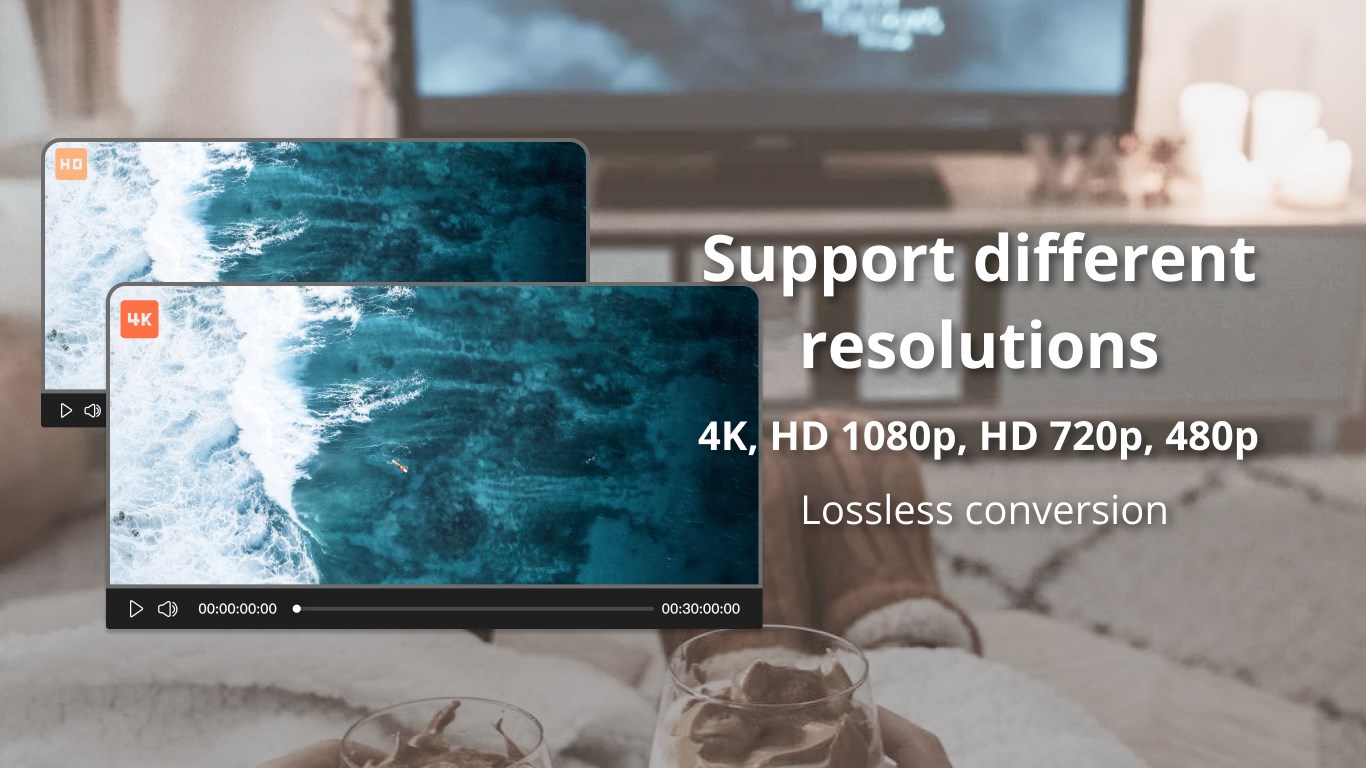
The standout feature of Video Converter is its ability to process videos rapidly without sacrificing quality. Thanks to optimized algorithms, it handles 4K and HD videos seamlessly, reducing wait times and ensuring your output is crisp and clear. It's like having a professional studio in your pocket that doesn't demand a steep learning curve.
Multiple Formats and Device Presets
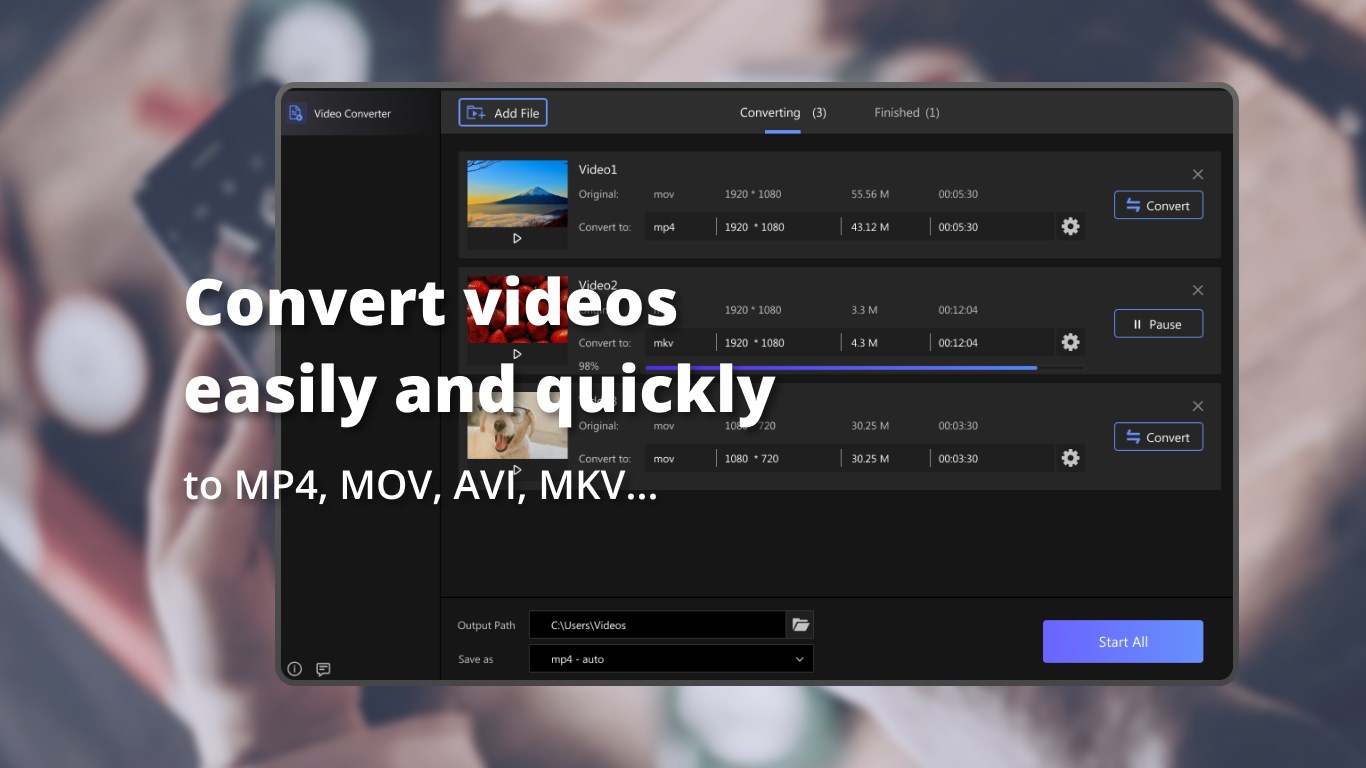
This app supports an extensive array of formats, including MP4, AVI, MOV, MKV, and more. Even better, it includes tailored presets for popular devices—smartphones, tablets, gaming consoles—so users can switch formats without wrestling with complicated settings. It's akin to having a personal tech assistant who knows exactly what your device needs.
Batch Conversion & Simple Editing Tools
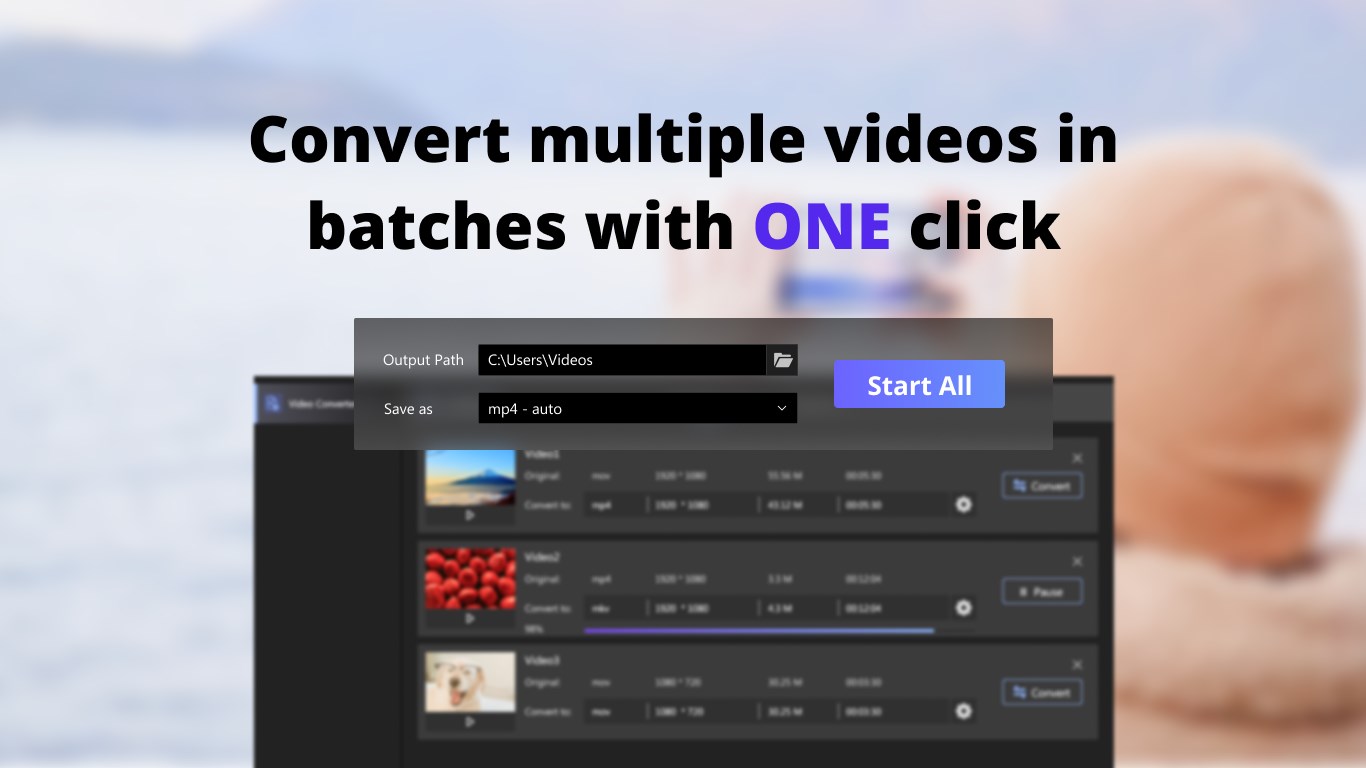
Need to convert several videos at once? No problem. The batch processing feature allows users to add multiple files, set preferences, and let the app do the heavy lifting in the background. Plus, basic editing options like trimming, cropping, and adjusting parameters are built-in, enabling quick tweaks without leaving the app.
User Experience: Navigating With Ease
The interface is clean, intuitive, and surprisingly friendly for a tool that packs so much power. Navigating through menus feels natural, like flipping through familiar photo albums—everything is organized logically, making even newcomers feel at home. Conversion flows smoothly without lag, and the learning curve is gentle: users can start converting videos confidently within minutes of opening the app.
Compared to more cluttered or overly technical apps, Video Converter strikes a good balance—providing non-technical users with straightforward controls, yet offering enough flexibility for more advanced needs. It's akin to having a well-designed dashboard in a car—simple to read, easy to operate, with all functions within reach.
What Sets It Apart? Unique Advantages for Users
One particularly compelling aspect of Video Converter is its dedicated focus on speed and compatibility. Unlike some apps that try to be jack-of-all-trades, this tool zeroes in on delivering fast conversions with broad format support—ideal for content creators, students, or busy professionals needing quick turnaround times. Its ability to handle batch files combined with preset device profiles means you can set it and forget it, saving valuable time.
Moreover, the app's minimalistic approach means you aren't overwhelmed by unnecessary features or confusing menus—it's designed for practical use, making it accessible for users with all levels of experience.
Final Verdict: Is It Worth Your Time?
All in all, Video Converter for Windows earns a solid recommendation for those seeking a reliable, fast, and user-friendly video conversion tool. It's not cluttered with extraneous options nor does it promise magical results; instead, it delivers on core needs with clarity and efficiency. Beginners will appreciate its straightforward interface, while experienced users will value its performance and batch processing capabilities.
If you often find yourself converting videos across different formats or devices, this app deserves a spot on your desktop. For occasional users, it offers enough simplicity and speed to handle simple tasks without fuss. So, consider giving it a try—your video workflow might just thank you.
Pros
- High Conversion Speed
- Supports Multiple Formats
- User-Friendly Interface
- Built-in Basic Editing Tools
- Batch Conversion Option
Cons
- Limited Advanced Editing Features
- Occasional Conversion Failures with Large Files
- Basic Customization Options
- Limited Free Version Functionality
- Occasional Interface Lag











