

- Category Photo & video
- Developer NCH Software
- Available on PC
- OS Windows 10 version 15063.0 or higher
- Mouse Integrated Mouse
- Memory 4 GB
- Keyboard Not specified
- languages English (United States)
VideoPad for Windows: A User-Friendly Video Editing Companion
VideoPad for Windows, developed and published by NCH Software, is a versatile video editing application designed to streamline the creative process for both amateurs and semi-professional users. Its intuitive interface and powerful features make it an appealing choice for crafting polished videos without the steep learning curve.
Spotlight on Core Features
Advanced Video Editing Capabilities
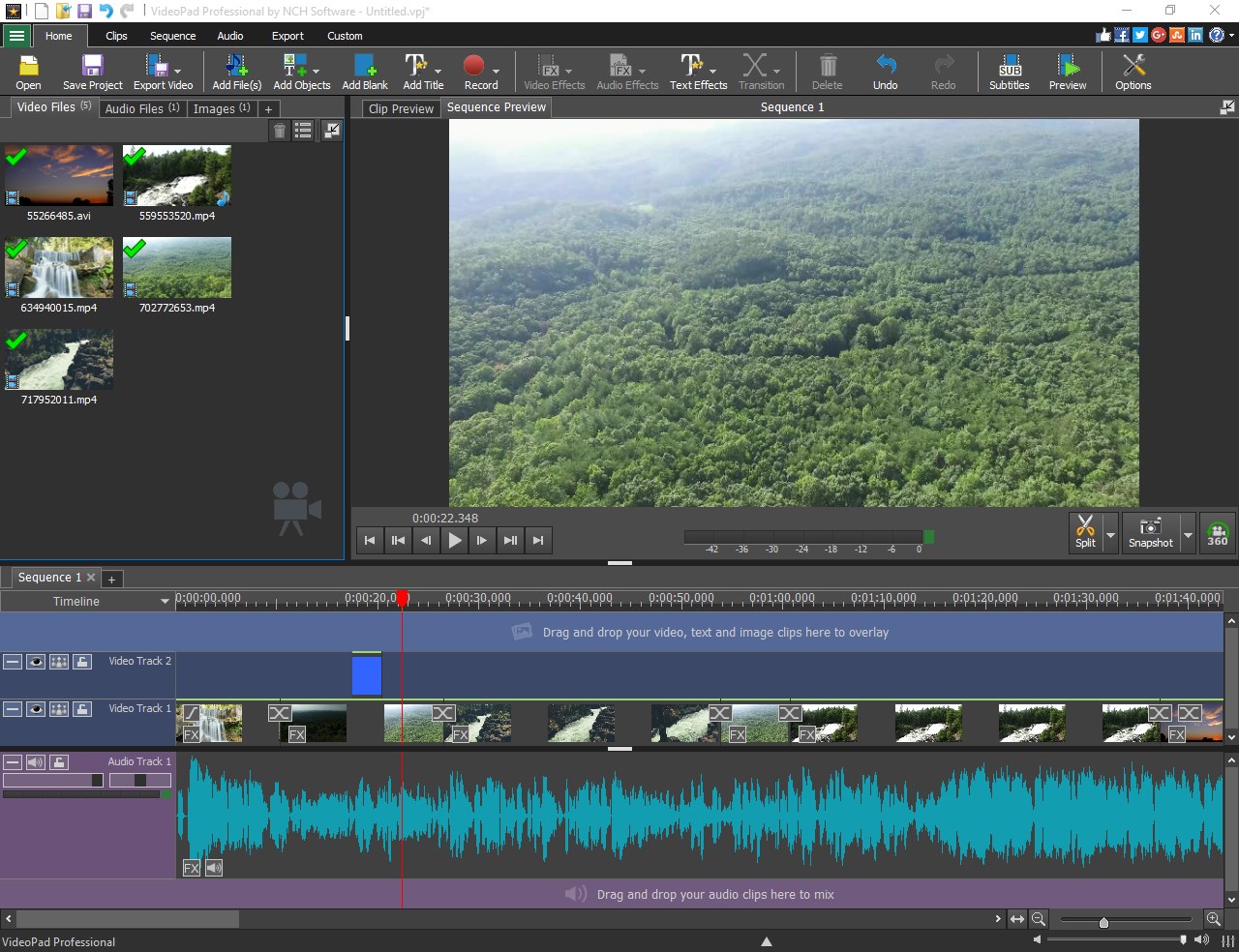
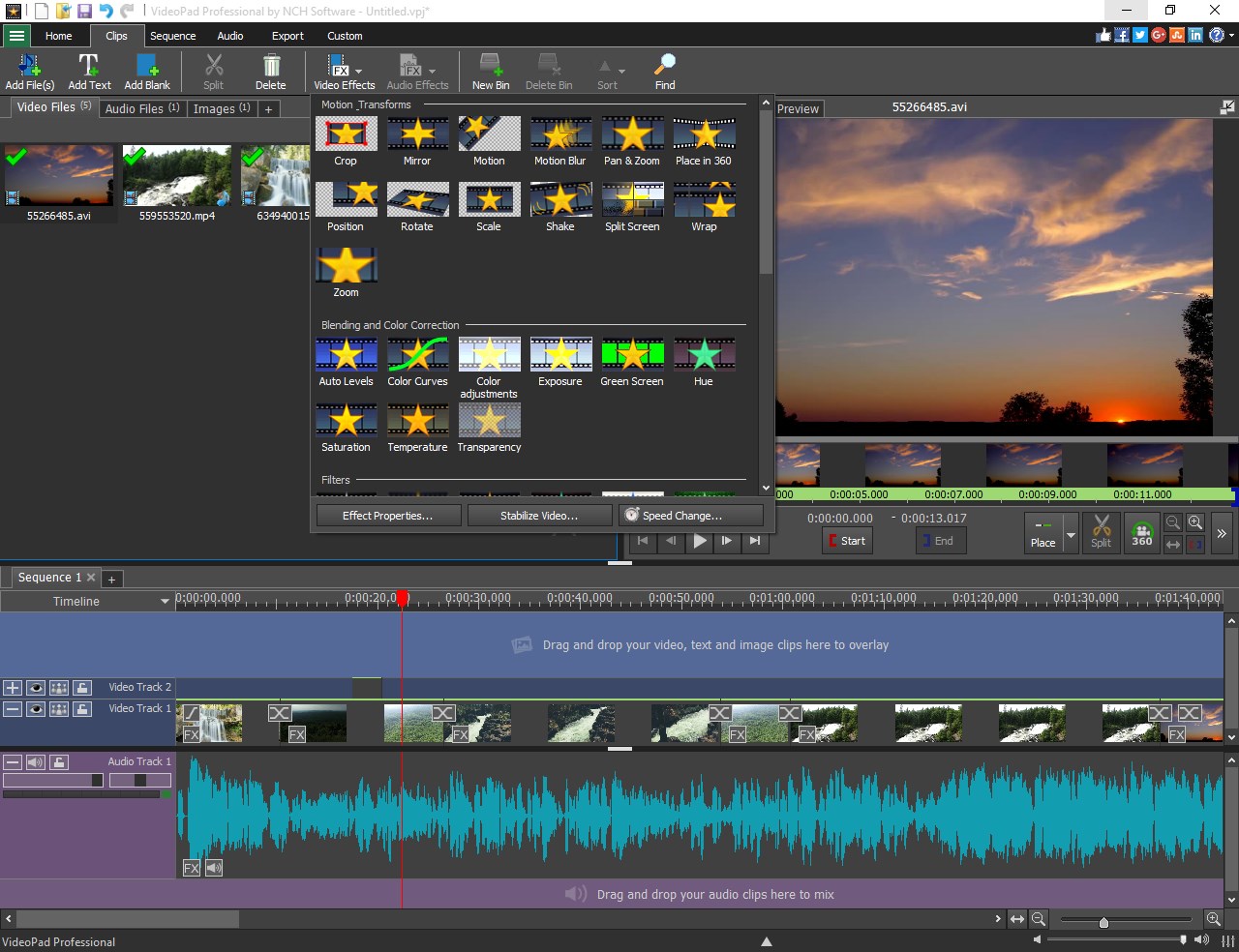
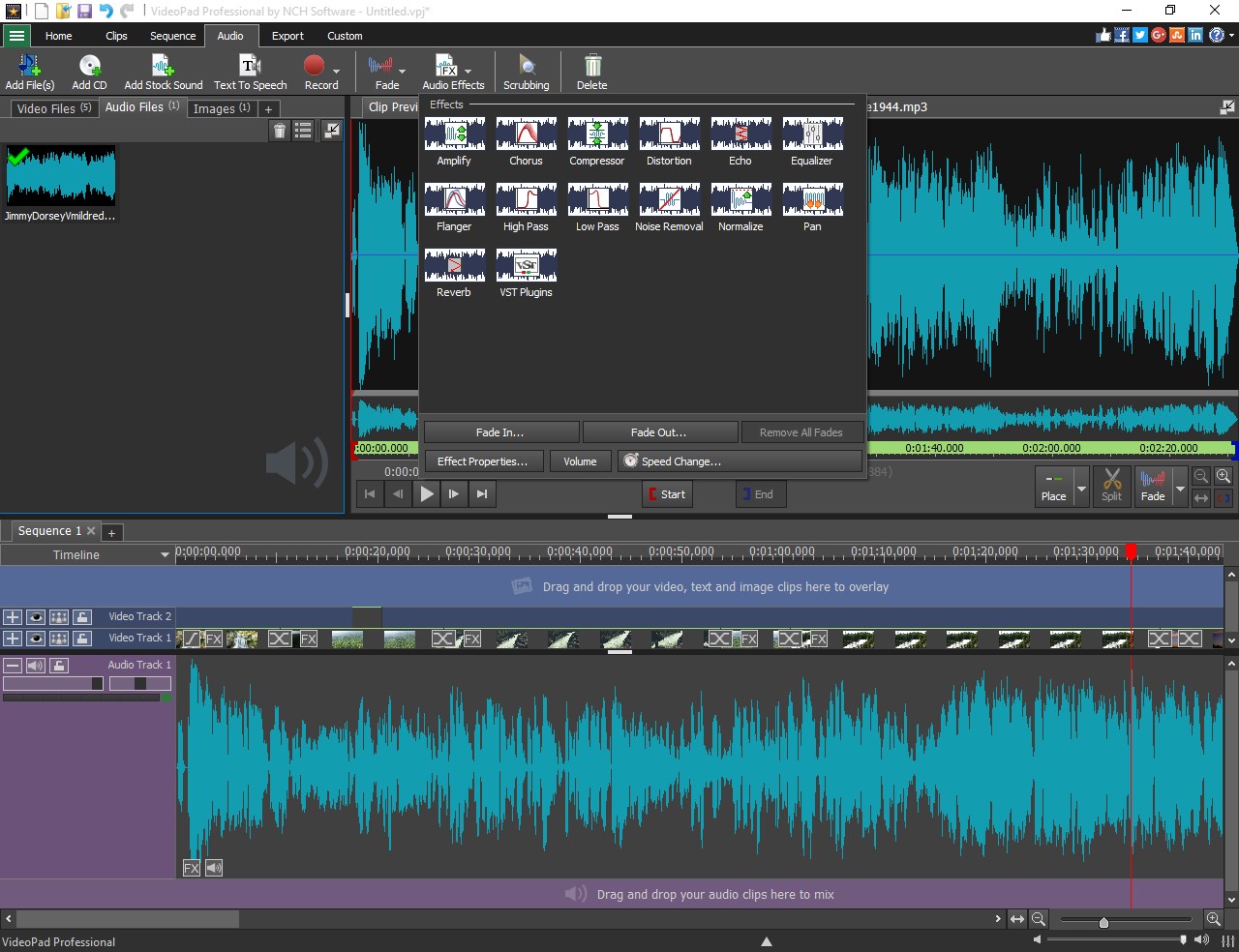
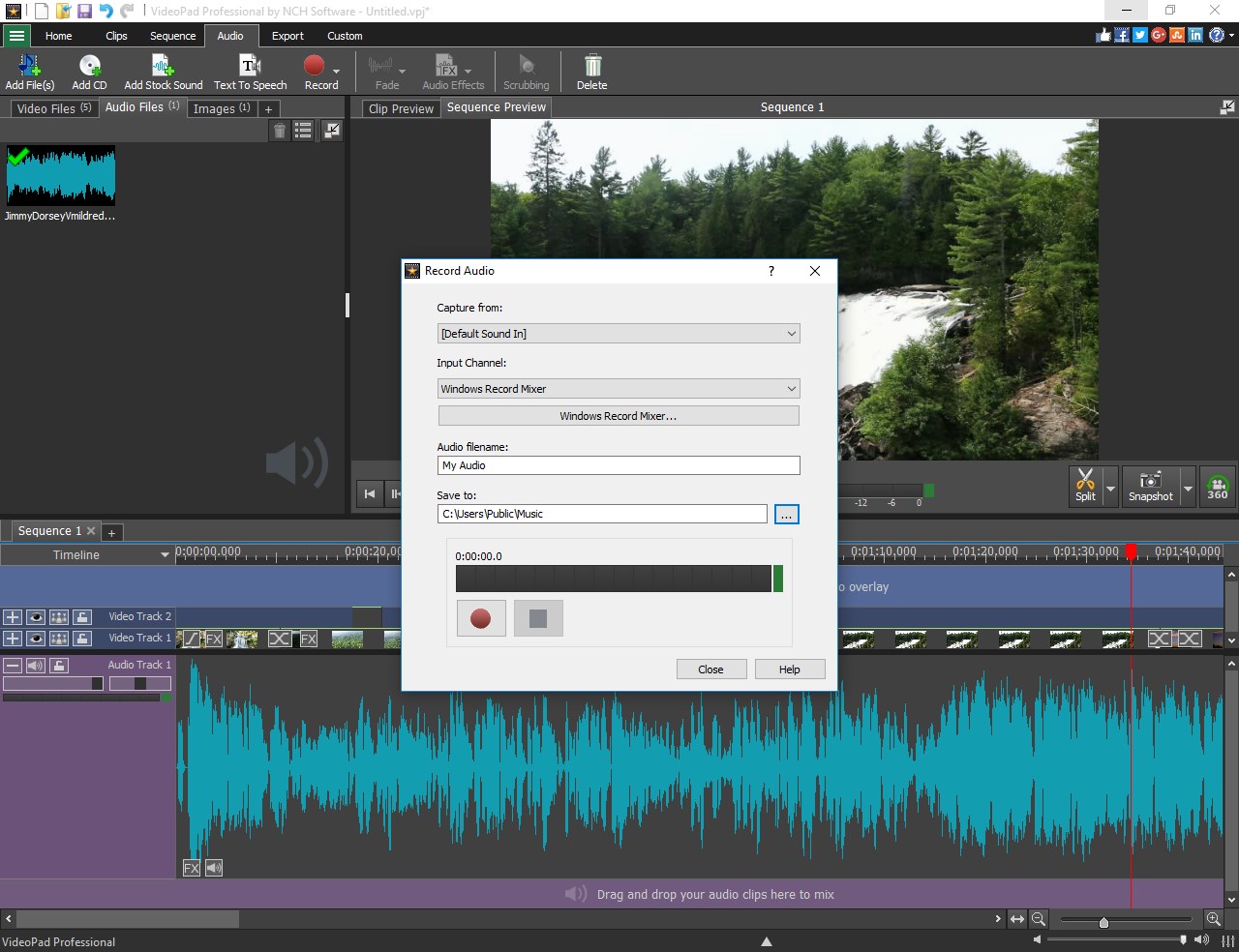
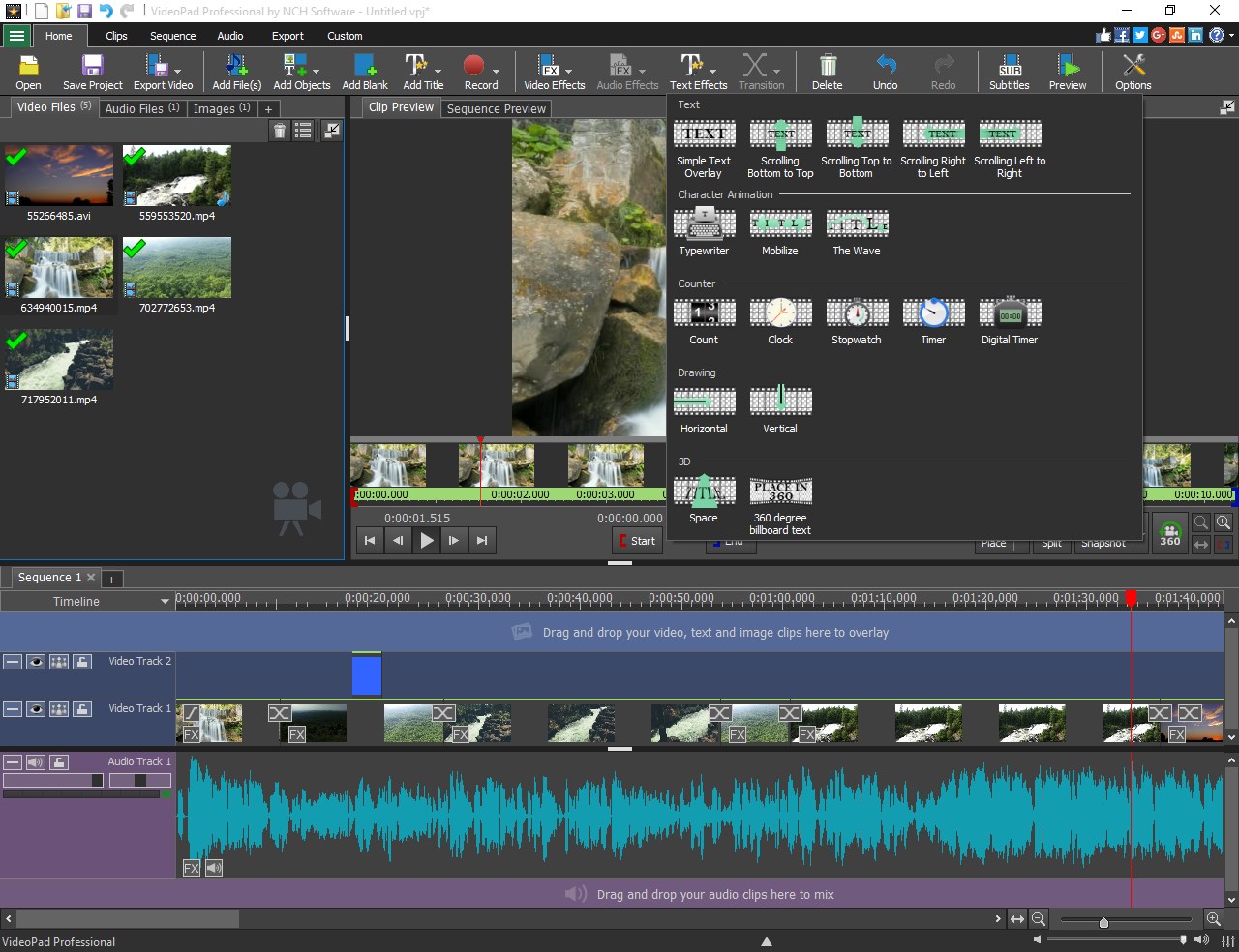
At its heart, VideoPad offers a comprehensive suite of editing tools—multi-track timeline editing, video transitions, visual effects, and audio editing functionalities. Whether you're trimming clips, applying filters, or overlaying text, the application provides a balanced toolbox that caters to a range of editing needs, from simple cuts to more complex compositions.
Rich Export and Compatibility Options
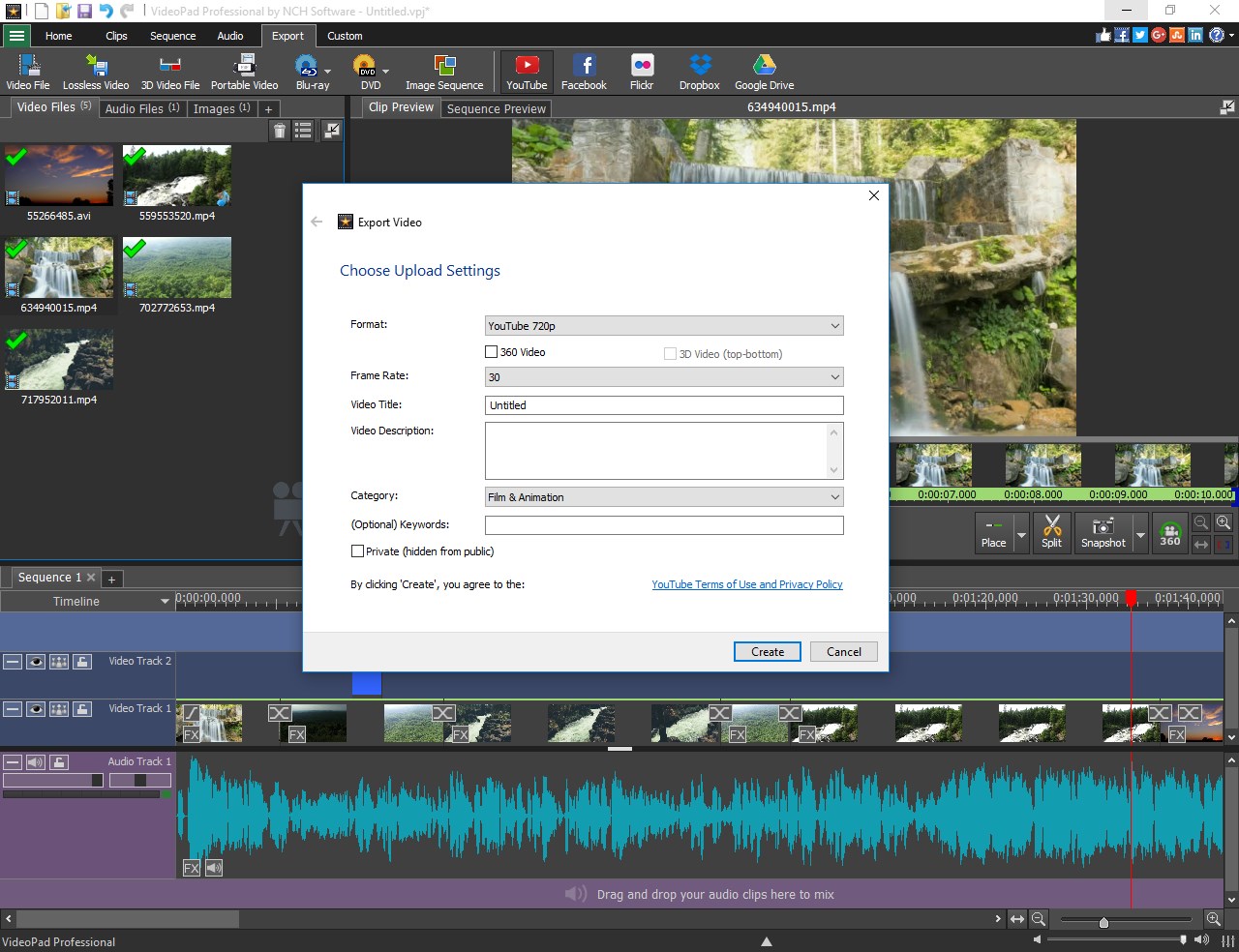
One of VideoPad standout features is its ability to export videos in multiple formats optimized for different platforms, including YouTube, Instagram, and DVDs. This flexibility ensures your videos are ready for any destination, whether sharing online or burning physical copies. Additionally, its compatibility with various video and audio formats reduces the hassle of conversions.
Intuitive User Interface and Seamless Workflow
Designed with user experience in mind, VideoPad sports a clean, straightforward interface that resembles a familiar workspace—think of it as a digital editing studio designed to reduce clutter and enhance focus. The drag-and-drop functionality, combined with real-time previewing, makes editing feel natural, like assembling a puzzle. Its smooth operation minimizes lag, ensuring a fluid creative process and satisfying real-time adjustments.
Distinctive Aspects and User Experience
Compared to other basic editors, VideoPad distinguishes itself with its balance of simplicity and depth. While many free or entry-level editors limit functionality or have confusing menus, VideoPad's organized layout keeps advanced features within easy reach, making it less intimidating for newcomers yet comprehensive enough for more experienced users. Its particular strength lies in its smooth integration of audio and visual editing—think of it as conducting a symphony where every element harmonizes seamlessly. This set of features positions VideoPad as a compelling middle ground between purely simple editors and complex professional suites.
In addition, the application's generous library of effects and transitions, along with support for 3D video editing, showcases its ambition to serve creative enthusiasts looking to experiment with innovative projects.
Final Thoughts and Recommendations
VideoPad for Windows is certainly worth recommending for users seeking an approachable yet capable video editing tool. Its standout features—particularly its intuitive interface and versatile export options—make it suitable for hobbyists, small businesses, and educators aiming to produce engaging content effortlessly. While it may not replace high-end professional editors for complex projects, it offers enough refined tools to satisfy most casual editing needs.
If you're new to video editing or want a dependable software that won't overwhelm you, VideoPad could become your go-to software. For those who crave more advanced features or specialized effects, it might serve better as an initial creative partner before exploring more complex solutions. Overall, it's a solid option that strikes a nice balance between ease of use and reasonable depth—an accessible toolbox that's ready to help you tell your story visually.
Pros
- User-friendly Interface
- Wide Range of Video Formats Supported
- Good Basic Editing Tools
- Built-in DVD Burner
- Affordable Pricing Model
Cons
- Limited Advanced Features
- Occasional Stability Issues
- Limited Audio Effects
- Watermark in Free Version
- Slow Export Speeds on Older PCs











