

- Category Productivity
- Developer mvkapps
- Available on PC, Surface Hub
- OS Windows 10 version 14393.0 or higher
- languages English (United States)
Streamlining Your Virtual Meeting Routine with Auto Join for Windows
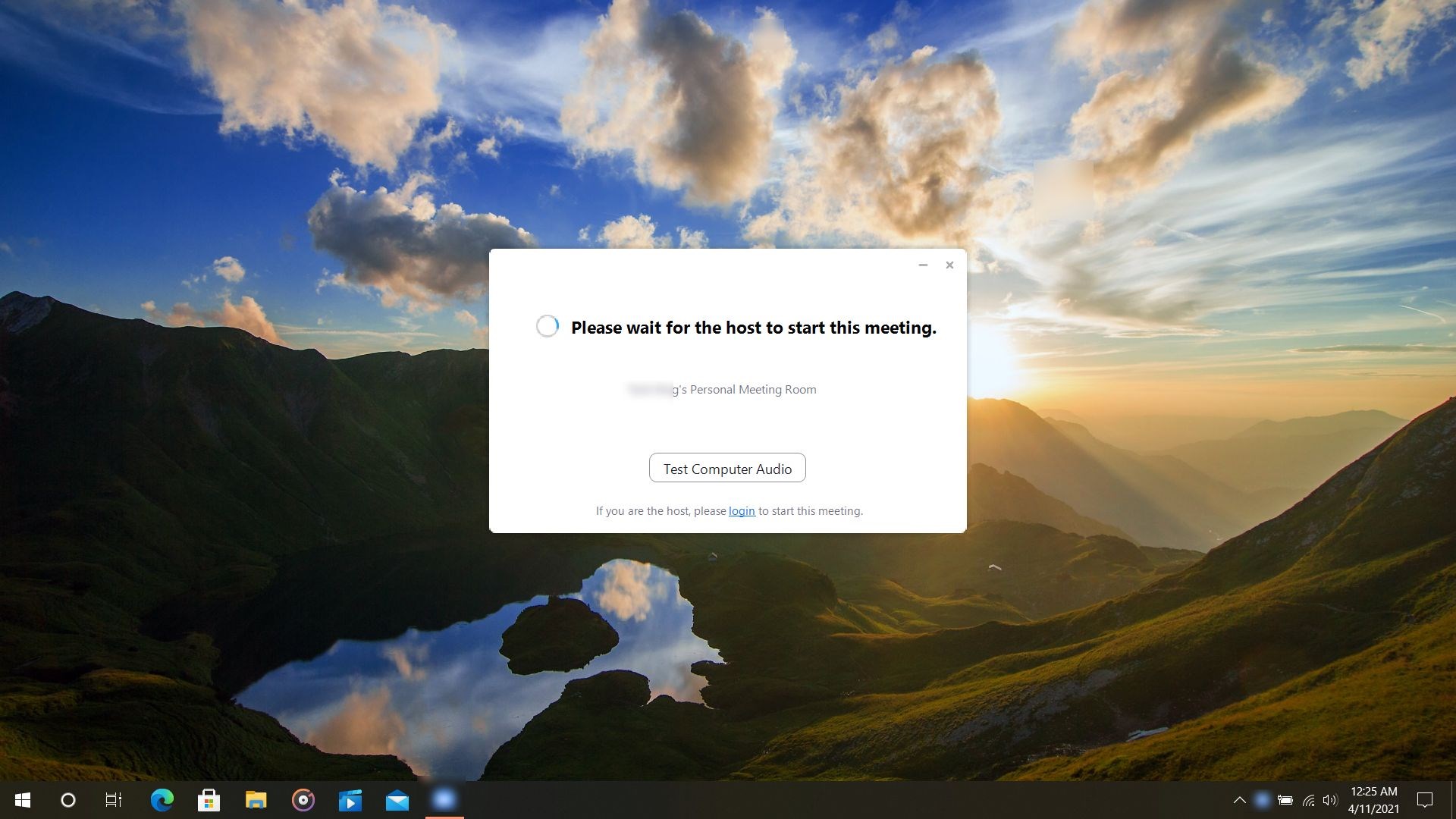
Virtual Meetings Auto Join for Windows by mvkapps emerges as a helpful tool designed to minimize the hassle of repeatedly joining online meetings. Think of it as your digital gatekeeper, seamlessly connecting you to scheduled meetings without the usual manual click-fest.
Basic App Snapshot: Clear, Concise, Useful
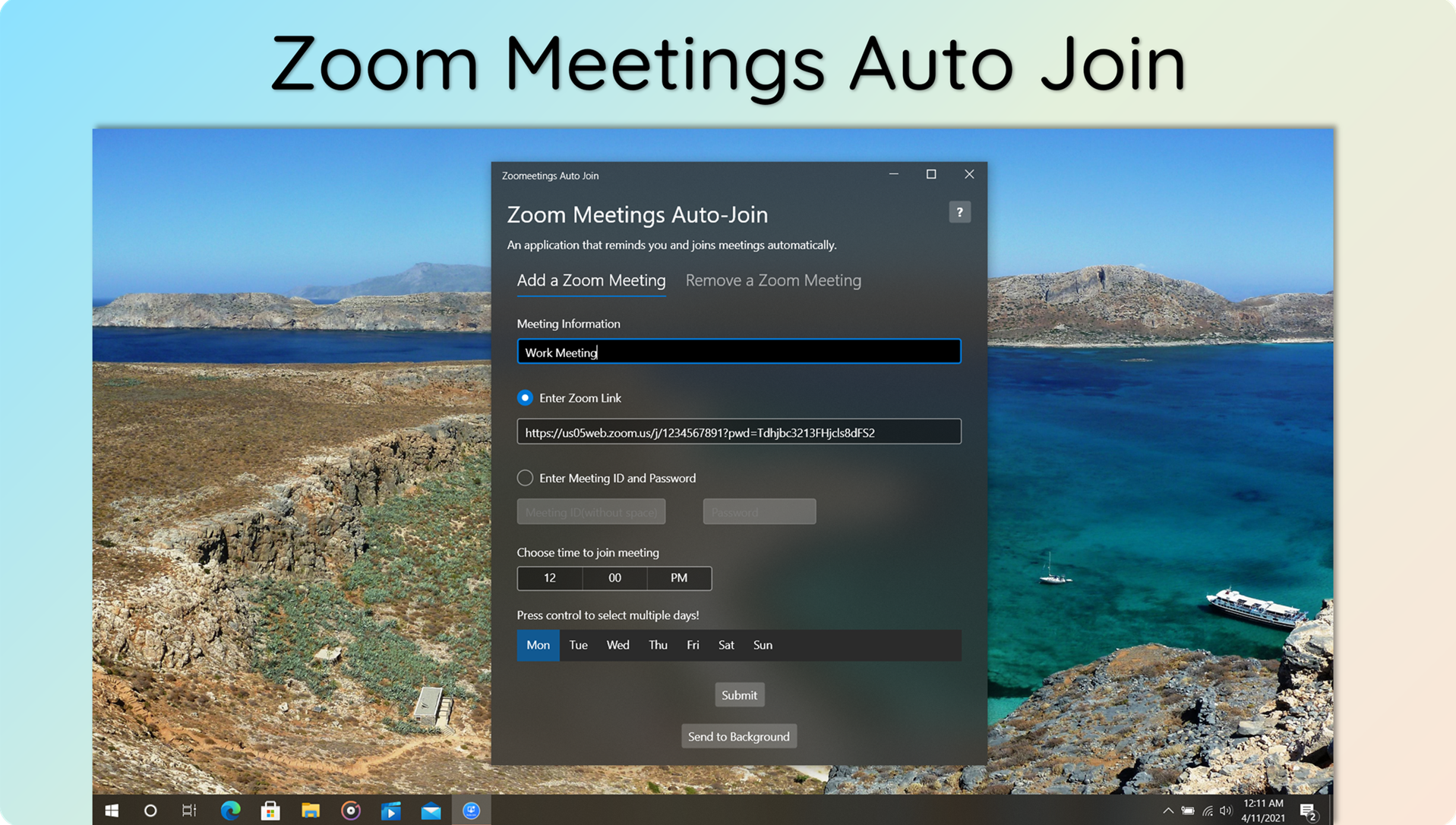
This app positions itself as an automation assistant for virtual meetings, aiming to reduce the friction involved in participating in multiple online sessions. Developed by mvkapps, a team focused on productivity tools, the application highlights three primary features: automatic meeting join, customizable scheduling options, and robust notification management. Its primary target users include busy professionals, remote workers, and students who frequently juggle multiple virtual meetings daily, seeking efficiency and simplicity in their workflows.
Effortless Automation Made Fun
Imagine waking up on a busy Monday, coffee in hand, and knowing that your virtual meetings will start exactly when they should—without digging through email reminders or clicking through multiple links. That's the core of what Virtual Meetings Auto Join aims to deliver. The app acts like an invisible assistant, working quietly in the background to ensure you're seamlessly connected when it's time to hop in.
Core Functionality 1: Seamless Meeting Automation
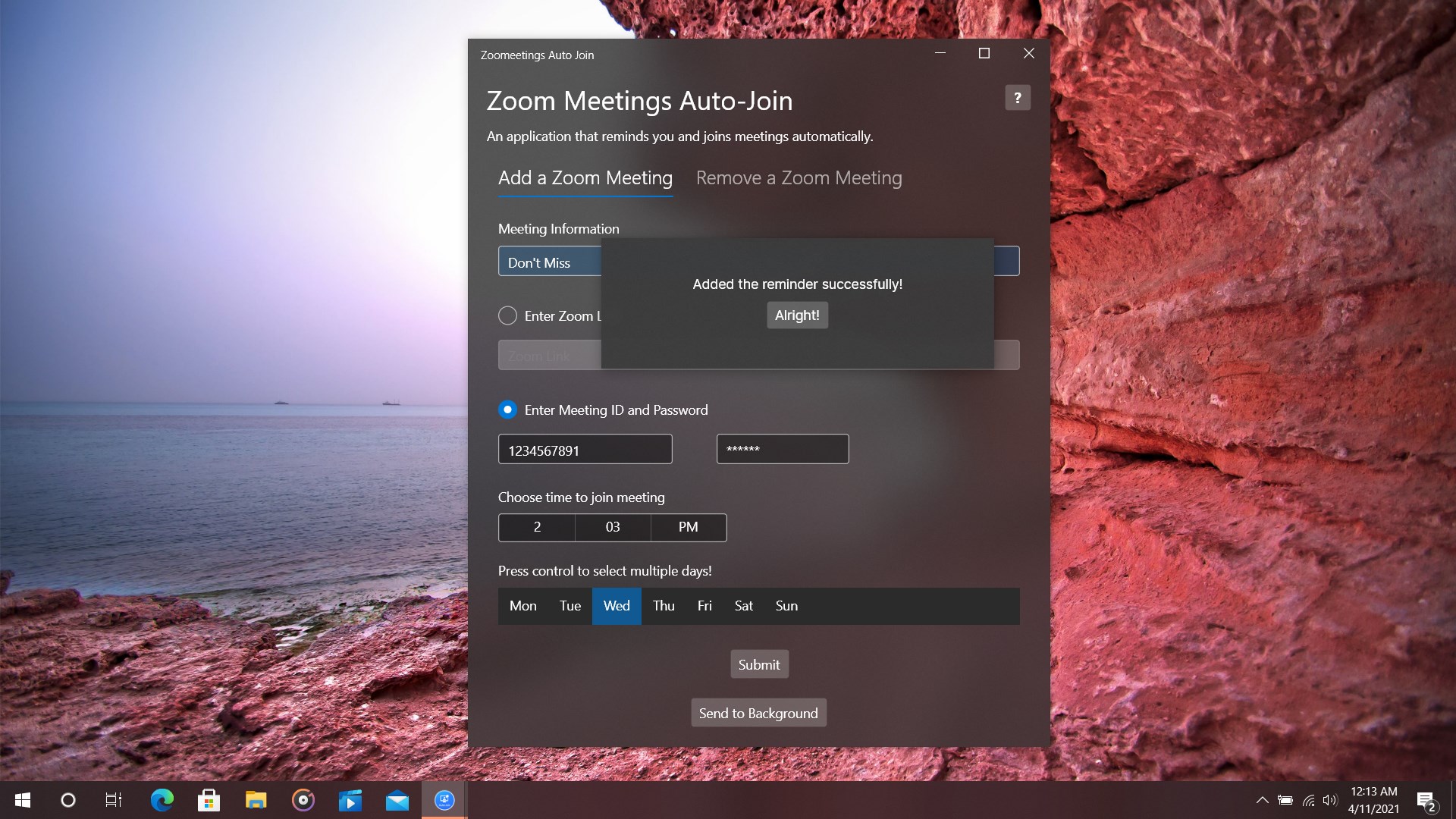
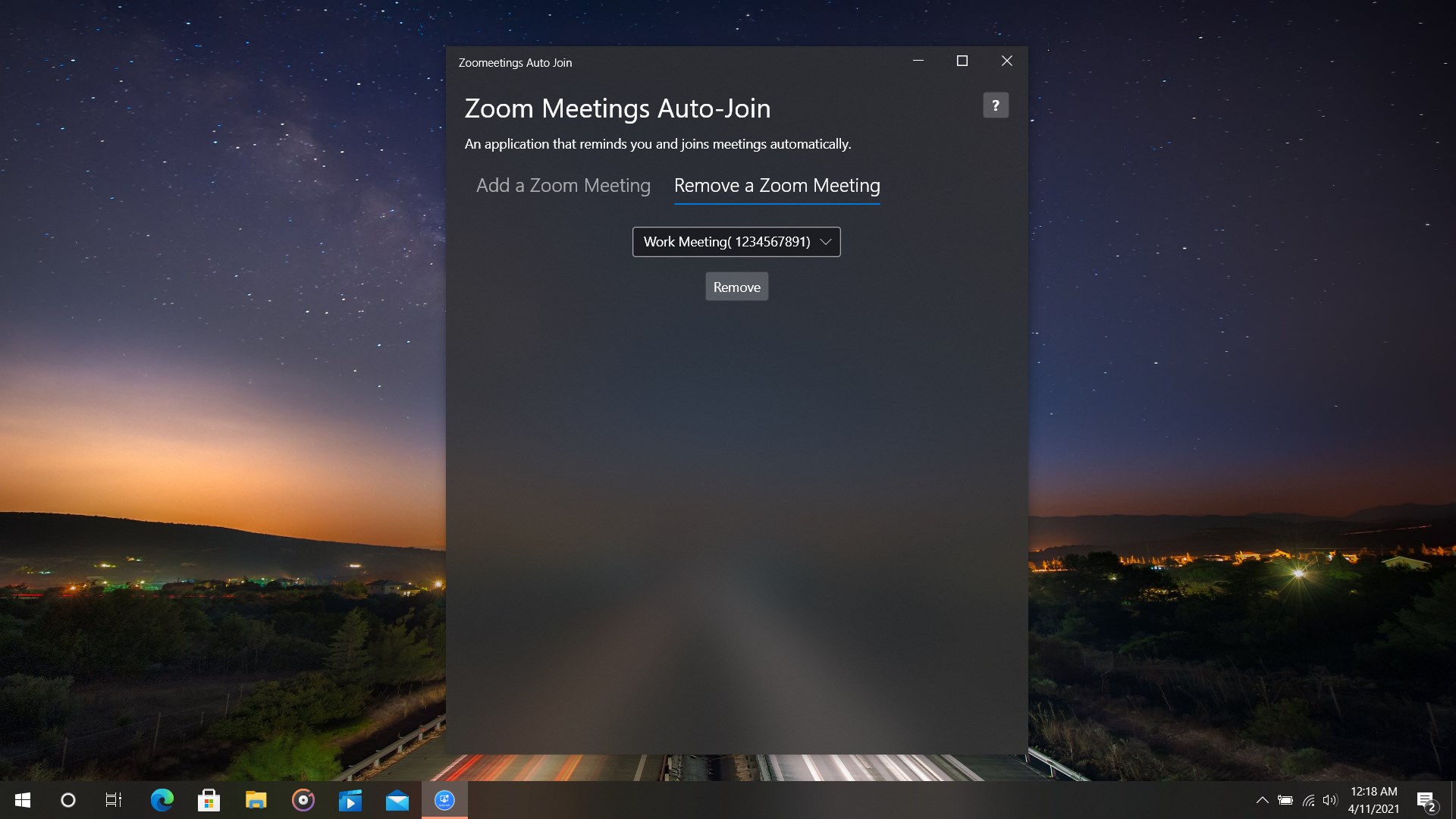
The standout feature of this app is its ability to automatically join scheduled meetings at specified times. Users can input their calendar events—be it Teams, Zoom, or other platforms—and let the app handle the rest. It's akin to having a virtual butler who clicks “Join” on your behalf, removing the cognitive burden of manual entry. This is especially useful during back-to-back meetings, reducing the frustration of micromanagement and potential delays.
Core Functionality 2: Customizable Notifications & Scheduling
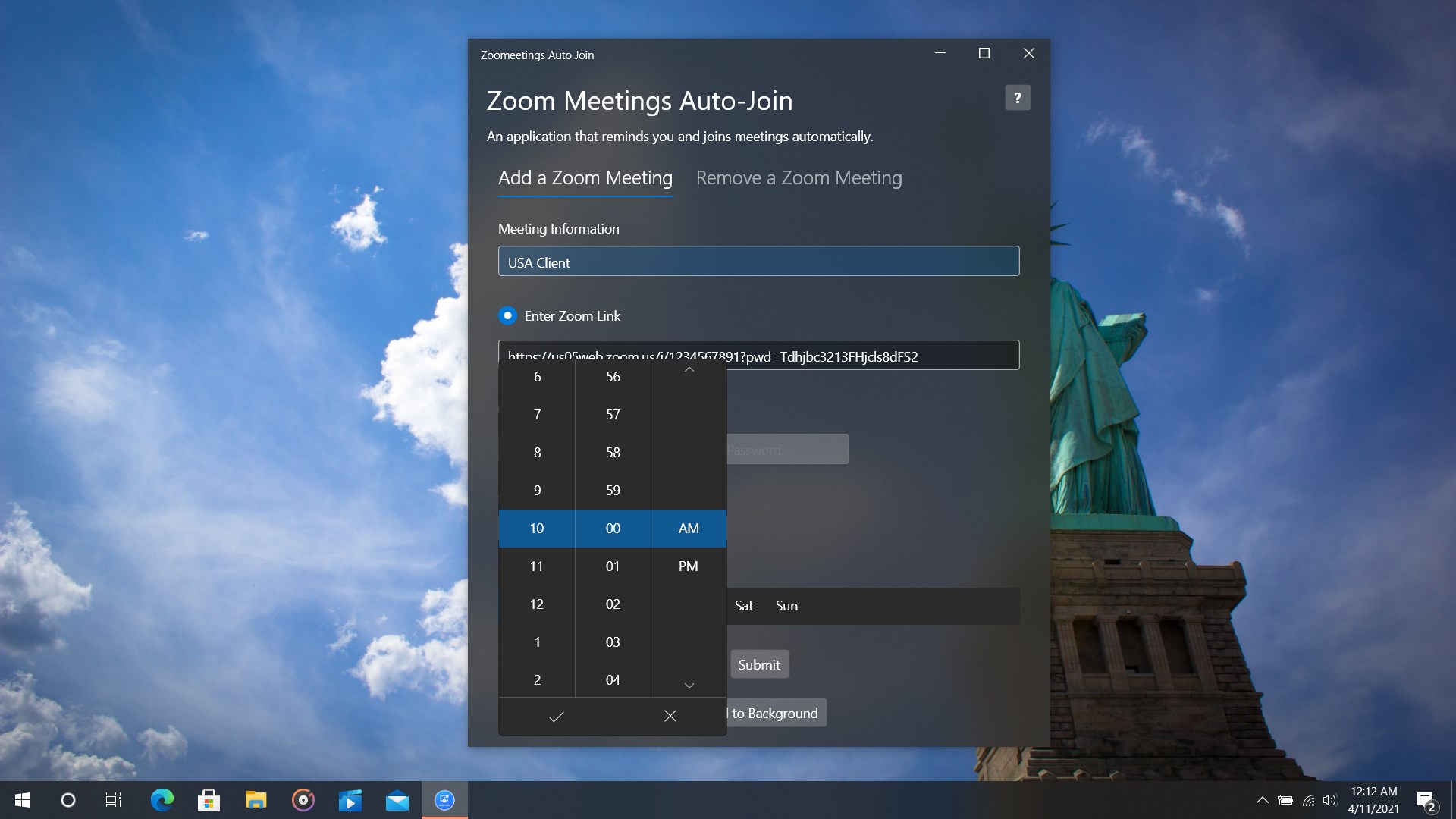
The app doesn't just blindly join meetings; it provides personalized notification controls, alerting you ahead of time or reminding you to start preparing. Users can set specific countdowns or alerts to fit their workflow, making transitions between meetings smoother. Its flexibility accommodates different user preferences—whether one wants a gentle nudge or a more direct notification—supporting an undisturbed focus on current tasks.
Design, Usability, and User Experience
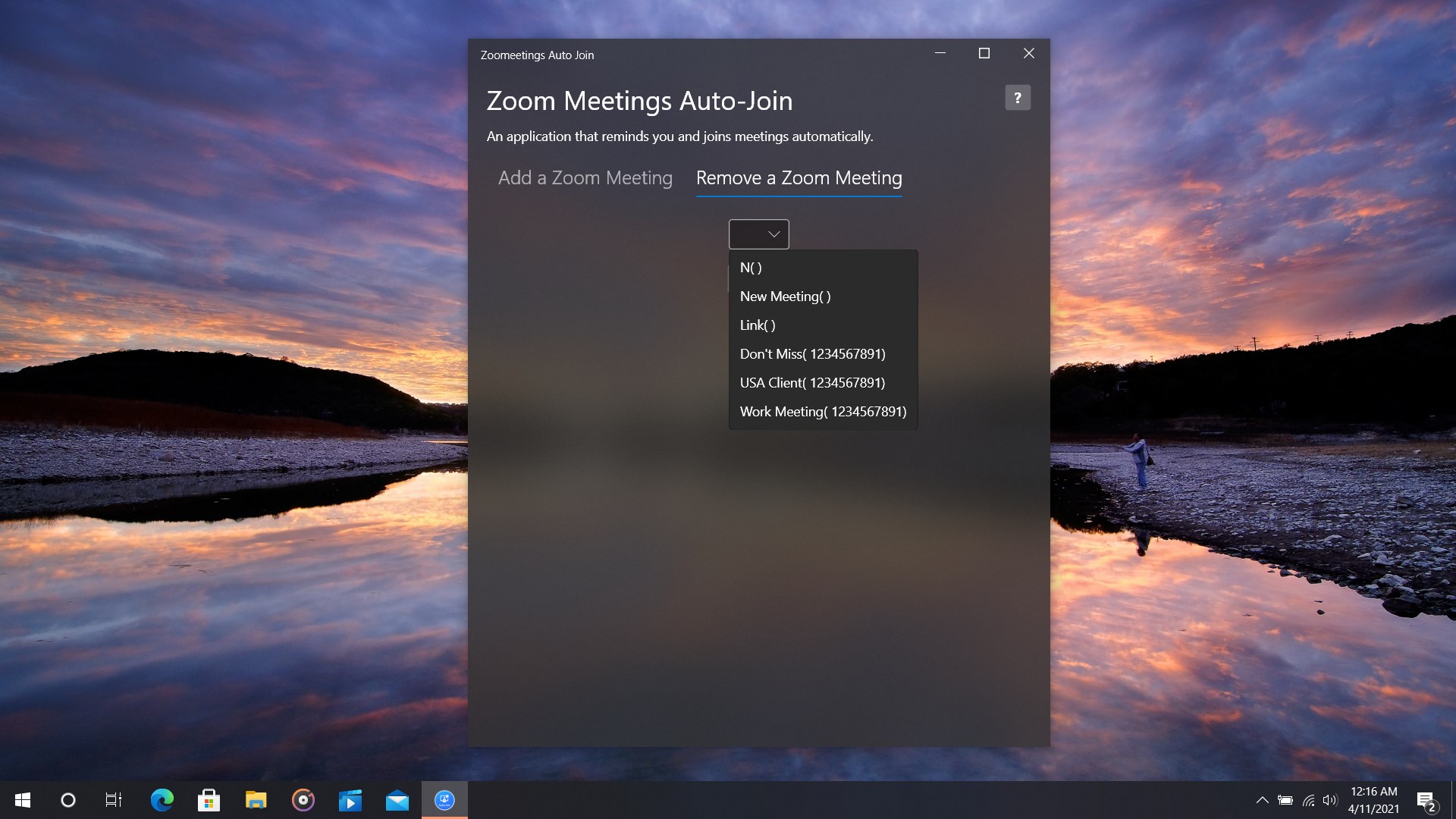
From a user interface perspective, Virtual Meetings Auto Join sports a clean, intuitive layout—think of it as a well-organized workspace, where everything is in its right place. The design avoids clutter, making it easy for newcomers to configure their schedules with minimal fuss. The app runs with commendable fluidity; clicking through setup or adjusting settings feels snappy, and the automation runs reliably in the background without causing any noticeable lag or crashes. The learning curve is gentle—users can get comfortable within minutes, making it accessible even for those less tech-savvy.
What Sets It Apart: Focused Efficiency over Feature Overload
Many productivity apps tend to drown users in complexity—so many options that finding the core benefit becomes a chore. In contrast, Virtual Meetings Auto Join strips away unnecessary bells and whistles, emphasizing workflow integration and cognitive load reduction. Its ability to directly connect scheduled meetings without user intervention exemplifies this efficiency. It reduces the mental overhead associated with remembering login times or manually joining, allowing users to focus on content rather than logistics. This targeted approach makes it not just another automation tool, but a pragmatic upgrade to your virtual meeting routine.
Final Verdict and Usage Recommendations
Overall, I'd recommend Virtual Meetings Auto Join for anyone looking to streamline their virtual collaboration. It's especially beneficial for professionals handling a busy calendar or students juggling multiple classes. While it might lack some advanced customization found in more comprehensive tools, its focus on core automation and simplicity make it a standout choice. For users tired of toggling between apps and clicking links, this lightweight helper offers real relief—like having a diligent assistant at your side. Just ensure your calendar integrates well with the app, and you're ready to enjoy a more effortless virtual meeting experience.
Pros
- Auto-Join Functionality
- User-Friendly Interface
- Multi-Platform Support
- Customizable Notifications
- Reliable Performance
Cons
- Limited Meeting Platform Compatibility
- Occasional Connectivity Issues
- Lack of Advanced Customization
- Potential Privacy Concerns
- No Support for Breaks or Pause











