

- Category Music
- Available on PC
- OS Windows 10 version 0.0 or higher
- DirectX Version 9
- languages English, Spanish, French, Portuguese, Dutch, Greek, German, Italian, Russian, Japanese, Arabic, Chinese
VirtualDJ for Windows: The Digital DJ's Trusted Companion
VirtualDJ for Windows emerges as a comprehensive and intuitive DJ software designed to cater to both amateur and professional disc jockeys who seek to craft seamless mixes with ease and precision. Its robust feature set, user-friendly interface, and innovative capabilities make it a standout choice in the crowded world of music mixing applications.
Developed by Atomix International, S.A.
Produced by Atomix International, S.A., a company with a long-standing reputation in DJ software development, VirtualDJ leverages years of expertise to provide a reliable platform for live performances and studio mixing. Their commitment to continuous updates and user-centric features makes VirtualDJ a trusted name among music enthusiasts worldwide.
Key Features That Make VirtualDJ Shine
- Advanced Mixing Capabilities: Offers professional-grade mixing tools including beatmatching, key shifting, and seamless cross-fading, suitable for both beginners and seasoned DJs.
- Smart Beatgrid and Quantization: Ensures perfect synchronization of tracks regardless of genre or tempo changes, making transitions smooth and natural.
- Vast Compatibility and Integration: Supports a wide array of controllers, soundcards, and MIDI devices, providing flexibility for different setups.
- Unique Rhythm Pattern Varieties and Tolerance: Features a dedicated engine that assesses rhythm pattern diversity and tolerates varying input latency, enabling more dynamic and expressive performances.
Engaging and Intuitive User Experience
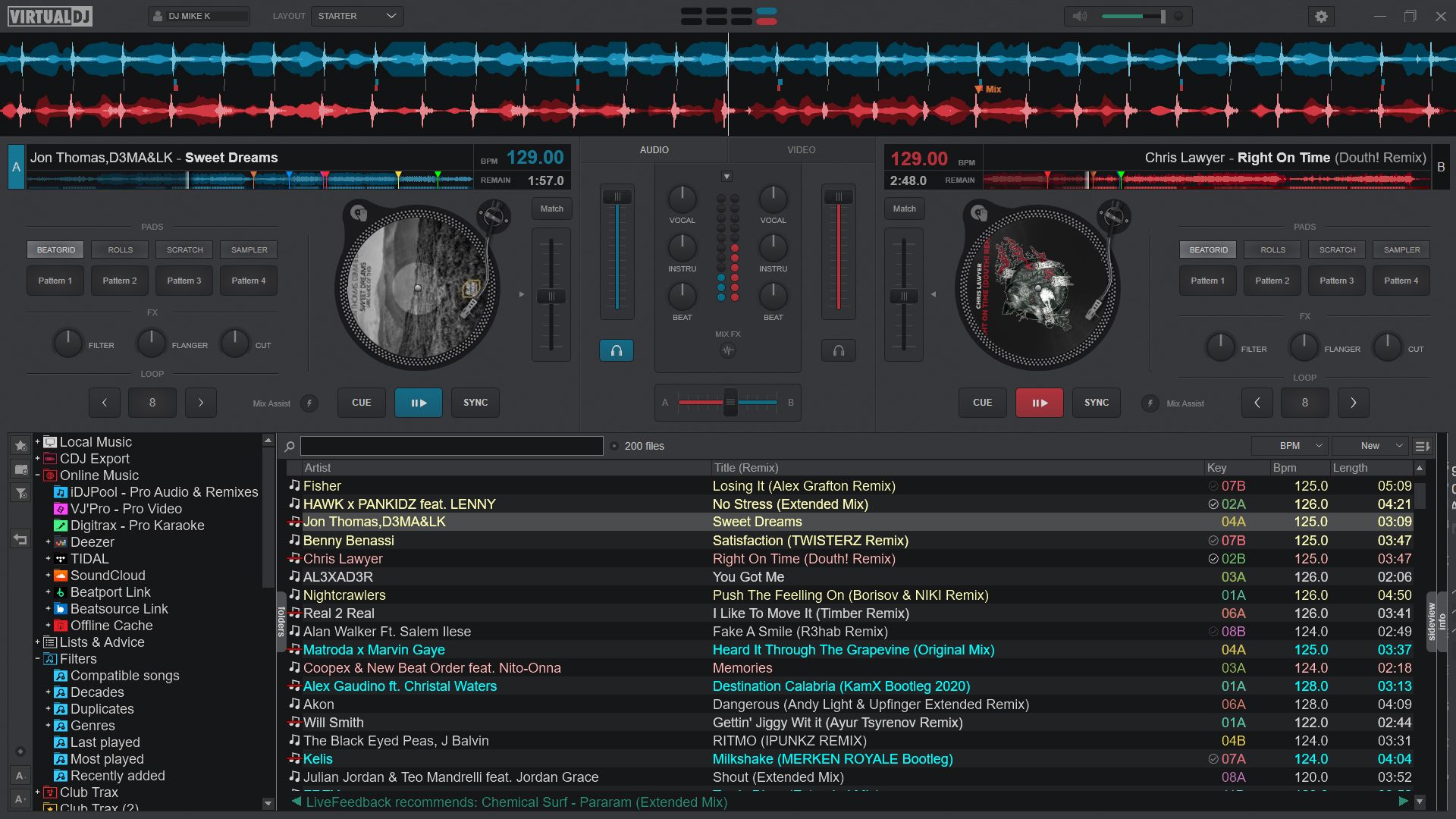
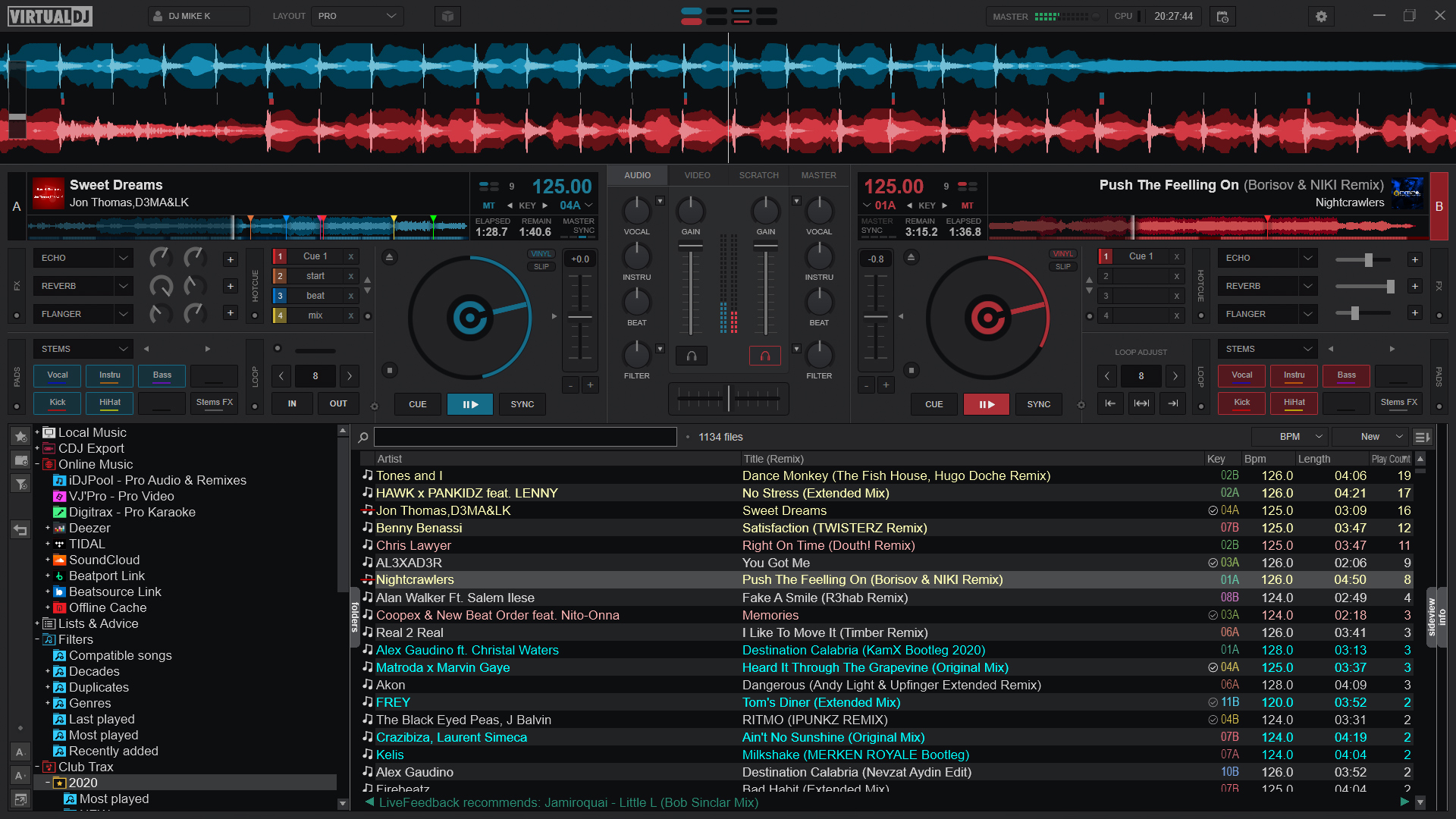
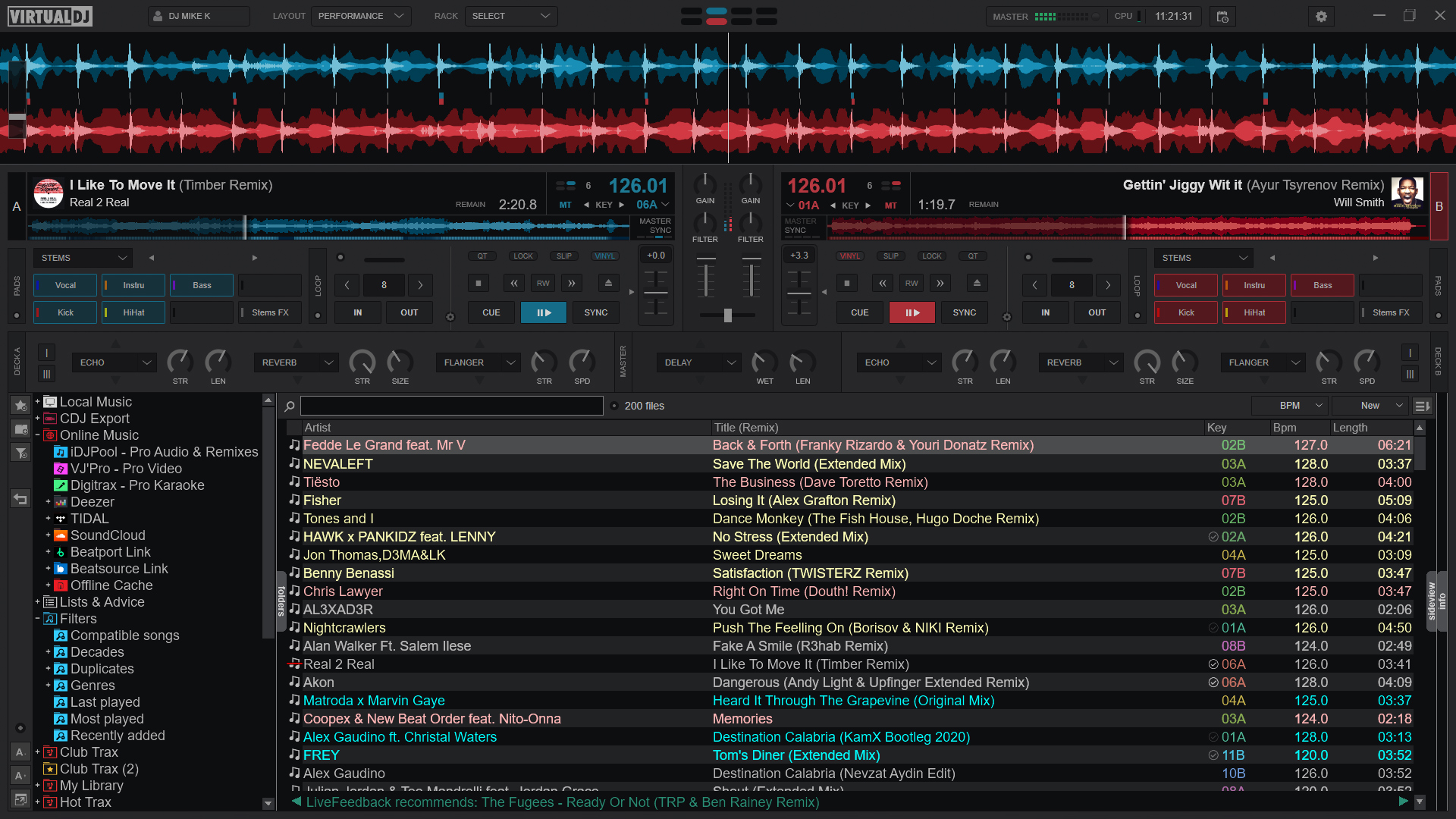
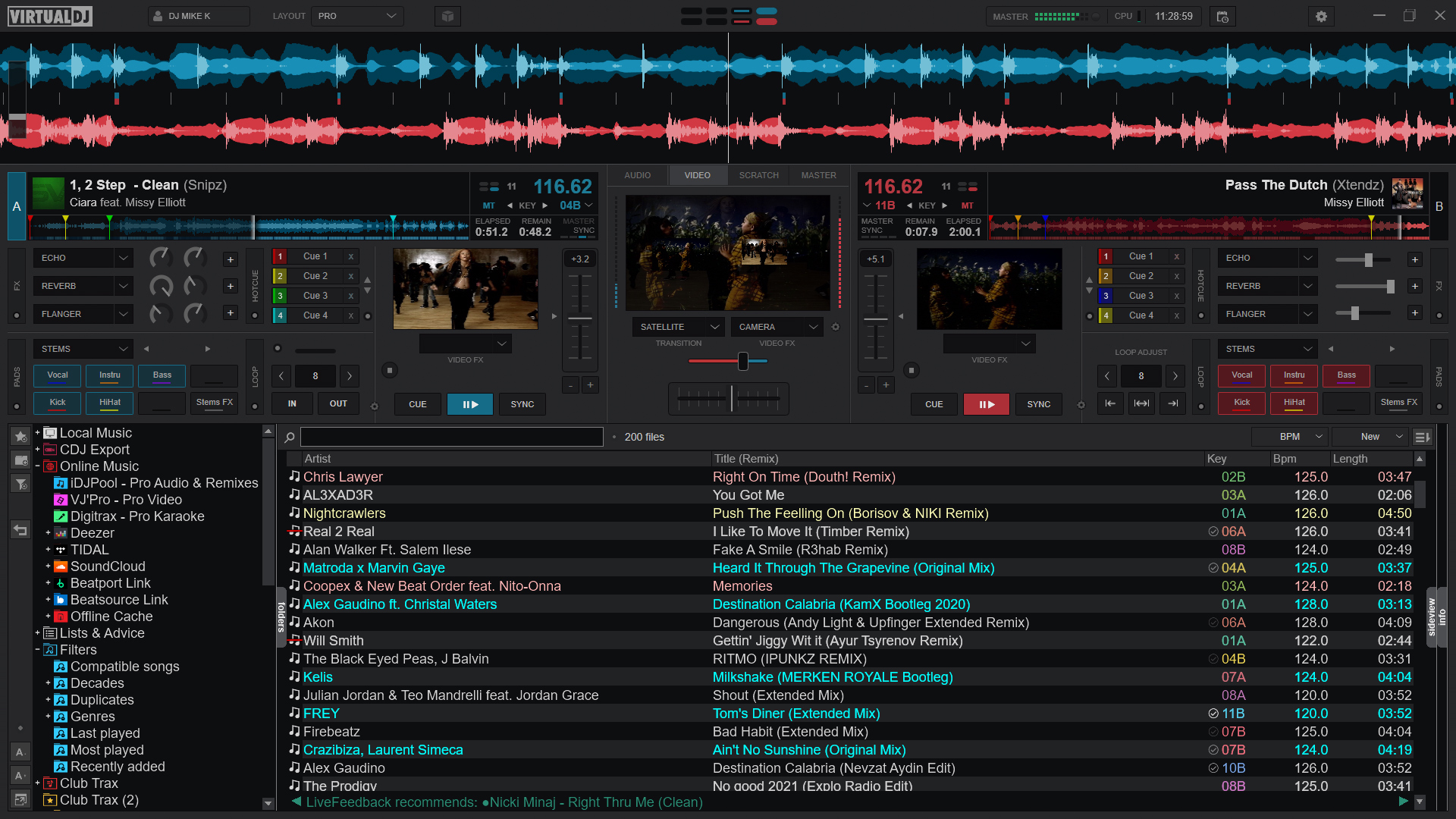
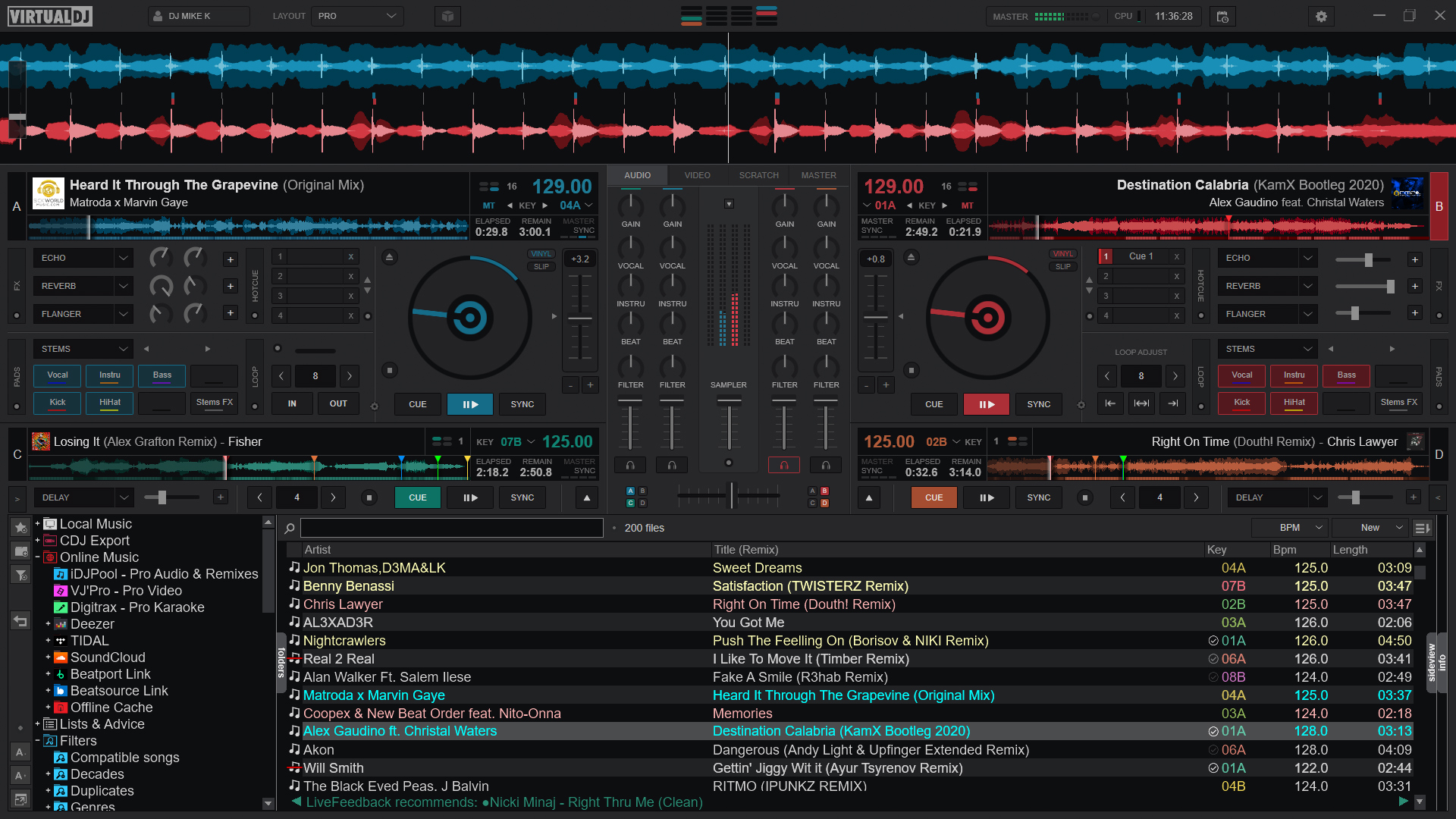
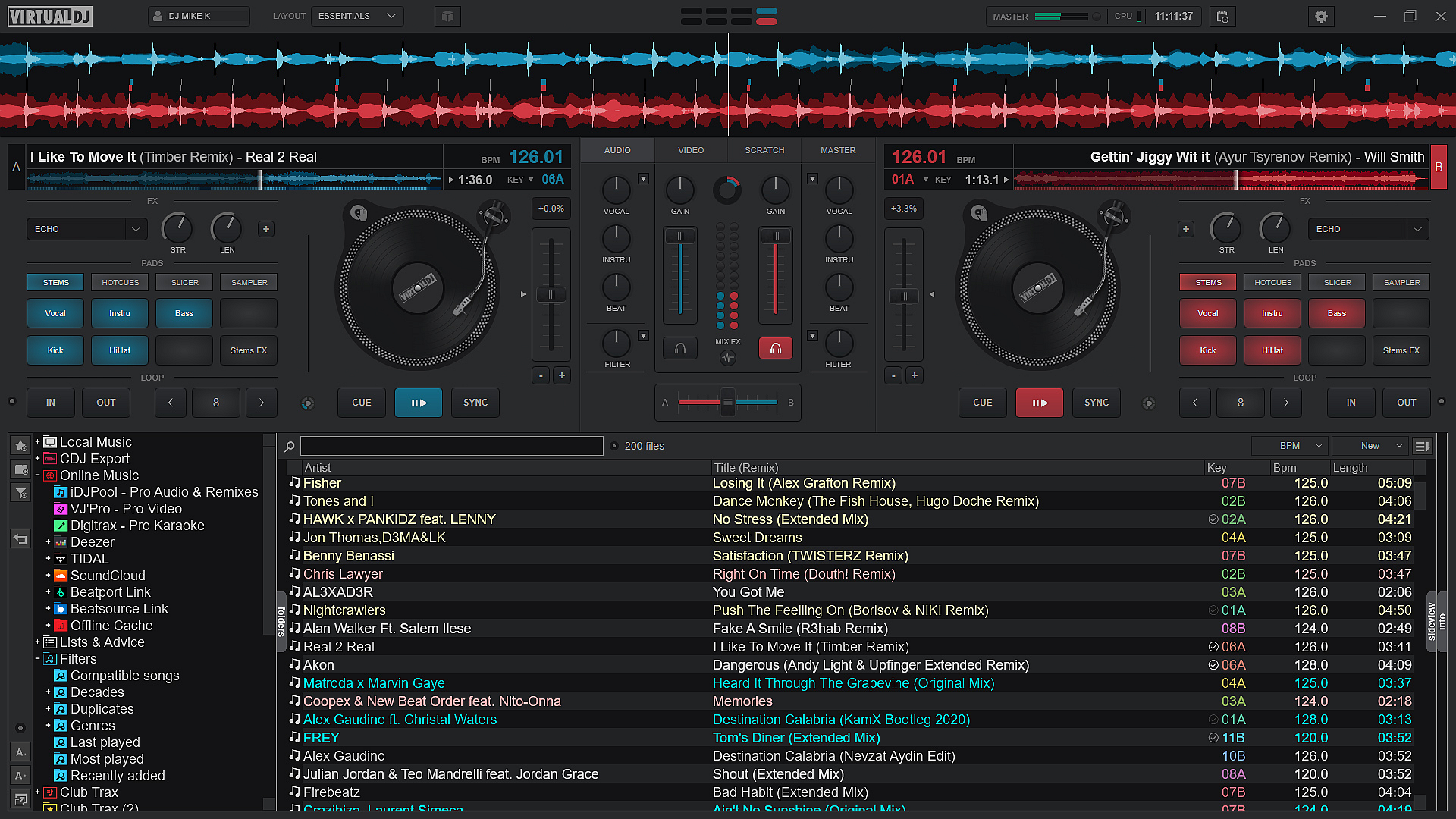
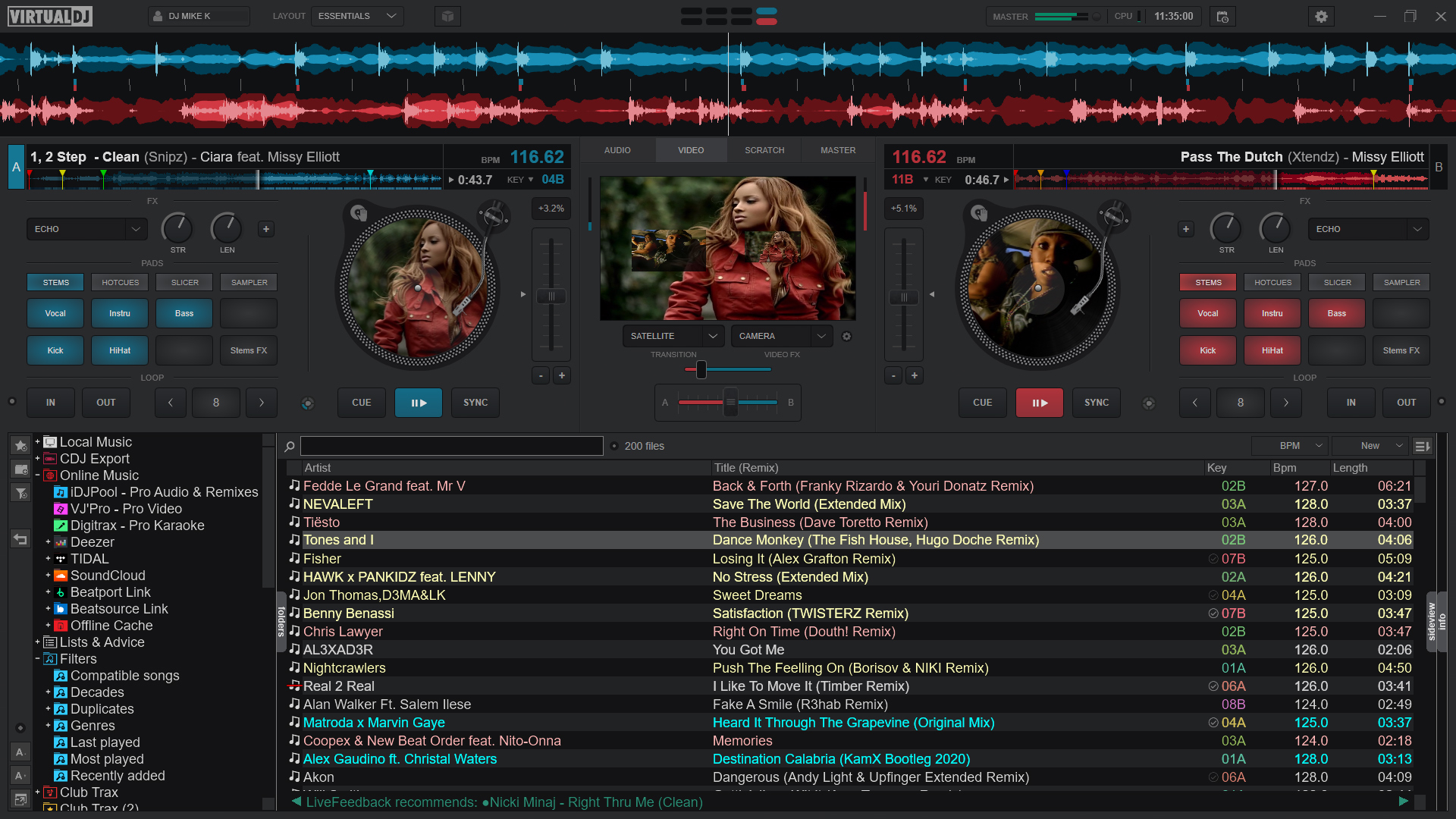
Imagine stepping onto a digital dancefloor where every beat and bassline syncs effortlessly—VirtualDJ offers just that experience. Its interface resembles a sleek, modern DJ console, with clearly laid-out decks, mixing controls, and dynamic waveforms. Navigating through its features feels like conducting an orchestra, where each control is intuitively placed, making transitions feel natural rather than forced.
The software operates with impressive fluidity; even during high-energy performances with multiple tracks blending, it maintains smooth operation without lag or stuttering. For newcomers, the learning curve is gentle, aided by helpful tutorials and customizable workflows, while seasoned DJs will appreciate its depth and precision tools.
Differentiating Features That Set VirtualDJ Apart
One of VirtualDJ's most compelling aspects is its ability to assess rhythm pattern variety and input latency tolerance. Unlike many competitors, it dynamically analyzes the rhythmic complexity of tracks, allowing for more creative and less predictable mixes—think of it as having an automatic rhythm expert by your side, helping you craft lively, textured sets. Additionally, its input latency tolerance ensures that even with less-than-ideal hardware or connection issues, your performance remains tight, preventing those frustrating lag moments that can throw off a set.
This combination allows VirtualDJ to excel in live scenarios where unpredictability is the norm, providing DJs with a tool that adapts in real-time and maintains audio fidelity.
Final Verdict and Usage Recommendations
Overall, VirtualDJ for Windows earns a solid recommendation as a versatile, reliable, and feature-rich DJ software. Its particular strengths in rhythm pattern assessment and latency tolerance make it especially appealing for performing live, more expressive DJ sets or experimenting with complex mixes. While it remains accessible to beginners, its depth ensures growth for professional users.
If you're a DJ looking for a platform that balances ease of use with powerful functionalities—particularly those keen on dynamic rhythm handling and resilient performance—even during challenging setup conditions—VirtualDJ deserves a try. It's not just software; it's your digital turntable that grows with your skills and creativity.
Pros
- Intuitive DJ Interface
- Comprehensive Library Management
- High-Quality Audio Effects
- Cross-Platform Compatibility
- Real-Time BPM and Key Detection
Cons
- Resource Intensive
- Limited Free Features
- Occasional Lag During Heavy Load
- Basic Tutorial Provided
- Hardware Compatibility Variability










