

- Category Developer tools
- Developer Microsoft Corporation
- Available on PC
- OS Windows 10 version 0.0 or higher
- Keyboard Integrated Keyboard
- Mouse Integrated Mouse
- Memory 4 GB
- languages English, Chinese (Simplified), Chinese (Traditional Chinese), Czech, German, French, Italian, Japanese, Korean, Polish, Russian, Turkish, Spanish, Portuguese (Brazil)
An In-Depth Look at Visual Studio Community for Windows
Visual Studio Community for Windows stands out as a comprehensive, free integrated development environment (IDE) tailored for developers across various experience levels. It offers a complete suite of tools that streamline coding, testing, and deployment processes, empowering programmers to turn their ideas into reality. Let's explore what makes this IDE a compelling choice for developers today.
Basic Information and Target Audience
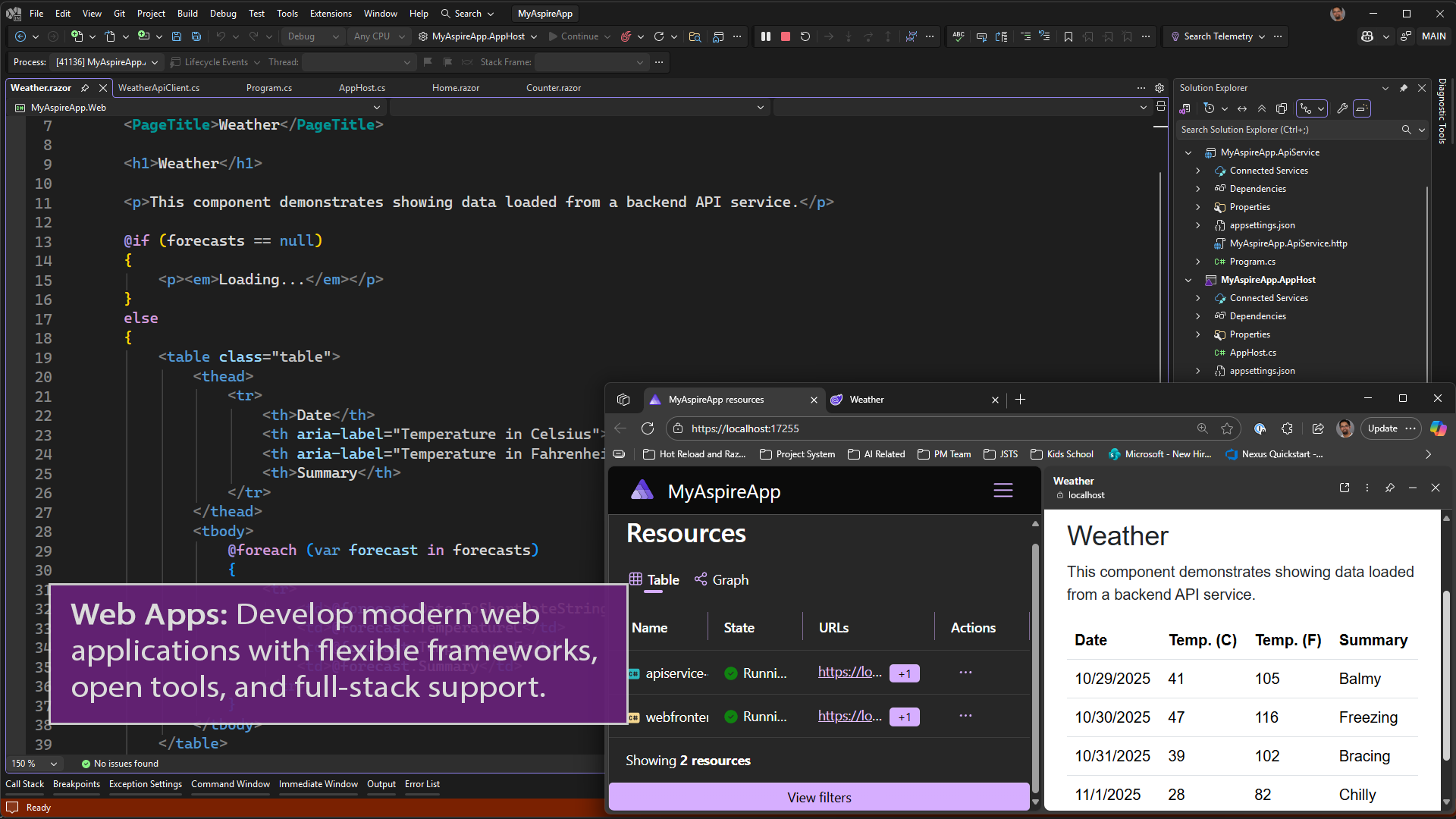
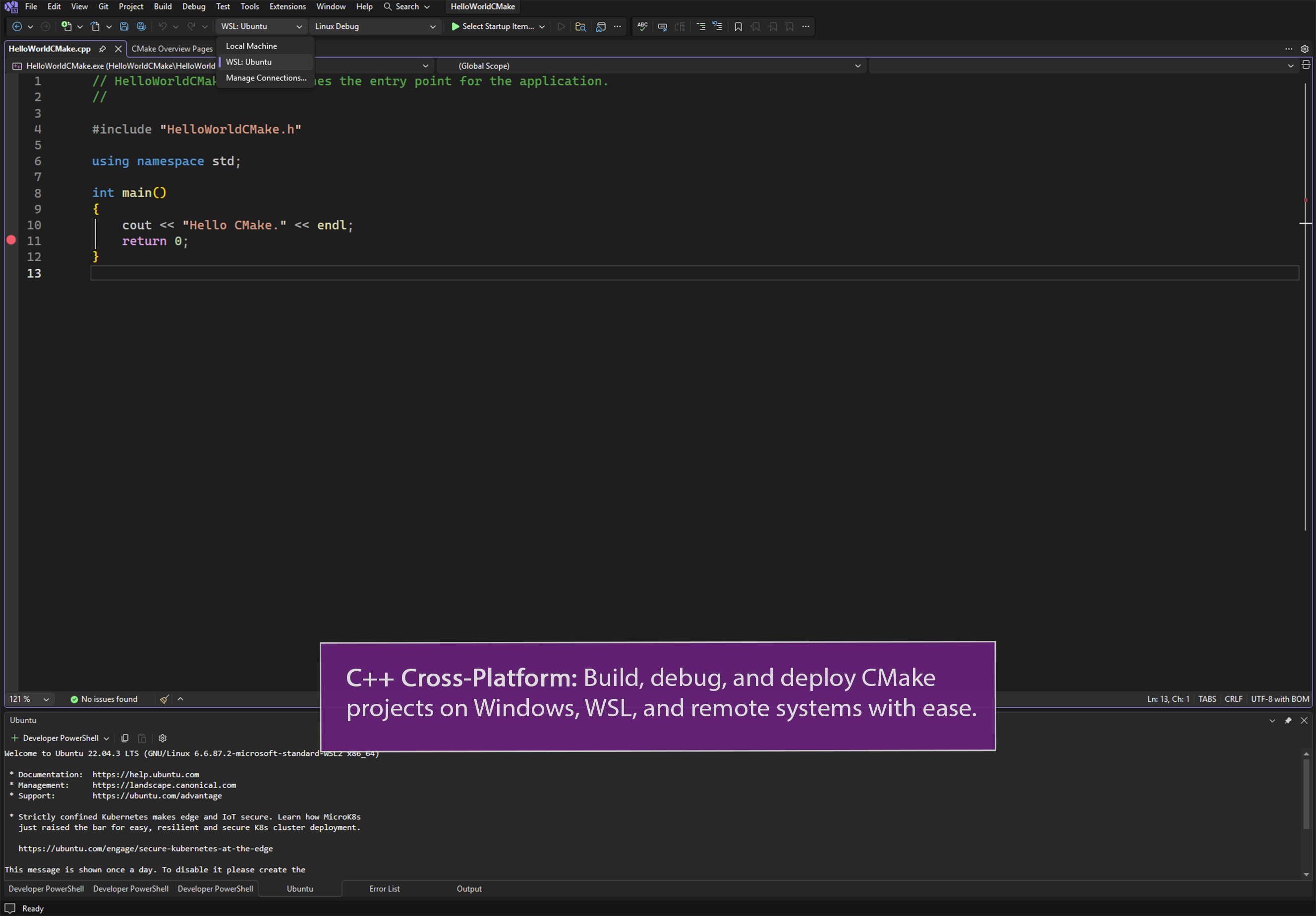
Developed and published by Microsoft Corporation, Visual Studio Community acts as a versatile, full-featured IDE designed for individual developers, open-source contributors, academic users, and small teams. It serves as a free alternative to the professional editions, emphasizing accessibility without compromising power. The software's primary appeal lies in its rich functionality, supporting multiple programming languages, including C#, VB.NET, C++, and Python. It is particularly suitable for students, hobbyists, and freelancers who need a capable yet free development environment to craft applications across desktop, web, mobile, and cloud platforms.
Engaging and Practical Use Cases: A Developer's Partner
Imagine sitting at your desk, the glow of your monitor illuminating your workspace, your fingers poised above the keyboard—ready to breathe life into your code. Visual Studio Community is that dependable companion, offering a level of sophistication that makes coding feel more like an artistic craft. Whether you're working on a small game, a website, or a complex enterprise app, this IDE simplifies your journey from initial idea to deployment with user-friendly tools wrapped in a developer-friendly interface.
Powerful Core Features to Boost Productivity
Intelligent Code Editing and Debugging
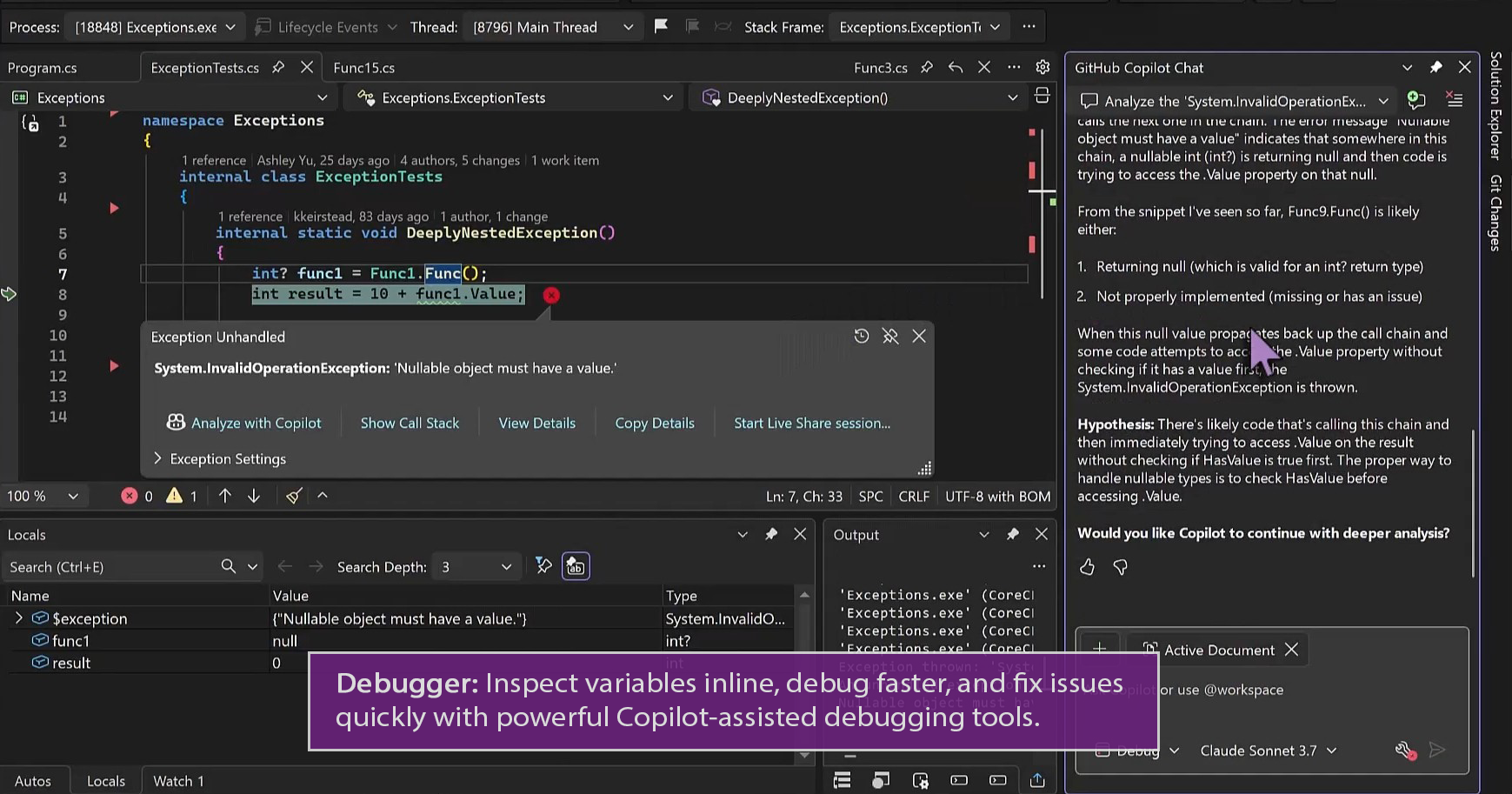
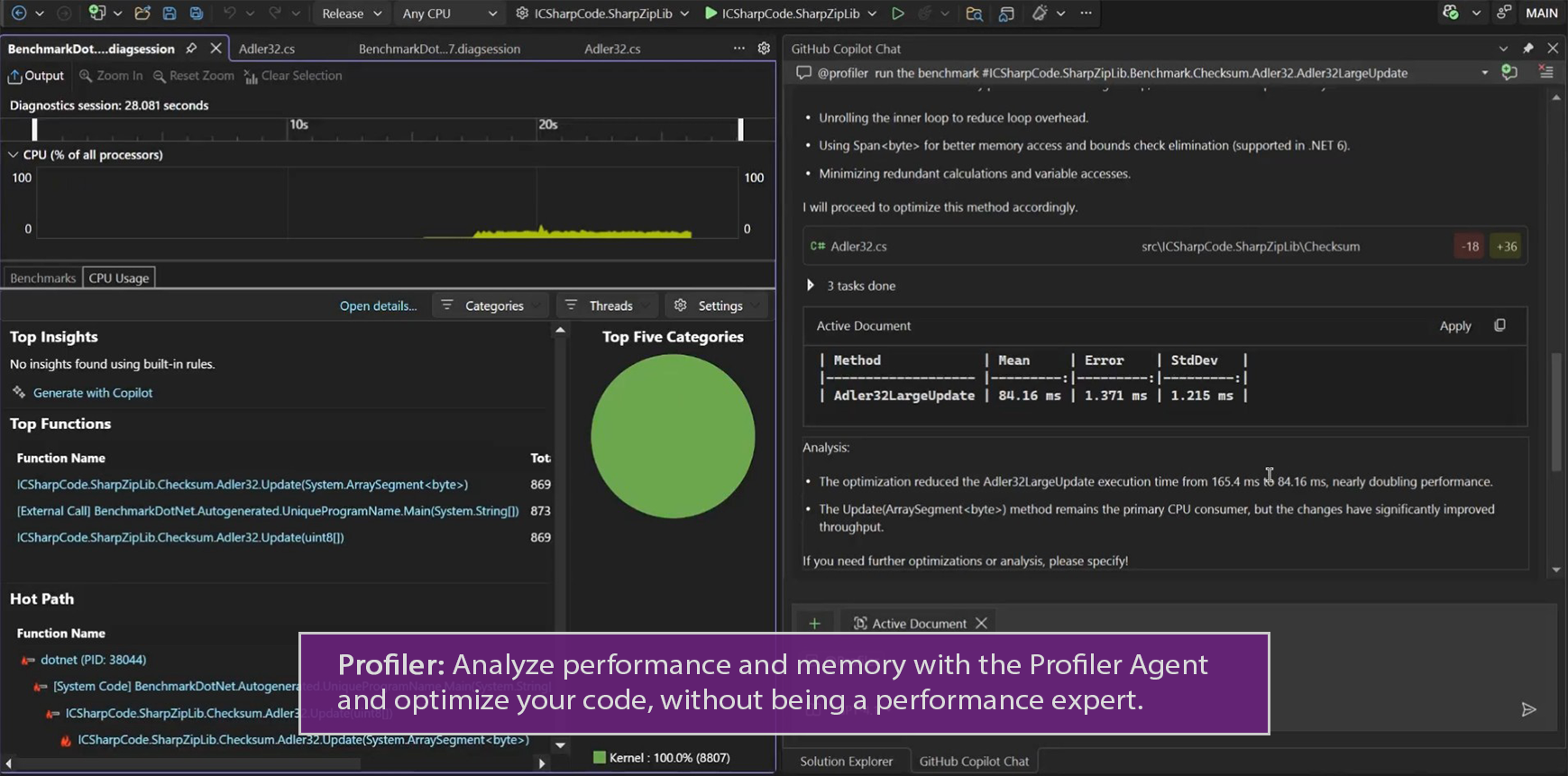
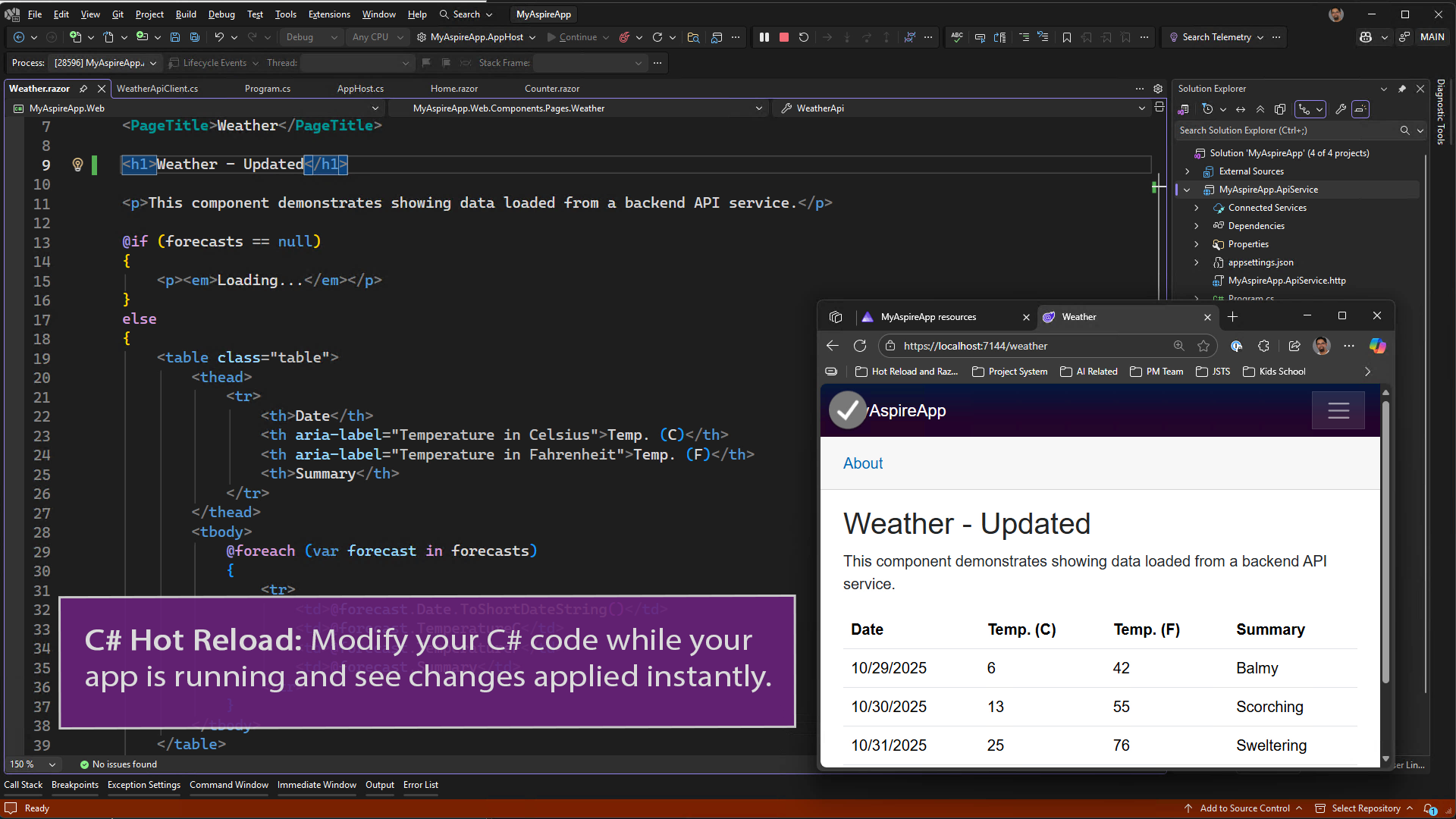
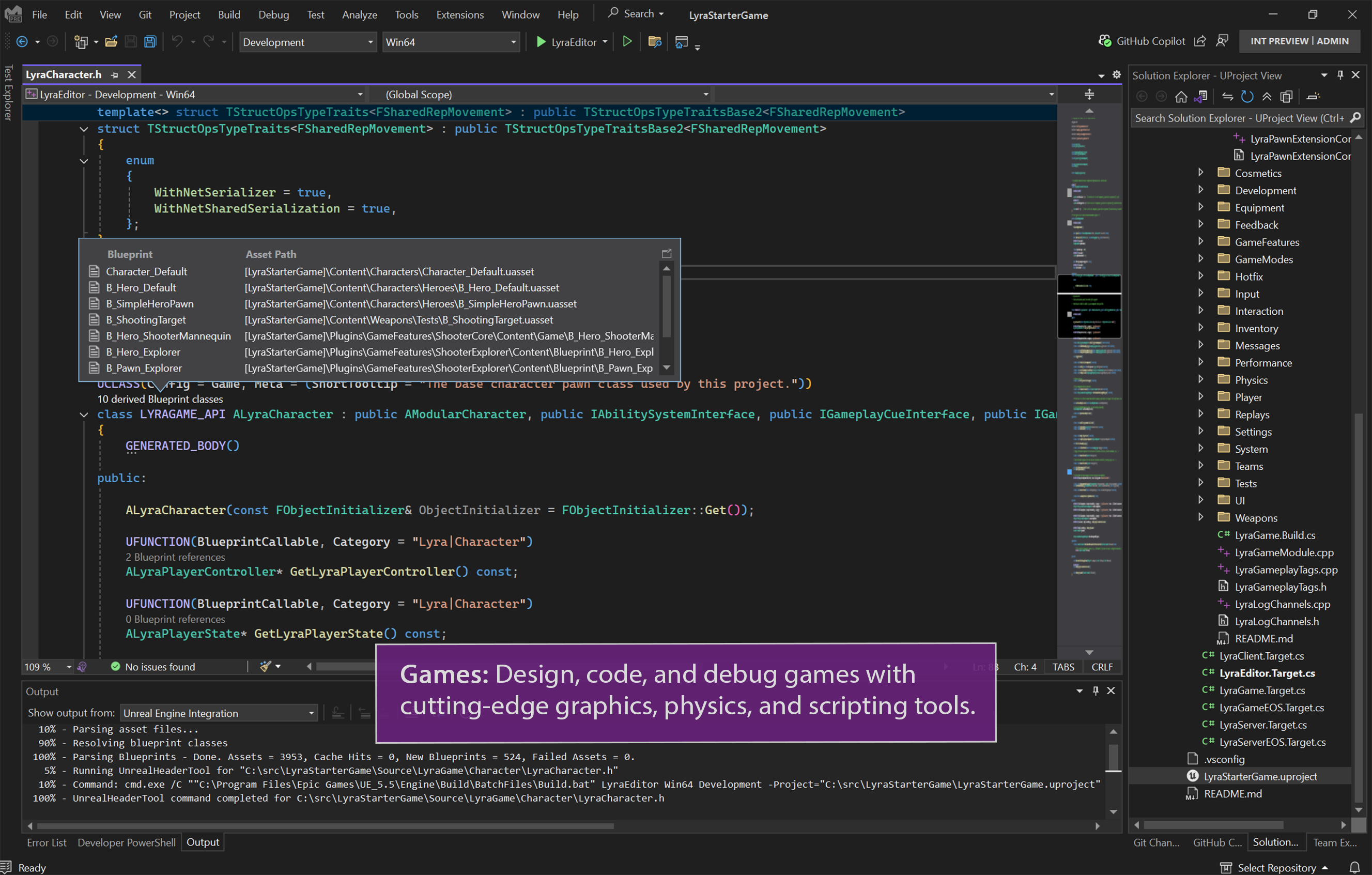
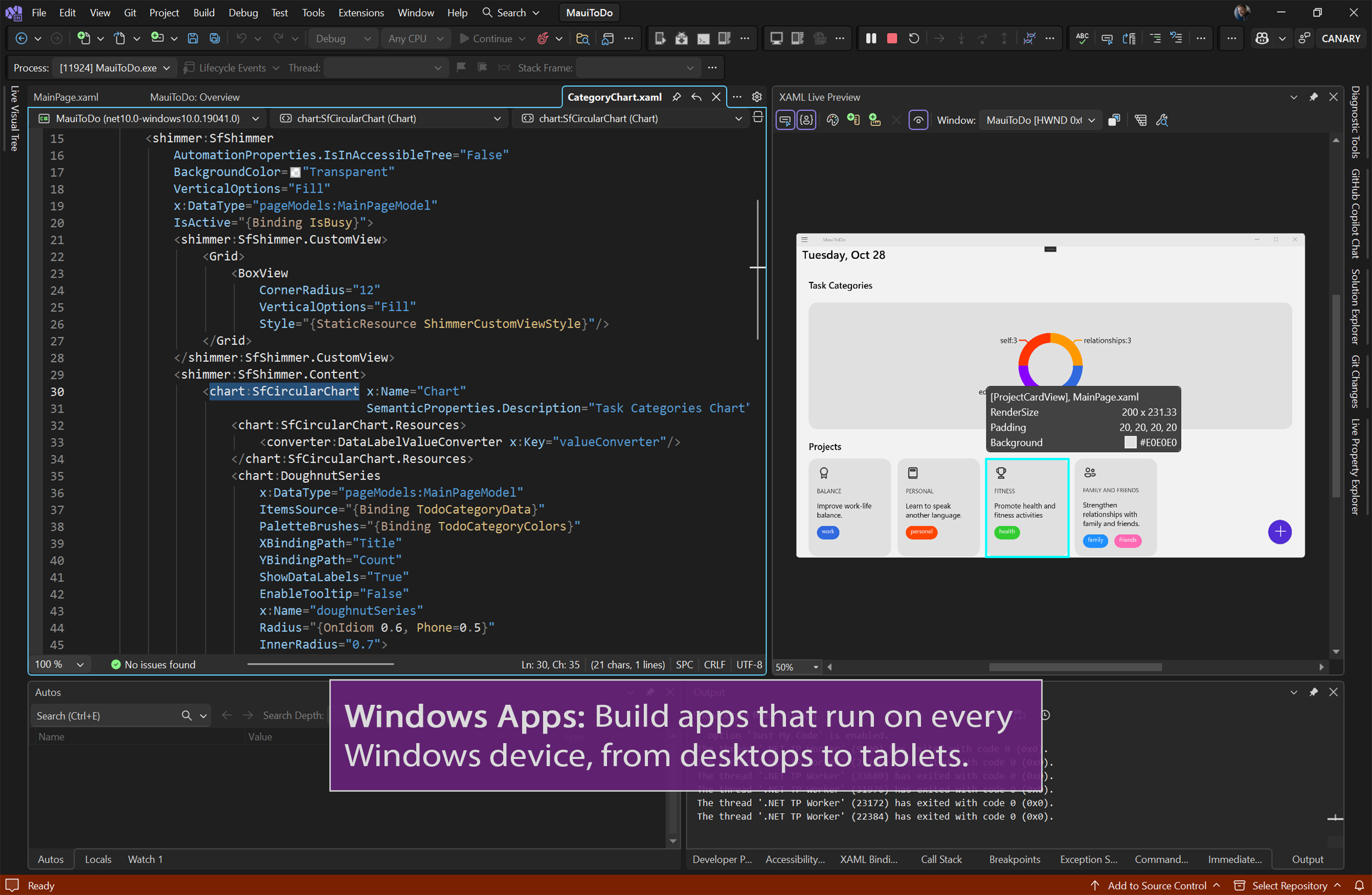
At the heart of Visual Studio Community is its intelligent code editor. With features like syntax highlighting, code completion (IntelliSense), and real-time error detection, it's as if your IDE has a built-in helper that anticipates your needs. Debugging becomes intuitive with visual var/step-through options and a rich set of diagnostic tools that swiftly identify issues before they become headaches. This setup turns coding into a smoother, more confident process, reducing frustration and increasing productivity.
Seamless Integration with Cloud and DevOps Tools
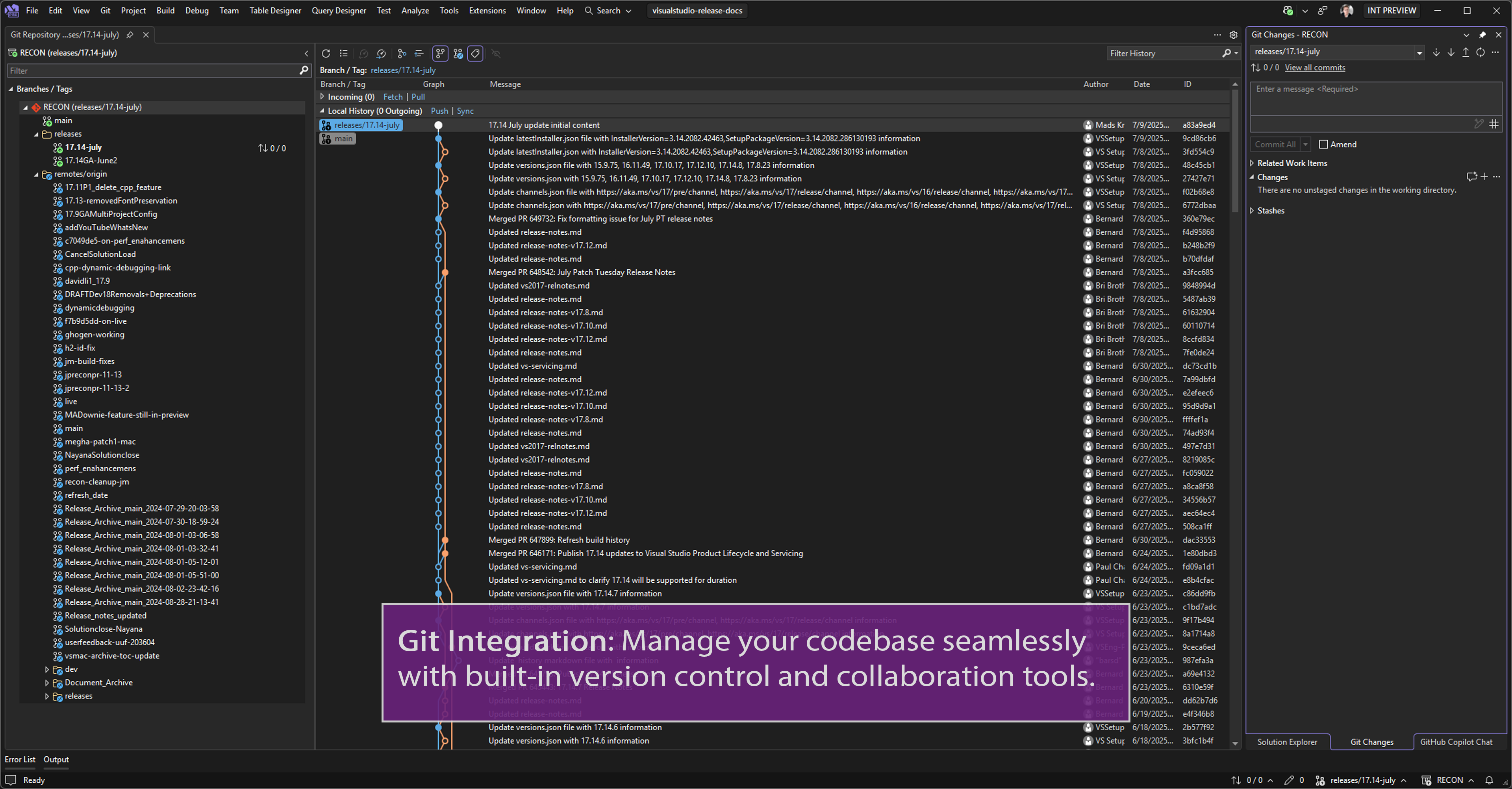
One of the standout aspects of Visual Studio Community is its robust integration with Microsoft's cloud services and DevOps pipelines. Developers can easily connect their projects to Azure for deployment or testing, making the leap from coding to cloud deployment effortless. The built-in Git support and project management tools streamline version control and collaboration, even for solo projects, ensuring your code stays organized and changelogs clear.
Design and User Experience: Friendly and Fluent
The interface adopts a clean, modern layout that feels familiar yet powerful—much like a well-organized workshop where every tool has its place. Navigation is intuitive, with customizable menus and dashboards that cater to your workflow. The responsiveness of the editor is impressive; code writes smoothly without lag, even with large files. The learning curve is gentle enough for beginners but deep enough for seasoned developers to leverage advanced features comfortably. Overall, Visual Studio Community makes coding less of a chore and more of an engaging creative process.
What Sets Visual Studio Community Apart?
Compared to other developer tools like JetBrains' Rider or Eclipse, Visual Studio Community's biggest strength lies in its comprehensive ecosystem and seamless integration with Microsoft's cloud platform. Its standout features, especially the advanced debugging tools and Azure integration, set it apart. The ability to switch effortlessly between code editing, debugging, and deploying to the cloud within a single environment is akin to having a multi-tool in your pocket—versatile and convenient. Moreover, being free without sacrificing features makes it an attractive choice for learners and small teams seeking professional-grade tools.
Final Verdict and Recommendations
All things considered, Visual Studio Community for Windows is a solid, well-rounded IDE that deserves a spot on any developer's toolbox. It is particularly recommended for newcomers eager to learn and for small teams working on diverse projects—its user-friendly interface and rich features lower the barrier to entry without compromising on capability. For professional or enterprise-level developers, it remains a compelling free option that rivals paid IDEs in many aspects. If you're looking for a dependable, feature-rich environment to nurture your coding projects, this is undoubtedly a tool worth exploring.
Pros
- Robust Integrated Development Environment
- Free for Individual Developers and Small Teams
- Extensive Language Support
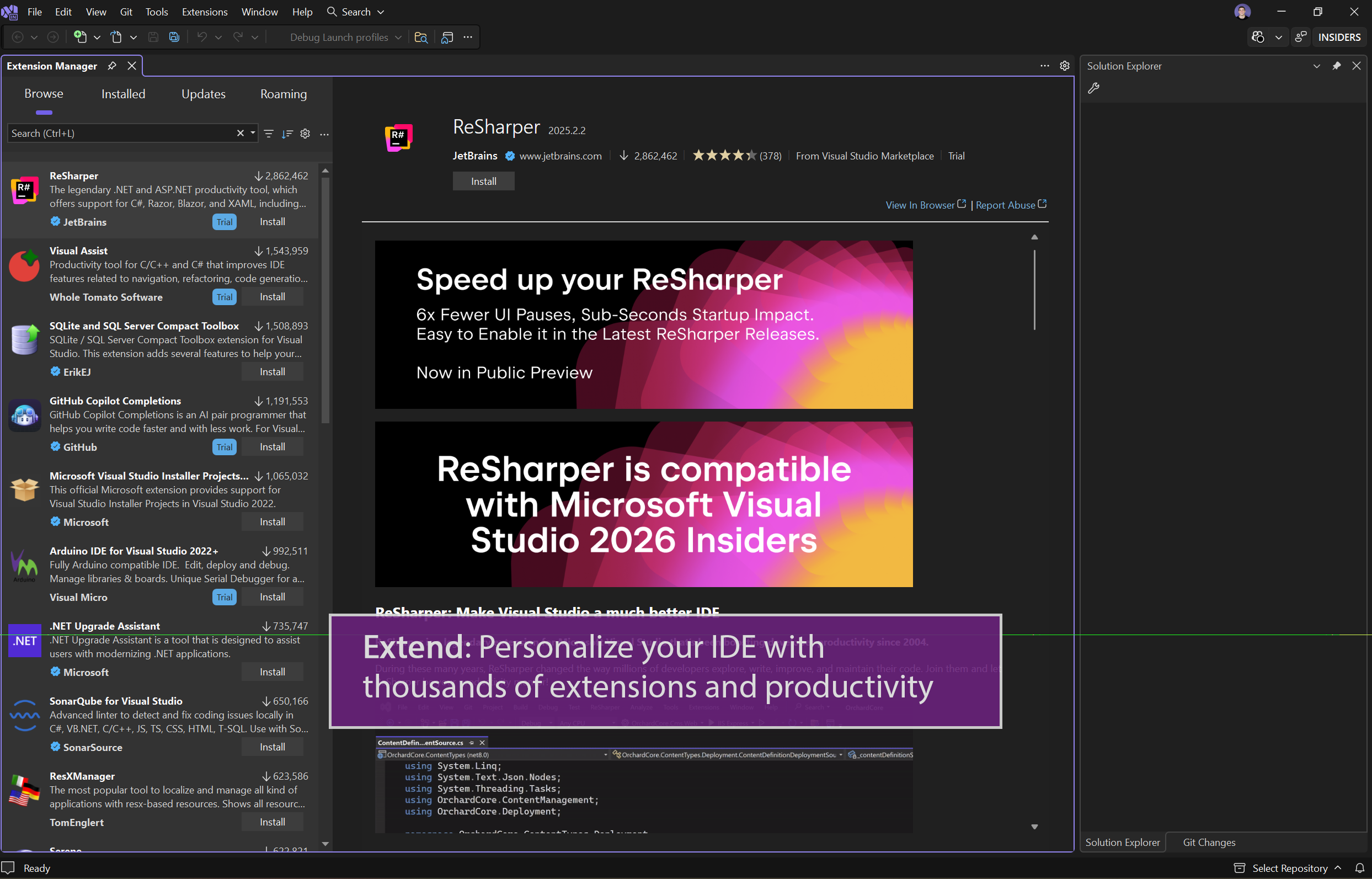
- Rich Extension Marketplace
- Seamless Git Integration
Cons
- High Memory Usage
- Long Loading Times
- Occasional Stability Issues
- Steep Learning Curve for Beginners
- Limited Offline Documentation











