

- Category Education
- Developer VitalSource Technologies, LLC
- Available on PC
- OS Windows 10 version 19041.0 or higher
- DirectX Version 10
- languages Arabic, Bulgarian, Catalan, Chinese (Simplified), Chinese (Traditional), Czech, Danish, Dutch, English (United Kingdom), English (United States), Finnish, French, French (Canada), German, Greek, Hebrew, Hindi, Hungarian, Icelandic, Irish, Italian, Japanese, Korean , Norwegian (Bokmål), Polish , Portuguese (Brazil), Portuguese (Portugal), Romanian, Russian, Spanish (Mexico), Spanish (Spain), Swedish, Thai, Turkish, Vietnamese, Welsh
VitalSource Bookshelf for Windows: A Comprehensive Digital Textbook Companion
VitalSource Bookshelf for Windows stands out as a robust platform tailored for students and educators seeking a seamless digital reading experience infused with personalized learning features. Developed by VitalSource Technologies, LLC, this app transforms conventional textbooks into interactive, accessible resources, making educational materials more engaging and manageable for modern learners.
About the Developer and Core Features
Created by VitalSource Technologies, LLC — a leader in digital education solutions — the application boasts an array of features designed to enhance learning efficiency. Key highlights include synchronous highlighting and note-taking, integration with various multimedia content, and adaptive reading progress tools. Its intuitive interface and cloud-based access unlock the potential for learning anytime and anywhere, catering especially to busy students juggling multiple courses and on-the-move learners.
Vivid and Engaging Introduction
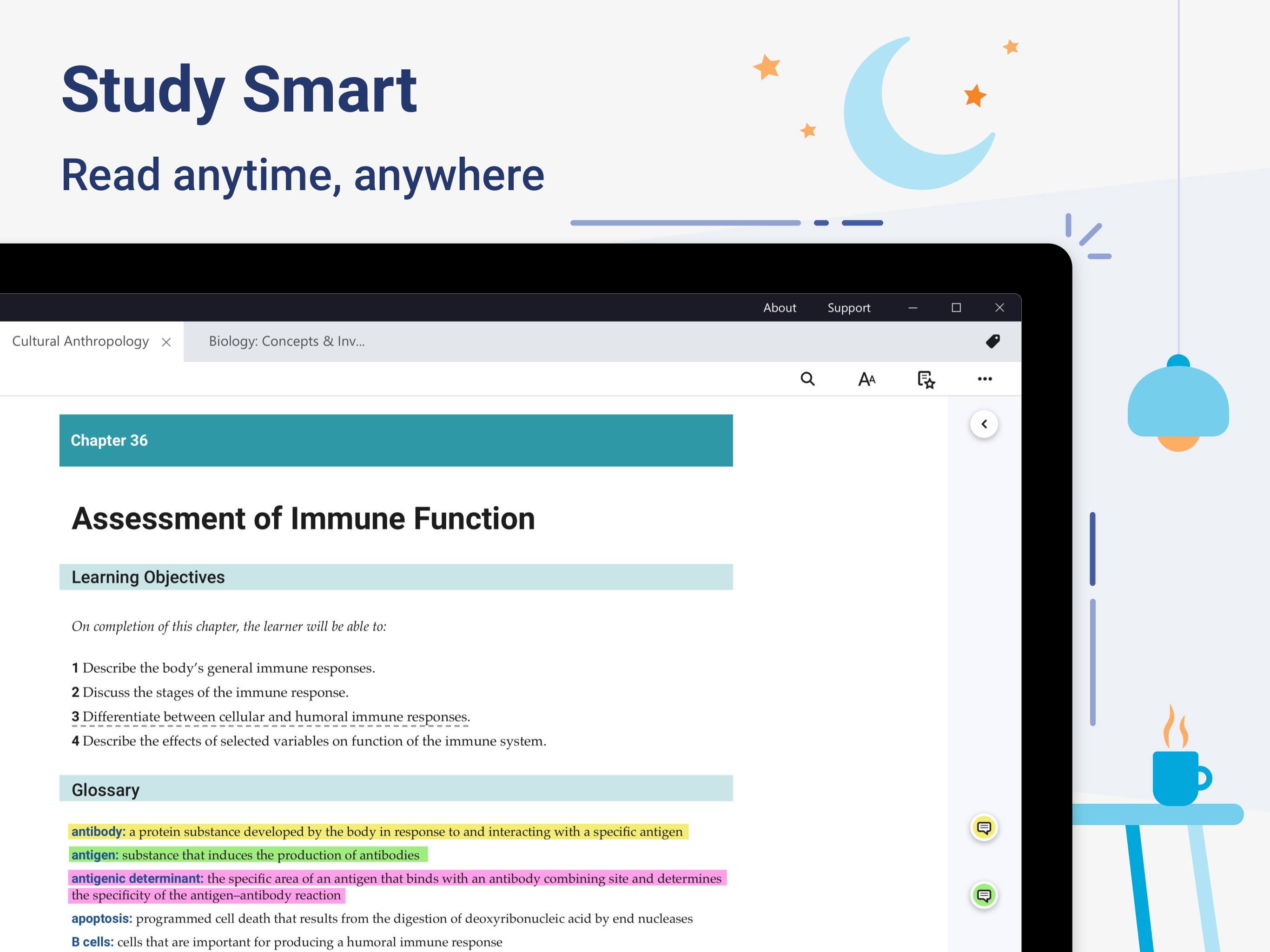
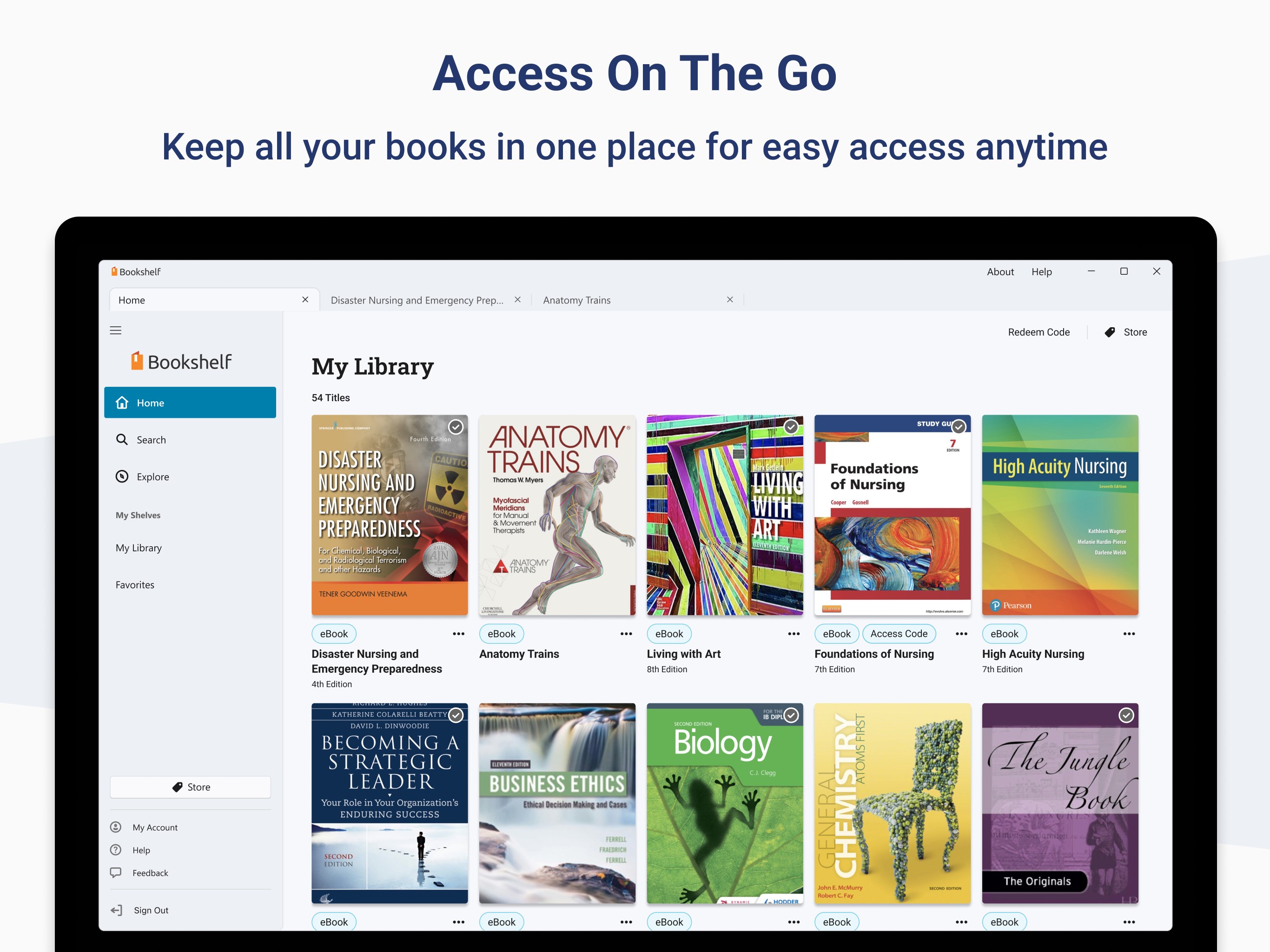
Imagine having your entire library of textbooks stored in the cloud, ready to leap into action at a moment's notice — whether you're commuting, lounging in a café, or studying late at night. That's the promise of VitalSource Bookshelf for Windows. It's like having a personal librarian—organized, accessible, and always at your fingertips—ready to turn dense pages into interactive experiences. As someone who's tried countless e-reading apps, I can say that this platform genuinely aims to make educational content more approachable and customizable, transforming the often static textbook experience into something lively and user-centric.
Core Functionality: Powering Learning Convenience
Interactive and Personalized Content
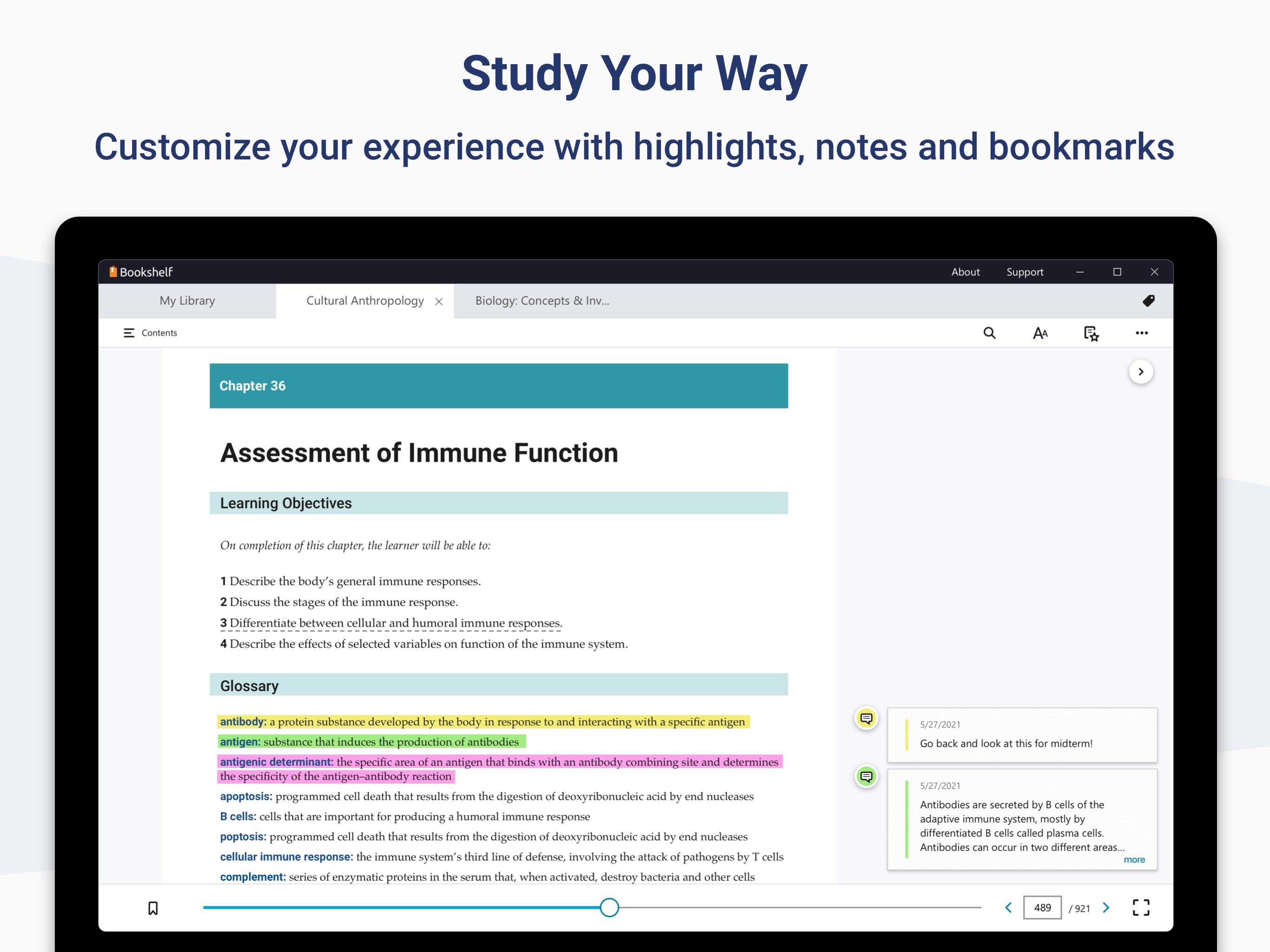
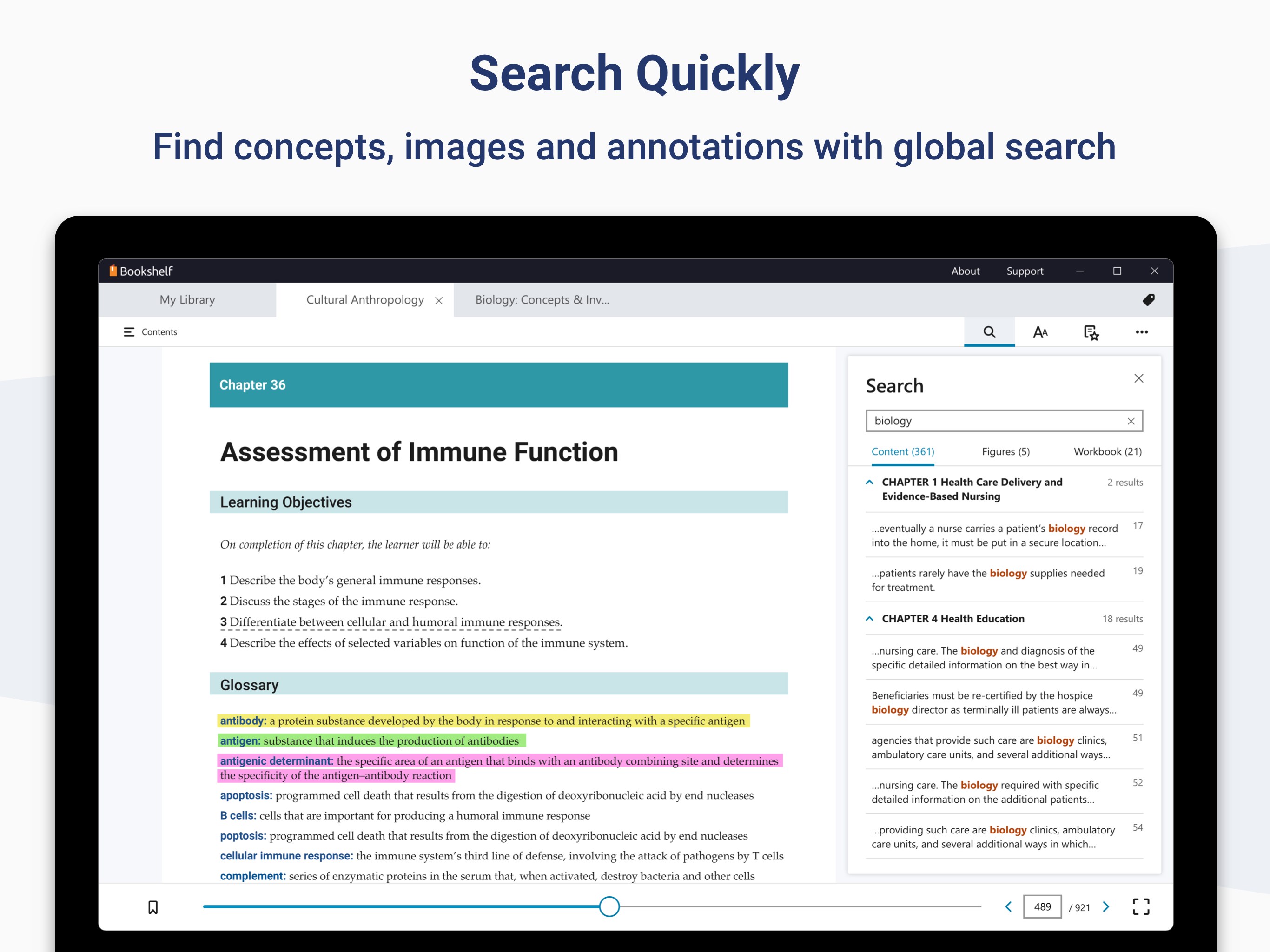
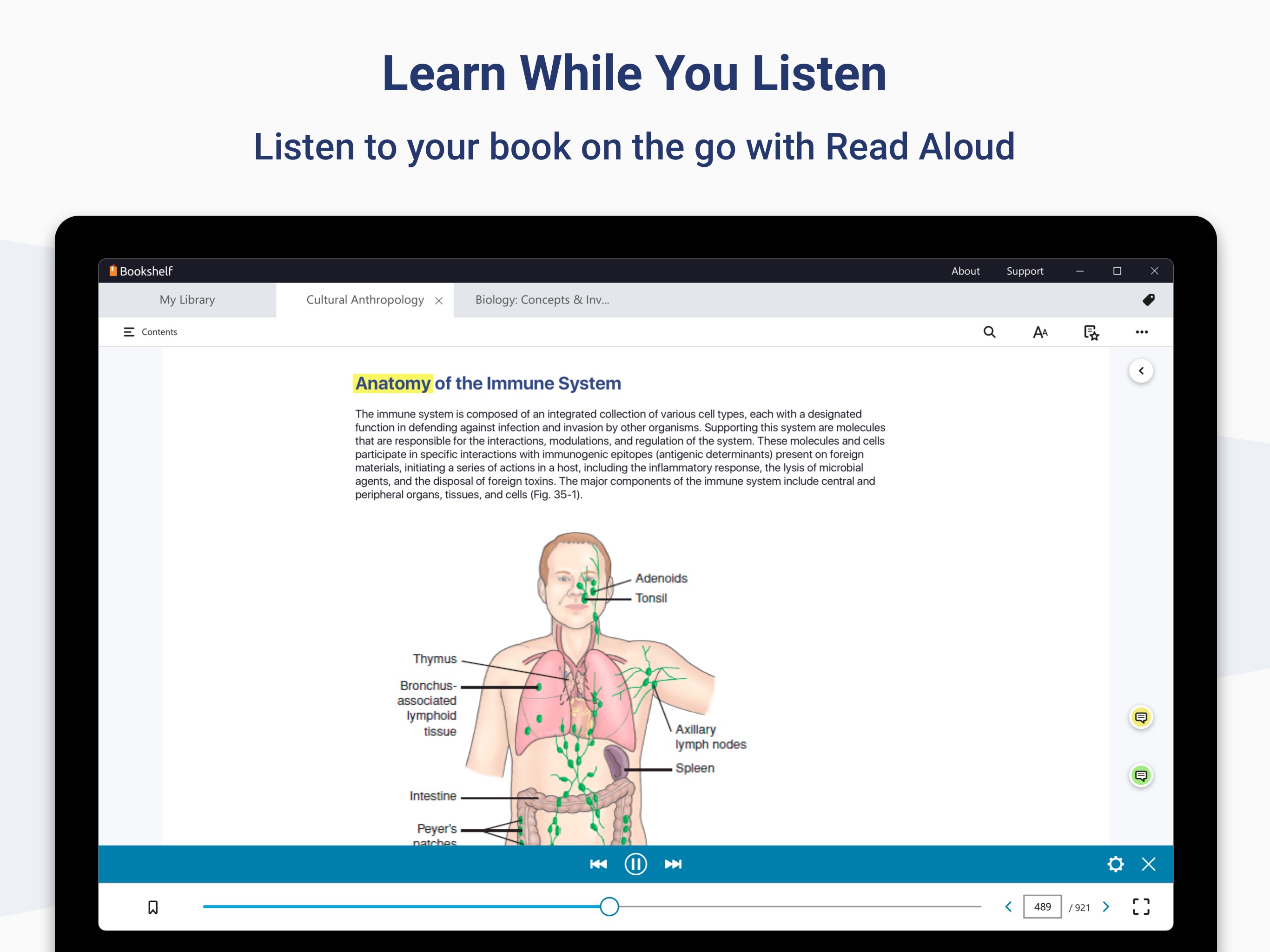
The app excels in delivering not just static texts but interactive content that can include embedded videos, quizzes, and hyperlinks. This transforms the traditional reading process into an engaging journey. The highlight here is the ability to personalize your learning path—highlight crucial passages, add sticky notes for later review, and search texts swiftly—making studying more efficient. Unlike other e-textbook platforms that feel rigid, VitalSource's customization features foster a sense of ownership over your learning process, turning passive reading into active exploration.
Seamless Synchronization and Cloud Accessibility
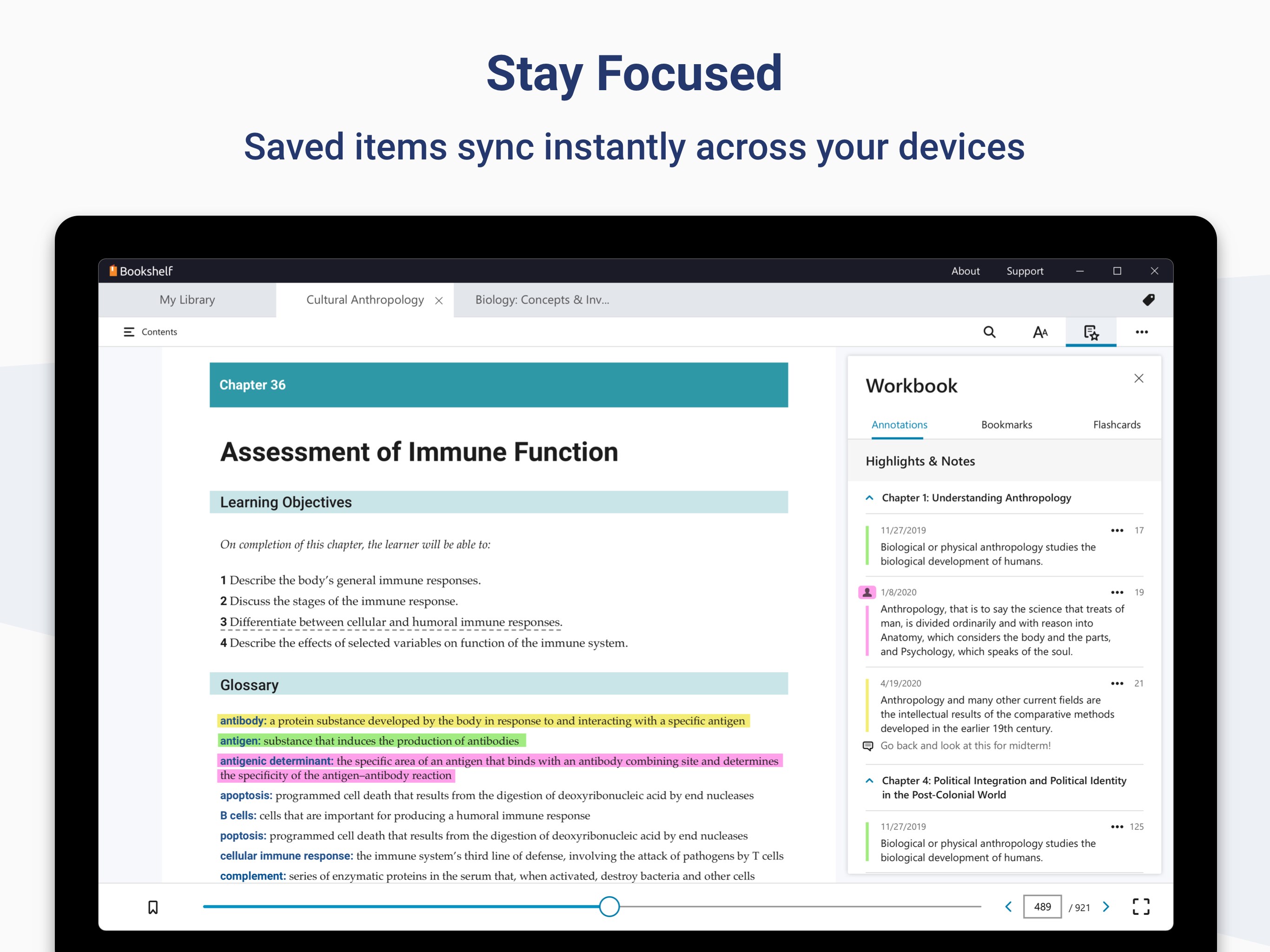
One of the app's most compelling features is its cloud-based synchronization. Your annotations, highlights, and bookmarks are automatically saved and seamlessly accessible across different devices. Whether switching from a Windows laptop in the library to a tablet during a commute, your progress and notes stay in sync—eliminating the frustrating need to remember where you left off. This fluid connectivity makes it ideal for learners who are constantly on the move, providing a unified learning environment that feels both natural and reliable.
User Experience: Design, Ease of Use, and Learning Curve
The interface of VitalSource Bookshelf is clean and intuitive, with a user-friendly layout that minimizes clutter and complexity. Navigating through chapters, searching for specific content, or customizing your view feels effortless, akin to flipping through pages of a well-organized physical textbook. Responsiveness is excellent, with smooth page turns, and the app doesn't lag even when handling large multimedia files. For new users, the learning curve is gentle; most features are self-explanatory, supported by helpful guides. The overall user experience emphasizes efficiency and comfort, making digital studying less of a chore and more of a pleasure.
Differentiation: What Sets It Apart?
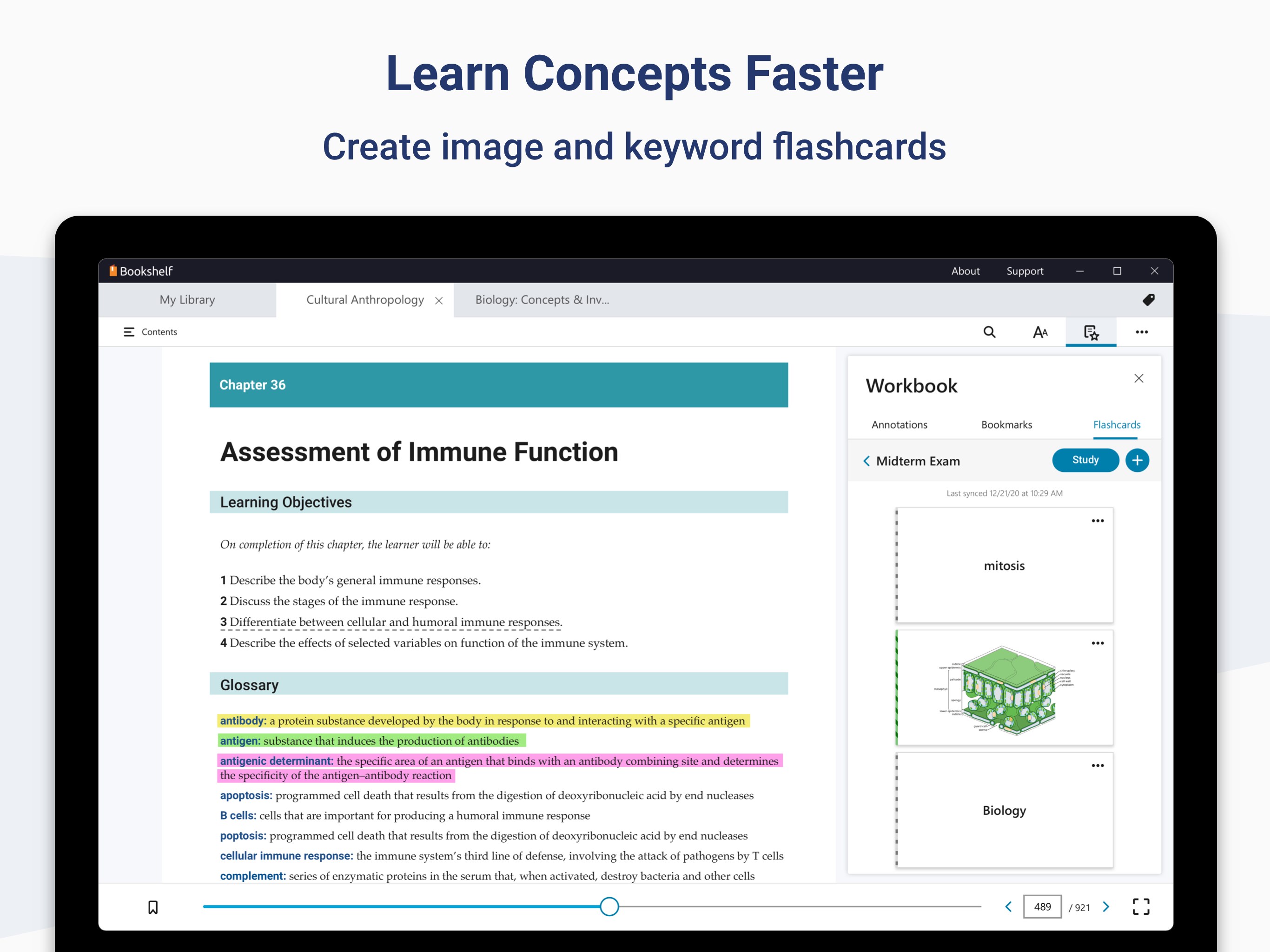
What really makes VitalSource Bookshelf stand out among education apps is its emphasis on content accuracy and authority, coupled with intelligent features like personalized learning paths. Unlike platforms that merely digitize textbooks, it's built to adapt to individual learning styles, guiding students through curated content sequences based on their progress. Its emphasis on annotations and multimedia integration foster a multi-sensory learning experience, setting it apart from more static counterparts. This focus on customizable, authoritative content ensures that learners not only access reliable sources but also engage with material in a way that's tailored to their needs—almost like having a personalized tutor guiding you through your educational journey.
Recommendation and Usage Advice
Overall, I would recommend VitalSource Bookshelf for Windows to students, educators, and lifelong learners who desire a flexible, reliable, and interactive way to study digital texts. It's especially beneficial for users who value personalization, content authority, and cross-device accessibility. For best results, familiarize yourself with its highlighting and annotation features early on—these are the tools that maximize your learning potential. While the app is straightforward to use, exploring all its functionalities can turn even the most mundane reading session into an engaging experience. If you're seeking an app that elevates digital textbook reading beyond mere text display, this platform is worth a try.
Pros
- Offline access for purchased books
- User-friendly interface with intuitive navigation
- Supports multiple devices and syncing capabilities
- Rich annotation and highlighting features
- Regular updates and improvements from Microsoft and VitalSource
Cons
- Occasional syncing issues
- Limited customization options for the reading interface
- Adjusted page views may sometimes be inconsistent
- App sometimes crashes during large note exports
- Search function can be slow with very large libraries










