

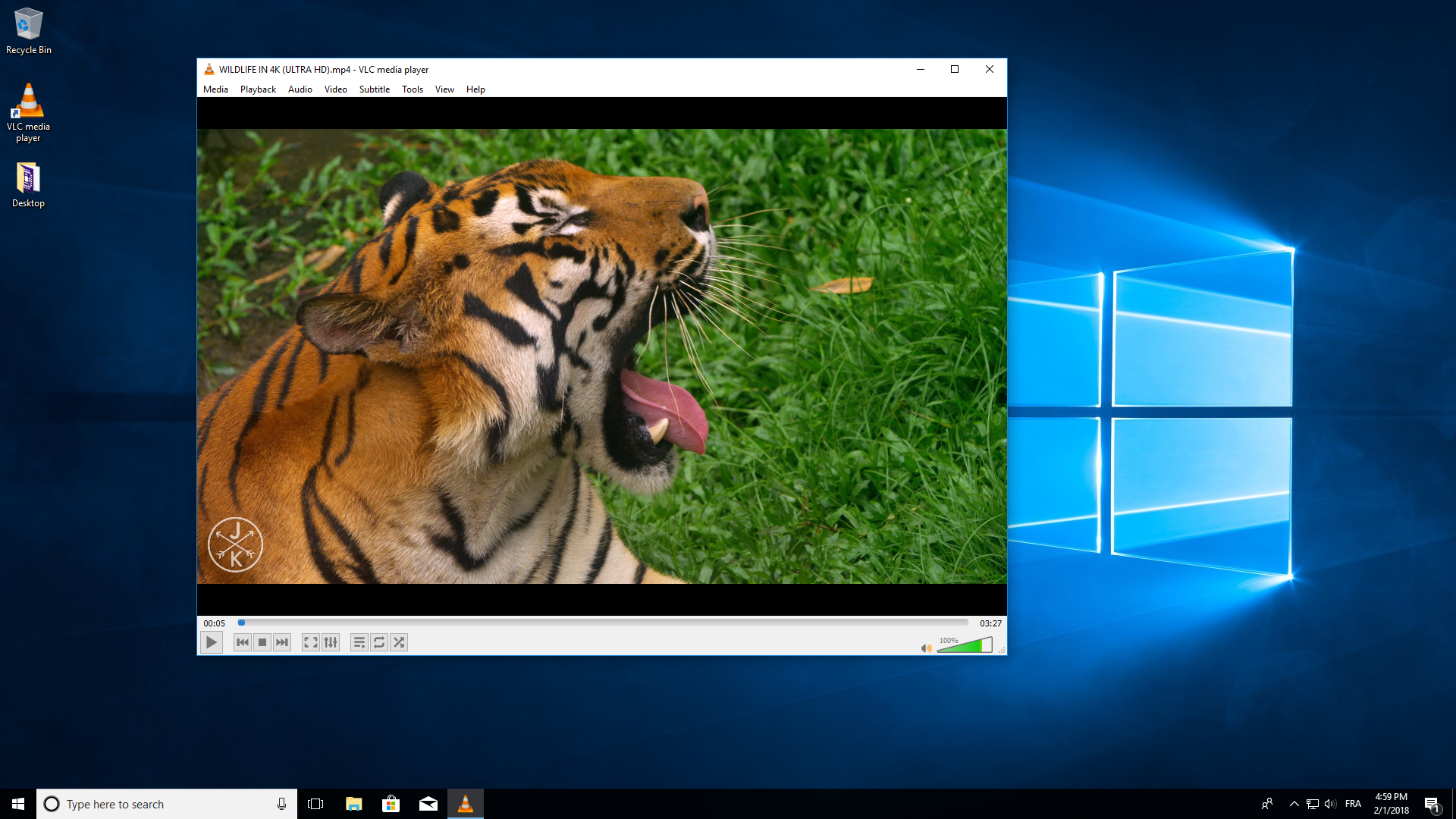
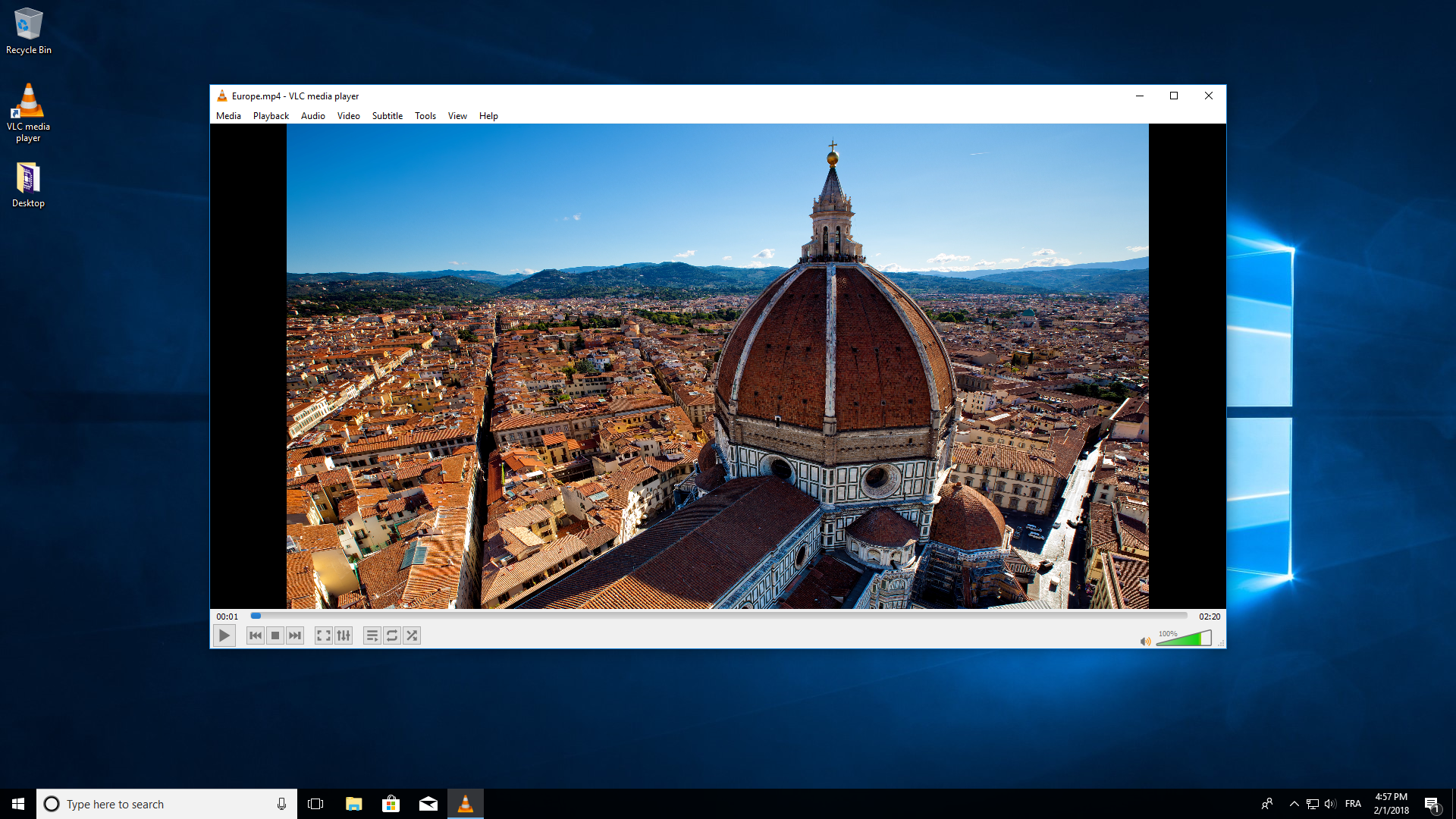
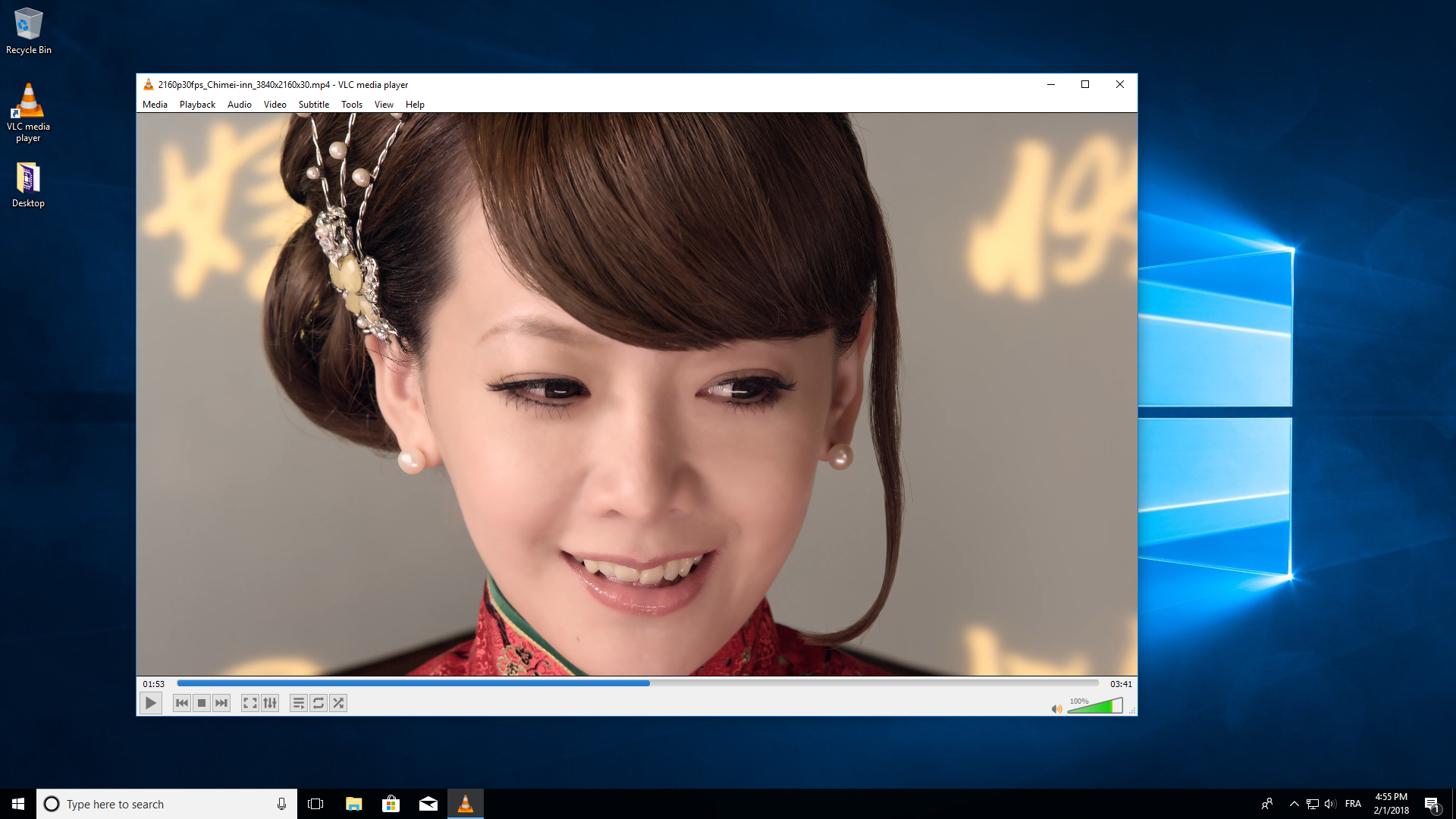
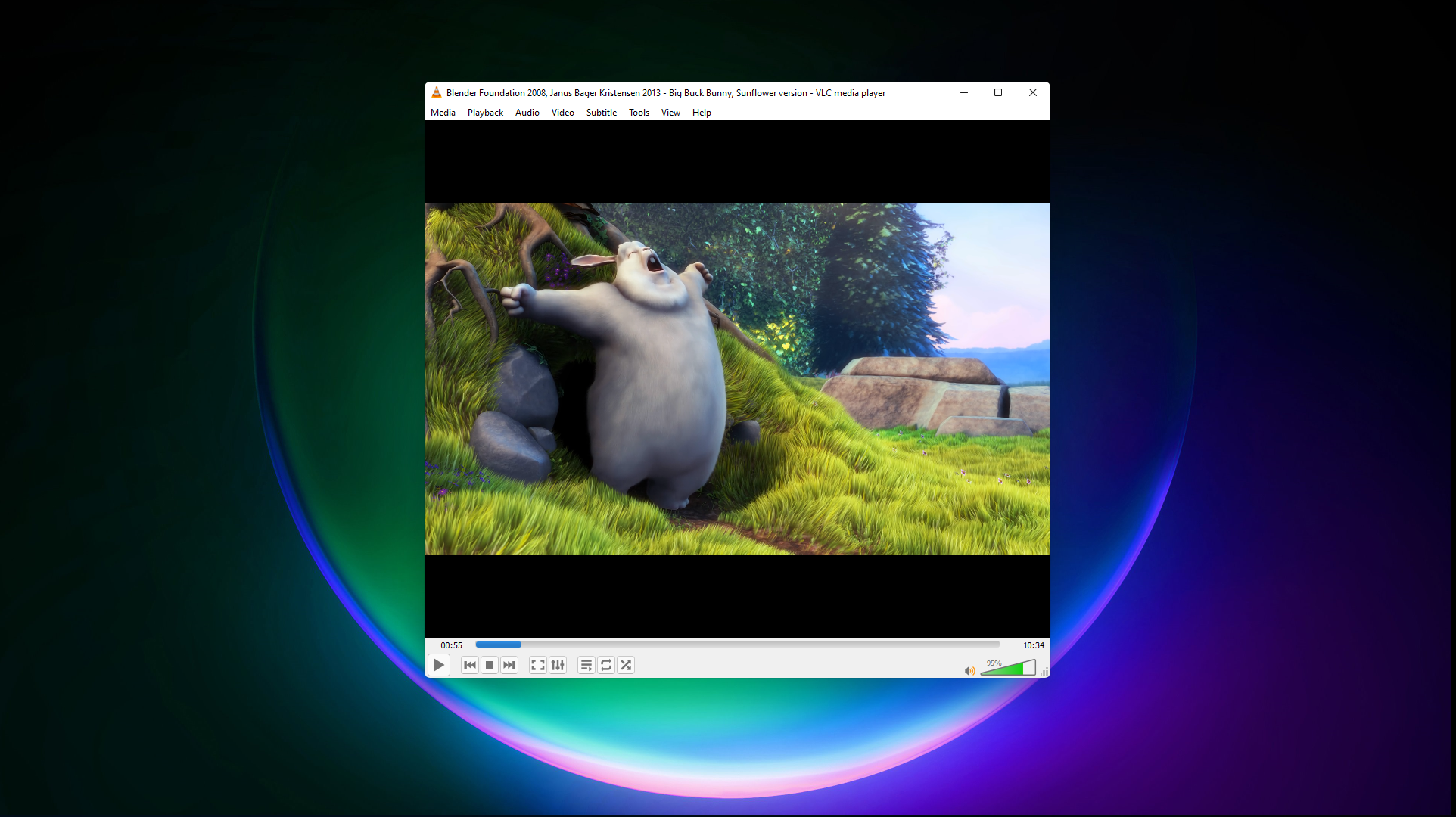
- Category Photo & video
- Developer VideoLAN
- Available on PC
- OS Windows 10 version 0.0 or higher
- Keyboard Integrated Keyboard
- Mouse Integrated Mouse
- Memory 300 MB
- DirectX Version 9
- languages Arabic, Chinese, English, French, Italian, Portuguese, Spanish
An In-Depth Look at VLC for Windows: The Versatile Media Player
VLC for Windows, developed by VideoLAN, stands out as a reliable and user-friendly media player that supports almost every video and audio format out there. It promises a seamless multimedia experience, making it a go-to choice for both casual viewers and tech enthusiasts alike.
Basic Information: What Makes VLC Stand Out?
In just one sentence, VLC for Windows is a robust, open-source media player that handles virtually any media file with ease. Developed by the well-respected VideoLAN team, it offers a suite of features that elevate the viewing experience.
- Major Features: Supports a wide range of media formats, offers advanced playback controls, and provides simple streaming capabilities.
- Developer & Publisher: VideoLAN, a non-profit organization committed to free and open-source multimedia solutions.
- Target Audience: From everyday users watching movies at home to professionals needing versatile media tools, VLC appeals broadly to anyone seeking a reliable player.
VLC for Windows: A Closer Look
Imagine sinking into your couch after a long day, clicking on a media file, and having your content burst into life without fuss—that's what VLC delivers. Its straightforward approach and powerful features make it feel like having a dedicated media assistant right on your desktop.
Core Functionality 1: Universally Compatible Format Support
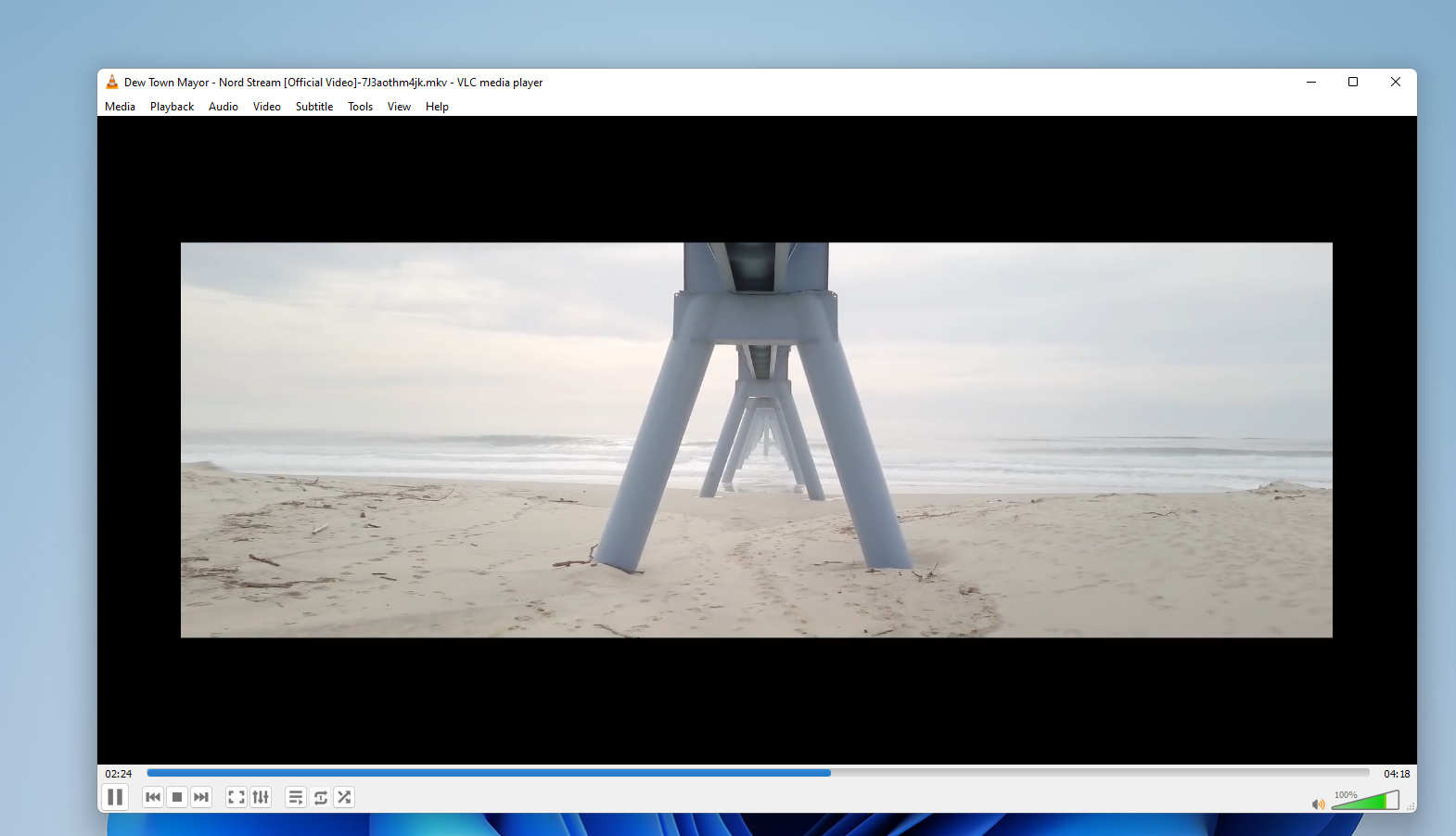
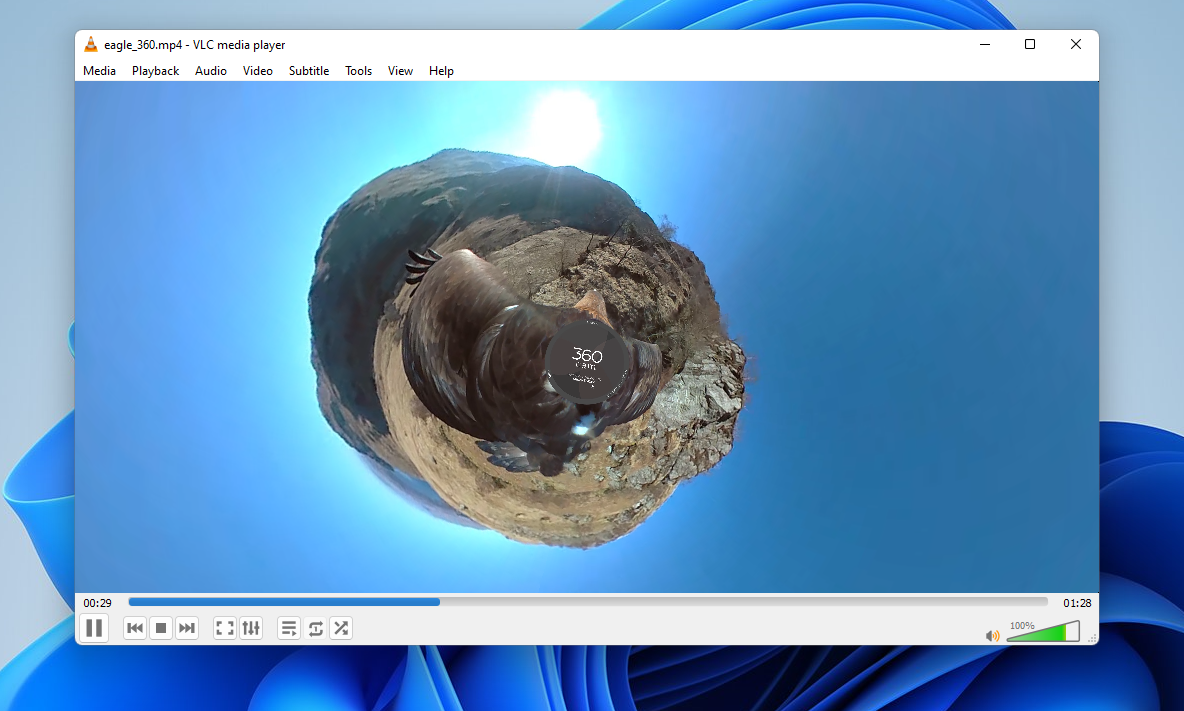
VLC's hallmark is its ability to play almost any media format without the need for extra codecs. Whether you're enjoying the latest MKV movie edition, listening to obscure audio formats, or even playing damaged or incomplete files, VLC handles these challenges with aplomb. This flexibility means you won't need to juggle multiple apps or convert files before viewing—just click and enjoy.
What makes this feature especially appealing is that it saves time and streamlines the media consumption process. It's like having a universal adaptor for all your media needs, ensuring compatibility across scenarios.
Core Functionality 2: Powerful Streaming and Casting Capabilities
Another compelling aspect of VLC is its integrated streaming features. Whether you want to cast content to your TV or stream live media from online sources, VLC makes it straightforward. You can open network streams, access IPTV, or even use it for capturing and recording media—all within a sleek interface.
This dual role as both player and streamer positions VLC as a multimedia hub, perfect for users who like to customize their media environment or share content seamlessly. Think of it as a Swiss Army knife—compact but capable of many tasks.
Design, Usability, and User Experience
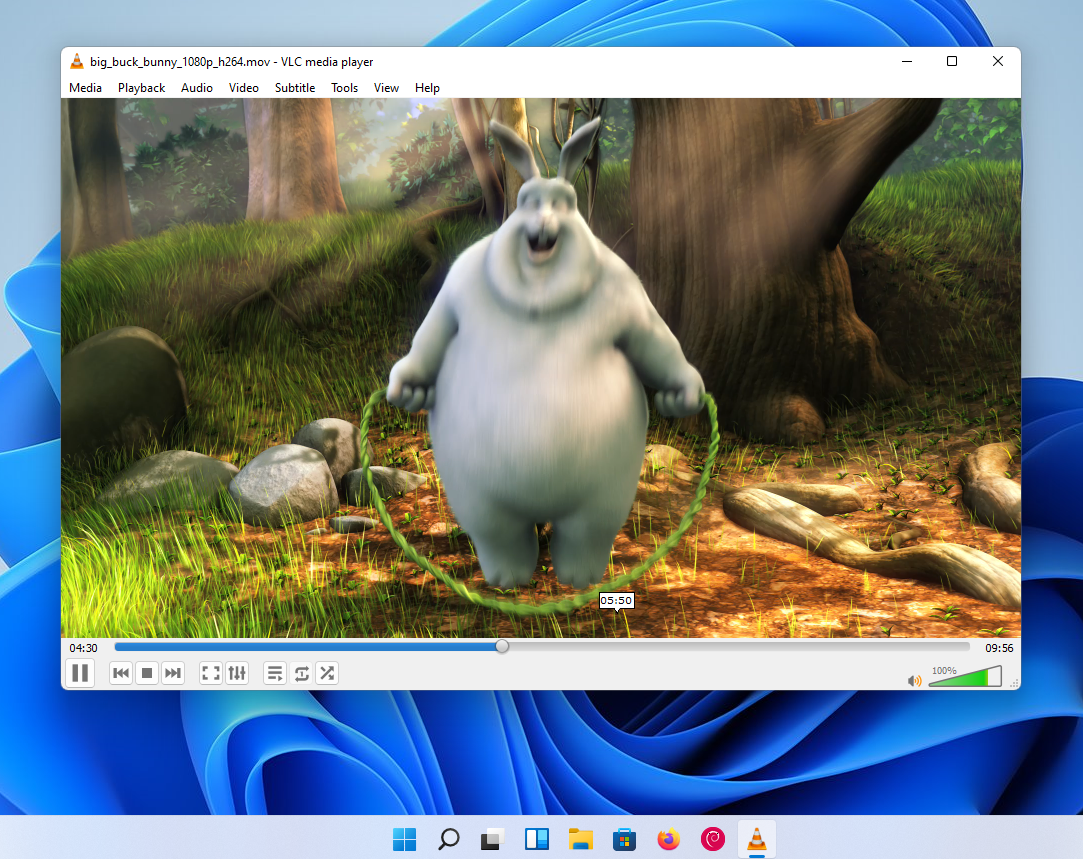
VLC's interface is like that of a familiar, well-loved vehicle—simple, intuitive, and unobtrusive. It doesn't bombard users with unnecessary options; instead, it offers a clean, minimalistic layout that feels familiar even to first-time users. The playback controls are responsive and highly customizable, making navigation silky smooth.
While the learning curve is gentle, some advanced features (like customizing streaming settings or configuring subtitles) might require a quick read of documentation. Once mastered, the interface becomes an extension of your media instincts.
Performance-wise, VLC is remarkably lightweight and responsive. It plays high-definition videos effortlessly without lag, even on lower-end hardware, which is akin to a nimble sports car handling power effortlessly without fuss.
Unique Selling Points and Differentiation
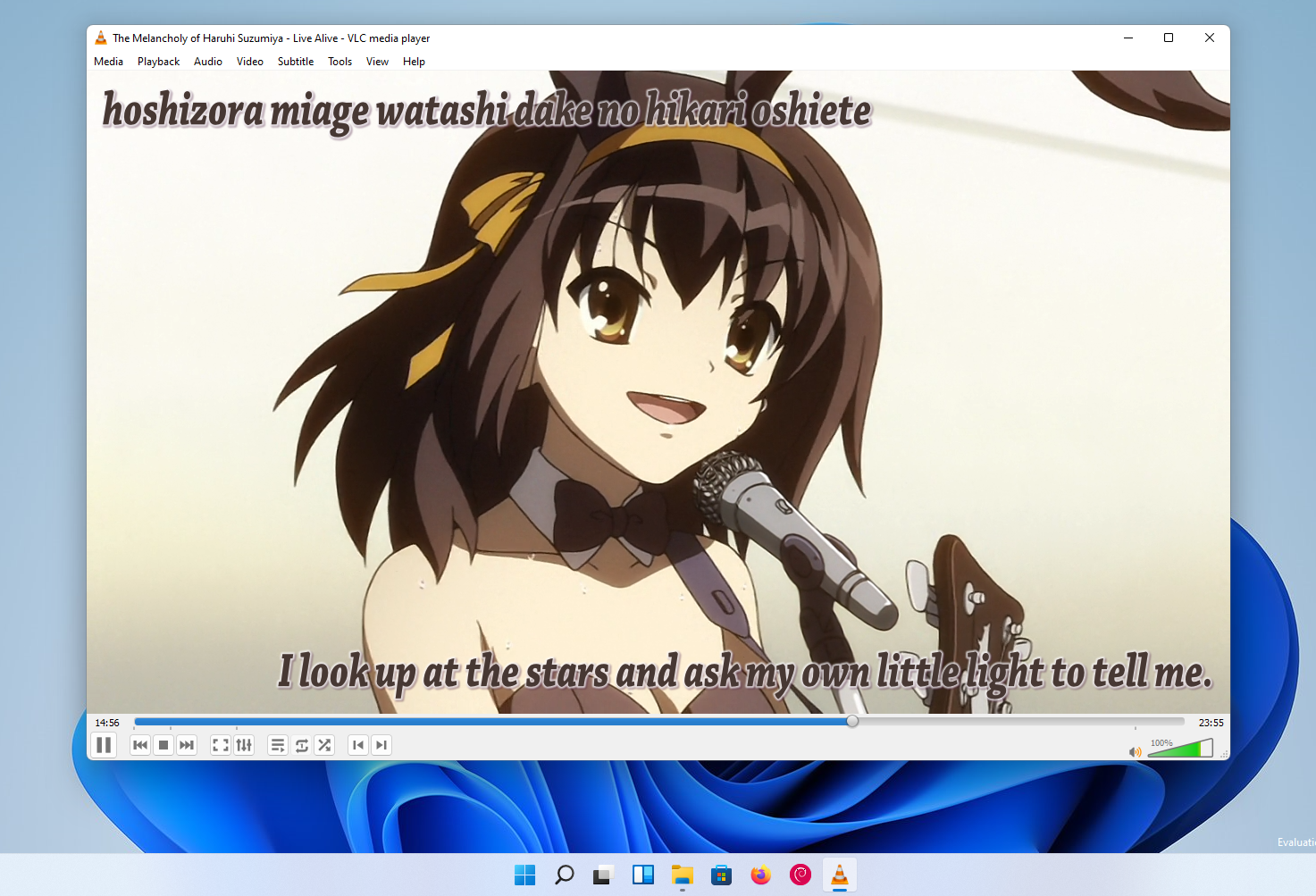
What sets VLC apart from many other media players is its open-source nature combined with its extensive format support and built-in streaming capabilities. Unlike most players that require separate apps for streaming or format conversion, VLC integrates these features seamlessly. Additionally, its robust subtitle support, customizable interface skins, and advanced playback options give it an edge for power users.
From a comparison perspective, the biggest differentiator is VLC's versatility—it's not just a media player but a multimedia ecosystem, capable of handling almost all scenarios a user might encounter—something that many competitors only approximate but seldom match comprehensively.
Final Assessment: Should You Use It?
For its clarity, stability, and extensive feature set, VLC for Windows earns a high recommendation. Whether you're an everyday viewer, a streamer, or a tech hobbyist, VLC adapts to your needs without imposing additional costs or complexity. Its user-friendly design combined with powerful functionalities makes it a dependable choice.
While it may lack some of the modern embellishments seen in newer media apps, VLC's core strengths—format versatility and streaming prowess—make it a standout. For anyone seeking a no-hassle, comprehensive media player, VLC is definitely worth keeping in your digital toolbox.
Pros
- Versatile media format support
- Open-source and free
- Customizable interface
- Lightweight and resource-efficient
- Advanced playback controls
Cons
- User interface can be daunting for beginners
- Limited official streaming features
- Occasional stability issues with large files
- Inconsistent subtitle rendering
- Basic UI lacks modern design elements










