

- Category Photo & video
- Available on Xbox console, PC, Mobile, Surface Hub, HoloLens
- OS Windows 10 version 14393.0 or higher
- languages Arabic, Chinese (Simplified), Czech, Danish, Dutch, English (United States), French, German, Hebrew, Hungarian, Icelandic, Italian, Japanese, Korean , Malay, Norwegian (Bokmål), Polish , Portuguese (Brazil), Portuguese (Portugal), Romanian, Russian, Slovak, Spanish (Spain), Swedish, Turkish, Ukrainian
Introduction to VLC UWP for Windows: A Versatile Media Player at Your Fingertips
Imagine a media player that feels like a trusty companion for all your viewing adventures—powerful, versatile, and designed with simplicity in mind. VLC UWP for Windows by VideoLAN fits this role perfectly, offering an expansive range of features wrapped in an intuitive interface. Whether you're a casual viewer or a dedicated media enthusiast, this app aims to make your media consumption seamless and enjoyable.
Who Orchestrates This Media Symphony?
Developed by VideoLAN, a well-respected non-profit organization renowned for its open-source media solutions, VLC UWP embodies their ethos of free, cross-platform, and community-driven software. Their commitment ensures that this Windows version maintains the robustness and flexibility VLC fans expect.
Key Highlights of VLC UWP for Windows
- Universal Format Compatibility: Supports virtually all video and audio formats without the need for external codecs.
- Stream and Network Playback: Enables easy streaming from network sources, including local network shares, DLNA, and even online streams.
- Intuitive User Interface: Designed specifically for Windows UWP, offering a sleek, clean look optimized for touch and keyboard controls.
- Subtitle Support and Customization: Provides extensive subtitle options, including loadable subtitle files and integrated style adjustments.
The app's target audience ranges from everyday users seeking a reliable media player to tech-savvy individuals who appreciate extensive format support and network streaming capabilities.
Vivid First Impressions: A Player That Plays Nice
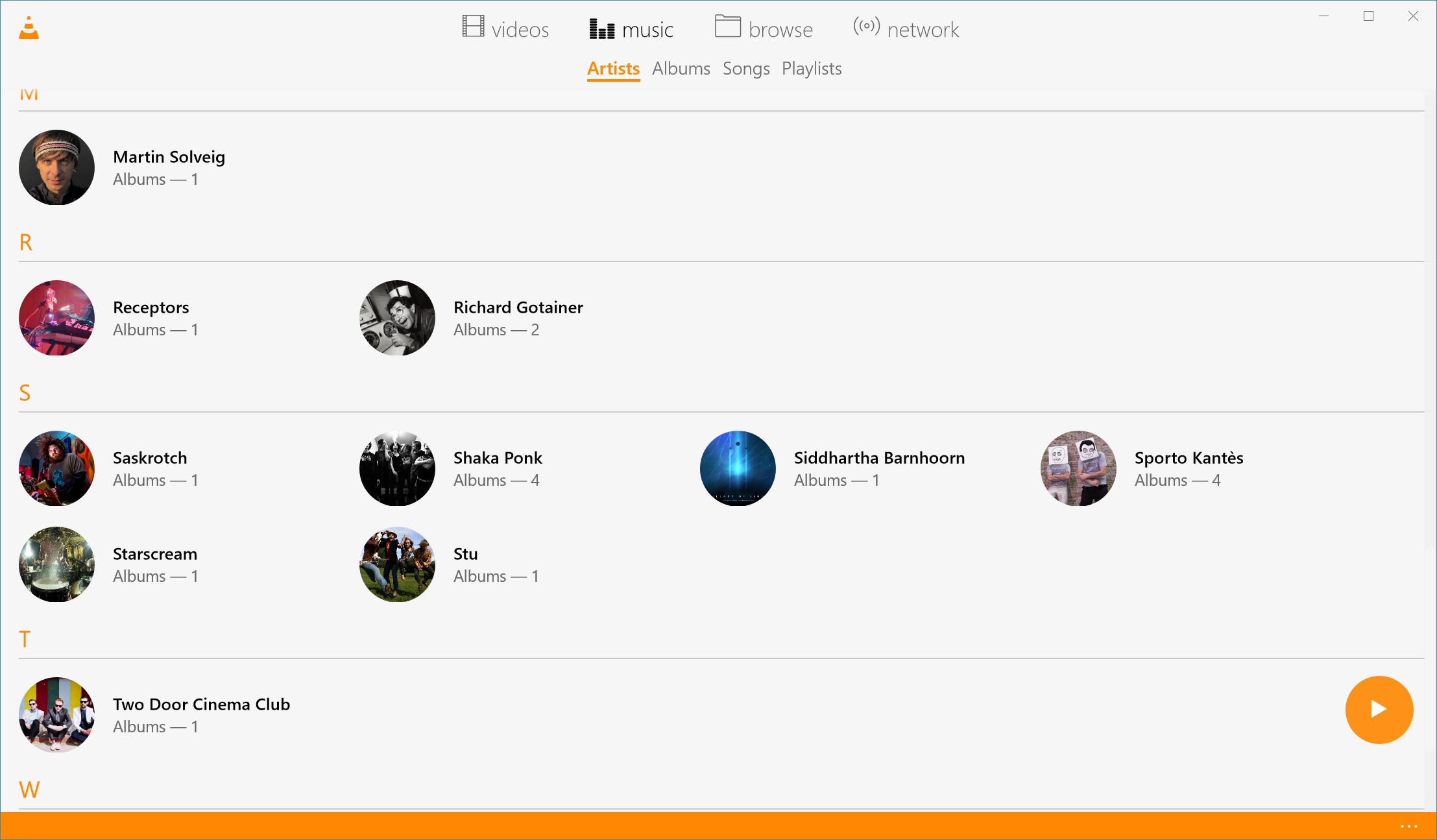
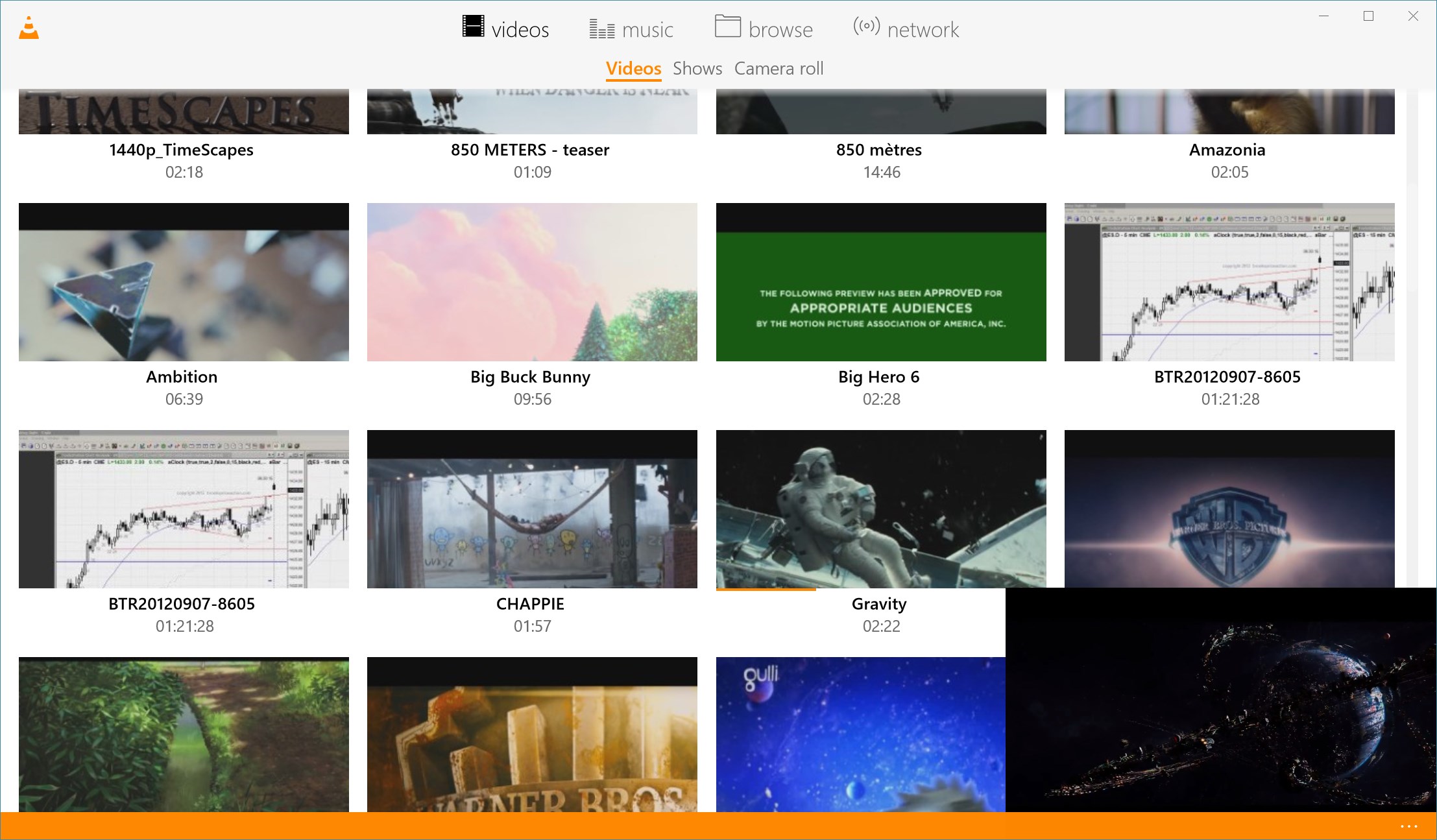
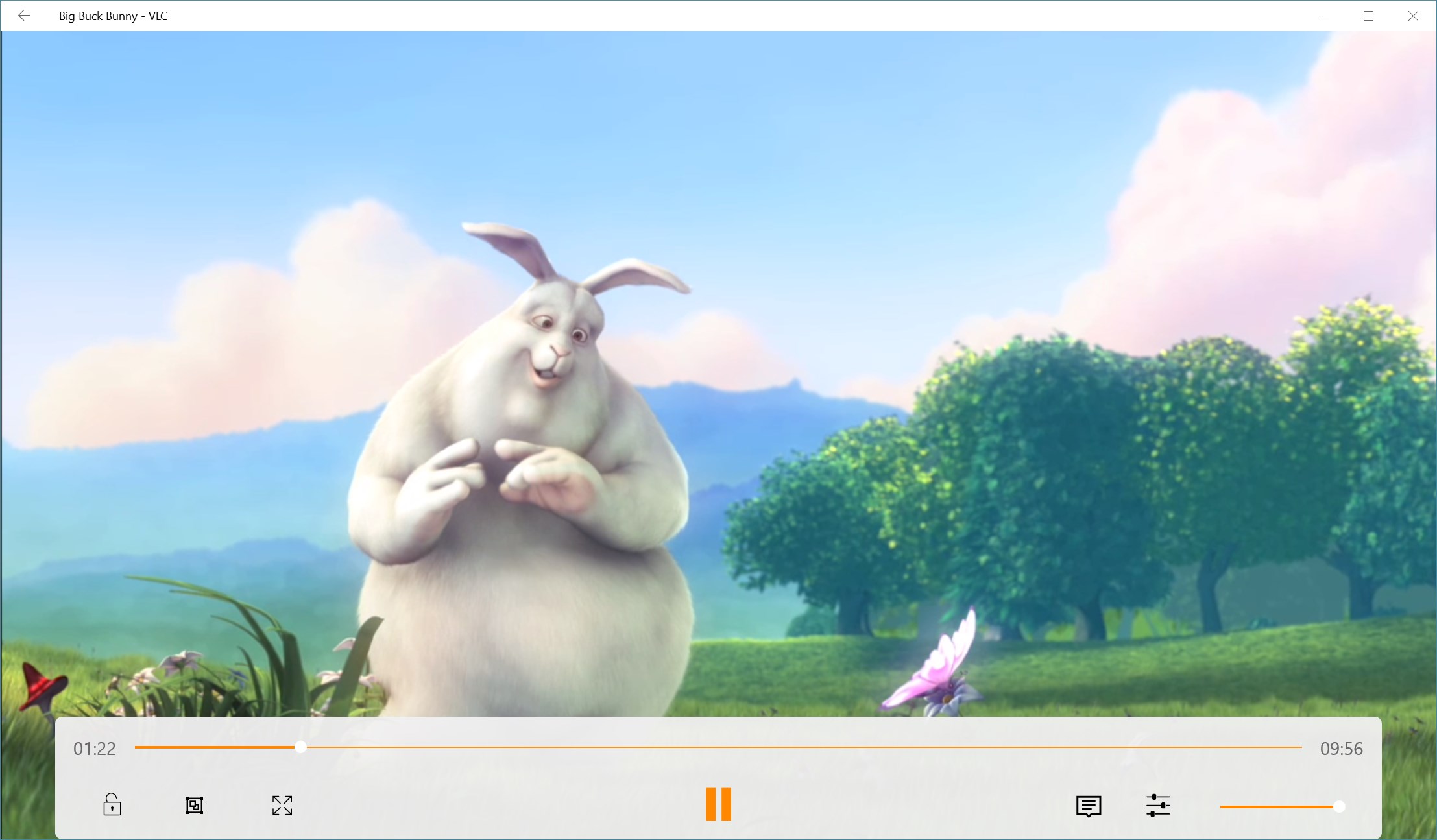
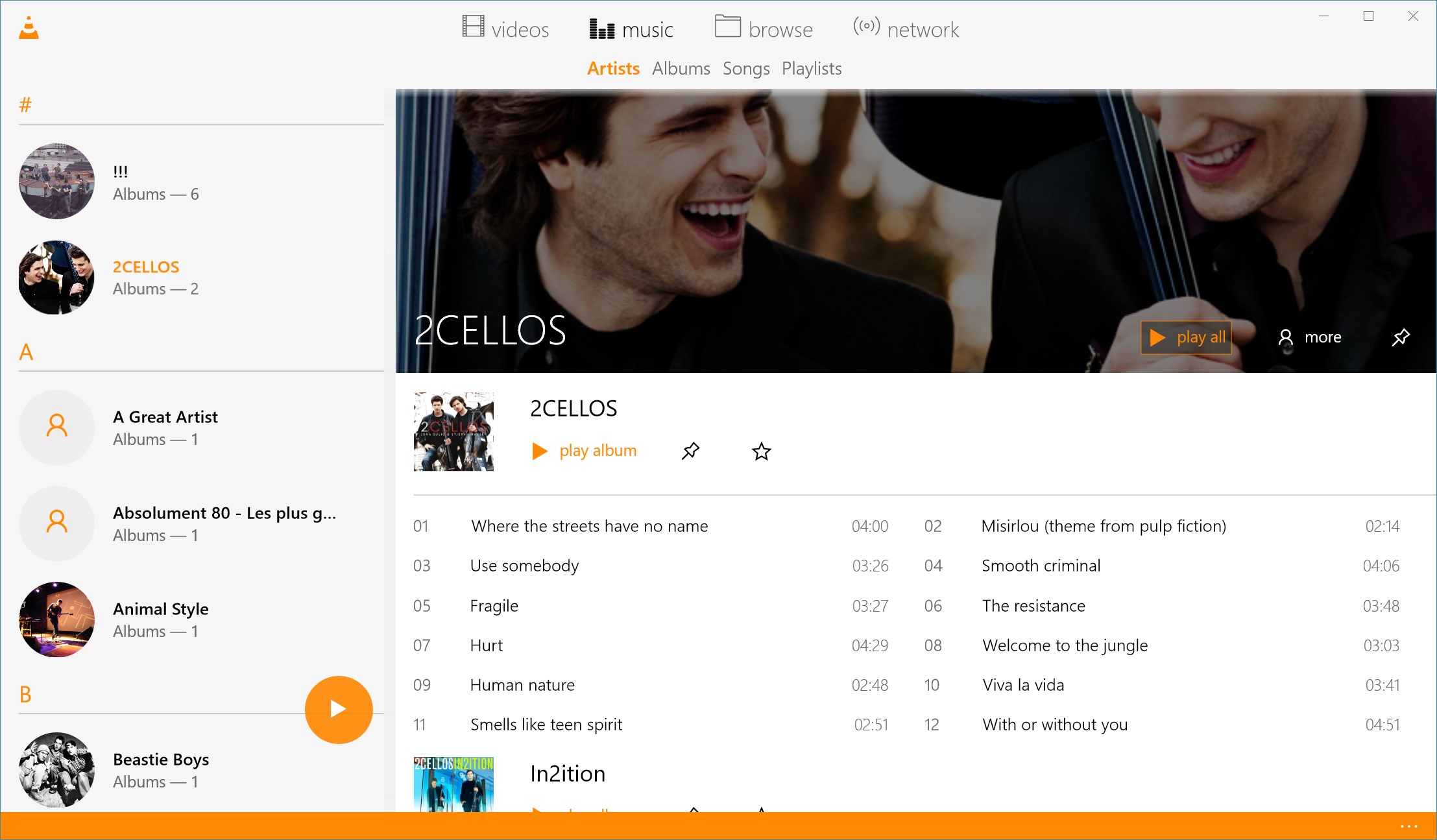
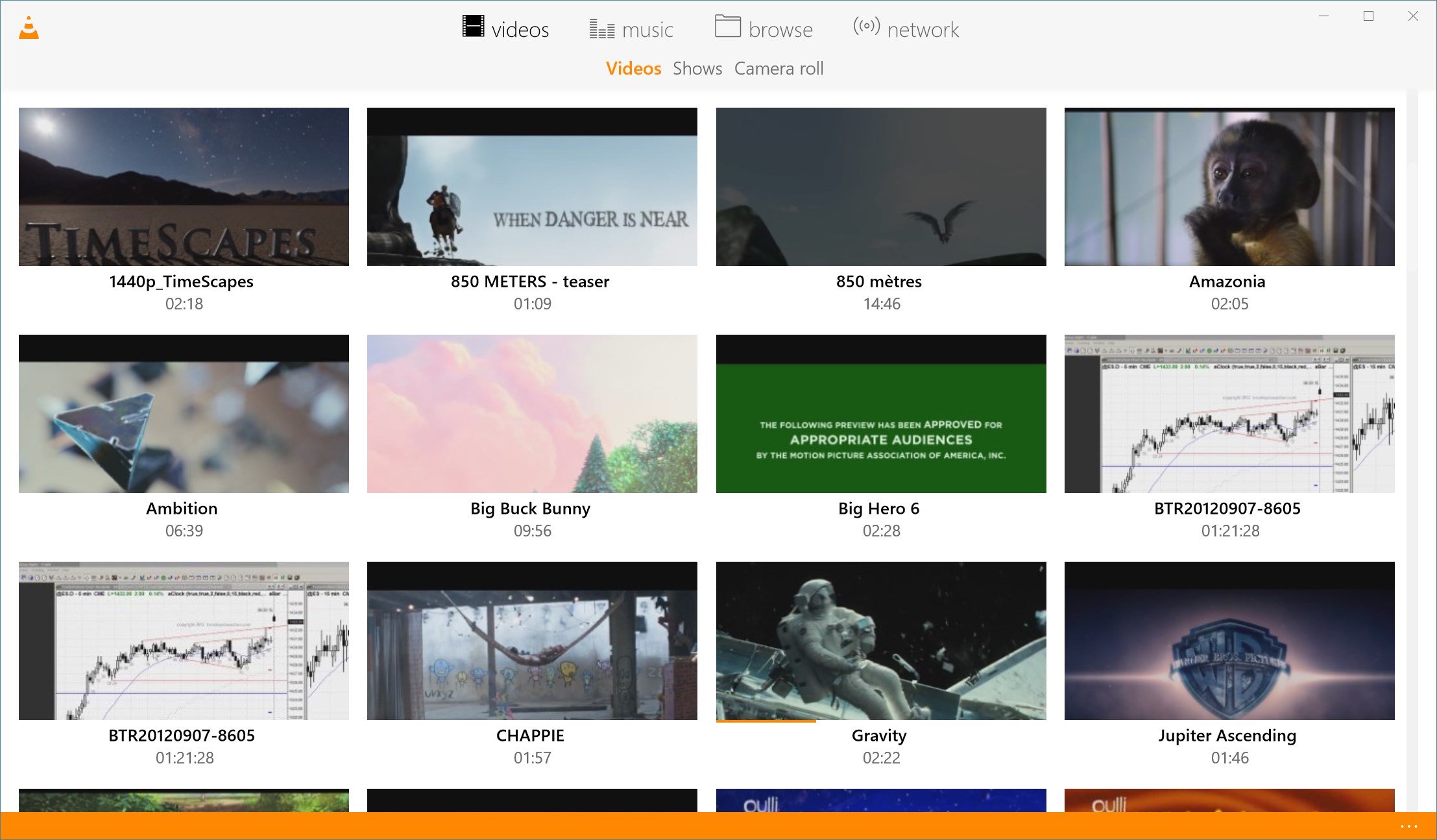
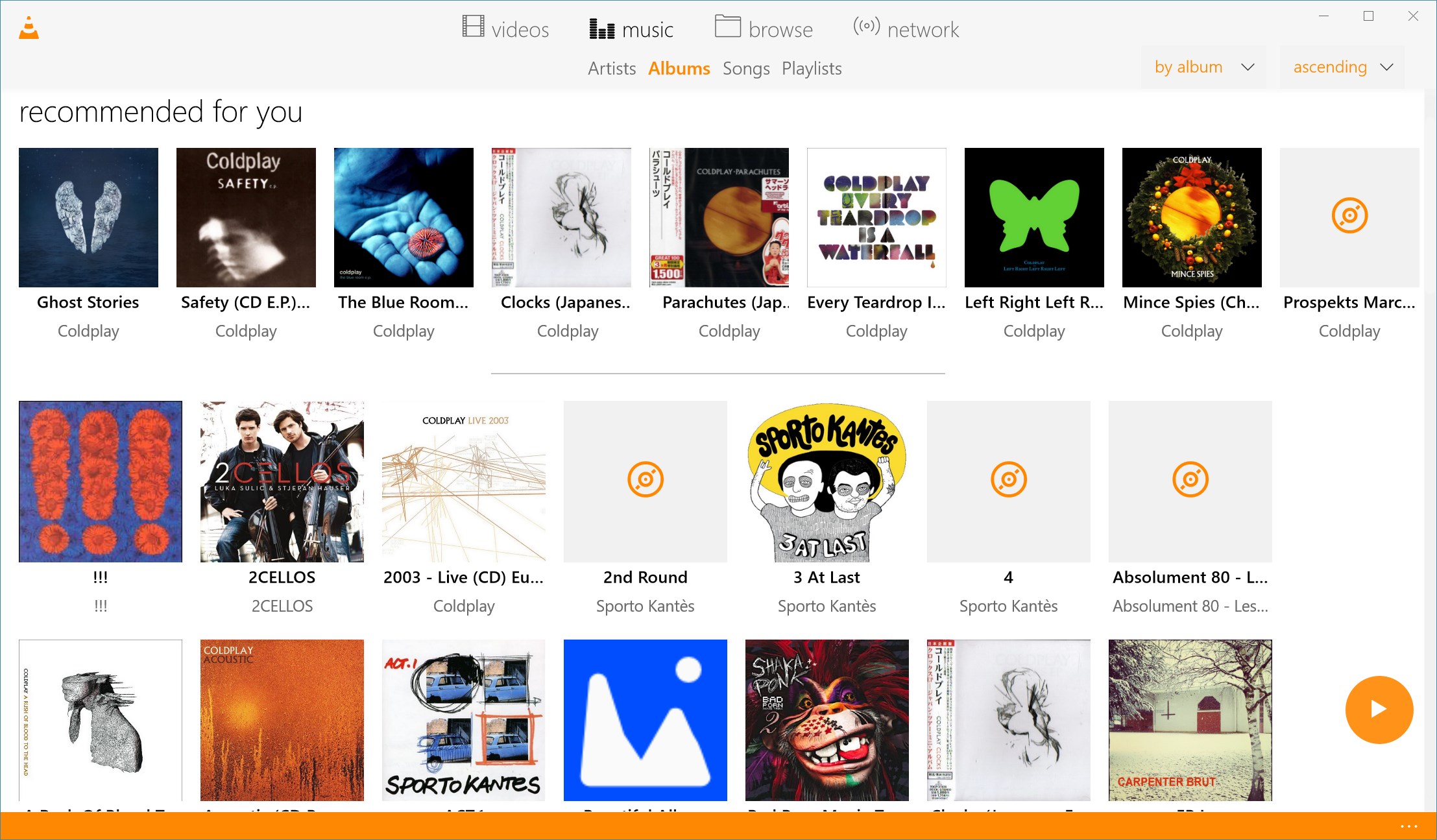
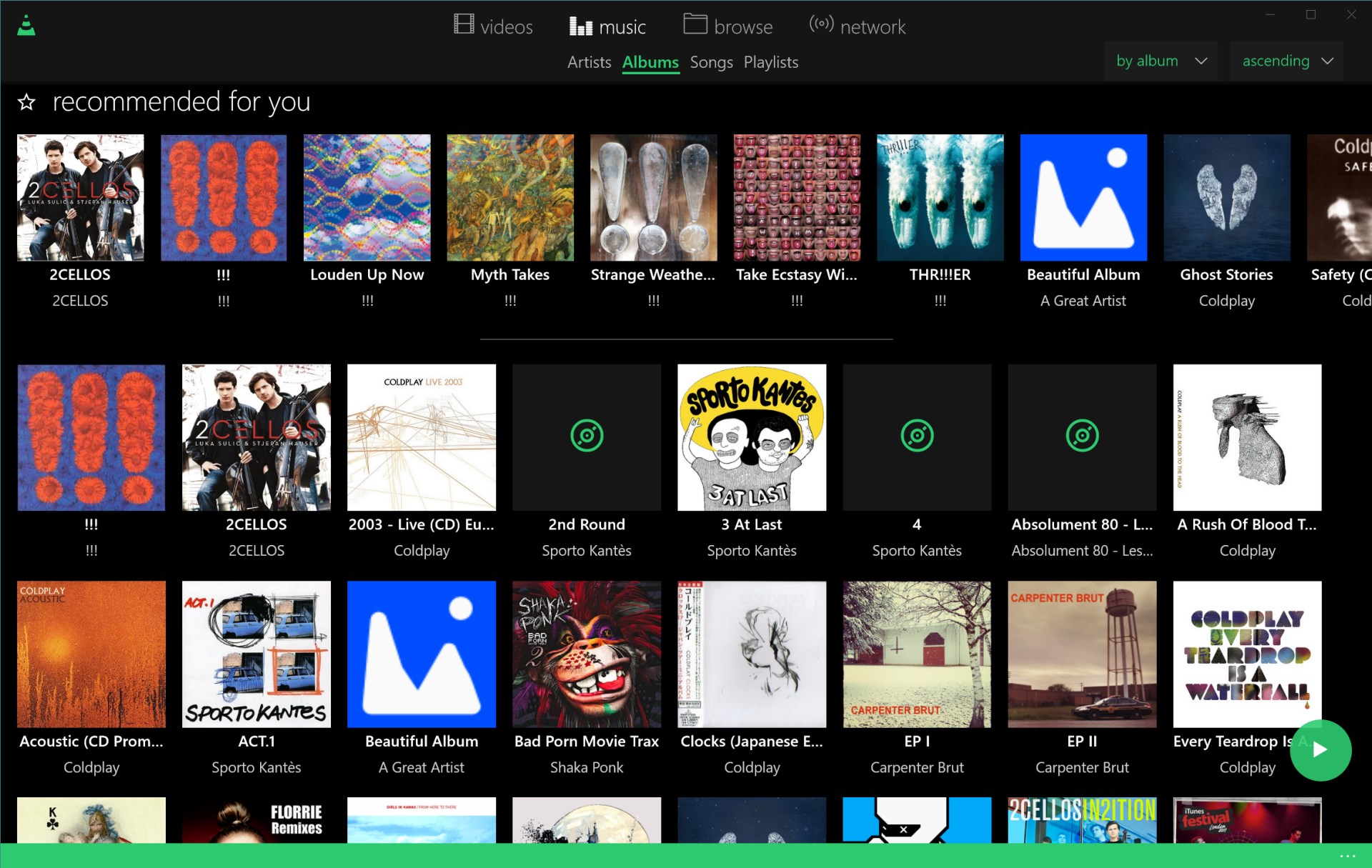
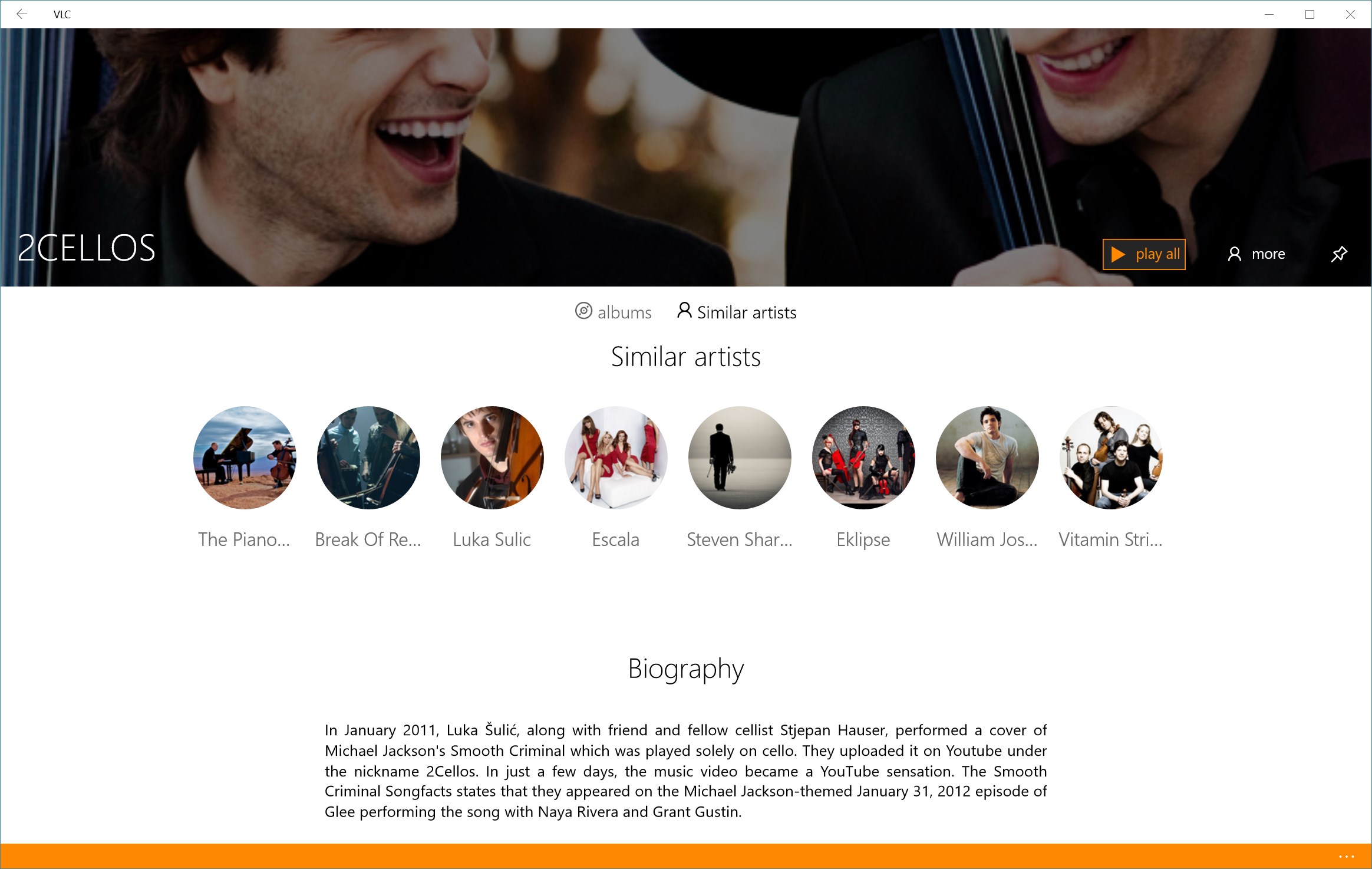
Stepping into VLC UWP for Windows feels like opening a well-organized digital entertainment drawer—everything you need is just a click away, yet unobtrusive enough not to clutter your experience. The interface is refreshingly clean, with a dark theme that makes your videos pop while being gentle on the eyes—think of it as a cozy cinema room that adapts to your style. Smooth animations and responsive controls mean you're not wrestling with sluggishness or confusing menus; instead, it's like guiding a skilled pilot through familiar skies.
Core Functionality: Playback and Streaming Made Effortless
The stand-out feature of VLC UWP is its unmatched format support. From obscure codecs to HD and 4K videos, the app handles playback effortlessly—think of it as a universal translator for your media files. This eliminates the common frustration of trying multiple players or converting files before viewing.
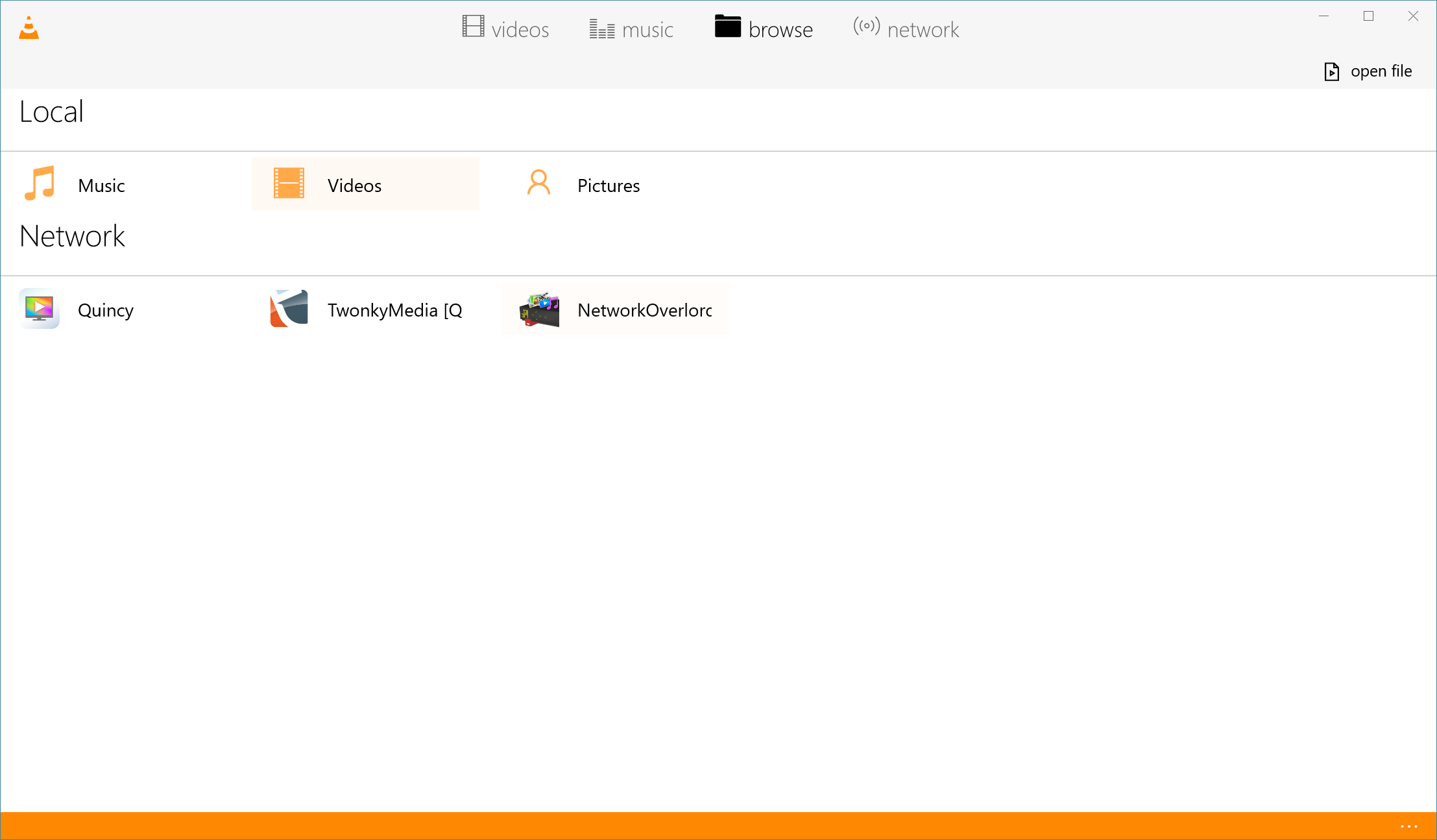
Network streaming is another strong suit. Connecting to NAS drives, UPnP servers, or online streams feels as seamless as flipping a switch. The app recognizes shared folders and streaming links intuitively, making it accessible even for users less familiar with network configurations. Whether you're watching a movie stored on your home server or live streaming a video from a URL, VLC keeps your media flowing smoothly.
User Interface and User Experience: Simple, Yet Powerful
Design-wise, VLC UWP embraces minimalism. The interface adapts well to different screen sizes and touch controls, making media navigation feel more like scrolling through a favorite playlist rather than fumbling through clunky menus. The learning curve is gentle—most users will be up and running within minutes, navigating settings, loading files, and adjusting subtitles with ease. Minor features like swipe gestures and keyboard shortcuts further enhance fluid control, transforming media playback into an almost instinctive activity.
What Sets VLC Apart from Other Media Apps?
Unlike many other media players, VLC UWP's standout is its combination of broad format compatibility coupled with its open-source transparency and community support. While many apps market themselves as multimedia solutions, few offer the same assurance of playing any file you throw at them without requiring external codecs or plugins. Another unique aspect is its network streaming capability—serving as a media hub within your own digital ecosystem, not just a local player. This feature turns your Windows device into a central media command center, easily integrating streaming and playback in a way that few competitors match.
Verdict and Recommendations
All considered, VLC UWP for Windows earns a solid recommendation for anyone seeking a reliable, versatile, and user-friendly media player. Its extensive format support and network streaming are particularly compelling—think of it as the Swiss Army knife of media applications. For casual viewers or even more experienced users needing a dependable playback tool, VLC is a smart choice.
While it may lack some of the polish of paid, proprietary media players with advanced editing features, its open-source nature and robust functionality make it a standout. I suggest giving it a try if you're tired of juggling multiple players or need a dependable app that 'just works.' Whether you're watching videos at home or streaming content from your network, VLC UWP is well worth adding to your digital toolkit.
Pros
- User-friendly interface
- Supports a wide range of video formats
- Seamless streaming capabilities
- Lightweight and fast performance
- Regular updates and improvements
Cons
- Limited customization options
- Occasional playback glitches with high-resolution videos
- Basic equalizer features
- Ads or prompts for premium features
- Some network streaming issues with unstable connections











