

- Category Security
- Available on PC, Mobile, Surface Hub, HoloLens
- OS Windows 10 version 17763.0 or higher
- languages English (United States)
A Sleek, Unlimited VPN Browsing Experience for Windows
VPN Proxy Browser: Unlimited by Tronlabs is a robust, user-friendly application designed to provide seamless and unrestricted access to the internet on Windows devices, emphasizing privacy and speed without the typical limitations.
Meet the Developer: Tronlabs
Developed by Tronlabs, this company specializes in creating efficient and reliable digital tools aimed at enhancing online privacy and access. Their focus is on delivering straightforward yet powerful applications tailored for everyday users.
Key Features That Make It Stand Out
- Unlimited and Fast VPN Connections: No caps on bandwidth or server switching, ensuring smooth streaming, browsing, and data transfer.
- Intuitive Browser Integration: A built-in VPN browser that simplifies the browsing experience, allowing users to surf anonymously without complex configurations.
- Global Server Network: Access to servers across multiple countries, enabling users to bypass geo-restrictions with ease.
- Enhanced Privacy and Security tools: Features like encryption and IP masking protect user identities and sensitive data from prying eyes.
Introducing the VPN Proxy Browser: Unlimited – A Fun and Functional Dive into Digital Freedom
Imagine the internet as a bustling city where every corner is filled with fascinating sights, but some alleys are blocked or watched by unseen security. VPN Proxy Browser: Unlimited is your trusty vehicle—speedy, reliable, and capable of navigating anywhere you wish to go, all while shielding your privacy. It's like having a secret tunnel that keeps you safe from prying eyes when exploring the web's vast universe.
Core Functionality 1: Seamless and Unlimited VPN Connections
The standout feature here is the application's promise of **unlimited bandwidth and server switches**, much like having an all-you-can-eat buffet with no restrictions. Users can switch servers as often as they want without worrying about data caps or slowdowns, making it perfect for streaming high-definition videos, downloading files, or simply browsing without interruption. The process is remarkably straightforward—just a single click connects you to the fastest or preferred server, and you're good to go. This fluidity ensures that users are not bogged down by technical barriers, focusing solely on their online activities.
Core Functionality 2: Built-in Browser with Privacy at Its Core
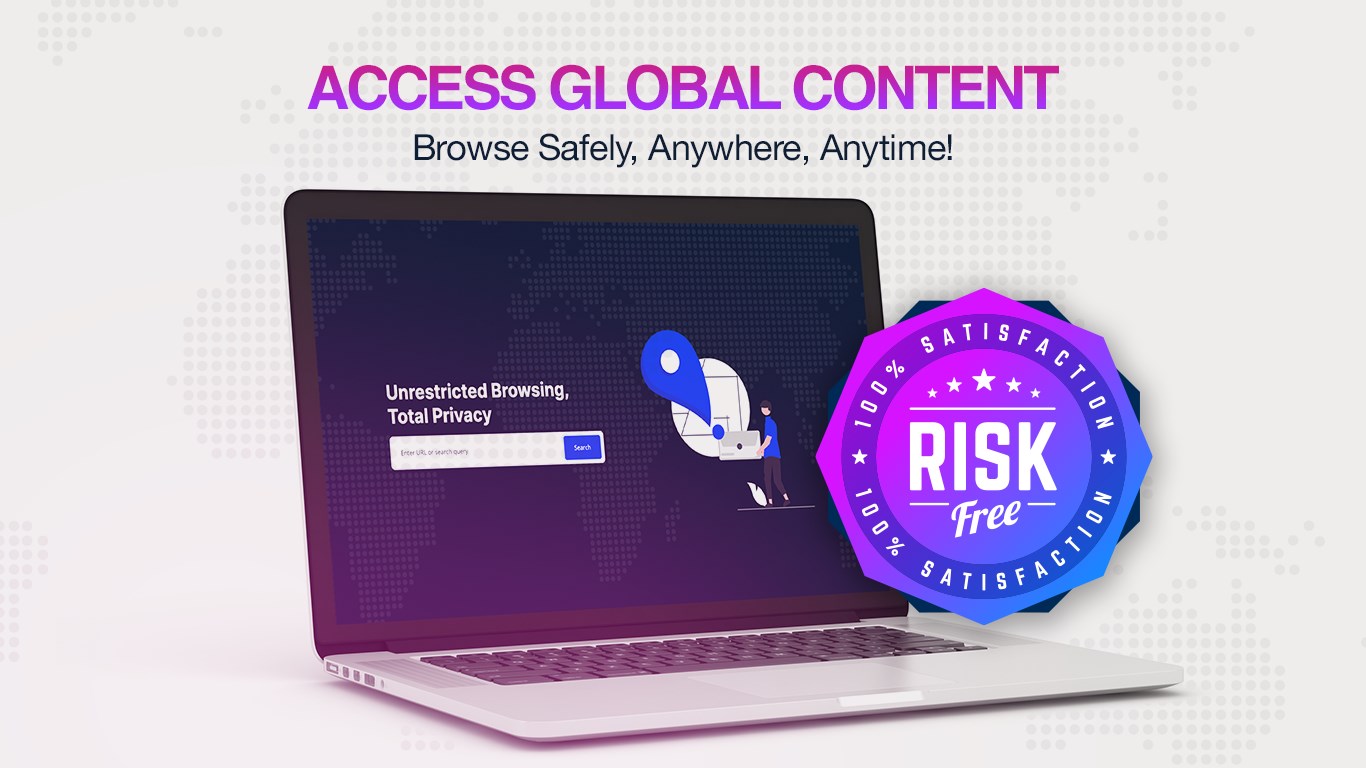
The application integrates a dedicated VPN browser that offers an intuitive and clutter-free interface. Think of it as a personal, confidential vehicle steering through the digital streets transparently. The browser's design emphasizes ease of use, featuring clear icons and minimal clutter, making it accessible for users of all tech levels. Moreover, it's optimized for speed, with quick loading times and smooth navigation, akin to gliding effortlessly over a well-paved road. Whether it's browsing social media, streaming content, or accessing sensitive information, this customized browser provides a safe and fast environment.
Core Functionality 3: Global Server Network & Geo-Restriction Bypassing
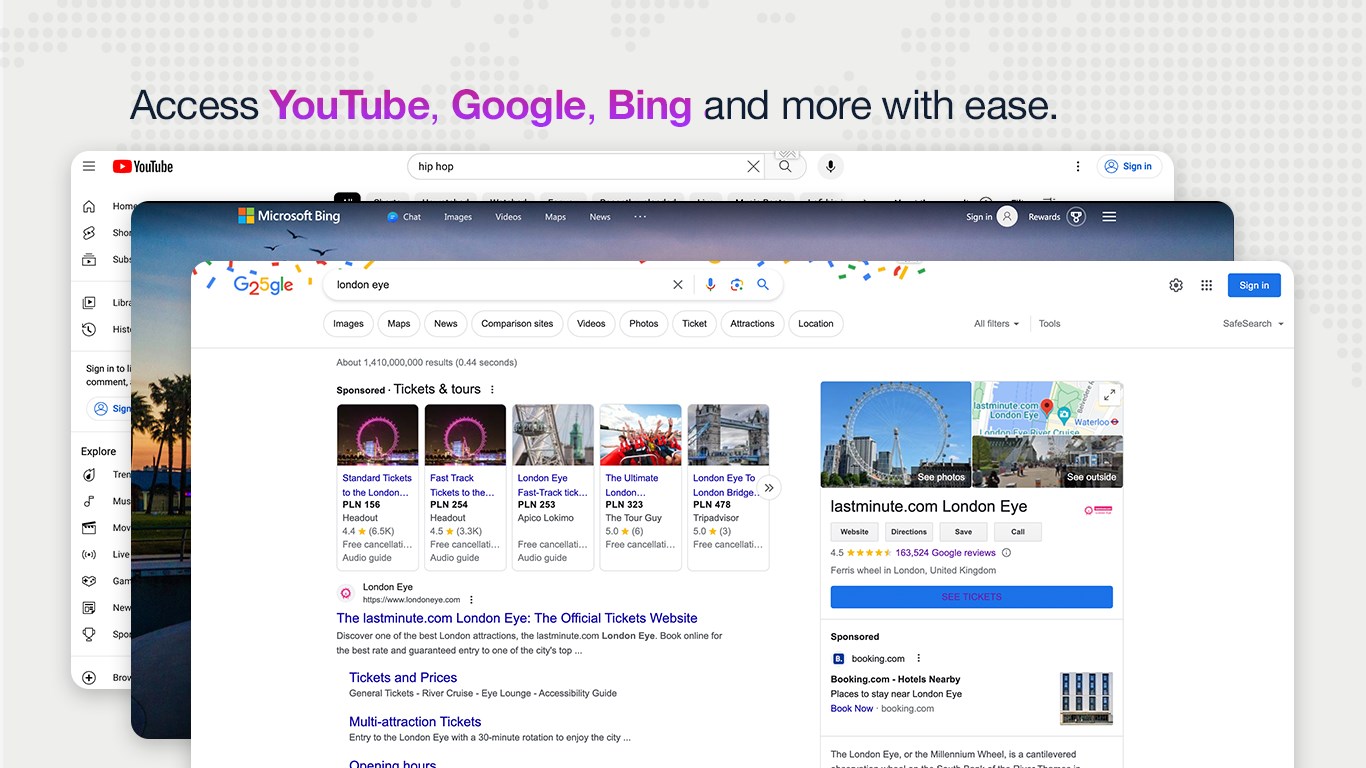
One of the app's most compelling traits is its comprehensive server network spanning numerous countries. This enables users to bypass geo-restrictions, unlocking content from different regions—like having a digital passport. Whether traveling abroad or accessing region-specific services, users find this feature invaluable. Connecting to a desired country is simple, and the switch is quick, creating an almost instant teleportation experience into different digital worlds. This flexibility ensures users are not limited by their location, unlocking a truly global internet experience.
User Experience: Friendly Navigation Meets Technical Reliability
The interface strikes a balance between professional sleekness and welcoming simplicity. Navigating through options feels natural, similar to flipping through a well-organized book rather than wrestling with complex menus. The application's responsiveness is impressive—connections are established swiftly, and switching servers occurs seamlessly. The learning curve is gentle; even those new to VPN services will find it straightforward to set up and operate. Overall, it offers a satisfying user experience, combining technical reliability with an accessible design.
What Sets It Apart in a Crowded Market?
While many VPN applications emphasize security, few manage to pair unlimited bandwidth with an integrated VPN browser so effortlessly. The standout feature here is the **combination of unlimited data** and the **dedicated browsing environment**, which simplifies privacy protection without compromising speed or convenience. Unlike some competitors requiring separate browsers or complicated configurations, VPN Proxy Browser: Unlimited provides an all-in-one solution that is both approachable and powerful. Its focus on ease-of-use makes it especially appealing for users who want effective privacy measures without the fuss.
Recommendation and Usage Advice
Overall, VPN Proxy Browser: Unlimited earns a confident place in the toolbox of both everyday users and casual explorers of the web. I recommend it to anyone seeking a straightforward, high-performance VPN solution that doesn't restrict their browsing capabilities. Ideal for streaming, comfortable privacy protection, and bypassing regional restrictions, it is suitable for both tech-savvy individuals and VPN novices. Just remember, while the app offers vast access and speed, always use it responsibly and stay aware of local laws regarding VPN use.
In conclusion, if you're looking for a versatile, reliable, and user-friendly VPN tool that integrates seamlessly into your browsing routine, this app is worth a try. Think of it as your trusty digital caravan—ready to lead you safely and swiftly across the internet's diverse landscape.
Pros
- User-friendly interface
- Unlimited VPN proxy
- Multiple server locations
- High-speed connections
- Built-in browser for privacy
Cons
- Limited advanced settings
- Occasional connection drops
- Features may require premium subscription
- Limited server information
- Small device support profile










