

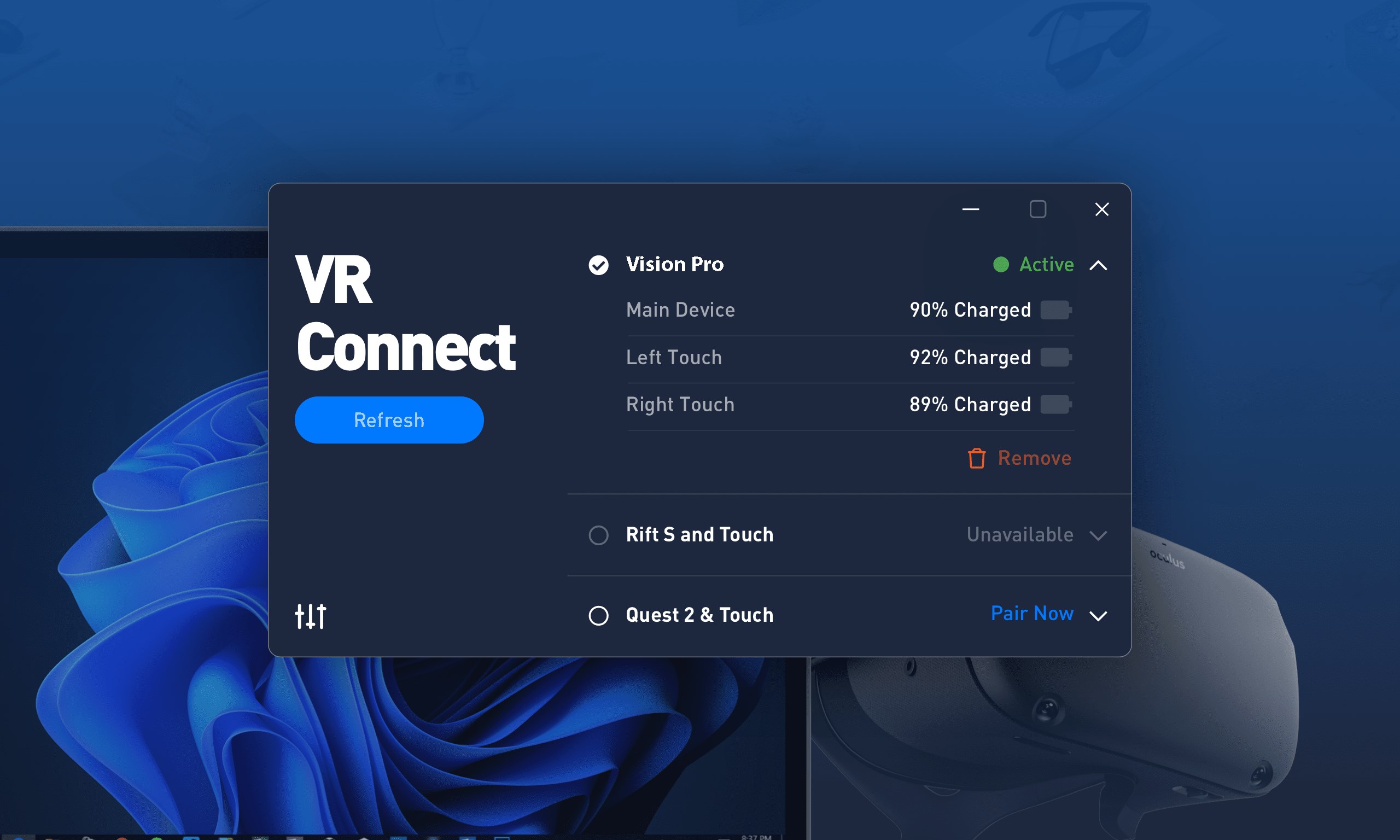
- Category Business
- Available on PC, Mobile, Surface Hub, HoloLens
- OS Windows 10 version 17763.0 or higher
- Keyboard Integrated Keyboard
- Mouse Integrated Mouse
- languages English (United States)
Introducing VR Vision App for Windows: Your Gateway to Seamless Virtual Collaboration
VR Vision App for Windows, developed by ASOE Software, aims to bridge the gap between virtual reality experiences and professional productivity, enabling users to visualize, collaborate, and manage tasks within immersive environments. Whether you're in design, education, or business, this application promises to enhance your workflow through innovative VR integration.
Core Features That Stand Out
Immersive Virtual Workspace
The heart of VR Vision lies in its ability to transform your traditional desktop into a sprawling virtual workspace. Users can visualize 3D models, access multiple screens, and manipulate data in a spatial environment. This feature essentially turns your office into a virtual studio, fostering creative brainstorming sessions or detailed project reviews without physical constraints.
Collaborative Work Environment
One of the application's most compelling aspects is its real-time multi-user collaboration. Up to several participants can join the same virtual room, sharing ideas and working on projects as if they were in the same physical location. The app's synchronization ensures that everyone sees updates instantly, making remote teamwork as natural as face-to-face interactions. This feature particularly benefits teams working across different geographical locations, turning dispersed members into a cohesive unit.
Task Management Integrated with VR
Unlike many VR tools that focus solely on visualization, VR Vision introduces integrated task management tools within the virtual environment. Users can assign tasks, set deadlines, and track progress without leaving the immersive space. This synergy of visualization and management streamlines workflows and reduces the fragmentation often faced when switching between different apps.
Detailed User Experience Evaluation
Intuitive Interface and Design
The application's interface is thoughtfully designed, offering a clean and organized layout that doesn't overwhelm the user. Navigating through menus feels natural, similar to using familiar desktop applications, but with an added layer of spatial interaction. The visual cues and icons are clear, making onboarding straightforward even for newcomers.
Performance, Smoothness, and Learning Curve
VR Vision App performs smoothly on a range of Windows devices equipped with compatible VR headsets. Frame rates remain stable during intensive multitasking, ensuring an immersive experience free of lag. The learning curve is gentle; basic functions can be picked up within minutes, while more advanced features like multi-user collaboration and task tracking are accessible after a brief exploration. For those new to VR collaboration, a guided tutorial enhances initial understanding.
Comparison to Similar Business Applications
While there are other VR or collaborative apps in the market, VR Vision's unique selling point lies in its integrated approach—merging detailed task management directly into a virtual workspace, combined with synchronization capabilities that make remote teamwork feel natural. Unlike standalone VR visualization tools, VR Vision actively fosters collaborative ideation, making it more suitable for professional project environments that value both spatial data visualization and task coordination.
Final Thoughts and Recommendations
VR Vision App for Windows is a flexible, thoughtfully crafted tool for teams seeking to leverage immersive environments for productivity and innovation. Its standout features—particularly multi-user collaboration and integrated task management—set it apart from other VR applications, providing a comprehensive solution for remote and hybrid work scenarios.
We recommend this app to professionals in design, engineering, education, or any field where visualization and teamwork are paramount. For users already familiar with VR technology, VR Vision offers a seamless and productive extension of their workspace. Overall, it's a promising tool that brings the future of collaborative work a little closer to today's reality.
Pros
- User-Friendly Interface
- Wide Range of VR Content
- Seamless Compatibility
- High-Quality Graphics and Audio
- Regular Updates and Improvements
Cons
- Occasional Performance Lag
- Limited Customization Options
- Connectivity Issues with Some Devices
- Limited Offline Content Access
- Minor UI Clutter











