

- Category Multimedia design
- Available on PC
- OS Windows 10 version 14393.0 or higher
- Keyboard Integrated Keyboard
- Mouse Integrated Mouse
- DirectX Version 9
- Memory 1 GB
- languages English (United States)
Introducing VSDC Video Editor for Windows: A Versatile Tool for Creative Video Editing
VSDC Video Editor for Windows is a comprehensive video editing software designed to cater to both beginners and seasoned creators seeking powerful editing capabilities in a user-friendly interface. Its robust features and thoughtful design make it a notable choice for those aiming to craft professional-quality videos without the steep learning curve.
About the Developer and Core Features
Developed by Vector Ltd, a reputable software company with a history of producing accessible multimedia tools, VSDC Video Editor offers a blend of creative flexibility and technical precision. Key features that stand out include advanced masking tools, a broad array of special effects, and support for various multimedia formats. These elements empower users to build intricate edits, add artistic effects, and produce polished videos suitable for professional or personal use.
Captivating the Creative Spirit: Introduction and Core Functions
Imagine a digital workshop where each tool is a brushstroke—VSDC Video Editor transforms your raw footage into a vivid canvas. Its intuitive design invites both newcomers and experienced editors to dive right in, make magic happen, and enjoy the editing journey. Whether you're creating a social media snippet or a family memory video, it's like having a creative partner by your side.
Powerful Editing and Effects Suite
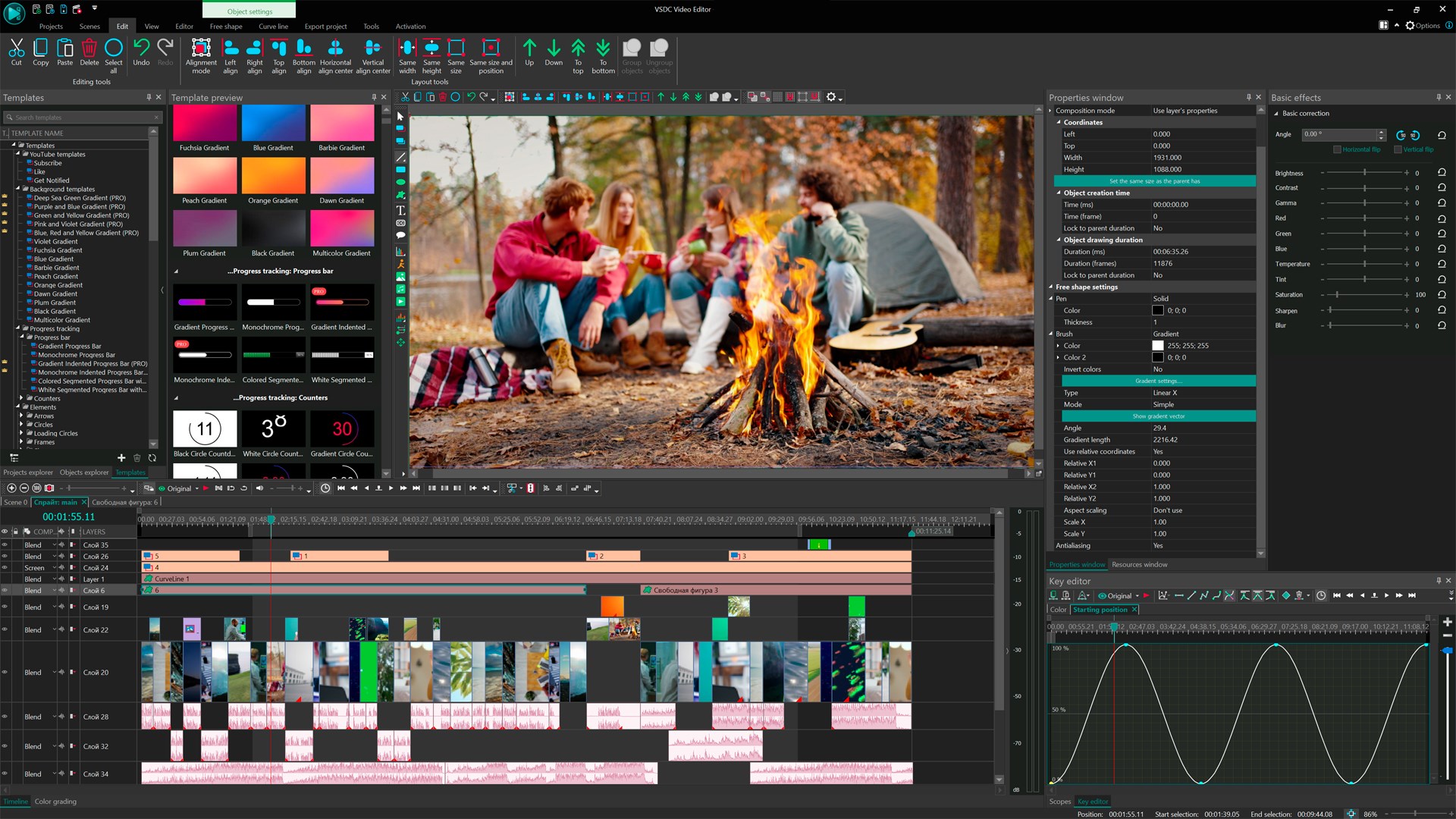
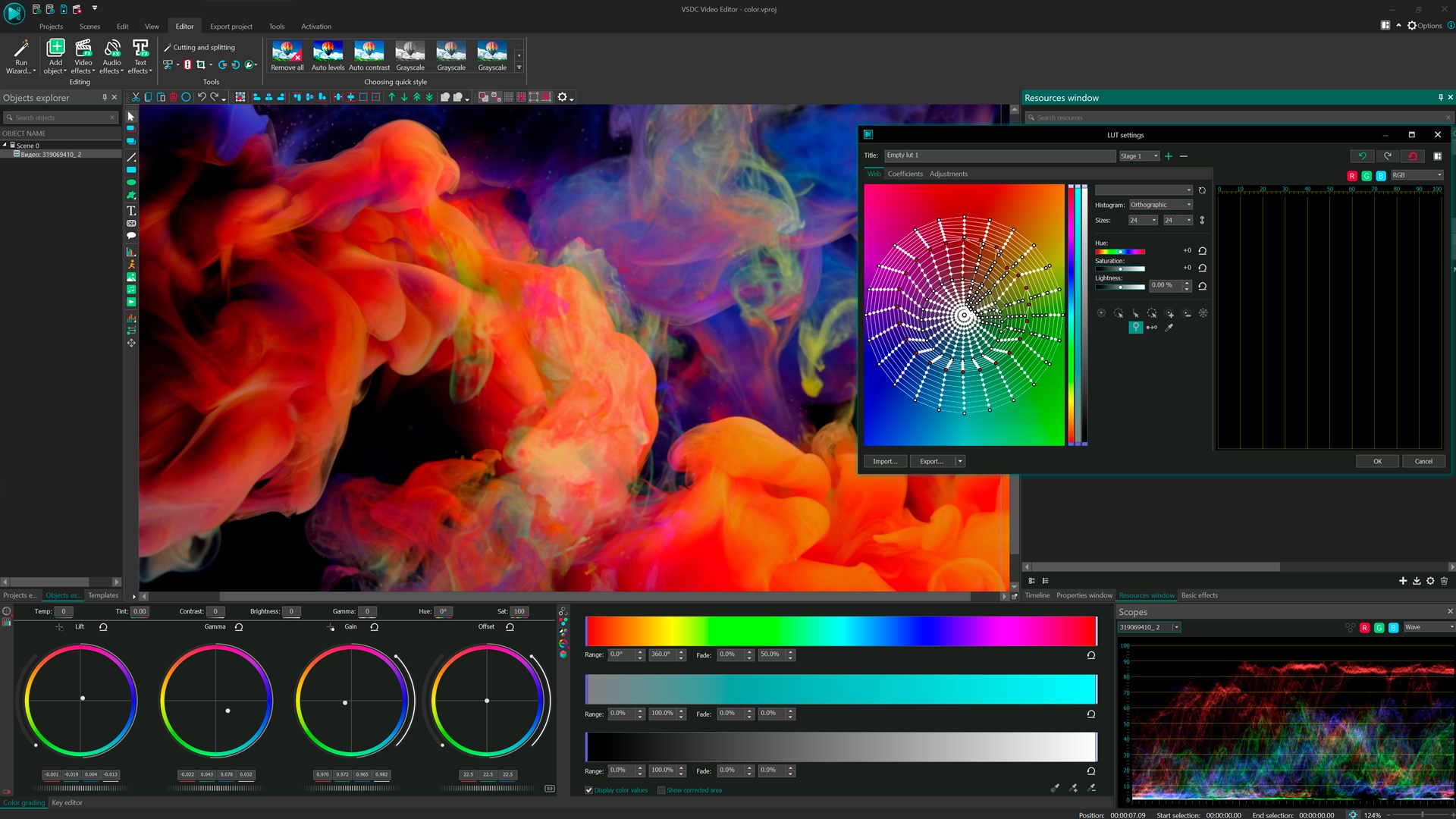
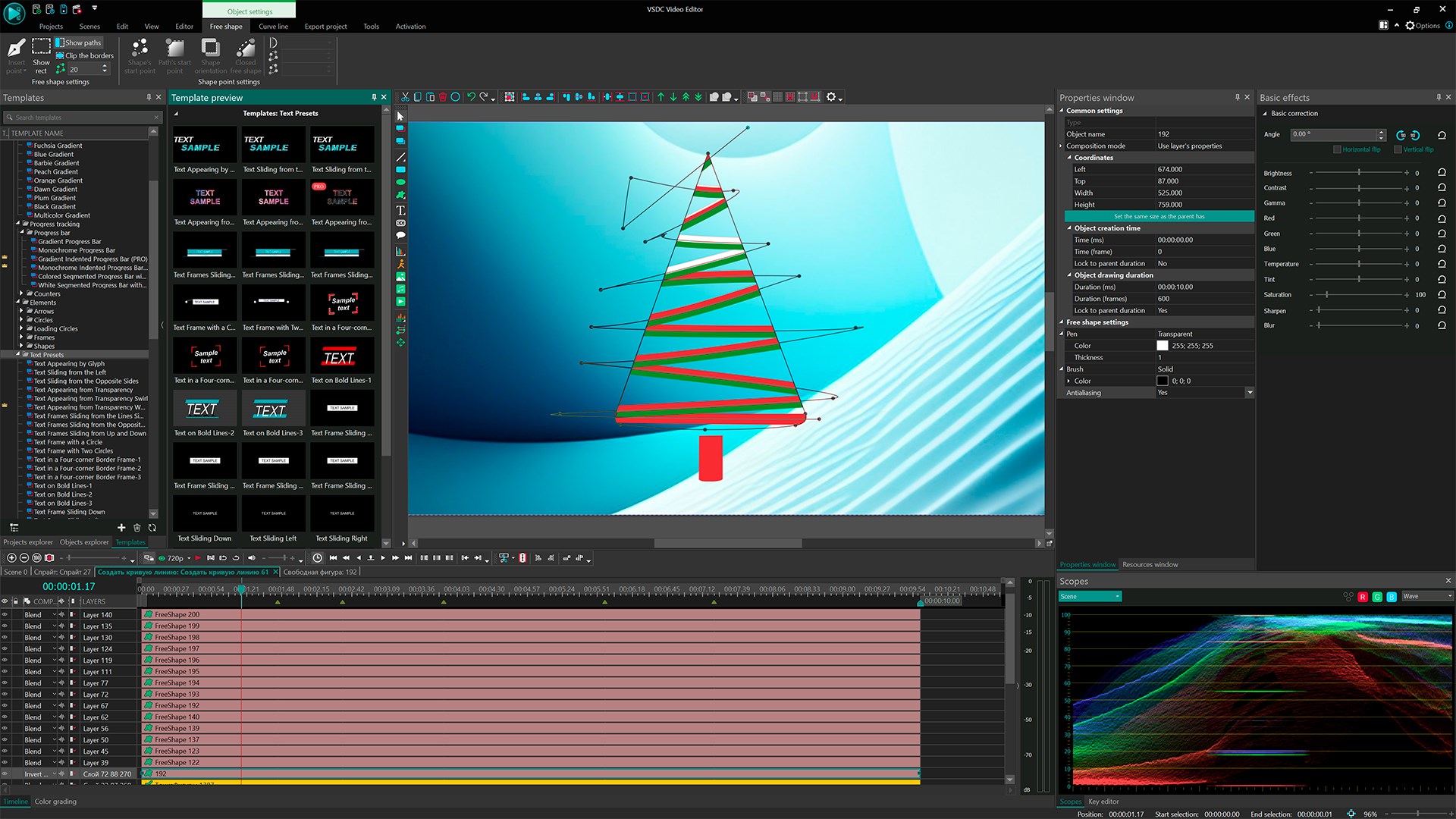
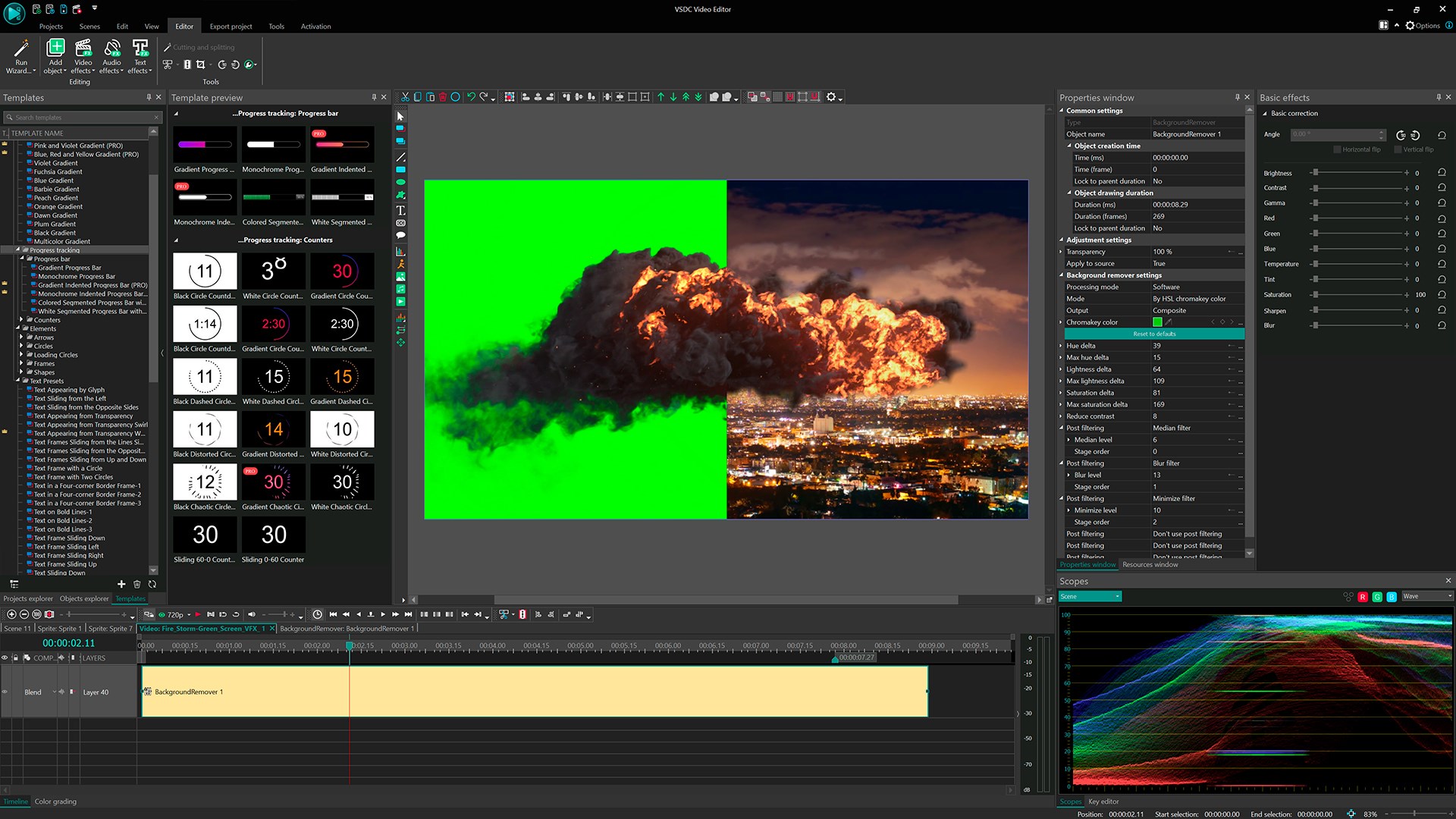
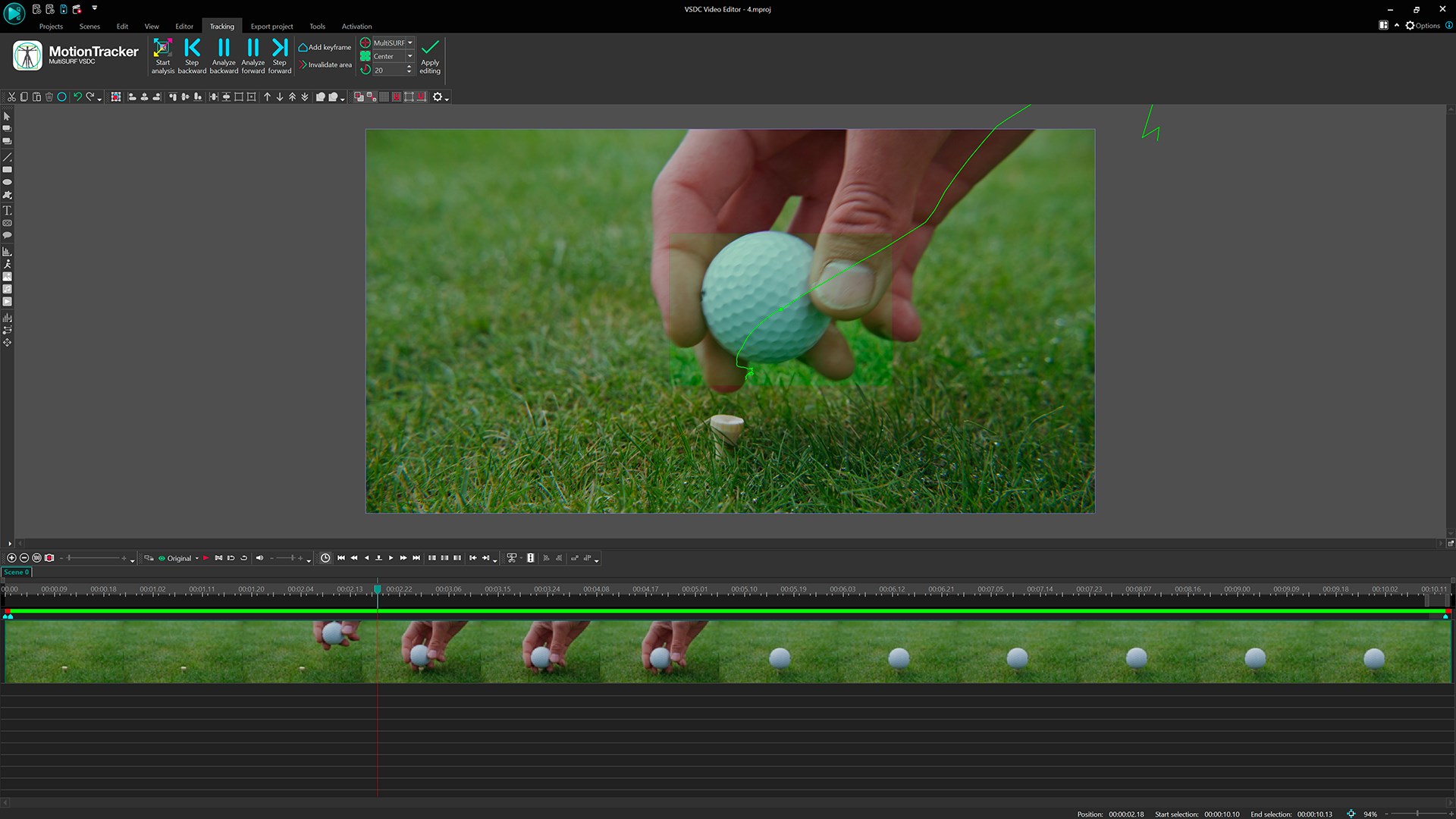
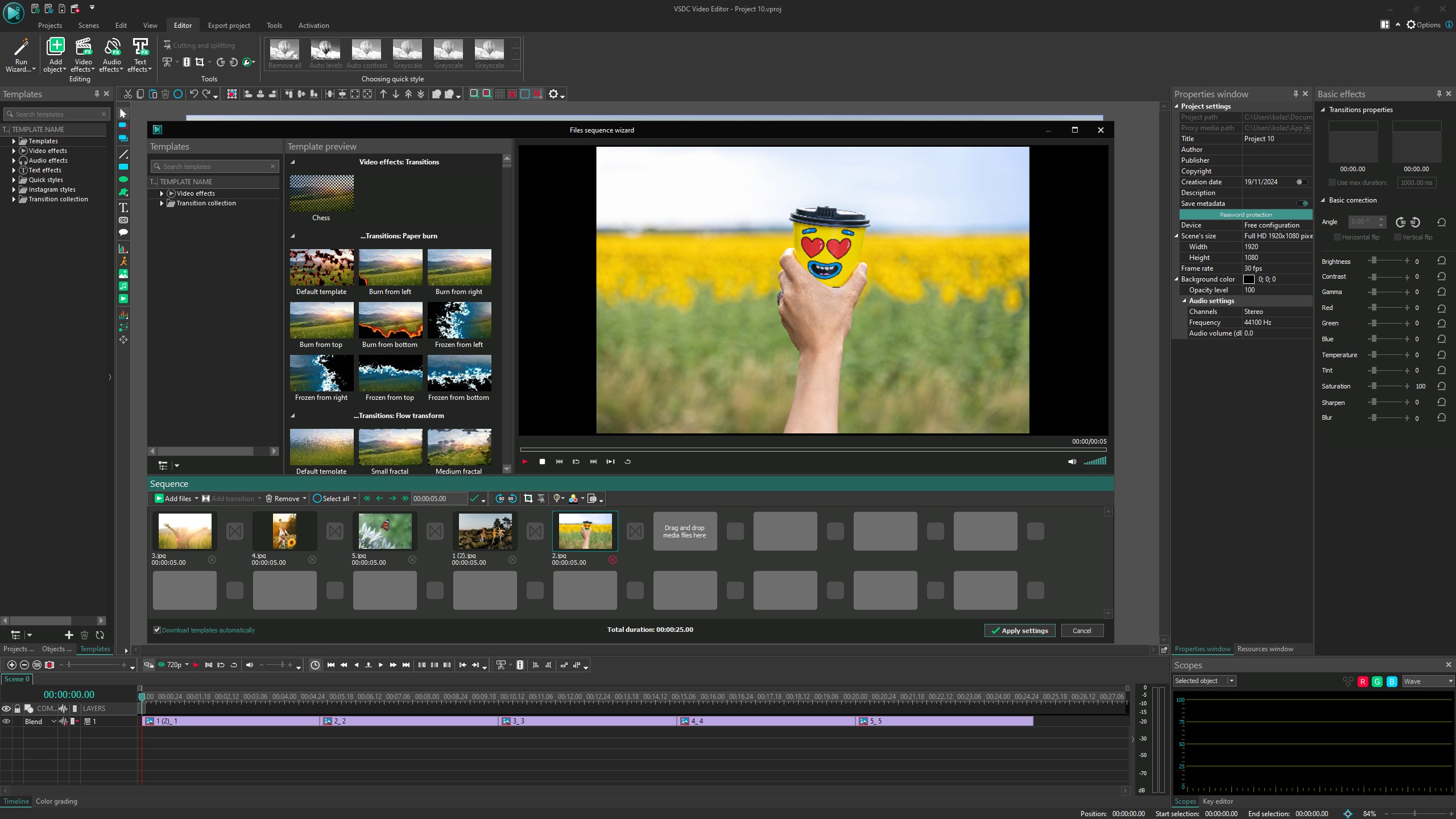
The core strength of VSDC lies in its versatile editing suite. With timeline-based editing, it offers precise control over video and audio tracks, allowing for detailed adjustments. The software boasts an impressive collection of visual effects, transitions, and filters—think of them as different spices to add flavor to your videos. Its chroma key feature enables seamless background removal, perfect for creating professional-looking green screen edits. Additionally, the mask tool allows for intricate overlay effects, giving videos depth and a cinematic touch.
Intuitive Interface and User Experience
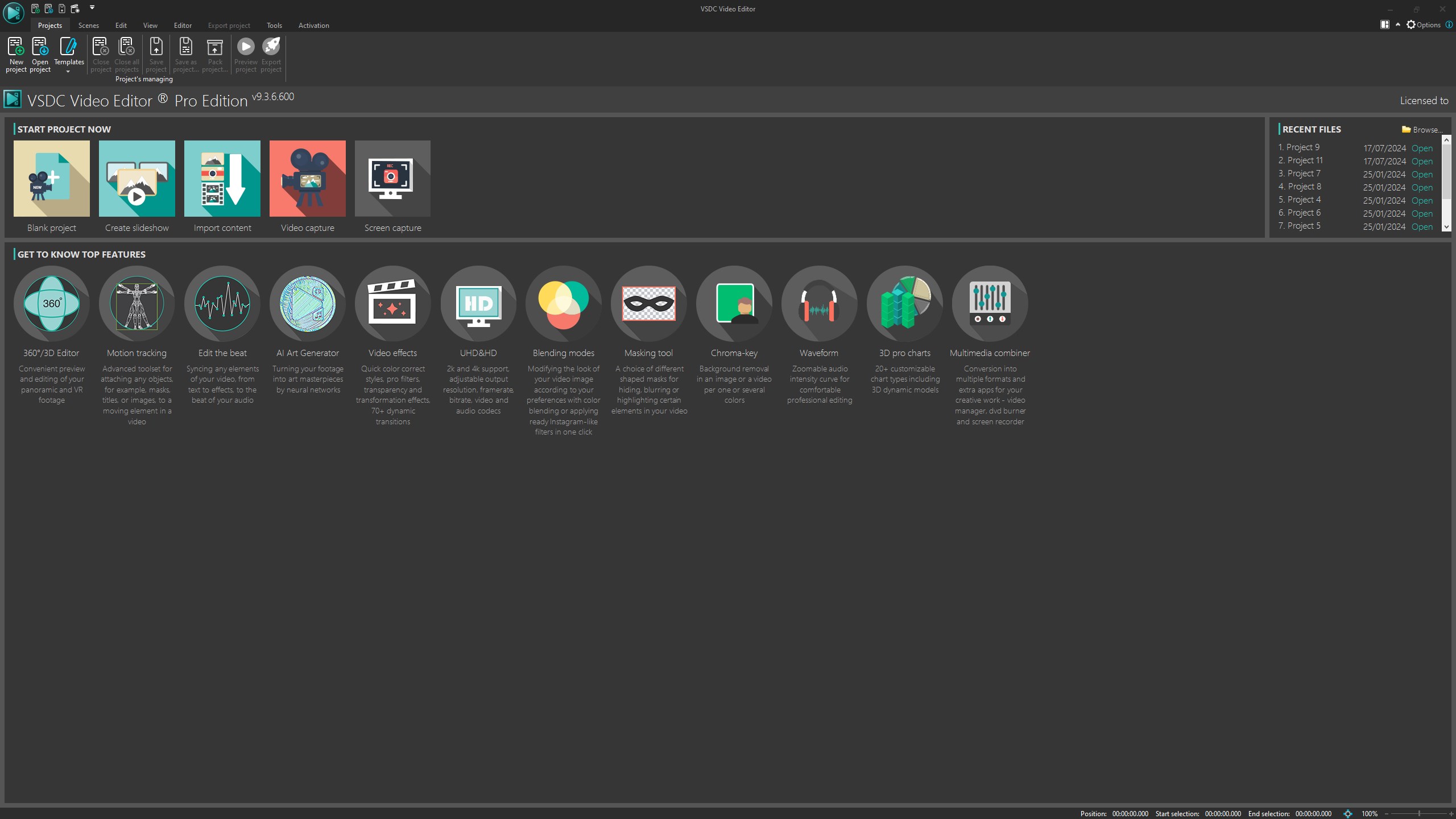
VSDC's interface is akin to a neat, well-organized workspace—minimal clutter but all essential tools at your fingertips. Drag-and-drop functionality and customizable workspace layouts make editing feel natural and straightforward. The learning curve is gentle; beginners can swiftly grasp basic editing, while advanced users can explore complex features without feeling overwhelmed. The software runs smoothly on most Windows machines, ensuring a seamless experience even during resource-intensive projects.
What Sets VSDC Apart from Other Multimedia Apps?
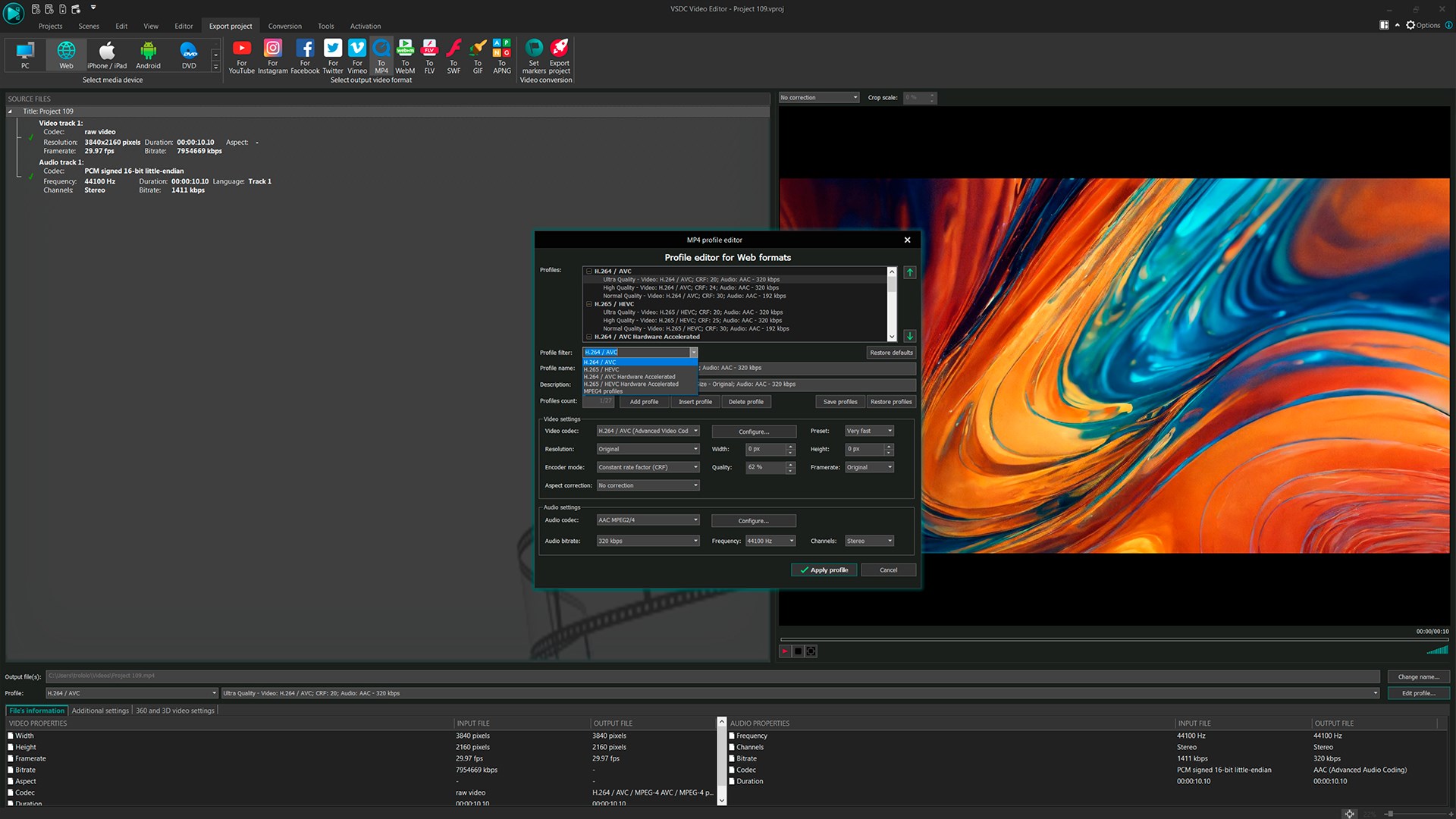
While many video editors promise simplicity or professional-grade tools, VSDC strikes a commendable balance by offering advanced features in an accessible package. Its standout feature is the robust masking and blending capabilities, which enable creators to craft visually stunning compositions often reserved for high-end software. Unlike some competitors that focus solely on basic editing, VSDC emphasizes creative freedom with its special effects and export options, including direct YouTube uploads and multi-format compatibility. This makes it particularly appealing for content creators who want quality without needing a powerhouse PC.
Final Recommendations and Usage Tips
If you're embarking on your video editing journey or need a versatile tool that doesn't compromise on professional features, VSDC Video Editor is a solid choice. It's especially recommended for those who want detailed creative control without wading through overly complex interfaces. For casual users, starting with simple projects and gradually exploring advanced effects is a great strategy. Keep in mind that while the free version covers most essential features, the Pro upgrade unlocks enhancements like hardware acceleration and additional importing/exporting options, which could be valuable for frequent or demanding editing tasks.
In essence, VSDC Video Editor for Windows shines as a multifaceted editor that adapts to your growing editing skills, making it a tool well worth exploring—whether for fun projects or semi-professional productions.
Pros
- User-Friendly Interface
- Excellent Support for Various Formats
- Rich Editing Features
- Free Version Available
- Good Performance with Low-End Hardware
Cons
- Occasional Stability Issues
- Steep Learning Curve for Advanced Features
- Limited Export Presets
- Interface Customization Constraints
- Occasional Slow Rendering for High-Resolution Videos











