

- Category Multimedia design
- Developer NCH Software
- Available on PC
- OS Windows 10 version 15063.0 or higher
- Keyboard Integrated Keyboard
- Mouse Integrated Mouse
- Memory 4 GB
- languages English (United States)
WavePad for Windows: A Professional Audio Editing Companion
If you're seeking a straightforward yet potent tool for audio editing, WavePad for Windows stands out as a seasoned companion—combining user-friendly design with advanced features suitable for both amateurs and semi-professionals alike. Developed by NCH Software, this application positions itself as a versatile audio editor capable of tackling a variety of tasks, from quick edits to complex sound design projects.
About the App
WavePad for Windows is a comprehensive audio editing software that enables users to record, edit, and process audio files with ease. It's crafted by NCH Software, a well-established entity known for a wide array of audio and multimedia applications. The app's primary strengths lie in its intuitive interface, extensive format support, and a rich set of editing tools, making it a reliable choice for content creators and hobbyists.
The key features include multi-track editing, audio restoration tools, and a broad spectrum of sound effects and filters. Its accessible learning curve allows newcomers to get up to speed in no time, while still offering enough depth for seasoned editors to execute detailed projects.
Targeted at musicians, podcasters, video editors, and educators, WavePad appeals particularly to those who require efficient audio processing without the complexity of professional-grade DAWs. It strikes a delicate balance, making powerful tools accessible without overwhelming the user.
A Playful Dive into Audio Editing
Imagine sitting at your digital workstation, headphones on, ready to transform a raw recording into a polished masterpiece. That's the everyday scene WavePad caters to—where creativity meets practicality in a friendly, approachable environment. Its design invites users to experiment comfortably, promising that even beginners can produce professional-sounding audio in less time than it takes to brew a cup of coffee.
Core Functionality 1: Multi-Track Editing That's Both Flexible and Intuitive
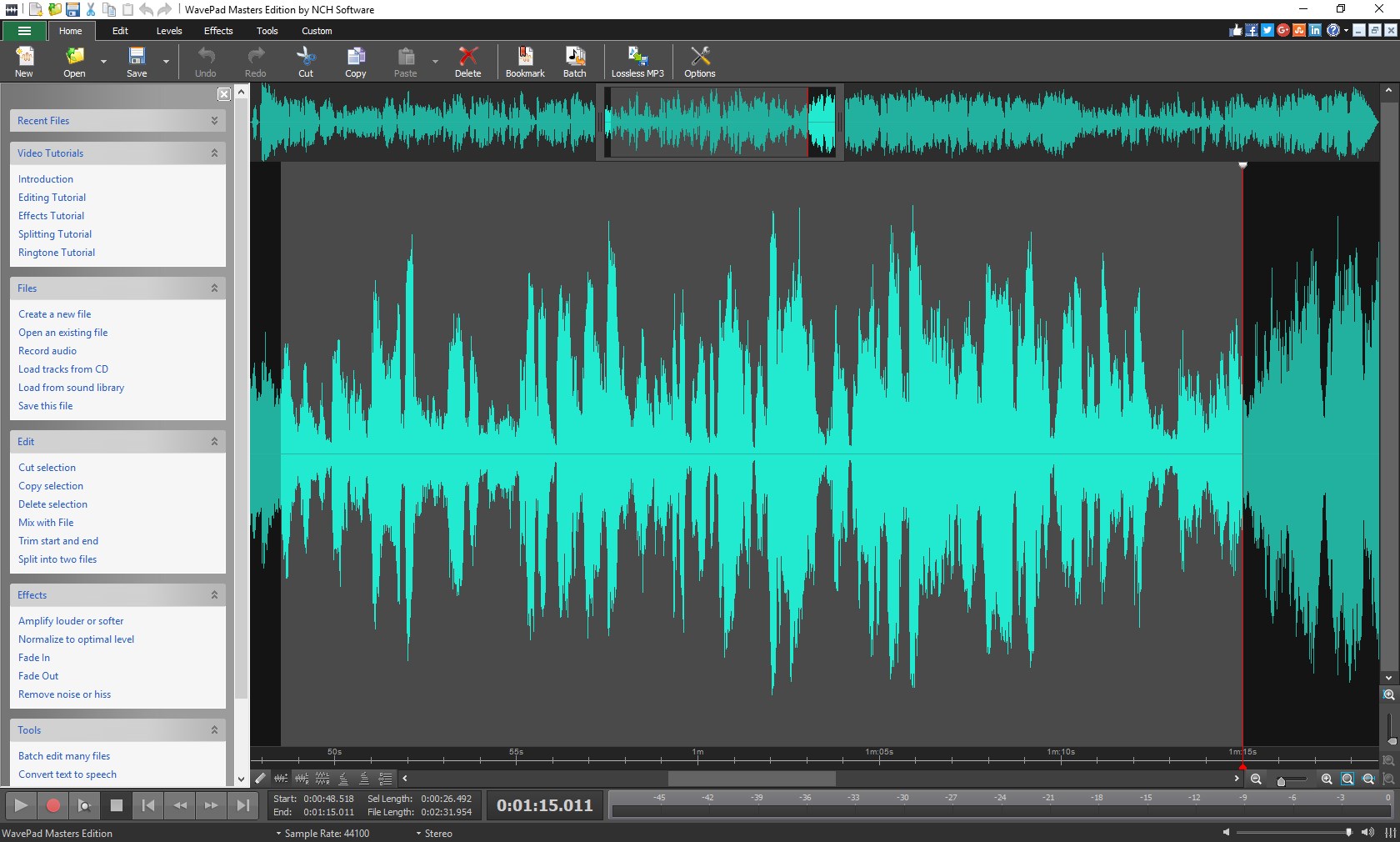
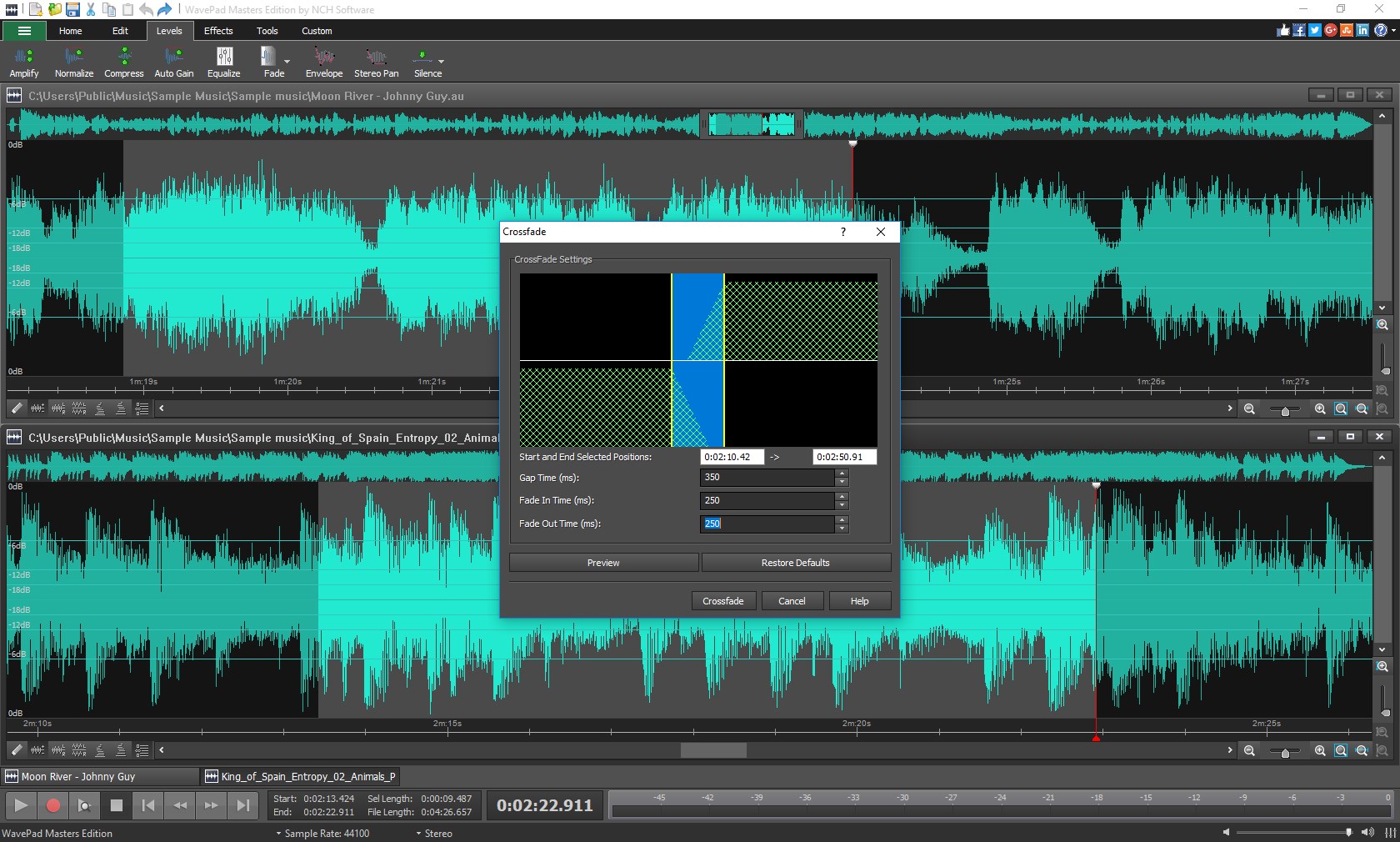
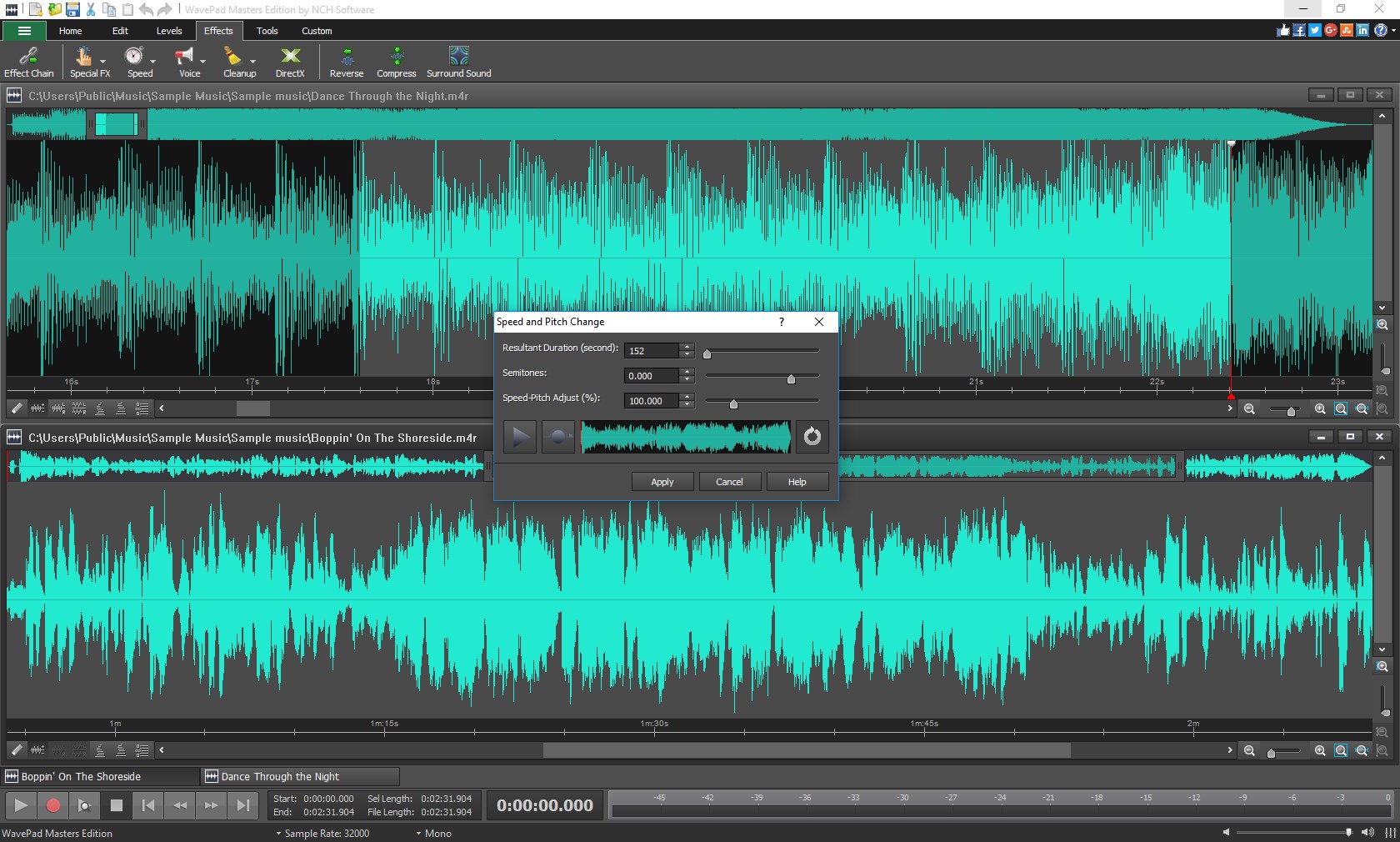
One of WavePad's standout features is its multi-track editor. Think of it as a layered cake, where each layer represents an individual audio recording. You can easily add, delete, or rearrange these layers with drag-and-drop finesse. Whether you're assembling a podcast episode or mixing a song, the interface allows smooth navigation through multiple tracks, enabling precise placement and adjustment.
Unlike some competitors that bog you down with complicated workflows, WavePad simplifies multi-track editing without sacrificing tools. You get cut, copy, paste, and fade functionalities readily available, making the process feel almost as instinctive as editing a document.
Core Functionality 2: Powerful Audio Restoration and Effects
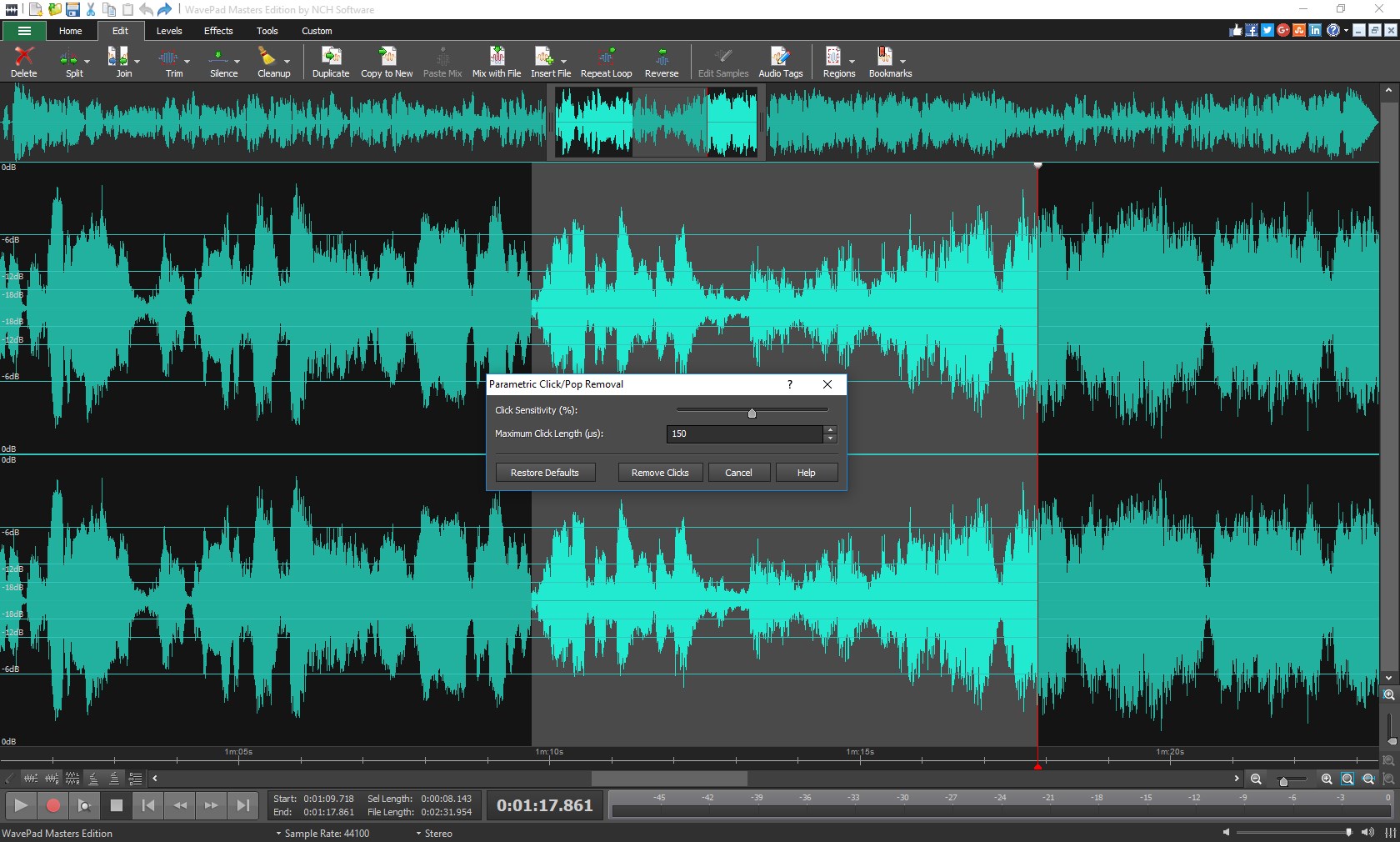
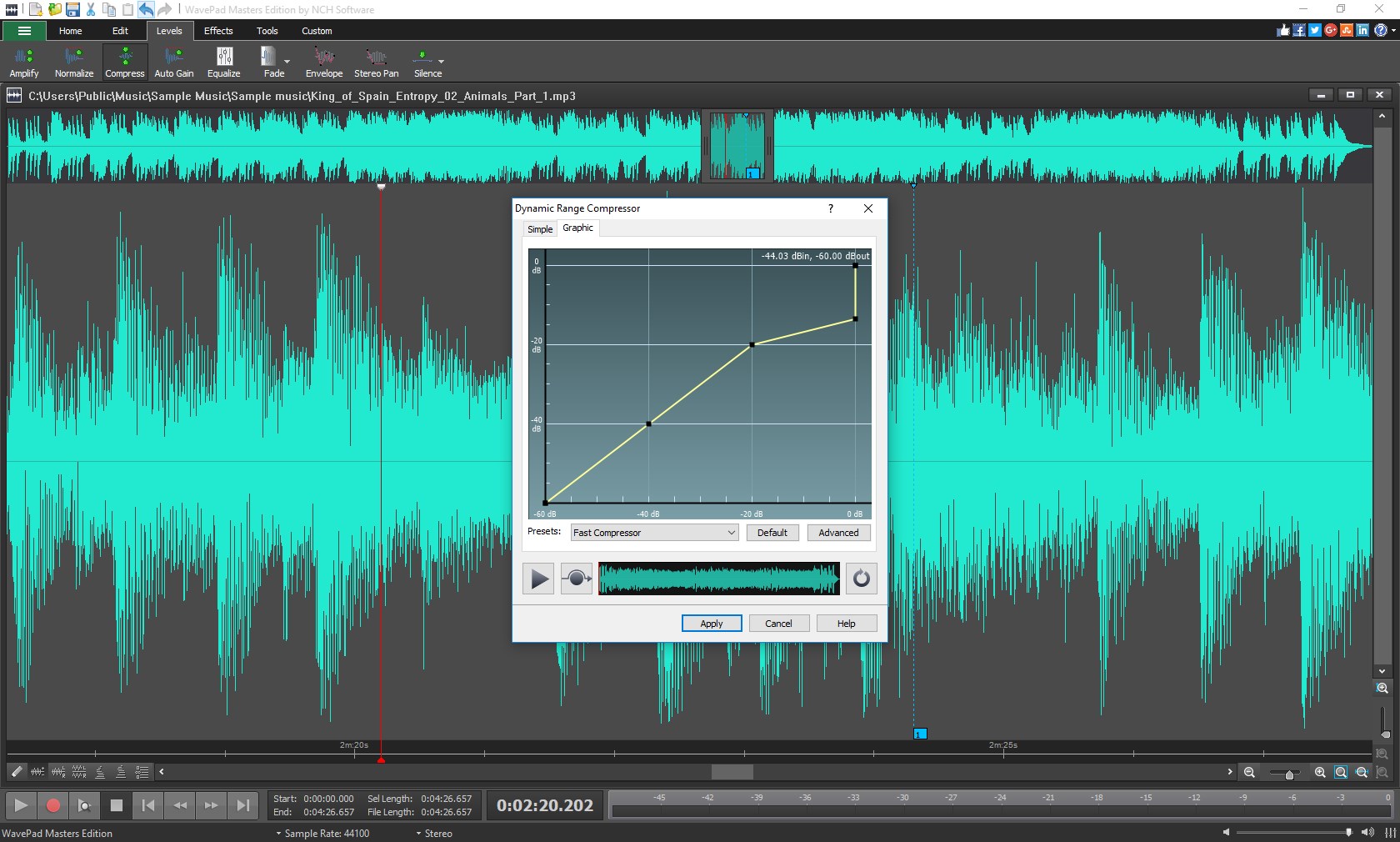
Ever recorded a voiceover only to realize the background noise is overwhelming? WavePad offers a robust suite of noise reduction and audio restoration tools that can salvage and refine raw recordings. Its noise reduction algorithm intelligently analyzes audio frequencies, emphasizing clarity without distorting the sound.
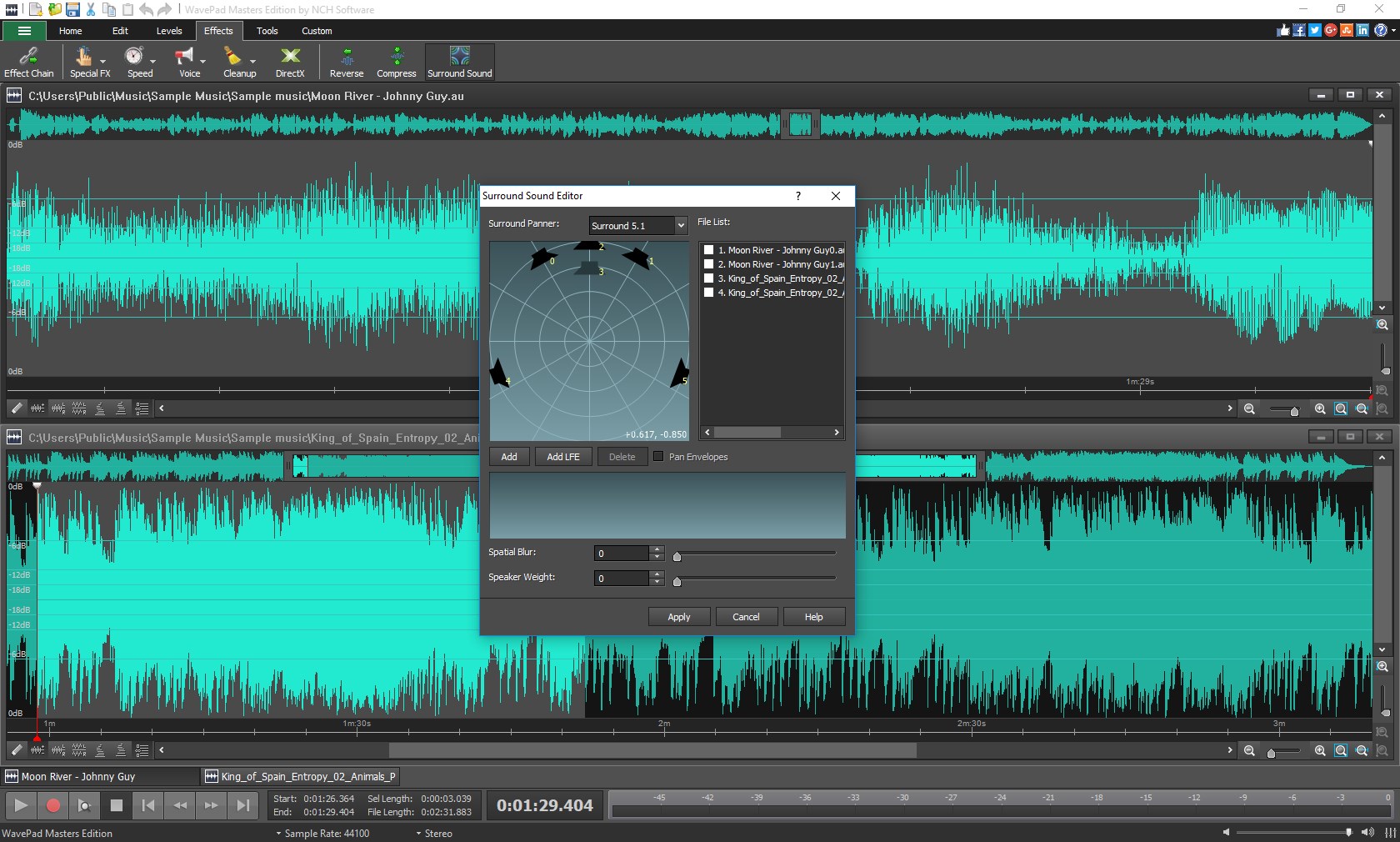
Additionally, a plethora of effects—reverb, echo, pitch adjustment—are at your fingertips. These effects help you craft the desired atmosphere or correct imperfections, transforming average recordings into audio with professional polish. The software's ability to apply batch processing also speeds up repetitive tasks, an invaluable feature for podcasters or sound engineers managing multiple files.
Design, Usability, and Unique Selling Points
WavePad boasts a clean, straightforward interface that resembles a familiar digital workspace—nothing overly flashy, but well-organized, making navigation a breeze. The toolbar is customizable, ensuring users can tailor the layout to fit their workflow. Although the program is packed with features, its learning curve remains gentle thanks to clear labels and accessible tutorials.
Compared to other multimedia editing applications, WavePad's distinctive edge lies in its focus on ease of use while maintaining a comprehensive feature set. Its seamless operation during complex editing tasks highlights its efficiency. The ability to quickly import and export a wide range of audio formats further distinguishes it from niche editors that might require additional plugins or conversions.
Final Recommendation: Is WavePad for You?
Overall, WavePad for Windows earns a solid recommendation for users who need a reliable, easy-to-understand audio editor with enough depth to handle diverse projects. Its most remarkable strengths—the multi-track editing flexibility and powerful audio restoration—are particularly useful for content creators aiming to produce professional-quality audio without the steep learning curve of advanced DAWs.
If you often work with voice recordings, podcasts, or simple music projects, WavePad could be your new best friend. However, for highly complex mixing or music production that requires extensive MIDI or plugin integrations, more specialized tools might be preferable. Nonetheless, for straightforward editing and quick, high-quality results, WavePad stands out as a friendly and efficient choice.
In sum, whether you're editing your first podcast or refining your audio library, WavePad's intuitive interface combined with its robust features make it a noteworthy addition to your multimedia toolkit. Give it a try—you might just find that it's your go-to audio editor for years to come.
Pros
- User-Friendly Interface
- Comprehensive Format Support
- High-Quality Editing Tools
- Batch Processing Capability
- Affordable Pricing Options
Cons
- Limited Advanced Features in Free Version
- Occasional Stability Issues on Some Systems
- Limited Support for Very Large Files
- Basic Audio Effects Lack Customization Depth
- File Conversion Speed Could Be Faster










