
- Category Multimedia design
- Developer NCH Software
- Available on PC
- OS Windows 10 version 15063.0 or higher
- Keyboard Integrated Keyboard
- Mouse Integrated Mouse
- languages English (United States)
WavePad Audio Editor Software Express Edition for Windows: A Friendly Dive into Simple Yet Powerful Audio Editing
If you're on the hunt for a straightforward yet capable audio editor that won't overwhelm you with complex features, WavePad Audio Editor by NCH Software might just be your new best friend. Designed to cater to both beginners and casual users, this software offers a tidy suite of tools to shape your sound projects. Let's explore what makes this application stand out and whether it aligns with your audio editing needs.
Basic Information: Efficient Tools for Everyday Audio Tasks
WavePad Audio Editor Express Edition is a lightweight, user-friendly software that focuses on core audio editing functionalities without the fuss. Developed and published by NCH Software, a company with a broad portfolio in multimedia and utility applications, this particular edition provides essential editing features tailored for Windows users.
Main Features Highlights:
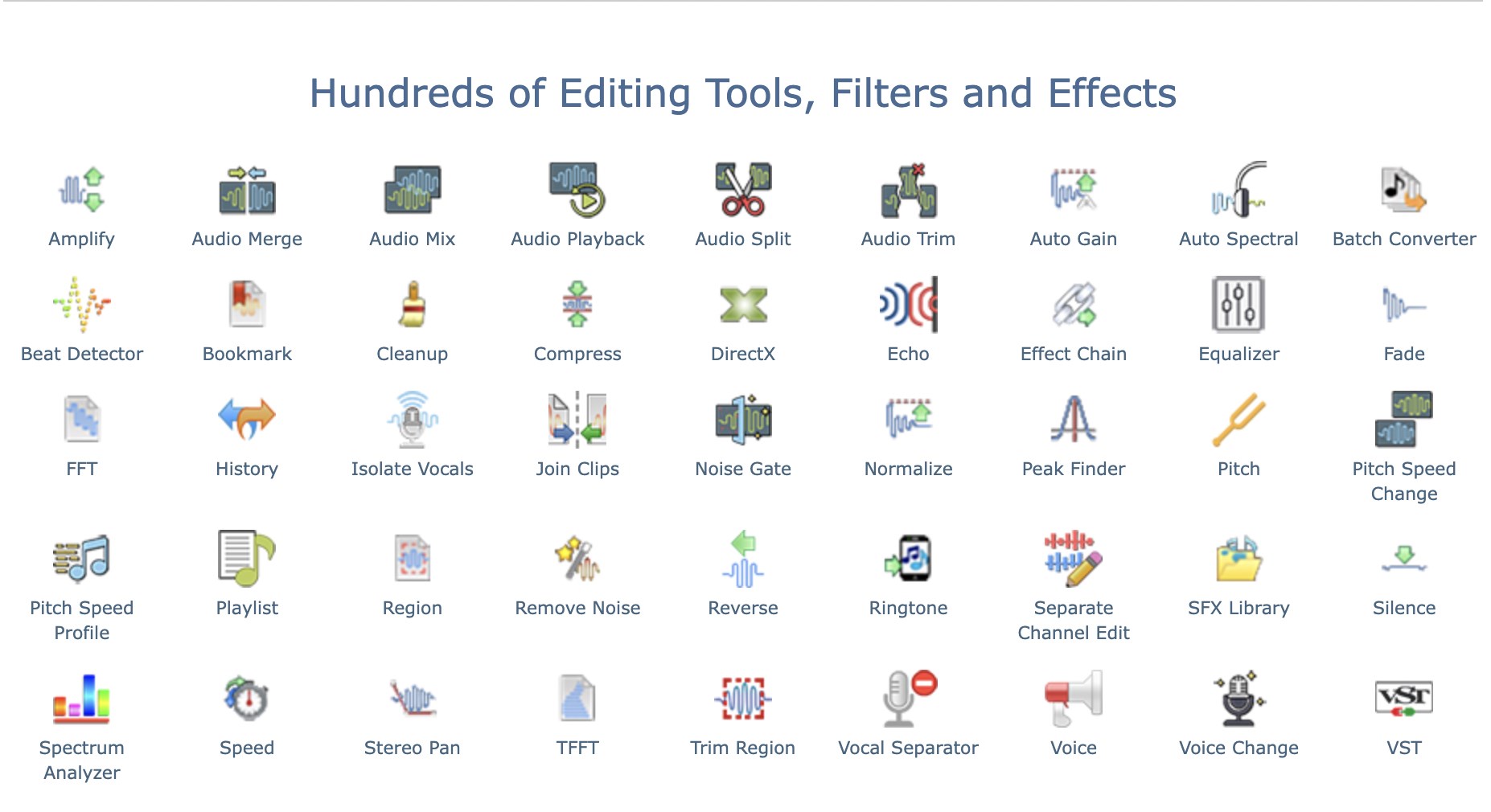
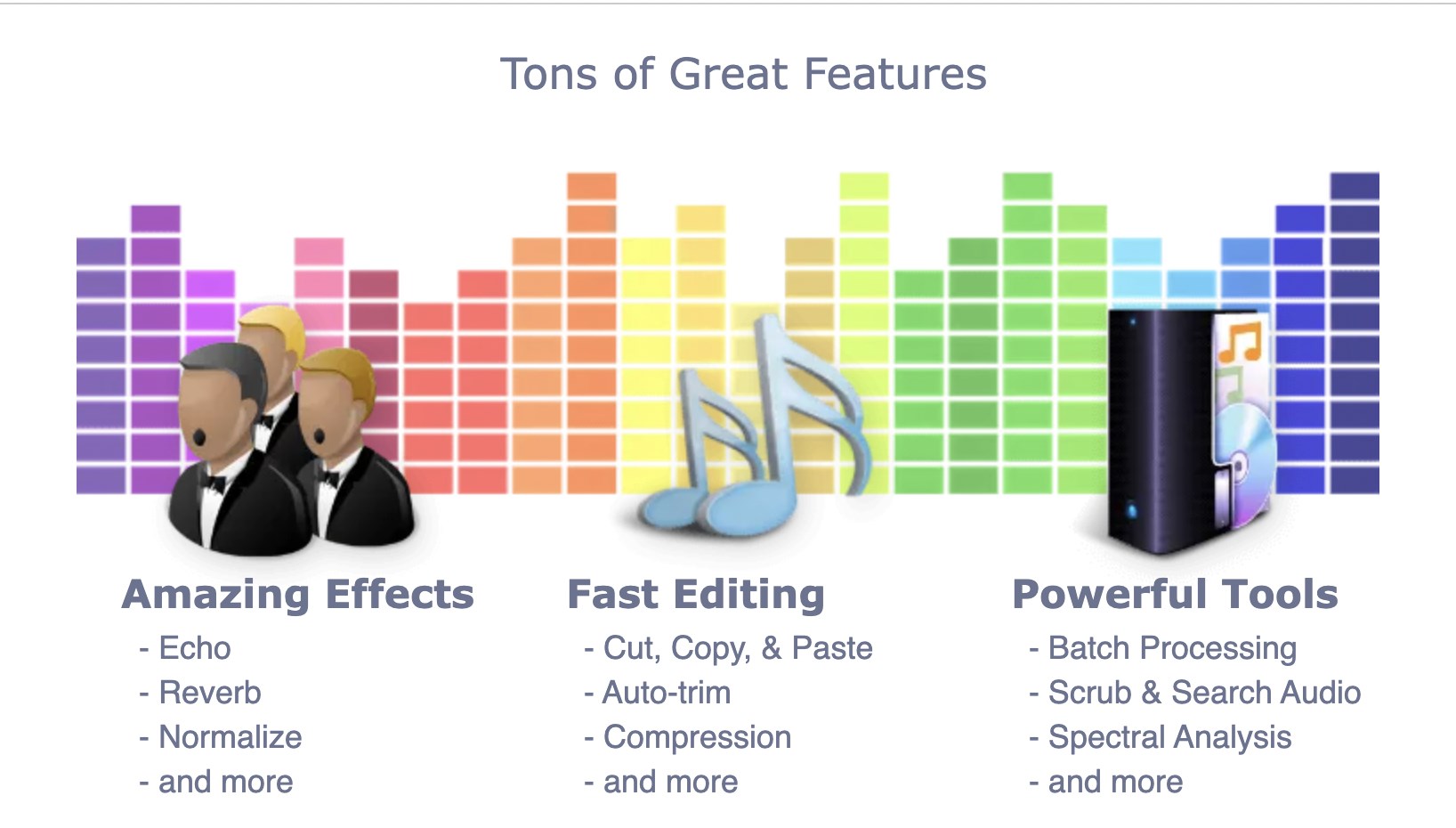
- Cut, trim, and merge audio clips: Simplify your editing process with easy drag-and-drop functionalities.
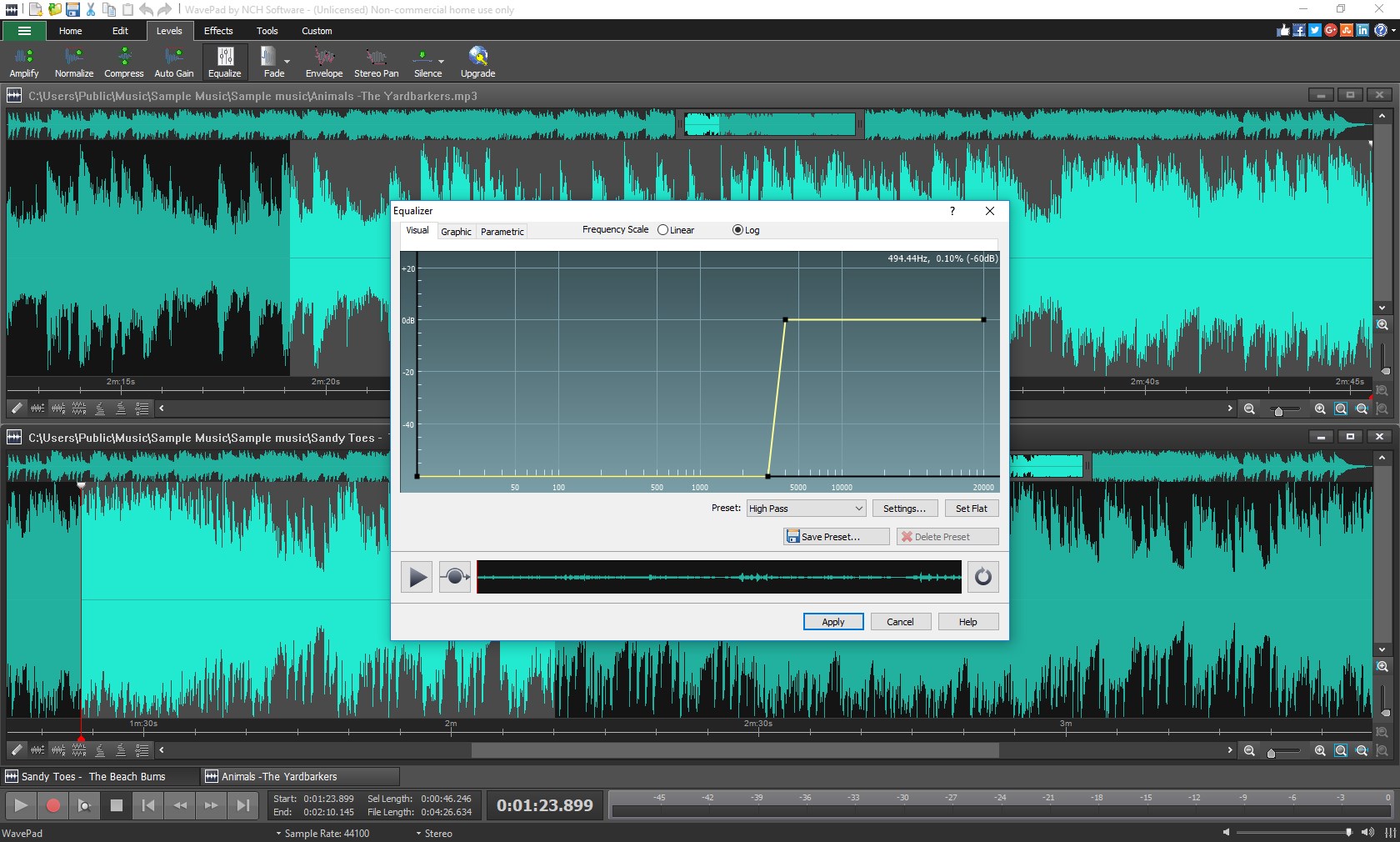
- Audio effects and filters: Add effects like normalization, echo, noise reduction, and more to enhance your recordings.
- Batch processing capabilities: Save time by applying operations across multiple files simultaneously.
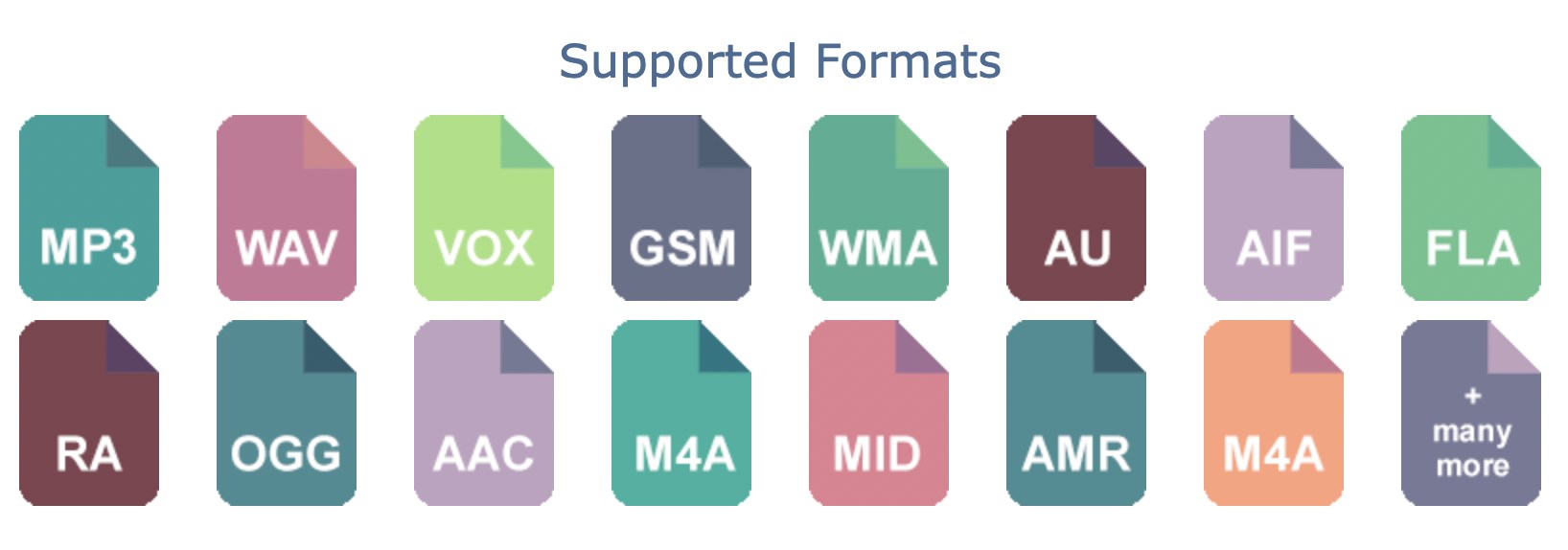
- Format support: Compatibility with a wide array of audio formats, including MP3, WAV, and AIFF notes.
Target Audience: Hobbyists recording podcasts, students working on audio projects, musicians editing tracks, and anyone needing quick fixes and edits without steep learning curves.
A Bright Intro: Making Audio Editing Feel Like a Breeze
Imagine sitting comfortably at your desk, guitar in hand, eager to polish that new riff recorded on your laptop. WavePad pops up as your friendly neighborhood editing companion—sleek, accessible, and ready to transform your raw sound into something share-worthy. Its interface strikes a friendly balance between simplicity and functionality, making audio editing feel less like a chore and more like a creative jam session. Whether you're trimming a podcast segment or applying a fun echo to a voice memo, WavePad invites you to do so with a smile.
Powerful Core Features with a Friendly Touch
Intuitive Interface and User Experience
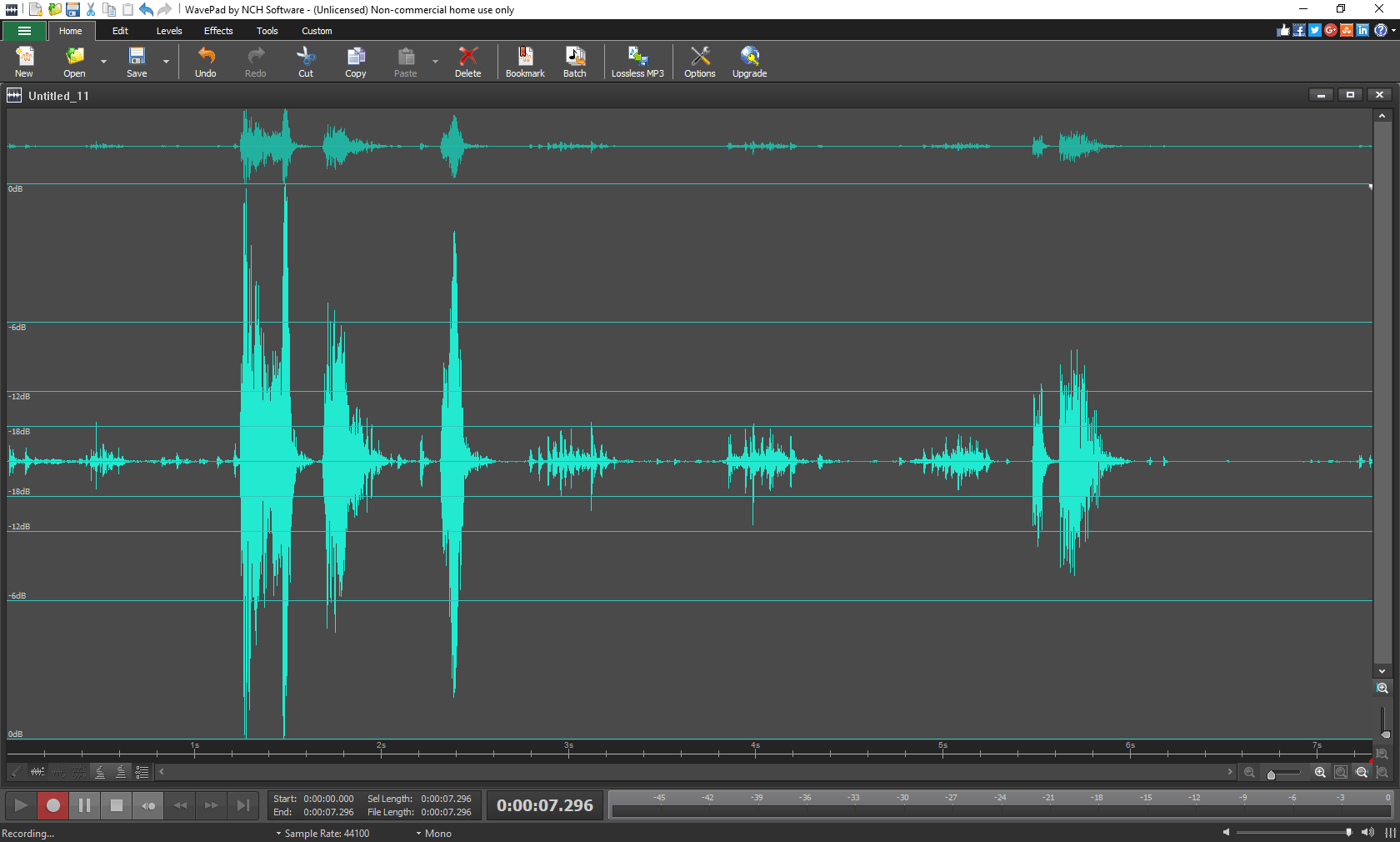
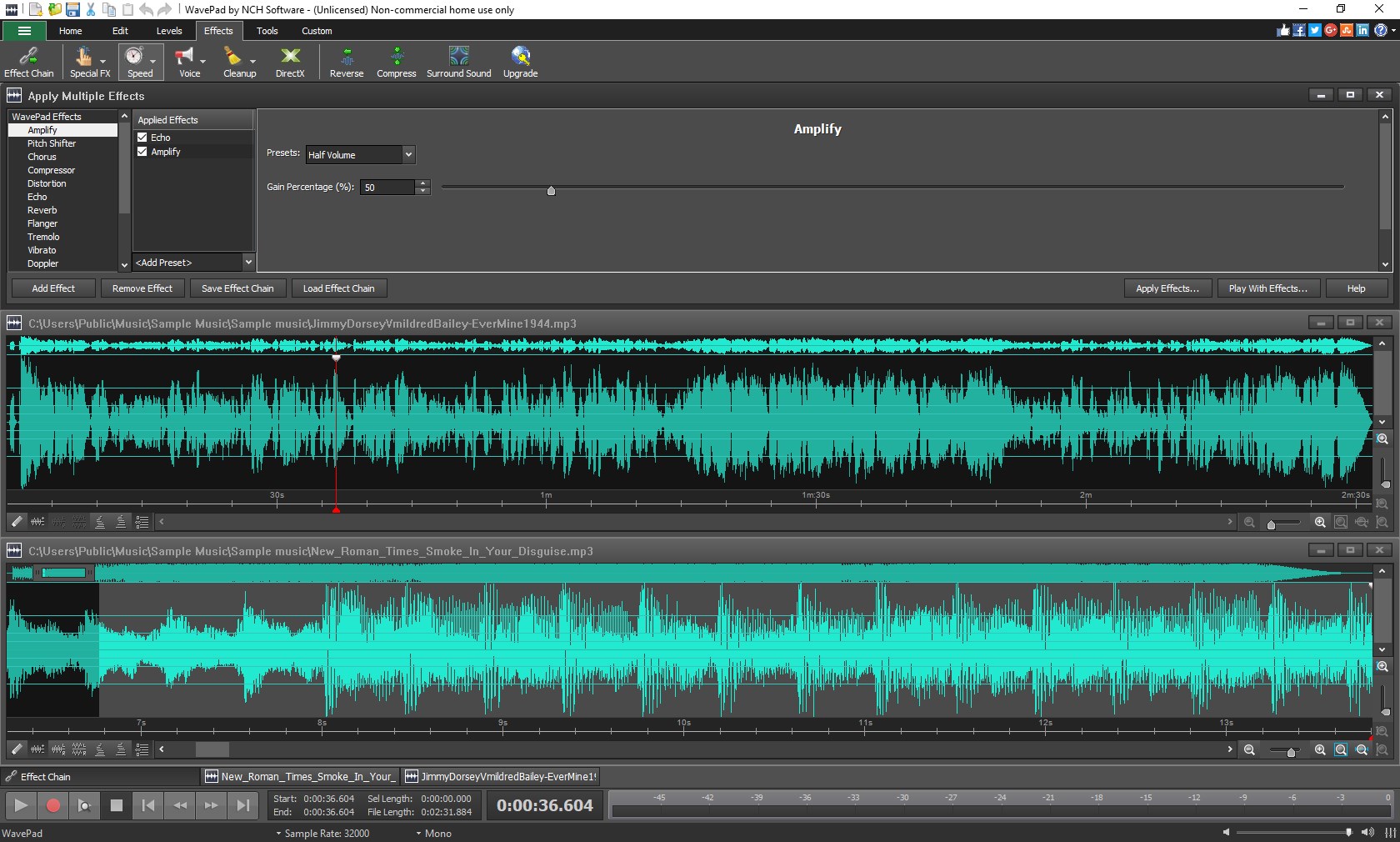
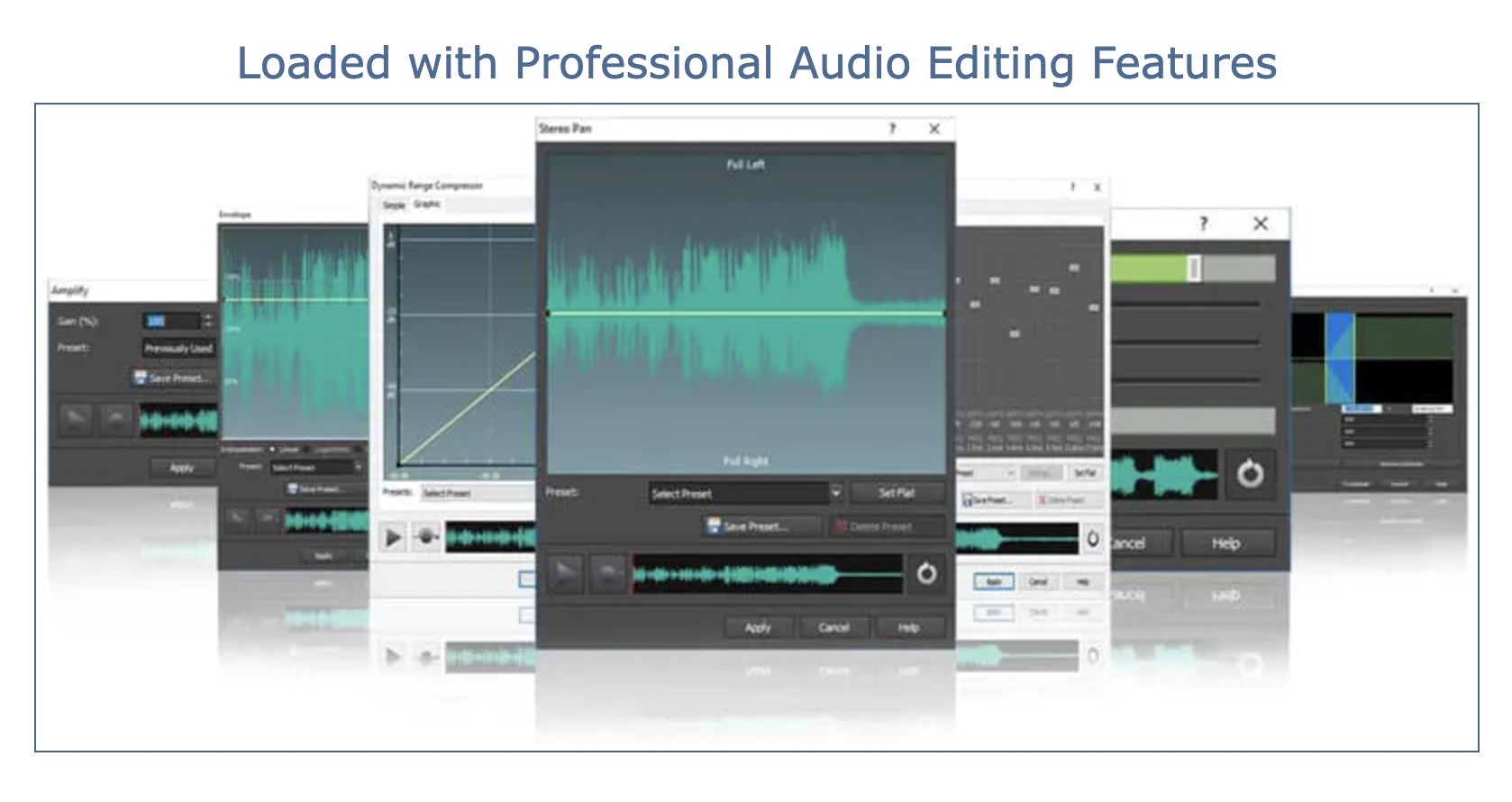
The design of WavePad is akin to a familiar workspace—clean, organized, and comforting. Navigating through its menus and tools feels seamless, almost like chatting with a knowledgeable friend who just happens to be an audio wizard. The interface adopts a ribbon-style layout, which makes locating features straightforward, even for newcomers. Moreover, the responsiveness of the program lends to a smooth editing process, with minimal lag or crashes, reassuring users that their creative flow remains uninterrupted.
Essential Editing and Effects
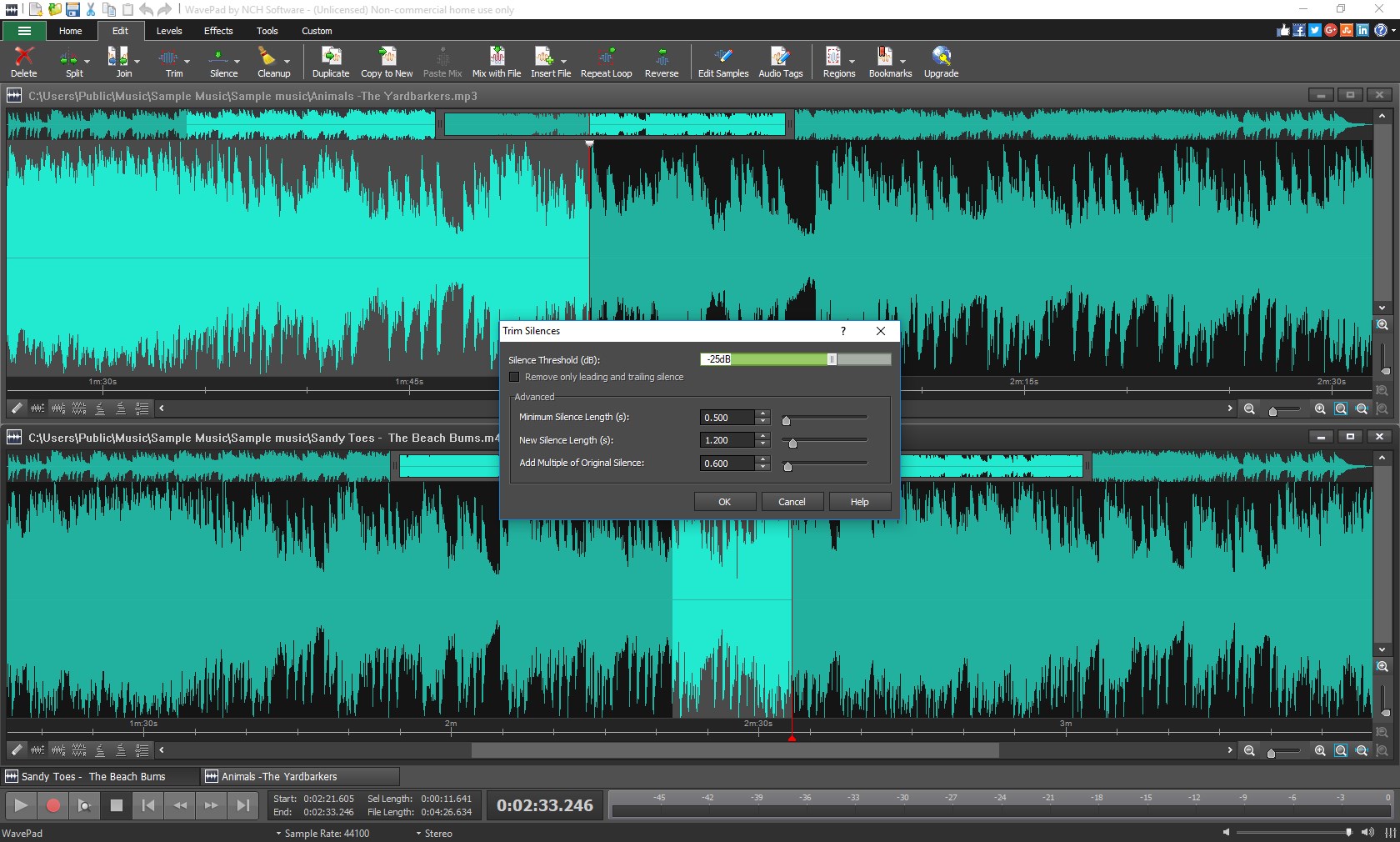
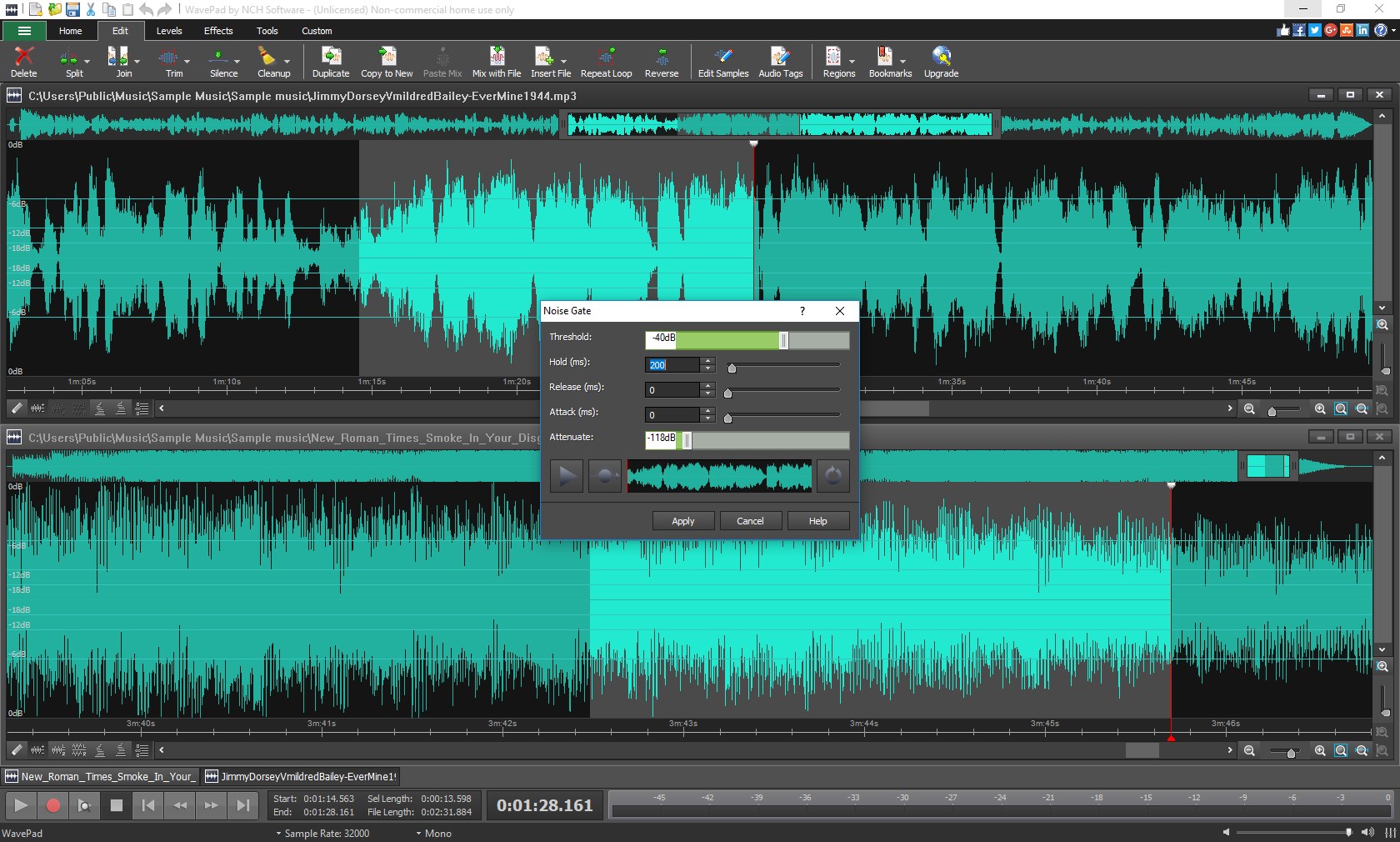
At the heart of WavePad lies its editing suite—offering everything you need to reshape your audio files. The editing tools are precisely what you'd expect: cut, copy, paste, trim, silence, and merge clips. Effects such as normalization help balance levels automatically, while more creative options like echo and reverb allow for experimentation. The batch processing feature shines here, enabling users to apply an effect across multiple files in a single click, saving time and effort. This element makes WavePad particularly appealing for users managing large collections or preparing playlists.
Format Support and Additional Functionalities
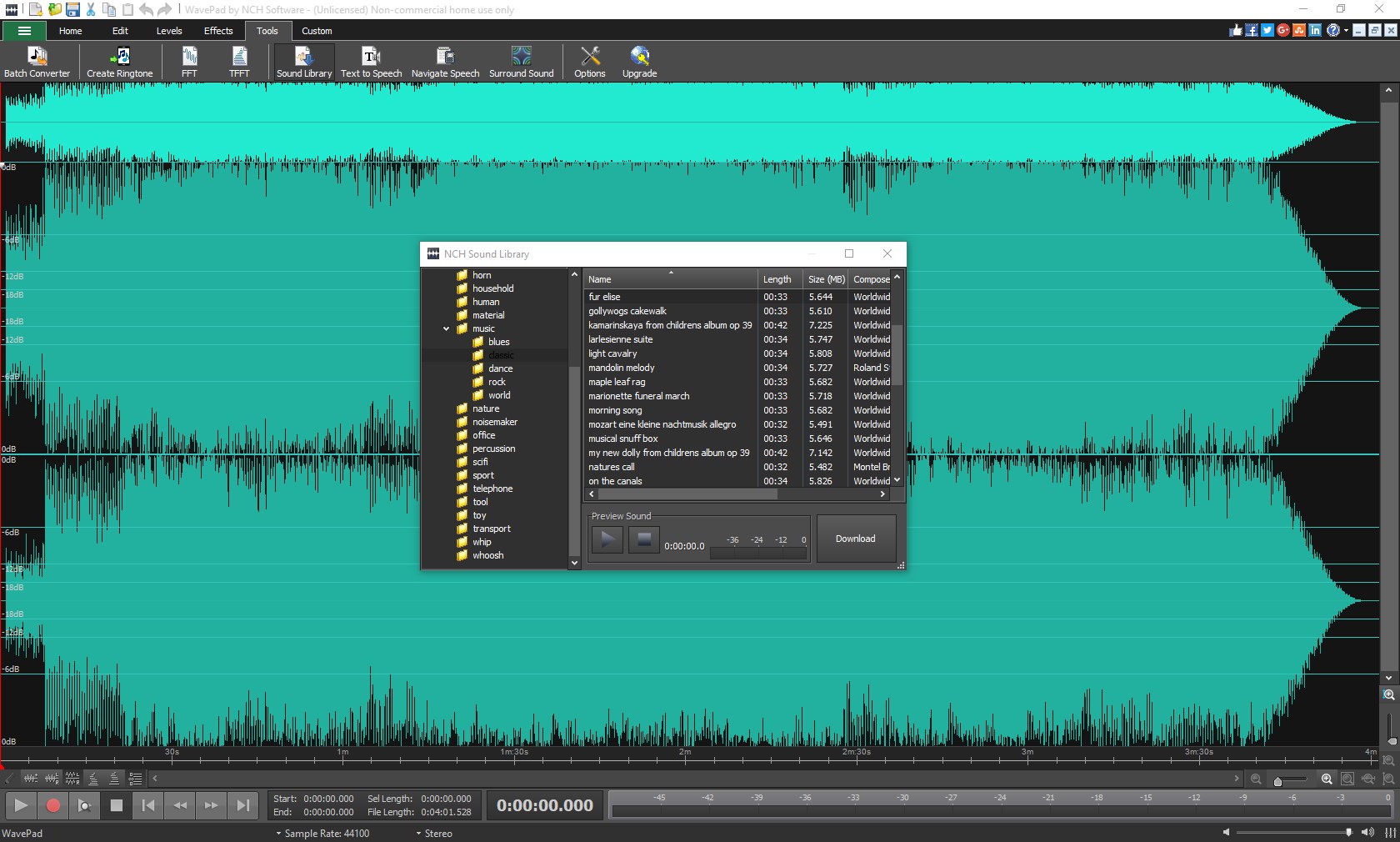
Supporting an extensive range of formats, WavePad ensures compatibility whether you're working with high-quality WAV files or compressed MP3s. It also enables recording directly from a microphone or line-in, making it a versatile tool for capturing live sessions or podcasts. Other functionalities include noise reduction and speech synthesis, rounding out its capability to handle everyday audio editing needs efficiently. Its learning curve is gentle, making it accessible for novices with just enough advanced features to satisfy more experienced users.
What Sets WavePad Apart? Unique Advantages in the Crowd
While many multimedia editors boast a broad feature set, WavePad's standout trait is its focus on simplicity combined with efficiency. Its batch processing capability is particularly noteworthy—imagine being able to enhance or convert a folder of recordings in one go, rather than tackling each file individually. This feature is a real time-saver, especially for podcasters or music producers handling sizable projects. Additionally, its clean interface and minimalistic design make it less intimidating than some of the heftier editors like Audacity or Adobe Audition. For those who want effective results without spending hours learning complex menus, WavePad offers a compelling experience.
Final Thoughts: A Solid Companion for Everyday Audio Editing
In summary, WavePad Audio Editor Express Edition strikes a commendable balance between functionality and ease of use. It doesn't aim to replace professional-grade software but excels in providing a reliable, quick, and accessible platform for common audio tasks. Its most remarkable features—batch processing and a friendly interface—make it particularly suitable for users who need to streamline routine editing or just want a hassle-free tool to polish their sound recordings.
Recommendation-wise, I'd classify WavePad as a strong choice for beginners, hobbyists, and small-scale users. If your projects involve basic edits, noise removal, or format conversions, this software deserves a spot in your toolbox. For users seeking more advanced audio engineering capabilities, though, it might be worth exploring more feature-rich applications. Overall, WavePad is like that trusty Swiss Army knife: simple, effective, and ready to assist you in shaping your audio creations smoothly.
Pros
- User-Friendly Interface
- Comprehensive Editing Tools
- Fast Processing Speed
- Multiple File Format Support
- Cost-Effective Solution
Cons
- Limited Advanced Features
- Basic Audio Effects Only
- Size of Installation File
- Lack of Cloud Integration
- Occasional Stability Issues











