


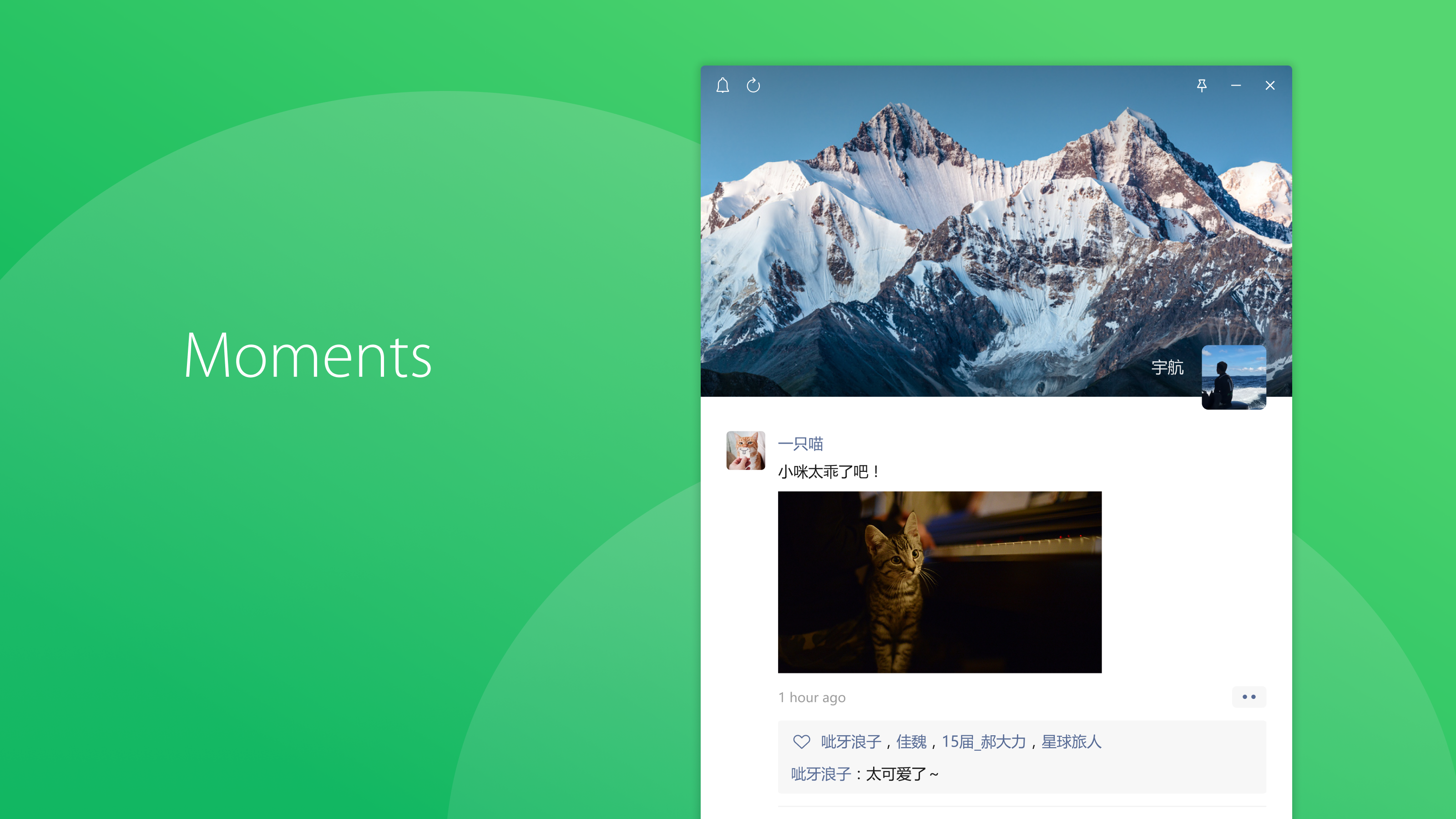
- Category Social
- Available on PC
- OS Windows 10 version 0.0 or higher
- languages Chinese (Simplified), Chinese (Traditional Chinese), English
WeChat for Windows: A Seamless Bridge to Your Social World
WeChat for Windows, developed by Tencent WeChat Limited, aims to bring the full messaging and social experience of WeChat directly to your desktop. It offers a powerful, convenient way to stay connected without constantly reaching for your phone, making it an essential tool for users who value efficiency combined with social authenticity.
Core Features That Make It Stand Out
Enhanced Multitasking with Desktop Convenience
This version allows users to send messages, check group chats, and even view multimedia content directly on the desktop environment. The familiar chat interface is optimized for keyboard and larger screen usage, making communication smoother and more efficient. Whether you're working or relaxing, managing conversations feels natural and effortless.
Authenticity Verification and User Profile Customization
One of the app's most distinctive features is its focus on authentic user identity. The platform offers advanced options for verifying contacts and customizing your own profile, helping to reduce impersonation and enhance trust within your social circles. This focus on genuine identities creates a safer and more transparent social space, akin to having a verified badge for your digital presence.
Connection Discovery & Social Integration
The app simplifies discovering new contacts through intelligent connection suggestions based on your existing network. Integration with your phone contacts and other social platforms helps you expand your social ecosystem seamlessly. This feature turns your desktop into a hub not just for chatting, but for nurturing your broader social connections.
Design, Usability, and User Experience
WeChat for Windows sports a clean, minimalistic interface that echoes the mobile app's aesthetic, providing a sense of familiarity that eases adoption. The layout is intuitive, with a persistent sidebar for contact management and a clear chat area, allowing users to navigate effortlessly. The application's responsiveness is commendable—messages load quickly, and transitions are smooth, even when handling multimedia files or group chats. The learning curve is gentle; users familiar with the mobile version will find it straightforward to adapt, while newcomers can pick up the features with minimal effort.
Differentiation from Other Social Applications
What truly sets WeChat for Windows apart is its dedicated emphasis on user identity authenticity and profile customization. Unlike many social messengers that focus solely on ephemeral communication, WeChat promotes a verified and personalized social experience, fostering trust within your network. Additionally, its intelligent connection discovery enhances social expansion, making your desktop a central hub for both communication and social networking—bivouacing, if you will, between convenience and credibility.
Final Thoughts and Recommendations
WeChat for Windows offers a well-rounded desktop companion that maintains the core strengths of its mobile counterpart, with thoughtful enhancements suited for desktop use. Its focus on authentic identities and social connection discovery makes it particularly valuable for professional and serious social users who prioritize trust and personalized connections.
Given its stability, user-friendly design, and unique features, I recommend this app for anyone who heavily relies on WeChat for personal or business communication and prefers managing conversations from a desktop environment. It strikes a nice balance between familiarity and innovation, making social interactions more accessible and trustworthy from my perspective.
Pros
- User-friendly interface
- Comprehensive messaging features
- Built-in WeChat Pay
- Rich Mini Programs ecosystem
- Regular updates and new features
Cons
- Limited cross-platform syncing
- Battery consumption
- Privacy concerns regarding data collection
- Occasional bugs with Mini Programs
- Limited customization options










