



- Category Social
- Available on PC
- OS Windows 10 version 19041.0 or higher
- Keyboard Not specified
- Mouse Not specified
- languages Afrikaans, Albanian, Arabic, Azerbaijani, Bangla, Bulgarian, Catalan, Chinese (Simplified), Chinese (Traditional), Chinese (Traditional, Hong Kong SAR), Croatian, Czech, Danish, Dutch, English, Estonian, Filipino, Finnish, French, German, Greek, Gujarati, Hebrew, Hindi, Hungarian, Indonesian, Italian, Japanese, Kannada, Kazakh, Kiswahili, Korean, Latvian, Lithuanian, Macedonian, Malay, Malayalam, Marathi, Norwegian (Bokmål), Persian/Farsi, Polish, Portuguese (Brazil), Portuguese (Portugal), Punjabi, Romanian, Russian, Serbian (Latin) (Serbia and Montenegro (Former)), Slovak, Slovenian, Spanish, Swedish, Tamil, Telugu, Thai, Turkish, Ukrainian, Urdu, Uzbek, Vietnamese
WhatsApp for Windows: Seamless Messaging at Your Fingertips
WhatsApp for Windows brings the familiar messaging experience to your desktop, offering an efficient and integrated way to stay connected without missing a beat. Designed by WhatsApp Inc., this application lets you chat, share media, and manage your conversations directly from your PC, streamlining your communication workflow.
A Closer Look at the Core Features
1. Intuitive Syncing with Your Phone
One of the standout features is the effortless synchronization between your phone and PC. Once paired, your messages appear instantly on your Windows device, allowing you to continue conversations without reaching for your mobile. The setup process is straightforward, requiring just a simple scan of a QR code—much like connecting your favorite gadgets with minimal fuss.
2. Multi-Device Support with Desktop-Focused Design
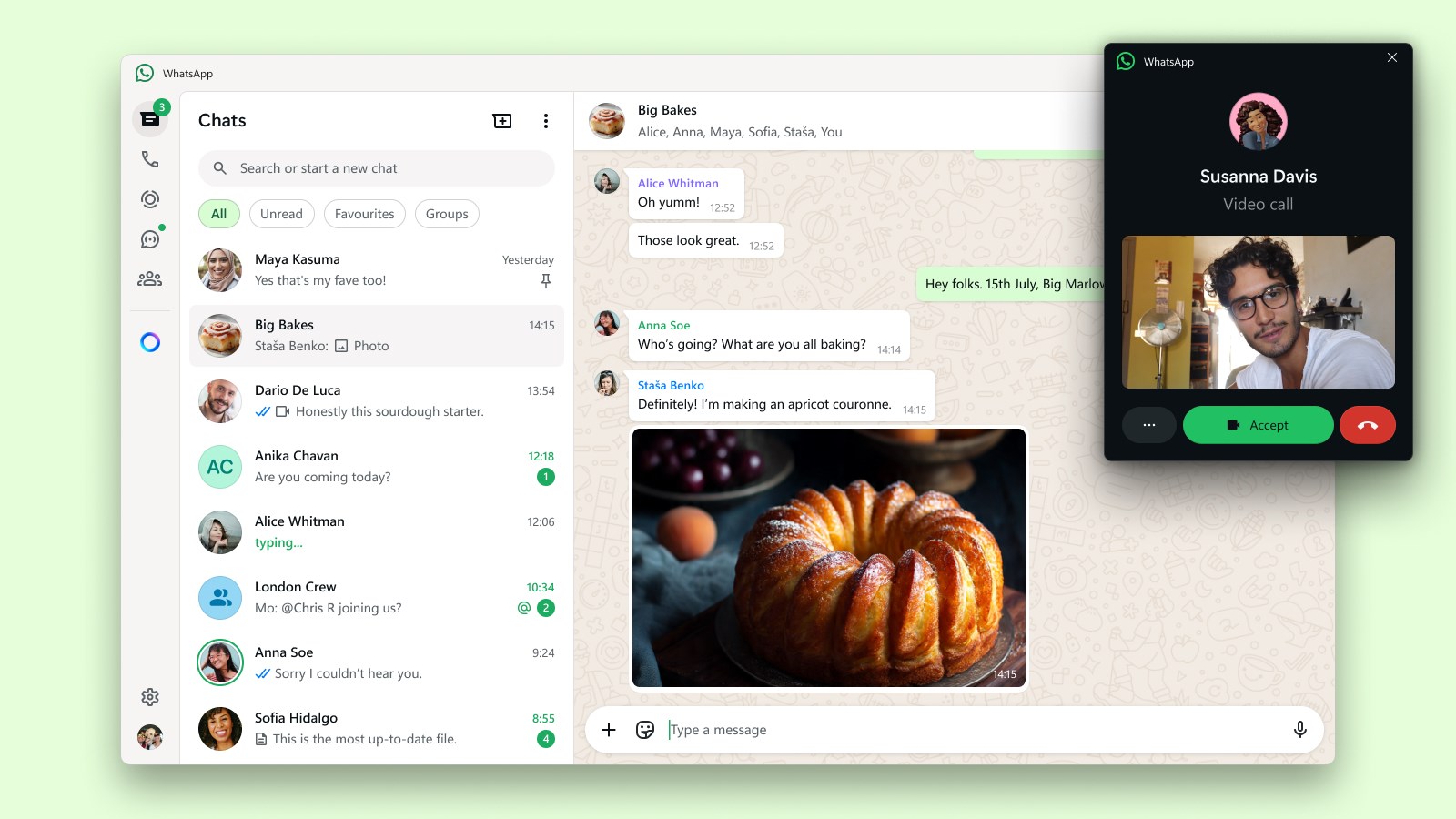
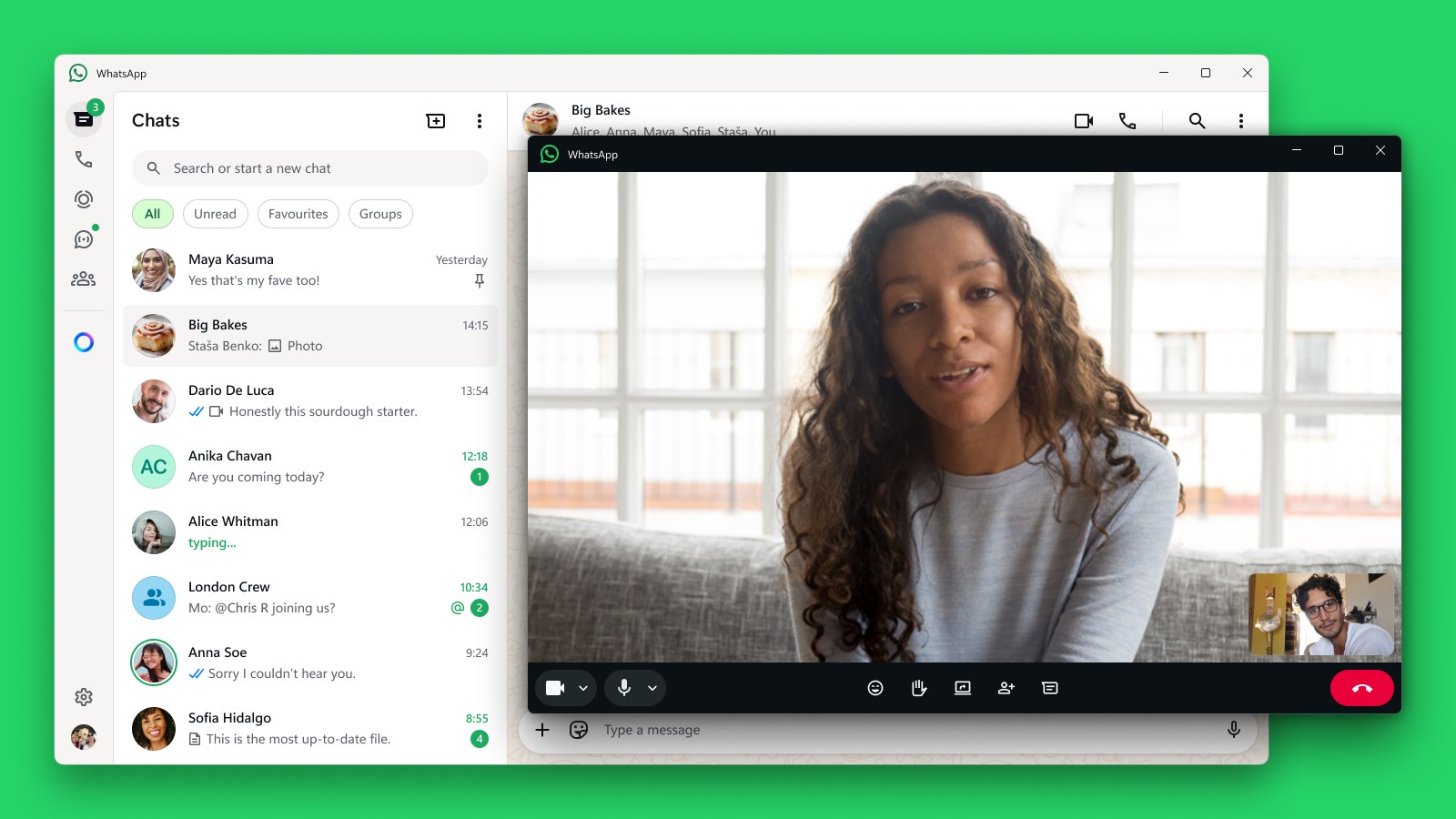
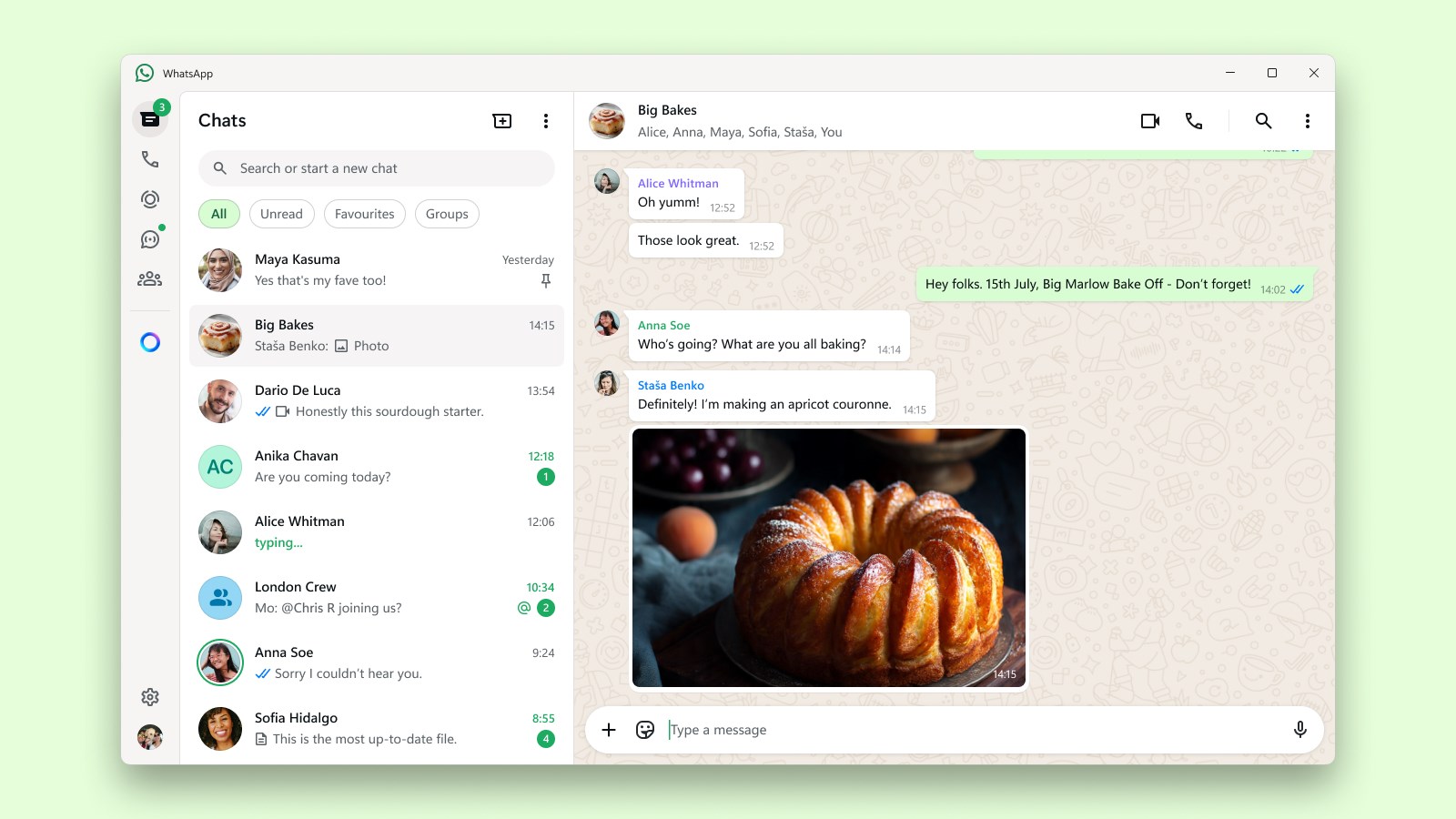
WhatsApp for Windows offers a desktop app that functions smoothly alongside your mobile device. The interface is crafted to replicate the familiar mobile layout but optimized for larger screens—think of it as having your chat window expand into a comfortable digital lounge. You can send photos, videos, and voice messages seamlessly, all with a few clicks or keystrokes, enhancing your productivity and social interactions alike.
3. Improved User Experience and Connectivity
The app boasts a clean, modern interface that makes navigation intuitive, even for newcomers. Transitioning between chats is swift, and the interface adapts well to different screen sizes and resolutions—no awkward lag or clutter. The connection stability between your PC and phone feels robust, minimizing disconnections and ensuring your conversations remain uninterrupted.
Unique Selling Points and User Experience
What sets this version apart from other social messaging applications? Key among them are its focus on profile customization and authenticity verification. Users can personalize their display names and profile pictures directly within the app, creating a more authentic and personalized digital persona. Furthermore, the app enhances trust by supporting verification indicators, helping you confirm authentic contacts and reduce the risk of impersonation—an essential feature in today's digital world.
Another significant advantage is the connection discovery feature, which facilitates easier linking of multiple devices and contacts. This not only streamlines initial setup but also ensures that your social network expands organically, making your WhatsApp experience more integrated and user-centric.
Are We Recommending It? Absolutely, With Conditions
In conclusion, WhatsApp for Windows is a solid choice for anyone looking to keep their messaging seamless and synchronized across devices. Its core features are thoughtfully designed—particularly its emphasis on authentic connection and profile customization—that provide a slight edge over typical social apps. For users who value simplicity, reliability, and a more personalized communication experience, this app is worth installing.
To get the most out of it, ensure your mobile device is kept up-to-date, and take advantage of its connection discovery features to expand your network securely. While it may not be groundbreaking for everyone, it definitely fulfills its promise of making desktop messaging more integrated and user-friendly. So, if you're seeking a reliable, familiar chatting companion for your Windows PC, this app deserves a spot on your desktop—nice and handy at your fingertips.
Pros
- User-friendly interface
- End-to-end encryption
- Multimedia sharing capabilities
- Cross-platform support
- Group chat features
Cons
- Limited editing features after sending
- Dependence on phone number verification
- No support for multiple accounts on a single device
- Limited customization options
- Occasional message delivery delays during peak times










