


- Category Social
- Available on PC
- OS Windows 10 version 19041.0 or higher
- languages Afrikaans, Albanian, Arabic, Azerbaijani, Bangla, Bulgarian, Catalan, Chinese (Simplified), Chinese (Traditional), Chinese (Traditional, Hong Kong SAR), Croatian, Czech, Danish, Dutch, English, Estonian, Filipino, Finnish, French, German, Greek, Gujarati, Hebrew, Hindi, Hungarian, Indonesian, Italian, Japanese, Kannada, Kazakh, Kiswahili, Korean, Latvian, Lithuanian, Macedonian, Malay, Malayalam, Marathi, Norwegian (Bokmål), Persian/Farsi, Polish, Portuguese (Brazil), Portuguese (Portugal), Punjabi, Romanian, Russian, Serbian (Latin) (Serbia and Montenegro (Former)), Slovak, Slovenian, Spanish, Swedish, Tamil, Telugu, Thai, Turkish, Ukrainian, Urdu, Uzbek, Vietnamese
WhatsApp Beta for Windows: Seamless Messaging with a Modern Twist
WhatsApp Beta for Windows offers a streamlined desktop experience designed to keep users connected effortlessly, bridging the gap between mobile and PC messaging. As an extension of the world's most popular messaging app, this beta version aims to refine how we communicate in today's fast-paced digital environment.
Basic Information: An App Designed for Connection
Developed by WhatsApp Inc., the app positions itself as a powerful yet intuitive desktop companion for WhatsApp users. It focuses on providing a near-identical experience to the mobile app, optimized for Windows users who prefer typing on their keyboard and managing chats on a larger screen.
- Key Features Highlights: - Real-time message synchronization across devices - Multi-account support (in beta testing phases) - Easy contact discovery and connection management - Secure end-to-end encrypted chats
Target User Group: Office workers, remote teams, and tech-savvy individuals who rely heavily on desktop communication, as well as casual users seeking a more comfortable typing environment while staying connected on Windows.
Revving Up the Desktop Chat Experience
A Fresh Take on Familiar Communication
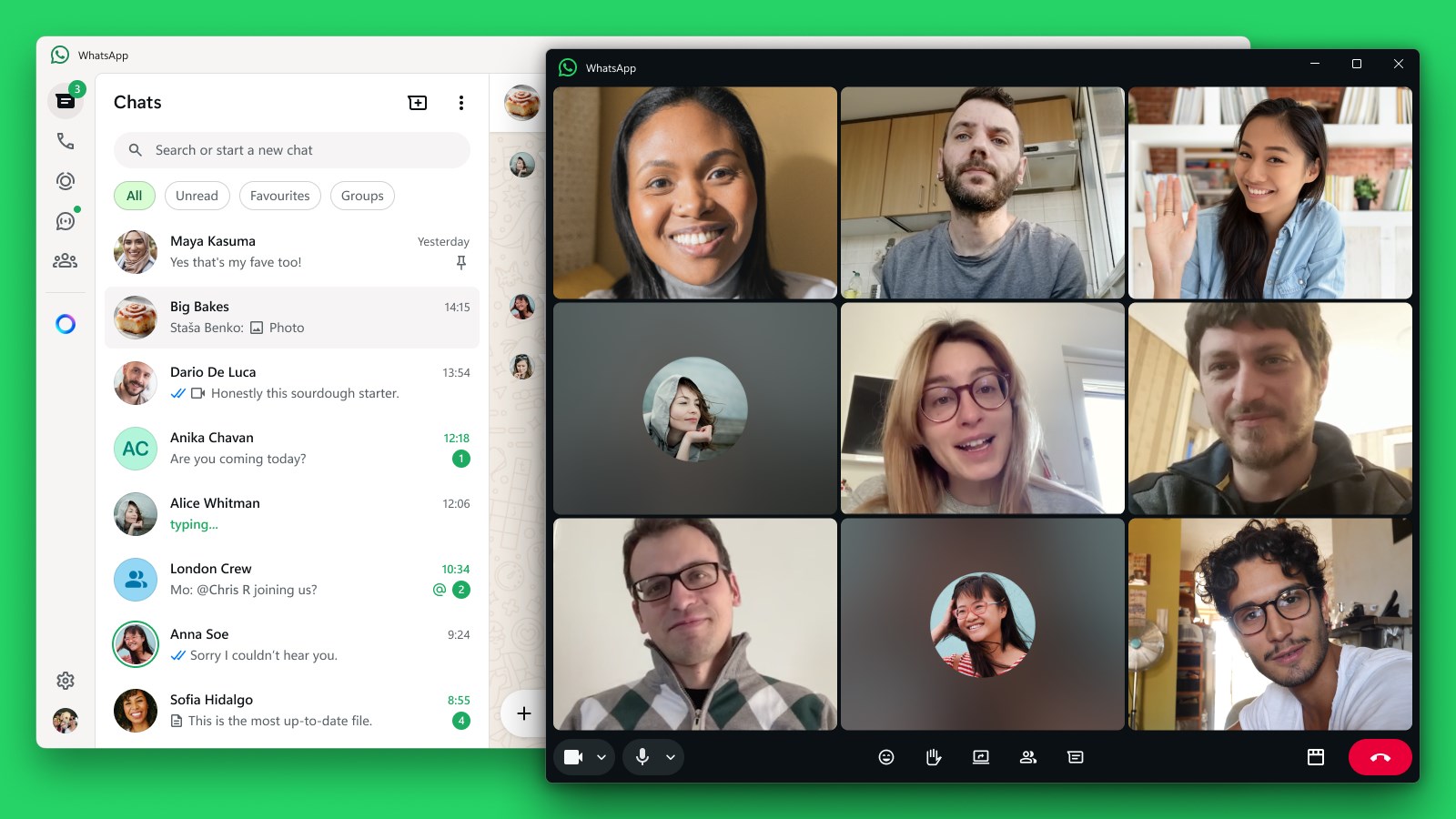
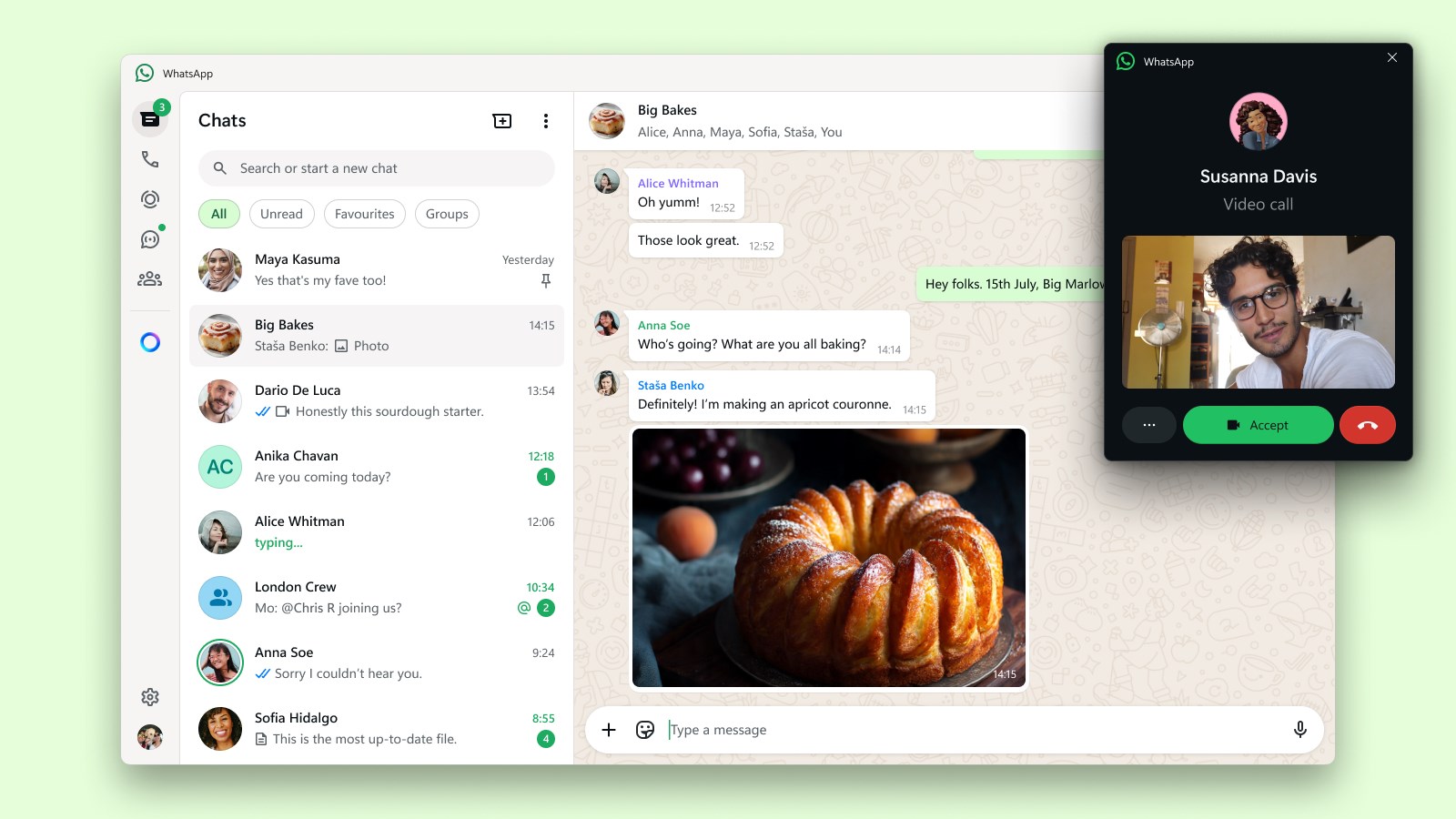
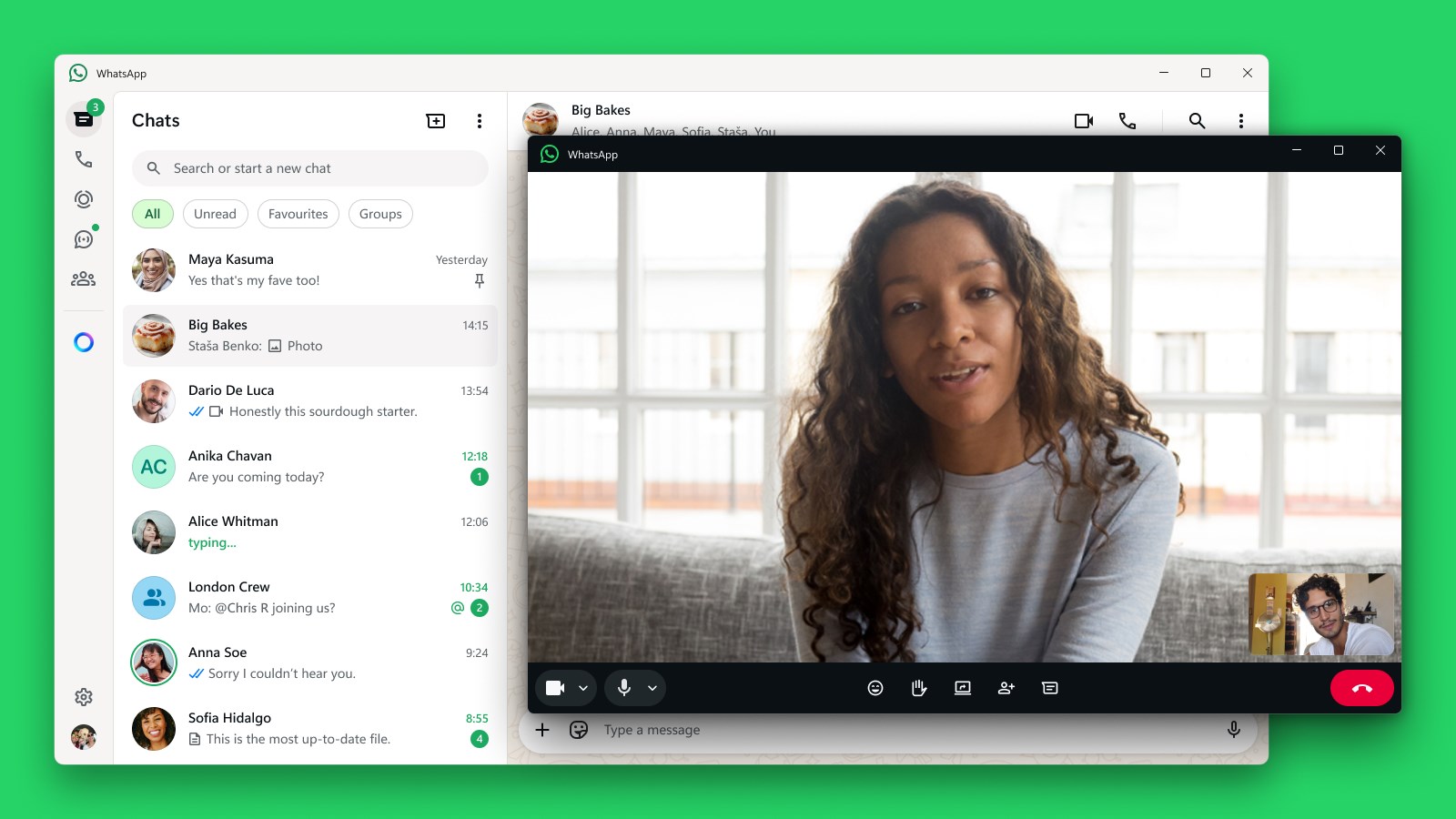
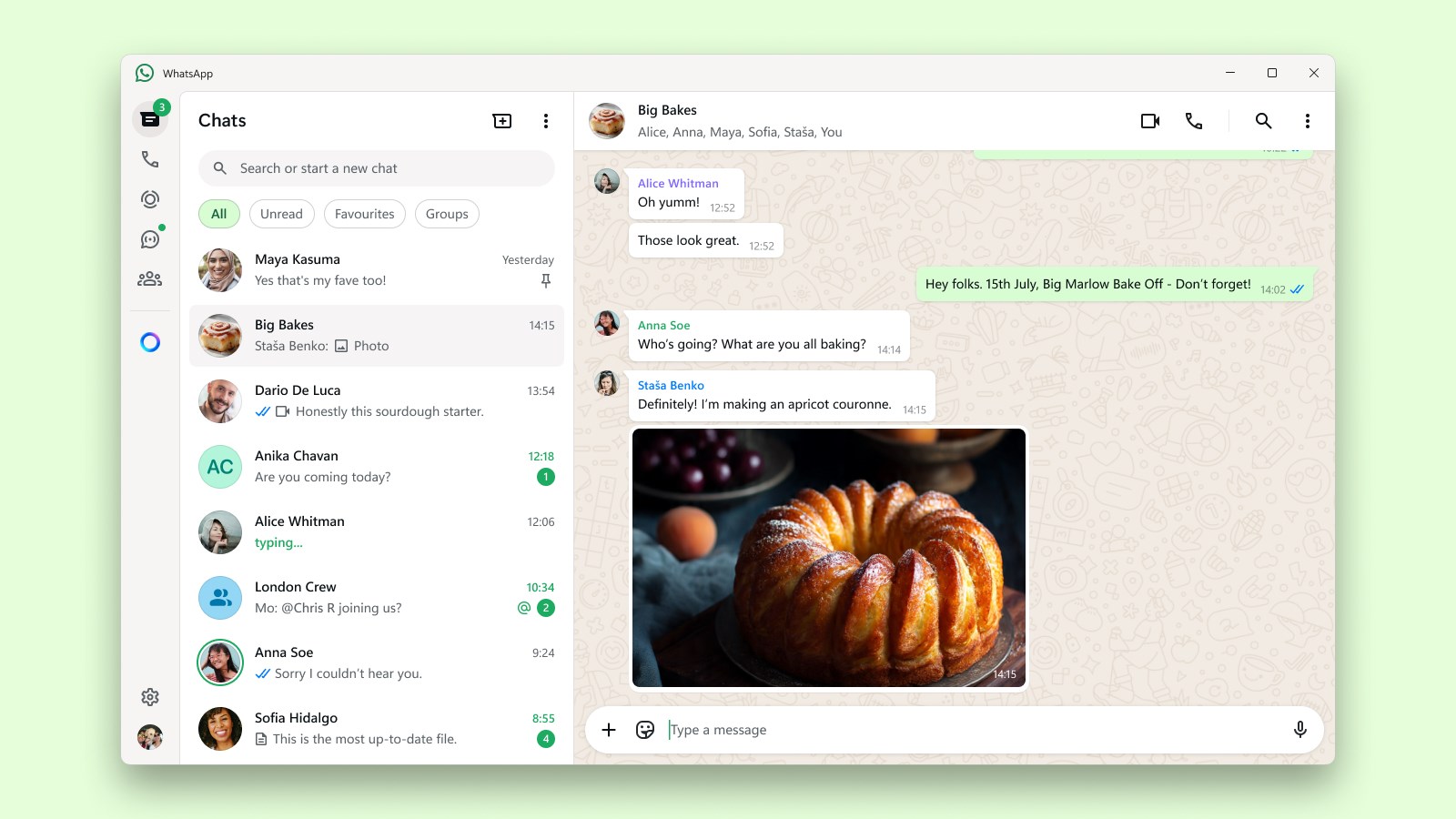
Picture this: you're sitting at your desk, a steaming cup of coffee in hand, and your messages pinging on your screen like friendly notes from friends and colleagues. WhatsApp Beta for Windows captures that cozy, productive environment perfectly. Its interface is clean and straightforward, emphasizing ease of use without sacrificing the functionality users love. The setup flow is smooth—sign in with your existing WhatsApp account by scanning a QR code from your phone, just as you'd expect. Once linked, your conversations appear instantly, with messages syncing seamlessly across devices, almost like magic wrapped in a familiar interface.
Core Functionalities: Power Meets Simplicity
Enhanced Connection Discovery and User Profile Customization
This app shines in its ability to connect external contacts efficiently, especially with its improved connection discovery feature. The app intelligently detects nearby devices or contacts who also use WhatsApp on Windows, making it easier to resume conversations or start new ones without scrolling through endless contact lists. Additionally, the personalization options allow users to tweak their profile settings directly within the desktop app—updating profile photos, statuses, or even managing privacy preferences—giving each user a touch of authenticity and identity integration.
Efficient Multi-Device Synchronization with Authenticity Verification
Never miss a message again; the real-time sync ensures all your chats are current, whether you're on your phone or PC. WhatsApp Beta emphasizes security by incorporating enhanced verification measures, making sure that device connections are authentic and protected. This means you can trust the app to keep your conversations private while enjoying the convenience of multi-device access—no more disconnects or message delays, just a smooth, secure chat experience.
User Experience: Friendly, Fast, and Familiar
The design strikes a balance between modern aesthetics and functionality, avoiding clutter while providing all necessary features—message text, media sharing, emojis, and voice notes. Operation feels fluid, akin to navigating a well-organized workspace. The learning curve is gentle; familiar WhatsApp elements ensure that both tech newbies and veteran users can start chatting right away. While still in beta, the app demonstrates promising stability, with minimal lag and reliable performance, making it a pleasure to work and communicate on Windows.
Differentiating Features: Standing Out from the Crowd
Compared to other social or messaging applications, WhatsApp Beta for Windows uniquely emphasizes user profile authenticity and connection discovery. The enhanced connection detection helps users find and verify contacts more securely, much like a friendly handshake that reassures you of who you're chatting with. This focus on authenticity verification is especially crucial in today's landscape, where digital trust is paramount. Moreover, its optimized connection discovery makes initiating conversations with nearby contacts or colleagues seamless—a feature often missing or less refined in other platforms. These qualities position WhatsApp Beta as a practical, trustworthy bridge between multiple devices and identities, fostering genuine communication.
Would I Recommend It? Final Thoughts and Usage Tips
In summary, WhatsApp Beta for Windows offers a compelling upgrade for regular users craving a more integrated, secure desktop messaging experience. Its standout features—especially connection discovery and user profile customization—make it more than just a mirror of the mobile app; it becomes a robust communication hub tailored for modern demands.
For those who frequently switch between devices or value secure, verified contacts, giving this beta a try is highly recommended. Keep in mind, as a beta version, it might still have minor bugs or missing features, so casual users should weigh their need for stability against the benefits of early access. Overall, if you're looking to streamline your WhatsApp use on Windows while enjoying enhanced contact management and security, this app is worth exploring.
Pros
- Real-time messaging with instant notifications
- Beta features for early access to updates
- Optimized performance for mobile devices
- Enhanced security measures in the beta version
- User interface aligned with stable WhatsApp for familiarity
Cons
- Limited stability causing occasional app crashes
- Incomplete feature set compared to the stable app
- Possible delays in receiving new updates or bug fixes
- Minor UI glitches or layout issues on certain devices
- Some features may have limited regional availability










