
- Category Productivity
- Developer Zeta AI
- Available on PC
- OS Windows 10 version 17763.0 or higher
- languages English (United States)
Whispr AI - Voice Typing & Transcription for Windows: A Game-Changer for Productivity
Imagine effortlessly transforming your spoken words into accurate, editable text—imagine no more, as Whispr AI delivers just that, turning your voice into a powerful writing tool right within your Windows environment. As a professional tech reviewer, I've delved into this innovative application to see how it stacks up in the crowded space of productivity tools, and I must say, it offers some notably distinguishing features that could redefine your workflow.
Essential Info: What Is Whispr AI?
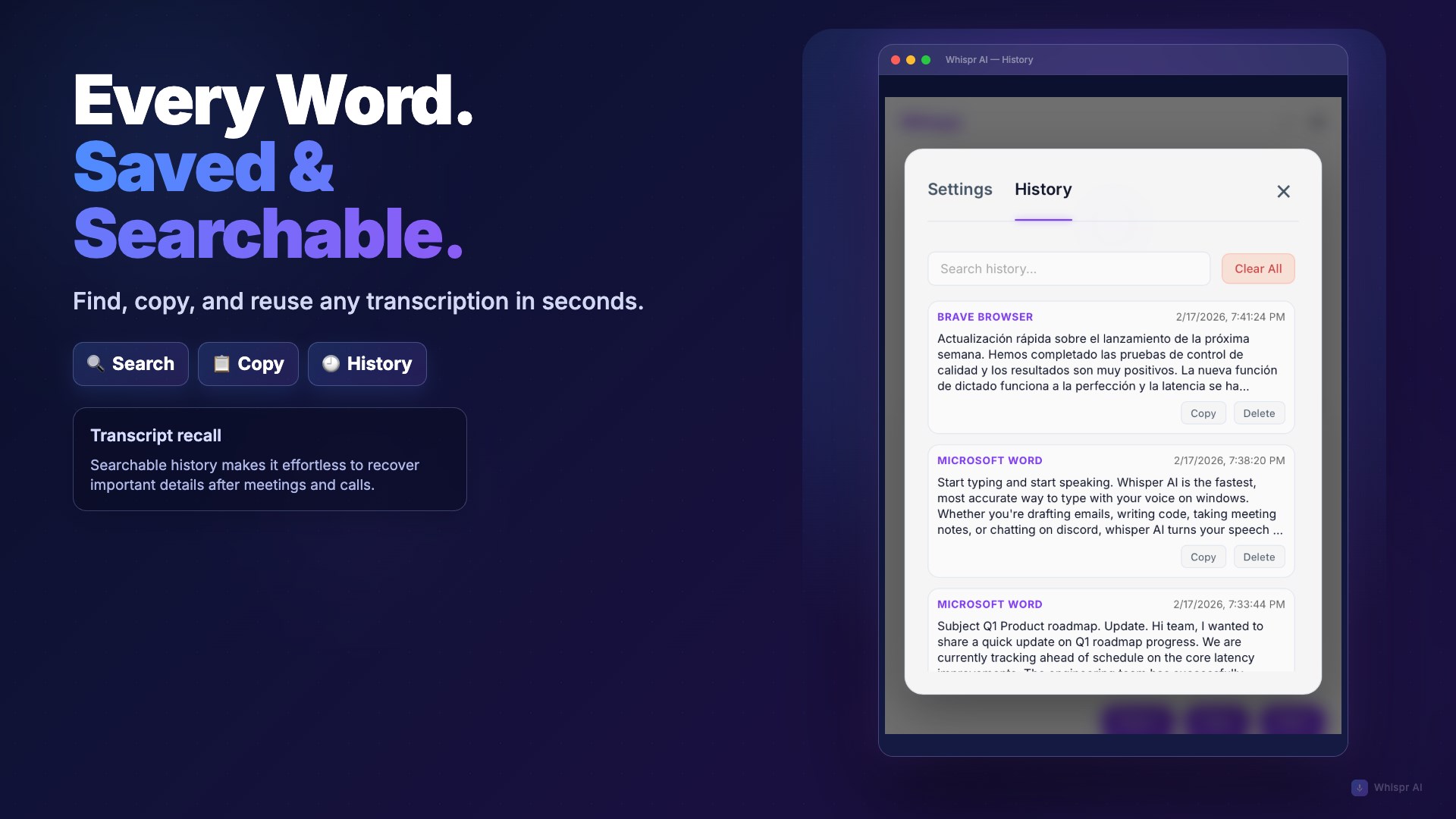
Whispr AI is a voice typing and transcription application designed specifically for Windows users seeking a seamless, efficient way to capture their spoken thoughts into written form. It's positioned as a productivity enhancer that emphasizes ease of use and precision. Developed and published by Zeta AI, the app aims to serve busy professionals, content creators, students, and anyone who frequently needs to convert speech into text without hassle.
- Key strengths: High-accuracy voice recognition, real-time transcription, customizable voice commands, and cross-language support.
- Target users: Writers, journalists, students, professionals in meetings, and anyone who needs quick, reliable voice-to-text conversion on Windows.
A Voice-Driven Journey: Turning Talk into Text
In an age where keyboard fatigue is real and ideas often arrive in the form of spontaneous speech, Whispr AI feels like having a personal assistant whispering your thoughts directly onto your screen. From the moment I opened the app, I was struck by its intuitive design: a clean interface that feels more like a friendly workspace than a complicated software environment. It's as if the app is inviting you to have a conversation, not wrestle with technical settings.
Core Functionality 1: Effortless Voice Recognition
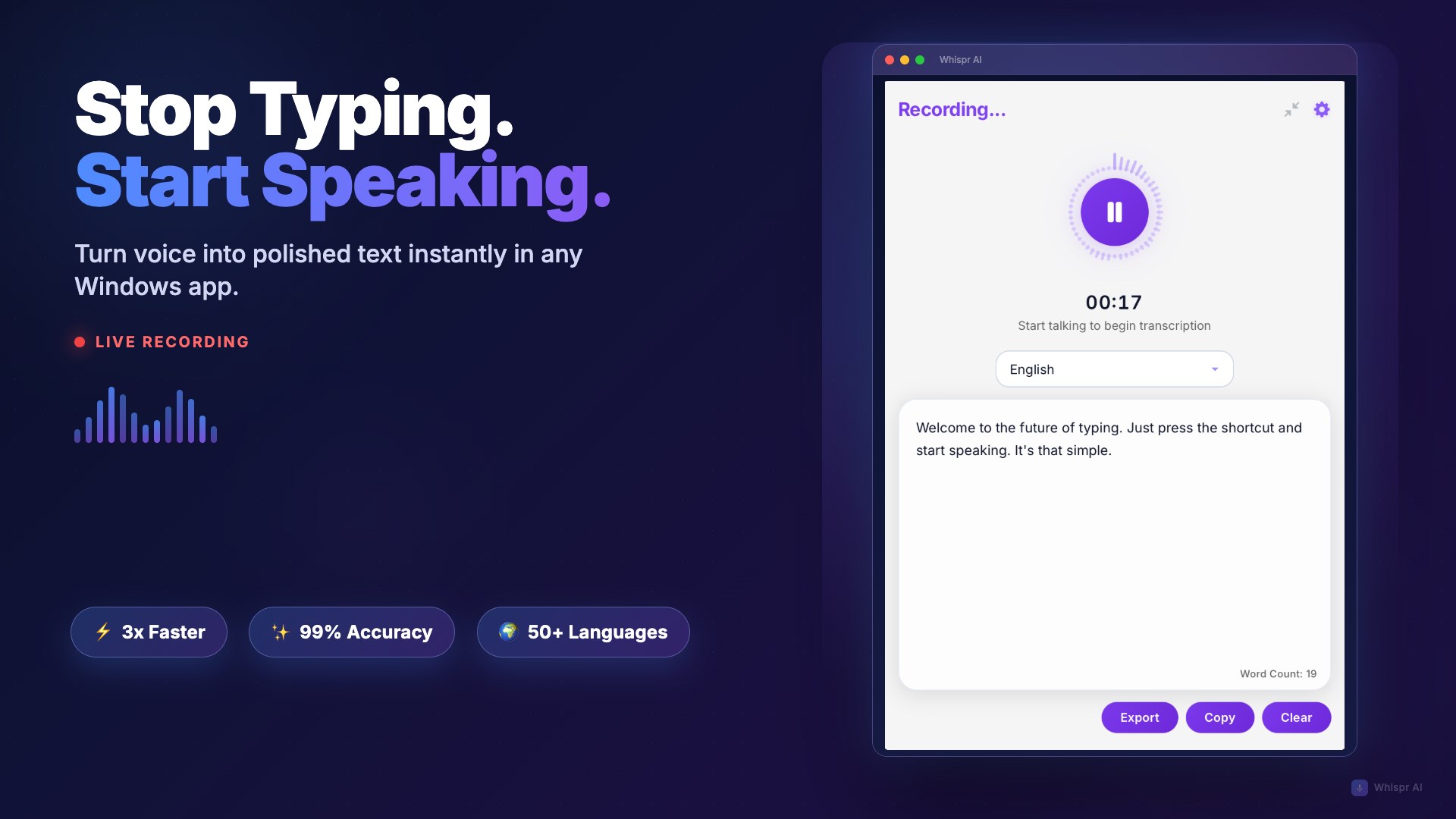
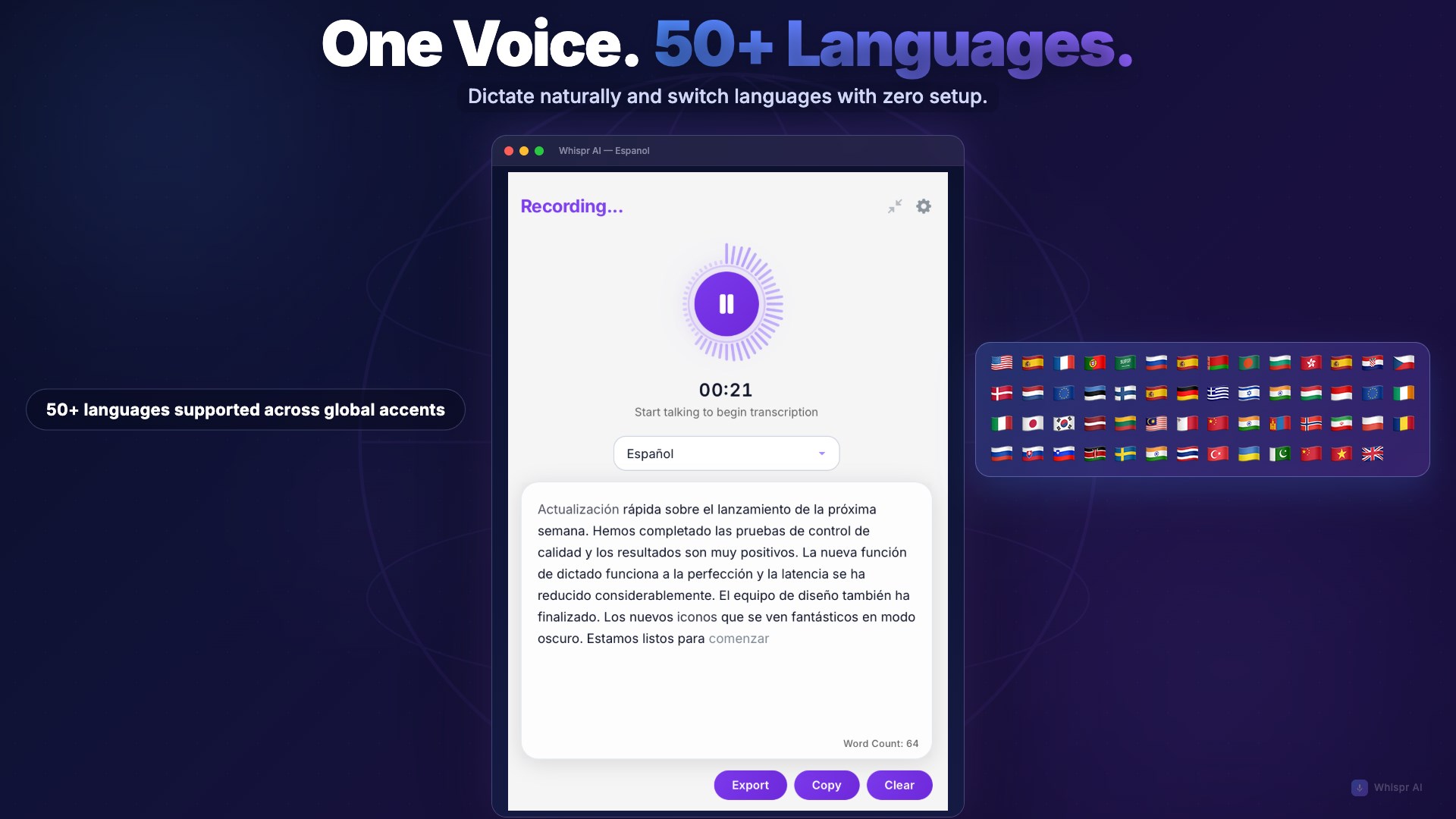
The centerpiece of Whispr AI is its impressive voice recognition accuracy. Whether I was dictating complex technical explanations or casual notes, the app adapted quickly, capturing speech with minimal errors. What sets it apart from many peers is its ability to recognize multiple languages and accents seamlessly, which makes it suitable for diverse users or international teams. The transcription updates in real-time, giving immediate feedback that makes editing and refining a breeze.
Core Functionality 2: Workflow Integration & Custom Commands
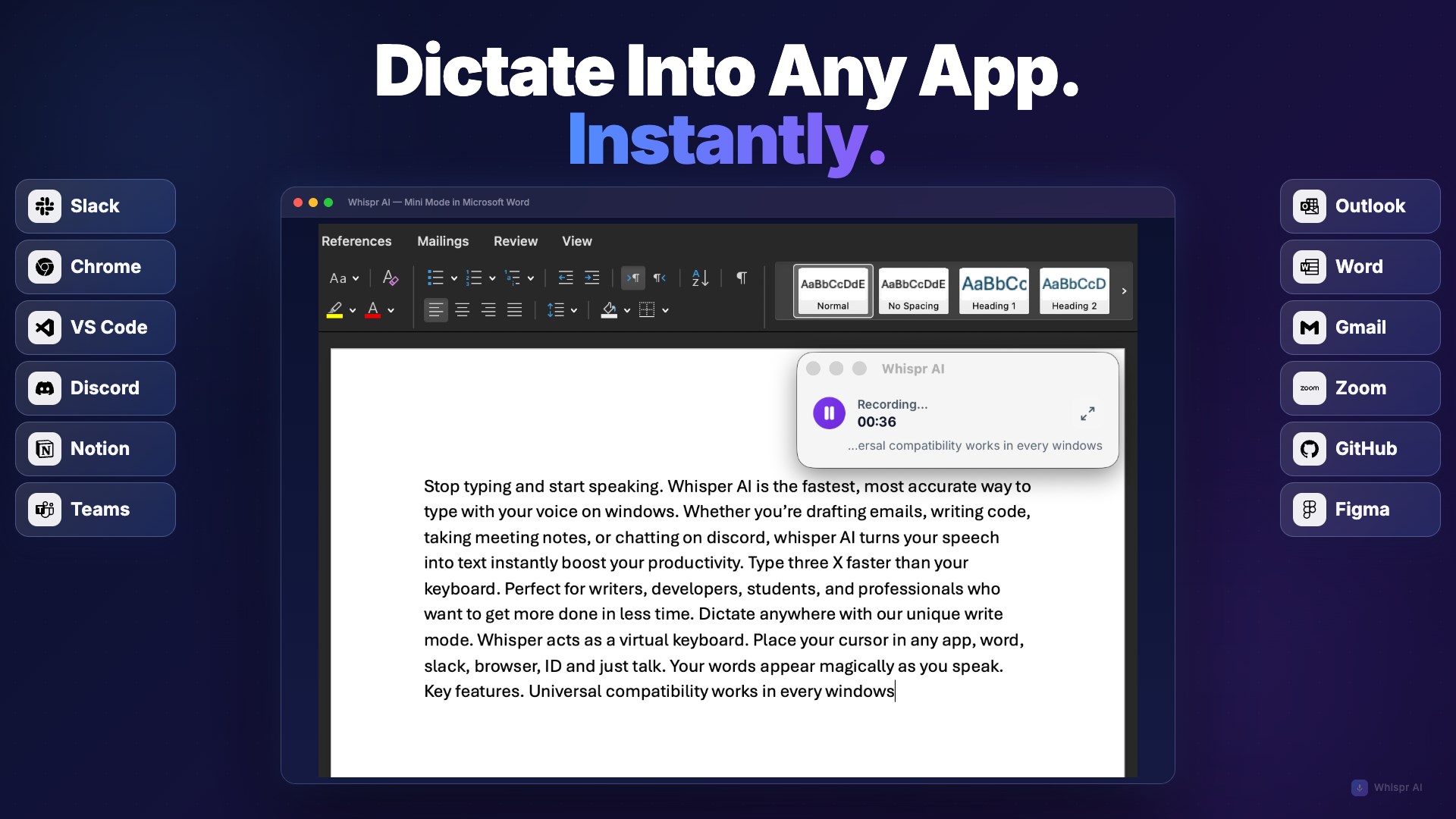
Where Whispr AI truly stands out is in its focus on integration. It isn't just a raw transcription tool; it offers customizable voice commands to control app functions—think of it as giving your voice more authority over your workspace. For instance, you can set commands to insert punctuation, start a new paragraph, or even trigger other app functions. This focus on reducing cognitive load—by allowing you to think less about the interface and more about your content—makes it a powerful ally in your daily workflow. Unlike cluttered apps with a plethora of features that complicate user experience, Whispr AI's smart operation enhances productivity without overwhelming.
User Experience: Simplicity Meets Efficiency
The interface strikes a balance between aesthetic minimalism and practical functionality. It's as intuitive as speaking to a colleague—no steep learning curve here. The application's responsiveness is smooth; I experienced no lag between speech and text, even during prolonged dictations. For new users, the learning curve is gentle—start talking, and the app gets better with use, learning your voice patterns over time. This adaptive capability significantly contributes to a lower cognitive load, making transcription feel almost automatic rather than manual labor.
How Does It Compare? Unique Selling Points
Many voice transcription tools exist, but Whispr AI's true edge lies in its workflow-focused approach. Unlike bulky applications that overwhelm users with features—often sacrificing ease of use—Whispr AI emphasizes integrated efficiency. Its customizable commands act like a conductor guiding your transcription process, eliminating the need for constantly switching between keyboard and mouse. This aspect makes it especially appealing for professionals who need rapid, accurate transcription without breaking momentum.
Moreover, its emphasis on reducing cognitive load—by simplifying voice controls and ensuring high transcription accuracy—means you spend less time correcting errors and more time creating. This focus on streamlined workflow integration is what makes Whispr AI compelling as a daily productivity tool.
Final Recommendation
If you're looking for a reliable, easy-to-use voice transcription app that seamlessly fits into your Windows workflow, Whispr AI is a strong candidate. Its core strengths—accuracy, customization, and user-friendly design—are well-suited for professionals seeking to streamline their writing and note-taking processes. I'd recommend giving it a try, especially if voice dictation is a key part of your productivity arsenal. For users tired of disruptive complexity, Whispr AI offers a clear, simple path to transforming speech into polished text with minimal effort.
Pros
- Accurate Voice Recognition
- Real-Time Transcription
- User-Friendly Interface
- Supports Multiple Languages
- Customizable Voice Commands
Cons
- Limited Offline Functionality
- Occasional Misinterpretations with Accents
- Battery Consumption is Slightly High
- Lack of Advanced Editing Features
- Voice Recognition Accuracy Varies in Noisy Environments











