

- Category Productivity
- Developer Allen Chan
- Available on PC
- OS Windows 10 version 17763.0 or higher
- Memory 4 GB
- Keyboard Not specified
- Mouse Not specified
- languages Chinese (Simplified), Chinese (Traditional Chinese), Czech, English (United States), French, German, Italian, Japanese, Korean, Polish, Portuguese (Brazil), Russian, Spanish, Turkish
Streamlining Your Windows Experience with Widget Launcher
Widget Launcher for Windows is a lightweight yet powerful application designed to enhance productivity by providing quick access to essential tools and information directly from your desktop. Developed by Allen Chan and published under Chan Software Solutions, this app aims to serve users seeking a more organized and efficient workflow without the clutter of traditional menus.
Key Features That Stand Out
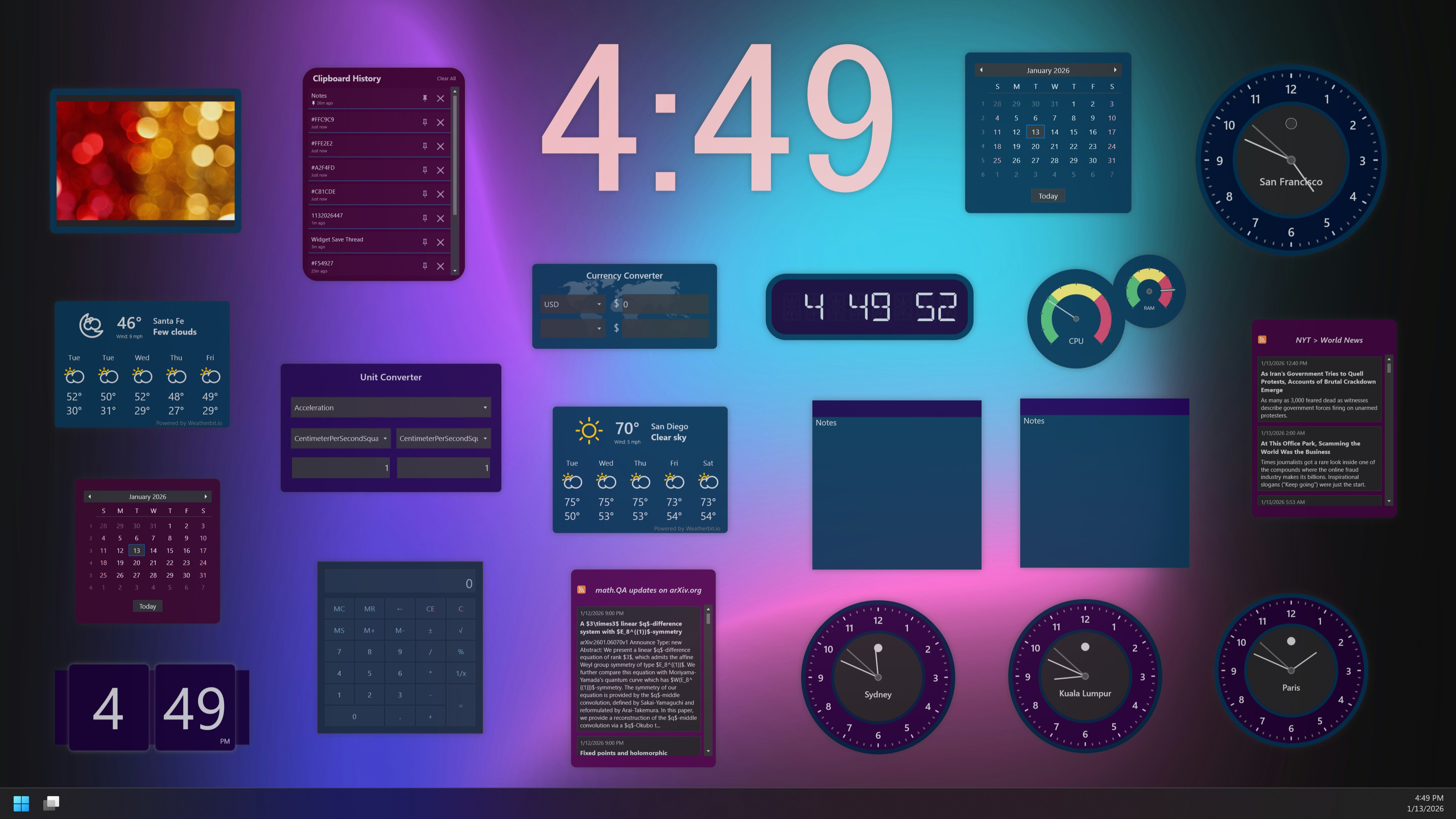
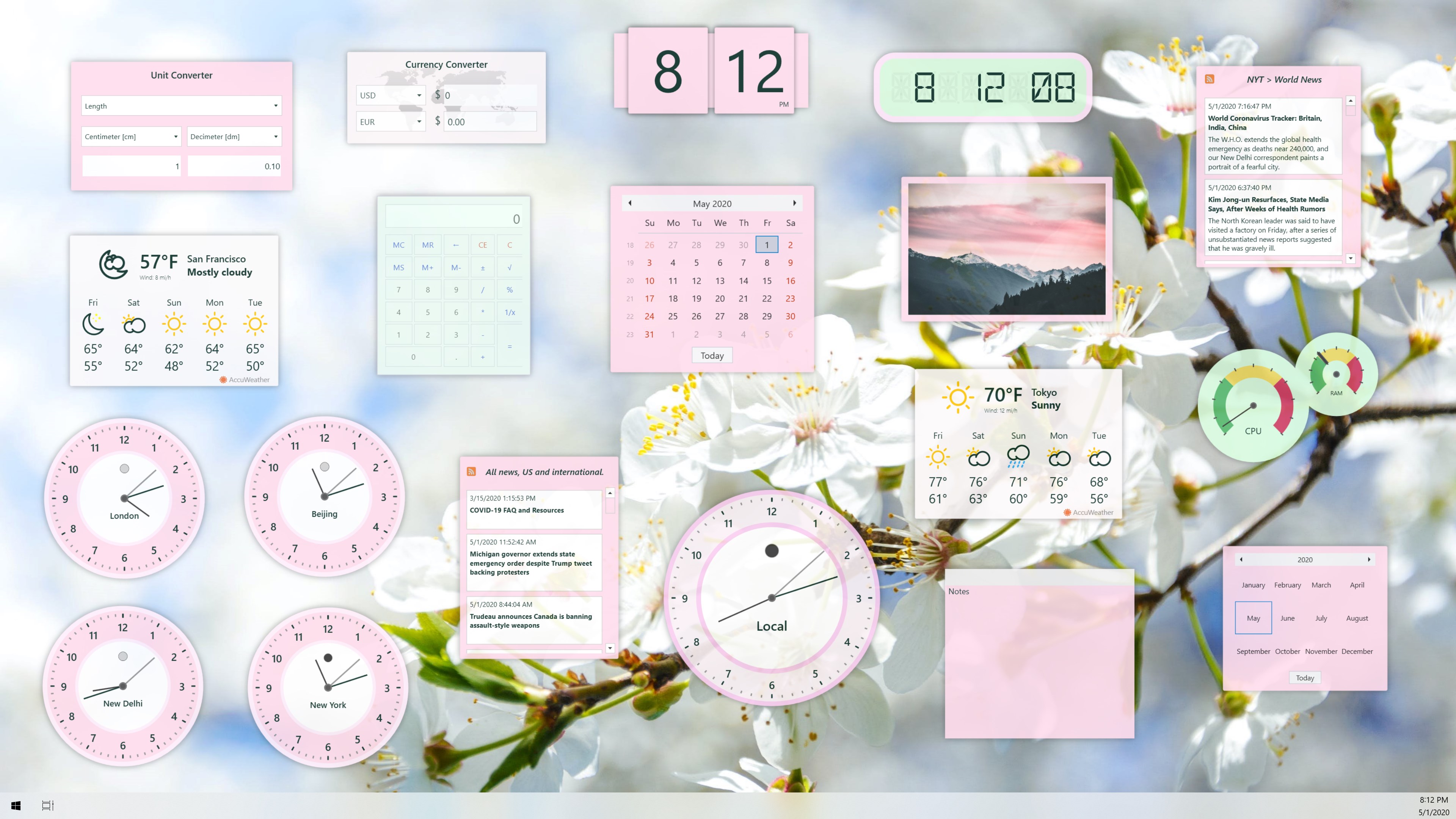
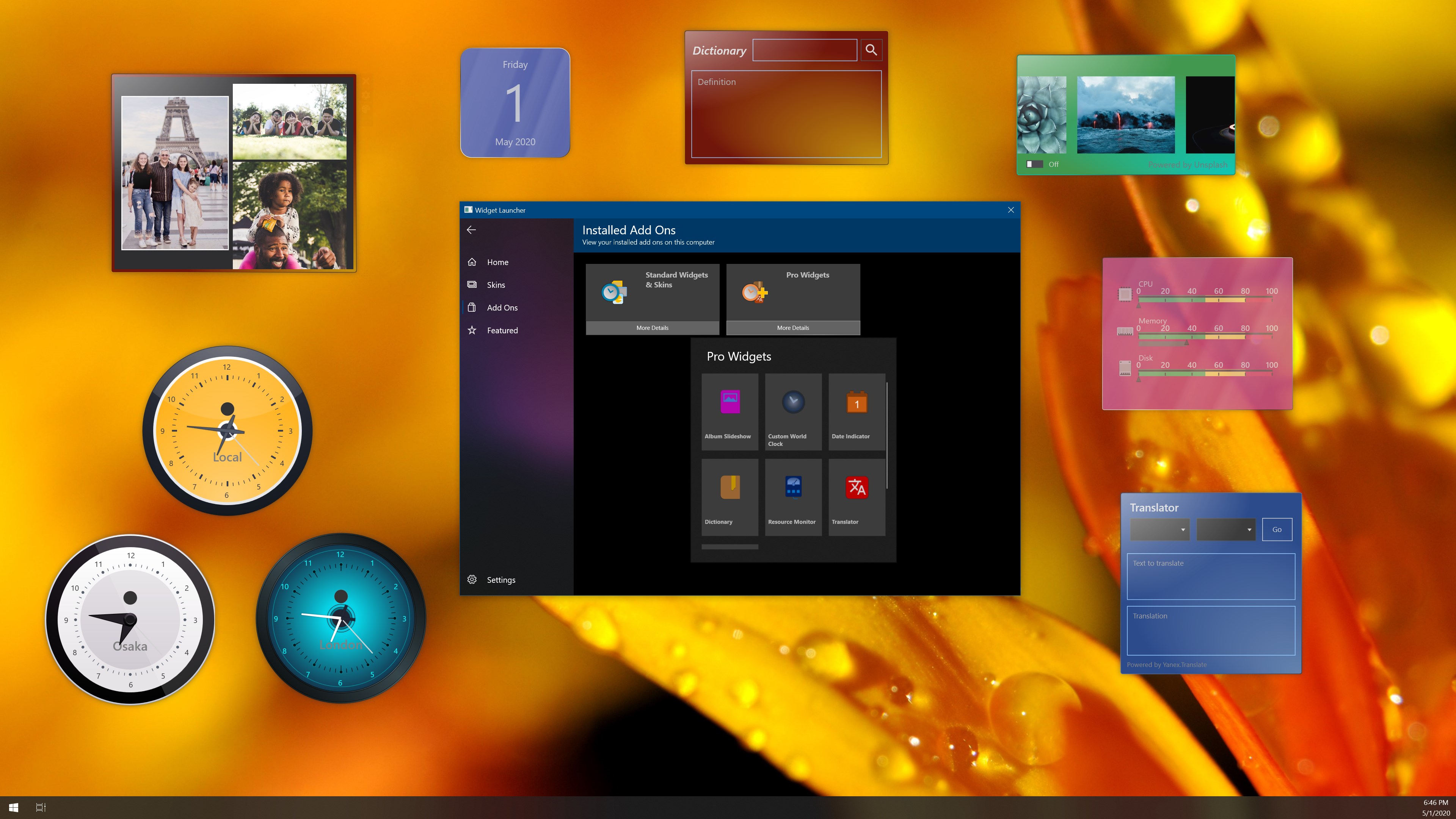
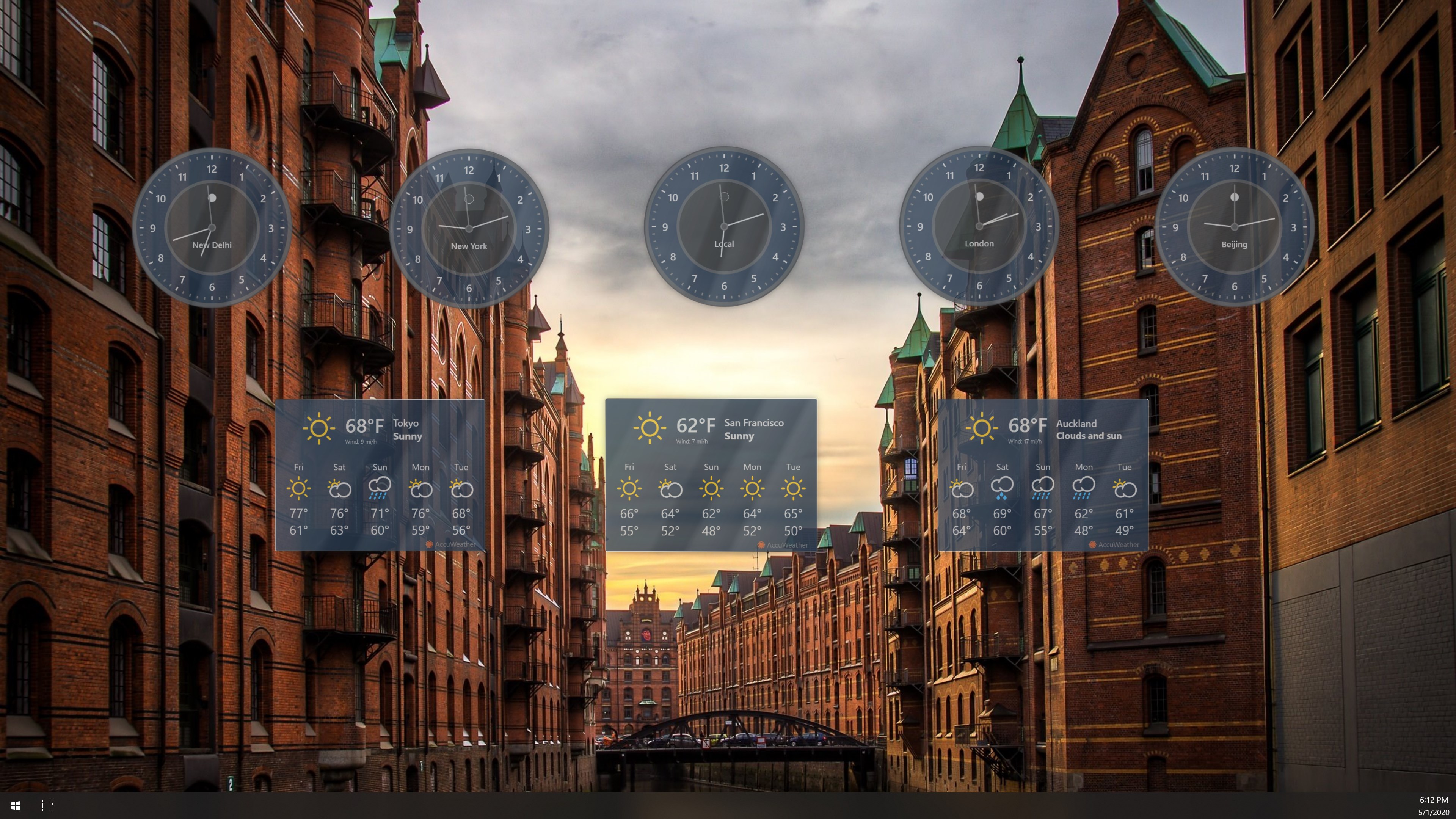
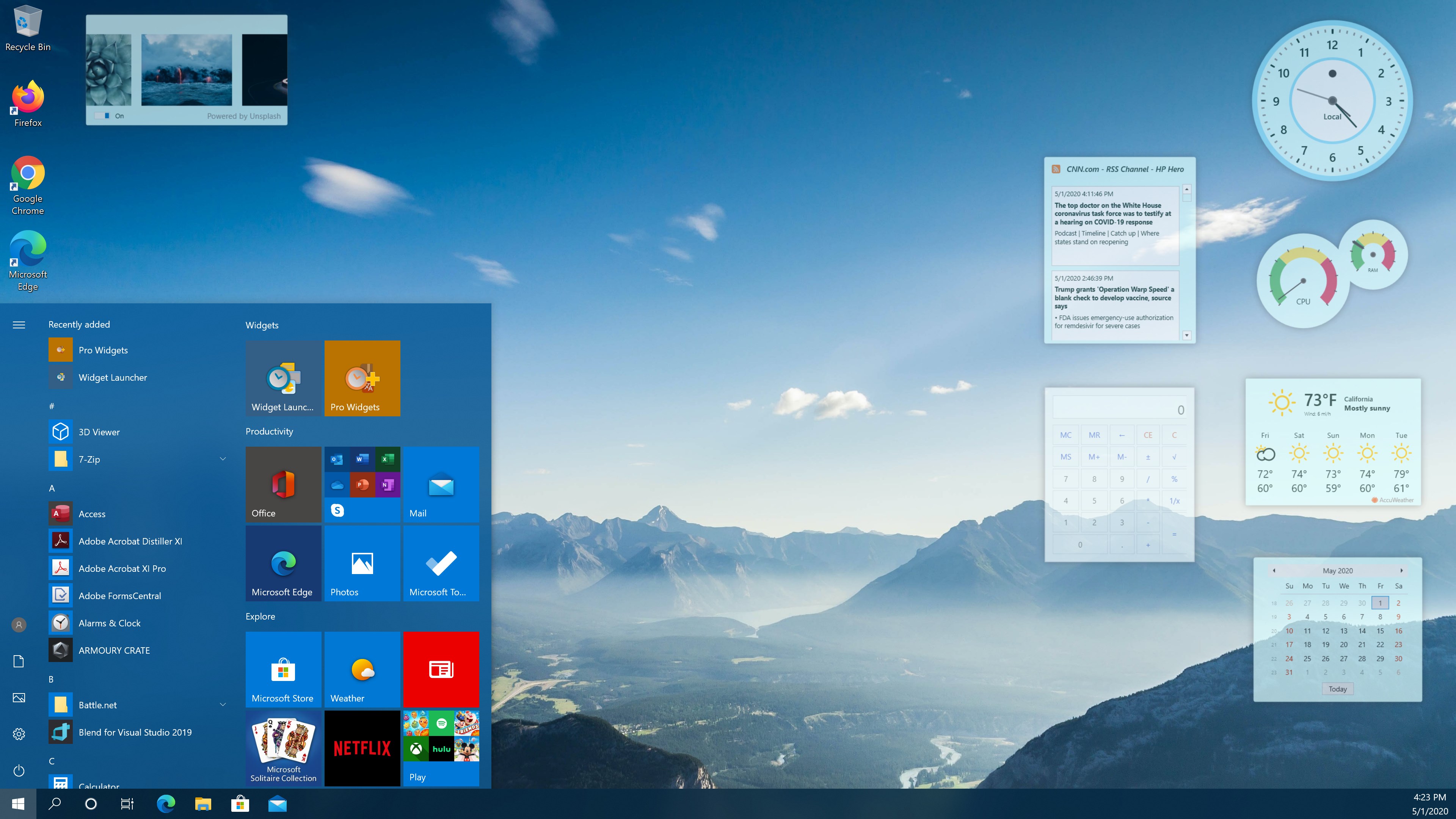
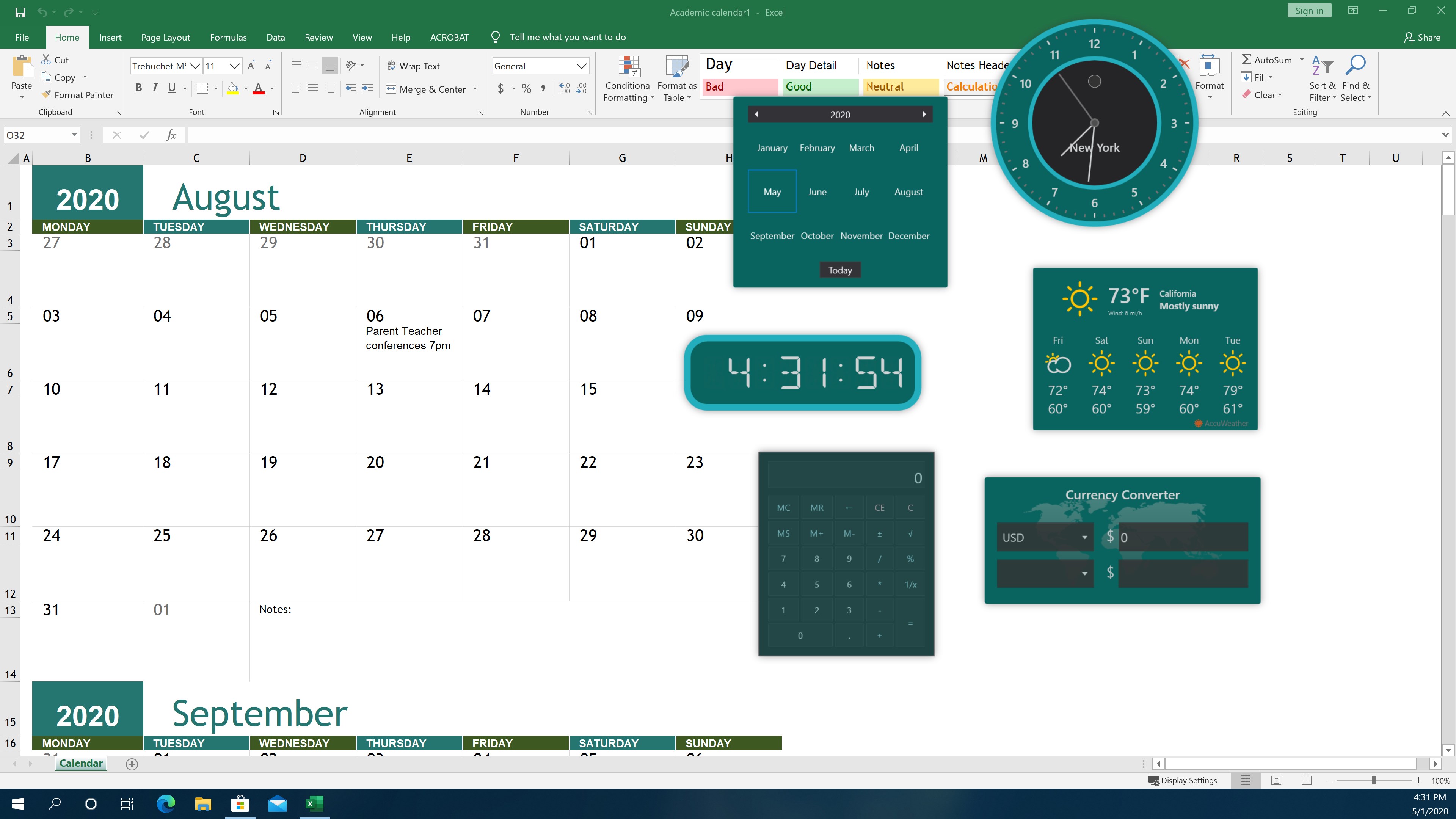
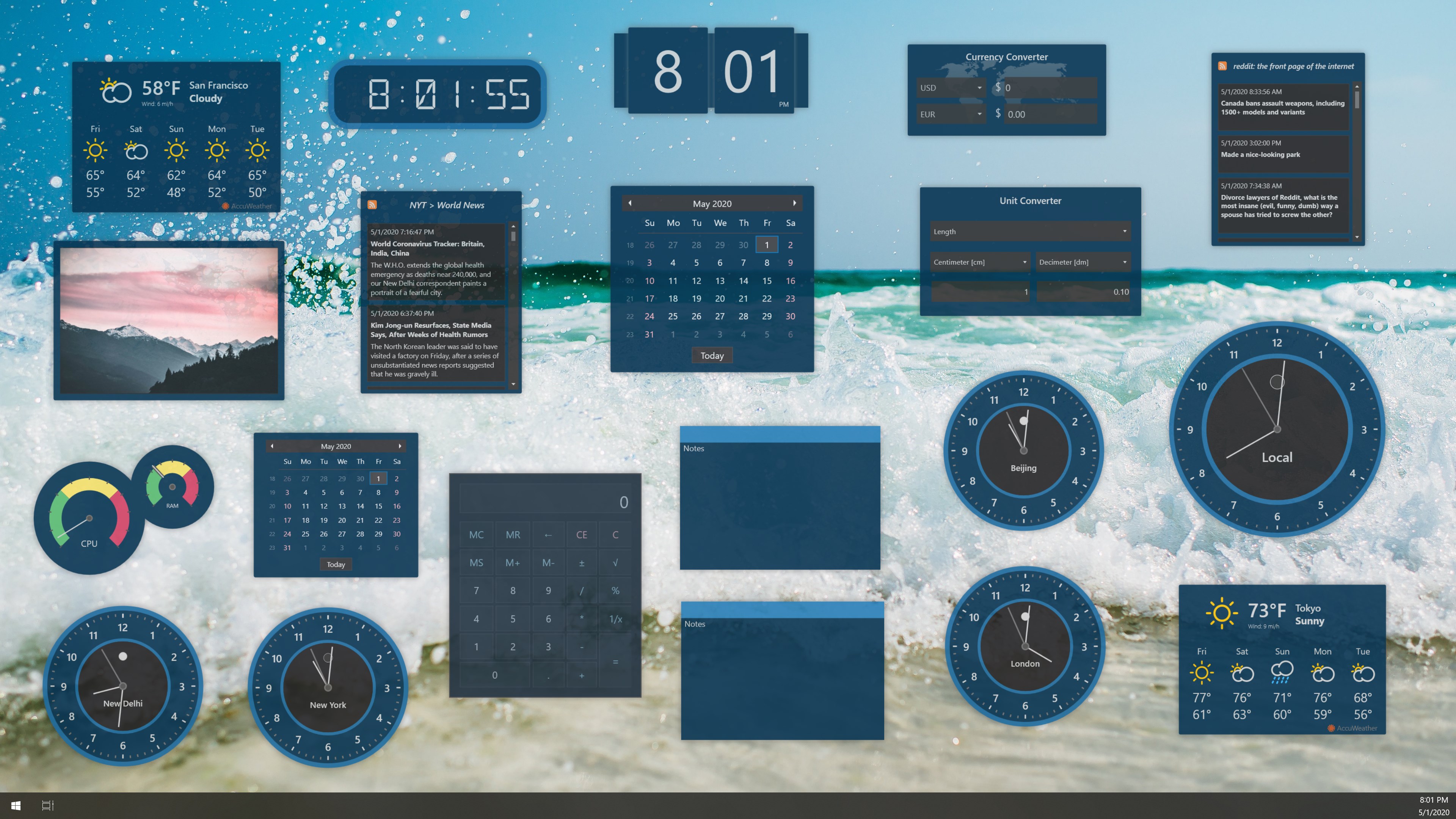
The app's core strengths lie in its intuitive widget-based approach, seamless integration, and minimalist design. Notably, it allows users to customize their desktop with a variety of widgets, including weather updates, calendar events, quick launch buttons, and more—all accessible at a glance. Its focus on reducing cognitive load by consolidating frequently used functions into a single, neat interface makes it a valuable tool for busy professionals and students alike.
Imagine Your Desktop as a Command Center
Picture your workspace as a cockpit where all essential controls are within arm's reach, ready to be activated at a moment's notice. Widget Launcher transforms this vision into reality by turning your cluttered desktop into an organized hub, enabling rapid access and minimizing the need to dodge through multiple applications or menus. It's like having a personal assistant that keeps your important tools tidily arranged and just a click away.
Simplified Customization & Intuitive UI
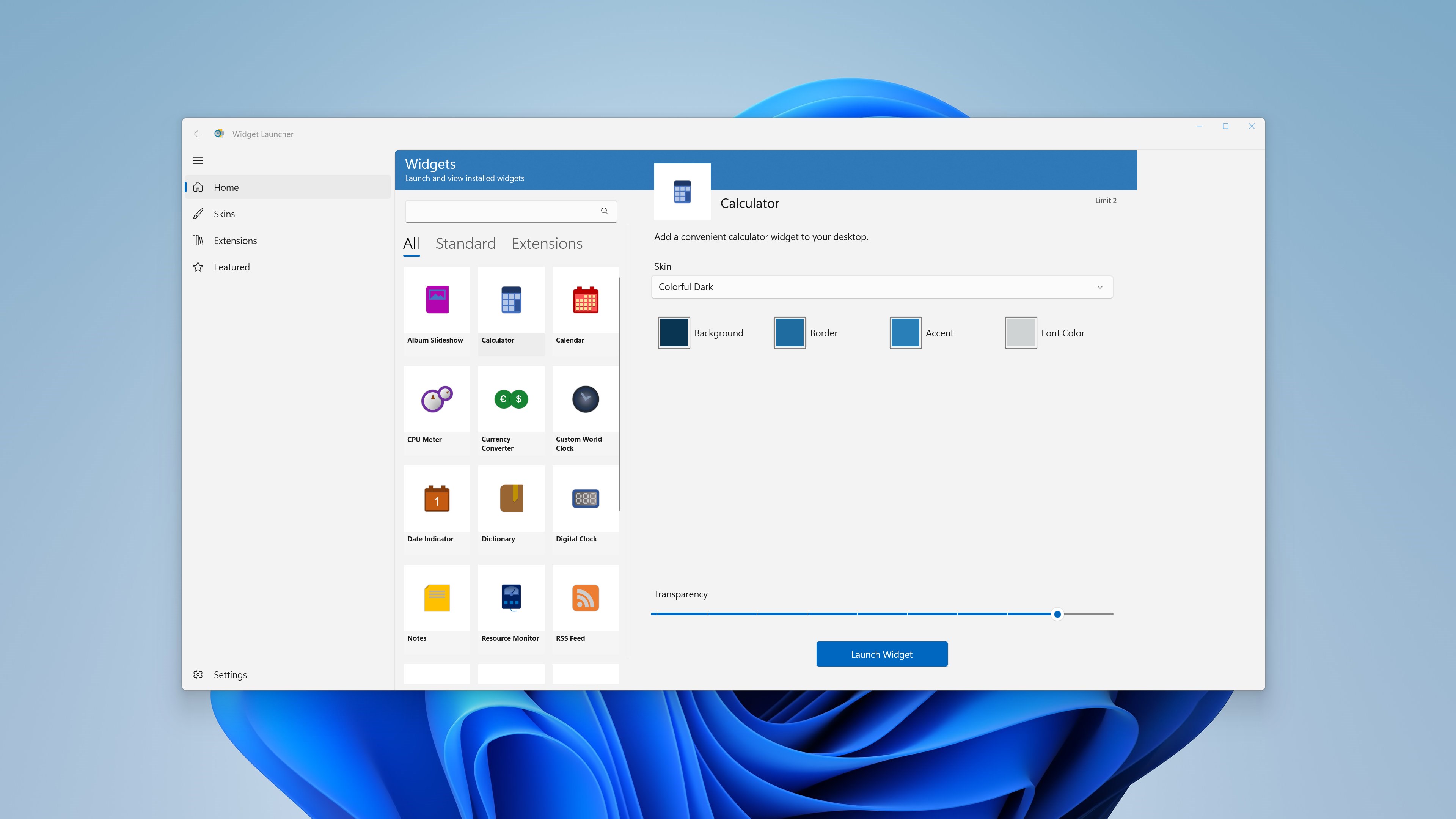
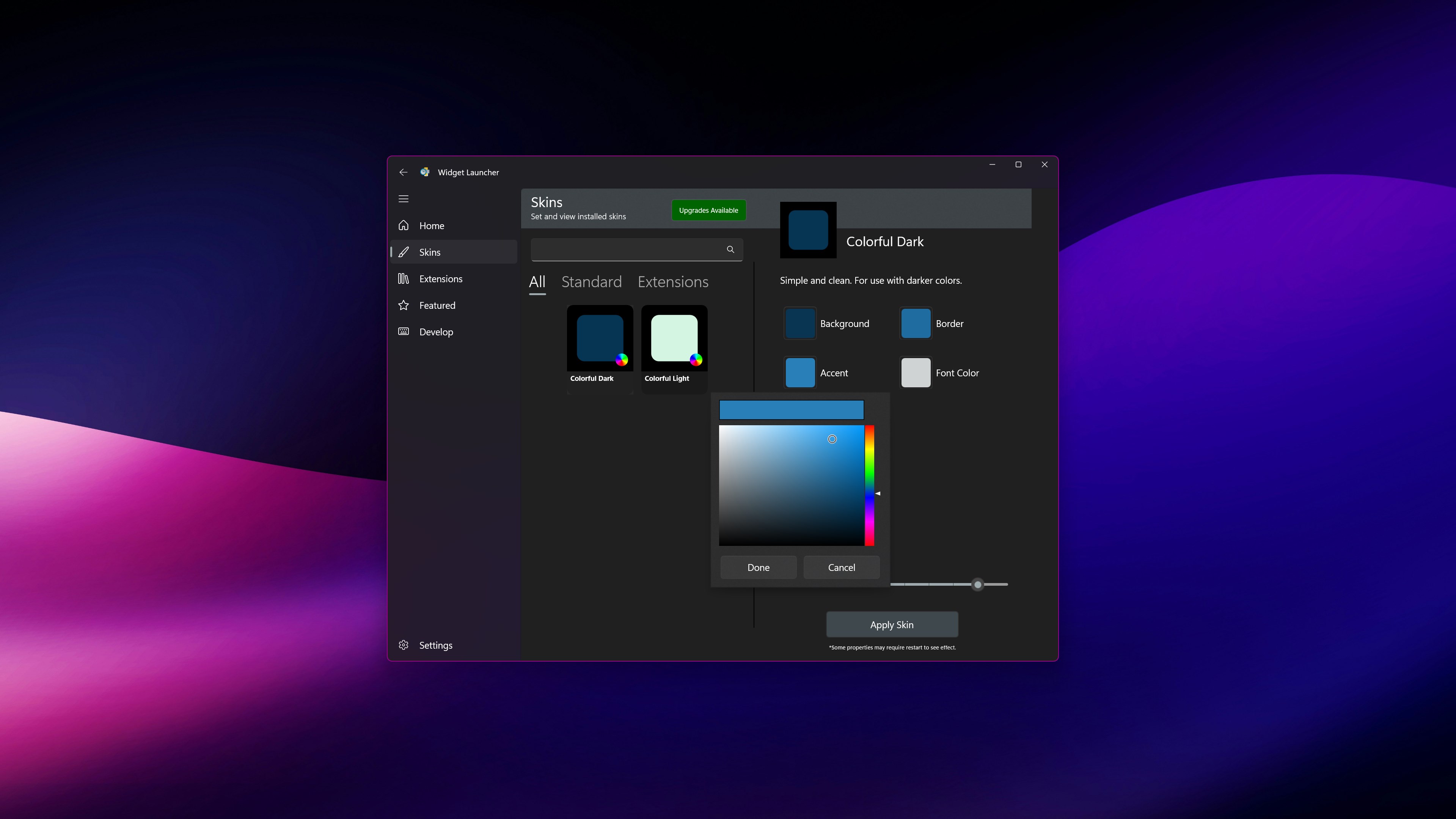
The user interface is designed with clarity and ease of use in mind. When you first launch the app, it doesn't bombard you with a maze of complex options—instead, it offers a clean, visually appealing dashboard. Customizing widgets is straightforward; drag-and-drop functionality combined with clear labels allows for quick setup tailored to your specific needs. The design avoids unnecessary complexity, ensuring that even users new to desktop widgets can adapt seamlessly.
Smooth Performance & User-Friendly Learning Curve
From a performance standpoint, Widget Launcher runs smoothly without noticeable lag or resource hogging. Its lightweight architecture ensures minimal impact on system performance, which is critical for maintaining workflow efficiency. The app's learning curve is gentle; most users will find themselves up and running within minutes, with a handful of tutorials or tooltips guiding initial setup. Continuous personal customization is just as effortless, allowing users to refine their workspace iteratively.
How It Differs from Other Productivity Tools
Unlike traditional productivity apps that often focus on feature overload—think multi-tabbed dashboards and complex integrations—Widget Launcher emphasizes simplicity and cognitive ease. It reduces user effort by offering a curated set of essential widgets, avoiding overwhelming menus, and streamlining workflow access. Its ability to consolidate multiple routines into a single launcher reduces mental clutter, a stark contrast to feature-rich but cognitively demanding tools. Essentially, its unique selling point is its capacity to integrate core functions seamlessly into the desktop environment, enhancing efficiency without complicating the user experience.
Final Recommendation: A Useful Aid for Focused Work
Considering its lightweight footprint and user-centric design, Widget Launcher is highly recommended for anyone looking to declutter their desktop and boost daily productivity. It's especially suited for users tired of juggling multiple apps and menus, offering a cozy digital command center instead. For those who appreciate streamlined workflows and quick access to vital functions, this app is a noteworthy addition to any Windows setup. Just remember, its best strength lies in simplicity—maximize its potential by customizing a few key widgets that directly support your routines.
Pros
- User-friendly interface
- Customizable widgets
- Low system resource usage
- Quick access to frequently used apps
- Regular updates and support
Cons
- Limited widget variety initially
- Occasional lag when loading multiple widgets
- Customization options could be expanded
- Requires occasional app restarts after updates
- Integrations with third-party apps are limited











