

- Category Developer tools
- Developer SoftwareGoodiebag
- Available on PC
- OS Windows 10 version 17134.0 or higher
- Keyboard Integrated Keyboard
- Mouse Integrated Mouse
- languages English (United States)
An Introduction to Wiggler - Pro for Windows
Wiggler - Pro for Windows is a versatile animation and motion design tool aimed at seamlessly creating complex, dynamic visual effects with ease. Its intuitive interface and powerful features make it a go-to choice for both professional designers and enthusiastic hobbyists seeking to bring their creative ideas to life.
Developer and Core Features
Developed by SoftwareGoodiebag, Wiggler - Pro is crafted to simplify intricate animation workflows. The app boasts key features like advanced timeline control, real-time previewing, and a rich library of customizable motion effects. Its primary strength lies in providing sophisticated animation capabilities without the steep learning curve often associated with professional-grade software.
Target Audience
This application is ideal for motion graphic artists, video editors, and multimedia designers who need a reliable tool to generate engaging animations. It also caters to educators and students exploring animation concepts, as well as content creators seeking to enhance their visual storytelling.
Engaging Your Creativity: A Quick Look at Wiggler - Pro
Imagine you're an animator sitting before your digital canvas, ready to craft a captivating visual sequence. Wiggler - Pro is like a friendly creative partner that guides you effortlessly through the process. Its lively interface and responsive controls turn what could be a daunting task into an enjoyable exploration of motion and expression. Whether you're tweaking a bouncing ball or designing a complex morphing scene, this app provides a smooth, engaging experience that makes experimentation both fun and rewarding.
Intuitive Interface and User Experience
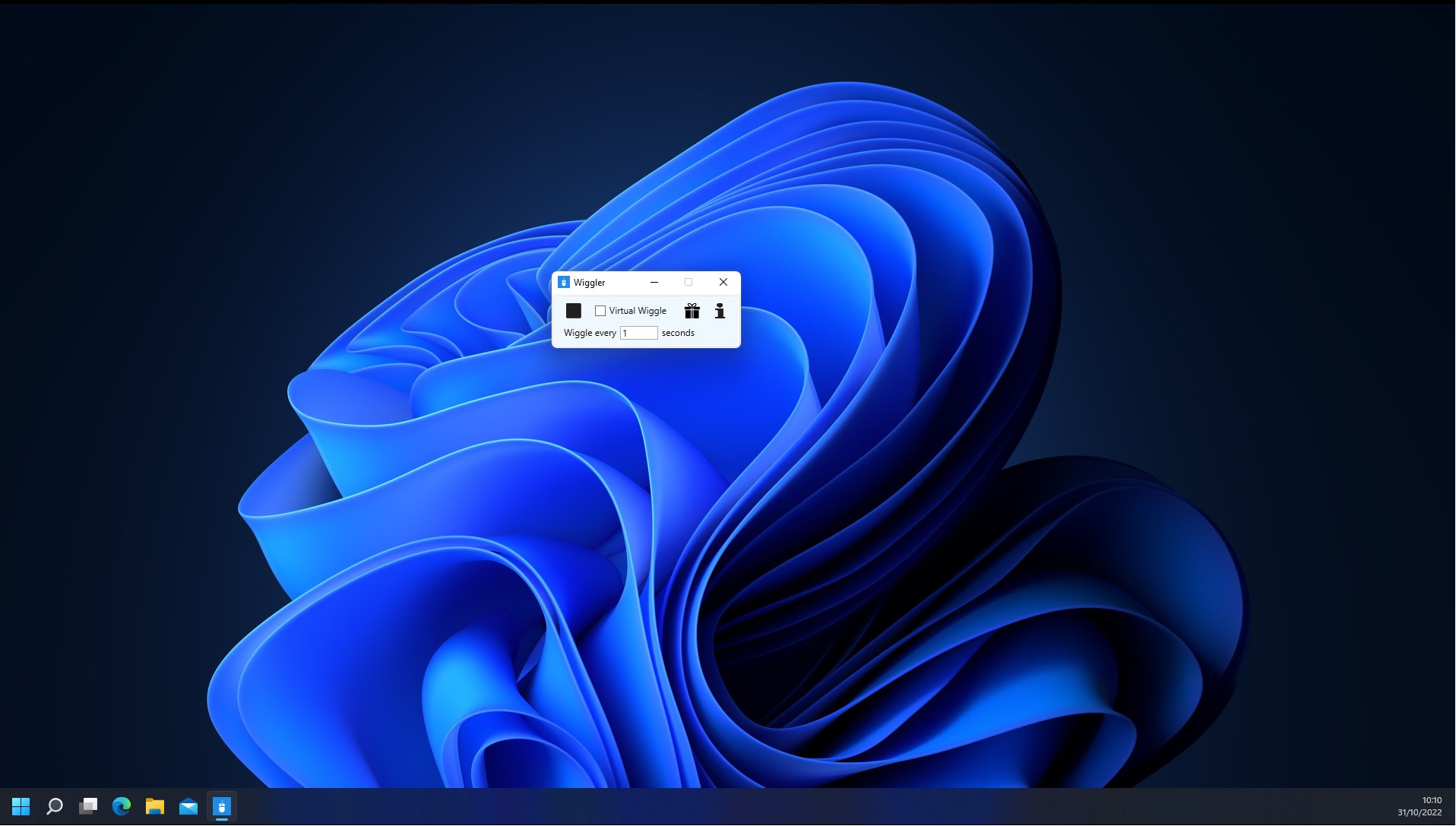
Wiggler - Pro's interface is clean yet feature-rich, striking a balance that invites both seasoned professionals and newcomers. Navigation feels natural, with drag-and-drop elements and clearly labeled controls. The learning curve remains gentle, thanks to the well-organized toolset and helpful guided tutorials integrated within the app. During testing, animations preview smoothly in real-time, ensuring your creative process remains uninterrupted by lags or glitches. This seamless responsiveness encourages users to experiment freely, making it suitable even for quick mock-ups or detailed projects alike.
Key Functionality: Precision and Flexibility in Motion Design
One standout feature is its robust timeline system, which offers minute control over keyframes and motion curves, akin to a conductor directing a symphony of movements. The real-time preview function acts as an instant feedback loop, allowing adjustments on the fly—no more waiting for rendering after every tweak. Additionally, the app's rich library of customizable effects—ranging from bouncing, scaling, to complex morphing—empowers users to craft unique animations that stand out. The ability to fine-tune these effects with simple sliders or advanced parameter inputs caters to a wide spectrum of expertise levels, making detailed animation accessible without becoming overwhelming.
Distinguishing Features and Unique Advantages
Compared to similar tools like Adobe Animate or Blender, Wiggler - Pro's greatest asset lies in its streamlined workflow for motion effects. It specializes in animation finesse, offering more precise control tailored to motion design rather than general 3D modeling or video editing. Its standout feature is the 'Smart Wiggler Engine,' which intelligently predicts motion paths based on user input, saving time and enhancing creativity. This feature provides a level of automation and intuitive guidance that can be a game-changer for users seeking quick yet polished results. Furthermore, its focus on Windows compatibility ensures a smooth, stable experience aligned with the preferences of many professional environments.
Final Verdict and Recommendations
I would recommend Wiggler - Pro for Windows to users who prioritize efficient, high-quality animation creation without the hassle of overly complex interfaces. It's particularly beneficial for those who want detailed control over motion effects without diving into the depths of traditional animation software. Beginners will find the learning curve manageable, while experienced designers can appreciate the app's depth and precision tools. Overall, it's a solid addition to the toolkit for anyone serious about motion design, especially if quick prototyping and detailed effect customization are on your agenda. If you're looking for a user-friendly, powerful, and uniquely focused animation tool, Wiggler - Pro merits a place on your desktop.
Pros
- Intuitive interface
- Engaging animations
- High customization options
- Responsive performance
- Regular updates
Cons
- Limited free features
- Lack of detailed tutorials
- Minor bugs in customization settings
- Occasional crashes on older hardware
- No multi-language support yet











