


- Category Productivity
- Developer SoftwareGoodiebag
- Available on PC
- OS Windows 10 version 18362.0 or higher
- Keyboard Integrated Keyboard
- Mouse Integrated Mouse
- languages English (United States)
An Elegant Solution for Navigational Ease: Wiggler - The Mouse Moving App for Windows
If you've ever found yourself frustrated trying to navigate through myriad open windows or annoyed by constant mouse movements, Wiggler offers a refreshing approach. This application acts like a friendly GPS for your cursor, streamlining navigation and boosting productivity with minimal fuss.
About Wiggler: Simplifying Your Workflow
Developed and published by SoftwareGoodiebag, Wiggler is designed to enhance Windows users' efficiency by simplifying mouse navigation. Its core mission is to help users move through their digital workspace more intuitively.
- Main Features Highlights:
- Seamless keyboard-to-mouse control for quick cursor movements
- Customizable movement patterns tailored to user preferences
- Multi-window switching with minimal keystrokes
- Lightweight application with minimal resource consumption
Targeted at busy professionals, programmers, and productivity enthusiasts who seek to reduce repetitive mouse movement and streamline their multitasking experience, Wiggler delivers functionality without complexity.
Spinning the Cursor: The Engaging Navigation Experience
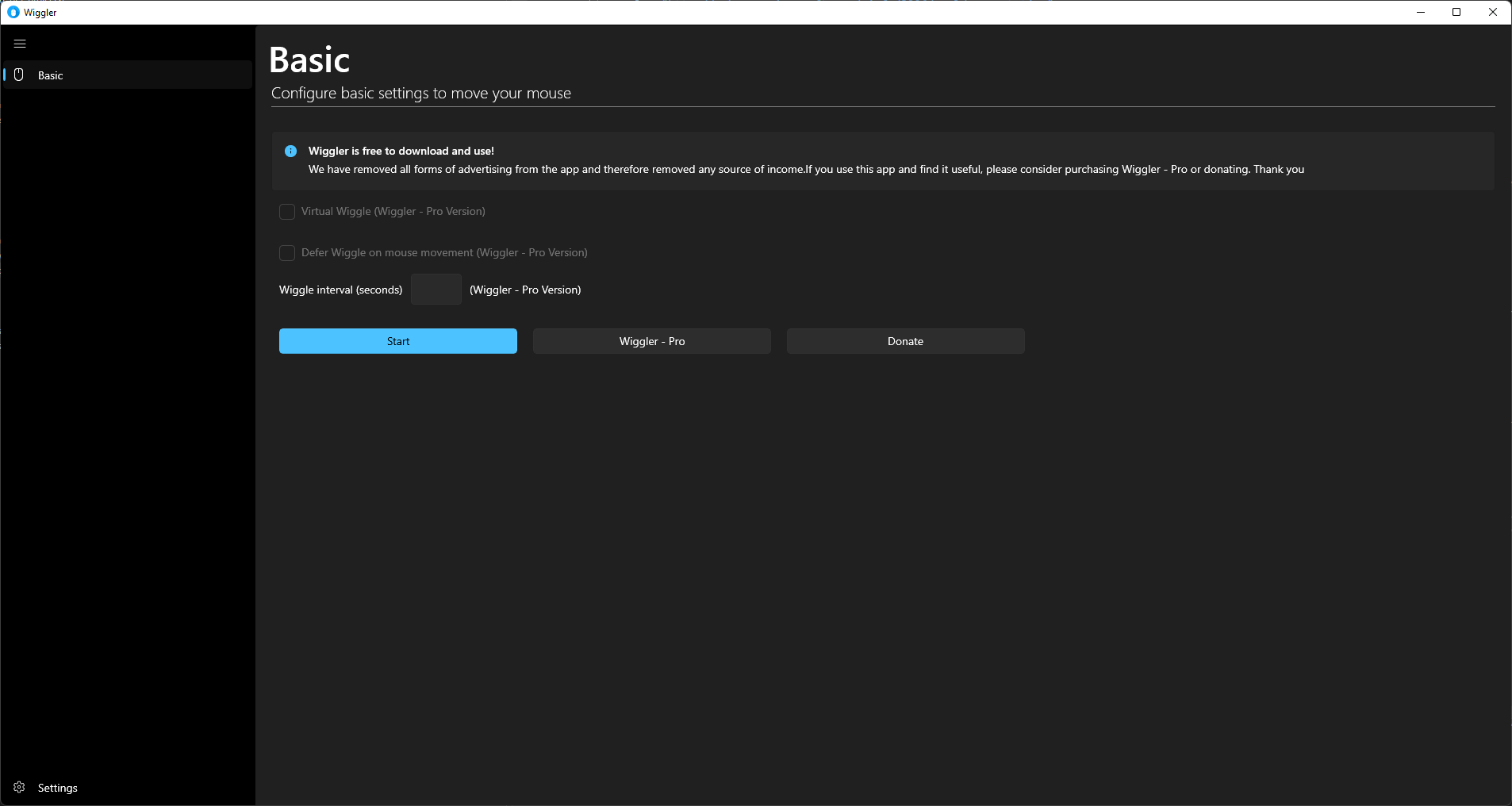
Imagine your mouse as a tiny vehicle rushing across the desktop highway—sometimes more frantic than smooth. Wiggler transforms this chaos into a calm, efficient glide. Its interface is straightforward: a minimalist window that almost blends into your desktop, inviting you to focus on your tasks rather than deciphering complicated menus. The app's responsiveness is notable; even intricate navigation commands feel instantaneous, making it feel like the cursor is an extension of your thoughts.
Using Wiggler is akin to having a secret teleportation device for your mouse—no more tedious wrist rotations or frantic wilderness navigation. It's especially handy when multitasking across multiple windows or busy applications.
Core Functionality: Precision Movement & Workflow Integration
The standout feature of Wiggler is its ability to control mouse movement precisely via keyboard shortcuts. You can set custom key combinations to 'wiggle' the cursor to specific areas on the screen, saving time and reducing cognitive load. This feature shines particularly in scenarios like switching tabs, opening applications, or accessing menu options swiftly. For example, pressing a shortcut could instantly move the cursor to your email icon or document folder, streamlining your workflow and keeping your focus on the task at hand.
Another thoughtful attribute is the app's configurable movement patterns. Users can specify the speed and path of cursor movements, allowing for tailored navigation suited to personal habits. Furthermore, Wiggler supports multi-window switching, which minimizes the mental effort required to locate and select different windows—akin to having a custom map guiding your cursor on-demand.
Design and User Experience: Simplicity Meets Efficiency
The user interface is clean, uncluttered, and intuitive—qualities many productivity tools forget in their quest for features. The learning curve is gentle enough for beginners, yet powerful for advanced users who want to customize their key mappings deeply. The app responds fluidly, with no noticeable lag, making the experience feel natural rather than contrived. This smooth operation is crucial for reducing cognitive load, as users can focus on their tasks rather than the mechanics of navigation.
Compared to other productivity tools that often add layers of complexity, Wiggler's minimalist approach ensures that it integrates seamlessly into daily workflows without becoming a distraction or a burden to control.
Unique Advantages: Focused Functionality for Practical Efficiency
What sets Wiggler apart from similar applications is its laser focus on reducing mouse movement fatigue while enhancing workflow speed. Unlike broader automation tools that may come with a steep learning curve and feature bloat, Wiggler's core strength lies in its straightforward, customizable cursor control. It's like having a discreet digital chauffeur that responds precisely to your commands, letting you execute commands without diverting your attention from the task.
This unique balance of reducing cognitive load and avoiding excessive feature complexity makes Wiggler particularly appealing for users who prioritize simplicity and immediate productivity gains.
Final Verdict and Recommendations
Wiggler earns a solid recommendation for Windows users seeking a sleek, user-friendly tool to streamline mouse navigation. Its core features deliver tangible efficiency improvements without overwhelming the user with options. Whether you're a developer, an executive juggling multiple applications, or a student managing numerous research tabs, Wiggler provides a subtle yet effective enhancement to your workflow.
For those who value smooth, intentional cursor control and appreciate a clutter-free experience, Wiggler is worth incorporating into your daily routine. It's especially advisable for users who find frequent window switching physically tiring or cognitively demanding, offering a practical way to make digital navigation effortless and more natural.
Pros
- Intuitive Mouse Movement Control
- Easy-to-Use Interface
- Customizable Wiggler Patterns
- Low System Resource Usage
- Multiple Trigger Options
Cons
- Limited Customization Options for Advanced Users
- Occasional Lag During Rapid Pattern Changes
- Lack of Mobile Device Support
- Limited Customization of Activation Triggers
- Minor User Interface Clutter











