

- Category Music
- Available on Mobile, PC, HoloLens, Xbox console, Surface Hub
- OS Windows 10 version 19042.0 or higher
- languages Afrikaans, Albanian, Amharic, Arabic, Armenian, Assamese, Azerbaijani, Bangla (Bangladesh), Bangla (India), Basque, Belarusian, Bosnian (Latin, Bosnia and Herzegovina), Bulgarian, Catalan, Central Kurdish (Iraq), Chinese (Simplified), Chinese (Traditional), Chinese (Traditional, Hong Kong SAR), Croatian, Czech, Danish, Dari, Dutch, English, English (United Kingdom), English (United States), Estonian, Filipino, Finnish, French, French (Canada), Galician , Georgian, German, Greek, Gujarati, Hausa (Latin), Hebrew, Hindi, Hungarian, Icelandic, Igbo, Indonesian, Irish, isiXhosa, IsiZulu, Italian, Japanese, K'iche' (Guatemala), Kannada, Kazakh, Khmer, Kinyarwanda, Kiswahili, Konkani, Korean , Kyrgyz, Lao, Latvian, Lithuanian, Luxembourgish, Macedonian, Malay, Malayalam, Maltese, Maori, Marathi, Mongolian (Mongolia), Nepali, Norwegian (Bokmål), Odia, Persian, Polish , Portuguese, Portuguese (Brazil), Portuguese (Portugal), Punjabi (Arabic), Punjabi (India), Quechua, Romanian, Russian, Scottish Gaelic, Serbian, Serbian (Cyrillic, Bosnia and Herzegovina), Serbian (Cyrillic, Serbia), Serbian (Latin) (Serbia and Montenegro (Former)), Serbian (Latin, Serbia), Sesotho sa Leboa, Setswana, Sindhi (Arabic), Sinhala, Slovak, Slovenian (Slovenia), Spanish, Spanish (Mexico), Spanish (Spain), Swedish, Tajik, Tamil, Tatar, Telugu, Thai, Tigrinya, Turkish, Turkmen, Ukrainian, Urdu, Uyghur, Uzbek, Valencian, Vietnamese, Welsh, Wolof, Yoruba
Introducing Windows Media Player for Windows: Your Reliable Music Companion
Microsoft's Windows Media Player for Windows stands as a classic yet evolving media management tool designed to deliver seamless audio and video playback experience. While many modern apps flood the market, this media player aims to blend familiar interfaces with reliable performance, making it an ideal choice for users seeking straightforward media access without unnecessary complexity.
A Closer Look at the Tech Behind the Tunes
Developed by Microsoft Corporation, this app is crafted with a dedication to stability and ease of use. Its core features include robust media library management, support for a wide array of audio and video formats, and comprehensive playback controls, all integrated within a familiar Windows environment. Additionally, the application offers synchronization capabilities with media devices, making it convenient to manage your media across different gadgets. Its target audience ranges from casual listeners and home users to professionals seeking a dependable media player without the clutter of extra features.
Crafting the Perfect Listening Experience: Core Features Unveiled
Simple yet Powerful Interface
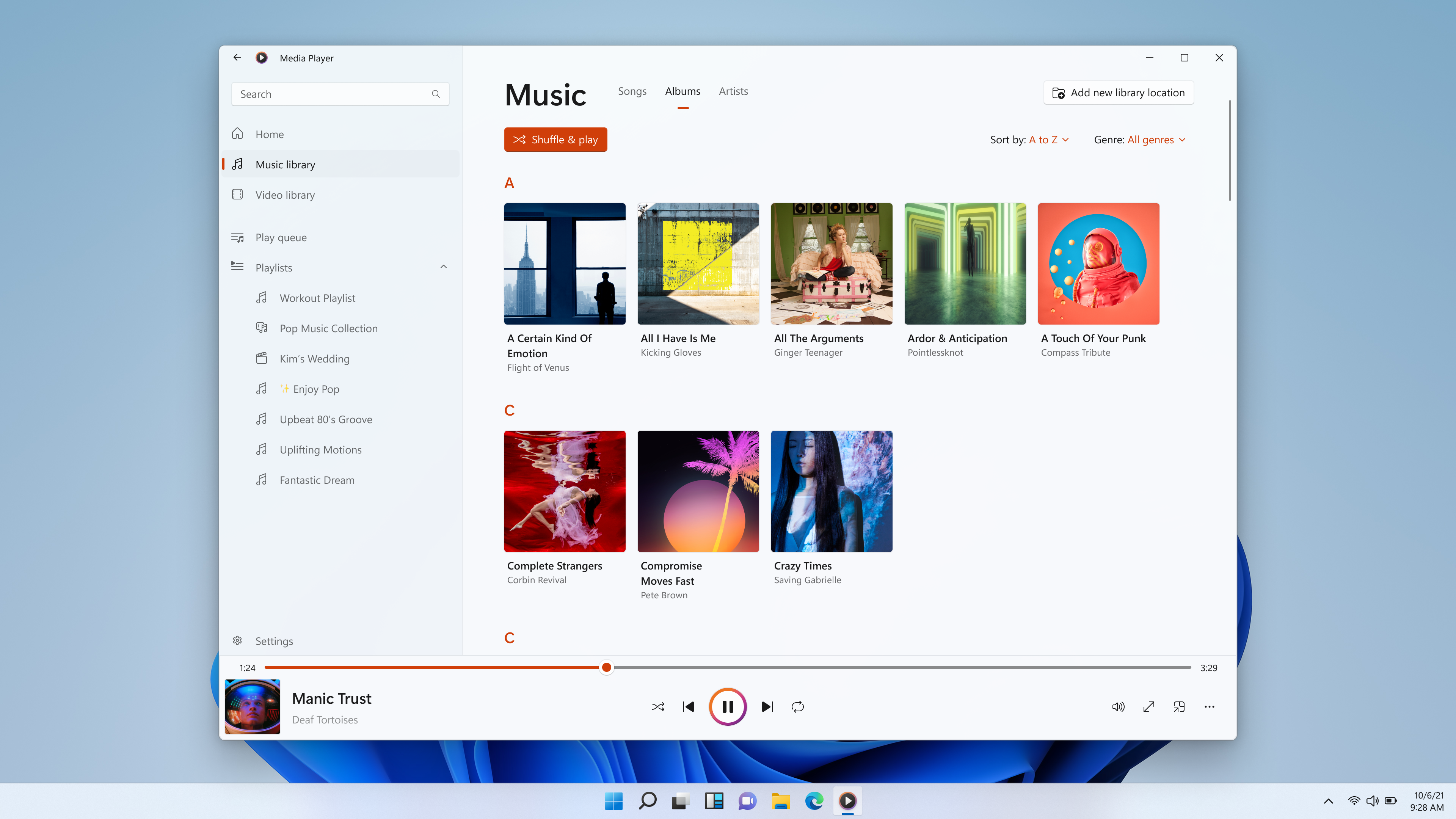
The app boasts a clean, intuitive interface that's easy to navigate, even for tech novices. The layout resembles a familiar media library, with playlist organization, browsing options, and playback controls all in one place. The visual design, leaning towards minimalism, keeps the focus on your media, akin to a well-organized bookshelf inviting you to pick what's next. Users will appreciate how effortlessly they can find their favorite tracks or videos without wading through overly complicated menus.
Seamless Playback & Format Support
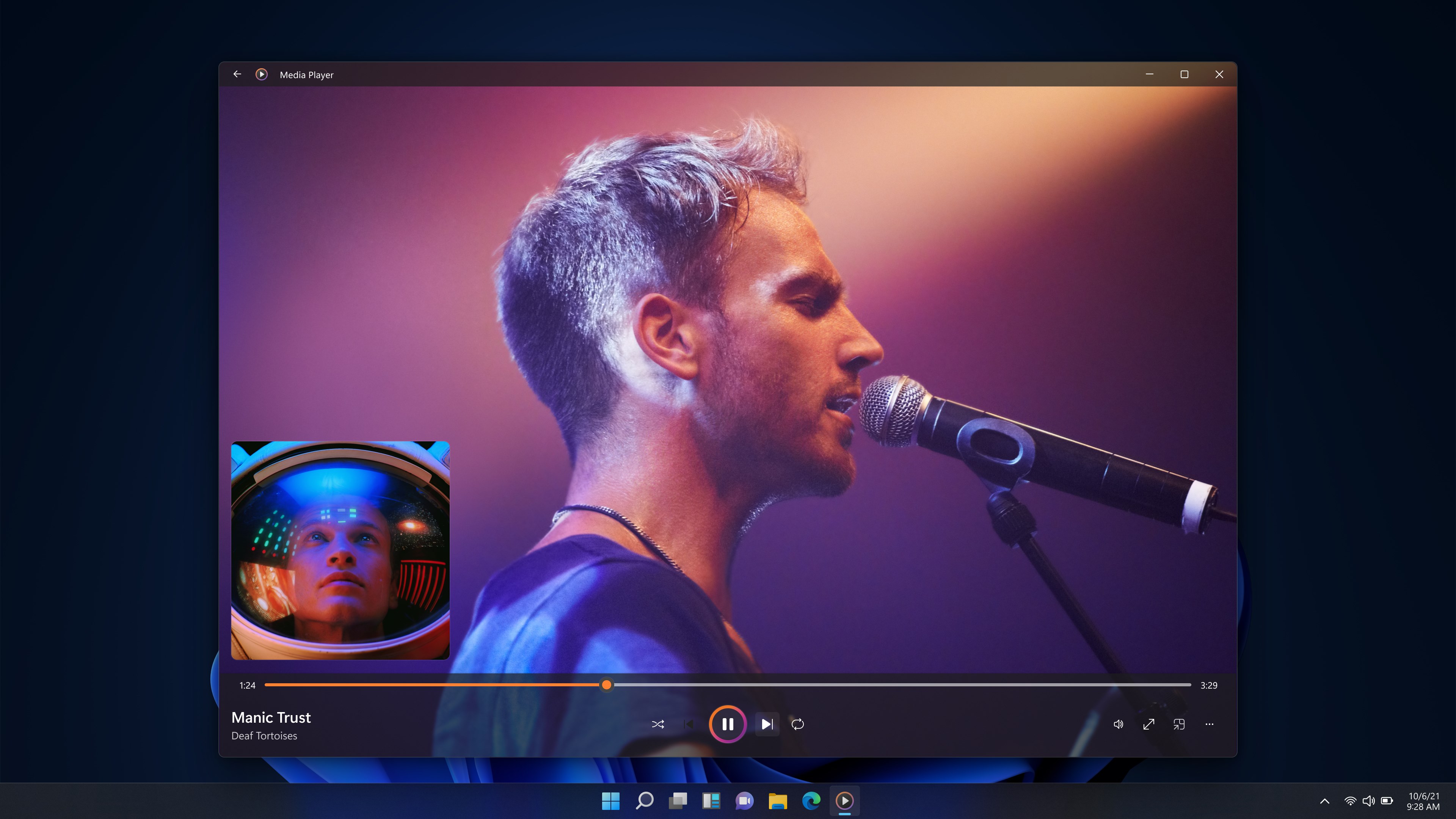
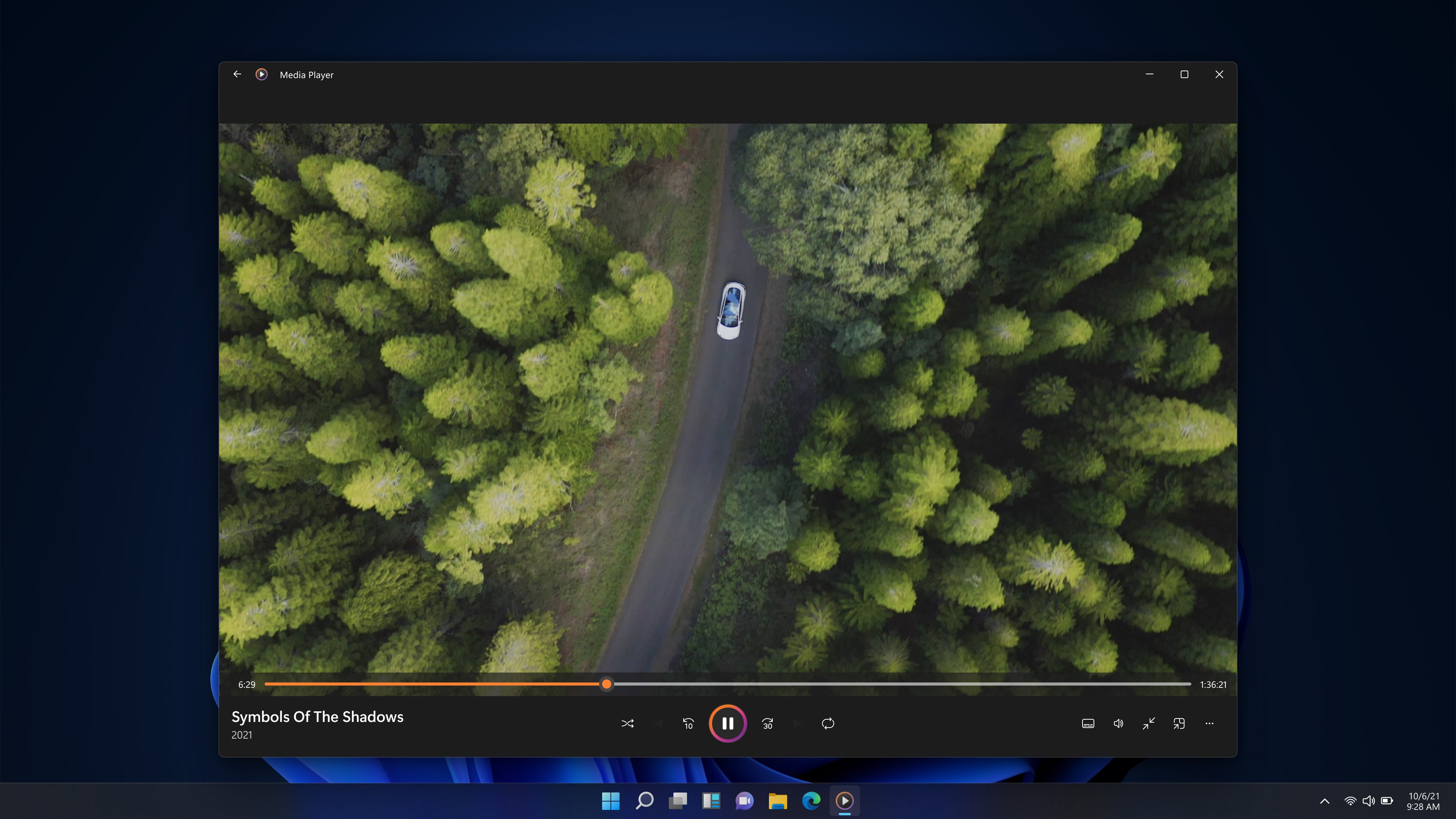
One of this app's standout features is its support for a wide variety of media formats, including MP3, WMA, MP4, WMV, and more. Playback feels smooth and responsive, even with high-definition videos, thanks to optimized performance. Its quick load times and lack of lag contribute to an experience that mimics flipping through a record collection—where everything just feels right, and you're immersed in your media. The app's ability to handle various file formats makes it a versatile choice, especially for users managing large media libraries.
Media Organization & Device Syncing
Organizing your media is effortlessly straightforward. You can create playlists, categorize files, and quickly search through your library. Plus, the synchronization feature allows easy transfer of media to compatible devices—imagine your media collection as a well-curated playlist ready to travel with you. This aspect is particularly beneficial for users keen on maintaining their media across multiple devices, whether it's a PC, tablet, or external storage, ensuring your entertainment is always within reach.
What Sets this Player Apart? Unique Strengths
Unlike many contemporary music apps focused on streaming, Windows Media Player emphasizes local media management with remarkable stability. Its ability to assess rhythm pattern variety isn't a typical feature, but its low input latency and real-time responsiveness make it an excellent choice for users who value precise, real-time control—almost like conducting your own mini concert at home. This app particularly excels in assessing rhythm consistency and playback synchronization, providing a reliability that's hard to match in cloud-based services. For users who meticulously curate their media library or need a dependable media player for offline use, these features are compelling.
Recommendation & Usage Tips
All considered, Windows Media Player for Windows is a solid, no-nonsense media application suitable for users who prefer a traditional media experience with dependable performance. It's especially recommended for those who prioritize local media management over online streaming and need a lightweight, stable application that integrates seamlessly with Windows. New users will find its interface familiar and straightforward, while experienced users can appreciate its robust format support and organizational tools.
For best results, keep your media library well-organized and utilize the synchronization features to keep your media accessible across your devices. While it may lack some of the flashy features seen in newer streaming platforms, its core strengths lie in stability, format versatility, and traditional media management—making it a reliable companion for everyday media needs.
Pros
- Seamless Windows Integration
- Wide Format Support
- User-Friendly Interface
- Basic Media Management
- Lightweight Performance
Cons
- Limited Streaming Capabilities
- Minimal Customization Options
- Lack of Advanced Audio Features
- Occasional Compatibility Issues
- No Built-in CD Ripping or Burning











