

- Category Productivity
- Available on PC
- OS Windows 10 version 17763.0 or higher
- languages Chinese (Simplified), Dutch, English (United States), French, German, Italian, Japanese, Portuguese (Brazil), Spanish (Spain)
Unlocking Seamless Compression and Encryption: WinZip Microsoft Store Edition
Imagine handling your large files effortlessly—zipping, encrypting, and sharing—all with just a few clicks. The WinZip Microsoft Store Edition offers a trusted and intuitive solution tailored for Windows users seeking efficient file management without the clutter of complex features.
Meet the Developer and Core Features
Developed by WinZip Computing, a pioneer in data compression and security solutions since 1991, this app brings decades of expertise directly to your fingertips. Its main highlights include robust ZIP and ZIPX file creation, seamless encryption for protecting sensitive data, and advanced file sharing capabilities that integrate smoothly with Windows, making your workflow more streamlined and secure.
A Friendly Introduction to a Powerful Tool
Think of WinZip Microsoft Store Edition as your trusty digital assistant—always ready to tidy up those chaotic downloads or confidential documents. Its crisp interface and straightforward functions make file compression feel less like a chore and more like a breeze. Whether you're a busy professional managing multiple project files or a student sharing large datasets, this app aims to turn cumbersome file tasks into quick, satisfying actions.
Core Functionalities Demystified
Efficient Compression & Extraction
The heart of WinZip is its ability to compress files into ZIP and ZIPX formats effortlessly. Compared to traditional Windows compression tools, it offers smarter algorithms that reduce file size significantly, saving storage space and accelerating transfer speeds. Its extraction process is equally swift, supporting a variety of formats including RAR, 7Z, and LHA, which means less time spent on juggling incompatible archives.
Powerful Security with Encryption
In today's digital age, protecting your data is paramount. WinZip's standout feature is its robust encryption options, supporting AES 256-bit encryption—a military-grade standard. This enables users to safeguard sensitive files easily, whether for personal privacy or enterprise compliance. The encryption process is integrated seamlessly into the workflow, eliminating the need for extra steps or third-party tools.
Streamlined Sharing & Cloud Integration
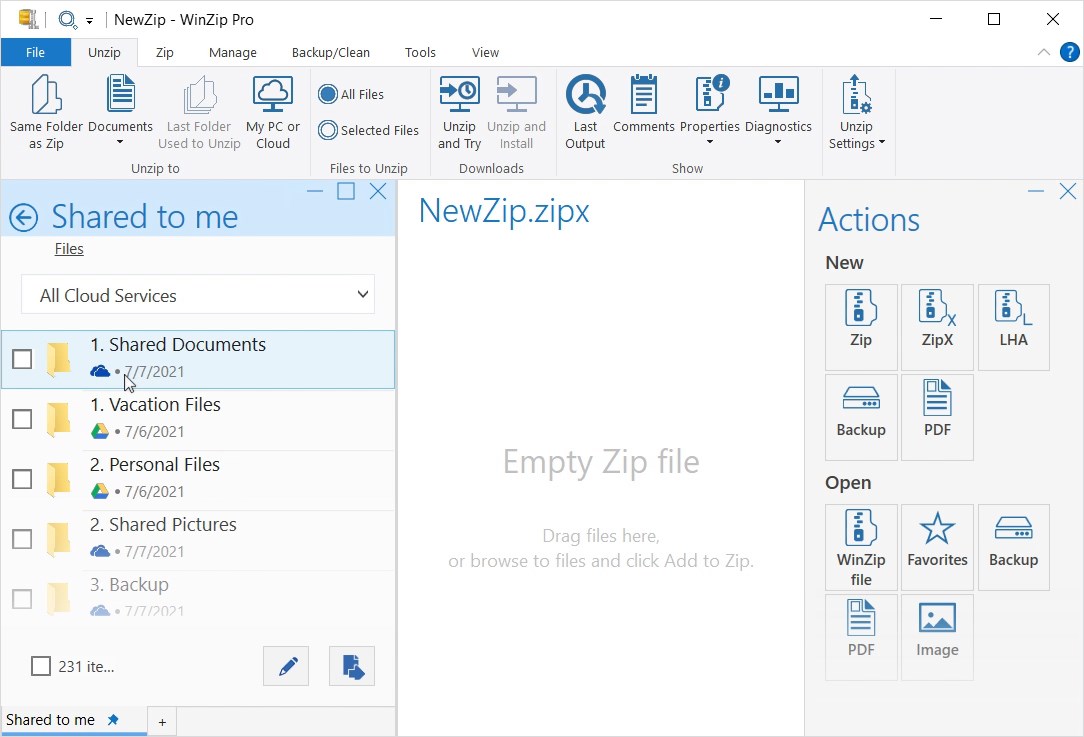
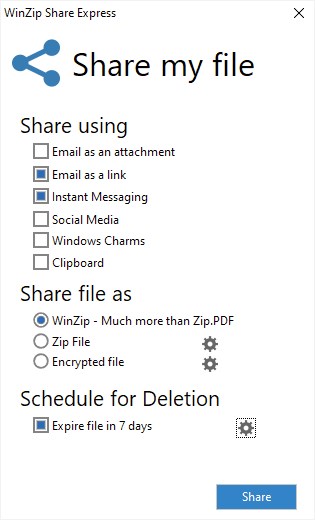
Sharing large files can often feel like sending a message in a bottle—hope it reaches! WinZip simplifies this with direct integration to popular cloud services such as OneDrive, Dropbox, and Google Drive. You can zip files and upload them directly within the app, or generate secure links for recipients, reducing the friction between compression and sharing. This feature effectively cuts down the usual back-and-forth, making team collaborations more fluid and less stressful.
User Experience & Differentiators
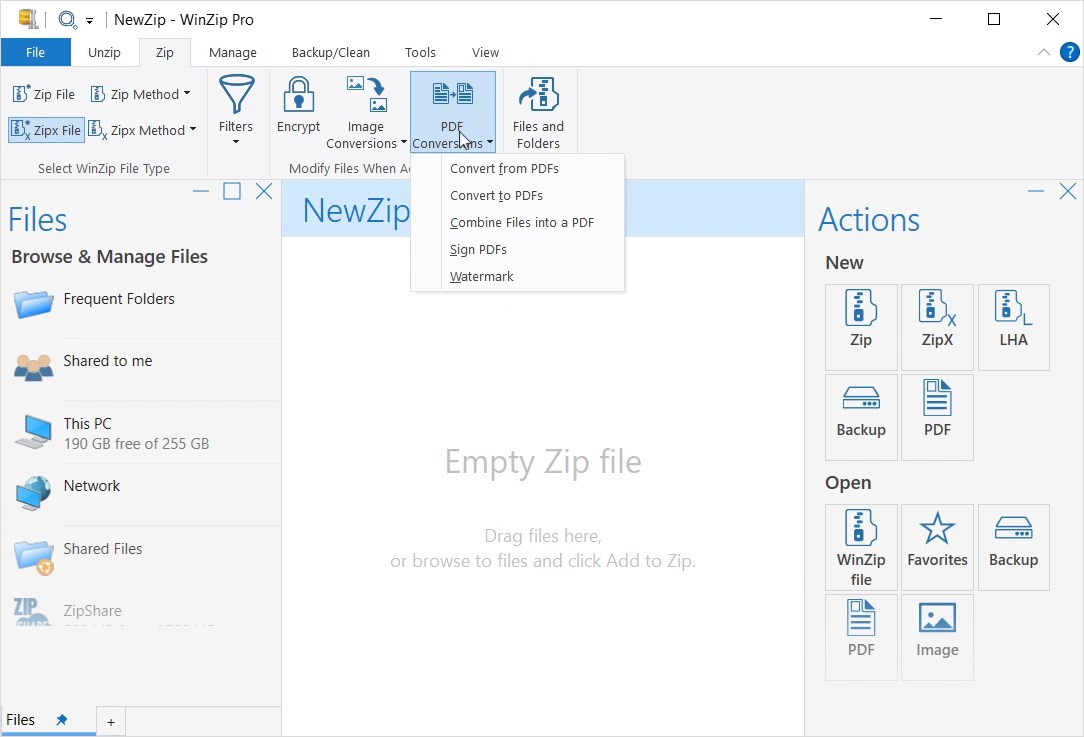
From the moment you open WinZip Microsoft Store Edition, you're greeted with a clean, intuitive interface akin to opening a well-organized toolbox. The design emphasizes clarity over complexity, allowing even less tech-savvy users to get started without a lengthy learning curve. Its operation feels seamless—drag-and-drop ease, fast processing speeds, and transparent progress indicators keep the experience smooth.
Compared to other productivity apps, WinZip's focus on workflow integration and simplicity stands out. Where many tools bundle a multitude of features that can overwhelm, WinZip emphasizes the essential, reducing cognitive load. Its dual strengths—powerful encryption paired with straightforward sharing—ensure you're protected and productive without navigating through endless menus.
Recommendations & Usage Tips
I'd recommend WinZip Microsoft Store Edition to anyone who values secure, efficient file management integrated within their Windows environment. It's particularly beneficial for small business users, researchers, and students who frequently handle large files requiring compression and encryption. For casual users, its ease of use and cloud sharing make everyday file exchanges hassle-free.
Overall, this app strikes a balance between sophistication and simplicity—delivering the core functionalities that matter most, without the overhead of unnecessary features. Whether you're looking to compress files faster, encrypt sensitive data, or share securely, WinZip Microsoft Store Edition is a stable, user-friendly choice that can elevate your file management experience.
Pros
- Intuitive User Interface
- Seamless Integration with Windows
- High Compression Efficiency
- Strong Security Features
- Cloud Support and Sharing
Cons
- Limited Free Trial
- Occasional Slow Processing
- Lack of Advanced Batch Processing Options
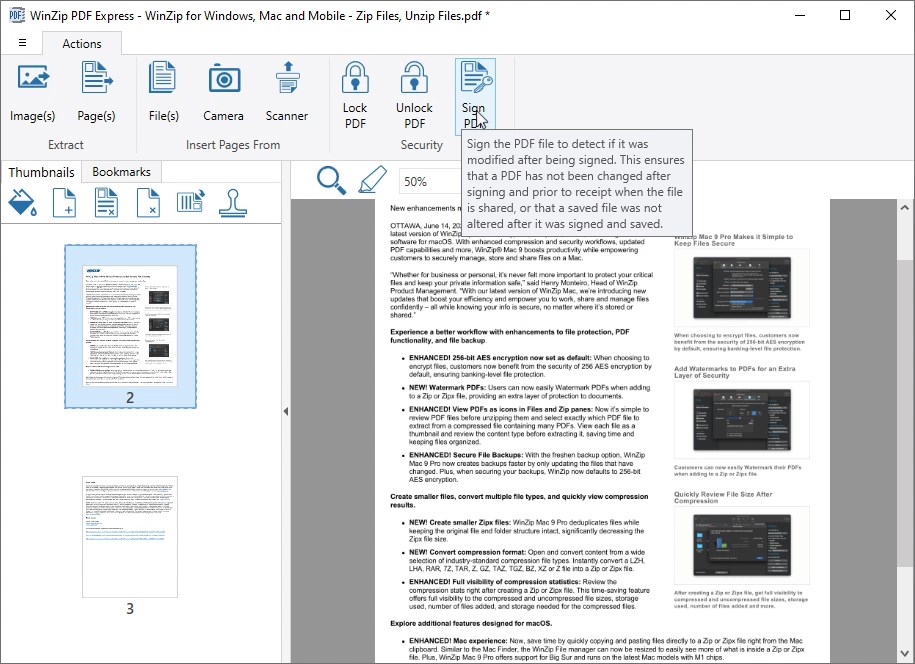
- No Built-in PDF Preview
- Occasional Spontaneous Crashes











