
- Category Productivity
- Developer Corel Corporation
- Available on PC
- OS Windows 10 version 0.0 or higher
- Keyboard Integrated Keyboard
- Mouse Integrated Mouse
- Memory 2 GB
- DirectX Version 9
- languages English
A Comprehensive Review of WinZip PDF Pro for Windows: Your Reliable PDF Companion
If you're searching for a versatile and straightforward PDF tool to handle your daily document needs, WinZip PDF Pro for Windows stands out as a noteworthy contender. Developed by Corel Corporation and published by WinZip Computing, this application promises an efficient way to view, edit, and manage PDF files without the fuss—think of it as your well-organized digital filing cabinet that's just a click away. Let's delve into what makes this software tick and see how it stacks up against similar productivity tools.
Essential Details: What You Need to Know
Positioning in the Market
WinZip PDF Pro for Windows is a user-friendly PDF management suite designed for both casual users and professionals seeking reliable document handling capabilities.
Developer and Publisher
The application is crafted by Corel Corporation, a reputable name in creative and productivity software, and published by WinZip Computing, known for its emphasis on utility and ease of use.
Main Features Highlights
- Comprehensive PDF Editing: Easily modify text, images, and layout within your PDFs with intuitive tools.
- Secure PDF Management: Offers password protection and encryption options to secure sensitive documents.
- Seamless Conversion and Compression: Convert PDFs to other formats and reduce file sizes without sacrificing quality.
- Merge, Split, and Annotate: Efficiently organize and annotate your documents for improved collaboration.
Target Audience
This app is ideal for professionals, students, and anyone who regularly works with PDFs and values simplicity paired with powerful features.
Jump-Right-In: First Impressions and User Interface
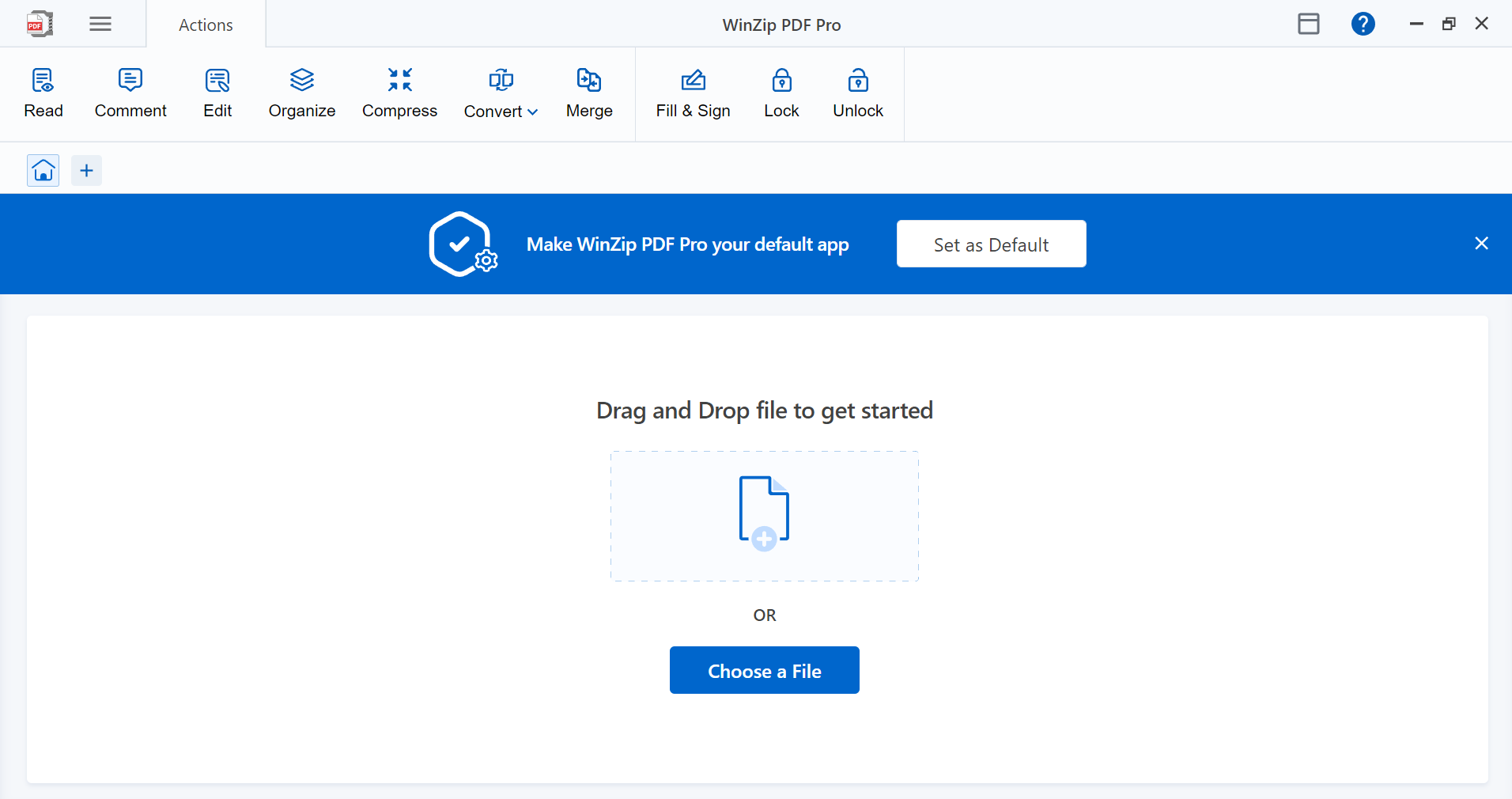
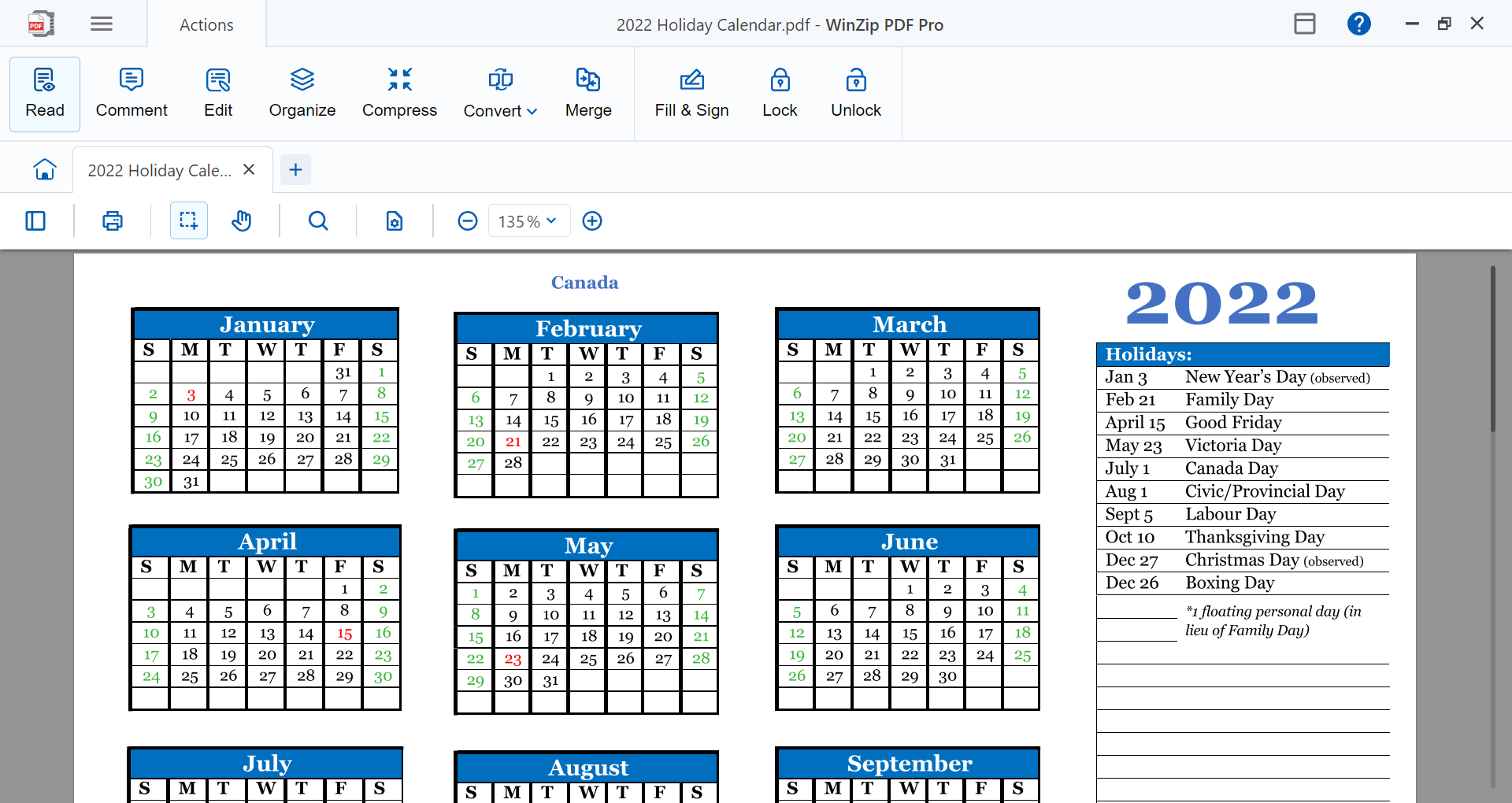
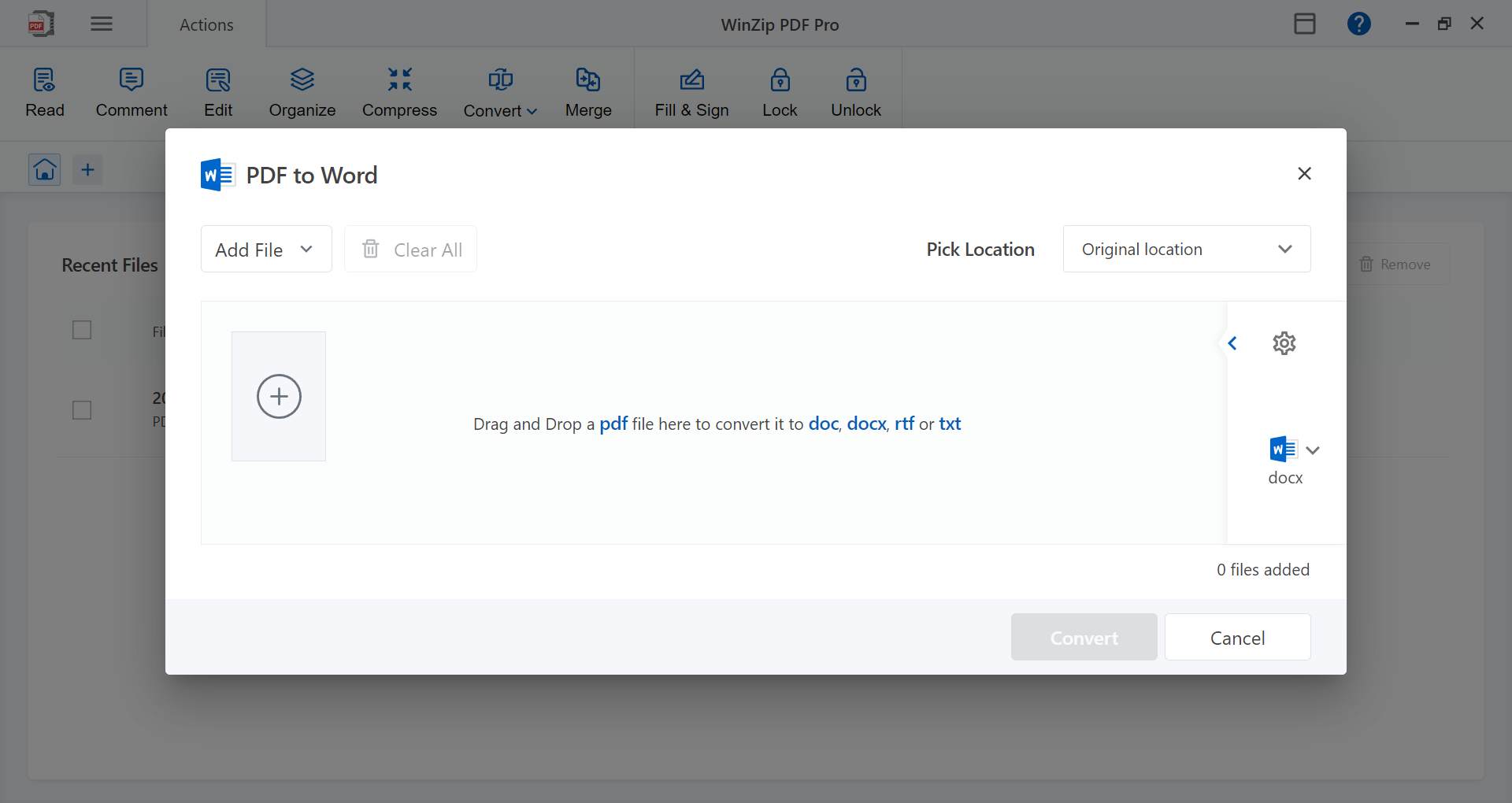
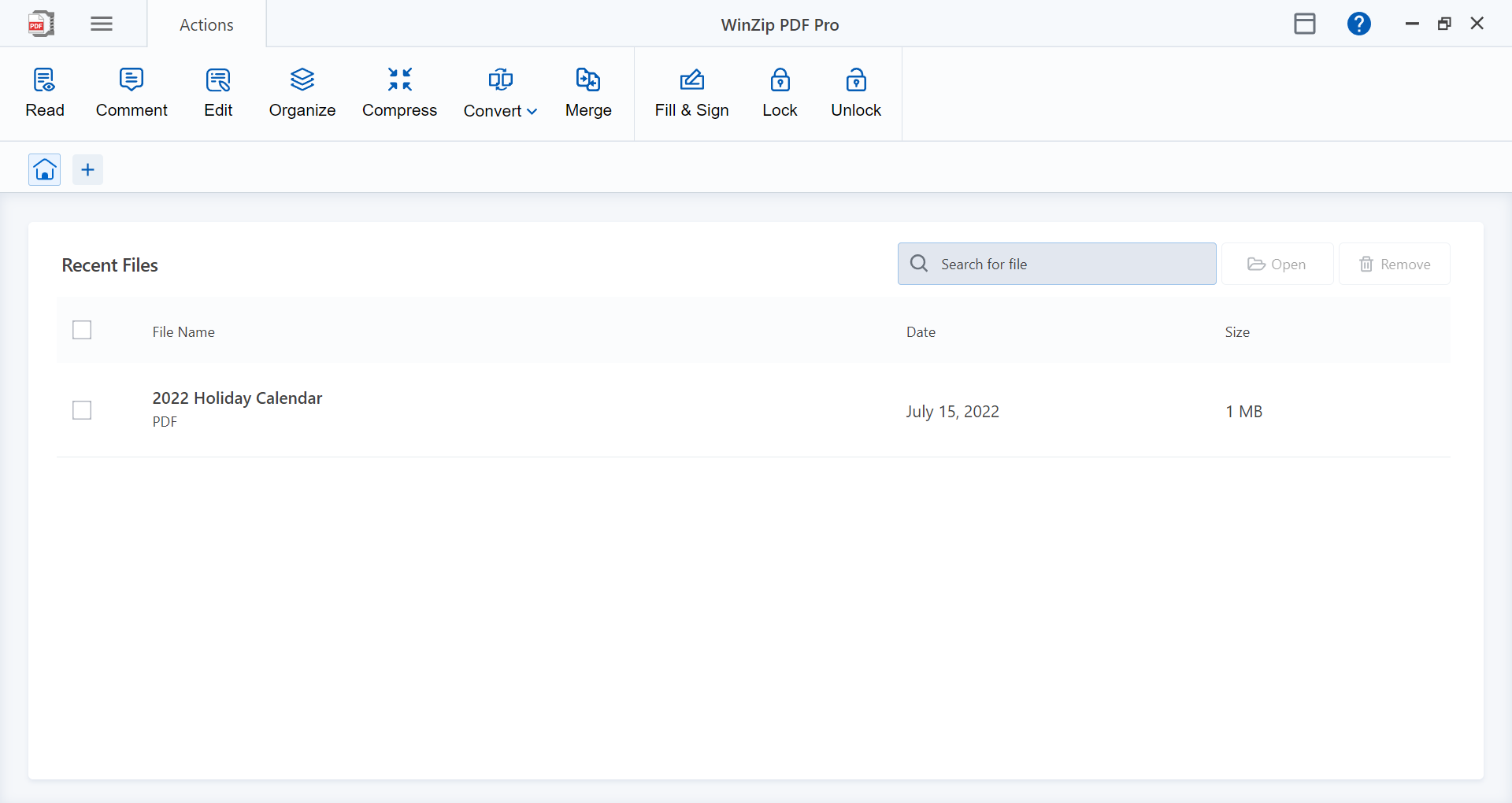
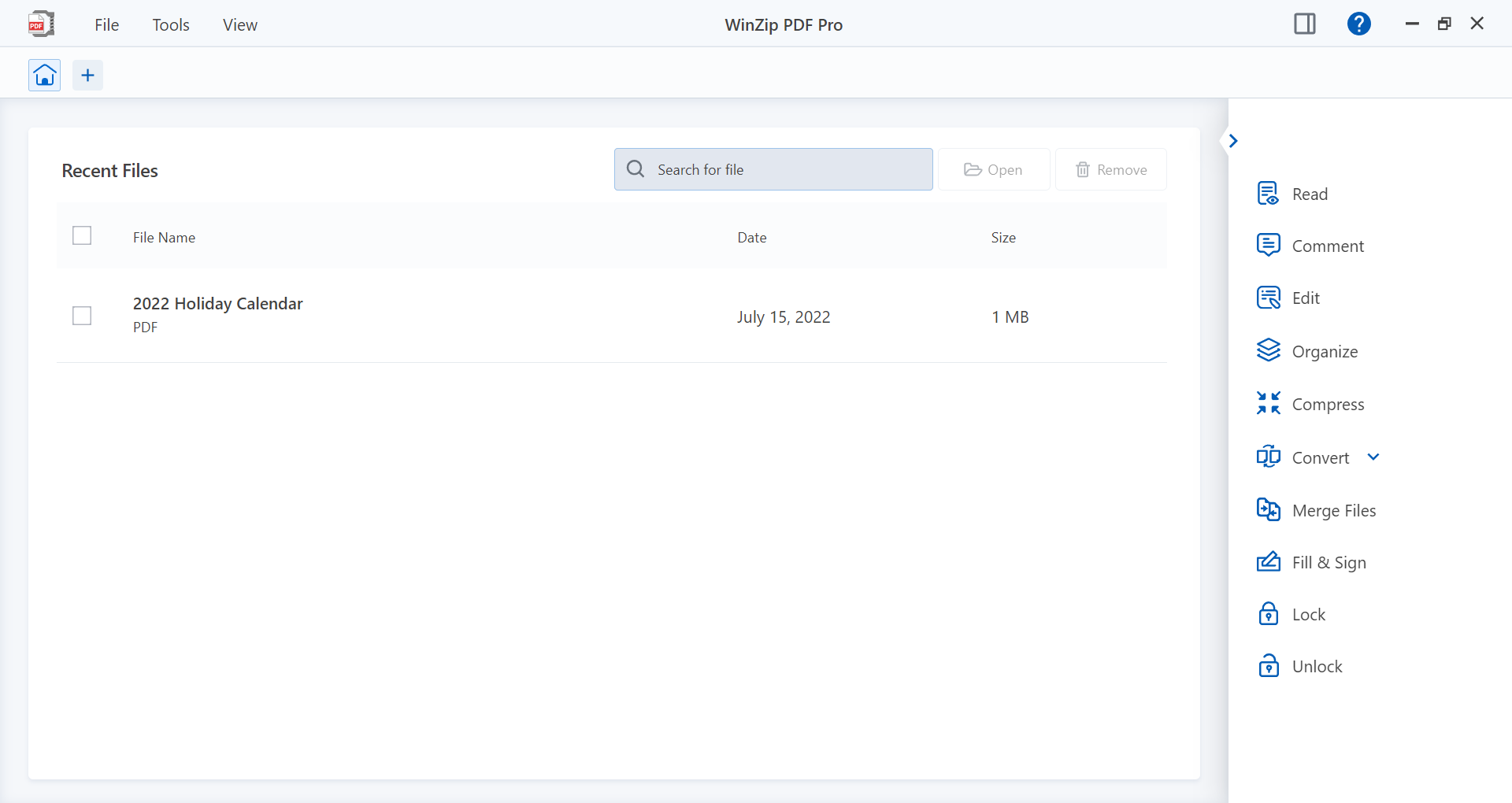
Imagine opening a tidy, well-lit workshop: all tools meticulously arranged, inviting you to start work without delay. That's the feeling WinZip PDF Pro offers upon launch—the interface is clean, modern, and easy to navigate. The toolbar is thoughtfully organized, allowing quick access to core functions like editing, converting, or extracting content. It's akin to having a multifunctional toolbox that's equal parts sleek and practical. The application responds swiftly to commands, ensuring a smooth workflow that keeps your focus on the task at hand rather than battling cumbersome menus or lagging performance. Whether you're a tech novice or a seasoned user, the learning curve is gentle; most features are well-explained with straightforward options, making adoption surprisingly effortless.
Core Features That Stand Out
Editing and Annotating with Precision
The standout feature of WinZip PDF Pro is its robust editing toolkit. Unlike some PDF readers that merely allow viewing, this app provides the ability to modify text directly within the document, insert or replace images, and even rearrange pages. This is particularly useful for quick corrections or updates—think of it as a spell-checker or photo retoucher, but for your PDFs. The annotation tools are equally intuitive, enabling highlights, sticky notes, and drawing marks—perfect for reviewers or collaborators aiming for clarity and precision.
Streamlined Workflow with Conversion and Compression
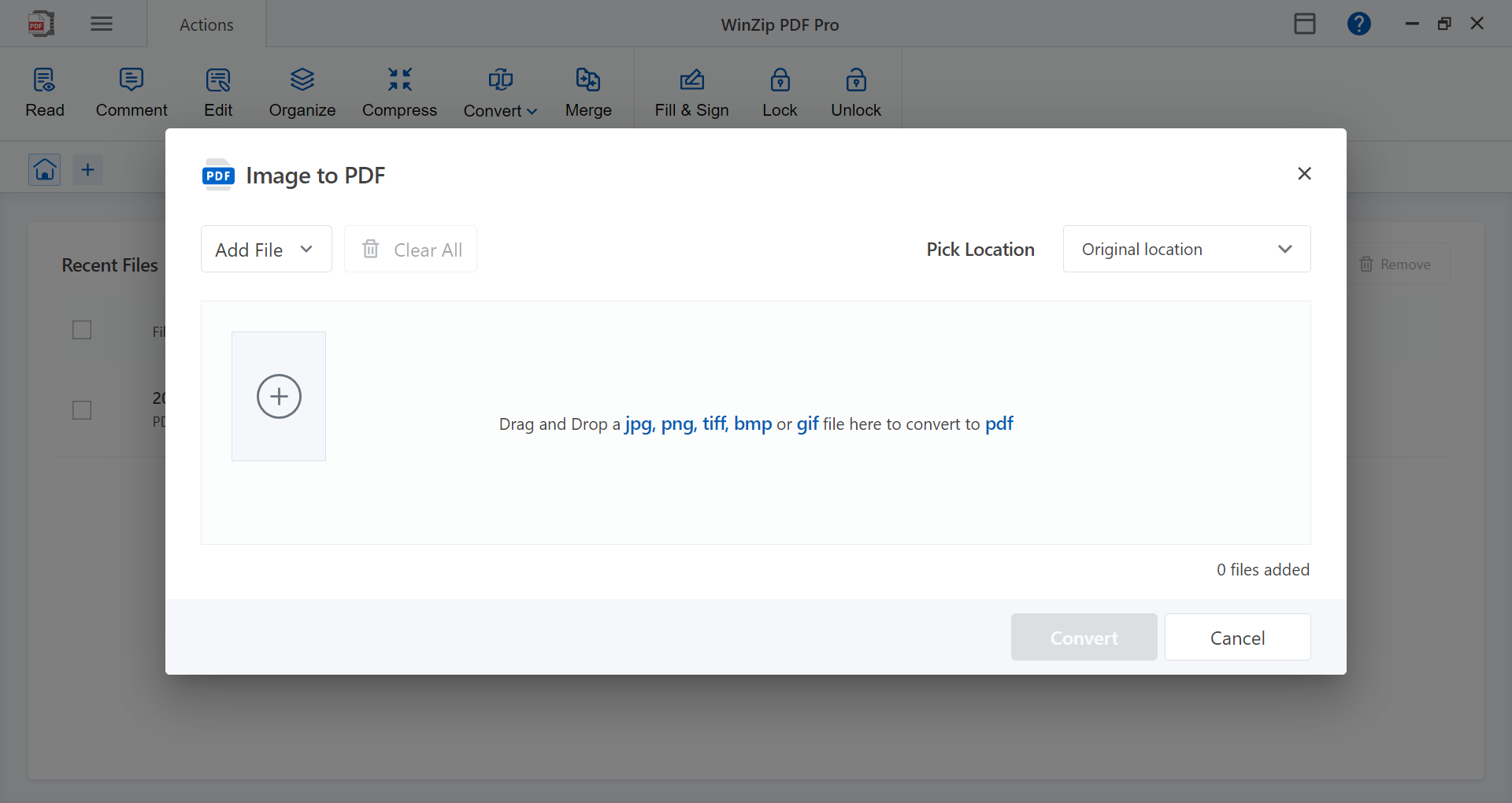
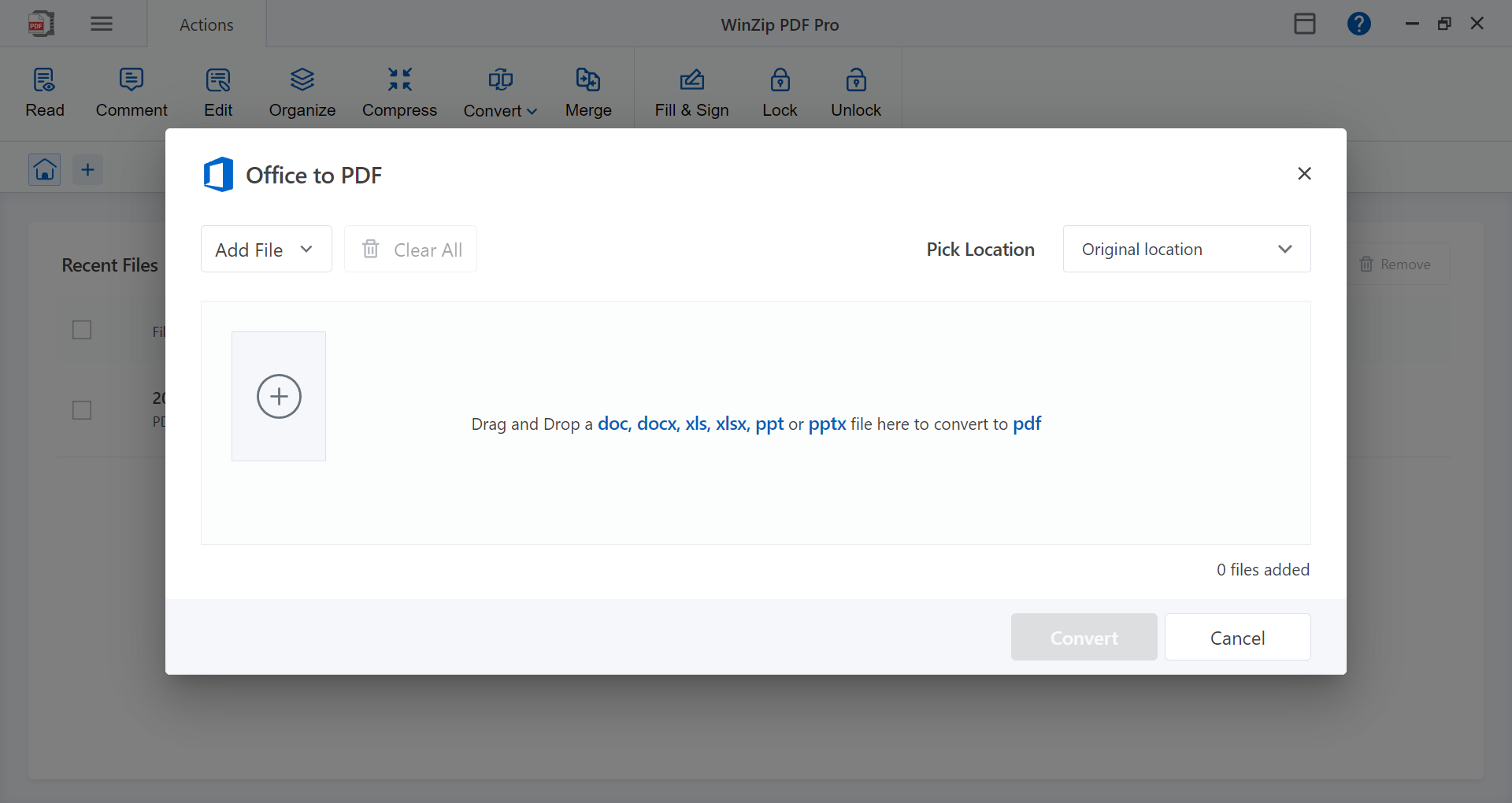
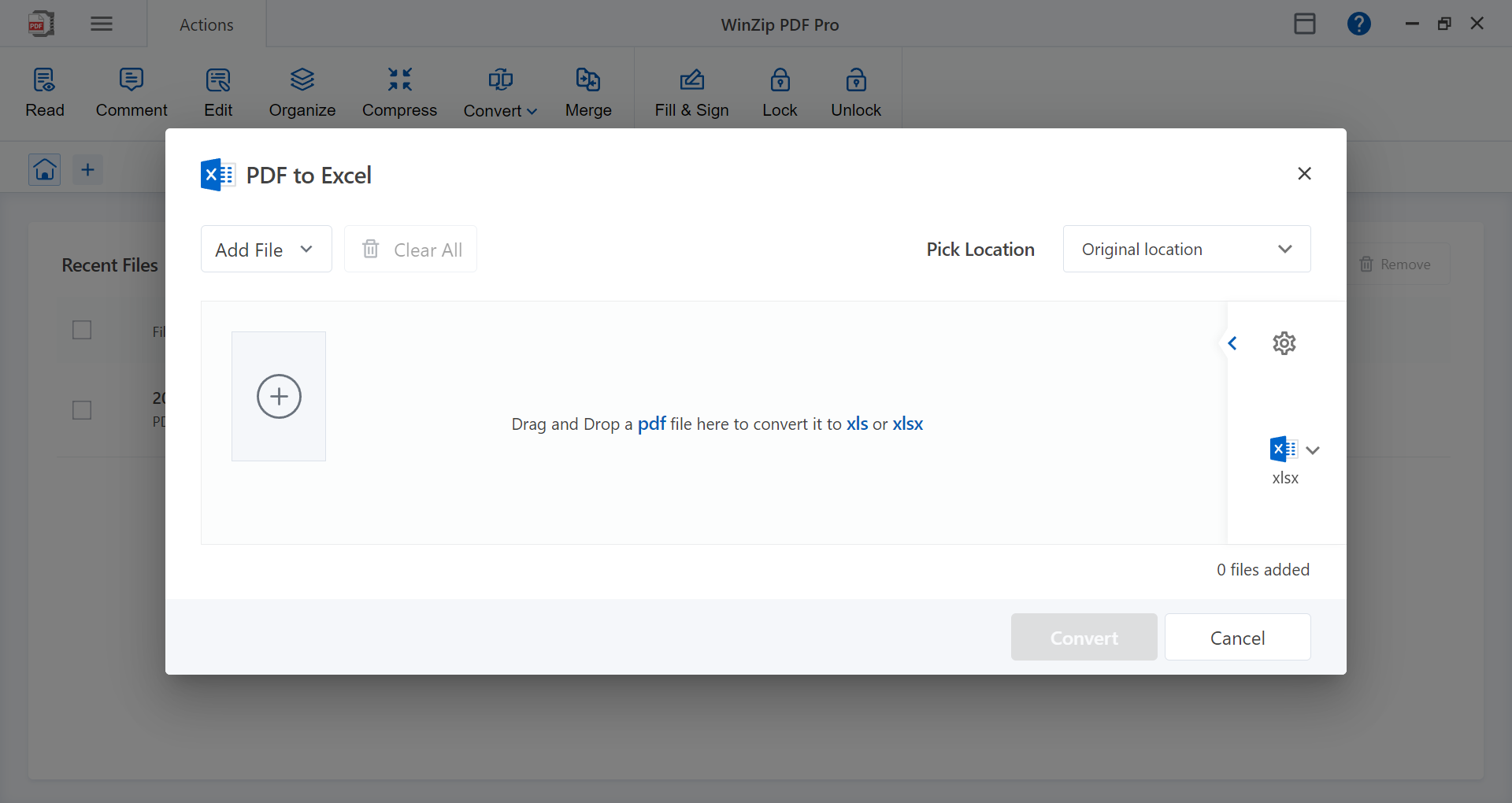
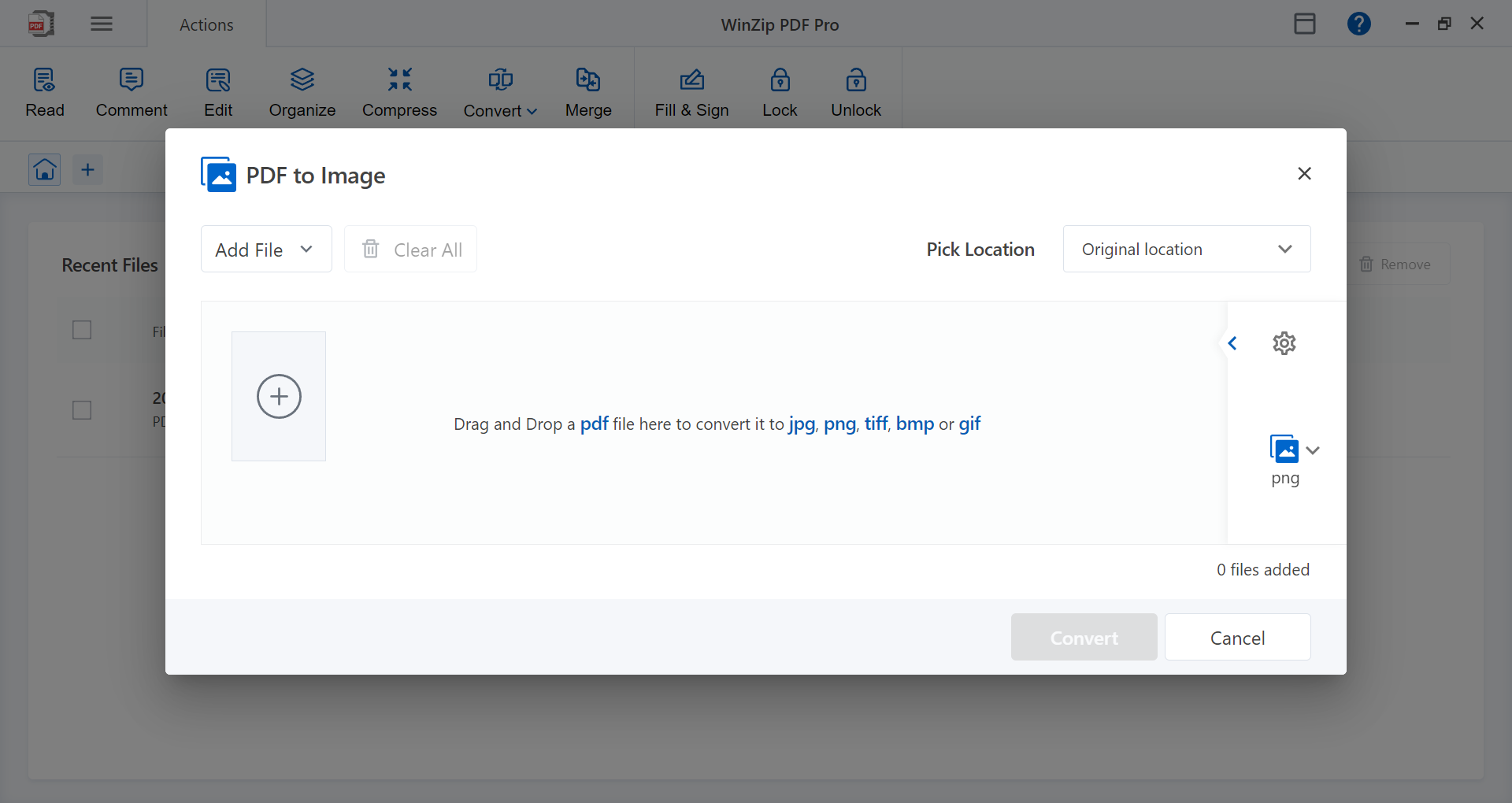
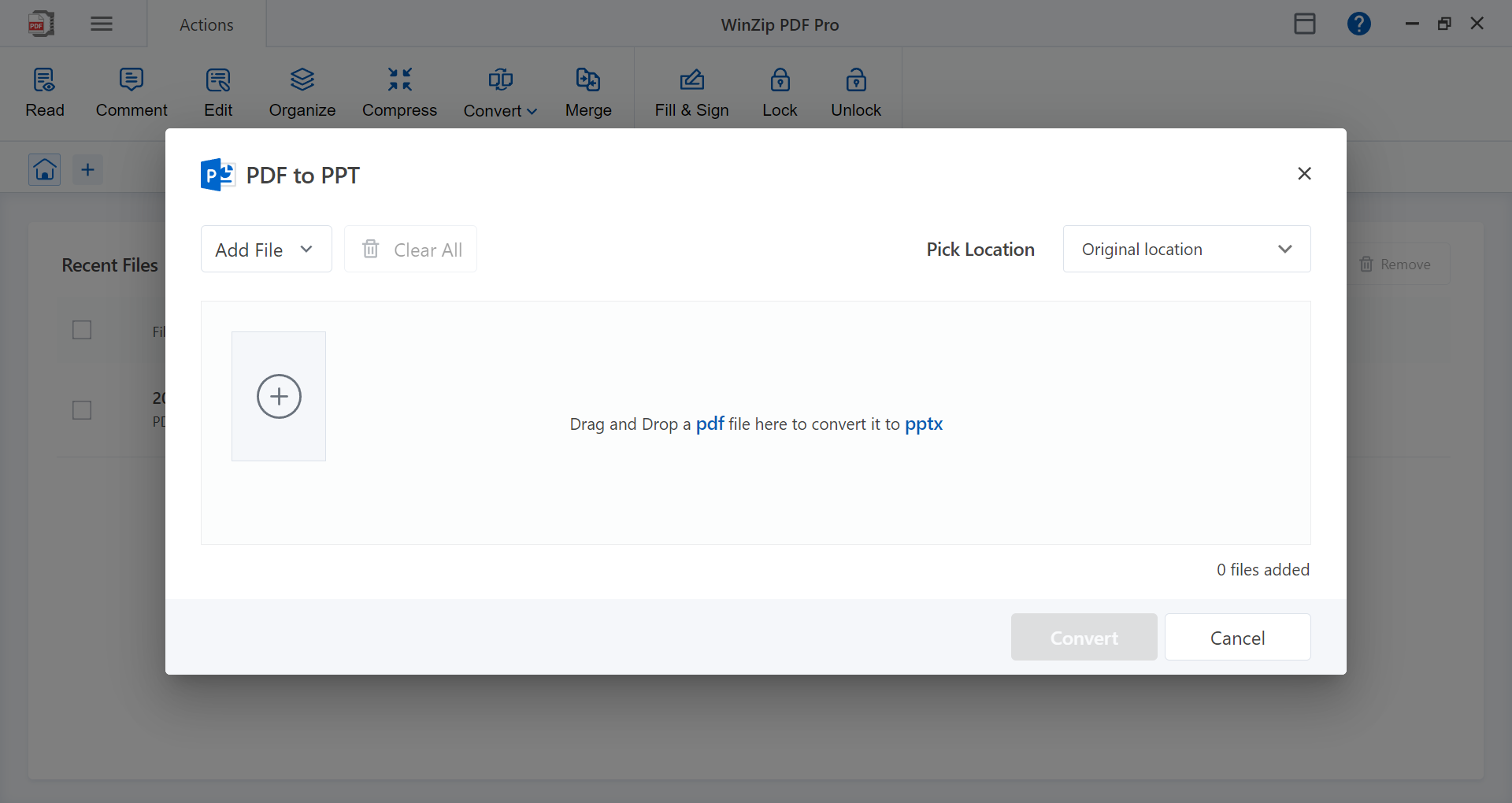
Another defining characteristic is how effortlessly it converts PDFs into various formats—Word, Excel, images—and vice versa. This flexibility means you no longer need multiple apps or online services cluttering your workspace; everything you need is within a single interface. Additionally, the compression feature cleverly reduces large PDF files to manageable sizes without perceptible quality loss, facilitating easier sharing and storage. Think of it as neatly folding your oversized documents into compact, travel-ready packets—saving space while maintaining accessibility.
Experience and Unique Advantages in Workflow Integration
From a user experience perspective, WinZip PDF Pro excels in reducing cognitive load—a critical aspect for efficiency. Its intuitive layout and straightforward functions mean you spend less time figuring out how to perform tasks and more time focusing on your actual work. Compared to feature-heavy but complex PDF solutions, this app favors a balanced approach: it provides essential tools in a clean, unified environment. The result is a smoother workflow that integrates easily into your existing digital routine, whether that involves managing reports, coursework, or contracts.
One of its most compelling advantages is how it simplifies tasks without sacrificing functionality. For example, the app's ability to quickly annotate and then convert documents into editable formats bridges the gap between viewing and editing—streamlining what would otherwise be multiple steps into a seamless process. This focus on efficiency makes it stand out from other PDF tools that wrestle with clutter or steep learning curves, offering a satisfying balance between power and simplicity.
Final Verdict: Should You Try It?
All in all, WinZip PDF Pro for Windows offers a compelling mix of core PDF functionalities, user-friendly design, and workflow-focused features. It's well-suited for users who want a reliable, straightforward tool that integrates seamlessly into their daily routine—without overwhelming them with unnecessary complexity. Whether you need to annotate, convert, or secure PDFs, this app handles these tasks with notable ease and efficiency.
Considering its strengths, I recommend it to professionals, students, or anyone who values an organized, accessible PDF solution. Its best features—easy editing and smooth workflow integration—make it especially suitable for those balancing multiple document tasks. If you're looking for a dependable app that simplifies your PDF management and boosts productivity, WinZip PDF Pro deserves a spot on your software shortlist.
Pros
- User-friendly PDF editing tools
- Seamless ZIP file management
- Strong security features
- Broad format compatibility
- Cloud storage integration
Cons
- Occasional slow performance with large files
- Limited advanced PDF editing features
- In-app advertisements in free version
- Learning curve for new users
- Limited multi-language support











